1995 CADILLAC ELDORADO change time
[x] Cancel search: change timePage 159 of 395
Downloaded from www.Manualslib.com manuals search engine LOW OIL LEVEL - 36
For correct operation of the low oil sensing system, the vehicle should be
on a level surface. A false LOW OIL LEVEL message may appear if the
vehicle is parked
on grades. The oil level sensing system does not check
for actual oil
level if the engine has been off for a short period of time,
and the
oil level is never sensed while the engine is running. If the LOW
OIL LEVEL message appears, and your vehicle has been parked on level
ground with
the engine off for at least 30 minutes, your oil level should be
checked by observing the oil dipstick. Prior to checking your oil level be
sure your engine has
been off for five minutes and your vehicle is on a
level surface. Then check your dipstick and add oil if necessary. See
“Engine
Oil” in the Index.
CHECK WASHER FLUID - 25
This message will appear for a few seconds indicating that you need
washer solvent.
CHANGE OIL SOON - 40
This message will appear when you have used 90% of the engine oil’s
expected life, based on your driving patterns.
CHANGE ENGINE OIL - 82
This means that the life of your engine oil has expired and it should be
changed within 200 miles. See “Engine Oil” and “Filter
Recommendations”
in the Maintenance Schedule. After an oil change the
Oil Life Index must be resct. See “Oil Life Indicator” in the Index on how
to reset it.
CRUISE ENGAGED - 43
This message will appear for a few seconds when you select a speed at
which to cruise.
ENGINE COOLANT HOT - 44
This message will appear when your engine coolant temperature is over
248’ F (126’ C). To avoid added strain on a hot cngine turn off your
Climate Control system. Stop and allow your vehicle
to idle until it cools
down or the message is removed.
If it does not cool down, turn off your
engine and have it serviced before driving
it again. Severe engine damage
can result from an overheated engine. See “Engine Overheating” in the
Index.
2-88
Page 160 of 395

Downloaded from www.Manualslib.com manuals search engine ENGINE HOT - A/C COMPRESSOR OFF - 16
This message will appear when the Climate Control is in AUTO or
defrost and the engine coolant
is hotter than the normal operating
temperature. To avoid added strain on
a hot engine the air conditioning
compressor
is automatically turned off. When that happens, air
conditioned air is not delivered. If the coolant temperature returns to
normal, you must select AUTO, DEFOG or DEFROST to return to a
normal A/C compressor operation.
FUEL LEVEL VERY LOW - 11
c
i
This message serves as a warning that the fuel level in your tam IS
critically low. It means you should stop for fuel immediately.
SERVICE A/C SYSTEM A/C COMPRESSOR OFF - 14
This message appears when the electronic sensors that control the A/C
and heating system are no longer working. Have your Climate Control
system serviced
if you notice a drop in heating and A/C efficiency.
STARTING DISABLED DUE TO THEFT SYSTEM REMOVE
IGNITION KEY
- 33
This message will a ear when the Personalized Automotive Security
System (PASS-Key 11) senses
that an improper ignition key is being used
to
try to start the vehicle. Check the ignition key for damage. If it is
damaged, it may need to be replaced. If you see no damage, clean the
pellet contacts
with a soft cloth or napkin. Remove the ignition key and
wait for the Driver Information Center to display WAIT
3 MINUTES.
The instrument panel cluster
will then run a timer and change the
messages
to WAIT 2 MINUTES, WAIT 1 MINUTE, and then START
CAR. When the START CAR message is displayed,
try again to start the
engine.
SERVICE NOW - REFER TO OWNERS MANUAL - 02
This message appears if you have a problem with the Powertrain Control
Module (PCM).
To correct this problem have your vehicle serviced at
your Cadillac dealership.
2-89
Page 163 of 395

Downloaded from www.Manualslib.com manuals search engine Road Sensing Suspension
The Road Sensing Suspension (RSS) automatically controls the ride of
your vchicle. The system controls damping forces in the shock absorbers
and struts
in response to various road and driving conditions. The system
is capable of making these changes
within milliseconds.
The Road Sensing Suspension controller is
a computer used to control
and monitor thc system.
The computer receives input from vertical rotary
position sensors, vehicle speed
sensors, lift and dive signals and
determines optimum strut valving (suspension stiffness) for your current
operating conditions. The computer
also receives feedback from the
various components to determine proper system operation.
If the
computer receives
an incorrect feedback from the system, an error code
will be set in memory and a SERVICE RIDE CONTROL message will
display on the Driver Information Center. If this message should appear,
have your vehicle serviccd
at your Cadillac dealership at your earliest
convenience.
Oil Life Indicator
This feature lets you know when to change your engine oil. It's based
upon the engine oil temperatures and your driving patterns.
To see the display press the INFORMATION button several times until
XX OIL LIFE LEFT appears.
You'll see how much
oil life you have
left as
a percentage. So, if you
see 95 OIL LIFE
LEFT, for example,
that means that
the way
you're driving
your car,
95% of your current oil
life
is still left.
2-92
Page 165 of 395

Downloaded from www.Manualslib.com manuals search engine Electronic Level Control
The level control system automatically adjusts the rear trim height in
rcsponse to changes in vehicle loading. The system consists of an air
compressor assembly, air dryer, exhaust solenoid, compressor relay,
height sensor, air adjustable shocks and air tubing.
The height sensing function is performed by the Road-Sensing
Suspension
(RSS) rear position sensors. Rear trim height information is
input from the rear position sensors to the RSS control module which
controls compressor and exhaust solenoid operation.
If the system has a slight leak, the air cornpressor will run frequently for a
few seconds each time.
For a larger air leak the air compressor may stay on for up to seven
minutes.
You should see your dealer for service, but you can keep driving
your Cadillac.
2-94
Page 176 of 395
Downloaded from www.Manualslib.com manuals search engine e-
c
The Delco@ Bose Gold Series Music System with
Cassette Player
.......
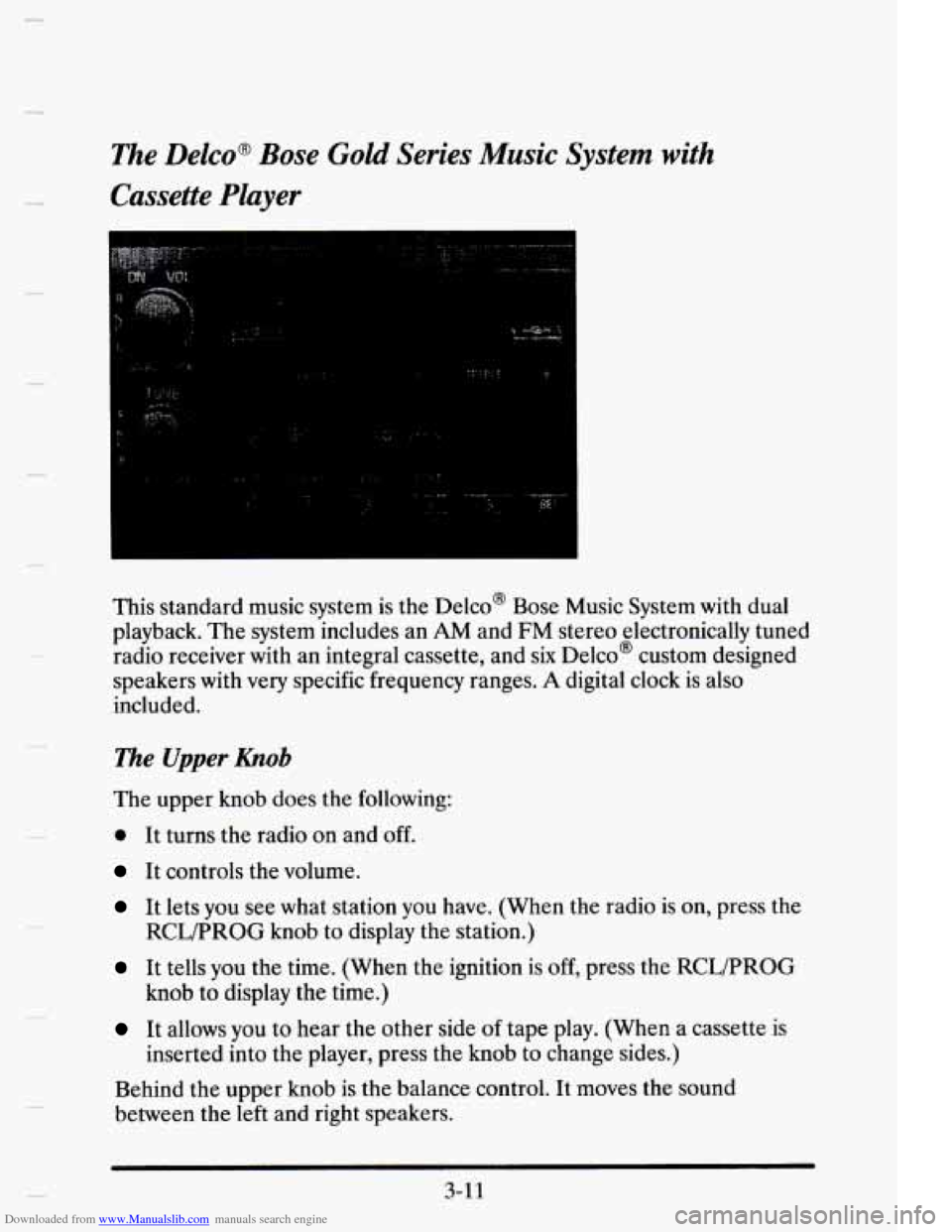
This standard music system is the Delco@ Bose Music System with dual
playback. The system includes an
AM and FM stereo electronically tuned
radio receiver with an integral cassette, and
six Delco@ custom designed
speakers with
very specific frequency ranges. A digital clock is also
included.
The Upper hob
The upper knob does the following:
0 It turns the radio on and off.
It controls the volume.
It lets you see what station you have. (When the radio is on, press the
It tells you the time. (When the ignition is off, press the RCWPROG
It allows you to hear the other side of tape play. (When a cassette is
Behind the upper knob is the balance control. It moves the sound
between the left and right speakers.
RCLPROG knob to display the station.)
knob to display the time.)
inserted into the player, press the knob to change sides.)
3-1 1
Page 180 of 395
Downloaded from www.Manualslib.com manuals search engine me Delco Bose Gold Series Music System with Cassette
and CD Player (Option)
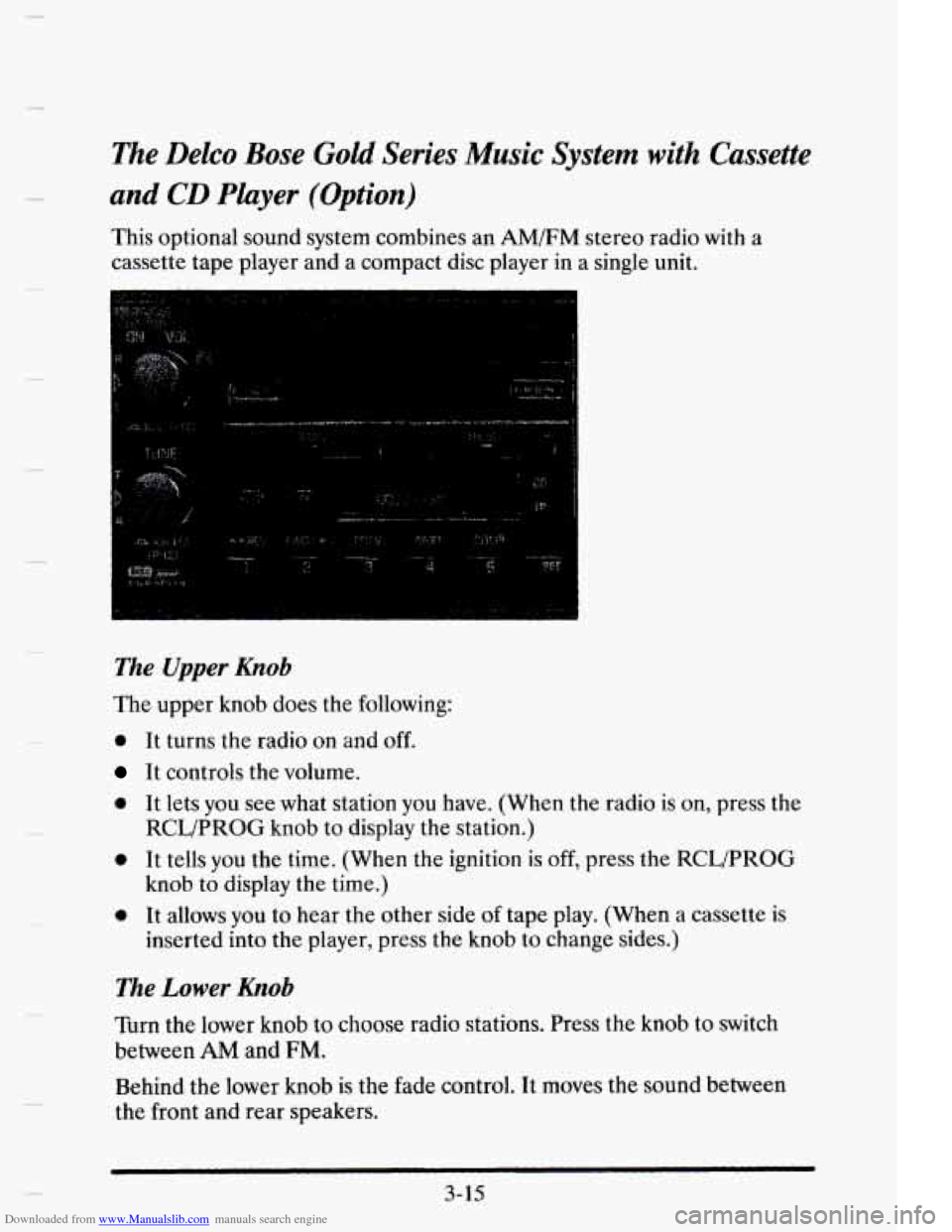
This optional sound system combines an AM/FM stereo radio with a
cassette tape player and a compact disc player in a single unit.
The Upper Knob
The upper knob does the following:
0 It turns the radio on and off.
It controls the volume.
0 It lets you see what station you have. (When the radio is on, press the
0 It tells you the time. (When the ignition is off, press the RCLPROG
0 It allows you to hear the other side of tape play. (When a cassette is
RCL/PROG knob to display the station.)
knob to display the time.)
inserted into the player, press the knob to change sides.)
The Lower Knob
Turn the lower knob to choose radio stations. Press the knob to switch
between
AM and FM.
Behind the lower knob is the fade control. It moves the sound between
the front and rear speakers.
3-15
Page 195 of 395
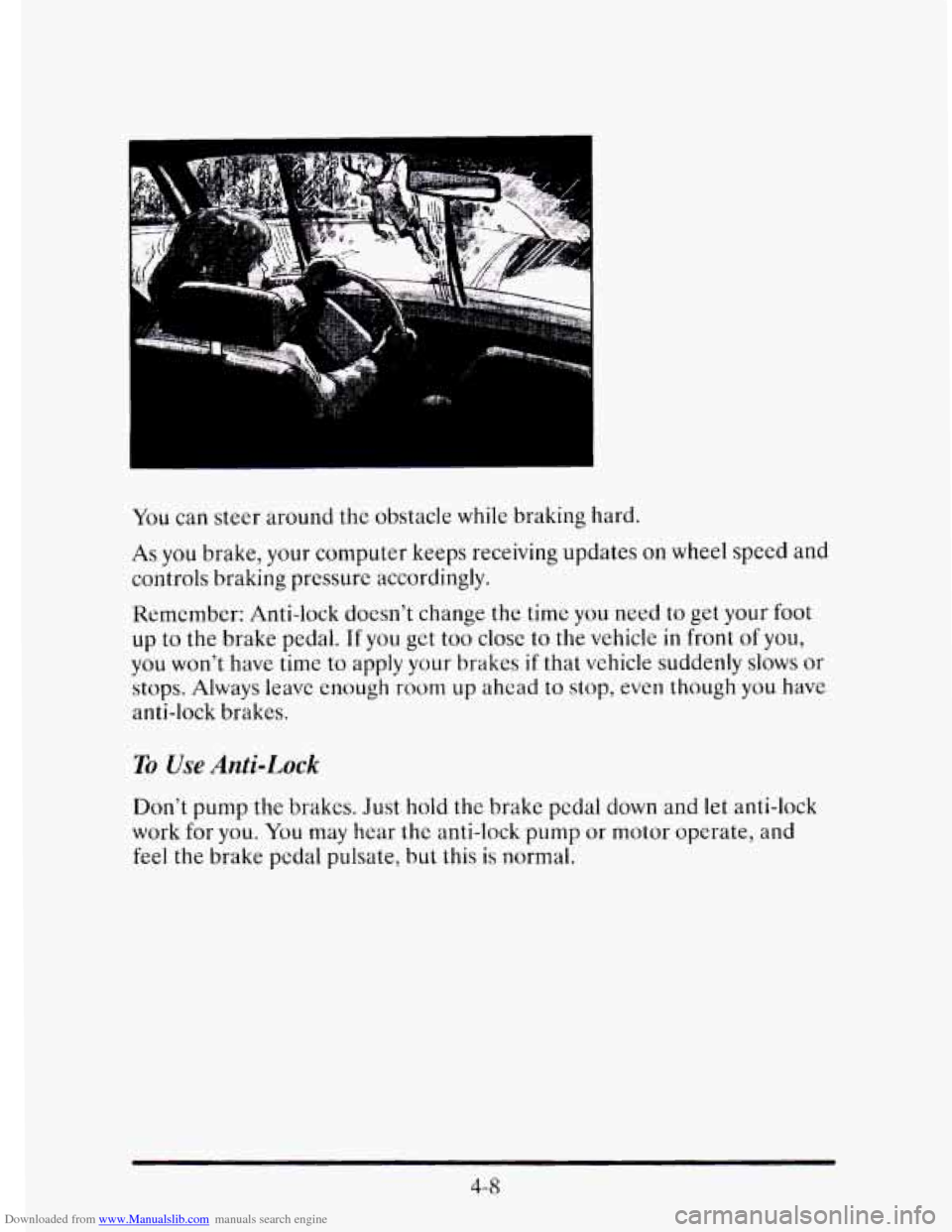
Downloaded from www.Manualslib.com manuals search engine You can steer around the obstacle while braking hard.
As you brake, your computer keeps receiving updates on wheel speed and
controls braking pressure accordingly.
Remember: Anti-lock doesn’t change
the time you need to get your foot
up to the brake pedal. If you get too close to the vehicle in front of you,
you won’t have time to apply your brakes
if that vehicle suddenly slows or
stops. Always leave enough room up ahcad to stop, even though you have
anti-lock brakes.
To Use Anti-Lock
Don’t pump the brakes. Just hold the brake pedal down and let anti-lock
work for you.
You may hear the anti-lock pump or motor operate, and
feel
the brake pedal pulsate, but this is normal.
4-8
Page 200 of 395
Downloaded from www.Manualslib.com manuals search engine 0
0
c
0
0
0
0
0 0
0
“Drive ahead.” Look down the road, to the sides, and to crossroads for
situations that might affect your passing patterns.
If you have any doubt
whatsoever about making a successful pass, wait for a better time.
Watch for traffic signs, pavement markings, and lines. If you can see a
sign up ahead that might indicate a turn or an intersection, delay your
pass.
A broken center line usually indicates it’s all right to pass
(providing the road ahead is clear). Never cross a solid line
on your
side of the lane or a double solid line, even
if the road seems empty of
approaching traffic.
Do not get too close to the vehicle
you want to pass while you’re
awaiting an opportunity.
For one thing, following too closely reduces
your area of vision, especially
if you’re following a larger vehicle. Also,
you won’t have adequate space if the vehicle ahead suddenly slows or
stops. Keep back a reasonable distance.
When it looks like a chance to pass
is coming up, start to accelerate
but stay in the right lane and don’t get too close. Time your move
so
you will be increasing speed as the time comes to move into the other
lane.
If the way is clear to pass, you will have a “running start” that
more than makes up for the distance you would lose
by dropping back.
And
if something happens to cause you to cancel your pass, you need
only slow down and drop back again and wait for another opportunity.
If other cars are lined up to pass a slow vehicle, wait your turn. But
take care that someone isn’t trying to pass
you as you pull out to pass
the
slow vehicle. Remember to glance over your shoulder and check
the blind spot.
Check your mirrors, glance over your shoulder, and start your left lane
change signal before moving out
of the right lane to pass. When you
are far enough ahead
of the passed vehicle to see its front in your
inside mirror, activate your right lane change signal and move back
into the right lane. (Remember that your right outside mirror is
convex. The vehicle
you just passed may seem to be farther away from
you than it really is.)
Try not to pass more than one vehicle at a time on two-lane roads.
Reconsider before passing the next vehicle.
Don’t overtake a slowly moving vehicle too rapidly. Even though the
brake lights are not flashing, it may be slowing down or starting to turn.
If you’re being passed, make it easy for the following driver to get
ahead
of you. Perhaps you can ease a little to the right.
4-13