1994 CHEVROLET CAVALIER light
[x] Cancel search: lightPage 69 of 243

Downloaded from www.Manualslib.com manuals search engine Features & Controls
.. .. .... :. .a ....... ....... .. .a1 . . ... ...... .' .. .. . ._
.. .,
...
.1
_. .. ... ..
Rear Compartment Light (WAGON)
To turn on the rear compartment light,
press the button located on the light.
To Replace the Bulb
Grasp the center front and center rear
portion of the housing and squeeze
firmly but gently. The housing should
pop
off.
If this doesn't work, you may need to
use a small, flat-head screwdriver under
the side
of the housing to help pry it off.
Mindshield Wipers
fou control the windshield wipers by
noving the stalk with the wiper symbol
In it up or down.
For a Single Wiper Cycle:
?ush the stalk down to MIST until the
vipers start, then let go. The wipers will
;top after one cycle. For more cycles,
lold the stalk down on
MIST longer.
For Steady Wiper Cycles:
vlove the stalk up to either I (Low) or
[I (High), depending on the wiper
;peed you want.
To Turn Wipers Off:
vlove the stalk to OFF.
Remember that damaged wiper blades
may prevent you from seeing well
enough to drive safely. To avoid
damage, be sure to clear ice and snow
from the wiper blades before using
them. If they're frozen
to the
windshield, carefully loosen or thaw
them. If your blades do become
damaged, get new blades or blade
inserts.
Heavy snow or ice can overload your
wipers.
A circuit breaker will stop them
until the motor cools. Clear away snow
or ice
to prevent an overload.
Page 70 of 243

Downloaded from www.Manualslib.com manuals search engine c
II
Intermittent Windshield Wipers
(OPTION)
If your vehicle has intermittent
windshield wipers, you can set the
wiper speed for
a long or short delay
between wipes. This can be very useful
in light rain or snow.
Move the stalk to
DEL, then rotate the
band marked
DELAY to choose the
delay you want. Rotate the band up for
shorter delay times between wiper
cycles. Rotate the band down for longel
delay times between wiper cycles.
For a single wiper cycle, push the stalk
to
MIST, then let go.
1
1
t I
1
4
1
1
1
1
r
Windshield Washer
Standard Wipers:
To spray washer fluid on the
windshield, pull the stalk with the wipe]
symbol
on it toward you one time.
When you release the stalk the washers
will stop, but the wipers will keep going
in low until you move the wiper control
to OFF.
Intermittent Windshield Wipers:
If you have intermittent windshield
wipers, after each wash cycle ends the
wipers will resume the delay speed you
were using before.
If you had no speed
selected, the wipers will stop. Driving
without washer fluid can be
dangerous.
A bad mud splash can block
your vision.
You could hit another
vehicle or go
off the road. Check your
washer fluid level often.
Page 73 of 243
Downloaded from www.Manualslib.com manuals search engine Features & Controls
To Reduce Speed While Using
Cruise Control
There are two ways to reduce your
speed while using cruise control:
Push in the button at the end of the
lever until you reach the lower speed
you want, then release
it.
To slow down in very small amounts,
push the button for less than half a
second. Each time you do this, you’ll
go
1 mph (1.6 km/h) slower.
Passing Another Vehicle While Using Cruise Control
Use the accelerator pedal to increase
your speed. When you take your foot
off
the pedal, your vehicle will slow down
to the cruise control speed you set
earlier.
Using Cruise Control on Hills
How well your cruise control will work
on hills depends upon your speed, load,
and the steepness of the hills. When
going
up steep hills, you may have to step
on the accelerator pedal to
maintain your speed. When going
downhill, you may have to brake or
shift to a lower gear to keep your speed
down. Of course, applying the brake or
clutch pedal takes you out of cruise
control. Many drivers find this to be too,
much trouble and don’t use cruise
control on steep hills.
To Get Out of Cruise Control
There are several ways to turn off the
cruise control:
Step lightly on the brake pedal, or
push the clutch pedal,
if you have a
manual transaxle; OR
Move the cruise switch to OFF.
To Erase Cruise Speed Memory
When you turn off the cruise control or
the ignition, your cruise control set
speed memory is erased.
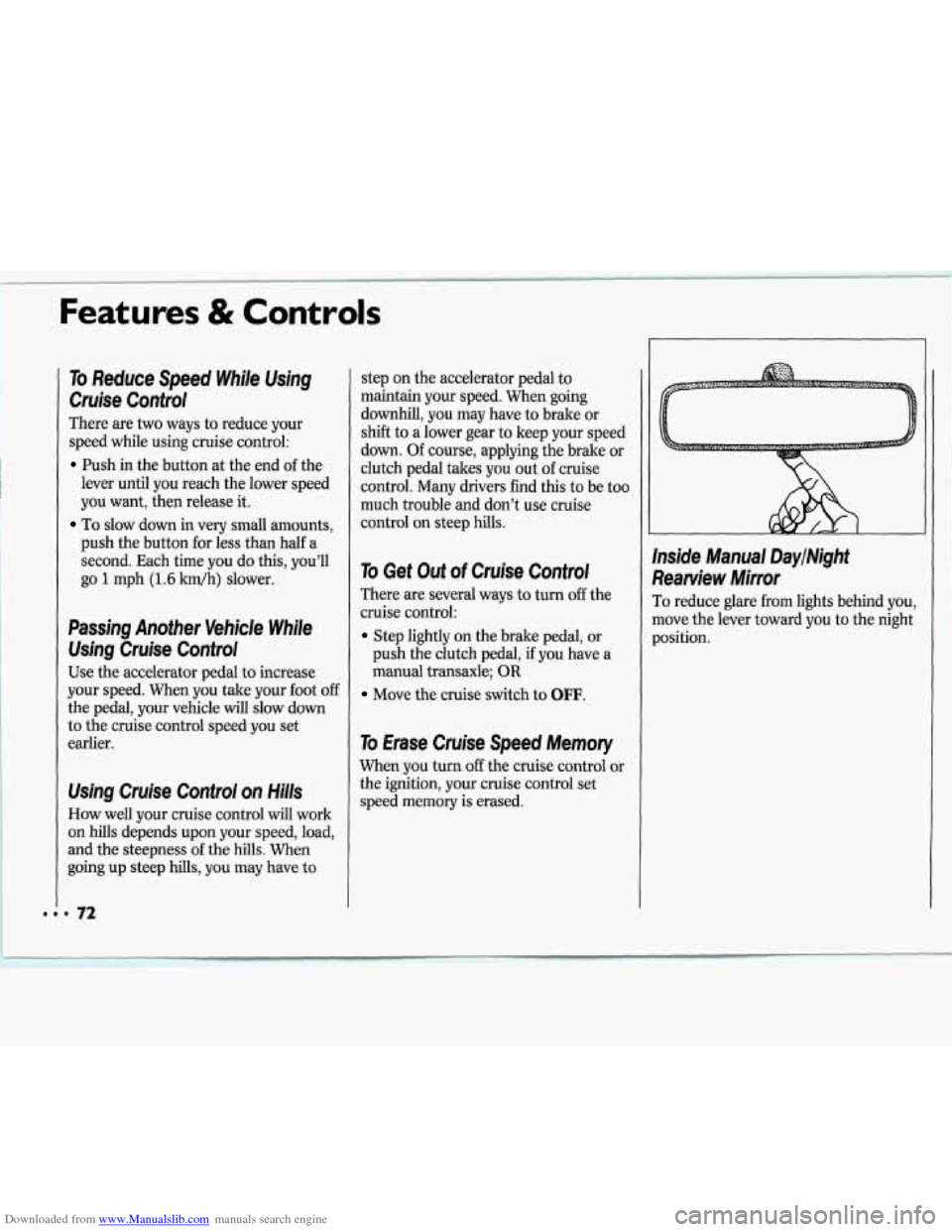
Inside Manual DaylNight
Rearview Mirror
To reduce glare from lights behind you,
move the lever toward you to the night
position.
Page 76 of 243
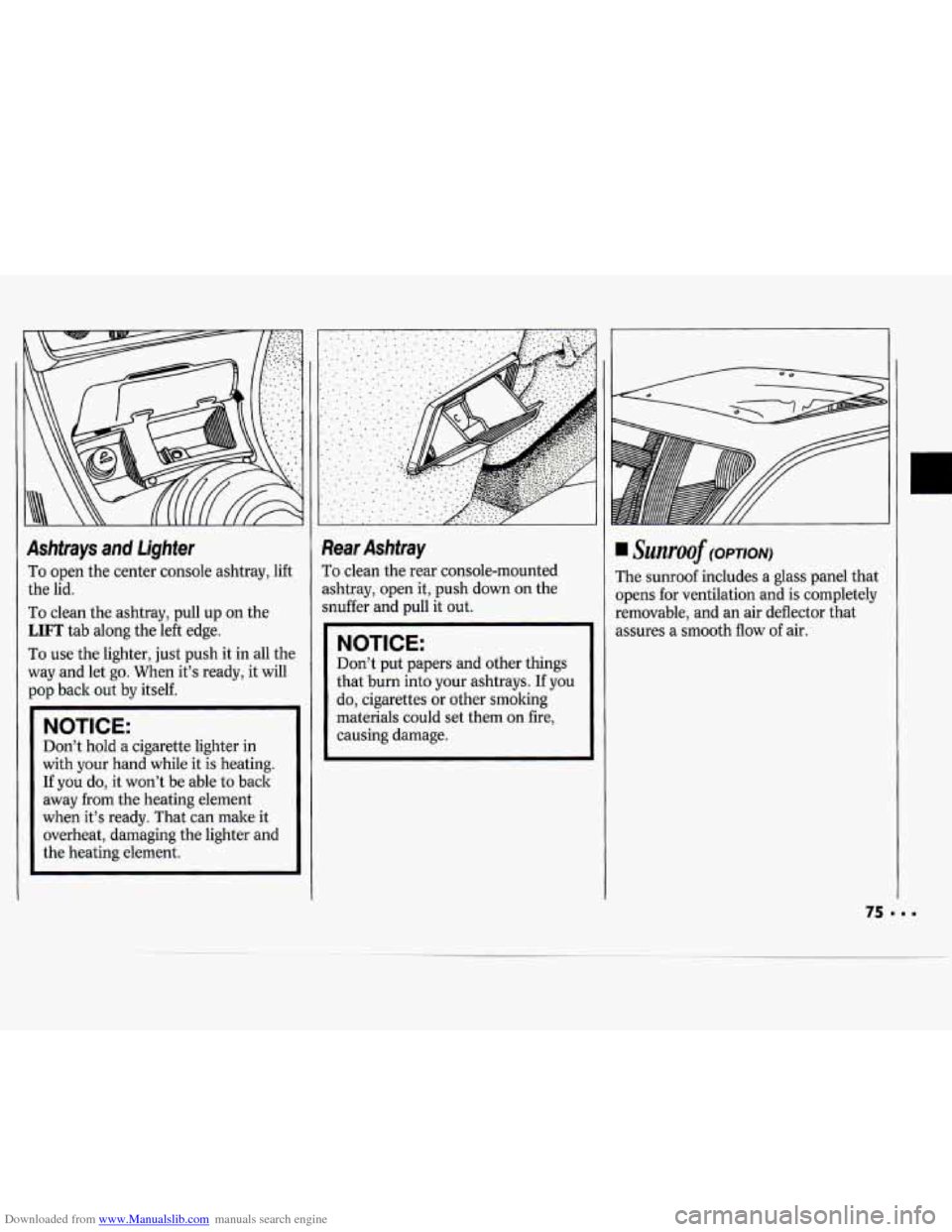
Downloaded from www.Manualslib.com manuals search engine Ashtrays and lighter
To open the center console ashtray, lift
the lid.
To clean the ashtray, pull up on the
LIFT tab along the left edge.
To use the lighter, just push it in all the
way and let go. When it’s ready, it will
pop back out by itself.
NOTICE:
Don’t hold a cigarette lighter in
with your hand while it is heating.
If you do, it won’t be able to back
away from the heating element
when it’s ready. That can male it
overheat, damaging the lighter and
the heating element.
Rear Ashtray
To clean the rear console-mounted
ashtray, open it, push down on the
snuffer and pull it out.
NOTICE:
Don’t put papers and other things
that burn into your ashtrays. If you
do, cigarettes
or other smoking
materials could set them on fire,
causing damage.
~wzroof (OPTION)
rhe sunroof includes a glass panel that
)pens for ventilation and is completely
removable, and an air deflector that
mures a smooth flow
of air.
Page 82 of 243

Downloaded from www.Manualslib.com manuals search engine The Instrument Panel-
Your Information System
Your instrument panel is designed to let
you know at a glance how your vehicle
is running. You’ll
know how fast you’re
going, how much fuel you’re using, and
many other things you’ll need to drive
safely and economically. The
main components of your
instrument panel are:
1. Side Vent
2. Instrument Panel Intensity Control
3. Turn Signal/Multifunction Lever
4. Hazard Warning Flashers Switch
5. Instrument Cluster
6. Ignition Switch
7. Windshield Wipermasher Controls
8. Interior Light Control
9. Audio System
10. Center Vents
1 1. Cup Holder
12. Side Vent
13. Glove Box
14. Climate Controls and Rear Window
15. Parking Brake Lever
16. Ashtray/Lighter
17. Gearshift Lever
18. Horn
19. Tilt Steering Wheel Lever (Option)
20. Fuse Panel
21. Hood Release Lever
Defogger
Page 83 of 243
Downloaded from www.Manualslib.com manuals search engine Features & Controls
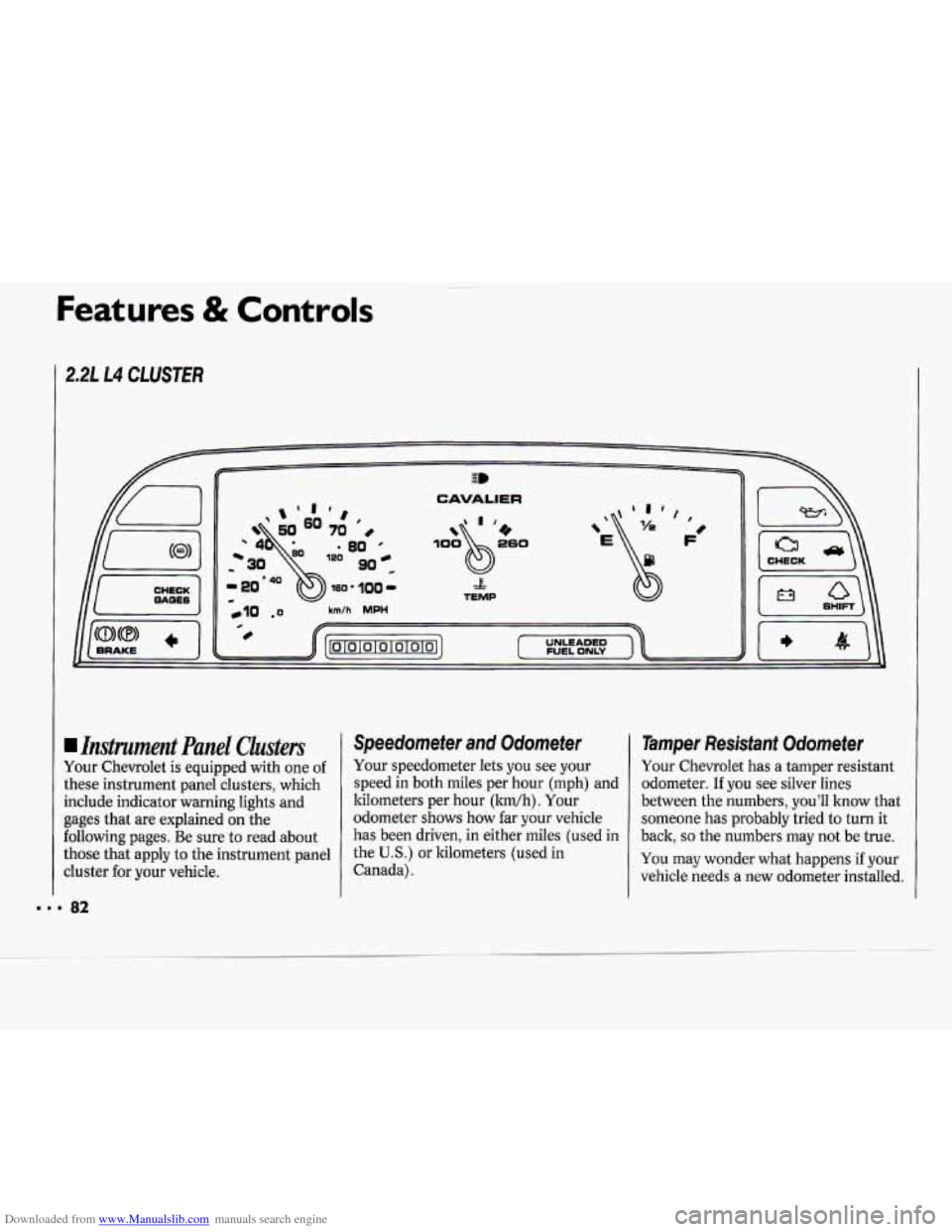
2.2L L4 CLUSTER
CHECK
CAVALIER
& TEMP
,E$ ', F'
Instrument Panel Clusters
Your Chevrolet is equipped with one of
these instrument panel clusters, which
include indicator warning lights and
gages that are explained
on the
following pages. Be sure to read about
those that apply to the instrument panel
cluster for your vehicle.
Speedometer and Odometer
Your speedometer lets you see your
speed in both miles per hour (mph) and
kilometers per hour (ltm/h). Your
odometer shows how far your vehicle
has been driven, in either miles (used in
the
U.S.) or kilometers (used in
Canada).
1 Tamper Resistant Odometer
Your Chevrolet has a tamper resistant
odometer.
If you see silver lines
between the numbers, you'll know that
someone has probably tried to turn it
back,
so the numbers may not be true.
You may wonder what happens if your
vehicle needs a new odometer installed.
Page 85 of 243
Downloaded from www.Manualslib.com manuals search engine Features & Controls
Warning Lights, Gages and
Indicators
This section describes the warning
lights and gages that may be on your
vehicle. The pictures will help you
locate them.
Warning lights and gages can signal that
something is wrong before it becomes
serious enough to cause an expensive
repair
or replacement. Paying attention
to your warning lights and gages could
also save you or others from injury.
Warning lights go on when there may
be or is a problem with one of your
vehicle’s functions.
As you will see in
the details
on the next few pages, some
warning lights come on briefly when
you turn the ignition key just to let you
lmow they’re working.
If you are familiar
with this section, you should
not be alarmed when this happens.
Gages can indicate when there may be
or is a problem with one of your
vehicle’s functions. Often gages and
warning lights work together to let
you
know when there’s a problem with your
vehicle.
When one of the warning lights comes
on and stays on when you are driving,
or when one of the gages shows there
may be a problem, check the section
that tells you what to do about it. Please
follow the manual’s advice. Waiting to
do repairs can be costly
- and even
dangerous.
So please get to know your
warning lights and gages. They’re a big
help.
260 0
E
93 ’&
fi
FUEL ONLY
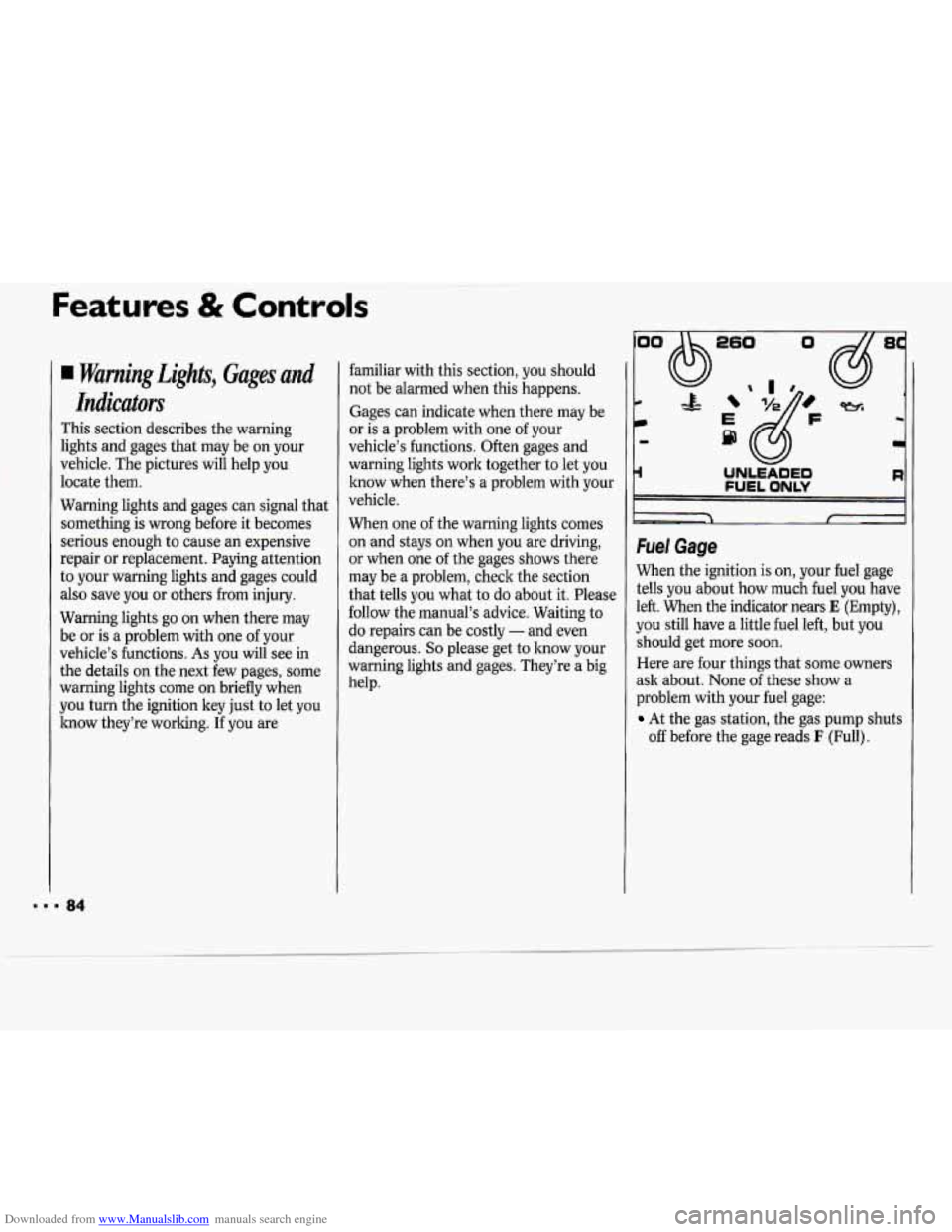
Fuel Gage
When the ignition is on, your fuel gage
tells you about how much fuel you have
left. When the indicator nears
E (Empty),
you still have a little fuel left, but you
should get more soon.
Here are four things that some owners
ask about. None of these show a
problem with your fuel gage:
At the gas station, the gas pump shuts
off before the gage reads I: (Full).
8
-4
Page 86 of 243
Downloaded from www.Manualslib.com manuals search engine It takes a little more or less fuel to fill
up than the gage indicated. For
example, the gage may have indicated
the tank was half full, but it actually
took
a little more or less than half the
tank’s capacity to fill the tank.
The gage moves a little when you turn
a corner or speed up.
The gage doesn’t go back to E when
you turn off the ignition.
For your fuel tank capacity, see
Service
Station Information
on the last page of
this manual.
I80 110- -
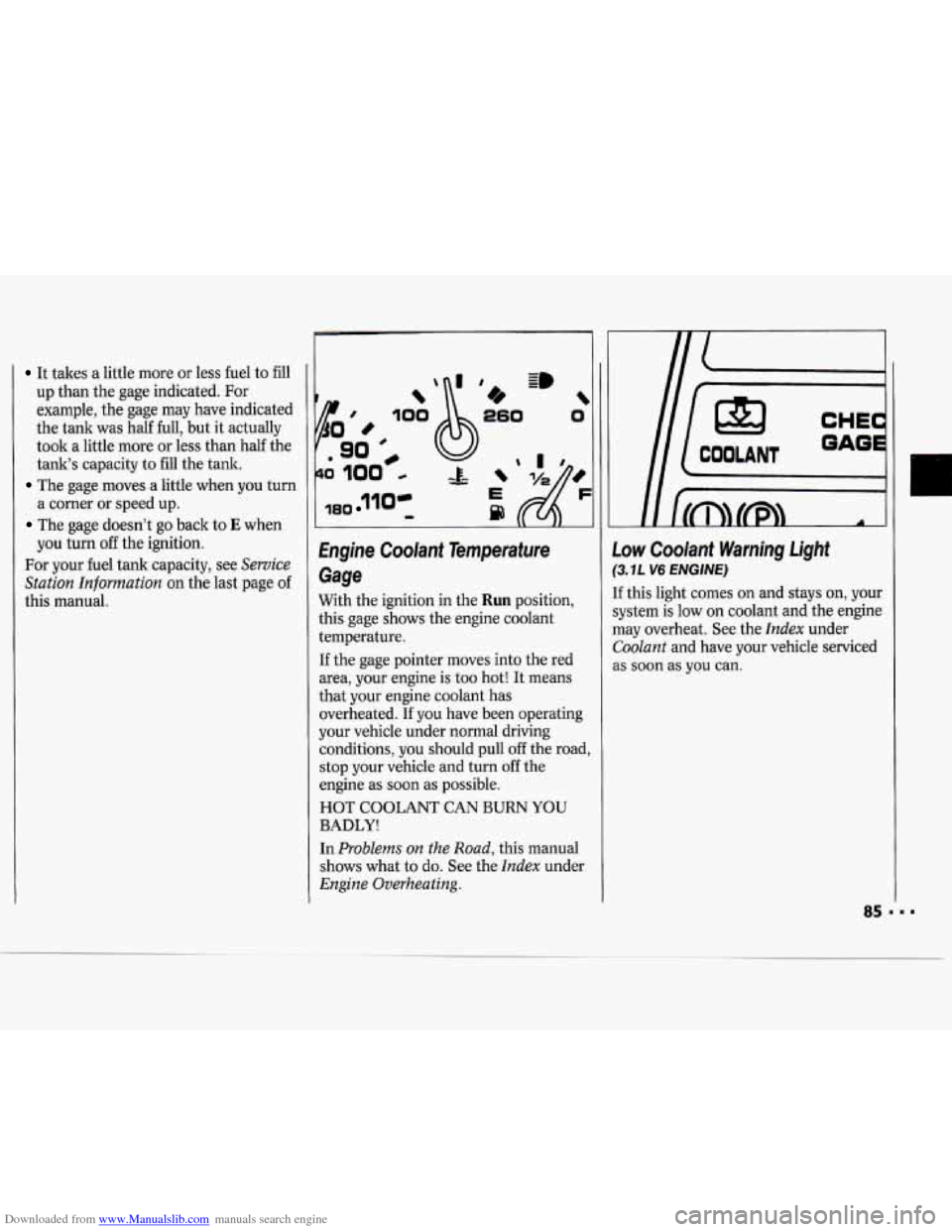
hgine Coolant Temperature
Gage
With the ignition in the Run position,
this gage shows the engine coolant
temperature.
If the gage pointer moves into the red
area, your engine is too hot! It means
that
your engine coolant has
overheated.
If you have been operating
your vehicle under normal driving
conditions, you should pull
off the road,
stop your vehicle and turn
off the
engine as soon as possible.
HOT COOLANT CAN
BURN YOU
BADLY!
In Problems on the Road, this manual
shows what
to do. See the Index under
Engine Overheating.
Low Coolant Warning Light
(3.1 L V6 ENGINE)
If this light comes on and stays on, your
system is low on coolant and the engine
may overheat. See the
Index under
Coolant and have your vehicle serviced
as soon
as you can.
1