1994 CHEVROLET CAVALIER light
[x] Cancel search: lightPage 87 of 243
Downloaded from www.Manualslib.com manuals search engine Features & Controls
II
I CHECK
L
I
I
... 86
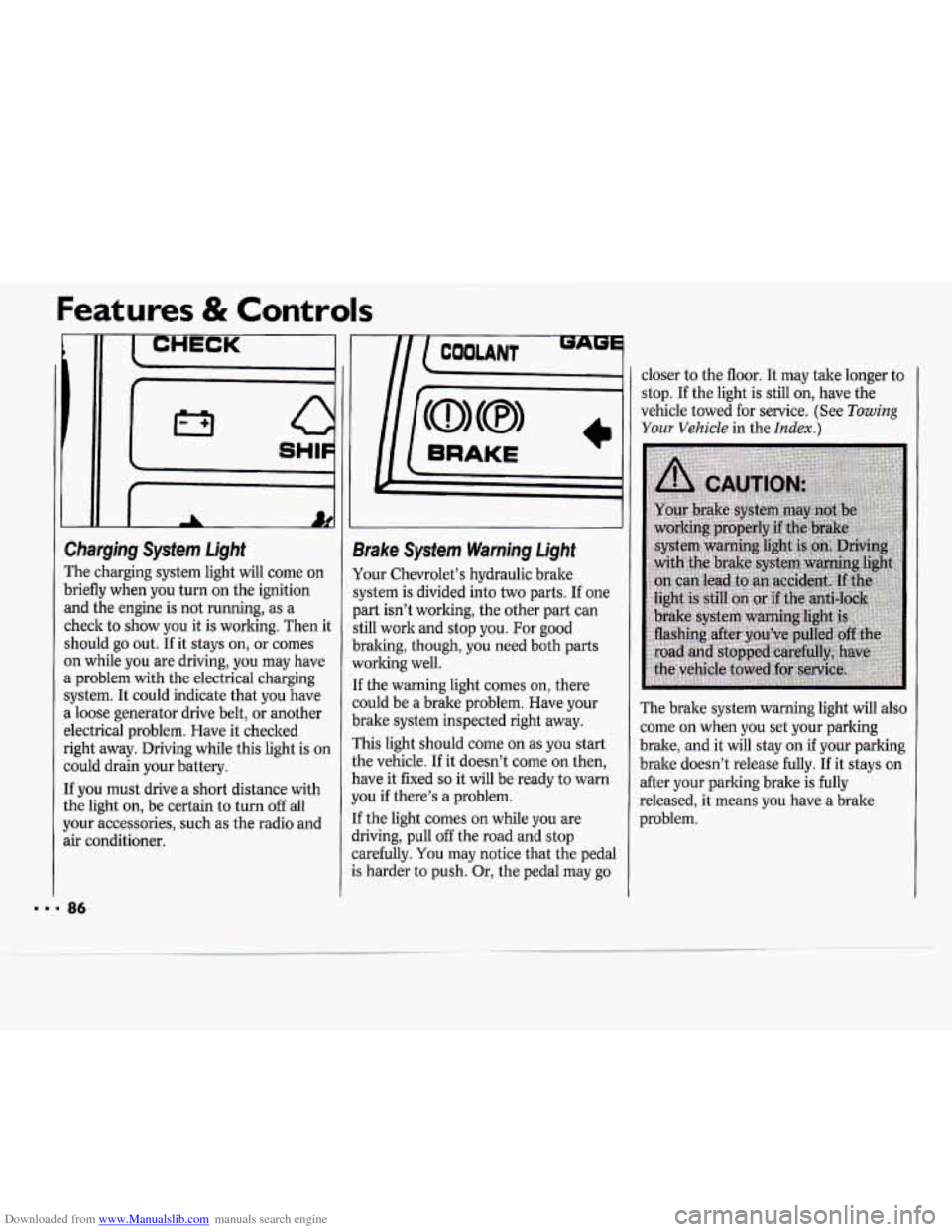
Charging System Light
The charging system light will come on
briefly when you turn on the ignition
and the engine is not running, as a
check to show you it is working. Then it
should
go out. If it stays on, or comes
on while you are driving, you may have
a problem with the electrical charging
system. It could indicate that you have
a loose generator drive belt, or another
electrical problem. Have it checked
right away. Driving while this light is on
could drain your battery.
If you must drive a short distance with
the light on, be certain to turn
off all
your accessories, such as the radio and
air conditioner.
m
9rake Sysfem Warning Light
tour Chevrolet’s hydraulic brake
;ystem is divided into two parts. If one
)art isn’t working, the other part can
;till work and stop you. For good
)raking, though, you need both parts
vorlting well.
[f the warning light comes on, there
zould be a brake problem. Have your
brake system inspected right away.
rhis light should come
on as you start
the vehicle.
If it doesn’t come on then,
have it fixed
so it will be ready to warn
you if there’s a problem.
[f the light comes on while you are
jriving, pull off the road and stop
zarefully.
You may notice that the pedal
.s harder to push. Or, the pedal may go closer
to the floor. It may take longer to
stop.
If the light is still on, have the
vehicle towed for service. (See
Towing
Your Vehicle in the Index.)
The brake system warning light will also
come
on when you set your parking
brake, and it will stay
on if your parking
brake doesn’t release fully. If it stays on
after your parking brake is
fully
released, it means you have a brake
problem.
Page 88 of 243
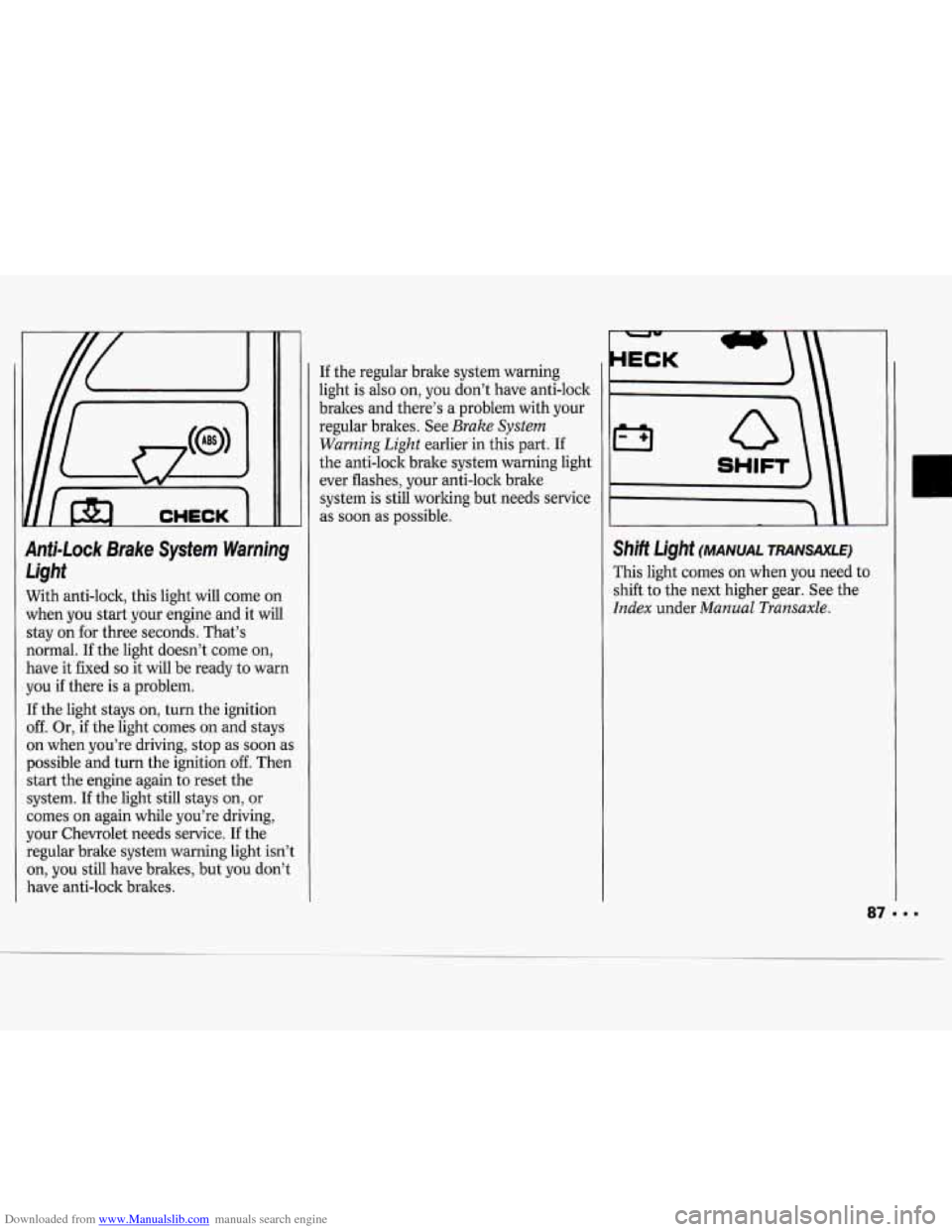
Downloaded from www.Manualslib.com manuals search engine Anti-Lock Brake System Warning Light
With anti-lock, this light will come on
when you start your engine and it will
stay on for three seconds. That’s
normal.
If the light doesn’t come on,
have it fixed
so it will be ready to warn
you if there is a problem.
If the light stays on, turn the ignition
off. Or, if the light comes on and stays
on when you’re driving, stop as soon
as
possible and turn the ignition off. Then
start the engine again to reset the
system. If the light still stays on, or
comes on again while you’re driving,
your Chevrolet needs service.
If the
regular brake system warning light isn’t
on,
you still have brakes, but you don’t
have anti-lock brakes. If
the regular brake system warning
light is also on, you don’t have anti-lock
brakes and there’s a problem with your
regular brakes. See
Brake System
Warning Light
earlier in this part. If
the anti-lock brake system warning light
ever flashes, your anti-lock brake
system is still working but needs service
as soon as possible.
I SHIFT
Shift Light (MANUAL TRANSAXLE)
This light comes on when you need to
shift to the next higher gear. See the
Index under Manual Transaxle.
Page 89 of 243
Downloaded from www.Manualslib.com manuals search engine Features & Controls
~~
I CHECK -1
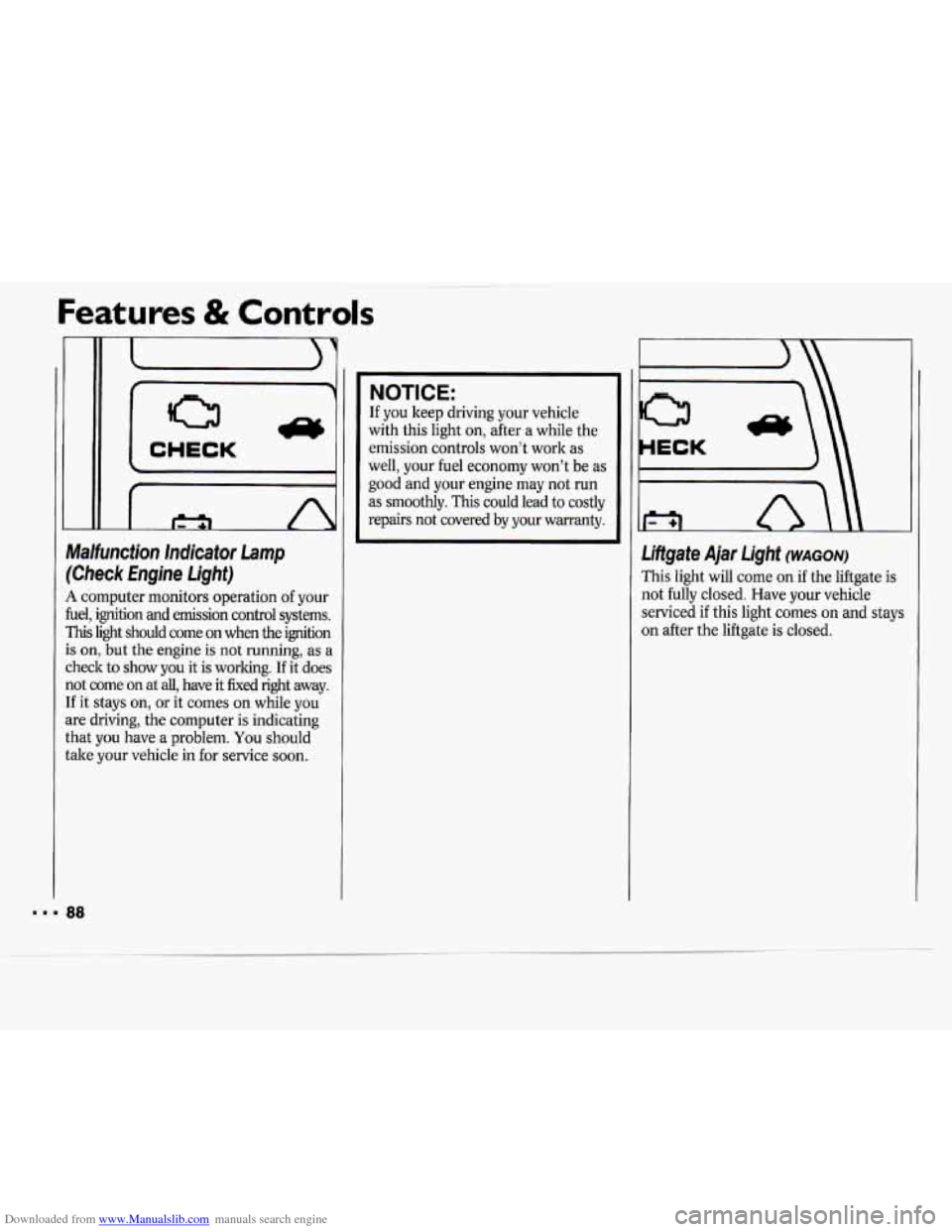
Malfunction lndicator Lamp
(Check Engine Light)
A computer monitors operation of your
fuel, ignition and emission control systems.
This light should come on when the ignition
is on, but the engine
is not running, as a
check to show
you it is working. If it does
not come
on at all, have it fixed right away.
If it stays on, or it comes on while you
are driving, the computer is indicating
that you have a problem. You should
take your vehicle in for service soon.
NOTICE:
If you keep driving your vehicle
with this light on, after a while the
emission controls won’t work as
well, your fuel economy won’t be as
good and your engine may
not run
as smoothly. This could lead to costly
repairs not covered by your warranty.
Liftgate Ajar Light (WAGON)
This light will come on if the liftgate is
not fully closed. Have your vehicle
serviced
if this light comes on and stays
on after the liftgate is closed.
... 88
Page 90 of 243

Downloaded from www.Manualslib.com manuals search engine r
c
CHECK ’
OAGES
NOLANT J
D)(8,
I
Check Gages Light
This light will come on briefly when yo1
are starting the engine. If the light
comes on and stays on while you are
driving, check your various gages to see
if they are in the warning zones.
This light will also come on when the
fuel level is low,
1 to 3 gallons (3.8 to
liters)
Oil Warning Light (2.2~ ~4 ENGINE)
If you have a low engine oil pressure
Iroblem, this light will stay on after yob
start your engine, or come on when you
ue driving. This indicates that your
mgine is not receiving enough oil. The
mgine could be low on
oil, or could haw
some other oil problem. Have it fixed
immediately.
The oil light could
also come on in two
other situations:
When the ignition is on but the engin
is not running, the light will come on
as a test to show you it is working,
but the light will go out when you
turn the ignition to
Start. If it doesn’l
come on with the ignition on, you
may have a problem with the fuse or
bulb. Have it fixed right away.
If you make a hard stop, the light may
come on for a moment.
This is normal.
NOTICE:
Damage to your engine from
neglected oil problems can be costly and is not covered by your
warranty.
Page 93 of 243
Downloaded from www.Manualslib.com manuals search engine Comfort Controls & Audio Systems
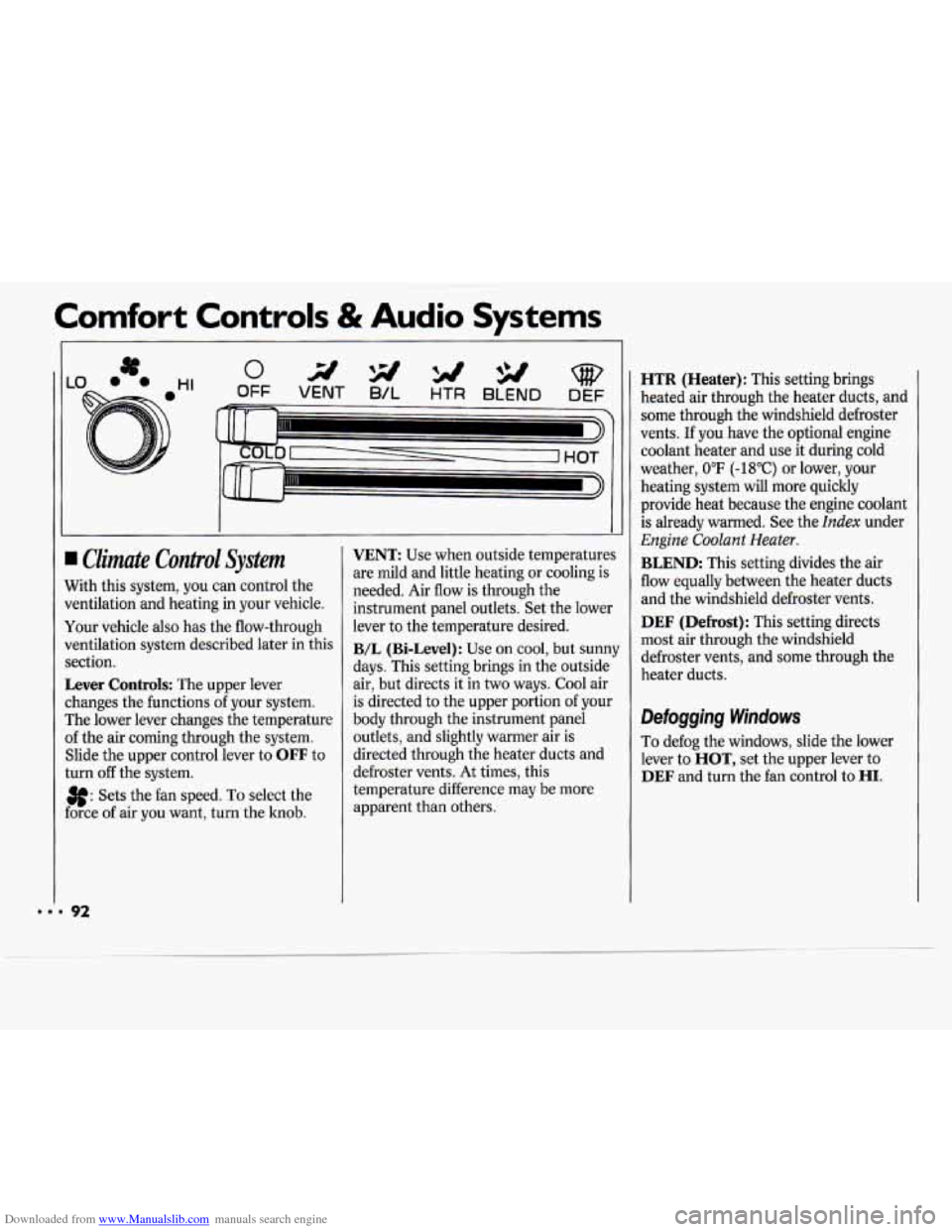
I Climate Control System
Nith this system, you can control the
rentilation and heating in your vehicle.
four vehicle also has the flow-through
Jentilation system described later in this
rection.
Lever Controls: The upper lever
:hanges the functions
of your system.
rhe lower lever changes the temperature
If the air coming through the system.
Slide the upper control lever to
OFF to
:urn
off the system.
3f: Sets the fan speed. To select the
:orce of air you want, turn the knob.
VENT: Use when outside temperatures
are mild and little heating or cooling is
needed. Air flow is through the
instrument panel outlets. Set the lower
lever to the temperature desired.
B/L (Bi-Level): Use on cool, but sunny
days. This setting brings in the outside
air, but directs it in two ways. Cool air
is directed to the upper portion of your
body through the instrument panel
outlets, and slightly warmer air is
directed through the heater ducts and
defroster vents.
At times, this
temperature difference may be more
apparent than others.
HTR (Heater): This setting brings
heated air through the heater ducts, and
some through the windshield defroster
vents.
If you have the optional engine
coolant heater and use it during cold
weather,
0°F (-18°C) or lower, your
heating system will more quickly
provide heat because the engine coolant
is already warmed. See the
Index under
Engine Coolant Heater.
BLEND: This setting divides the air
flow equally between the heater duets
and the windshield defroster vents.
DEF (Defrost): This setting directs
most air through the windshield
defroster vents, and some through the
heater ducts.
Defogging Windows
To defog the windows, slide the lower
lever to
HOT, set the upper lever to
DEF and turn the fan control to HI.
Page 94 of 243
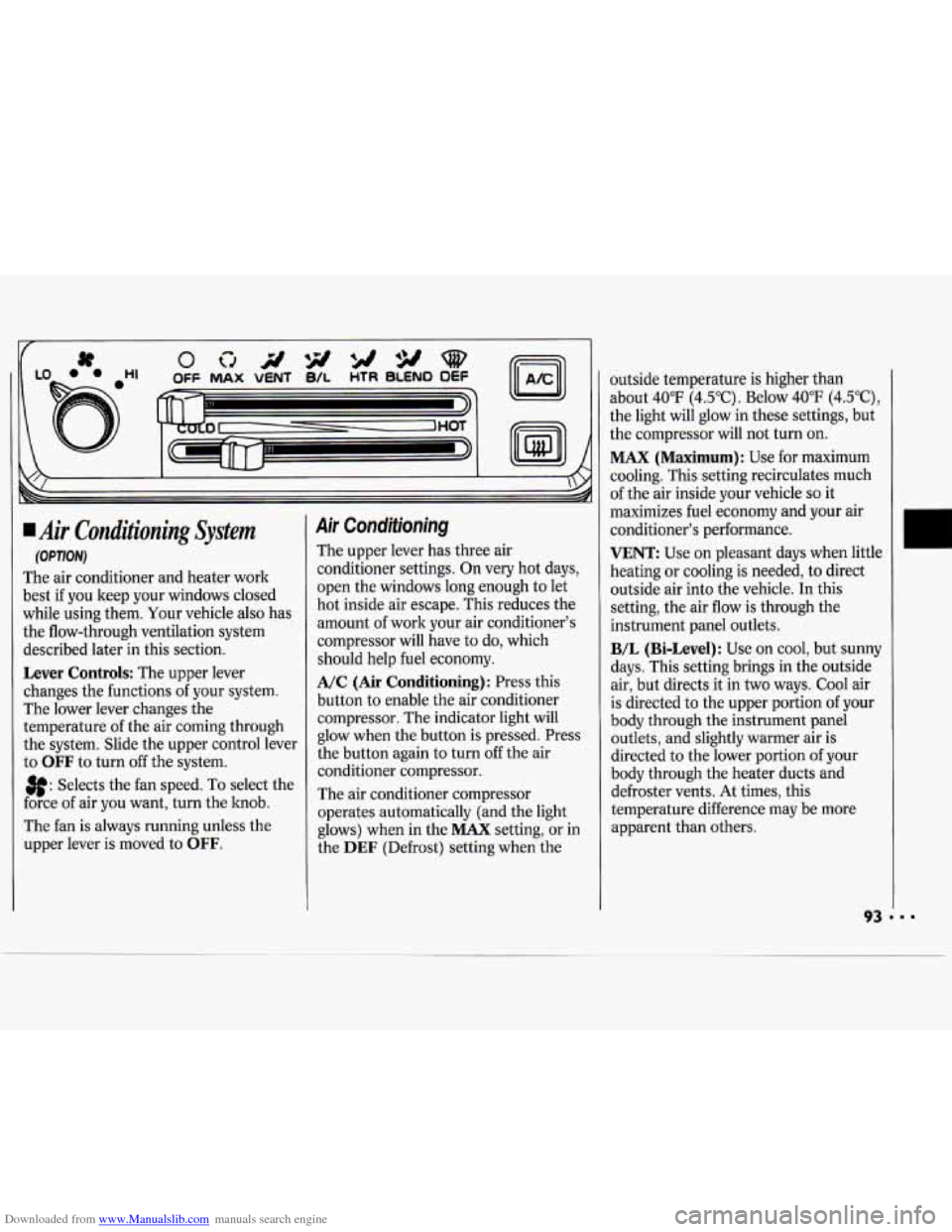
Downloaded from www.Manualslib.com manuals search engine Air Conditioning System
(OPTION)
The air conditioner and heater work
best if you keep your windows closed
while using them. Your vehicle also has
the flow-through ventilation system
described later in this section.
Lever Controls: The upper lever
changes the functions
of your system.
The lower lever changes the
temperature of the air coming through
the system. Slide the upper control lever
to
OFF to turn off the system.
3f: Selects the fan speed. To select the
force of air you want, turn the hob.
The fan is always running unless the
upper lever is moved to
OFF.
Air Conditioning
The upper lever has three air
conditioner settings. On very hot days,
open the windows long enough to let
hot inside air escape. This reduces the
amount of work your air conditioner's
compressor will have to do, which
should help fuel economy.
A/C (Air Conditioning): Press this
button
to enable the air conditioner
compressor. The indicator light will
glow when the button is pressed. Press
the button again to turn
off the air
conditioner compressor.
The air conditioner compressor
operates automatically (and the light
glows) when in the
MAX setting, or in
the
DEF (Defrost) setting when the outside temperature
is higher than
about 40°F (4.5"C). Below 40°F (4.5"C),
the light will glow in these settings, but
the compressor will not turn on.
MAX (Maximum): Use for maximum
cooling. This setting recirculates much
of the air inside your vehicle
so it
maximizes fuel economy and your air
conditioner's performance.
VENT: Use on pleasant days when little
heating or cooling is needed, to direct
outside air into the vehicle.
In this
setting, the air flow is through the
instrument panel outlets.
B/L (Bi-Level): Use on cool, but sunny
days. This setting brings in the outside
air, but directs it in two ways. Cool air
is directed to the upper portion of your
body through the instrument panel
outlets, and slightly warmer air is
directed to the lower portion of your
body through the heater ducts and
defroster vents. At times, this
temperature difference may be more
apparent than others.
Page 96 of 243
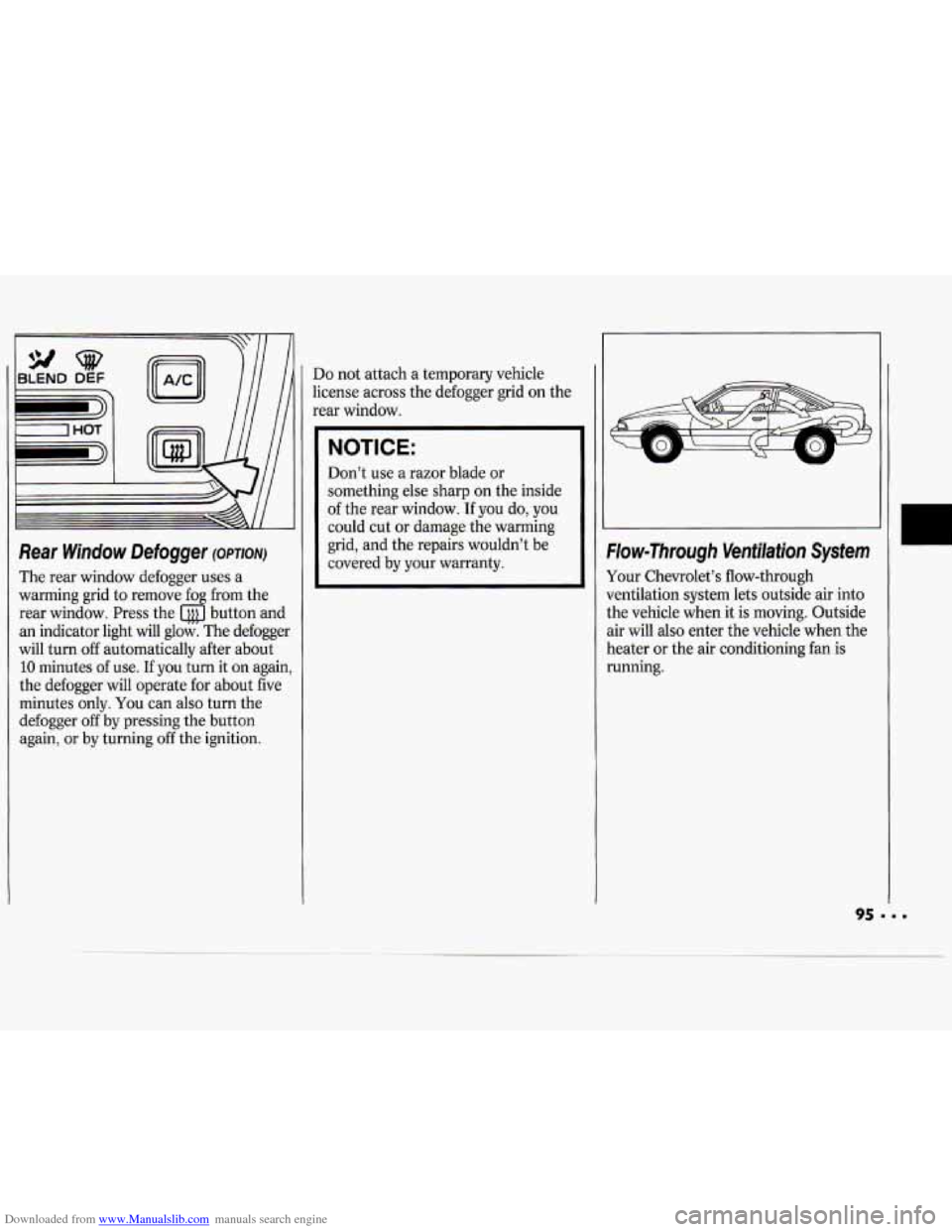
Downloaded from www.Manualslib.com manuals search engine Rear Window Defogger (owlonr)
The rear window defogger uses a
warming grid to remove fog from the
rear window. Press the button and
an indicator light
will glow. The defogger
will turn
off automatically after about
10 minutes of use. If you turn it on again,
the defogger will operate for about five
minutes only.
You can also turn the
defogger
off by pressing the button
again,
or by turning off the ignition.
Do not attach a temporary vehicle
license across the defogger grid
on the
rear window.
NOTICE:
Don’t use a razor blade or
something else sharp on the inside
of the rear window. If you do, you
could cut or damage the warming
grid, and the repairs wouldn’t be
covered by your warranty.
W
Flow-Through Ventilation System
Your Chevrolet’s flow-through
ventilation system lets outside air into
the vehicle when it is moving. Outside
air will also enter the vehicle when the
heater
or the air conditioning fan is
running.
95 ‘ I.
U
.
Page 105 of 243
Downloaded from www.Manualslib.com manuals search engine Comfort Controls & Audio Systems
8. Press the TUNE knob. If the display
shows
"- - -," the radio is unsecured
and
will play again. If the display
shows
SEC, the steps were not
successful and the numbers did not
match the secret code.
If
you lose or forget your code, see your
dealer.
If you lose battery power, when the
battery is reconnected the radio will not
turn on and
IX)C will appear. Follow
steps
1-8 for disabling your system, and
the time will appear
if you are successful.
If
SEC appears, the numbers did not
match and
YOUK unit is still locked.
Understanding Radio Reception
FM Stereo
FM Stereo will give you the best sound,
but FM signals
will reach only about 10
to 40 miles (16 to 65 la). Tall buildings
or hills can interfere with FM signals,
causing the sound to come and go.
AM
The range for most AM stations is
greater than for
FM, especially at night.
The longer range, however,
can cause
stations to interfere with each other,
AM can also pick up noise from things
like storms and power lines. To lower
this noise,
try reducing the treble level.
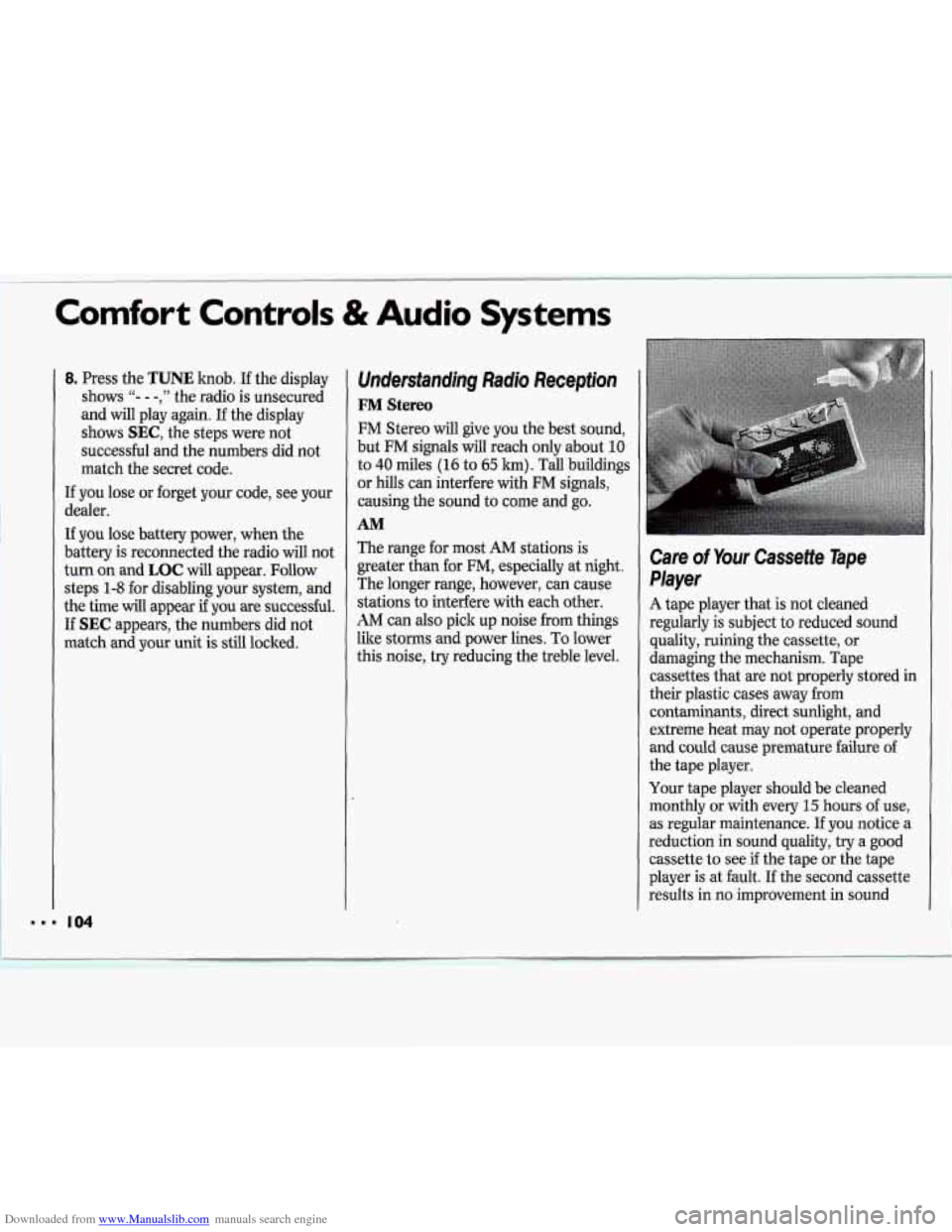
Care of Your Cassette Tape
Player
A tape player that is not cleaned
regularly
is subject to reduced sound
quality, ruining the cassette, or
damaging the mechanism. Tape
cassettes that are not properly stored in
their plastic cases away from
contaminants, direct sunlight, and
extreme heat may not operate properly
and could cause premature failure of I'
the tape player.
Your tape player should be cleaned
monthly or with every
15 hours of use,
as regular maintenance. If you notice a ll
reduction in sound quality, try a good
cassette to see
if the tape or the tape
player is at fault. If the second cassette
results in no improvement in sound