1994 CHEVROLET BLAZER check engine light
[x] Cancel search: check engine lightPage 86 of 348
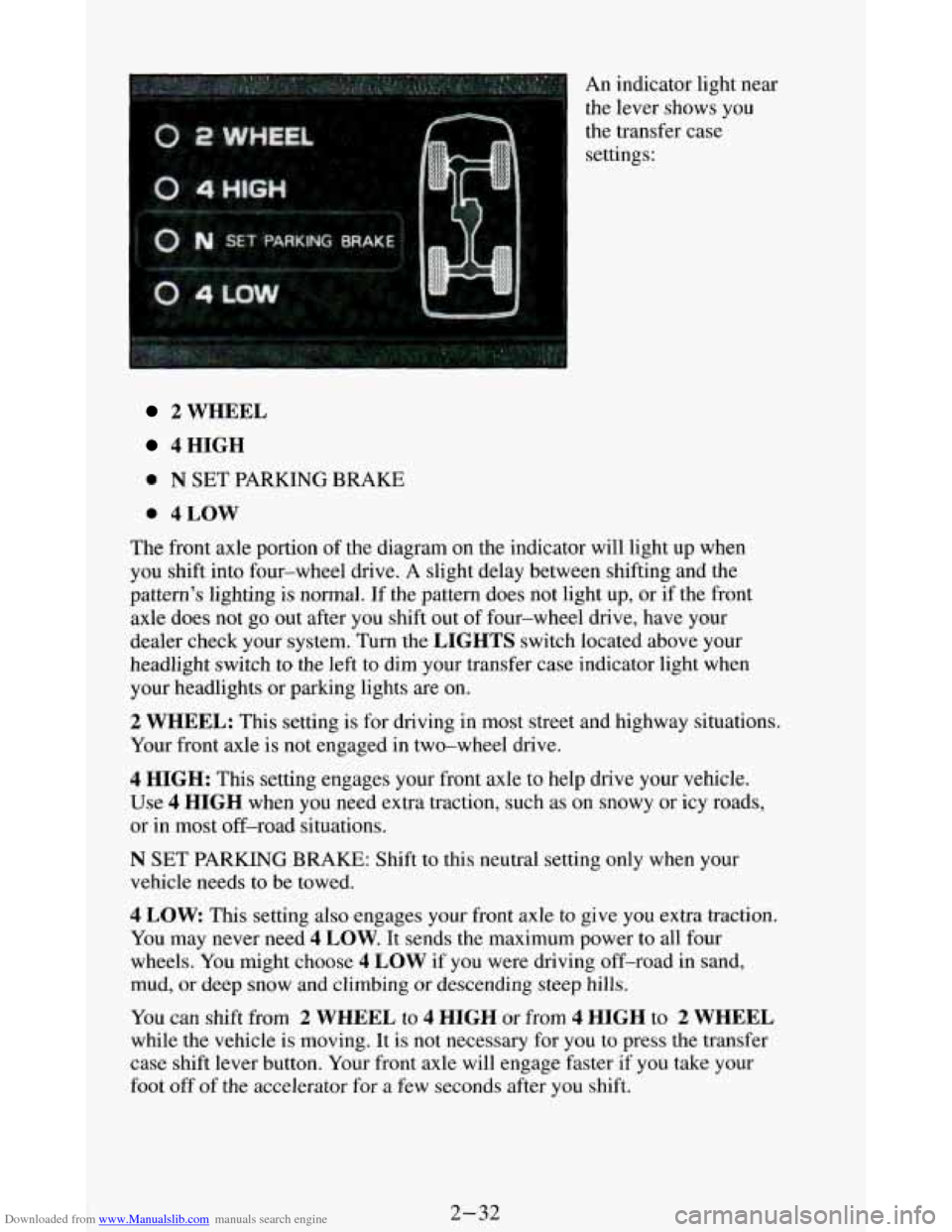
Downloaded from www.Manualslib.com manuals search engine An indicator light near
the lever shows you
the transfer case
settings:
2 WHEEL
4HIGH
0 N SET PARKING BRAKE
0 4LOW
The front axle portion of the diagram on the indicator will light up when
you shift into four-wheel drive.
A slight delay between shifting and the
pattern's lighting
is normal. If the pattern does not light up, or if the front
axle does not go out after you shift out of four-wheel drive, have your
dealer check your system. Turn the
LIGHTS switch located above your
headlight switch
to the left to dim your transfer case indicator light when
your headlights or parking lights are on.
2 WHEEL: This setting is for driving in most street and highway situations.
Your front axle
is not engaged in two-wheel drive.
4 HIGH: This setting engages your front axle to help drive your vehicle.
Use 4 HIGH when you need extra traction, such as on snowy or icy roads,
or
in most off-road situations.
N SET PARKING BRAKE: Shift to this neutral setting only when your
vehicle needs to be towed.
4 LOW This setting also engages your front axle to give you extra traction.
You may never need
4 LOW. It sends the maximum power to all four
wheels. You might choose
4 LOW if you were driving off-road in sand,
mud, or deep snow and climbing or descending steep hills.
You can shift from 2 WHEEL to 4 HIGH or from 4 HIGH to 2 WHEEL
while the vehicle is moving. It is not necessary for you to press the transfer
case shift lever button. Your front axle will engage faster if you take your
foot off of the accelerator for a few seconds after you shift.
2-32
Page 93 of 348
Downloaded from www.Manualslib.com manuals search engine Standard Cluster Digital Cluster
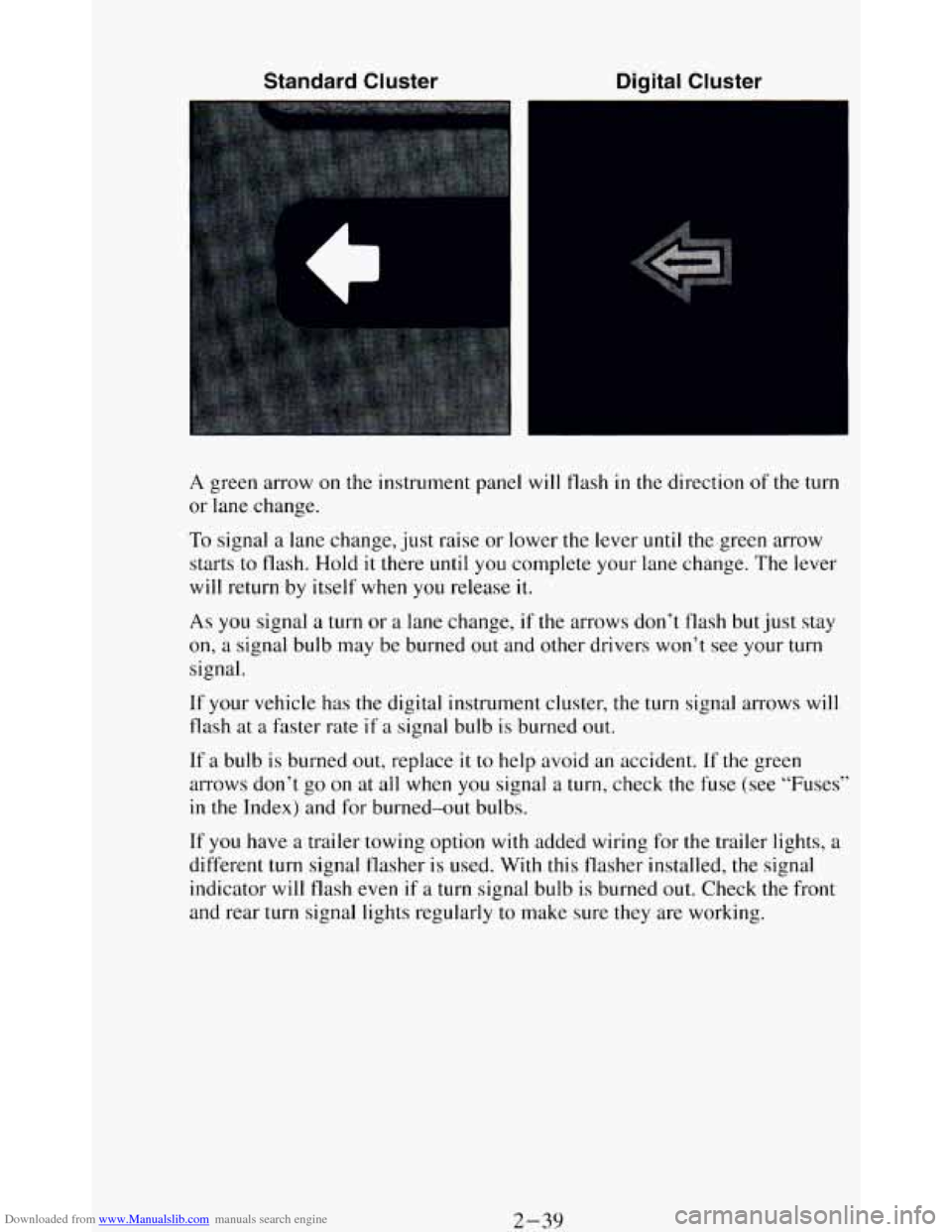
A green arrow on the instrument panel will flash in the direction of the turn
or lane change.
To signal
a lane change, just raise or lower the lever until the green arrow
starts to flash. Hold
it there until you complete your lane change. The lever
will return by itself when you release it.
As you signal a turn or a lane change, if the arrows don’t flash but just stay
on,
a signal bulb may be burned out and other drivers won’t see your turn
signal.
If your vehicle has the digital instrument cluster, the turn signal arrows will
flash at
a faster rate if a signal bulb is burned out.
If a bulb is burned out, replace it to help avoid an accident. If the green
arrows don’t go on at all when you signal a turn, check the fuse (see “Fuses”
in the Index) and for burned-out bulbs.
If
you have a trailer towing option with added wiring for the trailer lights, a
different turn signal flasher is used. With this flasher installed, the signal
indicator will flash even if
a turn signal bulb is burned out. Check the front
and rear turn signal lights regularly to make sure they are working.
2-39
Page 94 of 348

Downloaded from www.Manualslib.com manuals search engine Operation of Lights
Although your vehicle's lighting system (headlights, parking lig\
hts, fog
lamps, side marker lights and taillights) meets
all applicable federal lighting
requirements, certain states and provinces may apply their own lighting
regulations that may require special
attention before you operate these
lights.
For example, some jurisdictions may require that you operate your fog
lamps
only when your lower beam headlights are also on, or that headlights
be turned
on whenever you must use your windshield wipers. In addition,
most jurisdictions prohibit driving solely with parking lights, especially at
dawn or dusk. It is recommended that
you check with your own state or
provincial highway authority for applicable lighting regulations.
Headlight High-Low Beam
To change the
headlights from low
beam to high or high
to
low, pull the turn
signal lever all the
way toward you. Then
release
it.
When the high beams
are
on, this blue
indicator light on the
instrument panel also
will be on.
2-40
Page 104 of 348
Downloaded from www.Manualslib.com manuals search engine Turn the switch to the left to dim your instrument panel and transfer case
indicator lights.
You can switch your headlights from high to low beam by pulling on the
multifunction lever.
A circuit breaker protects your headlights. If you have an electrical
overload, your headlights will flicker
on and off. Have your headlight
wiring checked right away
if this happens.
Fog Lamps (Option)
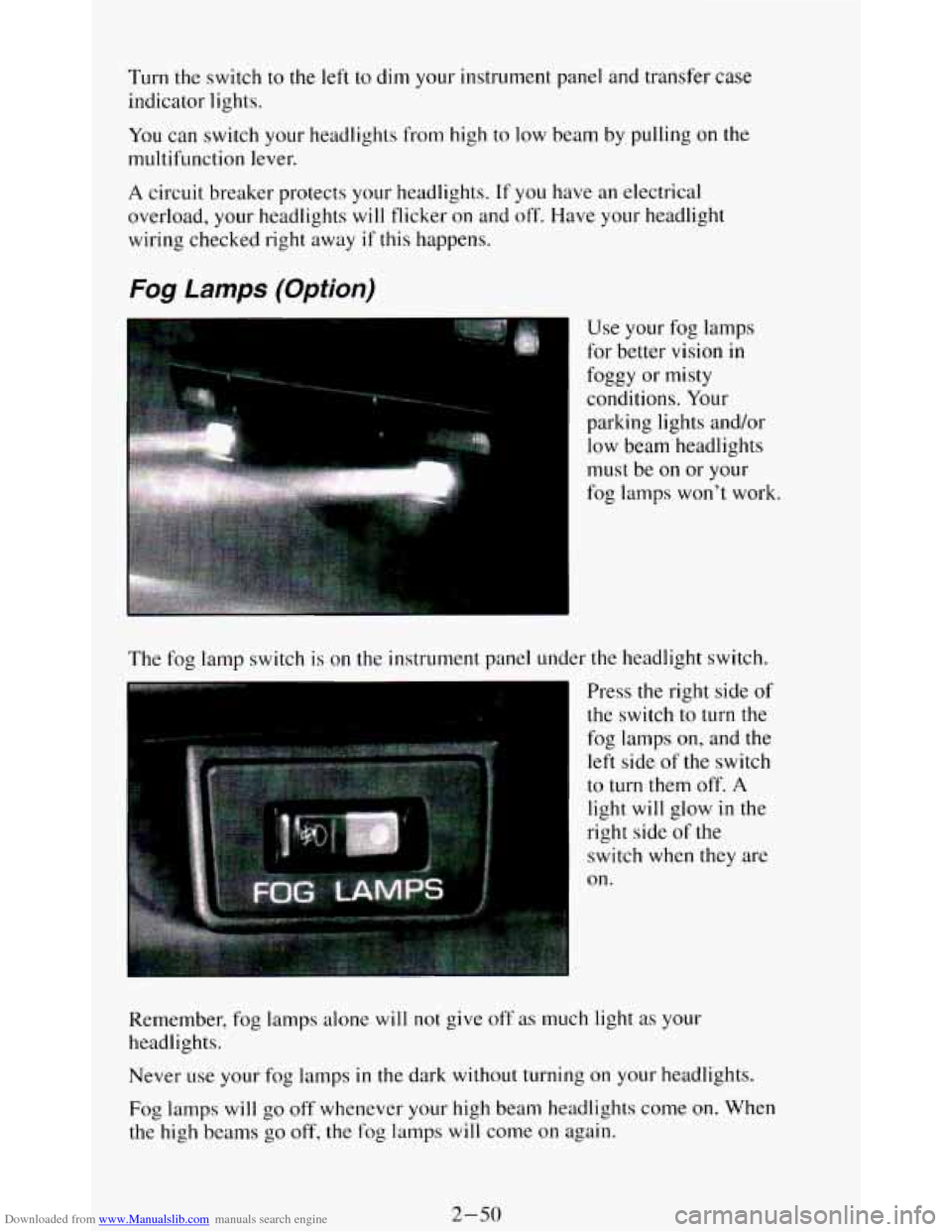
The fog lamp switch is on the instrument panel under the headlight switch.
Press the right side of
the switch
to turn the
fog lamps
on, and the
left side of the switch
to turn them off. A
light will glow in the
right side
of the
switch
when they are
on.
Remember, fog lamps alone
will not give off as much light as your
headlights.
Never
use your fog lamps in the dark without turning on your headlights.
Fog lamps will
go off whenever your high beam headlights come on. When
the high beams
go off, the fog lamps will come on again.
2-50
Page 122 of 348
Downloaded from www.Manualslib.com manuals search engine Gages can indicate when there may be or is a problem with one of your
vehicle’s functions. Often gages and warning lights work together to let you
know when there’s
a problem with your vehicle.
When
one of the warning lights comes on and stays on when you are
driving, or when
one of the gages shows there may be a problem, check the
section that tells you what to do about it. Please follow the manual’s advice.
Waiting
to do repairs can be costly - and even dangerous. So please get to
know your warning lights and gages. They’re a big help.
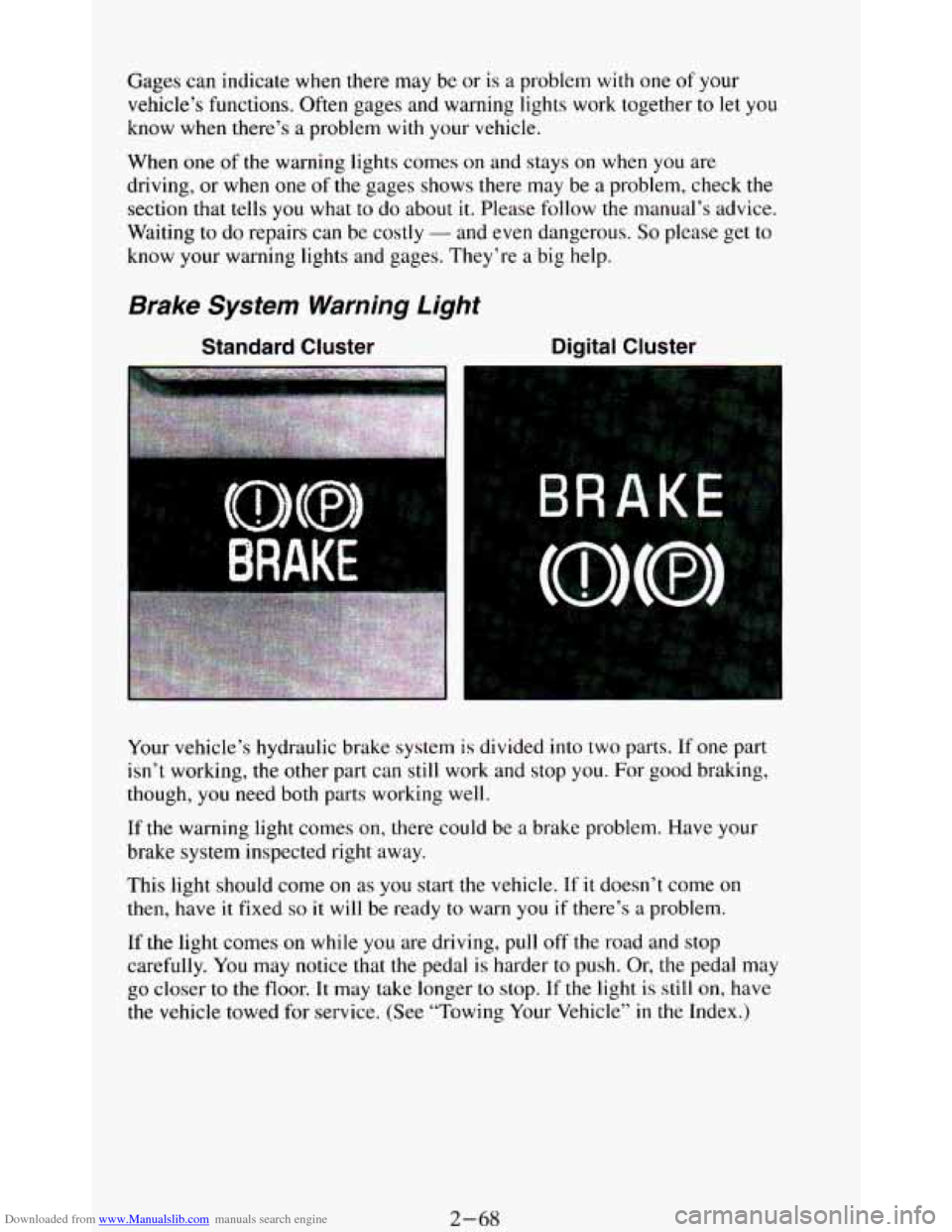
Brake System Warning Light
Standard Cluster Digital Cluster
Your vehicle’s hydraulic brake system is divided into two parts. If one part
isn’t working,
the other part can still work and stop you. For good braking,
though,
you need both parts working well.
If the warning light comes on, there could be a brake problem. Have your
brake system inspected right away.
This light should come
on as you start the vehicle. If it doesn’t come on
then, have it fixed so it will be ready to warn you if there’s a problem.
If
the light comes on while you are driving, pull off the road and stop
carefully.
You may notice that the pedal is harder to push. Or, the pedal may
go closer to the floor. It may take longer to stop. If the light is still on, have
the vehicle towed for service. (See “Towing Your Vehicle’’
in the Index.)
2-68
Page 125 of 348
Downloaded from www.Manualslib.com manuals search engine Malfunction Indicator Light
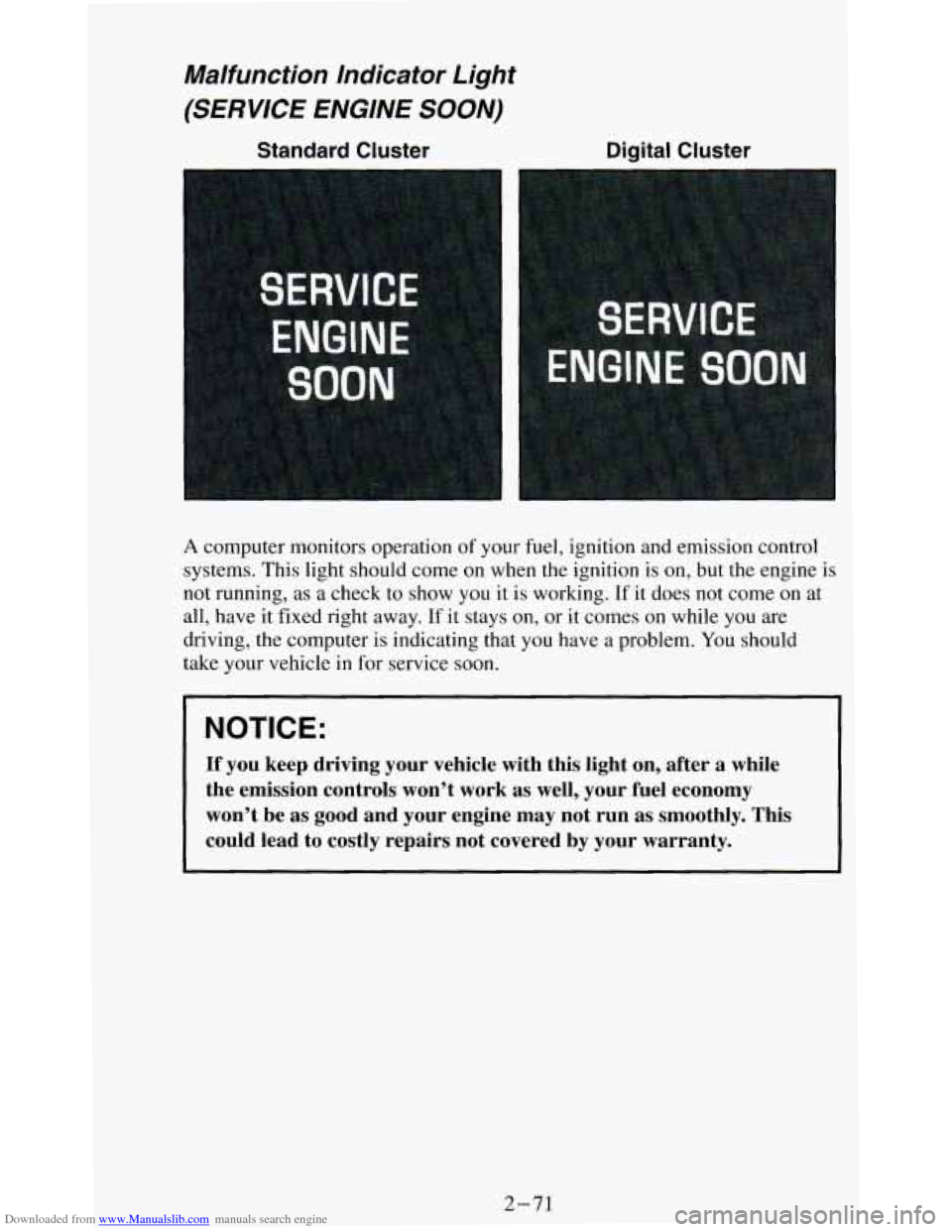
(SERVICE ENGINE SOON)
Standard Cluster
A computer monitors operation of your fuel, ignition and emission control
systems. This light should come on when the ignition is
on, but the engine is
not running, as a check to show you it is working. If it does not come on at
all, have it fixed right away.
If it stays on, or it comes on while you are
driving, the computer is indicating that you have a problem. You should
take your vehicle in
for service soon.
NOTICE:
If you keep driving your vehicle with this light on, after a \
while
the emission controls won’t work as well, your fuel economy \
won’t be as good and your engine may not run
as smoothly. This
could lead to costly repairs not covered by your warranty.
2-71
Page 127 of 348
Downloaded from www.Manualslib.com manuals search engine Indicator Lights
Indicator lights go on when you use your turn signals, change from low
beam headlights to high beams, or when you use
your hazard flashers. The
next few pages will also
tell you about the indicator lights on your vehicle
and help you locate them.
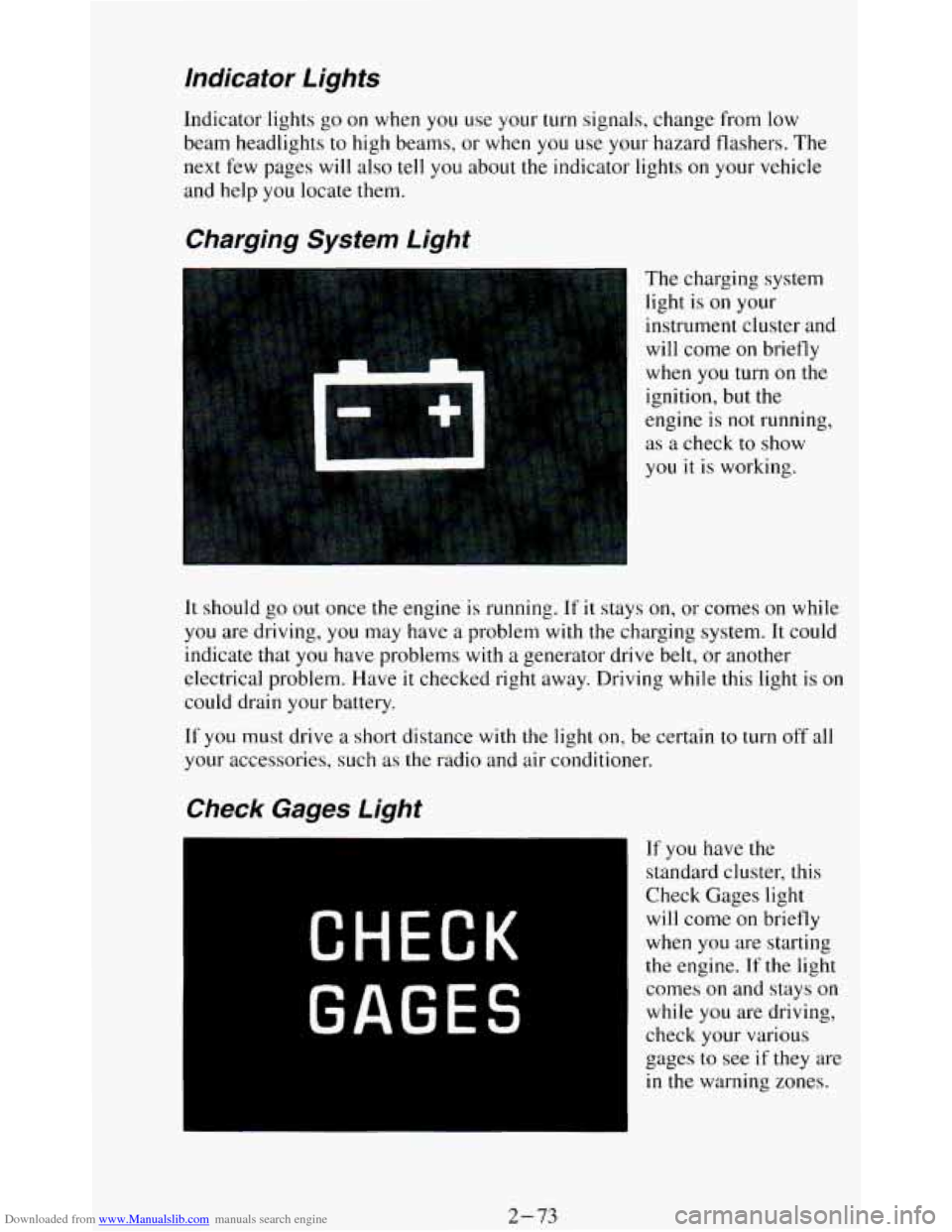
Charging System Light
The charging system
light is
on your
instrument cluster and
will come
on briefly
when
you turn on the
ignition, but the
engine is
not running,
as a check to show
you it
is working.
It should go out once the engine is running. If it stays on, or comes on while
you are driving, you may have a problem with the charging system. It could
indicate that you have problems with
a generator drive belt, or another
electrical problem. Have
it checked right away. Driving while this light is on
could drain your battery.
If
you must drive a short distance with the light on, be certain to turn off all
your accessories, such as the radio and air conditioner.
If you have the
standard cluster, this
Check Gages light
will come on briefly
when you are starting
the engine. If the light
comes
on and stays on
while you are driving,
check your various
gages to see
if they are
in the warning zones.
2-73
Page 141 of 348
Downloaded from www.Manualslib.com manuals search engine FM Stereo
FM stereo will give you the best sound. But FM signals will reach only
about
10 to 40 miles (16 to 65 km). Tall buildings or hills can interfere with
FM signals, causing the sound to come and go.
AM
The range for most AM stations is greater than for FM, especially at night.
The longer range, however, can cause stations to interfere
with each other.
AM can pick up noise from things like storms and power lines. Try reducing
the treble to reduce this noise if you ever get it.
AM Stereo
This means the Delco@ system can receive C-QUAM@ stereo broadcasts.
Many AM stations around the country use C-QUAM@ to produce stereo,
though some do not. (C-QUAM’ is a registered trademark
of Motorola,
Inc.)
If your Delco@ system can get C-QUAM@, your “STEREO” light will
come on when you’re receiving
it.
NOTICE:
Before you add any sound equipment to your vehicle - like a
1 tape player, CB radio, mobile telephone or two-way radio - be
sure you can add what you want.
If you can, it’s very important
to do it properly. Added sound equipment may interfere with the
operation
of your vehicle’s engine, Delco@ radio or other
systems, and even damage them. And, your vehicle’s systems
may interfere with the operation of sound equipment that has
been added improperly.
So, before adding sound equipment, check with your dealer and
be sure to check Federal rules covering mobile radio and
telephone units.
3-7