Page 110 of 398
Downloaded from www.Manualslib.com manuals search engine Torque Lock
If you are parking on a hill and you don’t shift your transaxle into “P”
(Park) properly, the weight
of the vehicle may put too much force on the
parking pawl in the transaxle. You may find it difficult to pull the shift
lever out of “P” (Park). This is called “torque lock.”
To prevent torque
lock, set the parking brake and then shift into
“P” (Park) properly before
you leave the driver’s seat.
To find out how, see “Shifting Into ‘P’ (Park)”
in the Index.
If ‘?.orque lock” does occur, you may need to have another vehicle push
yours
a little uphill to take some of the pressure from the transaxle, so
you can pull the shift lever out of “P” (Park).
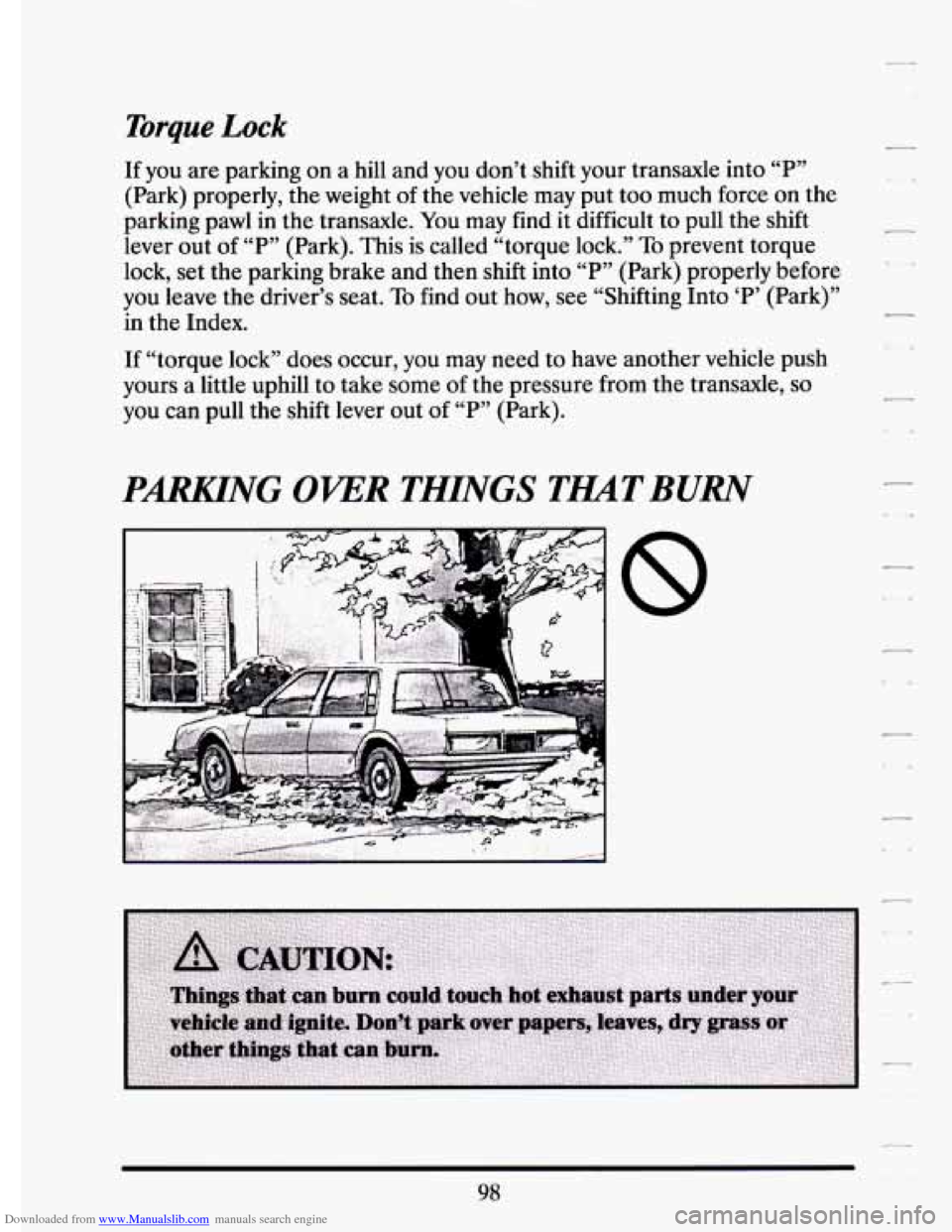
PARKING OKER THINGS TMTBURN
,,
-
98
Page 114 of 398
Downloaded from www.Manualslib.com manuals search engine TILT WHEEL
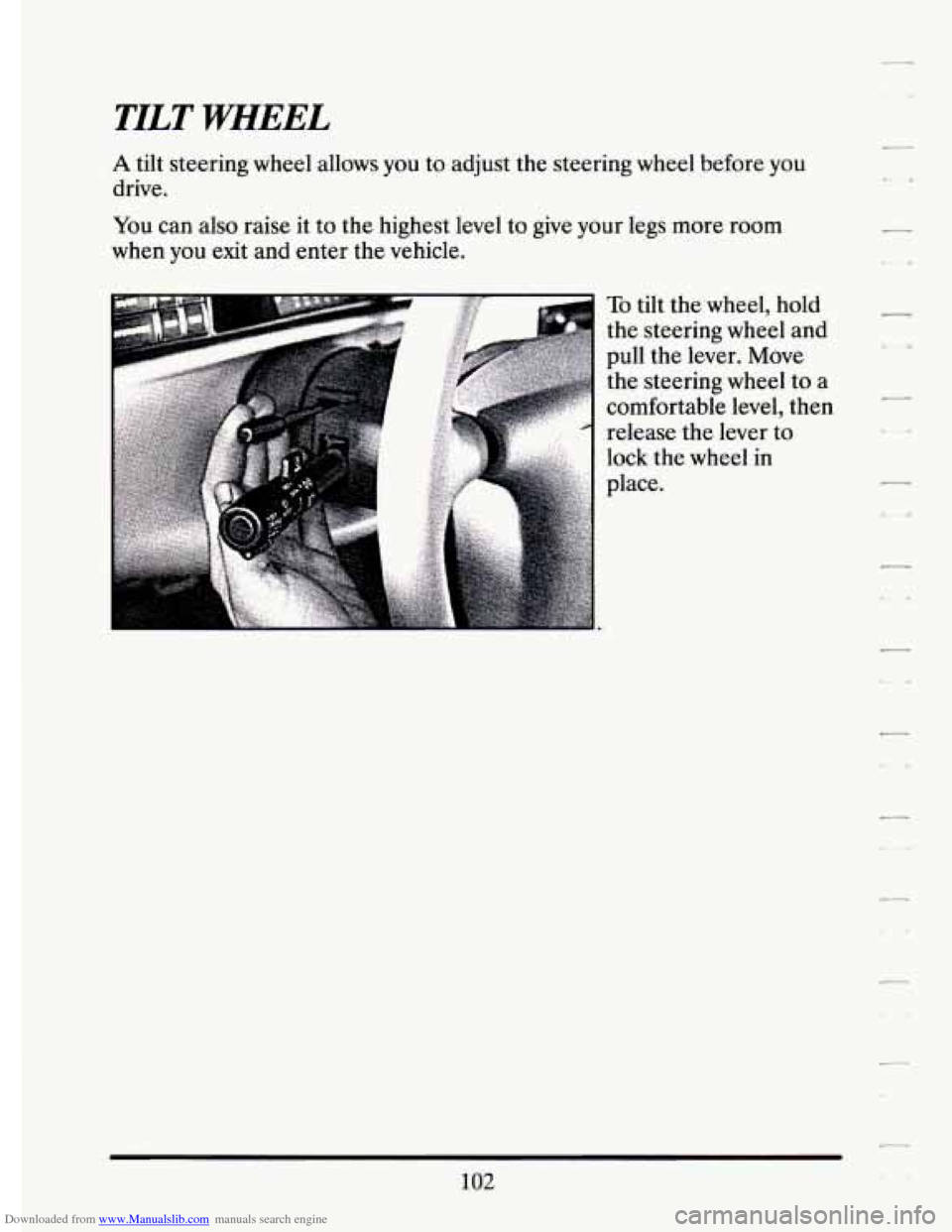
A tilt steering wheel allows you to adjust the steering wheel before you
drive.
You can also raise it to the highest level to give your legs more room
when
you exit and enter the vehicle.
d-
To tilt the wheel, hold
the steering wheel and
pull the lever. Move
the steering wheel to a
comfortable level, then
release the lever to
lock the wheel in
place.
102
Page 135 of 398
Downloaded from www.Manualslib.com manuals search engine F
I I i
r
f-
i
r
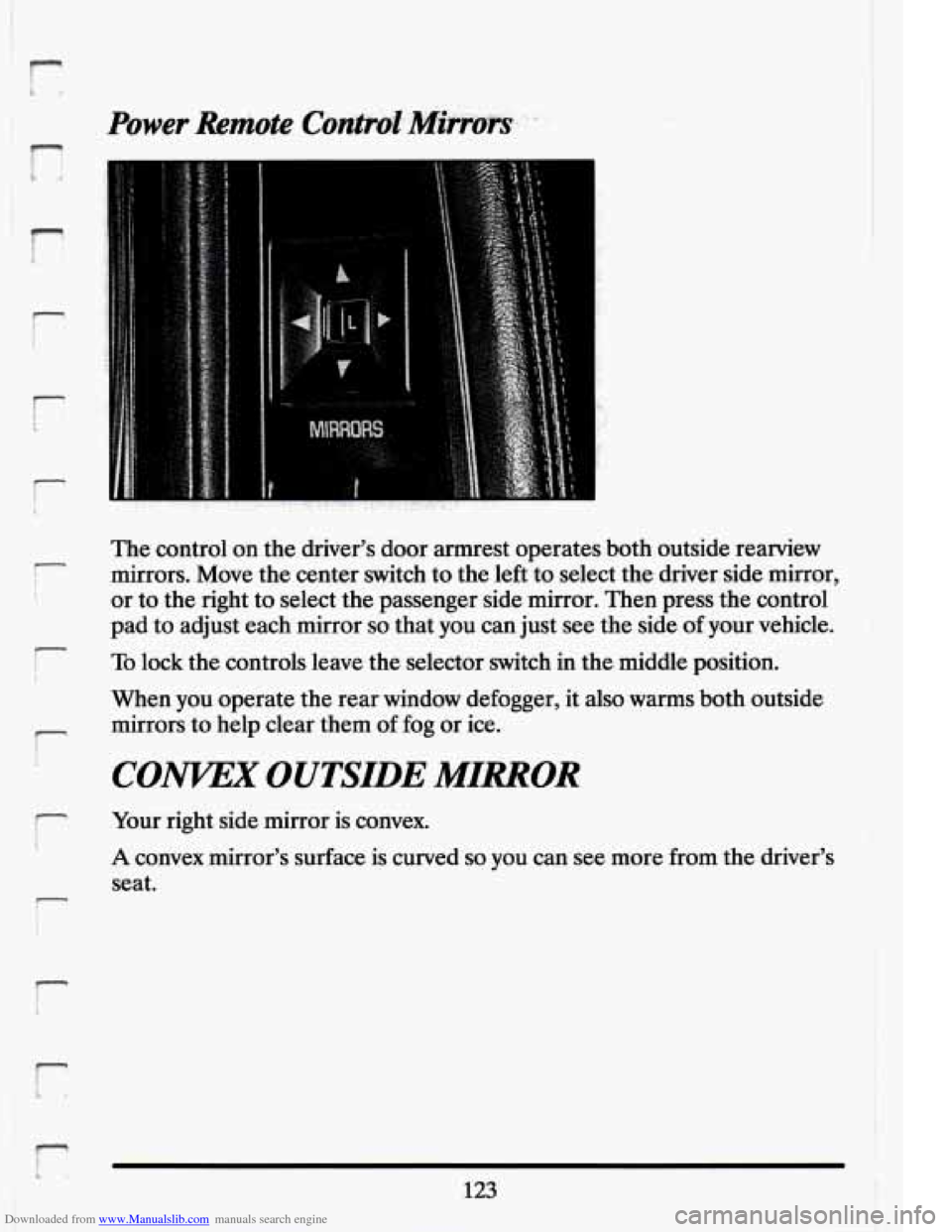
The control on the driver's door armrest operates both outside rearview
mirrors. Move the center switch to the left to select the driver side mirror,
or to the right to select the passenger side mirror. Then press the control
pad to adjust each mirror
so that you can just see the side of your vehicle.
To lock the controls leave the selector switch in the middle position.
When you operate the rear window defogger, it also warms both outside
mirrors to help clear them
of fog or ice.
CONKEX OUTSIDE MIRROR
Your right side mirror is convex.
A convex mirror's surface is curved so you can see more from the driver
seat. "S
123 1'
Page 145 of 398
Downloaded from www.Manualslib.com manuals search engine ..
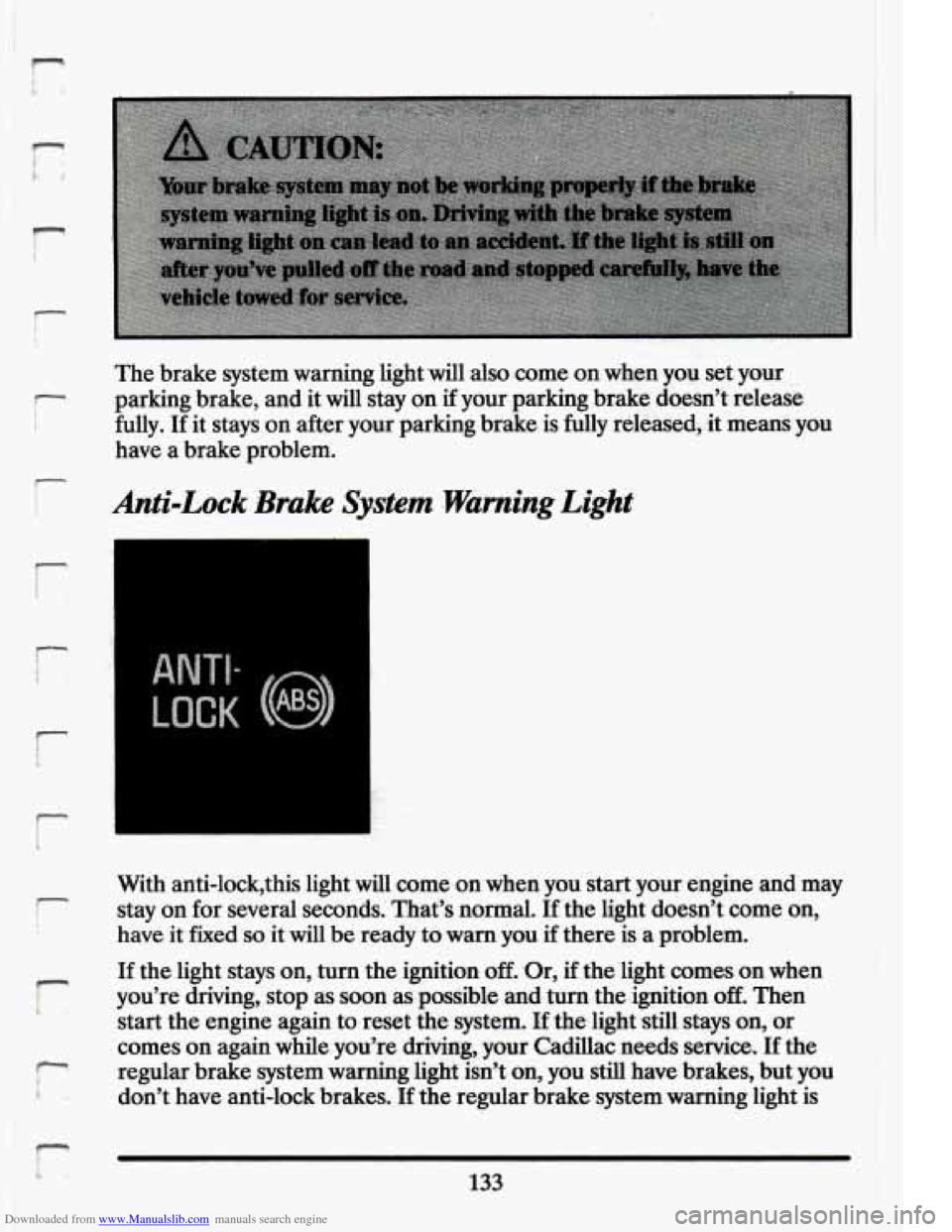
‘The brake system warning light will also.come on when you set your
parking ,brake, and it will stay on if your.:parking brake doesn’t release
fully. If
it stays on after your parking .brake is fully released, it means you
have a brake problem.
Anti-Lock 3rake System warning Light
LOCK
With anti-lock’this light will come on when you start your engine and may
stay on for several seconds. That’s normal. If the light doesn’t come
on,
have it fixed so it will be ready to warn you if there is a problem.
I-
i
If the light stays on, turn the ignition off. .Or, if the ‘light. comes on when
you’re driving, stop as soon as possible and turn the ignition
off. Then
start the engine again
to reset the system. If the-light still. stays on, or
comes on again while you’re driving, your Cadillac needs service.
If the
regular brake system warning
1ig.M isn’t. on, you still have brakes, but you
don’t have anti-lock brakes.
If the regular brake system warning light is
133
Page 146 of 398
Downloaded from www.Manualslib.com manuals search engine also on, you don’t have anti-lock brakes and there’s a problem with your
regular brakes. See “Brake System Warning Light” earlier in this part.
Engine Temperature Warning Light
(Canadian \Export Only)
This light tells you that
your engine has
overheated. You
should stop the car and
idle the engine as soon
as possible.
A warning
chime should also
sound if this light
comes on.
As a check,
the light should come
on
for a few seconds
when
you start your
engine.
HOT COOLANT CAN BURN YOU BADLY!
In “Problems on the Road,” this manual shows what to do. See “Engine
Overheating” in the Index.
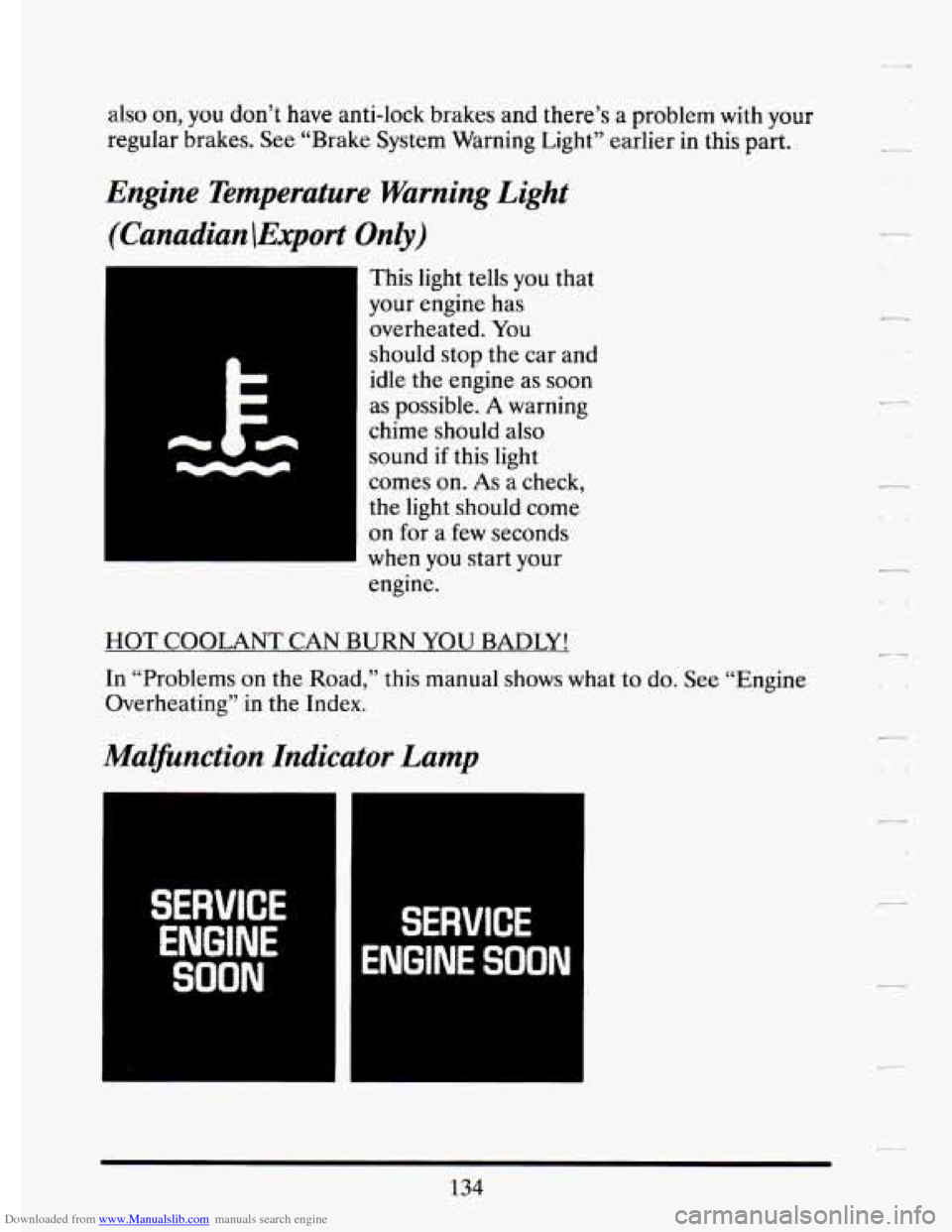
Malfunction Indicator Lamp
SERVICE
ENGINE
SOON
SERVICE
ENGINE SOON
134
Page 153 of 398
Downloaded from www.Manualslib.com manuals search engine r
!
r
I-
RESET Buttetr I. .
Pressing thisbutton will reset the AVG MPH, MPG AVG, FUEL USED,
OIL LIFE.LEFT;and TIMER when each function is displayed.
TIMER Button
.. .. ’ .I.-. .. 7. . : .., 7.
The TIMERfeature is like a stop watch, in that you can clock the time .it
takes to get $om one point to another.
To operate, press either the TIMER button or successively press the
INFORMATION button until “TIMER
OO:OO:OO’y is displayed on the
Driver InformationCenter. Each of the fields for the HOURS,
MINUTES, and SECONDS ‘are.
two numeric digits.
1 .. . .. ..
Once the “TIMER OO:~OO.:OO” is displayed, press the TIMER button to -.
start the timing feature. Press the TIMER button again to: stop-it. To reset
it, press and hold the, RESET buaton until: the display reads
“TIMER
0O;OO:OO”. Press the INFORMATION button to,exit from the TIMER
function.
AVG MPH (Average Speed)’,ReseQ
Press successively the INFORMATI0,N button to .display the “AVG
MPH”, then press and.hold the RESET button until
“0.0 AVG MPH” is
displayed.
MPG AVG. (Average Fuel Economy) Reset
Press successively the INFORMATION button to display the “MPG-
AVG, then press and hold the RESET button until “0.0 AVG‘MPG” is
displayed. Another method to reset both ‘‘AVG MPG’ is to press the
AVG button on the Fuel-Data Panel until
‘‘0.0 AVG MPGis show in
both display.
Fuel. Used Reset
Press successively the INFORMATION button to display the “FUEL
USED.’’on the Driver Information Center, then press and hold the
RESET button until ‘‘FUEL USED
0.0” is displayed.
Oil Life Left Reset
Press successively the. INFORMATION button to display the “OIL LIFE
LEFT, then press and, hold. the RESET button until
“0.0, OIL LIFE
LEFT” is .displayed.
Page 169 of 398
Downloaded from www.Manualslib.com manuals search engine n
m
The system will go off after a fmr,.g&u$e: h~e~~i~~~.c;vc!e,I~~you shift.out of
“P” (Park),, the system will only cycle for two minutes. If you want it to
cycle again, push the switch. It.wil1 go on for two minute cycles. after that.
If it has cleared your windshield before the cycle is over, you can turn it
off.by.just gushing the switch again.
1 Use. the defroster ta.clear the windshield. In warm weather the heated
- of the sun’s heat.producing radiation. The system’s solar control
windshield system helps.
keep the vehicle’s interior cool by blocking much
I properties also help reduce interior fading.
There is a metal
film in: the windshield- which. will%lockout some radio or
r microwave signals. Therefore,
L useful range. of .devicessuch as garage. door openers and radar -detectors.
(In certain states radar detectors ardegal:)
Your.Delco@ sound system has been .designed to operate easily and
give.
you acquaint yourself with it first. Find out whatyour Delcoa system can
do .and how
to operate all its controls, to be. sure you’re getting the most
r years of listening pleasure. But you will get the most enjoyment out. of .it if
i out of the advanced engineering that went into it.
FM Stereo
m
I FM stereo will give you the best sound. But FM signals will reach only
about
10 to 40 miles (16 to 65 km). And, tall buildings or hills can
interfere with
FM signals, causing popping,. crackling, or momentary
1 r hissing sounds.
I
AM
r I
1
The range formost AM stations is greater than for FM; especially at
night. The longer range, however, can cause stations to interfere with
.,
each other. AM can pick up noise from things like storms and power
r lines. Tiy reducing the treble to reduce this noise if you ever get .it.
t
157.
Page 178 of 398
Downloaded from www.Manualslib.com manuals search engine FWD (Fast Forward)
Press and hold FWD to advance quickly within a track. Release it to
resume playing. Elapsed time will be displayed
to show the forward
progress
of the CD.
Prev (Previous)
Push this button to go back to the beginning of the track or push it again
to
a favorite track.
Next
Push this button to advance to the next track.
ST/PL (StoplPlay)
Press this button and the disc or tape will stop without ejecting it and the
radio will start to play. Press it again and the disc or tape will start to play
again.
EJCT (Eject)
Press this button to eject the disc or tape. If you have both a CD and a
tape in the player, then the other playback media will start to play. Press
it again and the other media will eject.
Comp (Compression)
Pressing COMP makes soft and loud passages more nearly equal in
volume. For example, playing classical or jazz music with very quiet and
very loud passages in the same tune. The COMP display
will light as long
as COMP is on.
Setting The Clock
Turn the ignition on. Then:
To Set the Hour:
Press SET, and within 5 seconds,
Press and hold SEEK. When the clock gets to the correct hour, let go.
-
.. ,
-
166