Page 9 of 308
Downloaded from www.Manualslib.com manuals search engine I
Satiety Warnings and Symbols
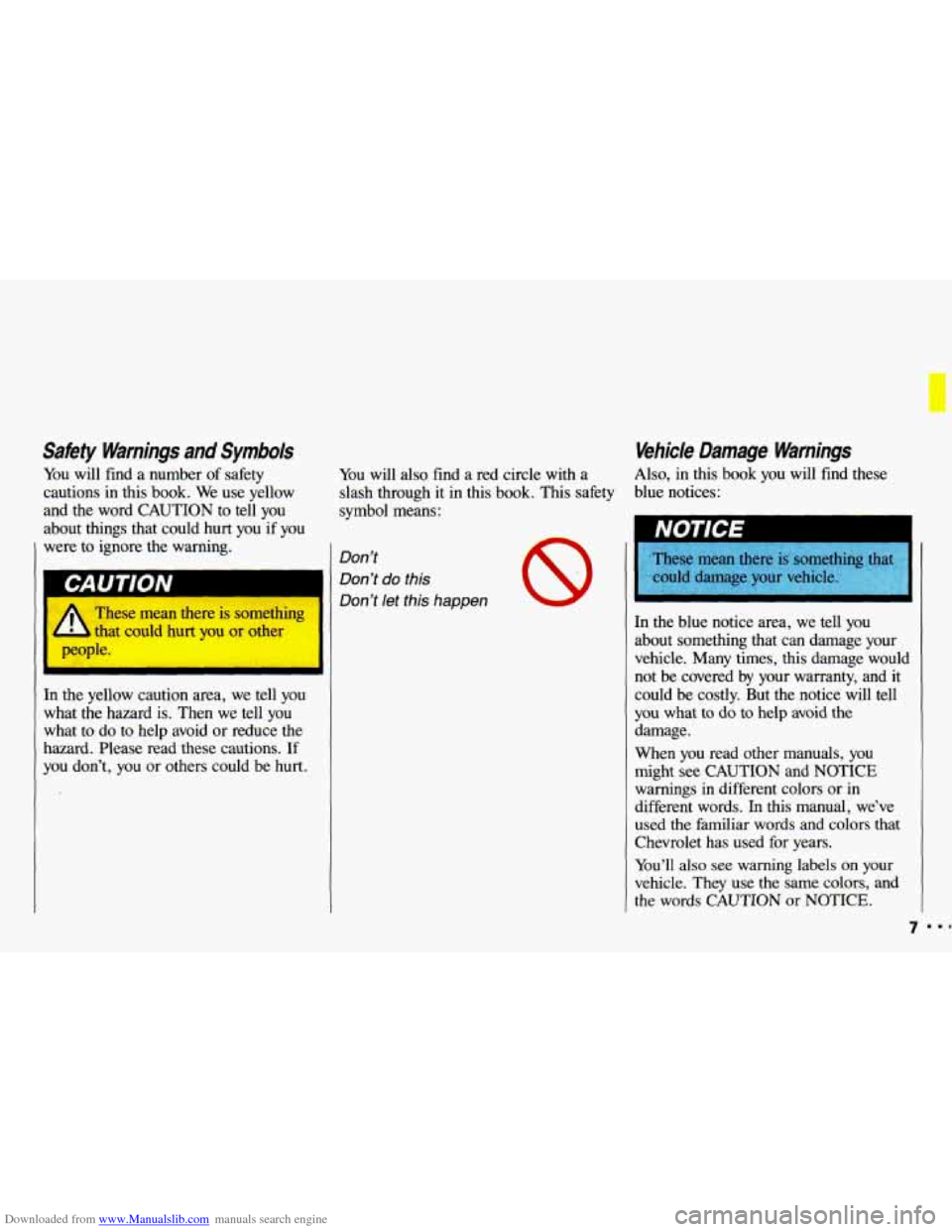
You will find a number of safety
cautions in this book. We use yellow
and the word CAUTION to tell you
about things that could hurt you if you
were to ignore the warning.
I
These mean there is somethiq
L that could hurt you or other
ople.
I
In the yellow caution area, we tell you
what the hazard is. Then we tell you
what
to do to help avoid or reduce the
hazard. Please read these cautions.
If
you don’t, you or others could be hurt. You
will also find a red circle with a
slash through it in this book. This safety
symbol means:
Don’t
Don’t
do this
Don’t let this happen
8
Vehicle Damage Warnings
Also, in this book you will find these
blue notices:
NOTICE I
hese mean there is somct
ould damage your vehicle.
hese mean there
is somct
In the blue notice area, we tell you
about something that can damage your
vehicle. Many times, this damage would
not be covered by your warranty, and it
could be costly. But the notice will tell
you what to do to help avoid the
damage.
When you read other manuals,
you
might see CAUTION and NOTICE
warnings in different colors or in
different words. In this manual, we’ve
used the familiar words and colors that
Chevrolet has used for years.
You’ll also see warning labels on your
vehicle. They use the same colors, and
the words CAUTION or NOTICE.
7 ..I
Page 10 of 308
Downloaded from www.Manualslib.com manuals search engine How to Use this Manual
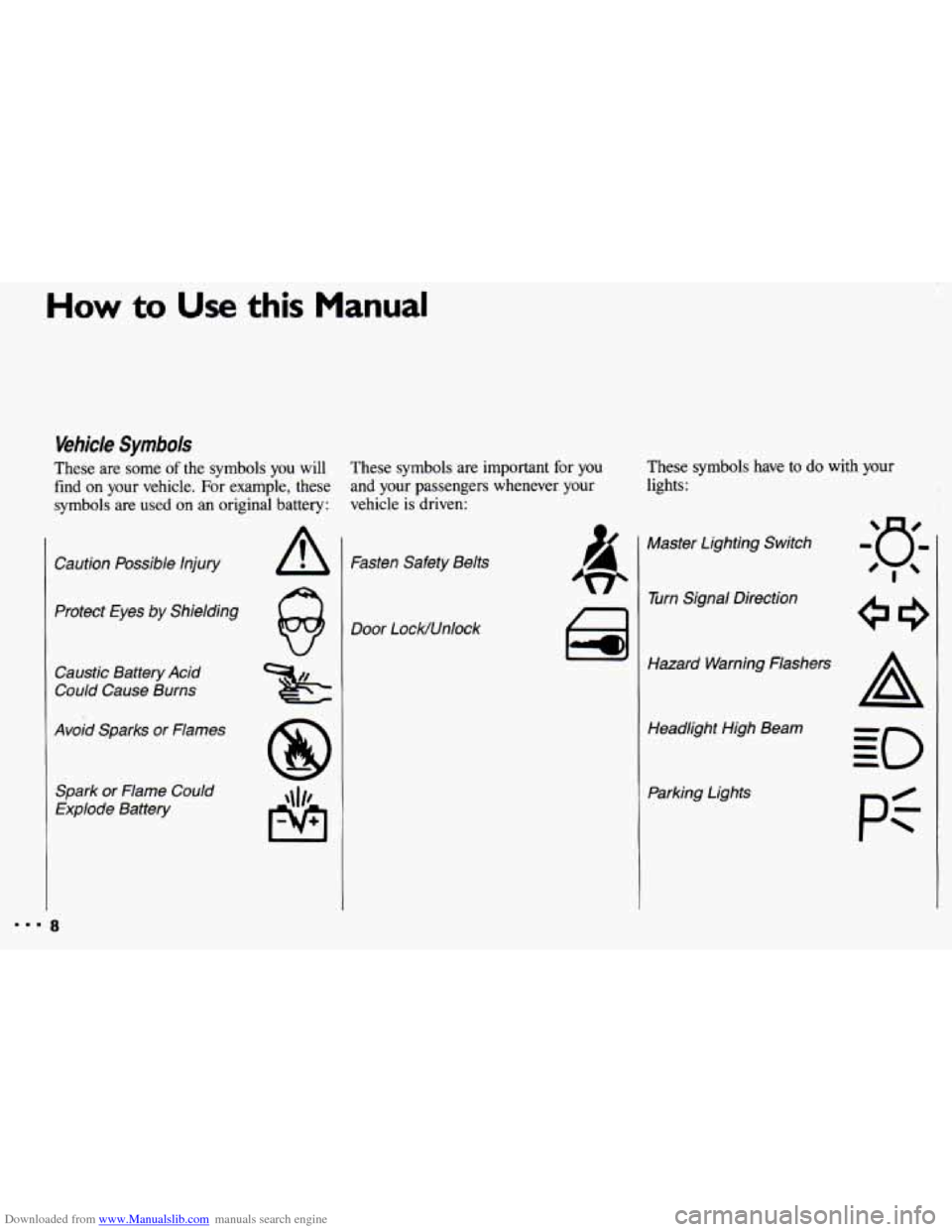
Vehicle Symbols
These are some of the symbols you will
find
on your vehicle. For example, these
symbols are used on an original battery:
Caution Possible Injury
Protect Eyes by Shielding
Caustic Battery Acid
Could Cause Burns
Avoid Sparks or Flames
Spark or Flame Could
Explode Battery
These symbols are important for you
and your passengers whenever your
vehicle
is driven: These
symbols have to do with your
lights:
Fasten Safety Belts
Door LocWUnlock ai
Master Lighting Switch
w Turn Signal Direction
Hazard Warning Flashers Headlight High Beam
Parking Lights
pi
Page 11 of 308
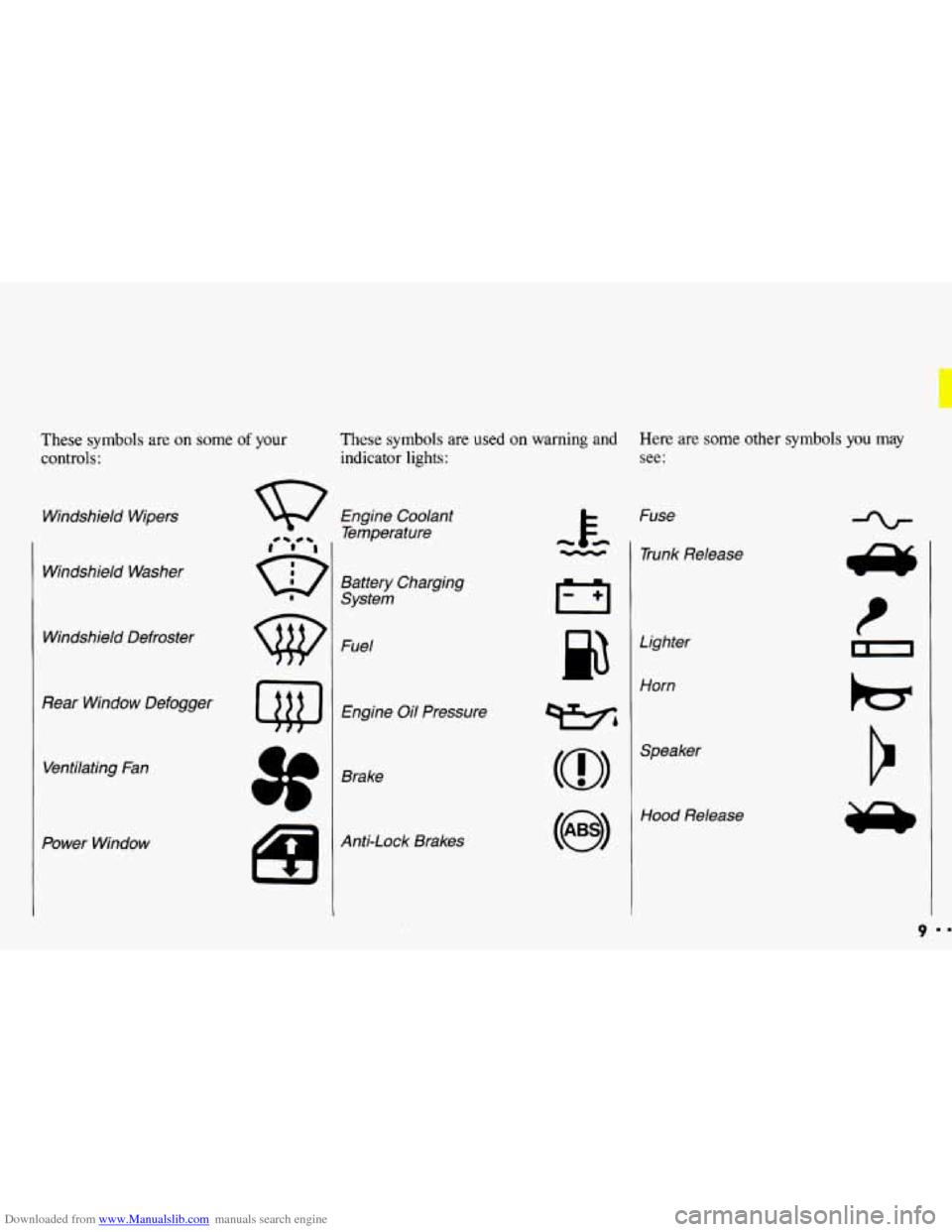
Downloaded from www.Manualslib.com manuals search engine These symbols are on some of your
controls:
Windshield Wipers
Windshield Washer
Windshield Defroster
Rear Window Defogger Ventilating Fan
Power Window
These symbols are used on warning and Here are some other symbols you may
indicator lights: see:
Engine Coolant
Temperature
Battery Charging
System
Fuel
Engine Oil Pressure
Brake
Anti-Lock Brakes Fuse
- 1 Trunk Release
cc
Lighter
Horn
wbl
(@I
Hood Release
9
Page 24 of 308
Downloaded from www.Manualslib.com manuals search engine C b Its & Safety Belts
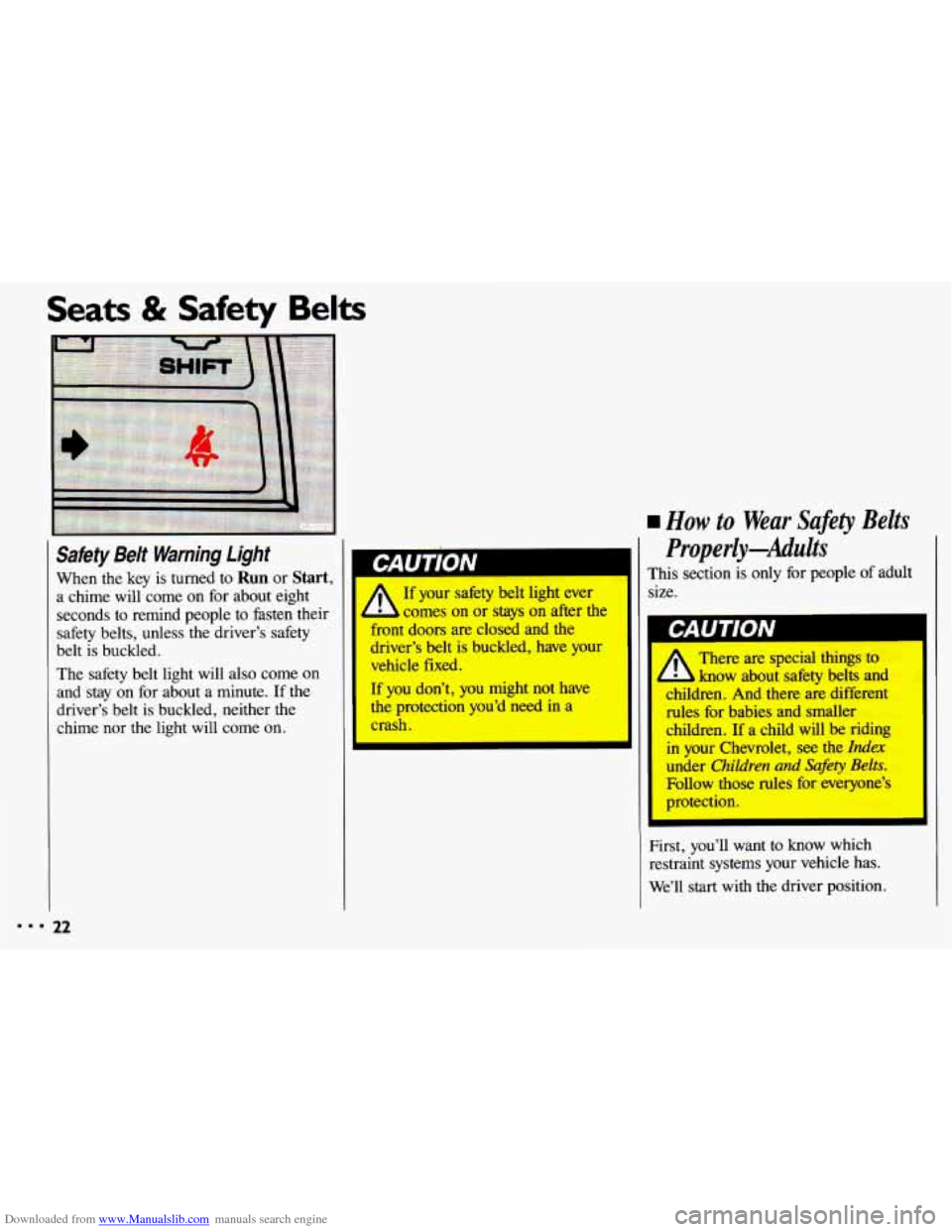
rw Safety Belt Warning Light I
When the key is turned to Run or Start, Wrn~~J$~ A 0 1’
a chime will come on for about eight If your safety belt light ever
seconds to remind people to fasten their comes on
or stays on after the
safety belts, unless the driver’s safety ont
doors are closed and the
belt is buckled. iver’s
belt is buckled, have your
The safety belt light will
also come on
and stay on for about a minute. If the If you don’t, you might not have
driver’s belt is buckled, neither the the protection you’d need in a
chime nor the light will come
on. crash. vehicle fixed.
rn How to Wear Safety
Belts
Properly-Adults
This section is only for people of adult
size.
I GAUIIUN
There are special things to
know about sakty belts and
children. And there are different
des-fbr babies and smaller
children. If a child will be riding
in your Chwrolet, see the Index
under Children and &f&y Belts.
Fbllow those rules fix everyone’s
protection.
First, you’ll want to know which
restraint systems your vehicle has.
We’ll start with the driver position.
Page 49 of 308
Downloaded from www.Manualslib.com manuals search engine ..
.; . I
Here you can learn about the
many standard and optional features
on your Chevrolet. and information
on starting. shifting and braking
.
Also explained are the instrument
panel and the warning systems that
tell you
if everything is working
properly-and what to
do if you have
a problem
.
Part 2
Features & Controls
Keys ............................................................ 48
Locks ........................................................... 49
GloveBox ....................................................... 53
Ignition ......................................................... 55
StartingYourEngine ............................................... 56
Engine Block Heater ............................................... 59
Shifting the Transaxle
.............................................. 60
ParkingBrake .................................................... 66
ShiftingintoPark .................................................. 67
Windows
........................................................ 71
Turn SignaVHeadlight Beam Lever
................................... -73
Cruisecontrol
.................................................... 74
Headlights
....................................................... 78
Interior Lights
.................................................... 81
Windshield Wipers
................................................ 83
Windshield Washer
................................................ 84
Mirrors
......................................................... 85
Ashtrays and Lighter
............................................... 87
Sunroof ......................................................... 88
Instrumentpanel .................................................. 93
Warning Lights, Gages and Indicators
.................................. 96
47
c
...
Page 57 of 308
Downloaded from www.Manualslib.com manuals search engine Ignition Switch
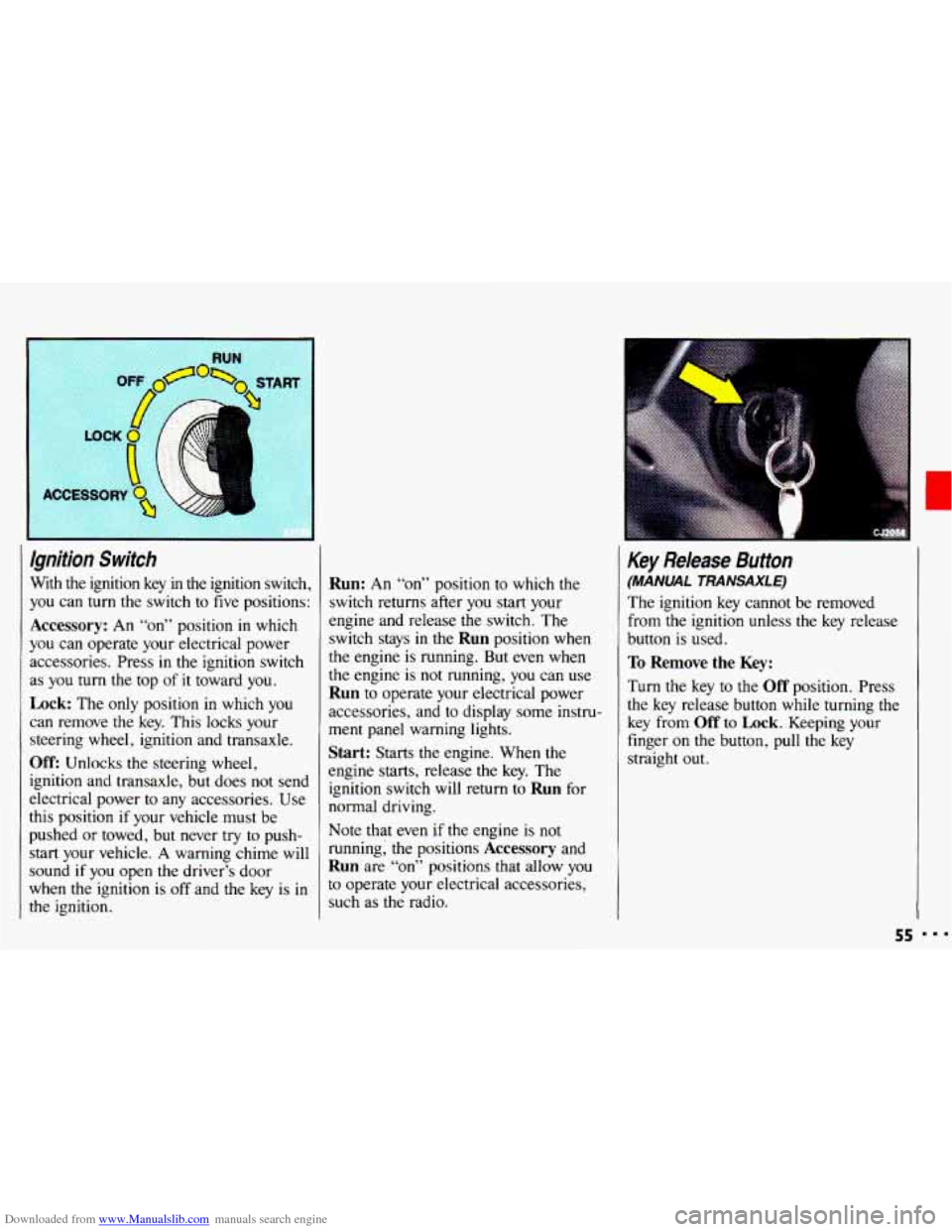
With the ignition key in the ignition switch,
you can
turn the switch to five positions:
Accessory: An “on” position in which
you can operate your electrical power
accessories. Press in the ignition switch
as
you turn the top of it toward you.
Lock: The only position in which you
can remove the key. This locks your
steering wheel, ignition and transaxle.
Off: Unlocks the steering wheel,
ignition and transaxle, but does not send
electrical power
to any accessories. Use
this position
if your vehicle must be
pushed
or towed, but never try to push-
start your vehicle.
A warning chime will
sound
if you open the driver’s door
when the ignition is
off and the key is in
the ignition.
Run: An “on” position to which the
switch returns after
you start your
engine and release the switch. The
switch stays in
the Run position when
the engine is running. But even when
the engine is not running, you can use
Run to operate your electrical power
accessories, and to display some instru-
ment panel warning lights.
Start: Starts the engine. When the
engine starts, release the key. The
ignition switch will return to
Run for
normal driving.
Note that even
if the engine is not
running; the positions
Accessory and
Run are “on” positions that allow you
to operate your electrical accessories,
such as the radio.
Key Release Button
(MANUAL TRANSAXLE)
The ignition key cannot be removed
from
the ignition unless the key release
button is used.
To Remove the Key:
Turn the key to the Off position. Press
the key release button while turning the
key from
Off to Lock. Keeping your
finger
on the button, pull the key
straight
out.
55
Page 68 of 308
Downloaded from www.Manualslib.com manuals search engine Features & Controls
ShiiT Speeds (COPIT.)
If you skip more than one
4 1 gear when you downshift, you
could lose control of your vehicle.
And you could injure yourself
or
others. Don’t shift from 5 to 2, or
4 to 1.
I
I b
66
when you downshift, or if you
the engine when you downshift,
you
can damage the clutch or
transaxle.
i
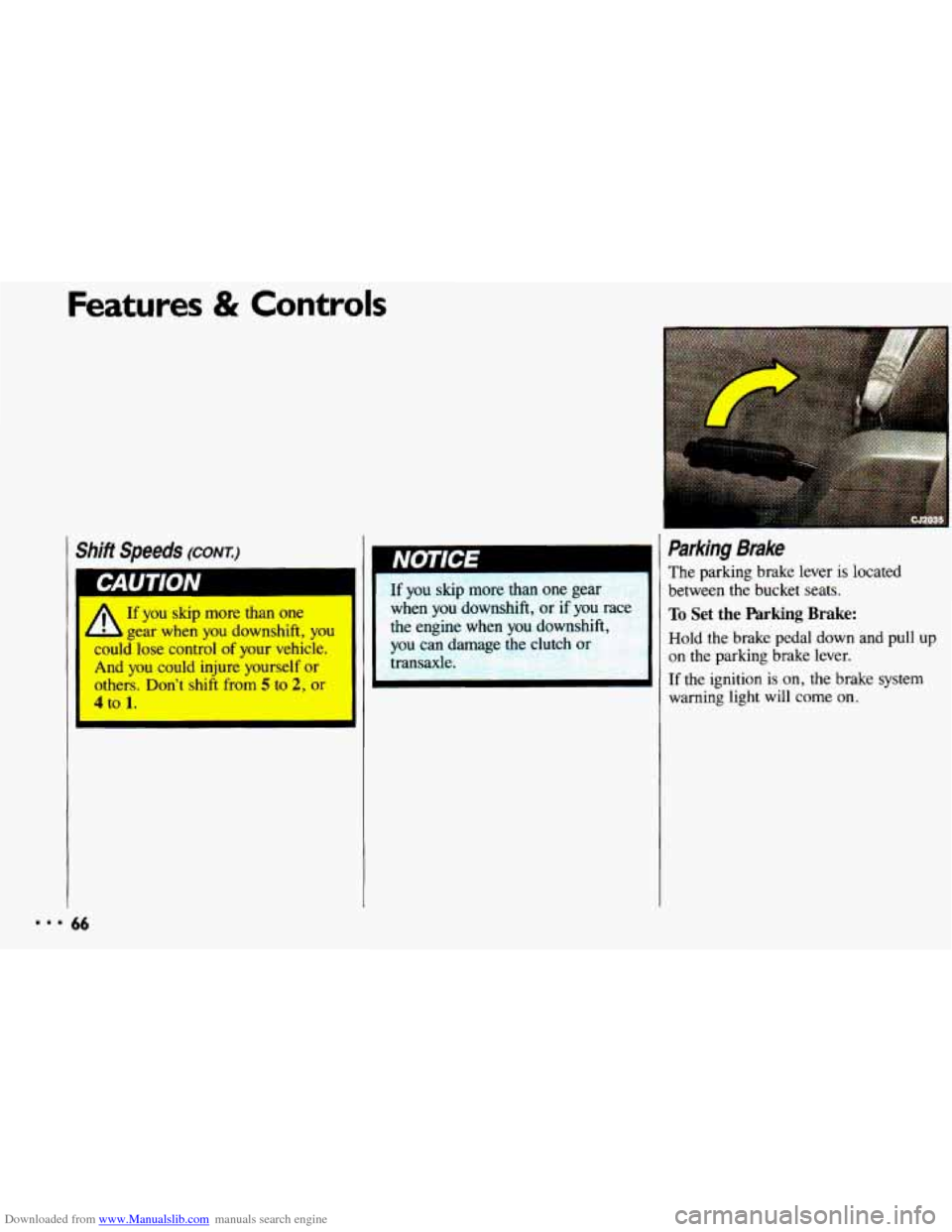
Parking Brake
The parking brake lever is located
between
the bucket seats.
To Set the Parking Brake:
Hold the brake pedal down and pull up
on the parking brake lever.
If the ignition is on, the brake system
warning
light will come on.
Page 95 of 308
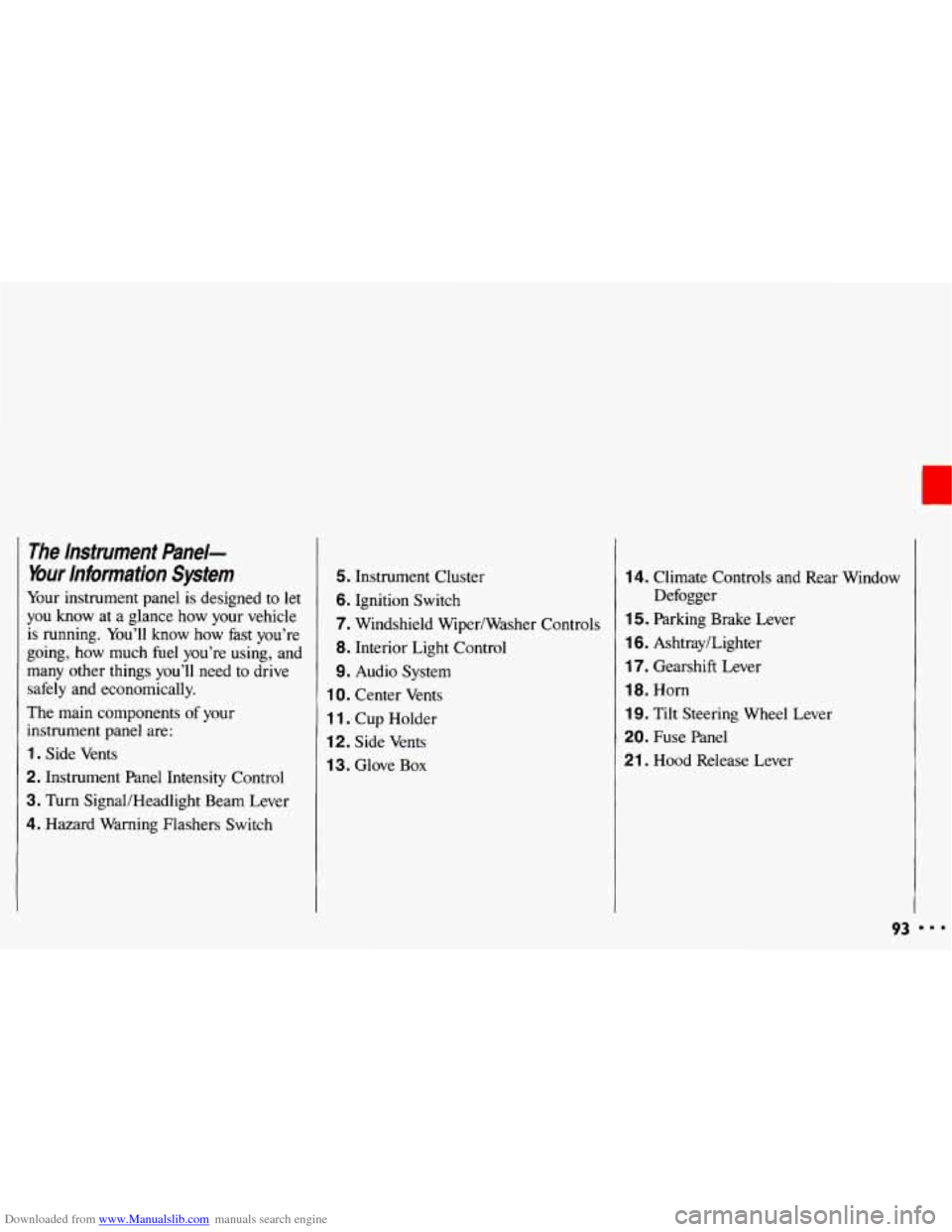
Downloaded from www.Manualslib.com manuals search engine The lnstrument Panel-
Your information System
Your instrument panel is designed to let
you know at a glance how your vehicle
is running. You’ll know how fast you’re
going, how much fuel you’re using, and
many other things you’ll need to drive
safely and economically.
The main components
of your
instrument panel are:
1. Side Vents
2. Instrument Panel Intensity Control
3. Turn SignaVHeadlight Beam Lever
4. Hazard Warning Flashers Switch
5. Instrument Cluster
6. Ignition Switch
7. Windshield Wiper/Washer Controls
8. Interior Light Control
9. Audio System
1 0. Center Vents
1 1. Cup Holder
12. Side Vents
1 3. Glove Box
14. Climate Controls and Rear Window
1 5. Parking Brake Lever
16. Ashtray/Lighter
17. Gearshift Lever
18. Horn
19. Tilt Steering Wheel Lever
20. Fuse Panel
21 . Hood Release Lever Defogger
93 I..