2024 FORD F650/750 phone
[x] Cancel search: phonePage 200 of 386
GETTING THE SERVICES YOU
NEED
Warranty repairs to your vehicle must beperformed by an authorized dealer. Whileany authorized dealer handling your vehicleline will provide warranty service, werecommend you return to your sellingauthorized dealer who wants to ensureyour continued satisfaction.
Please note that certain warranty repairsrequire special training and equipment, sonot all authorized dealers are authorizedto perform all warranty repairs. This meansthat, depending on the warranty repairneeded, you may have to take your vehicleto another authorized dealer.
A reasonable time must be allowed toperform a repair after taking your vehicleto the authorized dealer. Repairs will bemade using Ford or Motorcraft® parts, orremanufactured or other parts that areauthorized by Ford.
Away From Home
If you are away from home when yourvehicle needs service, contact the FordCustomer Relationship Center or use theonline resources listed below to find thenearest authorized dealer.
In the United States:
Mailing address
Ford Motor CompanyCustomer Relationship CenterP.O. Box 6248Dearborn, MI 48126
Telephone
1-800-392-3673 (FORD)(TDD for the hearing impaired:1-800-232-5952)If your vehicle is configured as amotorhome please call 1-800-444-3311for support.
Additional information and resources areavailable online:
Website
www.owner.ford.com
These are some of the items that can befound online:
•U.S. dealer locator by Dealer Name,City/State or Zip Code.
•Owner Manuals.
•Maintenance Schedules.
•Recalls.
•Ford Extended Service Plans.
•Ford Genuine Accessories.
•Service specials and promotions.
In Canada:
Mailing address
Customer Relationship CentreFord Motor Company of Canada, LimitedP.O. Box 2000Oakville, Ontario L6K 0C8
Telephone
1-800-565-3673 (FORD)7-1-1 (Customer Service for Deaf andHard-of-Hearing Customers)
Website
www.ford.ca
Additional Assistance
If you have questions or concerns, or areunsatisfied with the service you arereceiving, follow these steps:
1.Contact your Sales Representative orService Advisor at your selling orservicing authorized dealer.
196
2024 F-650/750 (TBC) , enUSA, Edition date: 202210, First-PrintingCustomer Assistance
Page 201 of 386

2.If your inquiry or concern remainsunresolved, contact the Sales Manager,Service Manager or Customer RelationsManager.
3.If you require assistance or clarificationon Ford Motor Company policies,please contact the Ford CustomerRelationship Center.
In order to help us serve you better, pleasehave the following information availablewhen contacting a Customer RelationshipCenter:
•Vehicle Identification Number.
•Your telephone number (home andbusiness).
•The name of the authorized dealer andcity where located.
•The vehicle’s current odometer reading.
In some states within the United States,you must directly notify Ford in writingbefore pursuing remedies under yourstate's warranty laws, and Ford is alsoallowed a final repair attempt.
Additionally, in some states within theUnited States, a consumer has the optionof submitting a warranty dispute to theBBB Auto Line before taking action underthe Magnuson-Moss Warranty Act, or tothe extent allowed by state law, beforepursuing replacement or repurchaseremedies provided by certain state laws.This dispute handling procedure is notrequired prior to enforcing state createdrights or other rights which are independentof the Magnuson-Moss Warranty Act orstate replacement or repurchase laws.
IN CALIFORNIA (U.S. ONLY)
California Civil Code Section 1793.2(d)requires that, if a manufacturer or itsrepresentative is unable to repair a motorvehicle to conform to the vehicle’sapplicable express warranty after areasonable number of attempts, themanufacturer shall be required to eitherreplace the vehicle with one substantiallyidentical or repurchase the vehicle andreimburse the buyer in an amount equal tothe actual price paid or payable by theconsumer (less a reasonable allowancefor consumer use). The consumer has theright to choose whether to receive a refundor replacement vehicle.
California Civil Code Section 1793.22(b)presumes that the manufacturer has hada reasonable number of attempts toconform the vehicle to its applicableexpress warranties if, within the first 18months of ownership of a new vehicle orthe first 18,000 mi (29,000 km), whicheveroccurs first:
1.Two or more repair attempts are madeon the same non-conformity likely tocause death or serious bodily injury OR
2.Four or more repair attempts are madeon the same nonconformity (a defector condition that substantially impairsthe use, value or safety of the vehicle)OR
3.The vehicle is out of service for repairof nonconformities for a total of morethan 30 calendar days (not necessarilyall at one time).
In the case of 1 or 2 above, the consumermust also notify the manufacturer of theneed for the repair of the nonconformityat the following address:
Ford Motor Company16800 Executive Plaza DriveMail Drop 3NE-BDearborn, MI 48126
197
2024 F-650/750 (TBC) , enUSA, Edition date: 202210, First-PrintingCustomer Assistance
Page 203 of 386
GETTING ASSISTANCE
OUTSIDE THE U.S. AND
CANADA
Before exporting your vehicle to a foreigncountry, contact the appropriate foreignembassy or consulate. These officials caninform you of local vehicle registrationregulations and where to find diesel fuel.
If you cannot find diesel fuel or can onlyget fuel with an anti-knock index lowerthan is recommended for your vehicle,contact a regional office or ownerrelations/customer relationship office.
The use of low quality diesel fuel mayaffect your emissions control system andmay cause engine damage. Ford MotorCompany/Ford of Canada is notresponsible for any damage caused by useof improper fuel. In the United States, usingleaded fuel may also result in difficultyimporting your vehicle back into the U.S.
Ford dealerships outside of the U.S. andCanada may be unable to support theF-650/750 due to the specialized trainingand servicing requirements of thesevehicles. If your vehicle must be servicedwhile you are traveling or living in Centralor South America, the Caribbean, or theMiddle East, contact the nearest Forddealership. If the dealership cannot helpyou, write or call:
FORD MOTOR COMPANYCustomer Relationship Center1555 Fairlane DriveFairlane Business Park #3Allen Park, Michigan 48101U.S.A.Telephone: (313) 594-4857Fax: (313) 390-0804Email: [email protected]
For customers in Guam, theCommonwealth of the Northern MarianaIslands (CNMI), America Samoa, and theU.S. Virgin Islands, please feel free to callour Toll-Free Number: (800) 841-FORD(3673).
If your vehicle must be serviced while youare traveling or living in Puerto Rico,contact the nearest authorized dealer. Ifthe authorized dealer cannot help you,contact:
FORD MOTOR COMPANYCustomer Relationship Center1555 Fairlane DriveFairlane Business Park #3Allen Park, Michigan 48101U.S.A.Telephone: (800) 841-FORD (3673)FAX: (313) 390-0804Email: [email protected]
If your vehicle must be serviced while youare traveling or living in the Middle East,contact the nearest authorized dealer. Ifthe authorized dealer cannot help you,contact:
FORD MOTOR COMPANYCustomer Relationship Center1555 Fairlane DriveFairlane Business Park #3Allen Park, Michigan 48101U.S.A.
Ford: 80004443673Lincoln: 80004441067If calling from the UAE: 80004441066If calling from the Kingdom of SaudiArabia: 8008443673If calling from Kuwait: 22280384
FAX: +971 4 3327266Email: [email protected]
199
2024 F-650/750 (TBC) , enUSA, Edition date: 202210, First-PrintingCustomer Assistance
Page 205 of 386
You can also obtain otherinformation about motor vehiclesafety from www.safercar.gov.
REPORTING SAFETY DEFECTS
(CANADA ONLY)
If you believe that your vehicle has a defectwhich could cause a crash or could causeinjury or death, you should immediatelyinform Transport Canada and Ford ofCanada.
Transport Canada Contact Information
http://tc.canada.ca/recallsWebsite(English)
http://tc.canada.ca/rappelsWebsite(French)
1-800-333-0510Phone
Ford of Canada Contact Information
www.ford.caWebsite
1-800-565-3673Phone
201
2024 F-650/750 (TBC) , enUSA, Edition date: 202210, First-PrintingCustomer Assistance
Page 321 of 386
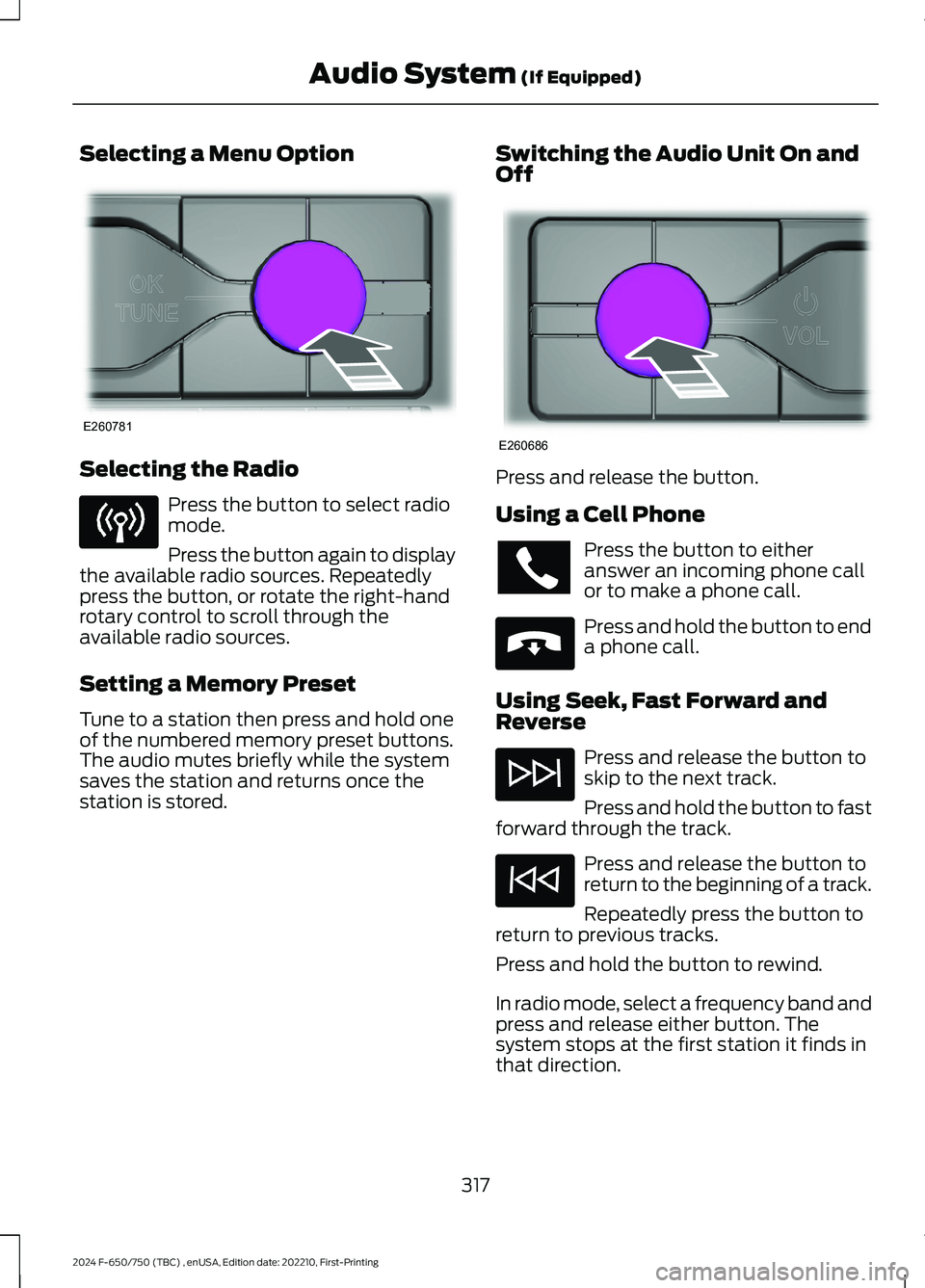
Selecting a Menu Option
Selecting the Radio
Press the button to select radiomode.
Press the button again to displaythe available radio sources. Repeatedlypress the button, or rotate the right-handrotary control to scroll through theavailable radio sources.
Setting a Memory Preset
Tune to a station then press and hold oneof the numbered memory preset buttons.The audio mutes briefly while the systemsaves the station and returns once thestation is stored.
Switching the Audio Unit On andOff
Press and release the button.
Using a Cell Phone
Press the button to eitheranswer an incoming phone callor to make a phone call.
Press and hold the button to enda phone call.
Using Seek, Fast Forward andReverse
Press and release the button toskip to the next track.
Press and hold the button to fastforward through the track.
Press and release the button toreturn to the beginning of a track.
Repeatedly press the button toreturn to previous tracks.
Press and hold the button to rewind.
In radio mode, select a frequency band andpress and release either button. Thesystem stops at the first station it finds inthat direction.
317
2024 F-650/750 (TBC) , enUSA, Edition date: 202210, First-PrintingAudio System (If Equipped)E260781 E260686 E265040
Page 322 of 386

In satellite radio mode, press and releaseto select the next or previous satellite radiostation. If you select a specific category,such as jazz, rock or news, press to find thenext or previous station in the category youselect.
CONNECTING A BLUETOOTH®
DEVICE
Pairing a Device
Press the button.
Select Bluetooth® and follow theinstructions on the screen.
Note:When pairing a new device, you canchoose to download contacts, set this asthe primary device and enable EmergencyAssistance.
STREAMING BLUETOOTH
AUDIO
Selecting a Bluetooth® Source
1.Press the button to display the menu.
2.Repeatedly press the button to scrollto the Bluetooth® device.
3.Press the OK button.
Press the button to play thetrack. Press the button again topause the track.
Press the button to skip to thenext track.
Press and hold the button to fastforward through the track.
Press the button once to returnto the beginning of the track.Repeatedly press the button toreturn to previous tracks.
Press and hold the button to fast rewind.
Note:Not all functions are supported by allphones.
PLAYING MEDIA FROM A USB
DEVICE
Supported Audio File Formats
You can play audio file formats includingMP3, WMA, WAV, M4A, M4B, AAC, andFLAC.
Note:The NTFS file system is notsupported.
Selecting the USB Device
Press the button to display themenu.
Repeatedly press the button to scroll toyour USB device.
Press the OK button.
Playing from the USB Device
Press the button to play a track.Press the button again to pausethe track.
Press the button to skip to thenext track.
Press and hold the button to fastforward through the track.
Press the button once to returnto the beginning of a track.Repeatedly press the button toreturn to previous tracks.
Press and hold the button to fast rewind.
318
2024 F-650/750 (TBC) , enUSA, Edition date: 202210, First-PrintingAudio System (If Equipped)E142607 E100027 E100027
Page 323 of 386
Sorting by Categories
You can also sort and play music byspecific categories, for example artist oralbum.
Press the OK button to view the availablecategories.
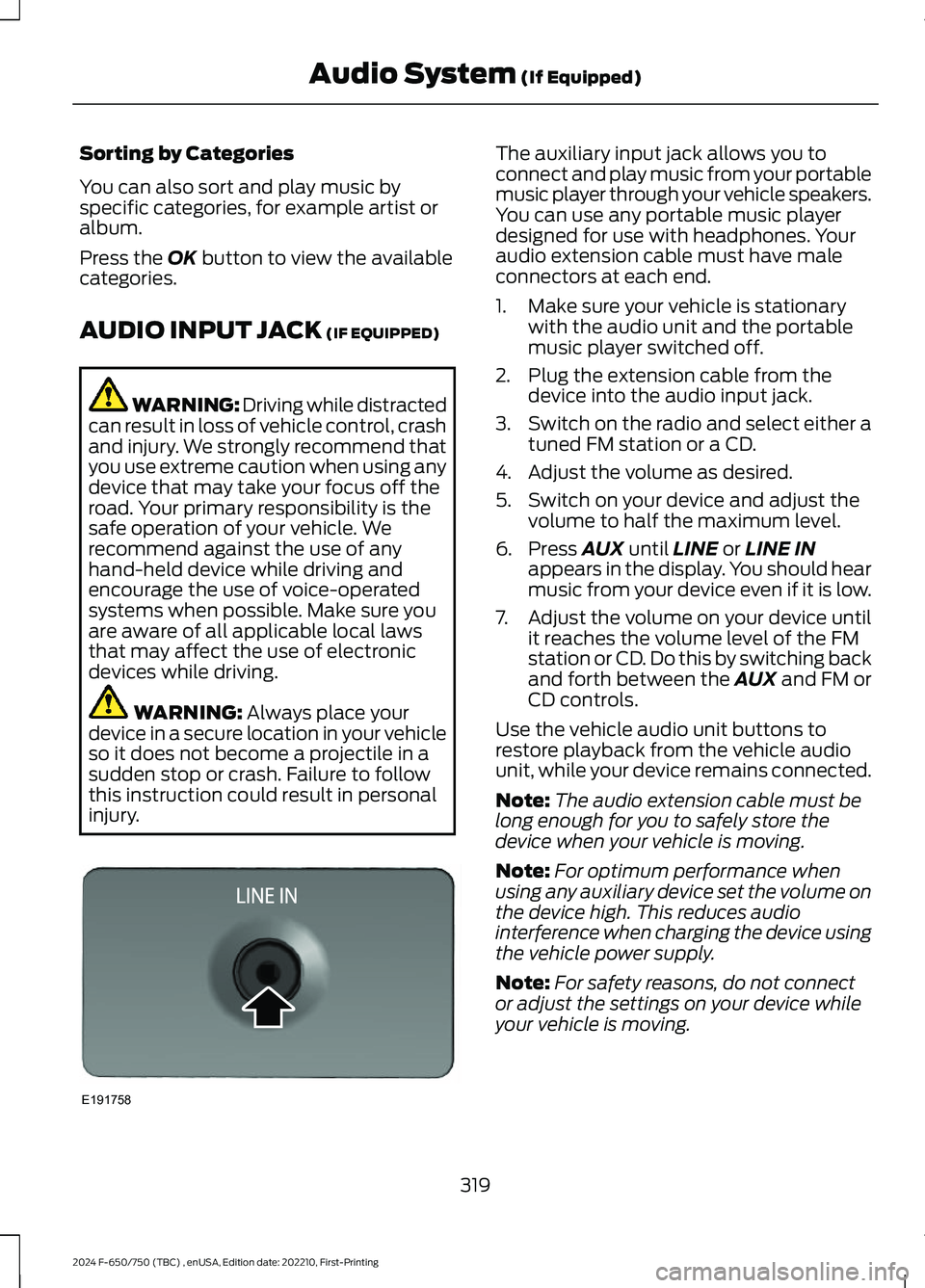
AUDIO INPUT JACK (IF EQUIPPED)
WARNING: Driving while distractedcan result in loss of vehicle control, crashand injury. We strongly recommend thatyou use extreme caution when using anydevice that may take your focus off theroad. Your primary responsibility is thesafe operation of your vehicle. Werecommend against the use of anyhand-held device while driving andencourage the use of voice-operatedsystems when possible. Make sure youare aware of all applicable local lawsthat may affect the use of electronicdevices while driving.
WARNING: Always place yourdevice in a secure location in your vehicleso it does not become a projectile in asudden stop or crash. Failure to followthis instruction could result in personalinjury.
The auxiliary input jack allows you toconnect and play music from your portablemusic player through your vehicle speakers.You can use any portable music playerdesigned for use with headphones. Youraudio extension cable must have maleconnectors at each end.
1.Make sure your vehicle is stationarywith the audio unit and the portablemusic player switched off.
2.Plug the extension cable from thedevice into the audio input jack.
3.Switch on the radio and select either atuned FM station or a CD.
4.Adjust the volume as desired.
5.Switch on your device and adjust thevolume to half the maximum level.
6.Press AUX until LINE or LINE INappears in the display. You should hearmusic from your device even if it is low.
7.Adjust the volume on your device untilit reaches the volume level of the FMstation or CD. Do this by switching backand forth between the AUX and FM orCD controls.
Use the vehicle audio unit buttons torestore playback from the vehicle audiounit, while your device remains connected.
Note:The audio extension cable must belong enough for you to safely store thedevice when your vehicle is moving.
Note:For optimum performance whenusing any auxiliary device set the volume onthe device high. This reduces audiointerference when charging the device usingthe vehicle power supply.
Note:For safety reasons, do not connector adjust the settings on your device whileyour vehicle is moving.
319
2024 F-650/750 (TBC) , enUSA, Edition date: 202210, First-PrintingAudio System (If Equipped)E191758
Page 324 of 386

USB PORT
WARNING: Driving while distractedcan result in loss of vehicle control, crashand injury. We strongly recommend thatyou use extreme caution when using anydevice that may take your focus off theroad. Your primary responsibility is thesafe operation of your vehicle. Werecommend against the use of anyhand-held device while driving andencourage the use of voice-operatedsystems when possible. Make sure youare aware of all applicable local lawsthat may affect the use of electronicdevices while driving.
The USB port allows you to plug in mediaplaying devices, memory sticks and chargedevices.
Note:Not all USB ports in your vehicle havedata transfer capabilities. See AuxiliaryPower Points (page 96).
USING VOICE RECOGNITION
Phone Voice Service
This system allows you to use the voicerecognition features of your phone andfocus on your driving.
Press and hold the voice controlbutton on the audio unit.
Note:This only works when connected viaBluetooth. See Connecting a Bluetooth®Device (page 318).
Note:When using voice recognition use thelanguage set on the device.
Note:We recommend that you check yourdata plan before using your phone voiceservice through the system. Using themcould result in additional charges.
320
2024 F-650/750 (TBC) , enUSA, Edition date: 202210, First-PrintingAudio System (If Equipped)E201595 E142599