2023 HYUNDAI NEXO ESP
[x] Cancel search: ESPPage 344 of 558
5-77
Driving your vehicle
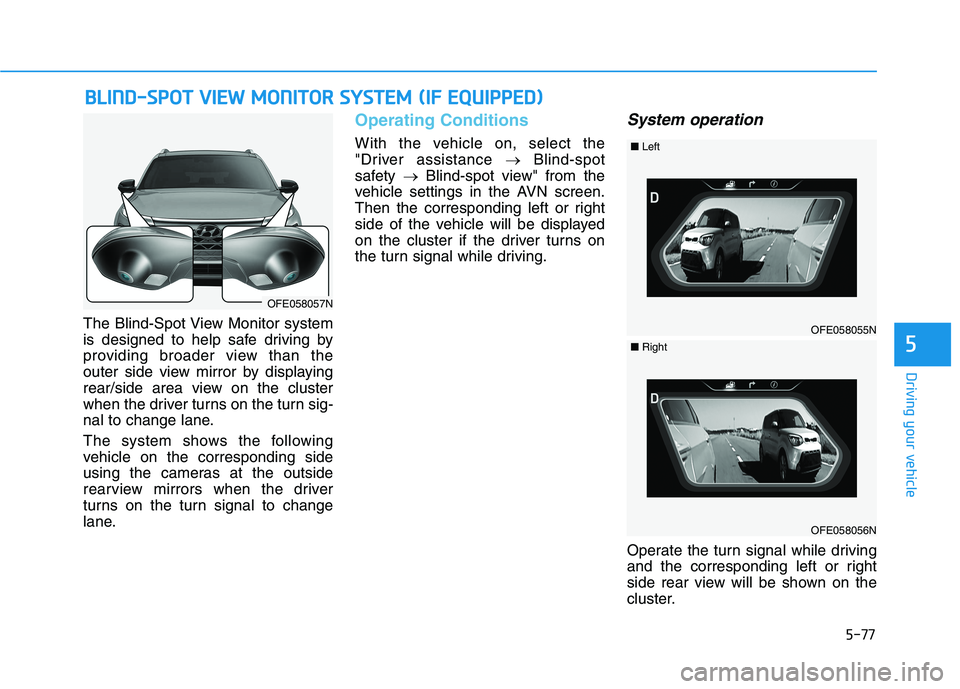
The Blind-Spot View Monitor system
is designed to help safe driving by
providing broader view than the
outer side view mirror by displaying
rear/side area view on the cluster
when the driver turns on the turn sig-
nal to change lane.
The system shows the following
vehicle on the corresponding side
using the cameras at the outside
rearview mirrors when the driver
turns on the turn signal to change
lane.
Operating Conditions
With the vehicle on, select the
"Driver assistance Blind-spot
safety Blind-spot view" from the
vehicle settings in the AVN screen.
Then the corresponding left or right
side of the vehicle will be displayed
on the cluster if the driver turns on
the turn signal while driving.
System operation
Operate the turn signal while driving
and the corresponding left or right
side rear view will be shown on the
cluster.
BB LLIINN DD--SS PP OO TT VV IIEE WW MM OONNIITT OO RR SS YY SSTT EEMM (( IIFF EE QQ UUIIPP PPEEDD ))
5
OFE058057N
OFE058055N
■Left
OFE058056N
■Right
Page 346 of 558
5-79
Driving your vehicle
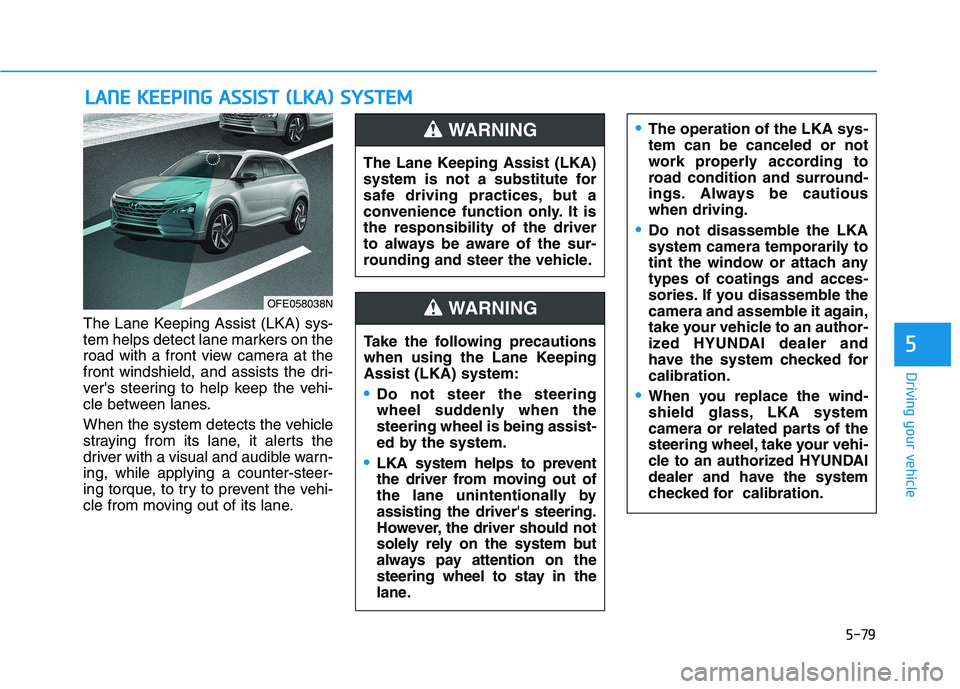
The Lane Keeping Assist (LKA) sys-
tem helps detect lane markers on the
road with a front view camera at the
front windshield, and assists the dri-
ver's steering to help keep the vehi-
cle between lanes.
When the system detects the vehicle
straying from its lane, it alerts the
driver with a visual and audible warn-ing, while applying a counter-steer-
ing torque, to try to prevent the vehi-
cle from moving out of its lane.
LLAA NN EE KK EEEEPP IINN GG AA SSSSIISS TT (( LL KK AA )) SS YY SSTT EEMM
5
OFE058038N The Lane Keeping Assist (LKA)
system is not a substitute for
safe driving practices, but a
convenience function only. It isthe responsibility of the driver
to always be aware of the sur-
rounding and steer the vehicle.
WARNING
Take the following precautions
when using the Lane KeepingAssist (LKA) system:
Do not steer the steering
wheel suddenly when thesteering wheel is being assist-
ed by the system.
LKA system helps to prevent
the driver from moving out of
the lane unintentionally byassisting the driver's steering.
However, the driver should not
solely rely on the system but
always pay attention on the
steering wheel to stay in the
lane.
WARNING
The operation of the LKA sys- tem can be canceled or not
work properly according to
road condition and surround-
ings. Always be cautiouswhen driving.
Do not disassemble the LKA
system camera temporarily to
tint the window or attach anytypes of coatings and acces-
sories. If you disassemble the
camera and assemble it again,
take your vehicle to an author-
ized HYUNDAI dealer and
have the system checked forcalibration.
When you replace the wind-
shield glass, LKA system
camera or related parts of the
steering wheel, take your vehi-
cle to an authorized HYUNDAI
dealer and have the system
checked for calibration.
Page 347 of 558
5-80
Driving your vehicle
Always have your hands on the steering wheel while the LKA
system is activated. Also, when
Active LKA is selected from the
User Settings mode and if you
continue to drive with yourhands off the steering wheel
after the "Keep hands on steer-
ing wheel" warning message
appears, the system will stop
controlling the steering wheel.
However, if the driver has theirhands on the steering wheel
again, the system will start con-
trolling the steering wheel.
The steering wheel is not con-
tinuously controlled so if the
vehicle speed is at a higher
speed when leaving a lane the
vehicle may not be able to be
controlled by the system. The
driver must always follow thespeed limit when using thesystem.
The system detects lane lines
and controls the steering
wheel by a camera, therefore,
if the lane lines are hard to
detect, the system may not
work properly.
Please refer to "Limitations of the system".
Do not remove or damage the
related parts of LKA system.
You may not hear a warning sound of LKA system because
of excessive audio sound.
If any other warning sound
such as seat belt warning
chime is already generated,
the Lane Keeping Assist (LKA)
system warning may notsound.
Do not place objects on the
dashboard that reflects light
such as mirrors, white paper,
etc. The system may malfunc-tion if the sunlight is reflected.
If you attach objects to the
steering wheel, the system
may not assist steering or the
hands off alarm may not work
properly. When you tow a trail-
er, make sure that you turn offthe LKA system.
When you tow a trailer, make
sure that you turn off the LKAsystem.
Page 348 of 558
5-81
Driving your vehicle
5
LKA System Operation
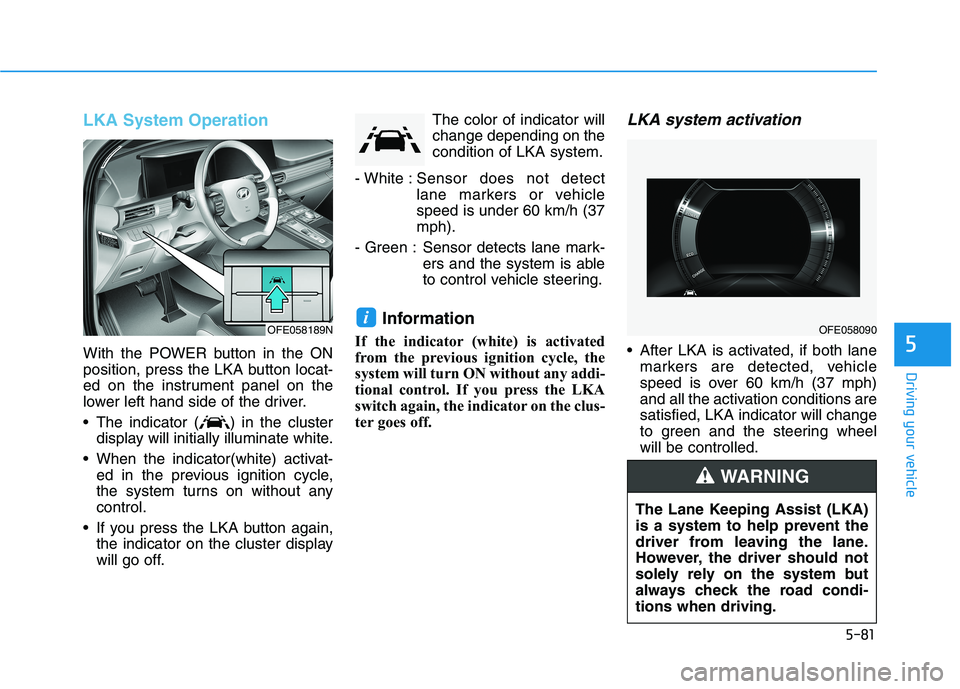
With the POWER button in the ON
position, press the LKA button locat-
ed on the instrument panel on the
lower left hand side of the driver.
The indicator ( ) in the clusterdisplay will initially illuminate white.
When the indicator(white) activat- ed in the previous ignition cycle,
the system turns on without anycontrol.
If you press the LKA button again, the indicator on the cluster display
will go off. The color of indicator willchange depending on thecondition of LKA system.
- White : Sensor does not detect
lane markers or vehiclespeed is under 60 km/h (37mph).
- Green : Sensor detects lane mark- ers and the system is able
to control vehicle steering.
Information
If the indicator (white) is activated
from the previous ignition cycle, the
system will turn ON without any addi-
tional control. If you press the LKA
switch again, the indicator on the clus-
ter goes off.
LKA system activation
After LKA is activated, if both lane markers are detected, vehicle
speed is over 60 km/h (37 mph)
and all the activation conditions aresatisfied, LKA indicator will change
to green and the steering wheelwill be controlled.
iOFE058189NOFE058090
The Lane Keeping Assist (LKA)
is a system to help prevent the
driver from leaving the lane.
However, the driver should not
solely rely on the system but
always check the road condi-tions when driving.
WARNING
Page 350 of 558
5-83
Driving your vehicle
5
Warning Light and Message
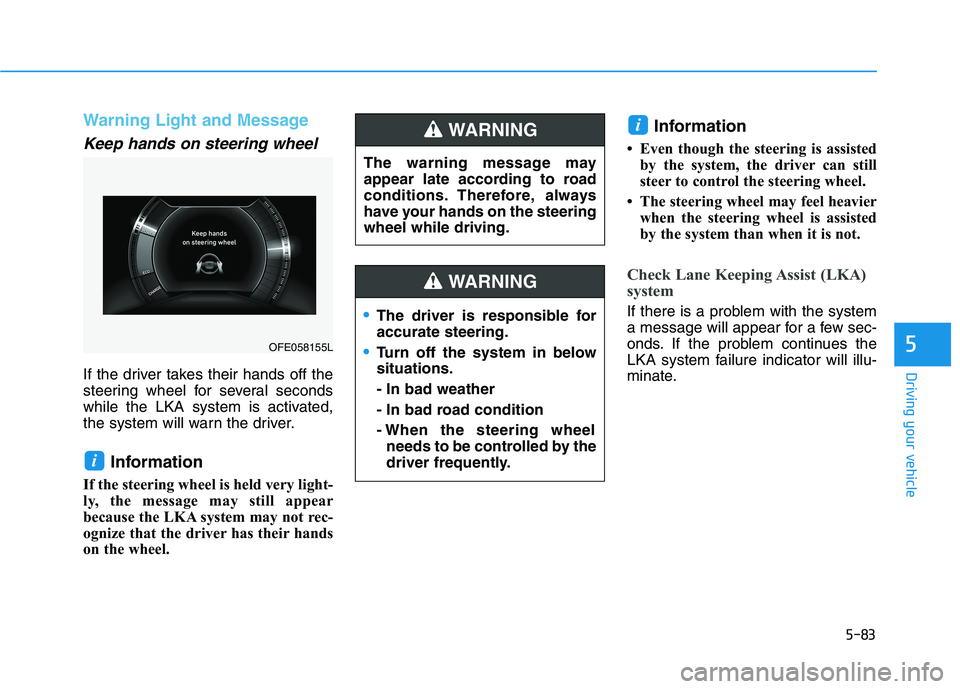
Keep hands on steering wheel
If the driver takes their hands off the
steering wheel for several seconds
while the LKA system is activated,
the system will warn the driver.Information
If the steering wheel is held very light-
ly, the message may still appear
because the LKA system may not rec-
ognize that the driver has their hands
on the wheel. Information
Even though the steering is assisted by the system, the driver can still
steer to control the steering wheel.
The steering wheel may feel heavier when the steering wheel is assisted
by the system than when it is not.
Check Lane Keeping Assist (LKA)
system
If there is a problem with the system
a message will appear for a few sec-
onds. If the problem continues the
LKA system failure indicator will illu-
minate.
i
i
OFE058155L The warning message may
appear late according to road
conditions. Therefore, always
have your hands on the steeringwheel while driving.
WARNING
The driver is responsible for accurate steering.
Turn off the system in below situations. - In bad weather
- In bad road condition
- When the steering wheel
needs to be controlled by the
driver frequently.
WARNING
Page 354 of 558
5-87
Driving your vehicle
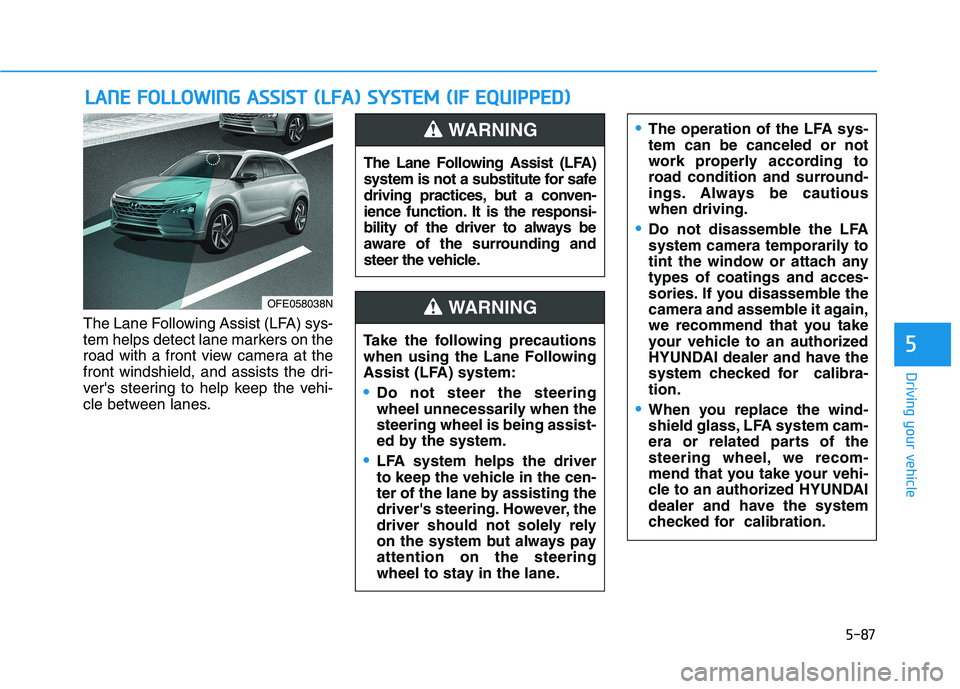
The Lane Following Assist (LFA) sys-
tem helps detect lane markers on the
road with a front view camera at the
front windshield, and assists the dri-
ver's steering to help keep the vehi-
cle between lanes.
LLAA NN EE FF OO LLLLOO WW IINN GG AA SSSSIISS TT (( LL FF AA )) SS YY SSTT EEMM (( IIFF EE QQ UUIIPP PPEEDD ))
5
OFE058038N The Lane Following Assist (LFA)
system is not a substitute for safe
driving practices, but a conven-
ience function. It is the responsi-
bility of the driver to always be
aware of the surrounding and
steer the vehicle.
WARNING
Take the following precautions
when using the Lane Following
Assist (LFA) system:
Do not steer the steering
wheel unnecessarily when thesteering wheel is being assist-
ed by the system.
LFA system helps the driver
to keep the vehicle in the cen-
ter of the lane by assisting the
driver's steering. However, the
driver should not solely rely
on the system but always payattention on the steering
wheel to stay in the lane.
WARNING
The operation of the LFA sys- tem can be canceled or not
work properly according to
road condition and surround-
ings. Always be cautiouswhen driving.
Do not disassemble the LFA
system camera temporarily to
tint the window or attach anytypes of coatings and acces-
sories. If you disassemble the
camera and assemble it again,
we recommend that you take
your vehicle to an authorized
HYUNDAI dealer and have the
system checked for calibra-tion.
When you replace the wind-
shield glass, LFA system cam-
era or related parts of the
steering wheel, we recom-
mend that you take your vehi-
cle to an authorized HYUNDAI
dealer and have the system
checked for calibration.
Page 358 of 558
5-91
Driving your vehicleInformation
Even though the steering is assisted by the system, the driver may con-
trol the steering wheel.
The steering wheel may feel heavier when the steering wheel is assisted
by the system than when it is not.
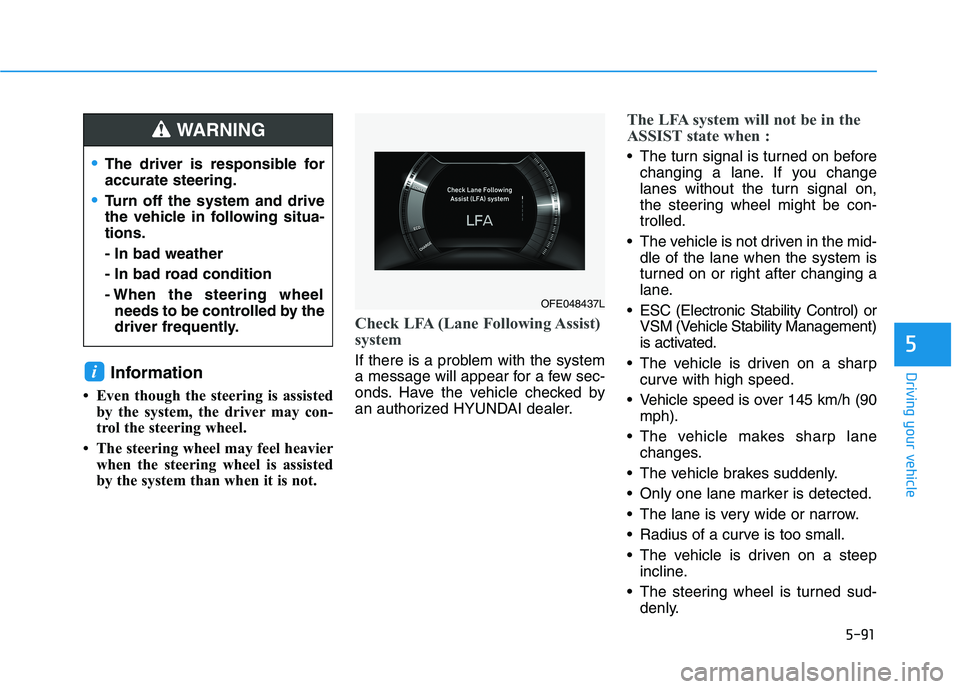
Check LFA (Lane Following Assist)
system
If there is a problem with the system
a message will appear for a few sec-
onds. Have the vehicle checked by
an authorized HYUNDAI dealer.
The LFA system will not be in the
ASSIST state when :
The turn signal is turned on beforechanging a lane. If you change
lanes without the turn signal on,
the steering wheel might be con-trolled.
The vehicle is not driven in the mid- dle of the lane when the system is
turned on or right after changing a
lane.
ESC (Electronic Stability Control) or VSM (Vehicle Stability Management)
is activated.
The vehicle is driven on a sharp curve with high speed.
Vehicle speed is over 145 km/h (90 mph).
The vehicle makes sharp lane changes.
The vehicle brakes suddenly.
Only one lane marker is detected.
The lane is very wide or narrow.
Radius of a curve is too small.
The vehicle is driven on a steep incline.
The steering wheel is turned sud- denly.
i
5
The driver is responsible for accurate steering.
Turn off the system and drive
the vehicle in following situa-tions. - In bad weather
- In bad road condition
- When the steering wheelneeds to be controlled by the
driver frequently.
WARNING
OFE048437L
Page 363 of 558
5-96
Driving your vehicle
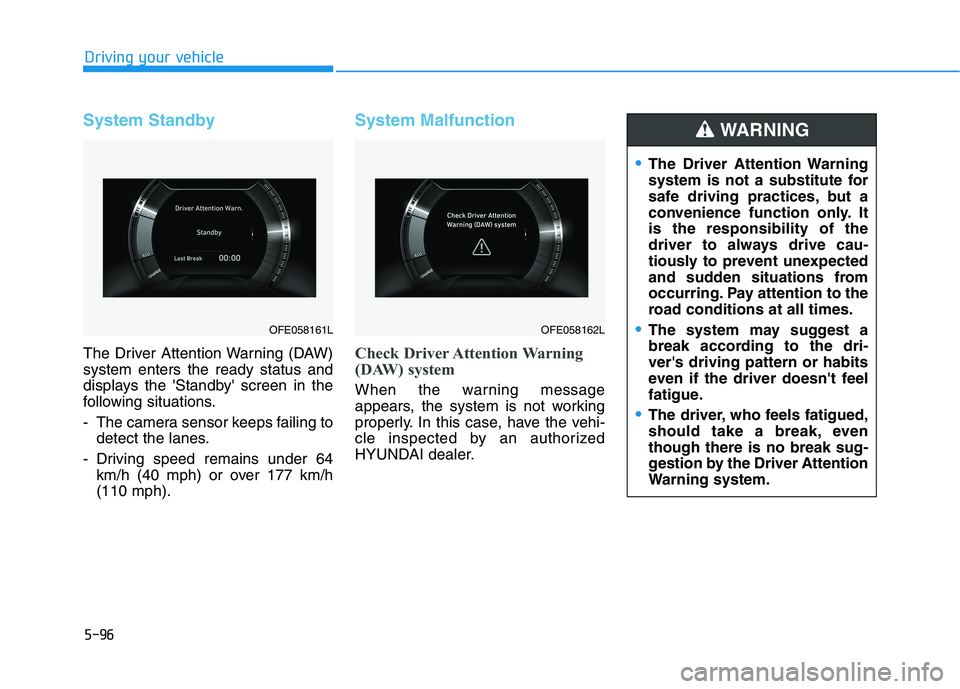
System Standby
The Driver Attention Warning (DAW) system enters the ready status and
displays the 'Standby' screen in the
following situations.
- The camera sensor keeps failing todetect the lanes.
- Driving speed remains under 64 km/h (40 mph) or over 177 km/h (110 mph).
System Malfunction
Check Driver Attention Warning
(DAW) system
When the warning message
appears, the system is not working
properly. In this case, have the vehi-
cle inspected by an authorized
HYUNDAI dealer.
OFE058161LOFE058162L
The Driver Attention Warning
system is not a substitute for
safe driving practices, but a
convenience function only. Itis the responsibility of the
driver to always drive cau-
tiously to prevent unexpected
and sudden situations from
occurring. Pay attention to the
road conditions at all times.
The system may suggest a
break according to the dri-ver's driving pattern or habits
even if the driver doesn't feel
fatigue.
The driver, who feels fatigued,
should take a break, eventhough there is no break sug-
gestion by the Driver Attention
Warning system.
WARNING