2023 HYUNDAI NEXO ignition
[x] Cancel search: ignitionPage 72 of 558
2-57
Safety system of your vehicle
2
What to Expect After an Air
Bag Inflates
After a frontal or side air bag inflates,
it will deflate very quickly. Air bag
inflation will not prevent the driverfrom seeing out of the windshield or
being able to steer. Curtain air bags
may remain partially inflated for
some time after they deploy.
Noise and smoke from inflatingair bag
When the air bags inflate, they make
a loud noise and may produce
smoke and powder in the air inside of
the vehicle. This is normal and is aresult of the ignition of the air bag
inflator. After the air bag inflates, you
may feel substantial discomfort inbreathing because of the contact of
your chest with both the seat belt and
the air bag, as well as from breathing
the smoke and powder. The powder
may aggravate asthma for some
people. If you experience breathing
problems after an air bag deploy-ment, seek medical attention imme-
diately.
Though the smoke and powder are
nontoxic, they may cause irritation to
the skin, eyes, nose, throat, etc. If
this is the case, wash and rinse with
cold water immediately and seekmedical attention if the symptomspersist.
Always wash exposed skin
areas thoroughly with coldand mild soap.
Always have an authorized
HYUNDAI dealer replace the
air bag immediately after
deployment. Air bags are
designed to be used only
once.
After an air bag inflates, take
the following precautions:
Open your windows and doors
as soon as possible after
impact to reduce prolonged
exposure to the smoke and
powder released by the inflat-
ing air bag.
Do not touch the air bag stor-
age area's internal compo-
nents immediately after an air
bag has inflated. The partsthat come into contact with an
inflating air bag may be veryhot.
WARNING
Page 112 of 558
3-25
Convenient features of your vehicle
3
Compass function
The Compass can be turned ON and OFF and will remember the last state
when the ignition is cycled. To turn
the display feature ON/OFF:
1. Press and release the button toturn the display feature OFF.
2. Press and release the button again to turn the display back ON.
Additional options can be set with
press and hold sequences of the but-
ton and are detailed below.
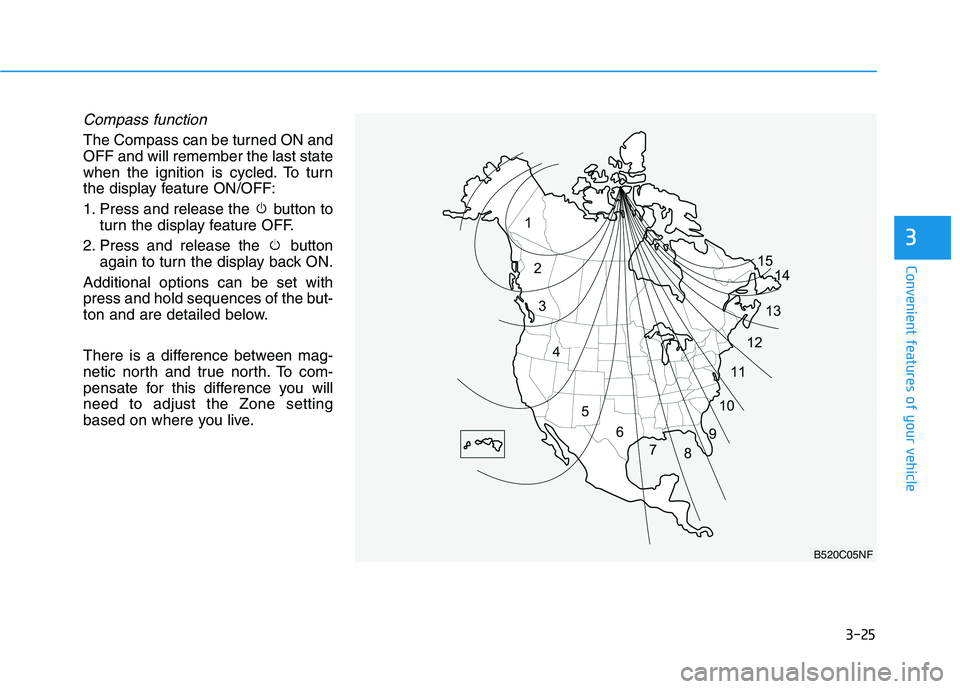
There is a difference between mag-
netic north and true north. To com-
pensate for this difference you willneed to adjust the Zone setting
based on where you live.
B520C05NF
Page 173 of 558
3-86
Convenient features of your vehicle
Average fuel economy/Instant fuel economy
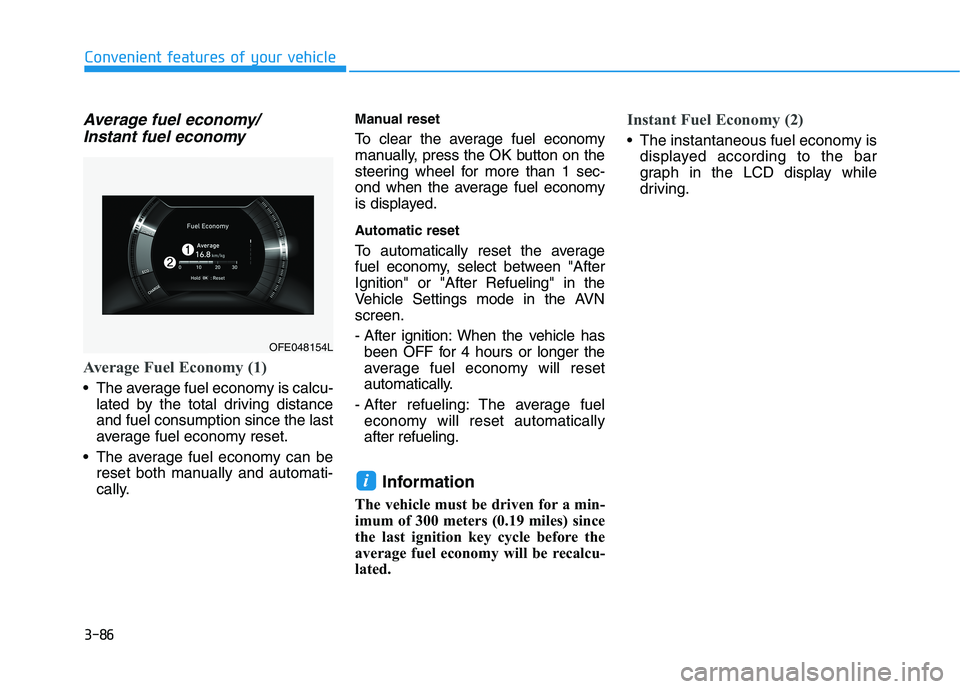
Average Fuel Economy (1)
The average fuel economy is calcu- lated by the total driving distance and fuel consumption since the last
average fuel economy reset.
The average fuel economy can be reset both manually and automati-
cally. Manual reset
To clear the average fuel economy
manually, press the OK button on the
steering wheel for more than 1 sec-
ond when the average fuel economy
is displayed.
Automatic reset
To automatically reset the average
fuel economy, select between "AfterIgnition" or "After Refueling" in the
Vehicle Settings mode in the AVNscreen.
- After ignition: When the vehicle has
been OFF for 4 hours or longer the
average fuel economy will reset
automatically.
- After refueling: The average fuel economy will reset automaticallyafter refueling.
Information
The vehicle must be driven for a min-
imum of 300 meters (0.19 miles) since
the last ignition key cycle before the
average fuel economy will be recalcu-
lated.
Instant Fuel Economy (2)
The instantaneous fuel economy is displayed according to the bar
graph in the LCD display while
driving.
i
OFE048154L
Page 174 of 558
3-87
Convenient features of your vehicle
3
Accumulated Info display
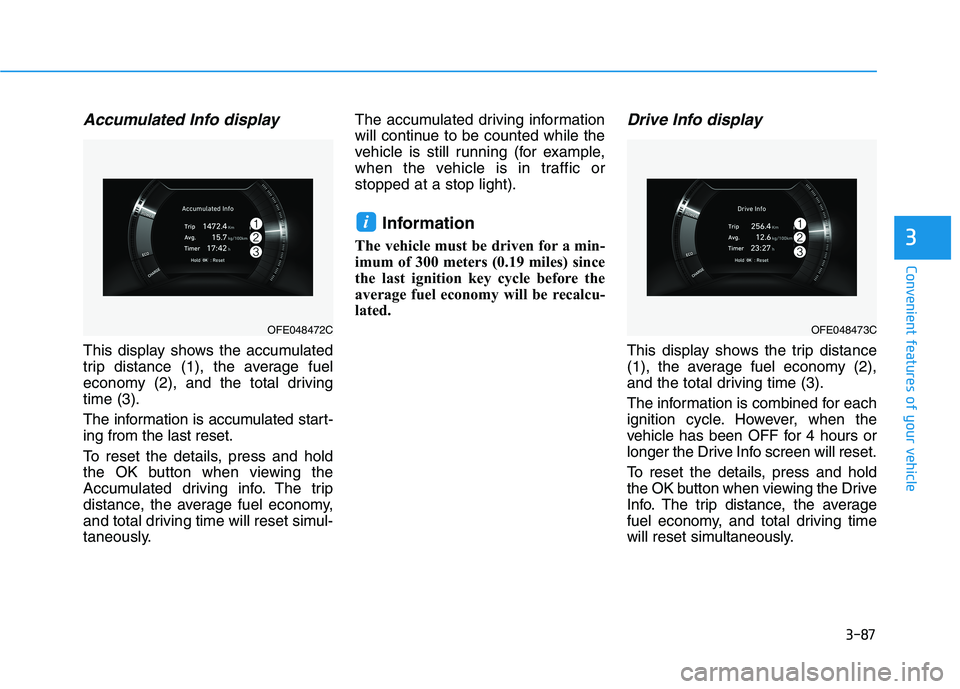
This display shows the accumulated
trip distance (1), the average fuel
economy (2), and the total drivingtime (3).
The information is accumulated start- ing from the last reset.
To reset the details, press and hold
the OK button when viewing the
Accumulated driving info. The trip
distance, the average fuel economy,
and total driving time will reset simul-
taneously.The accumulated driving information
will continue to be counted while the
vehicle is still running (for example,
when the vehicle is in traffic orstopped at a stop light).
Information
The vehicle must be driven for a min-
imum of 300 meters (0.19 miles) since
the last ignition key cycle before the
average fuel economy will be recalcu-
lated.
Drive Info display
This display shows the trip distance
(1), the average fuel economy (2),
and the total driving time (3).
The information is combined for each
ignition cycle. However, when the
vehicle has been OFF for 4 hours or
longer the Drive Info screen will reset.
To reset the details, press and hold
the OK button when viewing the Drive
Info. The trip distance, the average
fuel economy, and total driving time
will reset simultaneously.
i
OFE048472COFE048473C
Page 175 of 558
3-88
Convenient features of your vehicle
The driving information will continue to
be counted while the vehicle is in the
ready ( ) mode. (for example, when
the vehicle is in traffic or stopped at astop light).Information
The vehicle must be driven for a mini-
mum of 300 meters (0.19 miles) since the
last ignition key cycle before the average
fuel economy will be recalculated.Digital speedometer
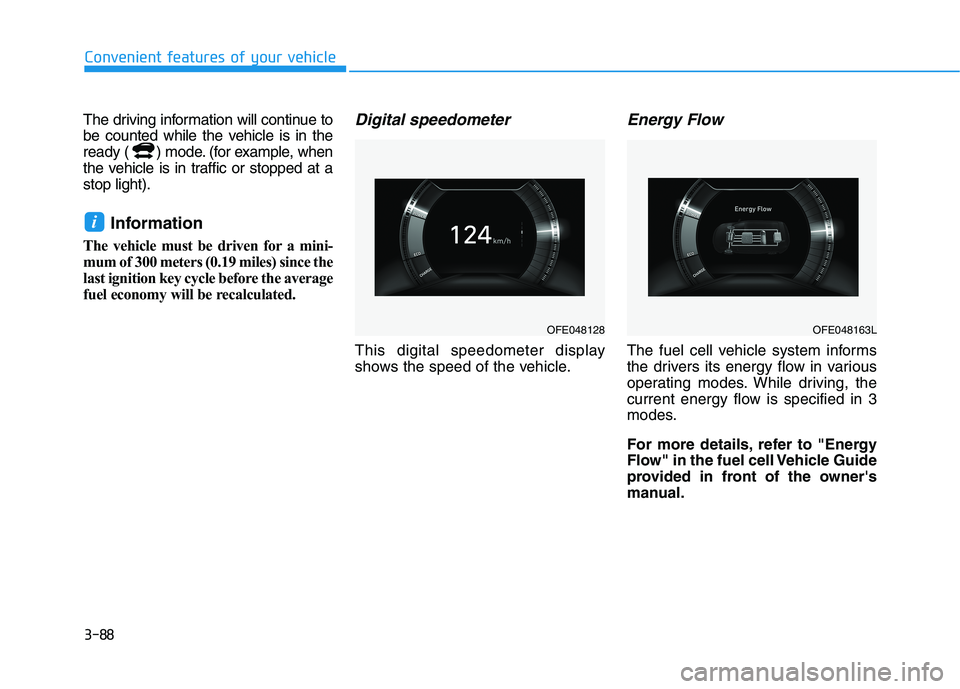
This digital speedometer display
shows the speed of the vehicle.
Energy Flow
The fuel cell vehicle system informs
the drivers its energy flow in various
operating modes. While driving, the
current energy flow is specified in 3
modes.
For more details, refer to "Energy
Flow" in the fuel cell Vehicle Guide
provided in front of the owner's
manual.
i
OFE048128OFE048163L
Page 189 of 558

3-102
Convenient features of your vehicle
Information
If there is heavy accumulation of snow
or ice on the windshield, defrost the
windshield for about 10 minutes, or
until the snow and/or ice is removed
before using the windshield wipers to
ensure proper operation.
If you do not remove the snow and/or
ice before using the wiper and washer,
it may damage the wiper and washer
system.AUTO - Automatic Wiper Control (if equipped)
A rain sensor located near the wind-
shield detects moisture accumula-tion and controls the wiping cycle
automatically. This mode is designed
to operate the wiper at an appropri-ate speed depending on the amount
of rainfall. The sensitivity can be var-
ied by turning the adjustment control
(B) located on the wiper stalk. If the
wiper switch is set in AUTO mode
when the ignition switch is in the ON
position, the wiper will operate once
to perform a self-check of the sys-
tem. Set the wiper control to the OFFposition when the windshield wipersare not required.
i
To avoid personal injury from
the windshield wipers, when theengine is running and the wind-
shield wiper switch is placed in
the AUTO mode:
Do not touch the upper end of the windshield glass facing
the rain sensor.
Do not wipe the upper end of the windshield glass with a
damp or wet cloth.
Do not put pressure on the windshield glass.
WARNING
Page 348 of 558
5-81
Driving your vehicle
5
LKA System Operation
With the POWER button in the ON
position, press the LKA button locat-
ed on the instrument panel on the
lower left hand side of the driver.
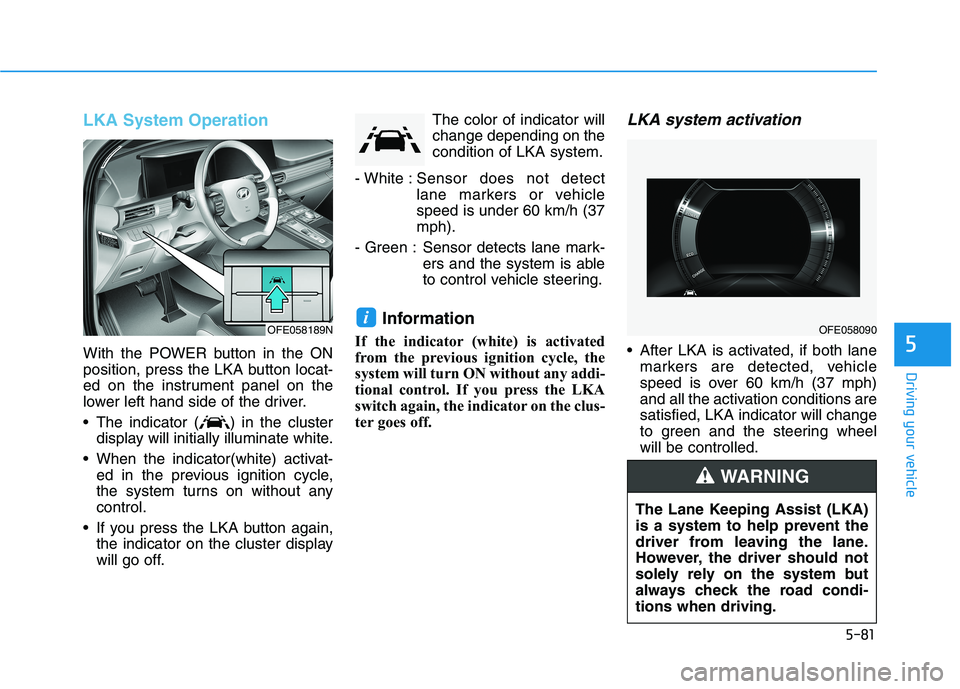
The indicator ( ) in the clusterdisplay will initially illuminate white.
When the indicator(white) activat- ed in the previous ignition cycle,
the system turns on without anycontrol.
If you press the LKA button again, the indicator on the cluster display
will go off. The color of indicator willchange depending on thecondition of LKA system.
- White : Sensor does not detect
lane markers or vehiclespeed is under 60 km/h (37mph).
- Green : Sensor detects lane mark- ers and the system is able
to control vehicle steering.
Information
If the indicator (white) is activated
from the previous ignition cycle, the
system will turn ON without any addi-
tional control. If you press the LKA
switch again, the indicator on the clus-
ter goes off.
LKA system activation
After LKA is activated, if both lane markers are detected, vehicle
speed is over 60 km/h (37 mph)
and all the activation conditions aresatisfied, LKA indicator will change
to green and the steering wheelwill be controlled.
iOFE058189NOFE058090
The Lane Keeping Assist (LKA)
is a system to help prevent the
driver from leaving the lane.
However, the driver should not
solely rely on the system but
always check the road condi-tions when driving.
WARNING
Page 451 of 558
7-27
7
Maintenance
1122VV BB AA TTTTEERR YY
The vehicle is not equipped with a
common 12V battery which requires
periodic replacement. The battery is
a lithium polymer type integrated into
the high voltage battery. Full dis-
charge of the battery is prevented
through 12V battery protection sys-tem which can isolate the 12V bat-
tery.
To prevent SERIOUS INJURY or
DEATH to you or bystanders,
always follow these precautions
when working near or handling
the battery: Always read and follow
instructions carefully
when handling a battery.
Wear eye protection
designed to protect the
eyes from acid splashes.
Keep all flames, sparks, or smoking materials
away from the battery.
WARNING
Hydrogen is always present in battery cells,
is highly combustible,
and may explode if ignit-ed.
Keep batteries out of
reach of children. Batteries contain sulfu-
ric acid which is highly
corrosive. Do not allow
acid to contact your
eyes, skin or clothing.
If acid gets into your eyes, flush
your eyes with clean water for at
least 15 minutes and get imme-
diate medical attention. If acid
gets on your skin, thoroughly
wash the area. If you feel pain or
a burning sensation, get med-
ical attention immediately.When lifting a plastic-cased
battery, excessive pressure
on the case may cause battery
acid to leak. Lift with a battery
carrier or with your hands on
opposite corners.
Do not attempt to jump start
your vehicle if your battery is
frozen.
NEVER attempt to recharge
the battery when the vehicle’s
battery cables are connected
to the battery.
The electrical ignition system
works with high voltage.
NEVER touch these compo-
nents with the vehicle ON
( indicator ON) or when
the POWER button is in theON position.