2023 FORD F150 ESP
[x] Cancel search: ESPPage 386 of 786

WHAT IS BLIND SPOT
INFORMATION SYSTEM
Blind spot information system detectsvehicles that may have entered the blindspot zone.
HOW DOES BLIND SPOT
INFORMATION SYSTEM WORK
Blind spot information system usessensors on both sides of your vehicle,detecting rearward from the exteriormirrors to approximately 13 ft (4 m)beyond the rear bumper. The detectionarea extends to approximately 59 ft (18 m)beyond the rear bumper when the vehiclespeed is greater than 30 mph (48 km/h)to alert you of faster approaching vehicles.
BLIND SPOT INFORMATION
SYSTEM PRECAUTIONS
WARNING: Do not use the blindspot information system as areplacement for using the interior andexterior mirrors or looking over yourshoulder before changing lanes. Theblind spot information system is not areplacement for careful driving.
WARNING: The system may notoperate properly during severe weatherconditions, for example snow, ice, heavyrain and spray. Always drive with duecare and attention. Failure to take caremay result in a crash.
Note: Blind spot information system doesnot prevent contact with other vehicles. Itdoes not detect parked vehicles,pedestrians, animals or other infrastructure.
BLIND SPOT INFORMATION
SYSTEM LIMITATIONS
Blind spot information system does notoperate in park (P) or reverse (R).
The system may not alert you if a vehiclequickly passes through the detection zone.
Note:For vehicles without blind spotinformation system with trailer coverage,aftermarket trailer tow modules or tow barsmay interfere with the system. In thissituation it is recommended that you switchthe system off when you attach a trailer. Forvehicles with a trailer tow module and towbar approved by the manufacturer, thesystem automatically turns off when youattach a trailer.
BLIND SPOT INFORMATION
SYSTEM REQUIREMENTS
Blind spot information system turns onwhen all the following occur:
•You start your vehicle.
•You shift into drive (D).
•The vehicle speed is greater than6 mph (10 km/h).
382
2023 F-150 (TFD) Canada/United States of America, enUSA, Edition date: 202206, DOMBlind Spot Information System (If Equipped)E255695
Page 388 of 786

BLIND SPOT INFORMATIONSYSTEM WITH TRAILERCOVERAGE LIMITATIONS
Trailer coverage only supportsconventional trailers. The system turns offif you select a fifth wheel trailer type.
Make sure the trailer width is less than orequal to 8.5 ft (2.6 m) and the length isless than 33 ft (10.1 m). If you input valueshigher, the system turns off.
Some trailers could cause a slight changein system performance:
•Large box trailers could cause falsealerts to occur when driving next toinfrastructures or near parked cars. Afalse alert could also occur whilemaking a 90-degree turn.
•Trailers that have a width greater than8.5 ft (2.6 m) at the front and have atotal length greater than 20 ft (6 m)could cause delayed alerts when avehicle is passing at high speeds.
•Box trailers that have a width greaterthan 8.5 ft (2.6 m) at the front couldcause early alerts when you pass avehicle.
•Clam shell or v-nose box trailers witha width greater than 8.5 ft (2.6 m) atthe front could cause delayed alertswhen a vehicle traveling the samespeed as your vehicle merges lanes.
SETTING A TRAILER LENGTH
Trailer length.A
Trailer width.B
Trailer hitch ball.C
You can set-up a trailer to work with theblind spot information system through thetouchscreen. When setting up a trailer, asequence of screens appear asking fortrailer information.
1.Select type of trailer screen -conventional, fifth wheel or gooseneck.
Note:The system only supportsconventional trailers.
2.Do you want to set up blind spot withtrailer screen? If no, the system turnsoff. If yes, the menu goes to the nextscreen.
3.Is the width less than 9 ft (2.7 m) andlength less than 33 ft (10.1 m)? If no,the system turns off. If yes, the menugoes to the next screen.
4.Trailer width measurement. Measurethe width at the front of the trailer. It isnot measured at the widest point ofthe trailer. The maximum width at thefront of the trailer the system cansupport is 8.5 ft (2.6 m).
Note:You do not need to enter an exacttrailer width measurement. You only needto confirm that the width of the trailer is lessthan 9 ft (2.7 m).
384
2023 F-150 (TFD) Canada/United States of America, enUSA, Edition date: 202206, DOMBlind Spot Information System (If Equipped)E225008
Page 394 of 786
WHAT IS PRE-COLLISION
ASSIST
Pre-Collision Assist with PedestrianDetection
Pre-collision assist detects and warns ofapproaching hazards in the roadway. Thesystem provides multiple levels ofassistance to help avoid a collision if yourvehicle is rapidly approaching anotherstationary vehicle, a vehicle traveling in thesame direction as yours, or a pedestrian orcyclist within your driving path.
HOW DOES PRE-COLLISION
ASSIST WORK
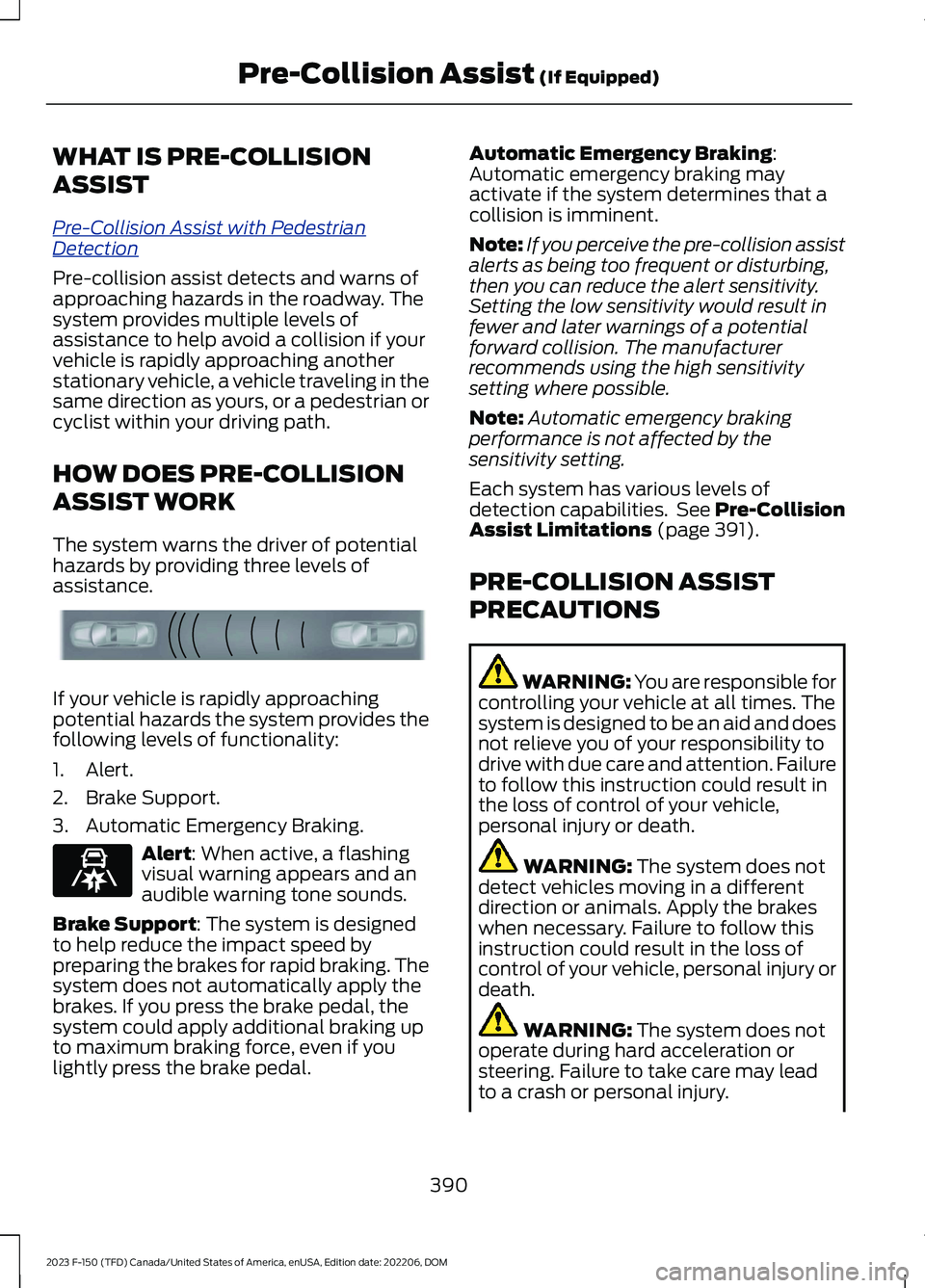
The system warns the driver of potentialhazards by providing three levels ofassistance.
If your vehicle is rapidly approachingpotential hazards the system provides thefollowing levels of functionality:
1.Alert.
2.Brake Support.
3.Automatic Emergency Braking.
Alert: When active, a flashingvisual warning appears and anaudible warning tone sounds.
Brake Support: The system is designedto help reduce the impact speed bypreparing the brakes for rapid braking. Thesystem does not automatically apply thebrakes. If you press the brake pedal, thesystem could apply additional braking upto maximum braking force, even if youlightly press the brake pedal.
Automatic Emergency Braking:Automatic emergency braking mayactivate if the system determines that acollision is imminent.
Note:If you perceive the pre-collision assistalerts as being too frequent or disturbing,then you can reduce the alert sensitivity.Setting the low sensitivity would result infewer and later warnings of a potentialforward collision. The manufacturerrecommends using the high sensitivitysetting where possible.
Note:Automatic emergency brakingperformance is not affected by thesensitivity setting.
Each system has various levels ofdetection capabilities. See Pre-CollisionAssist Limitations (page 391).
PRE-COLLISION ASSIST
PRECAUTIONS
WARNING: You are responsible forcontrolling your vehicle at all times. Thesystem is designed to be an aid and doesnot relieve you of your responsibility todrive with due care and attention. Failureto follow this instruction could result inthe loss of control of your vehicle,personal injury or death.
WARNING: The system does notdetect vehicles moving in a differentdirection or animals. Apply the brakeswhen necessary. Failure to follow thisinstruction could result in the loss ofcontrol of your vehicle, personal injury ordeath.
WARNING: The system does notoperate during hard acceleration orsteering. Failure to take care may leadto a crash or personal injury.
390
2023 F-150 (TFD) Canada/United States of America, enUSA, Edition date: 202206, DOMPre-Collision Assist (If Equipped)E156130 E329466
Page 396 of 786

Intersection Assist (If Equipped)
If your vehicle comes with a radar sensorincluded in the adaptive cruise control, thepre-collision assist system may operate ina scenario where you are turning across anoncoming vehicle's path. Detection ofvehicles driving in an oncoming directionis active if your vehicle is driving at speedsup to 50 mph (80 km/h).
SWITCHING PRE-COLLISION
ASSIST ON AND OFF - POLICE
RESPONDER
To switch the system on or off, use thetouchscreen:
1.Press Features on the touchscreen.
2.Press Driver Assistance.
3.Press Pre-Collision Assist.
4.Switch the feature on or off.
You can switch the entire systemoff at any time by pressing thebutton above the touchscreen.
Adjusting the Pre-Collision AssistSettings
You can adjust the following settings byusing the touchscreen controls in thepre-collision assist menu:
•Change alert sensitivity to one of threepossible settings.
•If required, switch automaticemergency braking on or off.
•If required, switch the entirepre-collision assist feature on or off.
Note:Automatic emergency braking turnson every time you switch the ignition on.
SWITCHING PRE-COLLISION
ASSIST ON AND OFF
To switch the system on or off, use thetouchscreen:
1.Press Features on the touchscreen.
2.Press Driver Assistance.
3.Press Pre-Collision Assist.
4.Switch the feature on or off.
Adjusting the Pre-Collision AssistSettings
You can adjust the following settings byusing the touchscreen controls in thepre-collision assist menu:
•Change alert and distance alertsensitivity to one of three possiblesettings.
•Switch distance indication and alert onor off.
•If required, switch automaticemergency braking on or off.
•If required, switch the entirepre-collision assist feature on or off.
•If required, switch evasive steeringassist on or off.
392
2023 F-150 (TFD) Canada/United States of America, enUSA, Edition date: 202206, DOMPre-Collision Assist (If Equipped)E309750 E296163
Page 403 of 786

WHAT IS DRIVER ALERT
Driver alert alerts you if it determines thatyou are becoming drowsy or if your drivingdeteriorates.
HOW DOES DRIVER ALERT
WORK
Driver Alert calculates your alertness levelbased on your driving behavior in relationto the lane markings and other factorsthrough use of the front camera sensorbehind the interior mirror.
DRIVER ALERT PRECAUTIONS
WARNING: You are responsible forcontrolling your vehicle at all times. Thesystem is designed to be an aid and doesnot relieve you of your responsibility todrive with due care and attention. Failureto follow this instruction could result inthe loss of control of your vehicle,personal injury or death.
WARNING: Take regular restbreaks if you feel tired. Do not wait forthe system to warn you.
WARNING: Certain driving stylesmay result in the system warning youeven if you are not feeling tired.
WARNING: In cold and severeweather conditions the system may notfunction. Rain, snow and spray can alllimit sensor performance.
WARNING: The system will notoperate if the sensor cannot track theroad lane markings.
WARNING: If damage occurs in theimmediate area surrounding the sensor,have your vehicle checked as soon aspossible.
WARNING: The system may notcorrectly operate if your vehicle is fittedwith a suspension kit not approved byFord.
WARNING: The system may notoperate properly if the sensor is blocked.Keep the windshield free fromobstruction.
Note:If something is blocking the cameraor damaged the windshield, Driver Alert maynot function.
DRIVER ALERT LIMITATIONS
Driver alert may not function correctly if:
•The sensor cannot track the road lanemarkings.
•Your vehicle's speed is less thanapproximately 40 mph (65 km/h).
SWITCHING DRIVER ALERT ON
AND OFF
1.Press Features on the touchscreen.
399
2023 F-150 (TFD) Canada/United States of America, enUSA, Edition date: 202206, DOMDriver Alert (If Equipped)E309385
Page 405 of 786

WHAT IS SPEED SIGN
RECOGNITION
Speed sign recognition detects speed limitsigns to inform you of the current speedlimit. Detected speed signs appear in theinformation display.
HOW DOES SPEED SIGN
RECOGNITION WORK
Speed sign recognition uses a sensorbehind the interior mirror to detect speedsigns.
If your vehicle has speed sign recognitionwith navigation, stored speed sign datamay influence the indicated speed limitvalue.
SPEED SIGN RECOGNITION
PRECAUTIONS
WARNING: You are responsible forcontrolling your vehicle at all times. Thesystem is designed to be an aid and doesnot relieve you of your responsibility todrive with due care and attention. Failureto follow this instruction could result inthe loss of control of your vehicle,personal injury or death.
WARNING: In cold and severeweather conditions the system may notfunction. Rain, snow and spray can alllimit sensor performance.
WARNING: The system may notoperate properly if the sensor is blocked.Keep the windshield free fromobstruction.
WARNING: Do not performwindshield repairs in the areasurrounding the sensor.
WARNING: The system may notcorrectly operate if your vehicle is fittedwith a suspension kit not approved byFord.
WARNING: Not all traffic signs canbe recognized by the system anddisplayed correctly.
Note:Always fit our original parts whenreplacing headlamp bulbs. Other bulbs mayreduce system performance. See ExteriorBulb Specification Chart (page 517).
SPEED SIGN RECOGNITION
LIMITATIONS
Speed sign recognition may not operatecorrectly due to:
•Outdated map data.
•Incorrect recognition of speed limits bythe sensor of signs on parallel roads orexit ramps.
•Missed recognition of faded, dirty, ordistorted signs.
401
2023 F-150 (TFD) Canada/United States of America, enUSA, Edition date: 202206, DOMSpeed Sign Recognition (If Equipped)
Page 407 of 786
SPEED SIGN RECOGNITION –FREQUENTLY ASKED QUESTIONS
Why does the speed limit changewithout any sign on the road?
The speed limit changes due to thespeed limit data stored in the mapdata.
Why does speed sign recognition showa wrong speed limit?
The system shows a wrong speed limitdue to incorrect and outdated mapdata or due to incorrect recognition ofthe speed limits by the camera.
403
2023 F-150 (TFD) Canada/United States of America, enUSA, Edition date: 202206, DOMSpeed Sign Recognition (If Equipped)
Page 429 of 786
WHAT IS THE INTEGRATED
TRAILER BRAKE CONTROLLER
The trailer brake controller assists insmooth and effective trailer braking basedon the towing vehicle’s brake pressure.
INTEGRATED TRAILER BRAKE
CONTROLLER PRECAUTIONS
WARNING: Use the integratedtrailer brake controller to properly adjustthe trailer brakes and check allconnections before towing a trailer.Failure to follow this instruction couldresult in the loss of control of yourvehicle, personal injury or death.
•Only use the manual control lever forproper adjustment of the gain duringtrailer setup. Misuse, such asapplication during trailer sway, couldcause instability of trailer or towvehicle.
•Avoid towing in adverse weatherconditions. The trailer brake controllerdoes not provide anti-lock control ofthe trailer wheels. Trailer wheels canlock up on slippery surfaces, resultingin reduced stability of trailer and towvehicle.
•The trailer brake controller is only afactory-installed or dealer-installeditem. Ford is not responsible forwarranty or performance of thecontroller due to misuse or customerinstallation.
Note:Do not attempt removal of the trailerbrake controller without consulting theWorkshop Manual. Damage to the unit mayresult.
Note:Make sure to set the integrated trailerbrake controller gain to 0 if you are using anaftermarket trailer brake controller.
USING THE INTEGRATED
TRAILER BRAKE CONTROLLER
1.Make sure the trailer brakes are in goodworking condition, functioning normallyand properly adjusted. See your trailerdealer if necessary.
Note:An authorized dealer can diagnosethe trailer brake controller to determineexactly which trailer fault has occurred. Yourvehicle warranty does not cover issues withyour trailer.
2.Hook up the trailer and make theelectrical connections according to thetrailer manufacturer's instructions.
Note:Select default mode if the trailer hassurge brakes, or no brakes at all. The systemhas no effect on the braking performanceof the trailer in either of these cases.
Note:If a trailer is connected by a four-pinconnector, the trailer braking function willnot be supported.
3.When you plug in a trailer with electricor electric-over-hydraulic brakes, amessage confirming connectionappears in the information display.
4.Use the gain adjustment to find thedesired starting point. A gain setting of6.0 is a good starting point for heavierloads.
Note:Use the following steps to adjust thegain setting whenever road, weather andtrailer, or vehicle loading conditions, changefrom when you initially set the gain.
5.In a traffic-free environment, tow thetrailer on a dry, level surface andsqueeze the manual control levercompletely.
425
2023 F-150 (TFD) Canada/United States of America, enUSA, Edition date: 202206, DOMIntegrated Trailer Brake Controller (If Equipped)