2022 TOYOTA SUPRA steering wheel
[x] Cancel search: steering wheelPage 240 of 498
2383-1. CONTROLS
The desired speed is also main-
tained when drivi ng downhill. The
vehicle may drive slower than the
desired speed on uphill gradients if
there is not enough engine power.
*: if equipped
This system allows you to set a
desired speed and a desired dis-
tance from the vehicle in front,
using the buttons on the steering
wheel.
When the road ahead is clear, the
system maintains the desired
speed by braking or accelerating
the vehicle automatically, as
required.
If there is a vehicle driving in front,
the system adapts your own vehicle
speed in order to maintain the set
distance from the vehicle ahead.
The speed is adapted as far as the
given situation allows.
Depending on the vehicle settings,
the characteristics of the Cruise
Control may change.
The distance can be set in several
stages, and is dependent on the
individual speed for reasons of
safety.
If the vehicle ahead brakes to a
standstill and sets off again shortly
afterwards, the system can recog-
nise this within the bounds of what
is possible in the given conditions.
The symbol is displayed
when the set desired speed
has been reached.
System limits
Dynamic radar cruise con-
trol with full-speed range*
Principle
General
Safety notes
WA R N I N G
The system does not relieve you of
your personal responsibility to assess
the traffic situation correctly. Due to system limitations, it cannot respond
independently and appropriately in all
traffic conditions. There is a danger of accidents. Adapt your driving style to
the traffic conditions. Observe the
traffic situation and intervene actively if the situation warrants it.
WA R N I N G
An unsecured vehicle can start mov-
ing and rolling away. There is a dan- ger of accidents. Before leaving the
vehicle, secure it to prevent it from
rolling away.
Observe the following to ensure that
the vehicle is secured against rolling away:
●Apply the parking brake.
●Turn the front wheels towards the
kerb on upward or downward gradi- ents.
●Additionally secure the vehicle on upward or downward gradients, for
example with a chock.
Page 241 of 498

239
3
3-1. CONTROLS
CONTROLS
The system is controlled using the
following sensors:
• Cameras behind the windscreen.
• Front radar sensor.
For further information:
Sensors of the vehicle, see page
50.
The system can be used to opti-
mum effect on well-constructed
roads. The system is operational
from a speed of approximately 30
km/h/20 mph.
The maximum speed which can be
set is limited and depends on the
vehicle and its equipment, for
example.
Higher speeds can be set by
WA R N I N G
The desired speed may be acciden-
tally set incorrectly or called up by
mistake. There is a danger of acci- dents. Adjust the desired speed to the
traffic conditions. Observe the traffic
situation and intervene actively if the situation warrants it.
WA R N I N G
There is a danger of accidents if the
difference in speed relative to other vehicles is excessively high. This may
occur, for example, in the following
situations:
●When quickly approaching a slowly
moving vehicle.
●If another vehicle suddenly veers
into the vehicle's own lane.
●When quickly approaching station-
ary vehicles.
There is a danger of injury or even
death. Observe the traffic situation
and intervene actively if the situation warrants it.
Overview
Buttons on the steering wheel
ButtonFunction
Cruise Control on/off, see
page 240.
Store current speed.
Speed Limit Assist, see
page 246: adopt the sug-
gested speed manually.
Press the button while the
system is activated: To
interrupt Cruise Control,
see page 240.
While the system is inter-
rupted, press the button:
To resume Cruise Control
with last setting, see page
242.
Setting the vehicle dis-
tance, see page 241.
Rocker switch:
To set the speed, see
page 241.
Sensors
Area of use
ButtonFunction
Page 242 of 498
2403-1. CONTROLS
switching to Cruise Control without
distance control.
The system can also be activated
when the vehicle is at a standstill.
The indicator will come on.
Cruise Control is active. The driven
speed is maintained and stored as
the desired speed.
Vehicle Stability Control VSC is
switched on, if necessary.
When switching off with the vehicle
at a standstill, depress the brake
pedal at the same time.
Press the following button on the
steering wheel again:
The displays turn off. The stored
desired speed is deleted.
When the system is activated,
press the following button on the
steering wheel:
If interrupting the system when the
vehicle is at a st andstill, depress
the brake pedal at the same time.
The system is interrupted automati-
cally in the follo wing situations:
If the driver brakes.
If the selector lever is moved out
of position D.
If Traction mode is activated or
Vehicle Stability Control VSC
deactivated.
If Vehicle Stability Control VSC
intervenes.
If the vehicle is stationary and
the seat belt is unfastened and
the driver's door is opened.
If the system has not detected
any objects for an extended
period of time, for example on
roads with little traffic and without
defined boundaries.
If the detection zone of the radar
is disrupted, for example, due to
contamination or heavy rainfall.
After an extended stationary
period, if the vehicle was decel-
erated to a stand still by the sys-
tem.
Switching Cruise Control
on/off and interrupting
Switching on
Press the button on the steer-
ing wheel.
Switching off
Press the button on the steer-
ing wheel.
Interrupting manually
Button on the steering wheel.
Interrupting automatically
Page 249 of 498
247
3
3-1. CONTROLS
CONTROLS
Via Toyota Supra Command:
1 "My vehicle"
2 "Vehicle settings"
3 "Speed Assistant"
A message is displayed in the
instrument cluster if the system and
the Cruise Control are switched on.
In manual mode, a detected speed
limit can be manually adopted for
Cruise Control.
Safety notes
WA R N I N G
The system does not relieve you of
your personal responsibility to assess the traffic situation correctly. Due to
system limitations, it cannot respond
independently and appropriately in all traffic conditions. There is a danger of
accidents. Adapt your driving style to
the traffic conditions. Observe the
traffic situation and intervene actively if the situation warrants it.
WA R N I N G
The desired speed may be acciden-tally set incorrectly or called up by
mistake. There is a danger of acci-
dents. Adjust the desired speed to the traffic conditions. Observe the traffic
situation and intervene actively if the
situation warrants it.
Overview
Buttons on the steering wheel
ButtonFunction
Adopt the suggested
speed manually.
Switching on/off and setting
Displays in the instrument
cluster
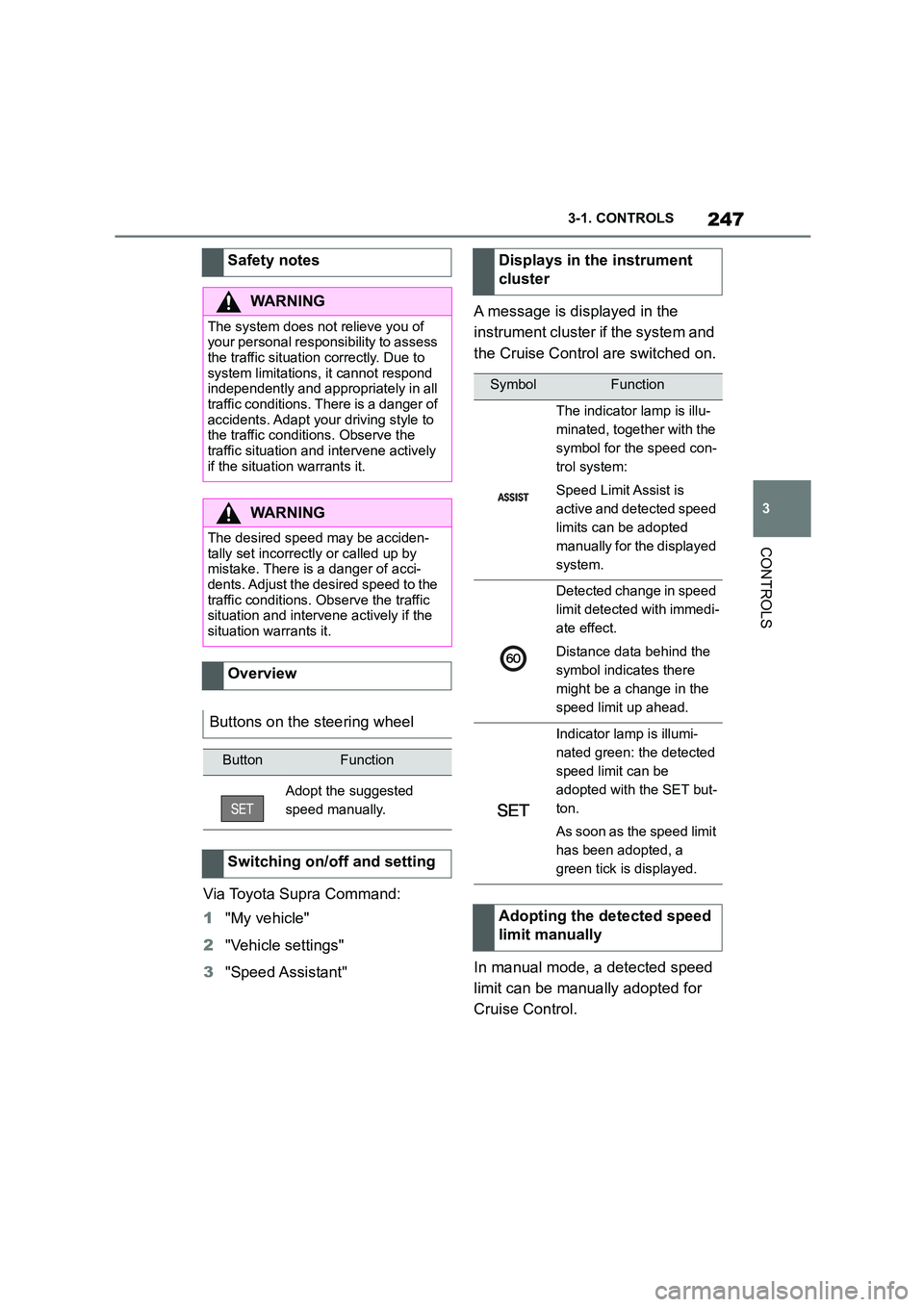
SymbolFunction
The indicator lamp is illu-
minated, together with the
symbol for the speed con-
trol system:
Speed Limit Assist is
active and detected speed
limits can be adopted
manually for the displayed
system.
Detected change in speed
limit detected with immedi-
ate effect.
Distance data behind the
symbol indicates there
might be a change in the
speed limit up ahead.
Indicator lamp is illumi-
nated green: the detected
speed limit can be
adopted with the SET but-
ton.
As soon as the speed limit
has been adopted, a
green tick is displayed.
Adopting the detected speed
limit manually
Page 257 of 498

255
3
3-1. CONTROLS
CONTROLS
A number of assistance functions
can be active simultaneously.
The assistance functions can be
activated manually.
1 If necessary, tilt the Controller to
the left.
2 With the corresponding equip-
ment: "Camera picture"
3
"Parking guide lines".
Driving path lines and turning circle
lines are shown, see page 255.
"Obstacle marking."
Depending on the equipment, the
obstacles detected by Parking Sensors
are displayed, see page 256, by mark-
ings.
■Driving path lines
The driving path lines help you to
estimate the space required when
parking and manoeuvring on a level
road surface.
The driving path lines are depend-
ent on the steering angle and are
continuously adapted to the steer-
ing wheel movements.
■Turning circle lines
The turning circle lines can only be
shown in the camera image
together with driving path lines.
The turning circle lines show the
course of the smallest possible
turning circle on a level road sur-
face.
Once the steering wheel has been
turned beyond a certain angle, only
one turning circle line is displayed.
■Parking with the help of driv-
ing path and tu rning circle
lines
1 Position the vehicle so that the
red turning circle line is within
the boundaries of the parking
space.
2 Turn the steering wheel so that
the green driving path line cov-
ers the corresponding turning
circle line.
Display on the Control Dis-
play
General
Parking aid lines
Page 285 of 498
283
4
4-1. DRIVING HINTS
DRIVING HINTS
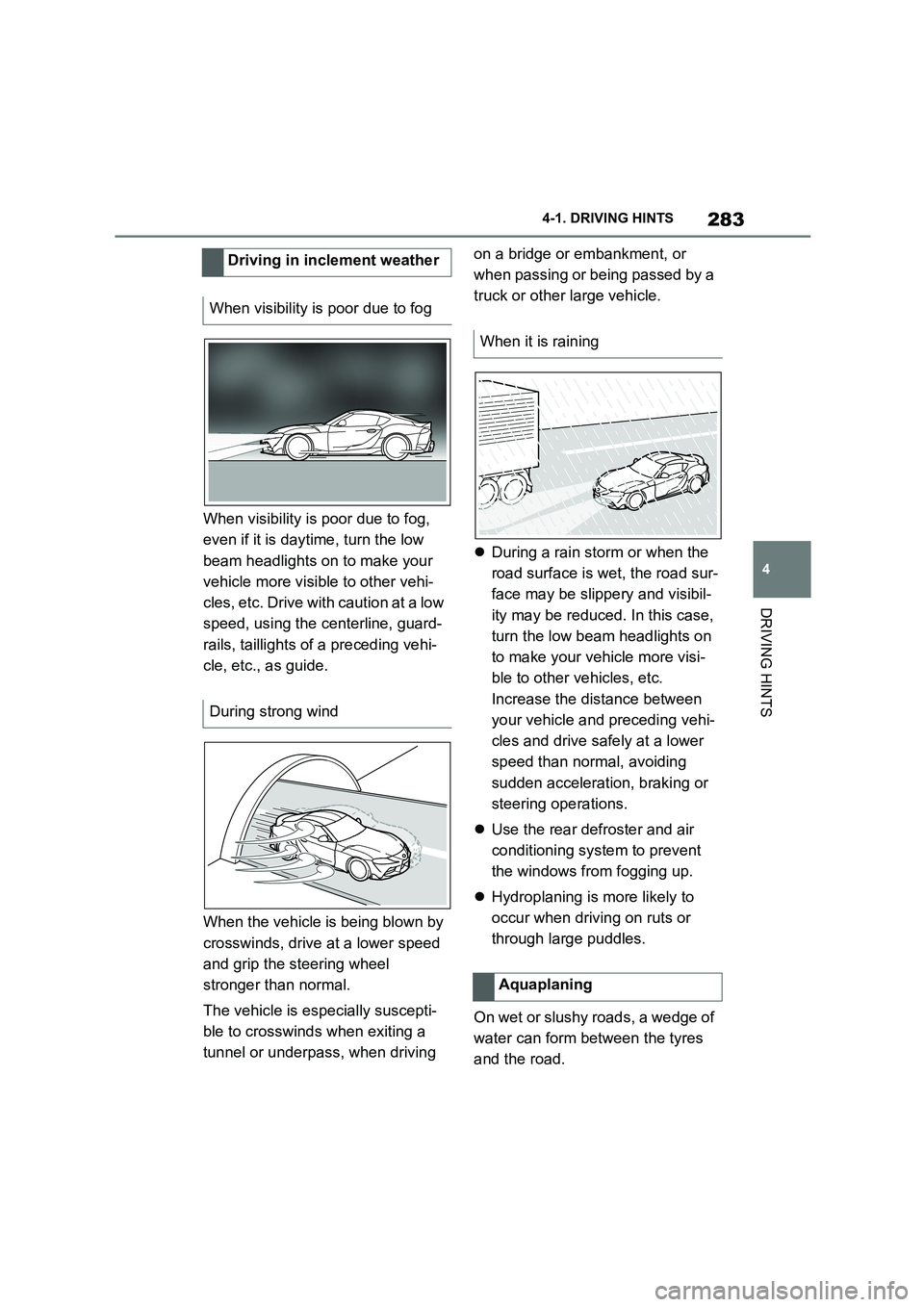
When visibility is poor due to fog,
even if it is daytime, turn the low
beam headlights on to make your
vehicle more visible to other vehi-
cles, etc. Drive with caution at a low
speed, using the centerline, guard-
rails, taillights of a preceding vehi-
cle, etc., as guide.
When the vehicle is being blown by
crosswinds, drive at a lower speed
and grip the steering wheel
stronger than normal.
The vehicle is especially suscepti-
ble to crosswinds when exiting a
tunnel or underpass, when driving
on a bridge or embankment, or
when passing or being passed by a
truck or other large vehicle.
During a rain storm or when the
road surface is wet, the road sur-
face may be slippery and visibil-
ity may be reduced. In this case,
turn the low beam headlights on
to make your vehicle more visi-
ble to other vehicles, etc.
Increase the distance between
your vehicle and preceding vehi-
cles and drive safely at a lower
speed than normal, avoiding
sudden acceleration, braking or
steering operations.
Use the rear defroster and air
conditioning system to prevent
the windows from fogging up.
Hydroplaning is more likely to
occur when driving on ruts or
through large puddles.
On wet or slushy roads, a wedge of
water can form between the tyres
and the road.
Driving in inclement weather
When visibility is poor due to fog
During strong wind
When it is raining
Aquaplaning
Page 294 of 498
2925-1. MOBILITY
This chapter describes all standard,
country-specific and special equip-
ment available for the model series.
It may therefore describe equip-
ment and functions which are not
installed in your vehicle, for exam-
ple on account of the special equip-
ment selected or the country
specification. This also applies to
safety-relevant functions and sys-
tems. Please comply with the rele-
vant laws and regulations when
using the corresponding functions
and systems.
A tyre's condition and inflation pres-
sure influence the following:
• Lifetime of the tyre.
• Driving safety.
• Driving comfort.
• Fuel consumption.
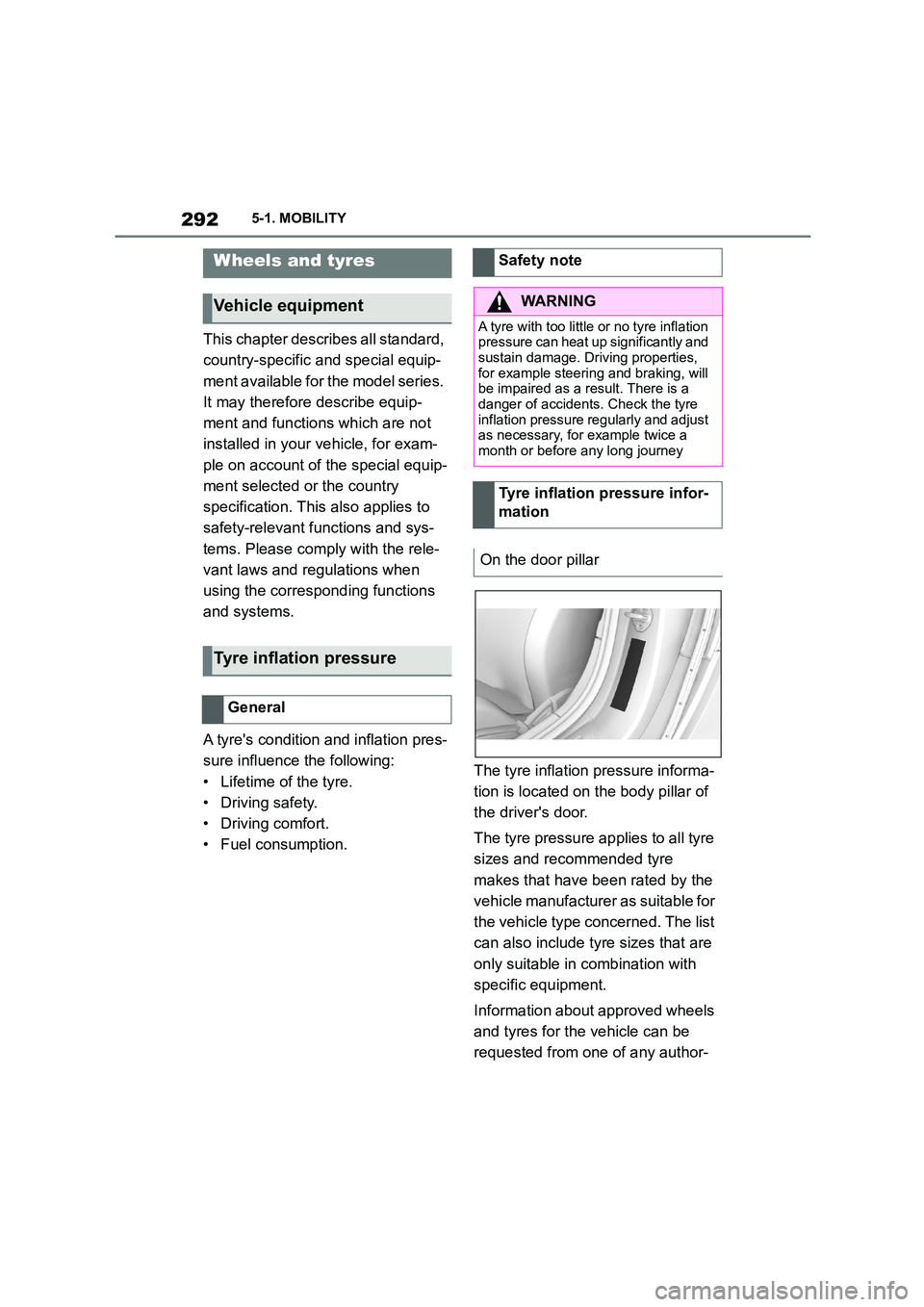
The tyre inflation pressure informa-
tion is located on the body pillar of
the driver's door.
The tyre pressure applies to all tyre
sizes and recommended tyre
makes that have been rated by the
vehicle manufacturer as suitable for
the vehicle type concerned. The list
can also include tyre sizes that are
only suitable in combination with
specific equipment.
Information about approved wheels
and tyres for the vehicle can be
requested from one of any author-
Wheels and tyres
Vehicle equipment
Tyre inflation pressure
General
Safety note
WA R N I N G
A tyre with too little or no tyre inflation
pressure can heat up significantly and sustain damage. Driving properties,
for example steering and braking, will
be impaired as a result. There is a danger of accidents. Check the tyre
inflation pressure regularly and adjust
as necessary, for example twice a
month or before any long journey
Tyre inflation pressure infor-
mation
On the door pillar
Page 300 of 498
2985-1. MOBILITY
mation is available from any
authorized Toyota retailer or Toyota
authorized repairer, or any reliable
repairer.
Do not exceed the maximum tyre
inflation pressure indicated on the
tyre's side wall.
• Store wheels and tyres in a cool,
dry and dark place when not in
use.
• Protect the tyres against contam-
ination from oil, grease and sol-
vents.
• Do not leave tyres in plastic
bags.
• Remove dirt from the wheels or
tyres.
In the event of a complete loss of
tyre inflation pressure, run-flat tyres
enable you to continue driving, with
certain restrictions.
The wheels are fitted with tyres
which are self-supporting to a lim-
ited degree. They may also have
special rims.
The reinforced side wall means that
the tyre keeps the vehicle mobile to
a degree even if tyre inflation pres-
sure has been lost.
Observe the notes on continuing to
drive with a flat tyre.
Swapping over front and rear
wheels
WA R N I N G
Swapping over of wheels between
axles on vehicles with different tyre
sizes or rim dimensions on the front and rear axles may cause tyre dam-
age and damage to the vehicle. There
is a risk of accident. Do not swap over wheels between axles on vehicles
with different tyre sizes or rim dimen-
sions on the front and rear axles.
Storing tyres
Tyre inflation pressure
Tyre storage
Run-flat tyres
Principle
General
Safety notes
WA R N I N G
A run-flat tyre which has low tyre infla-
tion pressure or no tyre inflation pres- sure at all will change the vehicle's
handling characteristics, for example
there may be reduced directional sta- bility when braking, longer braking
distances and different self-steering
characteristics. There is a danger of accidents. Drive with care and do not
exceed a speed of 80 km/h, 50 mph.