2022 TOYOTA COROLLA park assist
[x] Cancel search: park assistPage 5 of 678

3TABLE OF CONTENTS
1
6
5
4
3
2
9
8
7
4-2. Driving procedures
Engine (ignition) switch (vehicles
without a smart entry & start
system) ............................. 159
Engine (ignition) switch (vehicles
with a smart entry & start sys-
tem) .................................. 160
Multidrive ............................ 165
Manual transmission ........... 169
Turn signal lever ................. 171
Parking brake...................... 172
Electric parking brake ......... 173
Brake Hold .......................... 176
4-3. Operating the lights and wip-
ers
Headlight switch.................. 178
AHB (Automatic High Beam)
.......................................... 181
Fog light switch ................... 183
Windshield wipers and washer
.......................................... 184
4-4. Refueling
Opening the fuel tank cap ... 188
4-5. Using the driving support sys-
tems
Toyota Safety Sense ........... 190
PCS (Pre-Collision System)
.......................................... 202
LTA (Lane Tracing Assist) ... 209
LDA (Lane Departure Alert with
steering control) ................ 219
Dynamic radar cruise control
with full-speed range ........ 227
Dynamic radar cruise control
.......................................... 238
Cruise control...................... 249
Speed limiter ....................... 252
RSA (Road Sign Assist) ...... 254
BSM (Blind Spot Monitor) ... 258
Toyota parking assist-sensor
.......................................... 263
RCTA (Rear Crossing Traffic
Alert) function ................... 271
PKSB (Parking Support Brake)
.......................................... 276
Parking Support Brake function
(static objects) .................. 283
Parking Support Brake function
(rear-crossing vehicles) .... 286
S-IPA (Simple Intelligent Parking
Assist System) .................. 288
Driving mode select switch
.......................................... 314
GPF (Gasoline Particulate Filter)
system .............................. 315
Driving assist systems ........ 316
4-6. Driving tips
Winter driving tips ............... 321
5-1. Basic Operations
Audio system types............. 326
Using the steering wheel audio
switches ............................ 327
USB port ............................. 328
5-2. Using the audio system
Optimal use of the audio system
.......................................... 329
5-3. Using the radio
Radio operation .................. 331
5-4. Playing an audio CD and
MP3/WMA discs
CD player operation ............ 333
5-5. Using an external device
Listening to an iPod ............ 339
5Audio system
Page 25 of 678
23Pictorial index
Meter control switches ....................................................................P.94
Vehicle-to-vehicle distance switch .......................................P.232, 243
Cruise control switches
Dynamic radar cruise control with full-speed range*1......................P.227
Dynamic radar cruise control*1.........................................................P.238
Audio remote control switches*2..................................................P.327
Speed limiter main switch .............................................................P.252
LTA (Lane Tracing Assist) switch*1...............................................P.209
LDA (Lane Departure Alert with steering control) switch*1........P.219
Phone switch*2...............................................................................P.354
Talk switch*2...................................................................................P.354
*1: If equipped
*2: Vehicles with navigation/mu ltimedia system, refer to “Navigation and multimedia
system Owner’s manual” or “Multimedia Owner’s Manual”.
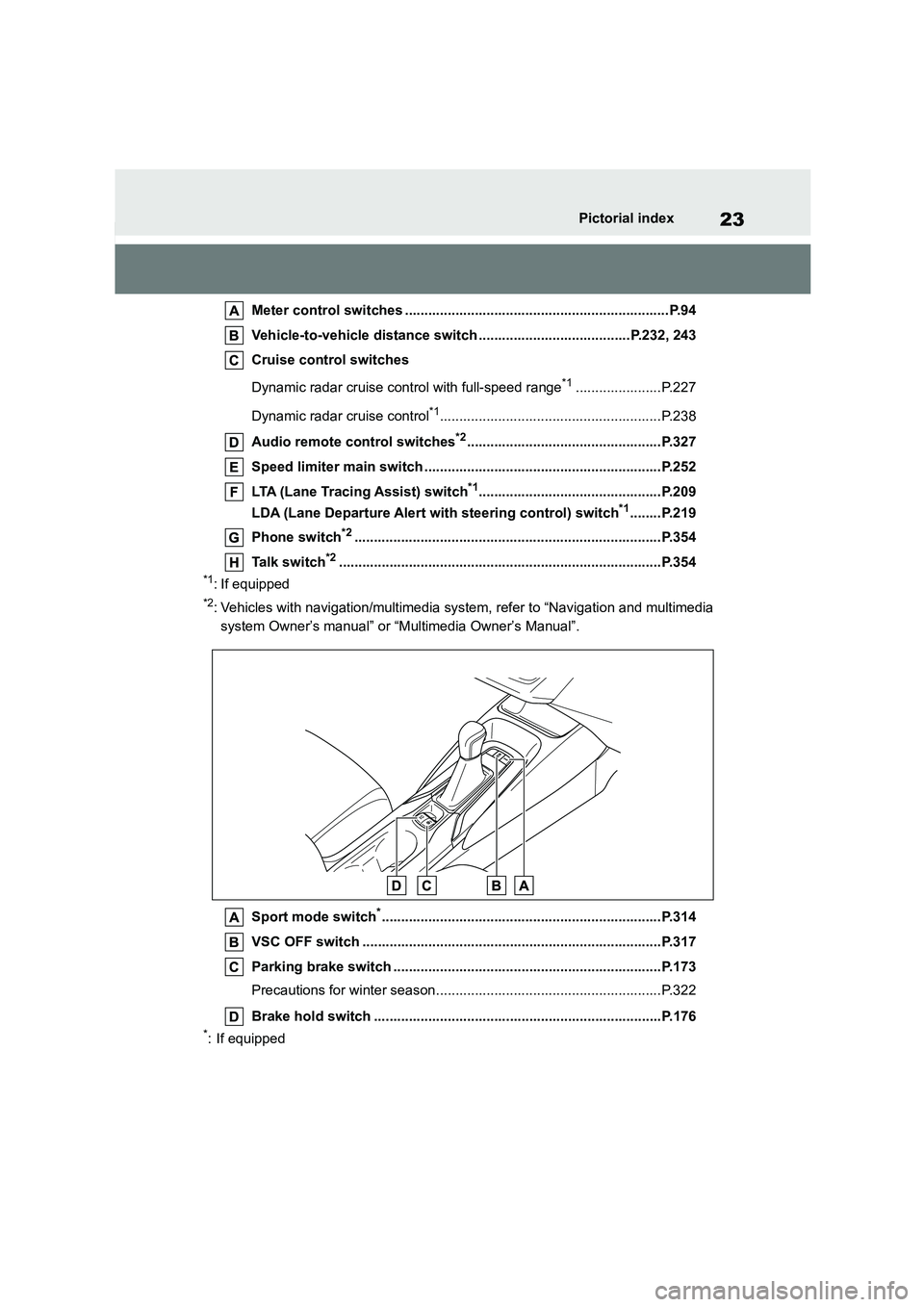
Sport mode switch*........................................................................P.314
VSC OFF switch .............................................................................P.317
Parking brake switch .....................................................................P.173
Precautions for winter season..........................................................P.322
Brake hold switch ..........................................................................P.176
*: If equipped
Page 39 of 678
37
1
1-1. For safe use
For safety and security
may be sustained from SRS airbags,
due to the extremely high speed deployment (inflation) by hot gases.
●A loud noise and white powder will be emitted.
●Parts of the airbag module (steering wheel hub, airbag cover and inflator)
as well as the front seats, parts of the
front and rear pillars, and roof side rails, may be hot for several minutes.
The airbag itself may also be hot.
●The windshield may crack.
●The brakes and stop lights will be con- trolled automatically. ( P.316)
●The interior lights will turn on automat- ically. ( P.395)
●The emergency flashers will turned on automatically. ( P.462)
●Fuel supply to the engine will be stopped. ( P.470)
●Vehicles with eCall: If any of the fol-
lowing situations occur, the system is
designed to send an emergency call*
to the eCall control center, notifying
them of the vehicle’s location (without needing to push the “SOS” button)
and an agent will attempt to speak
with the occupants to ascertain the level of emergency and assistance
required. If the occupants are unable
to communicate, the agent automati- cally treats the call as an emergency
and helps to dispatch the necessary
emergency services. ( P. 6 4 ) • An SRS airbag is deployed.
• A seat belt pretensioner is activated.
• The vehicle is involved in a severe rear-end collision.*: In some cases, the call cannot be
made. ( P. 6 5 )
■SRS airbag deployment conditions (SRS front airbags)
●The SRS front airbags will deploy in the event of an impact that exceeds
the set threshold le vel (the level of
force corresponding to an approxi- mately 20 - 30 km/h [12 - 18 mph]
frontal collision with a fixed wall that
does not move or deform).
However, this threshold velocity will be
considerably higher in the following situ-
ations: • If the vehicle strikes an object, such
as a parked vehicle or sign pole,
which can move or deform on impact • If the vehicle is involved in an
underride collision, such as a collision
in which the front of the vehicle “underrides”, or goes under, the bed
of a truck
●Depending on the type of collision, it is
possible that only the seat belt
pretensioners will activate.
■SRS airbag deployment conditions (SRS side and curtain shield
airbags [if equipped])
●The SRS side and curtain shield
airbags will deploy in the event of an
impact that exceeds the set threshold level (the level of force corresponding
to the impact force produced by an
approximately 1500 kg [3300 lb.] vehi- cle colliding with the vehicle cabin
from a direction perpendicular to the
vehicle orientation at an approximate speed of 20 - 30 km/h [12 - 18 mph]).
●Vehicles with an SRS driver’s knee airbag: Both SRS curtain shield
airbags may deploy in the event of a
severe side collision.
●Both SRS curtain shield airbags may
also deploy in the event of a severe frontal collision.
■Conditions under which the SRS
airbags may deploy (inflate), other
than a collision
The SRS front airbags and SRS side
and curtain shield airbags may also
deploy if a serious impact occurs to the
underside of your vehicle. Some exam- ples are shown in the illustration.
●Hitting a curb, edge of pavement or hard surface
●Falling into or jumping over a deep hole
●Landing hard or falling
Page 84 of 678

822-1. Instrument cluster
*1: These lights come on when the
engine switch is turned to ON to indi-
cate that a system check is being
performed. They will turn off after the
engine is started, or after a few sec-
onds. There may be a malfunction in
a system if the lights do not come
on, or turn off. Have the vehicle
inspected by any authorized Toyota
retailer or Toyota authorized repairer,
or any reliable repairer.
*2: As these lights are displayed on the
multi-information display, they will
not turn on when a system check, as
described in*1 above, is being per-
formed.
*3: This light illuminates on the
multi-information display.
ABS warning light*1 ( P.473)
Brake Override System warn-
ing light/Drive-S tart Control
warning light*3 ( P.473)
(Red)
Electric power steering sys-
tem warning light*1 ( P.474)
(Yellow)
Electric power steering sys-
tem warning light*1 ( P.474)
Low fuel level warning light
( P.474)
Driver’s and front passen-
ger’s seat belt reminder light
( P.474)
Rear passengers’ seat
belt reminder lights (if
equipped) ( P.474)
Low windshield washer fluid
warning light*1 (if equipped)
( P.475)
Tire pressure warning light*1
( P.475)
(Orange)
LTA indicator (if equipped)
( P.475)
LDA indicator (if equipped)
( P.475)
(Flashes)
Toyota parking assist-sensor
OFF indicator*1 (if equipped)
( P.476)
(Flashes)
RCTA OFF indicator*1 (if
equipped) ( P.476)
(Flashes)
PKSB OFF indicator*1 (if
equipped) ( P.476)
(Flashes or illumi-nates)
PCS warning light*1 (if
equipped) ( P.477)
(Yellow)
Cruise control indicator (if
equipped) ( P.477)
Slip indicator*1 ( P.477)
(Flashes)
Parking brake indicator
( P.478)
(Flashes)
Brake hold operated indica-
tor*1 (if equipped) ( P.478)
Page 85 of 678

83
2
2-1. Instrument cluster
Vehicle status information and indicators
The indicators inform the driver of
the operating state of the vehicle’s
various systems.
WA R N I N G
■If a safety system warning light
does not come on
Should a safety system light such as the ABS and SRS warning light not
come on when you start the engine,
this could mean that these systems are not available to help protect you in
an accident, which could result in
death or serious injury. Have the vehi-
cle inspected by any authorized Toyota retailer or Toyota authorized
repairer, or any reliable repairer
immediately if this occurs.
Indicators
Turn signal indicator
( P.171)
Tail light indicator ( P.178)
Headlight high beam indica-
tor ( P.179)
Automatic High Beam indica-
tor (if equipped) ( P.181)
Front fog light indicator (if
equipped) ( P.183)
Rear fog light indicator
( P.183)
PCS warning light*1, 2 (if
equipped) ( P.204)
Cruise control indicator (if
equipped) ( P.227, 238,
249)
Dynamic radar cruise control
indicator (if equipped)
( P.227, 238)
Cruise control “SET” indica-
tor (if equipped) ( P.227,
238, 249)
*3
LTA indicator (if equipped)
( P.214)
LDA indicator (if equipped)
( P.223)
BSM outside rear view mirror
indicators*1, 4 (if equipped)
( P.259)
BSM indicator (if equipped)
( P.259)
Toyota parking assist-sensor
OFF indicator*1, 2 (if
equipped) ( P.264)
RCTA OFF indicator*1, 2 (if
equipped) ( P.272)
PKSB OFF indicator*1, 2 (if
equipped) ( P.277)
Speed limiter indicator (if
equipped) ( P.252)
S-IPA indicator*1 (if
equipped) ( P.288)
(Flashes)
Slip indicator*1 ( P.317)
VSC OFF indicator*1, 2
( P.317)
Smart entry & start system
indicator*5 (if equipped)
( P.160)
Gear Shift Indicator (if
equipped) ( P.170)
Parking brake indicator
( P.172, 173)
Brake hold standby indica-
tor*1 (if equipped) ( P.176)
Brake hold operated indica-
tor*1 (if equipped) ( P.176)
Page 104 of 678
1022-1. Instrument cluster
head-up display.
■Enabling/disabling of the head-up
display
If the head-up display is disabled, it will
remain disabled when the engine switch
is turned off then back to ON.
■Display brightness
The brightness of the head-up display
can be adjusted on of the
multi-information display. Also, it is auto- matically adjusted according to the
ambient brightness.
■Driving support system status
display
Displays the operational status of
the following systems:
Dynamic radar cruise control
with full-speed range (if
equipped) ( P.227)
Dynamic radar cruise control (if
equipped) ( P.238)
LTA (Lane Tracing Assist) (if
equipped) ( P.209)
LDA (Lane Departure Alert with
steering control) (if equipped)
( P.219)
Details of content displayed on the
head-up display may differ from that
displayed on the multi-information dis-
play. For details, refer to the explana-
tion of each system.
■Navigation system-linked dis-
play area (if equipped)
Displays the following items which
are linked to the navigation system:
Street name
Route guidance to destination
Compass (heading-up display)
Pop-up displays for the following
systems will be displayed when
necessary:
■Driving support systems
Displays a warning/sugges-
tion/advice message or the operat-
ing state of a relevant system.
PCS (Pre-Collision System)
( P.202)
Brake Override System
WA R N I N G
■Caution for changing settings of
the head-up display
If the engine is running when chang-
ing the display settings, ensure that
the vehicle is parked in a place with adequate ventilation. In a closed area
such as a garage, exhaust gases
including harmful carbon monoxide (CO) may collect and enter the vehi-
cle. This may lead to death or a seri-
ous health hazard.
NOTICE
■When changing the settings of
the head-up display
To prevent battery discharge, ensure that the engine is running while
changing the settings of the head-up
display.
Driving support system sta-
tus/navigation sys-
tem-linked display area (if
equipped)
Pop-up display
Page 125 of 678
123
3
3-2. Opening, closing and locking the doors
Before driving
with, or is covered by the following
metallic objects • Cards to which aluminum foil is
attached
• Cigarette boxes that have aluminum foil inside
• Metallic wallets or bags
•Coins • Hand warmers made of metal
• Media such as CDs and DVDs
●When other wireless keys (that emit
radio waves) are being used nearby
●When carrying the electronic key
together with the following devices
that emit radio waves • Another vehicle’s electronic key or a
wireless key that emits radio waves
• Personal computers or personal digi- tal assistants (PDAs)
• Digital audio players
• Portable game systems
●If window tint with a metallic content or
metallic objects are attached to the rear window
●When the electronic key is placed near a battery charger or electronic
devices
●When the vehicle is parked in a pay
parking spot where radio waves are
emitted
If the doors cannot be locked/unlocked
using the smart en try & start system,
lock/unlock the doors by performing any of the following (vehicles with entry func-
tion):
●Bring the electronic key close to either
front door handle and operate the
entry function.
●Operate the wireless remote control.
If the doors cannot be locked/unlocked
using the above methods, use the mechanical key. ( P.512)
If the engine cannot be started using the
smart entry & start system refer to P.512.
■Note for the entr y function (if
equipped)
●Even when the electronic key is within
the effective range (detection areas),
the system may not operate properly in the following cases:
• The electronic key is too close to the
window or outside door handle, near the ground, or in a high place when
the doors are locked or unlocked.
• The electronic key is near the ground or in a high place, or too close to the
center of the rear bumper when the
trunk is opened. • The electronic key is on the instru-
ment panel, rear package tray or floor,
or in the door pockets or glove box when the engine is started or engine
switch modes are changed.
●Do not leave the electronic key on top
of the instrument panel or near the
door pockets when exiting the vehicle. Depending on the radio wave recep-
tion conditions, it may be detected by
the antenna outside the cabin and the door will become lockable from the
outside, possibly trapping the elec-
tronic key inside the vehicle.
●As long as the electronic key is within
the effective range, the doors may be locked or unlocked by anyone. How-
ever, only the doors detecting the
electronic key can be used to unlock the vehicle.
●Even if the electronic key is not inside the vehicle, it may be possible to start
the engine if the electronic key is near
the window.
●The doors may unlock or lock if a
large amount of water splashes on the door handle, such as in the rain or in a
car wash when the electronic key is
within the effective range. (The doors will automatically be locked after
approximately 30 seconds if the doors
are not opened and closed.)
●If the wireless remote control is used
to lock the doors when the electronic
key is near the vehicle, there is a pos- sibility that the door may not be
unlocked by the entry function. (Use
the wireless remote control to unlock the doors.)
Page 145 of 678

4
143
4
Driving
Driving
.4-1. Before driving
Driving the vehicle ............ 145
Cargo and luggage ........... 152
Trailer towing (for M15A-FKS
engine) ........................... 153
Trailer towing (except for
M15A-FKS engine) ......... 158
4-2. Driving procedures
Engine (ignition) switch (vehi-
cles without a smart entry &
start system) ................... 159
Engine (ignition) switch (vehi-
cles with a smart entry & start
system) ........................... 160
Multidrive .......................... 165
Manual transmission ......... 169
Turn signal lever ............... 171
Parking brake ................... 172
Electric parking brake ....... 173
Brake Hold ........................ 176
4-3. Operating the lights and wip-
ers
Headlight switch ............... 178
AHB (Automatic High Beam)
....................................... 181
Fog light switch ................. 183
Windshield wipers and washer
....................................... 184
4-4. Refueling
Opening the fuel tank cap
....................................... 188
4-5. Using the driving support
systems
Toyota Safety Sense ......... 190
PCS (Pre-Collision System)
........................................ 202
LTA (Lane Tracing Assist)
........................................ 209
LDA (Lane Departure Alert with
steering control) .............. 219
Dynamic radar cruise control
with full-speed range ...... 227
Dynamic radar cruise control
........................................ 238
Cruise control.................... 249
Speed limiter ..................... 252
RSA (Road Sign Assist) .... 254
BSM (Blind Spot Monitor)
........................................ 258
Toyota parking assist-sensor
........................................ 263
RCTA (Rear Crossing Traffic
Alert) function ................. 271
PKSB (Parking Support Brake)
........................................ 276
Parking Support Brake function
(static objects) ................ 283
Parking Support Brake function
(rear-crossing vehicles) .. 286
S-IPA (Simple Intelligent Park-
ing Assist System) .......... 288
Driving mode select switch
........................................ 314
GPF (Gasoline Particulate Fil-
ter) system ...................... 315