2022 HYUNDAI ELANTRA HYBRID display
[x] Cancel search: displayPage 101 of 529
4
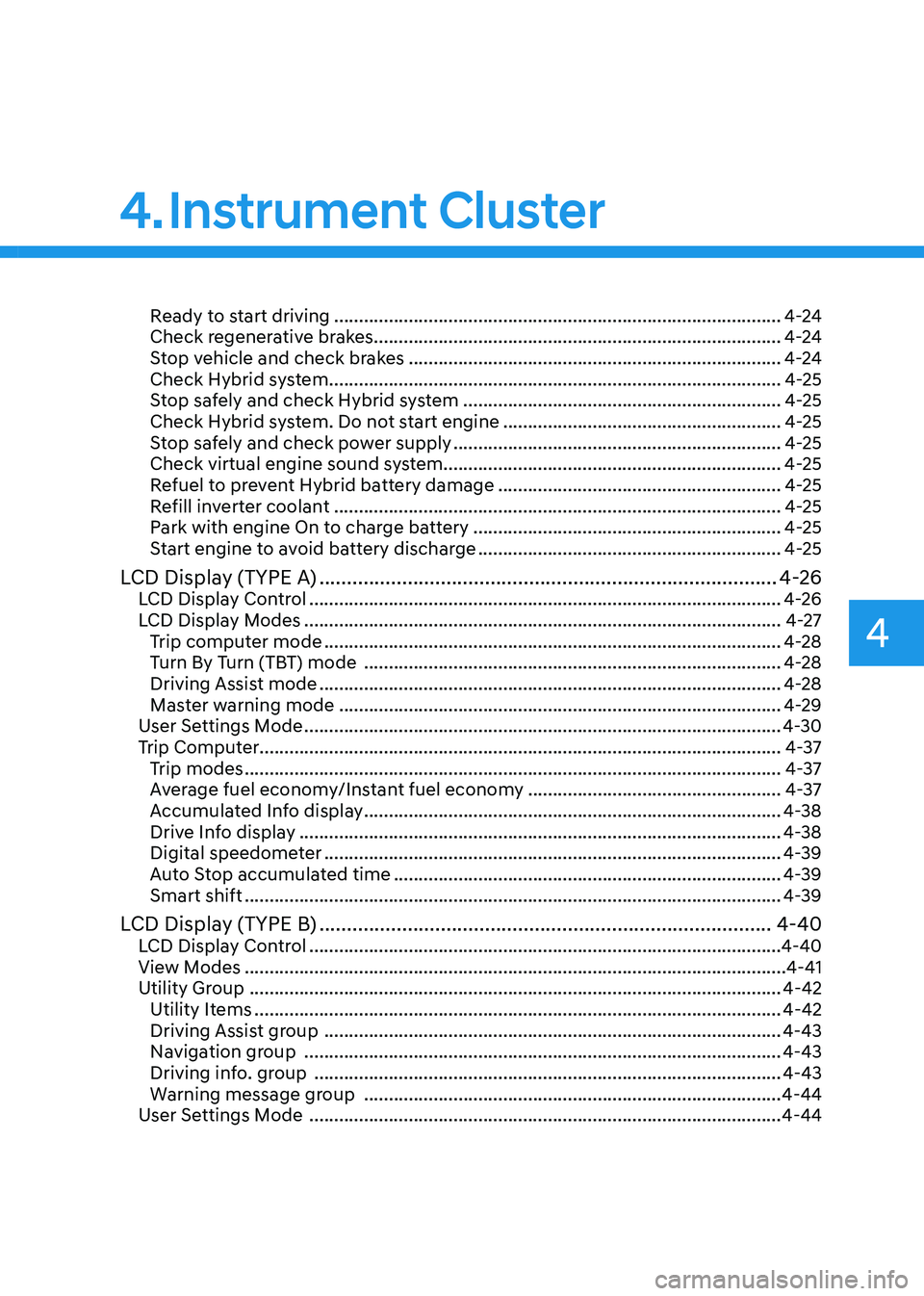
Ready to start driving .......................................................................................... 4-24
Check regenerative brakes.................................................................................. 4-24
Stop vehicle and check brakes ........................................................................... 4-24
Check Hybrid system ........................................................................................... 4-25
Stop safely and check Hybrid system ................................................................ 4-25
Check Hybrid system. Do not start engine ........................................................4-25
Stop safely and check power supply .................................................................. 4-25
Check virtual engine sound system.................................................................... 4-25
Refuel to prevent Hybrid battery damage .........................................................4-25
Refill inverter coolant .......................................................................................... 4-25
Park with engine On to charge battery ..............................................................4-25
Start engine to avoid battery discharge .............................................................4-25
LCD Display (TYPE A) ................................................................................... 4-26
LCD Display Control ............................................................................................... 4-26
LCD Display Modes ................................................................................................ 4-27
Trip computer mode ............................................................................................ 4-28
Turn By Turn (TBT) mode .................................................................................... 4-28
Driving Assist mode ............................................................................................. 4-28
Master warning mode ......................................................................................... 4-29
User Settings Mode ................................................................................................ 4-30
Trip Computer......................................................................................................... 4-37 Trip modes ............................................................................................................ 4-37
Average fuel economy/Instant fuel economy ...................................................4-37
Accumulated Info display .................................................................................... 4-38
Drive Info display ................................................................................................. 4-38
Digital speedometer ............................................................................................ 4-39
Auto Stop accumulated time .............................................................................. 4-39
Smart shift ............................................................................................................ 4-39
LCD Display (TYPE B) .................................................................................. 4-40
LCD Display Control ............................................................................................... 4-40
View Modes ............................................................................................................. 4-41
Utility Group ........................................................................................................... 4-42
Utility Items .......................................................................................................... 4-42
Driving Assist group ............................................................................................ 4-43
Navigation group ................................................................................................ 4-43
Driving info. group .............................................................................................. 4-43
Warning message group .................................................................................... 4-44
User Settings Mode ............................................................................................... 4-44
4. Instrument Cluster
Page 102 of 529
4-4
Instrument Cluster
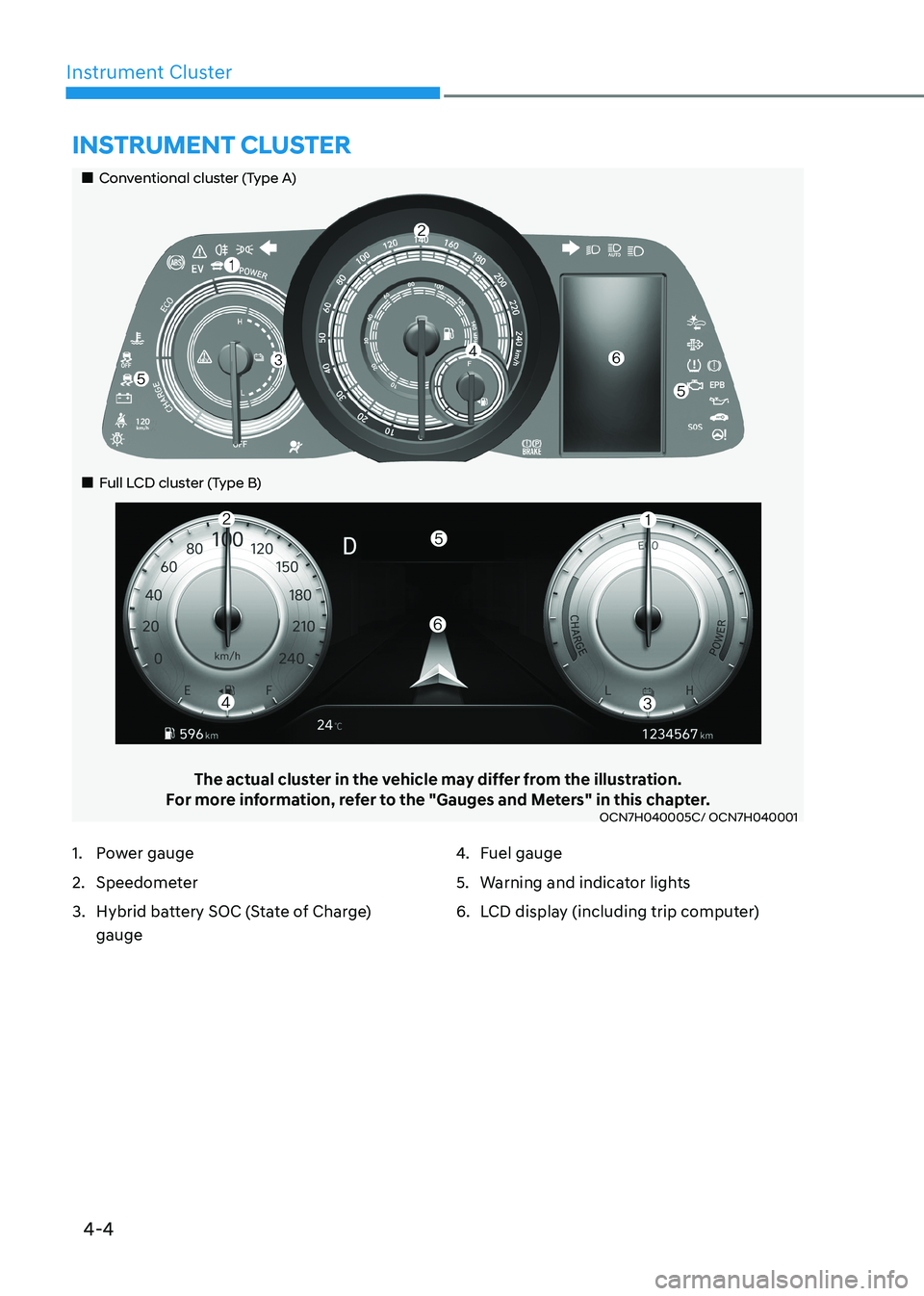
The actual cluster in the vehicle may differ from the illustration.
For more information, refer to the "Gauges and Meters" in this chapter.
OCN7H040005C/ OCN7H040001
Instrument Cluster
1. Power gauge
2. Speedometer
3. Hybrid battery SOC (State of Charge)
gauge 4.
Fuel gauge
5. Warning and indicator lights
6. LCD display (including trip computer)
„„Conventional cluster (Type A)
„
„Full LCD cluster (Type B)
Page 103 of 529
04
4-5
Instrument Cluster Control
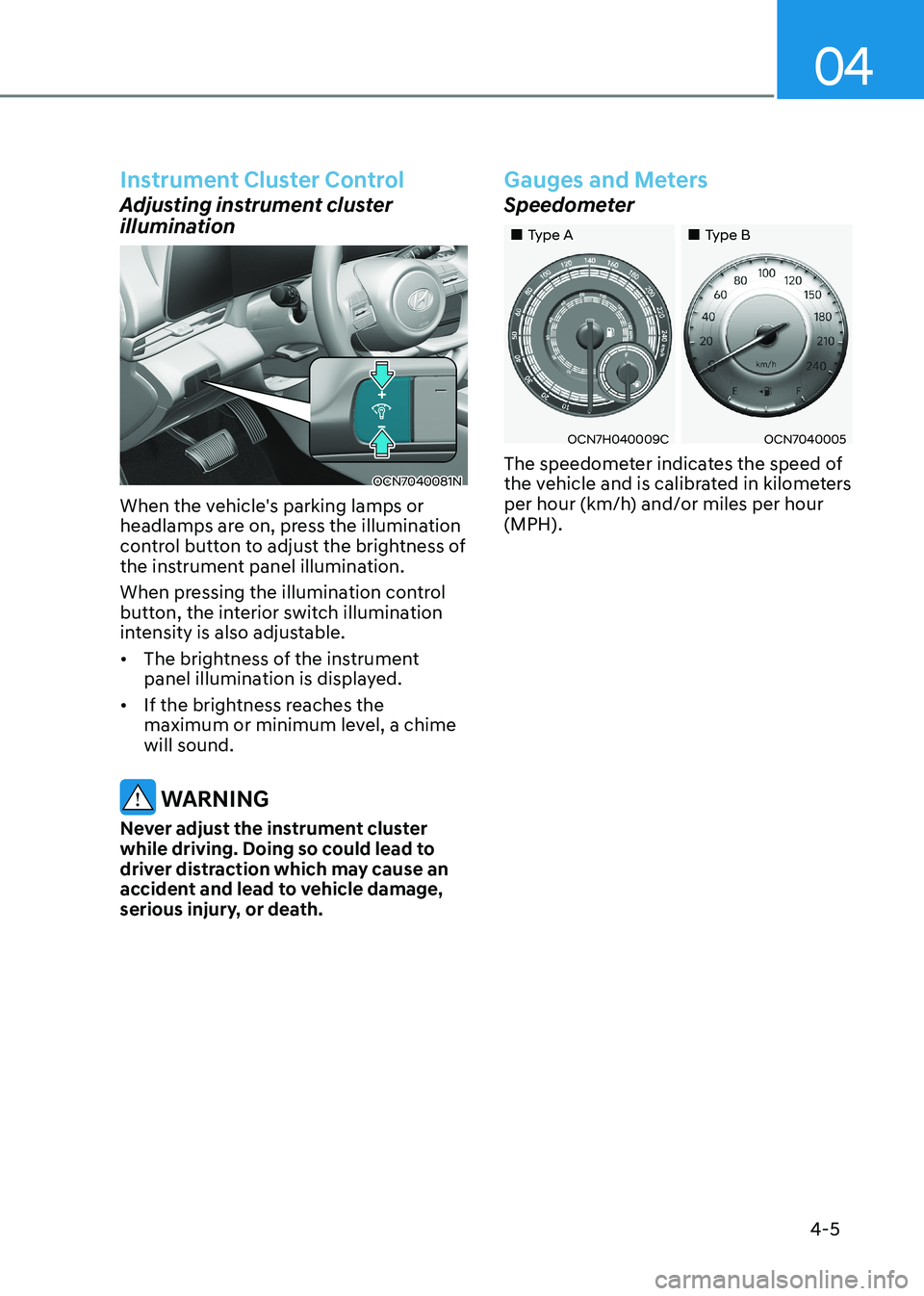
Adjusting instrument cluster
illumination
OCN7040081N
When the vehicle's parking lamps or
headlamps are on, press the illumination
control button to adjust the brightness of
the instrument panel illumination.
When pressing the illumination control
button, the interior switch illumination
intensity is also adjustable. • The brightness of the instrument
panel illumination is displayed.
• If the brightness reaches the
maximum or minimum level, a chime will sound.
WARNING
Never adjust the instrument cluster
while driving. Doing so could lead to
driver distraction which may cause an
accident and lead to vehicle damage,
serious injury, or death.
Gauges and Meters
Speedometer
„„Type A „„Type B
OCN7H040009COCN7040005
The speedometer indicates the speed of
the vehicle and is calibrated in kilometers
per hour (km/h) and/or miles per hour (MPH).
Page 106 of 529
Instrument Cluster
4-8
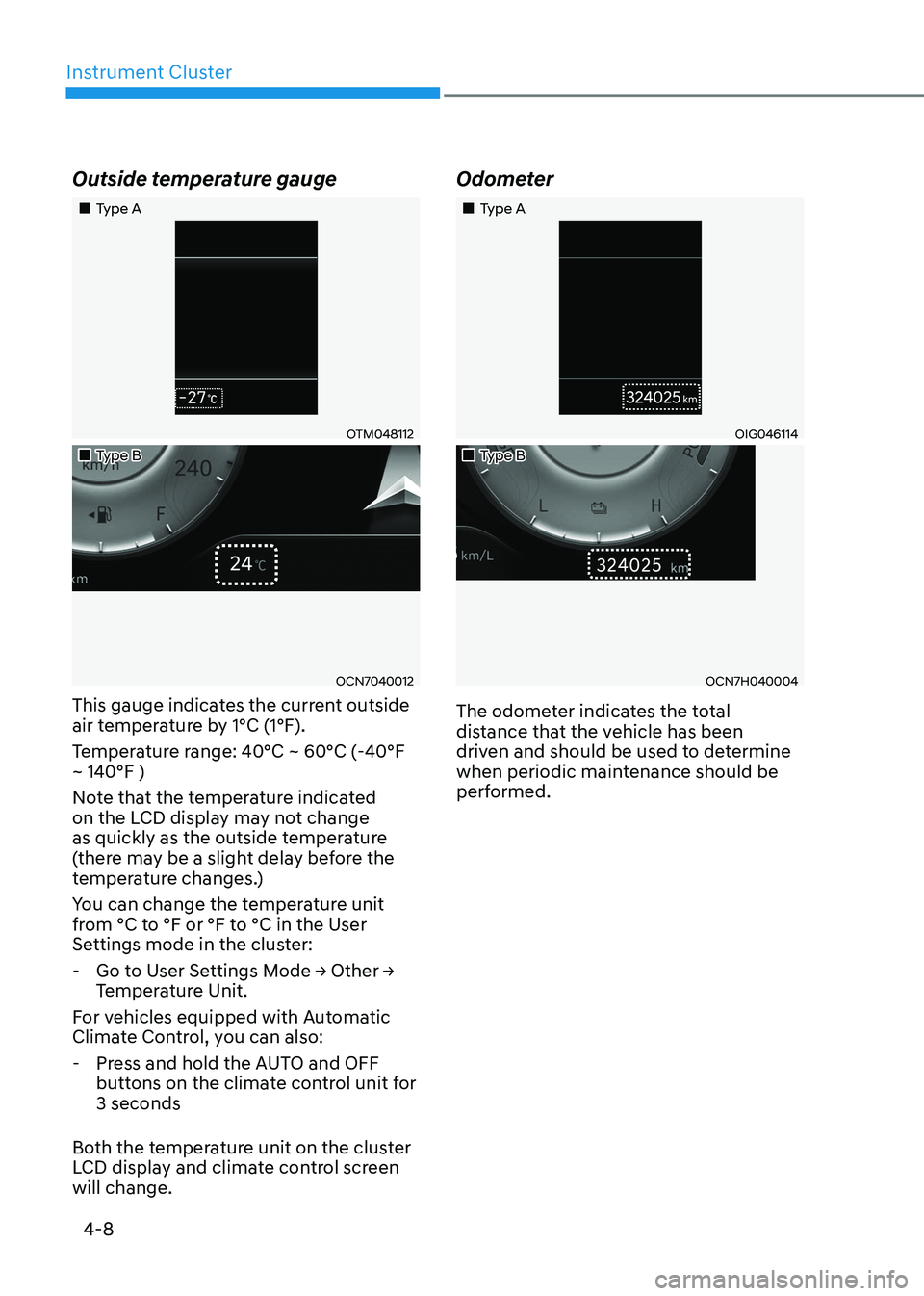
Outside temperature gauge
„„Type A
OTM048112
„„Type B
OCN7040012
This gauge indicates the current outside
air temperature by 1°C (1°F).
Temperature range: 40°C ~ 60°C (-40°F ~ 140°F )
Note that the temperature indicated
on the LCD display may not change
as quickly as the outside temperature
(there may be a slight delay before the
temperature changes.)
You can change the temperature unit
from °C to °F or °F to °C in the User
Settings mode in the cluster:
- Go to User Settings Mode → Other →
Temperature Unit.
For vehicles equipped with Automatic
Climate Control, you can also: - Press and hold the AUTO and OFF buttons on the climate control unit for 3 seconds
Both the temperature unit on the cluster
LCD display and climate control screen will change. Odometer
„„Type A
OIG046114
„„Type B
OCN7H040004
The odometer indicates the total
distance that the vehicle has been
driven and should be used to determine
when periodic maintenance should be
performed.
Page 107 of 529
04
4-9
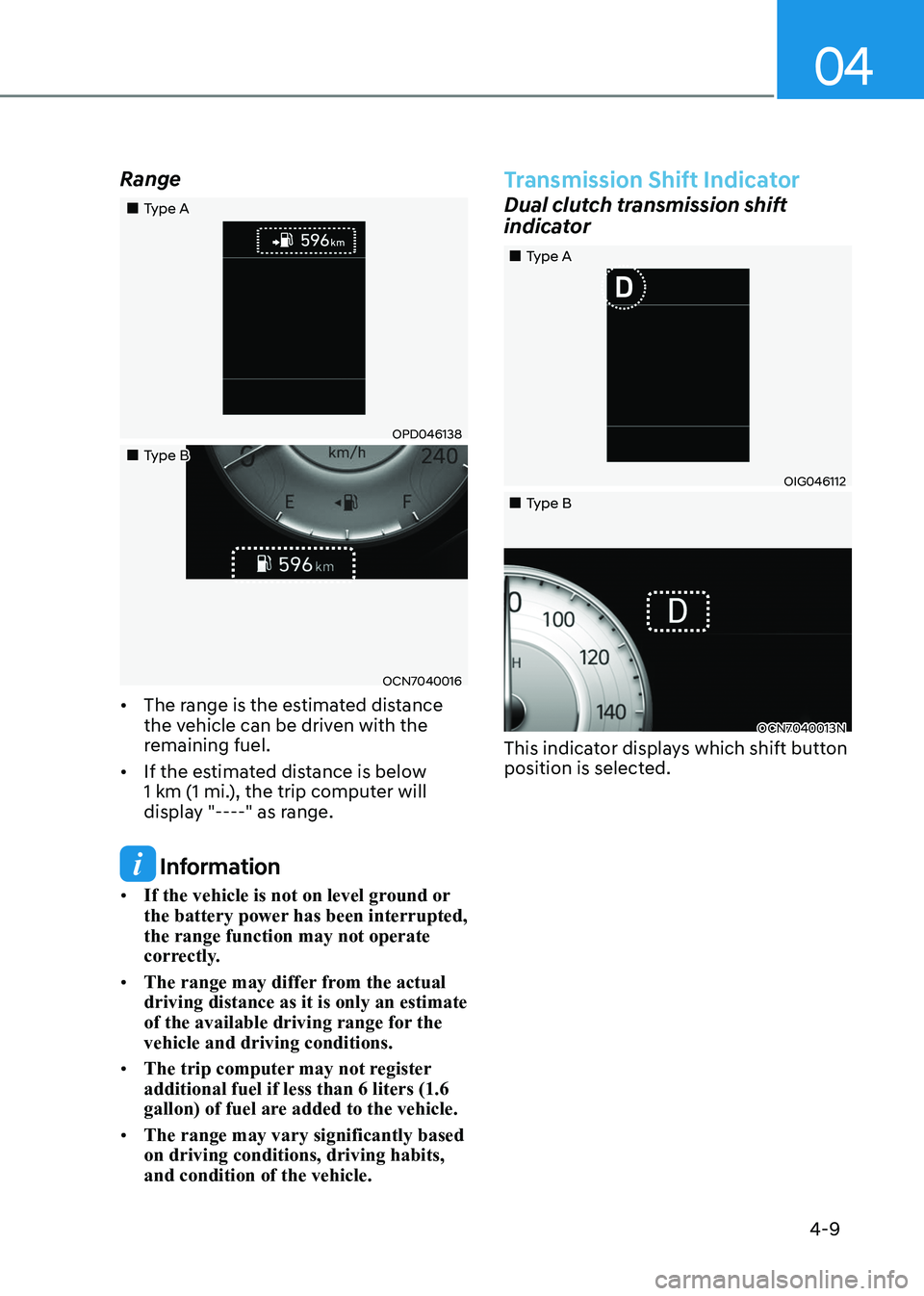
Range
„„Type A
OPD046138
„„Type B
OCN7040016
• The range is the estimated distance
the vehicle can be driven with the
remaining fuel.
• If the estimated distance is below
1 km (1 mi.), the trip computer will
display "----" as range.
Information
• If the vehicle is not on level ground or
the battery power has been interrupted, the range function may not operate
correctly.
• The range may differ from the actual driving distance as it is only an estimate
of the available driving range for the vehicle and driving conditions.
• The trip computer may not register additional fuel if less than 6 liters (1.6
gallon) of fuel are added to the vehicle.
• The range may vary significantly based on driving conditions, driving habits, and condition of the vehicle.
Transmission Shift Indicator
Dual clutch transmission shift
indicator
OIG046112
OCN7040013N
„
„Type A
„
„Type B
This indicator displays which shift button
position is selected.
Page 113 of 529
04
4-15
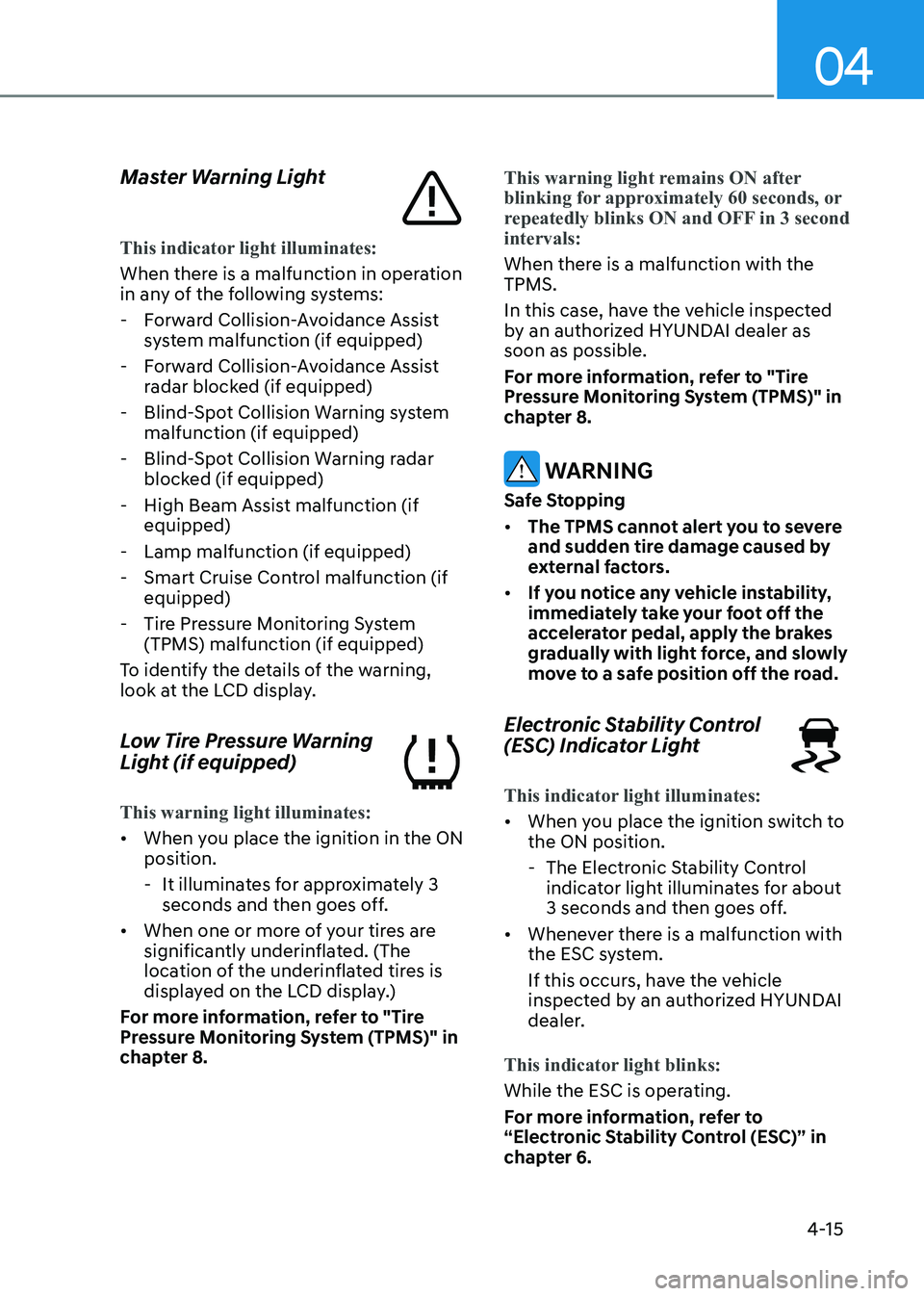
Master Warning Light
This indicator light illuminates:
When there is a malfunction in operation
in any of the following systems:
- Forward Collision-Avoidance Assist system malfunction (if equipped)
- Forward Collision-Avoidance Assist radar blocked (if equipped)
- Blind-Spot Collision Warning system malfunction (if equipped)
- Blind-Spot Collision Warning radar blocked (if equipped)
- High Beam Assist malfunction (if equipped)
- Lamp malfunction (if equipped)
- Smart Cruise Control malfunction (if equipped)
- Tire Pressure Monitoring System (TPMS) malfunction (if equipped)
To identify the details of the warning,
look at the LCD display.
Low Tire Pressure Warning
Light (if equipped)
This warning light illuminates:
• When you place the ignition in the ON position.
- It illuminates for approximately 3 seconds and then goes off.
• When one or more of your tires are
significantly underinflated. (The
location of the underinflated tires is
displayed on the LCD display.)
For more information, refer to "Tire
Pressure Monitoring System (TPMS)" in
chapter 8.
This warning light remains ON after
blinking for approximately 60 seconds, or
repeatedly blinks ON and OFF in 3 second intervals:
When there is a malfunction with the TPMS.
In this case, have the vehicle inspected
by an authorized HYUNDAI dealer as soon as possible.
For more information, refer to "Tire
Pressure Monitoring System (TPMS)" in
chapter 8.
WARNING
Safe Stopping • The TPMS cannot alert you to severe
and sudden tire damage caused by
external factors.
• If you notice any vehicle instability,
immediately take your foot off the
accelerator pedal, apply the brakes
gradually with light force, and slowly
move to a safe position off the road.
Electronic Stability Control
(ESC) Indicator Light
This indicator light illuminates:
• When you place the ignition switch to the ON position.
- The Electronic Stability Control indicator light illuminates for about
3 seconds and then goes off.
• Whenever there is a malfunction with
the ESC system.
If this occurs, have the vehicle
inspected by an authorized HYUNDAI
dealer.
This indicator light blinks:
While the ESC is operating.
For more information, refer to
“Electronic Stability Control (ESC)” in
chapter 6.
Page 118 of 529
Instrument Cluster
4-20
LCD Display Messages
Shift to P or N to start engine
(for smart key system)
This warning message is displayed if
you try to start the engine with the shift
button not in the P (Park) or N (Neutral) position.
Information
You can start the engine with the shift
button in the N (Neutral) position. But, for
your safety, have you start the engine with
the shift button in the P (Park) position.
Shift to P (for smart key system and
dual clutch transmission)
This message is displayed if you try to
turn off the engine without the shift
button in P (Park) position.
If this occurs, the Engine Start/Stop
button turns to the ACC position (If you
press the Engine Start/Stop button once
more, it will turn to the ON position).
Low key battery
(for smart key system)
This warning message is displayed if the
battery of the smart key is discharged
while changing the Engine Start/Stop
button to the OFF position.
Press brake pedal to start engine
(for smart key system and dual
clutch transmission)
This warning message is displayed if the
Engine Start/Stop button changes to
the ACC position twice by pressing the
button repeatedly without depressing
the brake pedal.
You can start the vehicle by depressing
the brake pedal and then pressing the
Engine Start/Stop button. Key not in vehicle
(for smart key system)
This warning message is displayed if the
smart key is not in the vehicle when you
press the Engine Start/Stop button.
When attempting to start the vehicle,
always have the smart key with you.
Key not detected
(for smart key system)
This warning message is displayed if the
smart key is not detected when you press
the Engine Start/Stop button.
Press START button again
(for smart key system)
This message is displayed if you were
unable to start the vehicle when the
Engine Start/Stop button was pressed.
If this occurs, attempt to start the engine
by pressing the Engine Start/Stop button again.
If the warning message appears each
time you press the Engine Start/Stop
button, have your vehicle inspected by
an authorized HYUNDAI dealer.
Page 119 of 529
04
4-21
12V battery discharging due to
additional electrical devices
This message is displayed if the 12V
battery voltage is weak due to any
non-factory electrical accessories (ex.
dashboard camera) while parking. Be
careful that the battery is not discharged.
If the message appears after removing
the non-factory electrical accessories,
we recommend that you have the vehicle
inspected by an authorized HYUNDAI
dealer.
Press START button with key
(for smart key system)
This warning message is displayed if you
press the Engine Start/Stop button while
the warning message "Key not detected"
is displayed.
At this time, the immobilizer indicator
light blinks.
Check BRAKE SWITCH fuse (for
smart key system and dual clutch
transmission)
This warning message is displayed if the
brake switch fuse is disconnected.
You need to replace the fuse with a new
one before starting the engine.
If that is not possible, you can start the
engine by pressing the Engine Start/
Stop button for 10 seconds in the ACC position.
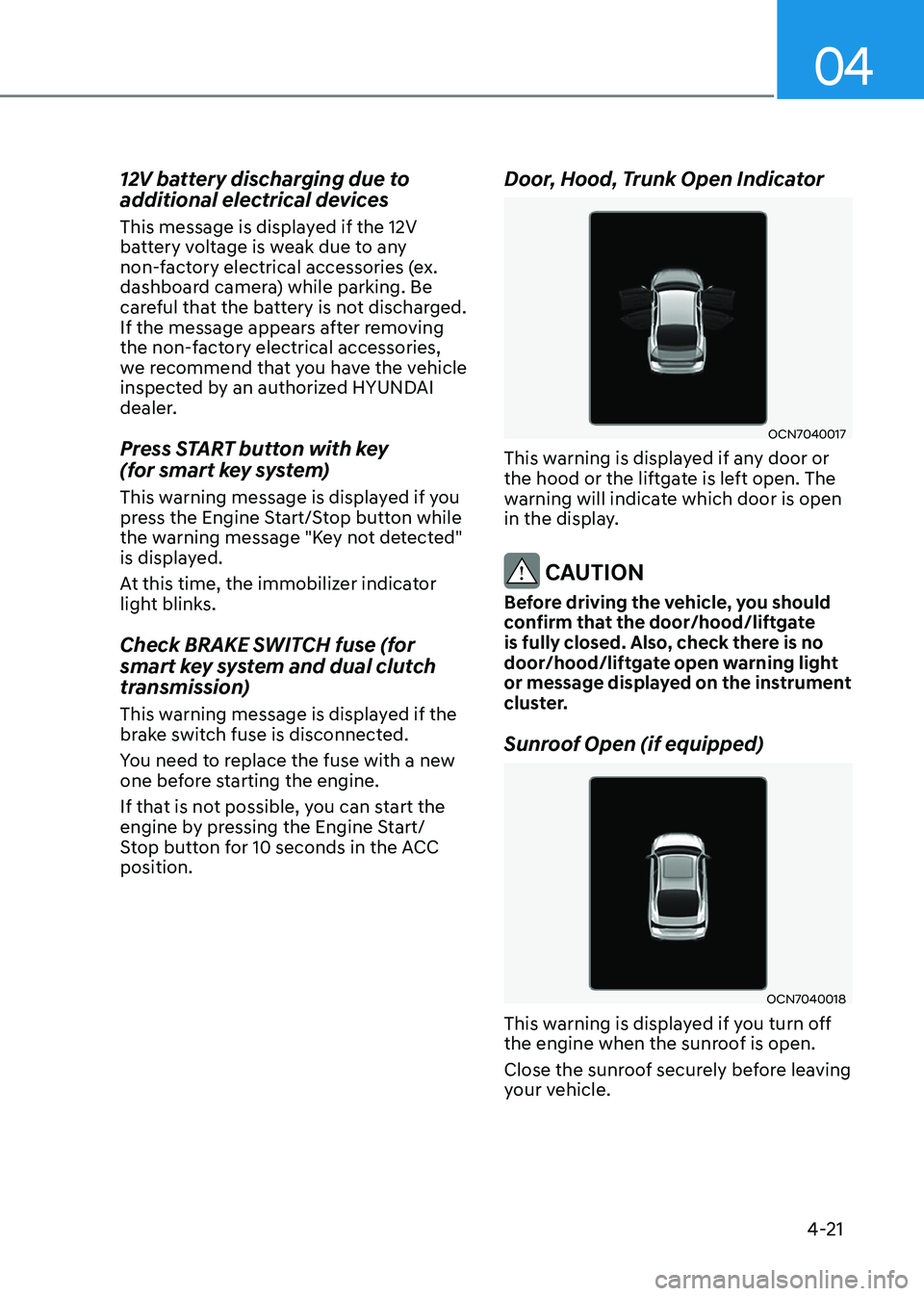
Door, Hood, Trunk Open Indicator
OCN7040017
This warning is displayed if any door or
the hood or the liftgate is left open. The
warning will indicate which door is open
in the display.
CAUTION
Before driving the vehicle, you should
confirm that the door/hood/liftgate
is fully closed. Also, check there is no
door/hood/liftgate open warning light
or message displayed on the instrument
cluster.
Sunroof Open (if equipped)
OCN7040018
This warning is displayed if you turn off
the engine when the sunroof is open.
Close the sunroof securely before leaving
your vehicle.