2020 FORD MUSTANG ECO mode
[x] Cancel search: ECO modePage 176 of 464
Possible Causes and Actions for This Message Displaying:
Action
Cause
Clean the grille surface in front of the radar
or remove the object causing the obstruc-
tion.
The surface of the radar is dirty or
obstructed.
Wait a short time. It may take several
minutes for the radar to detect that it is free
from obstruction.
The surface of the radar is clean but the
message remains in the display.
Do not use the system in these conditions
because it may not detect any vehicles
ahead.
Heavy rain or snow is interfering with the
radar signals.
Do not use the system in these conditions
because it may not detect any vehicles
ahead.
Water, snow or ice on the surface of the
road may interfere with the radar signals.
Due to the nature of radar technology, it is possible to get a blockage warning with no
actual block. This happens, for example, when driving in sparse rural or desert
environments. A false blocked condition either self clears, or clears after you restart your
vehicle.
Switching to Normal Cruise
Control WARNING: Normal cruise control
will not brake when your vehicle is
approaching slower vehicles. Always be
aware of which mode you have selected
and apply the brakes when necessary.
You can change from adaptive cruise
control to normal cruise control through
the information display. The cruise control indicator light
replaces the adaptive cruise
control indicator light if you
select normal cruise control. The gap
setting does not display, and the system
does not respond to lead vehicles.
Automatic braking remains active to
maintain set speed.
173
Mustang (CZG) Canada/United States of America, Vehicles Built From: 15-07-2019, enUSA, Edition date: 201906, Second-Printing Cruise ControlE71340
Page 179 of 464
Note:
When you select aid or both modes
and the system detects no steering activity
for a short period, the system alerts you to
put your hands on the steering wheel. The
system may detect a light grip or touch
on the steering wheel as hands off
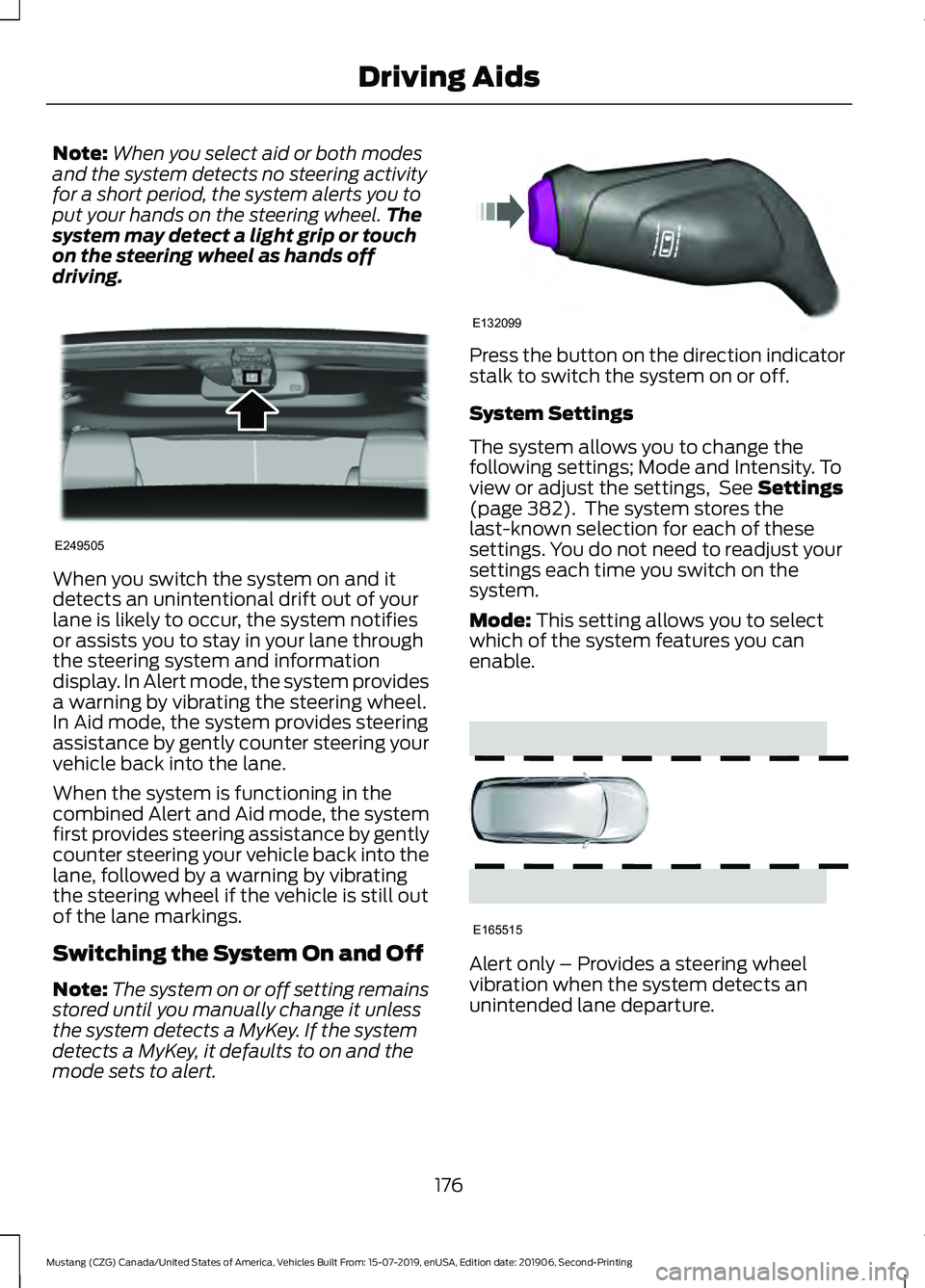
driving. When you switch the system on and it
detects an unintentional drift out of your
lane is likely to occur, the system notifies
or assists you to stay in your lane through
the steering system and information
display. In Alert mode, the system provides
a warning by vibrating the steering wheel.
In Aid mode, the system provides steering
assistance by gently counter steering your
vehicle back into the lane.
When the system is functioning in the
combined Alert and Aid mode, the system
first provides steering assistance by gently
counter steering your vehicle back into the
lane, followed by a warning by vibrating
the steering wheel if the vehicle is still out
of the lane markings.
Switching the System On and Off
Note:
The system on or off setting remains
stored until you manually change it unless
the system detects a MyKey. If the system
detects a MyKey, it defaults to on and the
mode sets to alert. Press the button on the direction indicator
stalk to switch the system on or off.
System Settings
The system allows you to change the
following settings; Mode and Intensity. To
view or adjust the settings, See Settings
(page 382). The system stores the
last-known selection for each of these
settings. You do not need to readjust your
settings each time you switch on the
system.
Mode:
This setting allows you to select
which of the system features you can
enable. Alert only – Provides a steering wheel
vibration when the system detects an
unintended lane departure.
176
Mustang (CZG) Canada/United States of America, Vehicles Built From: 15-07-2019, enUSA, Edition date: 201906, Second-Printing Driving AidsE249505 E132099 E165515
Page 180 of 464

Aid only – Provides steering assistance
toward the lane center when the system
detects an unintended lane departure.
Alert
A
AidB
Alert + Aid – Provides steering assistance
toward the lane center.
If your vehicle continues drifting out of the
lane after the lane keeping aid corrects the
vehicle, the system provides a steering
wheel vibration.
Note: The alert and aid diagrams illustrate
general zone coverage. They do not provide
exact zone parameters.
Intensity: This setting affects the intensity
of the steering wheel vibration used for the
alert and alert + aid modes. This setting
does not affect the aid mode. •
Low
• Normal
• High
System Display If you switch the system on, a graphic with
lane markings appears in the information
display.
Note:
Graphics can vary depending on the
instrument cluster available in your vehicle. If you have adaptive cruise control enabled
and you are following a vehicle, additional
graphics appear in the display.
When you switch off the system, the lane
marking graphics do not display.
When the system is on, the color of the
lane markings change to indicate the
system status.
177
Mustang (CZG) Canada/United States of America, Vehicles Built From: 15-07-2019, enUSA, Edition date: 201906, Second-Printing Driving AidsE165516 E165517 E267130 E267131
Page 182 of 464

Why is the feature not available (line markings are gray) when I can see the lane markings
on the road?
Transitioning between no lane markings to lane markings or vice versa.
There is standing water on the road.
Faint lane markings, for example partial yellow lane markings on concrete roads.
Lane width is too narrow or too wide.
The camera has not been calibrated after a windshield replacement.
Driving on tight roads or on uneven roads. Why does the vehicle not come back toward the middle of the lane, as expected, in the
Aid or Aid + Alert mode?
High cross winds are present.
There is a large road crown.
Rough roads, grooves or shoulder drop-offs.
Heavy uneven loading of the vehicle or improper tire inflation pressure.
The tires have been changed, or the suspension has been modified.
BLIND SPOT INFORMATION
SYSTEM (IF EQUIPPED) WARNING:
Do not use the blind
spot information system as a
replacement for using the interior and
exterior mirrors or looking over your
shoulder before changing lanes. The
blind spot information system is not a
replacement for careful driving.
179
Mustang (CZG) Canada/United States of America, Vehicles Built From: 15-07-2019, enUSA, Edition date: 201906, Second-Printing Driving Aids
Page 189 of 464
running pedestrians, partly obscured
pedestrians, or pedestrians that the
system cannot distinguish from a group.
Failure to take care may result in the loss
of control of your vehicle, serious
personal injury or death.
WARNING: The system cannot
help prevent all crashes. Do not rely on
this system to replace driver judgment
and the need to maintain a safe distance
and speed.
Using the Pre-Collision Assist
System
The system is active at speeds above
approximately
3 mph (5 km/h) and
pedestrian detection is active at speeds
up to
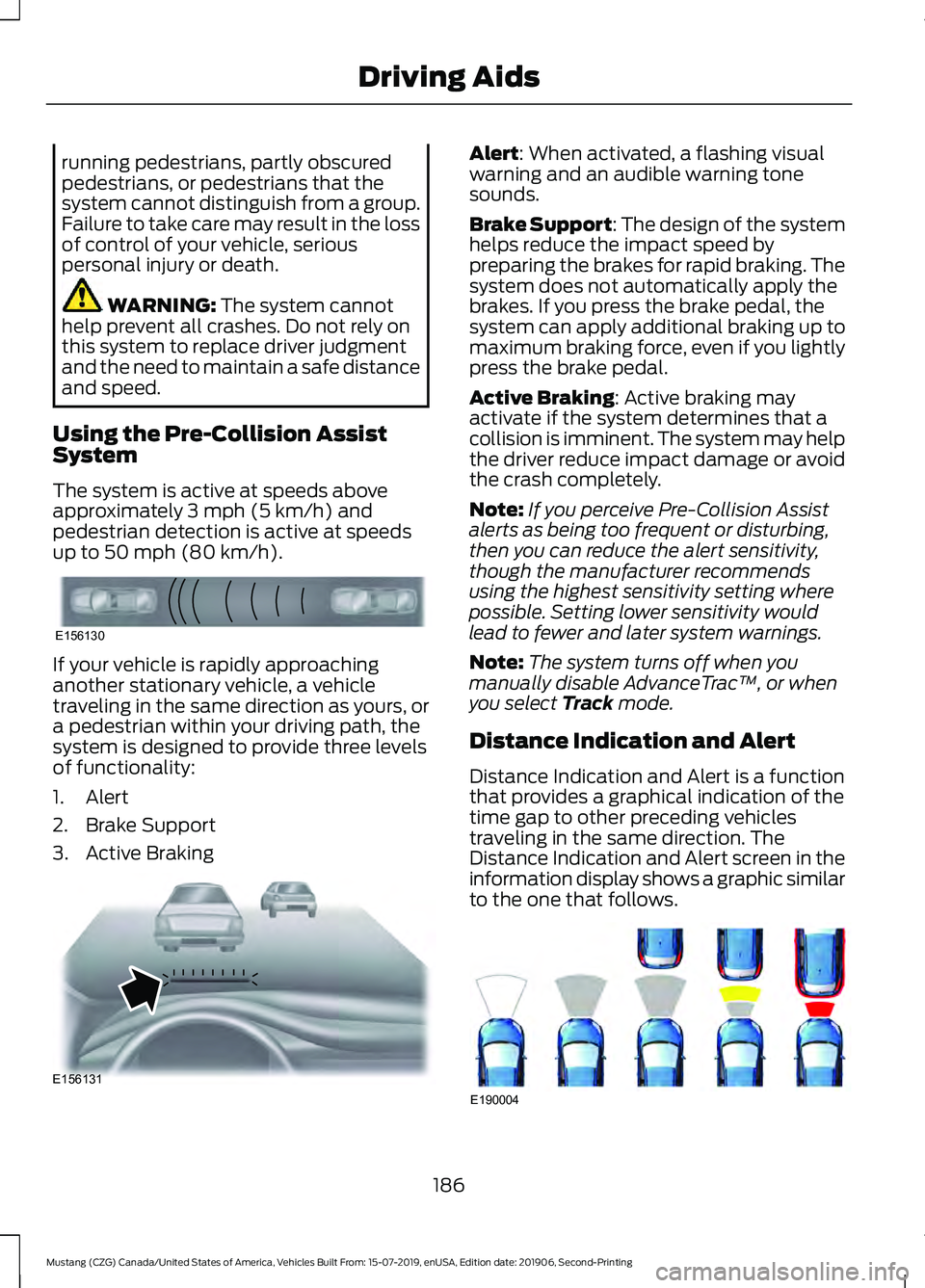
50 mph (80 km/h). If your vehicle is rapidly approaching
another stationary vehicle, a vehicle
traveling in the same direction as yours, or
a pedestrian within your driving path, the
system is designed to provide three levels
of functionality:
1. Alert
2. Brake Support
3. Active Braking Alert
: When activated, a flashing visual
warning and an audible warning tone
sounds.
Brake Support
: The design of the system
helps reduce the impact speed by
preparing the brakes for rapid braking. The
system does not automatically apply the
brakes. If you press the brake pedal, the
system can apply additional braking up to
maximum braking force, even if you lightly
press the brake pedal.
Active Braking
: Active braking may
activate if the system determines that a
collision is imminent. The system may help
the driver reduce impact damage or avoid
the crash completely.
Note: If you perceive Pre-Collision Assist
alerts as being too frequent or disturbing,
then you can reduce the alert sensitivity,
though the manufacturer recommends
using the highest sensitivity setting where
possible. Setting lower sensitivity would
lead to fewer and later system warnings.
Note: The system turns off when you
manually disable AdvanceTrac ™, or when
you select
Track mode.
Distance Indication and Alert
Distance Indication and Alert is a function
that provides a graphical indication of the
time gap to other preceding vehicles
traveling in the same direction. The
Distance Indication and Alert screen in the
information display shows a graphic similar
to the one that follows. 186
Mustang (CZG) Canada/United States of America, Vehicles Built From: 15-07-2019, enUSA, Edition date: 201906, Second-Printing Driving AidsE156130 E156131 E190004
Page 192 of 464
DRIVE CONTROL (IF EQUIPPED)
Selectable Drive Modes
(If Equipped)
Selectable drive modes deliver a
customized driving experience using a
variety of electronic vehicle systems. The
systems optimize vehicle dynamics and
powertrain response based on your
selected mode. Systems associated with
selectable drive modes are:
• Electronically power assisted steering.
See
Steering (page 184).
• Electronic stability control and traction
control maintain your vehicle control
in adverse conditions or high
performance driving.
See Stability
Control (page 158).
• Electronic throttle control enhances
the powertrain response to your driving
input.
• Adaptive dampers (if equipped).
• Active exhaust adjusts the sound
characteristics of your vehicle (if
equipped).
Using Selectable Drive Modes
Note: Your vehicle may have some of the
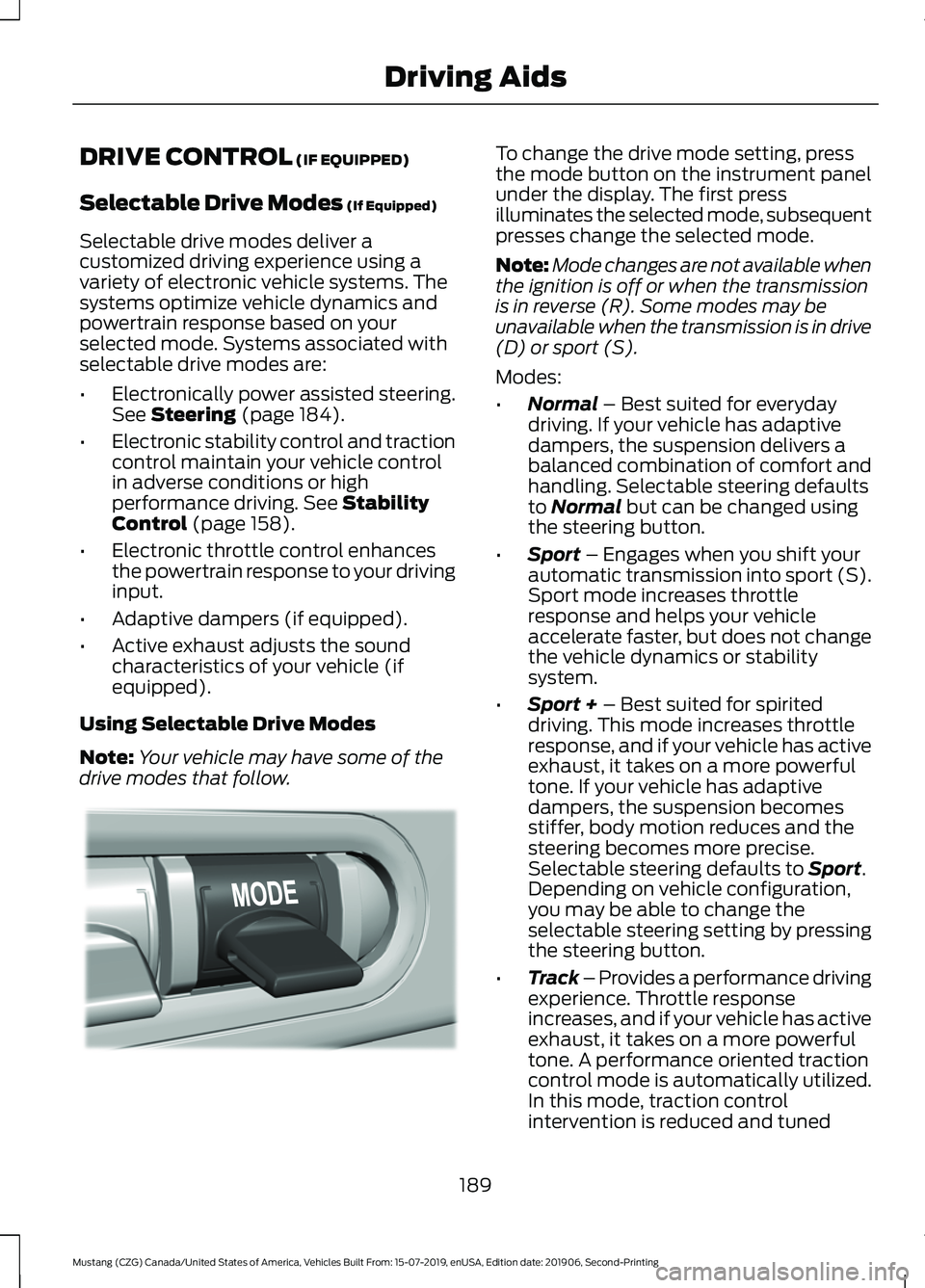
drive modes that follow. To change the drive mode setting, press
the mode button on the instrument panel
under the display. The first press
illuminates the selected mode, subsequent
presses change the selected mode.
Note:
Mode changes are not available when
the ignition is off or when the transmission
is in reverse (R). Some modes may be
unavailable when the transmission is in drive
(D) or sport (S).
Modes:
• Normal
– Best suited for everyday
driving. If your vehicle has adaptive
dampers, the suspension delivers a
balanced combination of comfort and
handling. Selectable steering defaults
to
Normal but can be changed using
the steering button.
• Sport
– Engages when you shift your
automatic transmission into sport (S).
Sport mode increases throttle
response and helps your vehicle
accelerate faster, but does not change
the vehicle dynamics or stability
system.
• Sport +
– Best suited for spirited
driving. This mode increases throttle
response, and if your vehicle has active
exhaust, it takes on a more powerful
tone. If your vehicle has adaptive
dampers, the suspension becomes
stiffer, body motion reduces and the
steering becomes more precise.
Selectable steering defaults to
Sport.
Depending on vehicle configuration,
you may be able to change the
selectable steering setting by pressing
the steering button.
• Track – Provides a performance driving
experience. Throttle response
increases, and if your vehicle has active
exhaust, it takes on a more powerful
tone. A performance oriented traction
control mode is automatically utilized.
In this mode, traction control
intervention is reduced and tuned
189
Mustang (CZG) Canada/United States of America, Vehicles Built From: 15-07-2019, enUSA, Edition date: 201906, Second-Printing Driving AidsE294773
Page 193 of 464

specifically for track usage only. This
mode is not intended for public roads.
See Using Stability Control (page
159). If your vehicle is equipped with
adaptive dampers, the suspension is
optimized for transient handling
maneuvers. This mode offers
maximum control and confidence in
handling on road courses or auto-cross
style events. Selectable steering
defaults to
Sport. Depending on
vehicle configuration, you could change
the selectable steering setting by
pressing the steering button.
• Drag Strip
- Provides a performance
driving experience tailored to driving
on a drag strip. The engine responds
directly to your inputs, and if your
vehicle has active exhaust, it takes on
a more powerful tone. This mode is not
intended for public roads. If your
vehicle has adaptive dampers, the
setting is optimized for straight line
maximum acceleration. Selectable
steering defaults to
Sport. Depending
on vehicle configuration, you could
change the selectable steering setting
by pressing the steering button.
• Snow / Wet
- Provides a confident
handling driving experience during poor
weather. If your vehicle has adaptive
dampers, the suspension delivers a
balanced combination of comfort and
handling. Selectable steering defaults
to
Normal. Depending on vehicle
configuration, you could change the
selectable steering setting by pressing
the steering button. Using MyMode (If Equipped)
You can use
MyMode to create a unique
drive mode.
To create or save
MyMode, press the
button on the steering wheel and access
the menu. See
General Information
(page 90). The available systems display.
Select your desired settings using the
appropriate buttons and menus. Press and
hold OK to save your settings. MyMode
is
added to the drive mode list and can be
selected the next time you drive your
vehicle.
Note: The system has diagnostic checks
that continuously monitor the system to
make sure it properly operates. If a mode is
unavailable due to a system fault or change
in gear position, the selected mode defaults
to
Normal.
Note: Pre-Collision Assist is automatically
disabled when
Track mode is selected. See
Pre-Collision Assist (page 185).
Note: If your vehicle has adaptive dampers,
the steering setting is optimized to work with
each drive mode. Other steering settings
may not be available.
Selectable Steering
Note: The steering setting defaults to
Normal
if the battery is disconnected or
removed.
190
Mustang (CZG) Canada/United States of America, Vehicles Built From: 15-07-2019, enUSA, Edition date: 201906, Second-Printing Driving AidsE294774
Page 194 of 464
Press the steering button on the
instrument panel to change the
steering feel. The first press
illuminates the selected mode. Each time
you press the button, it changes the mode.
Modes:
• Normal - Default factory setting.
• Sport
- Slightly higher effort required
for steering with more road force felt
through the steering wheel.
• Comfort
- Slightly less effort required
for steering with less road force felt
through the steering wheel.
Note: A soft feedback bump in the steering
wheel may be felt after you make a
selection.
Adaptive Dampers
(If Equipped) Press the button on the steering
wheel to adjust the suspension.
The first press illuminates the
current mode. Each time you press the
button, it changes the mode.
Adaptive damper modes:
• Normal
— Available in Normal and
Sport drive modes.
• Sport
— Available in Normal,Sport
and Track drive modes.
• Track
— Available only in Track drive
mode.
• Drag Strip
— Available only in Drag
Strip drive mode.
Active Exhaust
(If Equipped) Press the button on the
instrument panel under the
display to adjust the tone of the
exhaust. Active Exhaust modes:
•
Quiet
- Lowers the noise of the
exhaust.
• Normal
- Default factory setting.
• Sport - Raises the noise of the exhaust.
• Track
- Tunes the exhaust for track
performance.
Note: The
Track exhaust mode setting is
only for use at tracks and not for use on
public roadways. Use of this setting results
in increased exterior noise, which may not
meet state and local laws and regulations.
It is the obligation of the driver to operate
the vehicle in a manner that complies with
state and local requirements. Only use the
Track Exhaust Mode
setting at a
competition track or an off-road course
where elevated exterior vehicle noise is
acceptable.
Rev Match
(If Equipped)
This feature provides a heel and toe driving
experience by predicting shifts and then
quickly matching engine RPM to the new
gear as it performs the shift.
You can switch this feature on or off
through the information display.
See
General Information (page 90).
191
Mustang (CZG) Canada/United States of America, Vehicles Built From: 15-07-2019, enUSA, Edition date: 201906, Second-Printing Driving AidsE174705 E282723 E287122