Page 280 of 551

527
Driving your vehicle
✽ ✽NOTICE
In situations the gear needs to be
changed from P (Park) to N
(Neutral) when the engine start/stop
button is in the OFF position, refer
to step 4.
The actuators work to shift the gear
in the N (Neutral) or P (Parking)
and make normal mechanical
sound.
Parking
Always come to a complete stop and
continue to depress the brake pedal.
Move the shift lever into the P (Park)
position, apply the parking brake,
and place the engine start/stop but-
ton in the OFF position. Take the Key
with you when exiting the vehicle.
LCD display messages
Shifter Malfunction
The warning message appears on
the LCD display, when the transmis-
sion or the shift lever does not prop-
erly operate in the P (Park) position.
In this case, we recommend you to
immediately have the vehicle
inspected by an authorized Kia deal-
er.
WARNING
Do not depress the accelera-
tor pedal While sitting in the
vehicle with the engine run-
ning. Depressing the acceler-
ator pedal for a long period of
time may cause the engine or
exhaust system to overheat
and start a fire.
The exhaust gas and the exhaust system are very hot .
Keep away from the exhaust
system components. Do not
stop or park over flammable
materials, such as dry grass,
paper or leaves. They may
ignite and cause a fire.
OCK057143L
Page 281 of 551
Driving your vehicle
28
5
Check shift lever
The warning message appears on
the LCD display, when there is a mal-
function with one of the key trans-
mission components.
In this case, we recommend you to
immediately have the vehicle inspect-
ed by an authorized Kia dealer.
Shifting conditions not met
The warning message appears on
the LCD display, when engine RPM
is too high, or when driving speed is
too fast to shift the gear.
We recommend you to decrease
your RPM level or slow down before
shifting the gear.
Press brake pedal to change gear
The warning message appears on
the LCD display, when the brake
pedal is not depressed while shifting
the gear.
We recommend you to depress the
brake pedal and then shift the gear.
OCK057070LOCK057071LOCK057072L
Page 282 of 551
529
Driving your vehicle
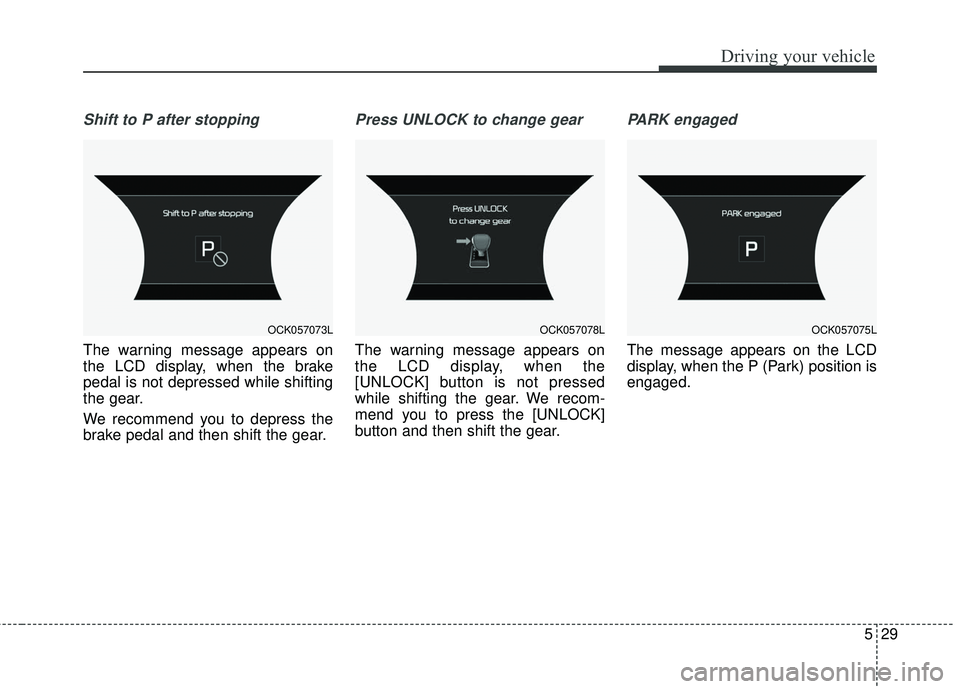
Shift to P after stopping
The warning message appears on
the LCD display, when the brake
pedal is not depressed while shifting
the gear.
We recommend you to depress the
brake pedal and then shift the gear.
Press UNLOCK to change gear
The warning message appears on
the LCD display, when the
[UNLOCK] button is not pressed
while shifting the gear. We recom-
mend you to press the [UNLOCK]
button and then shift the gear.
PARK engaged
The message appears on the LCD
display, when the P (Park) position is
engaged.
OCK057073LOCK057078LOCK057075L
Page 283 of 551
Driving your vehicle
30
5
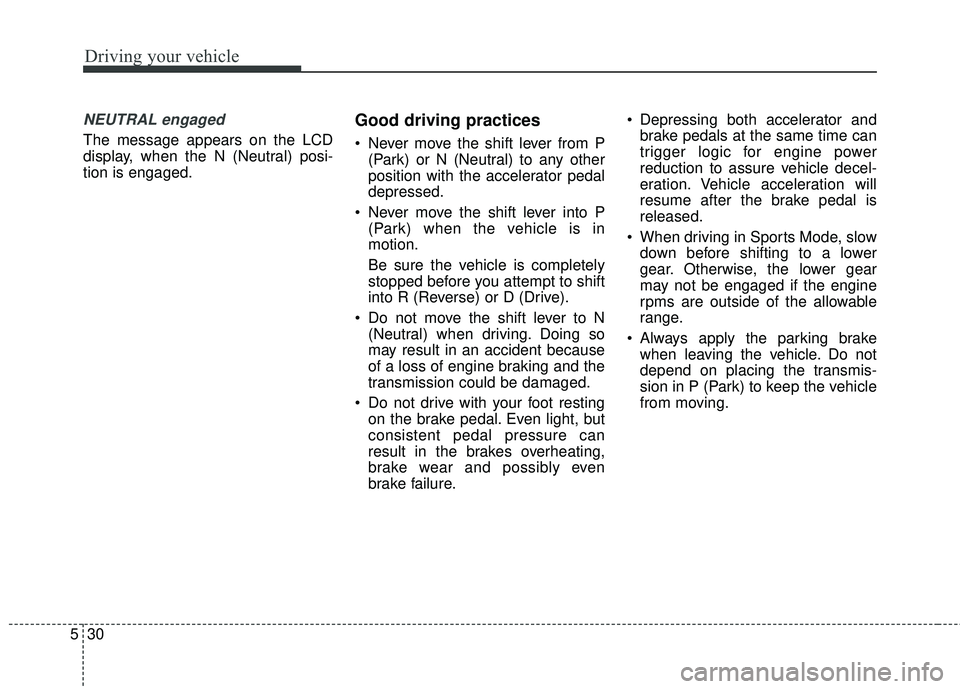
NEUTRAL engaged
The message appears on the LCD
display, when the N (Neutral) posi-
tion is engaged.
Good driving practices
Never move the shift lever from P
(Park) or N (Neutral) to any other
position with the accelerator pedal
depressed.
Never move the shift lever into P (Park) when the vehicle is in
motion.
Be sure the vehicle is completely
stopped before you attempt to shift
into R (Reverse) or D (Drive).
Do not move the shift lever to N (Neutral) when driving. Doing so
may result in an accident because
of a loss of engine braking and the
transmission could be damaged.
Do not drive with your foot resting on the brake pedal. Even light, but
consistent pedal pressure can
result in the brakes overheating,
brake wear and possibly even
brake failure. Depressing both accelerator and
brake pedals at the same time can
trigger logic for engine power
reduction to assure vehicle decel-
eration. Vehicle acceleration will
resume after the brake pedal is
released.
When driving in Sports Mode, slow down before shifting to a lower
gear. Otherwise, the lower gear
may not be engaged if the engine
rpms are outside of the allowable
range.
Always apply the parking brake when leaving the vehicle. Do not
depend on placing the transmis-
sion in P (Park) to keep the vehicle
from moving.
Page 285 of 551
Driving your vehicle
32
5
✽ ✽
NOTICE
- Kickdown Mechanism
Use the kickdown mechanism for
maximum acceleration. Depress the
accelerator pedal beyond the pres-
sure point. The automatic transmis-
sion will shift to a lower gear
depending on the engine speed.
Launch Control
Launch Control Operation
When using Launch Control with
an engine that is not warmed up
enough, a driver should always
make sure that the engine’s cool-
ing water is warmed up and reach-
es a recommended temperature.
To operate ESC Off state 2, Press and hold ESC button for more than
3 seconds in Sports mode. (Status
Display on Cluster Screen)
For launching, stop the vehicle and keep a steering wheel straight.
Footbrakes, EPB and Auto Hold must be released for smooth
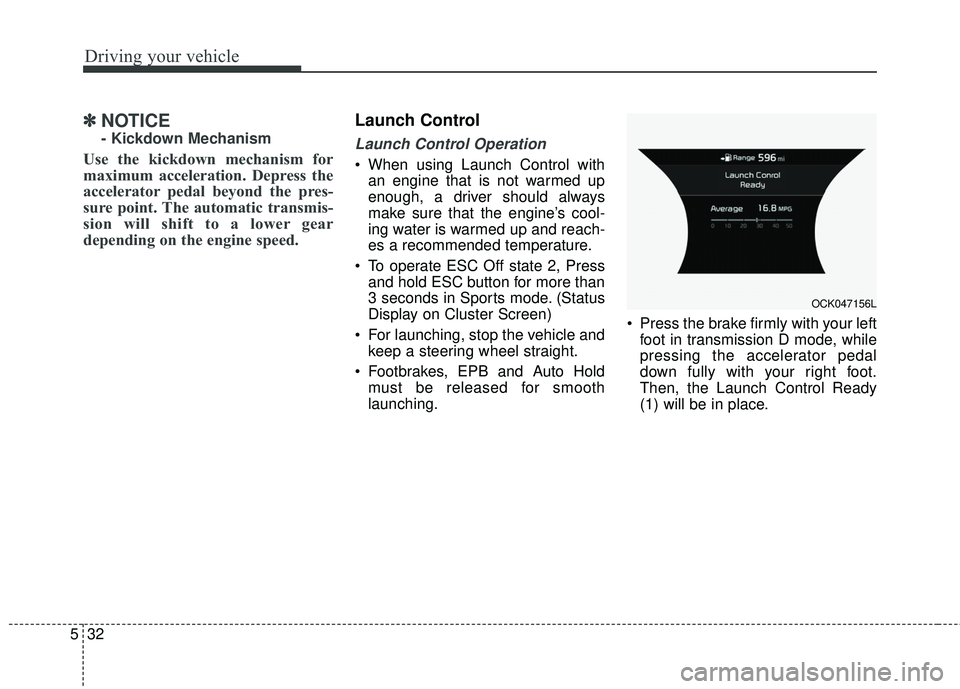
launching. Press the brake firmly with your left
foot in transmission D mode, while
pressing the accelerator pedal
down fully with your right foot.
Then, the Launch Control Ready
(1) will be in place.
OCK047156L
Page 286 of 551
533
Driving your vehicle
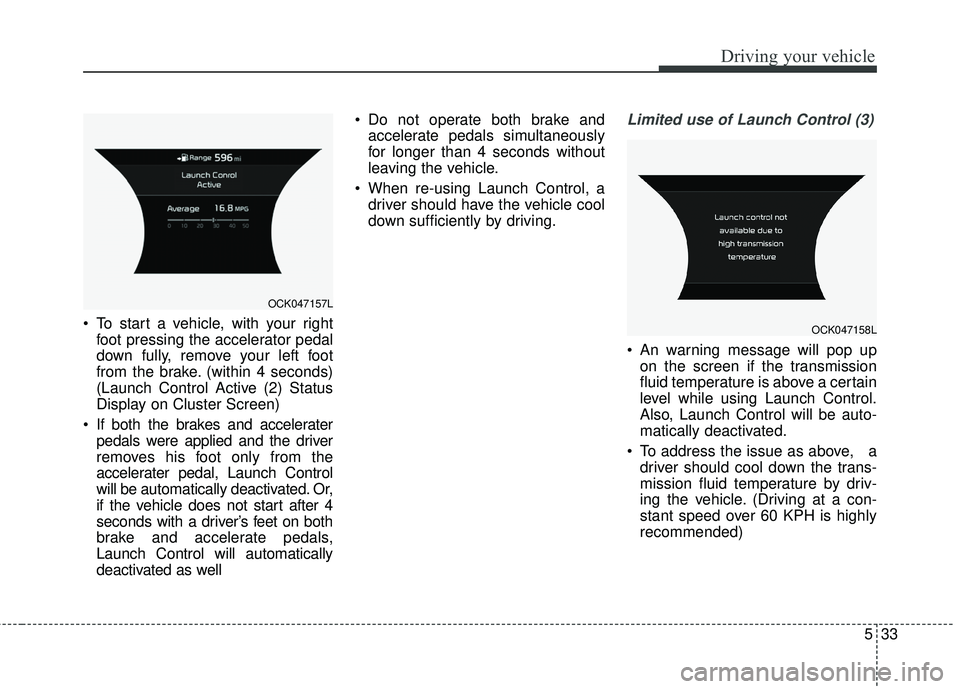
To start a vehicle, with your rightfoot pressing the accelerator pedal
down fully, remove your left foot
from the brake. (within 4 seconds)
(Launch Control Active (2) Status
Display on Cluster Screen)
If both the brakes and accelerater pedals were applied and the driver
removes his foot only from the
accelerater pedal, Launch Control
will be automatically deactivated. Or,
if the vehicle does not start after 4
seconds with a driver’s feet on both
brake and accelerate pedals,
Launch Control will automatically
deactivated as well Do not operate both brake and
accelerate pedals simultaneously
for longer than 4 seconds without
leaving the vehicle.
When re-using Launch Control, a driver should have the vehicle cool
down sufficiently by driving.
Limited use of Launch Control (3)
An warning message will pop upon the screen if the transmission
fluid temperature is above a certain
level while using Launch Control.
Also, Launch Control will be auto-
matically deactivated.
To address the issue as above, a driver should cool down the trans-
mission fluid temperature by driv-
ing the vehicle. (Driving at a con-
stant speed over 60 KPH is highly
recommended)
OCK047157L
OCK047158L
Page 287 of 551
Driving your vehicle
34
5
✽ ✽
NOTICE
Launching performance can vary
depending on fuel, environment,
tire, and loading conditions.
CAUTION
Constant use of Launch Control
can put enormous stress ontransmission, engine, and driveshafts and can result in vehicledamage. It is highly recom-mended that Launch Control isused after completion of thevehicle brake-in process.
WARNING
It is the responsibility of the
driver to make sure it is safe
before using Launch Control.
Do not use Launch Control on
public roads or when pedestrian
congestion is present. Doing so
could result in an accident that
causes serious injuries.
Page 289 of 551
Driving your vehicle
36
5
✽ ✽
NOTICE
• Do not drive in water if the level is
higher than the bottom of the vehi-
cle.
• Check your brake condition once you are out of mud or water.
Depress the brake pedal several
times as you move slowly until you
feel normal braking return.
• Shorten your scheduled mainte- nance interval if you drive in off-
road conditions such as sand, mud
or water (see "Maintenance Under
Severe Usage Conditions" in chap-
ter 7).
• Make sure that AWD vehicle is towed by a flatbed tow truck.
For safe AWD operation
Before driving
Make sure all passengers are
wearing seat belts.
Sit upright and closer to the steer- ing wheel than usual. Adjust the
steering wheel to a position com-
fortable for you to drive.
Driving on snow-covered or icy roads
Start off slowly by applying the accelerator pedal gently.
Use snow tires.
Keep sufficient distance between your vehicle and the vehicle in front
of you.
Use engine braking during deceler- ation.
Avoid speeding, rapid acceleration, sudden brake applications, and
sharp turns to prevent skids. Driving in sand or mud
Maintain slow and constant speed.
Keep sufficient distance between
your vehicle and the vehicle in front
of you.
Reduce vehicle speed and always check the road condition.
Avoid speeding, rapid acceleration, sudden brake applications, and
sharp turns to prevent getting
stuck.
✽ ✽ NOTICE
When the vehicle is stuck in snow,
sand or mud, place a non-slip mate-
rial under the drive wheels to pro-
vide traction OR slowly spin the
wheels in forward and reverse direc-
tions which causes a rocking motion
that may free the vehicle. However,
avoid running the engine continu-
ously at high rpm, doing so may
damage the AWD system.