Page 460 of 516

SiriusXM Setup — If Equipped
After pressing the “SiriusXM Setup” button on the touch-
screen, the following settings will be available:
Setting NameSelectable Options
Tune Start — If Equipped OnOff
NOTE: “Tune Start” begins playing the current song from the beginning when you tune to a music channel using one
of the twelve presets, so you can enjoy the complete song. This feature occurs the first time the preset is selected dur-
ing that current song. Tune Start works in the background, so you will not even realize it’s on, except that you will
miss the experience of joining your favorite song with only a few seconds left to play.
Channel Skip Channel Skip
NOTE: SiriusXM can be programmed to designate a group of channels that are the most desirable to listen to or to
exclude undesirable channels while scanning. To make your selection, press the “Channel Skip” button on the touch-
screen, select the channels you would like to skip.
Subscription Information Subscription Info
NOTE:
New vehicle purchasers or lessees will receive a free limited time subscription to SiriusXM Satellite Radio with your
radio. Following the expiration of the free services, it will be necessary to access the information on the Subscription
Information screen to re-subscribe.
1. Press the “Subscription Info” button on the touchscreen to access the Subscription Information screen.
458 MULTIMEDIA
Page 461 of 516
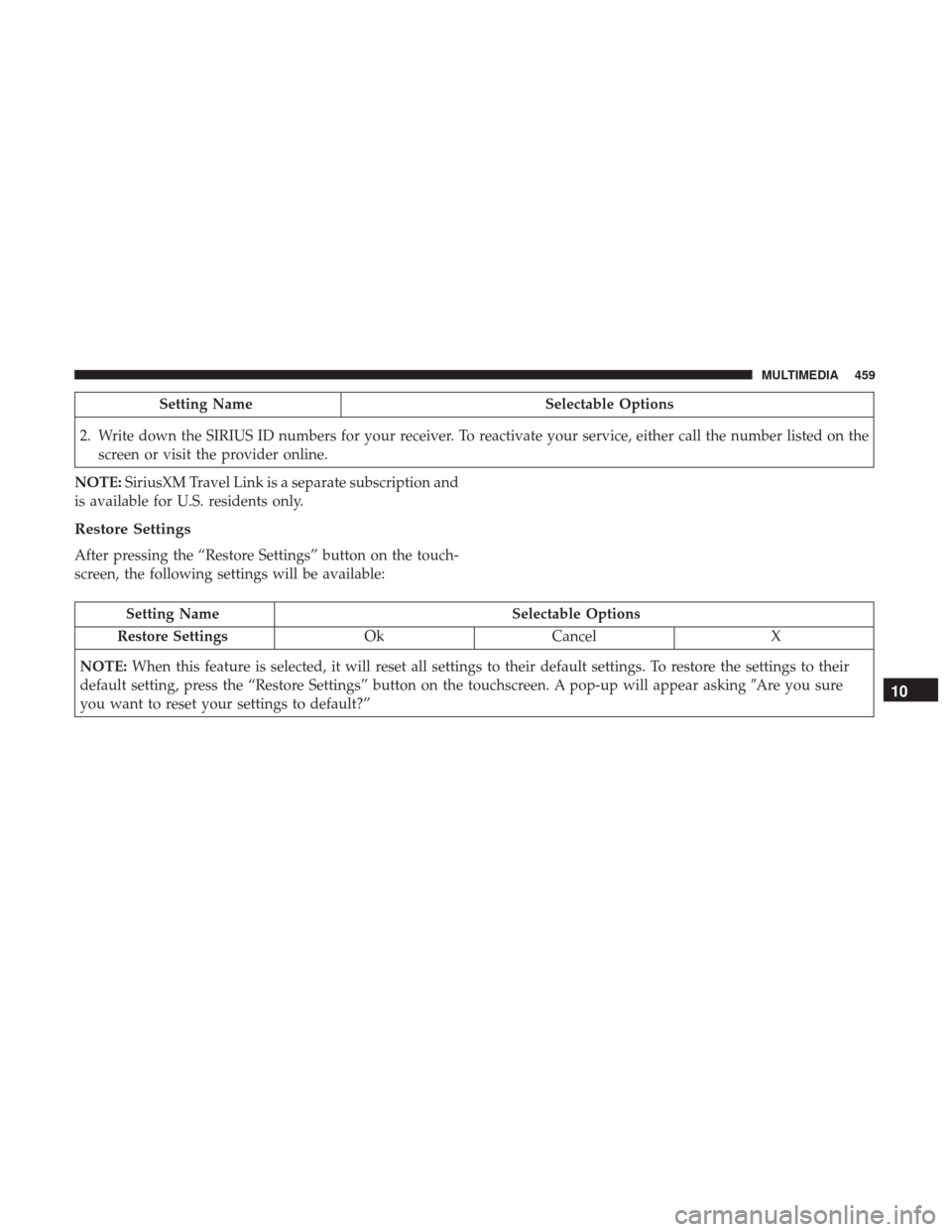
Setting NameSelectable Options
2. Write down the SIRIUS ID numbers for your receiver. To reactivate your service, either call the number listed on the screen or visit the provider online.
NOTE: SiriusXM Travel Link is a separate subscription and
is available for U.S. residents only.
Restore Settings
After pressing the “Restore Settings” button on the touch-
screen, the following settings will be available:
Setting Name Selectable Options
Restore Settings OkCancel X
NOTE: When this feature is selected, it will reset all settings to their default settings. To restore the settings to their
default setting, press the “Restore Settings” button on the touchscreen. A pop-up will appear asking �Are you sure
you want to reset your settings to default?”
10
MULTIMEDIA 459
Page 469 of 516

Setting NameSelectable Options
ParkView Backup Camera Delay On
Off
NOTE: When the vehicle is shifted out of REVERSE (with camera delay turned off), the rear camera mode is exited
and the navigation or audio screen appears again. When the vehicle is shifted out of REVERSE (with camera delay
turned on), the rear view image with dynamic grid lines will be displayed for up to 10 seconds after shifting out of
“REVERSE” unless the forward vehicle speed exceeds 8 mph (12 km/h), the transmission is shifted into PARK or the
ignition is switched to the off position. To set the ParkView Backup Camera Delay press the “MORE” button on the
faceplate, the “settings” button on the touchscreen, then the “Safety & Driving Assistance” button on the touchscreen.
Rain Sensing Auto Wipers — If Equipped On
Off
NOTE: Rain Sensing Auto Wipers When this feature is selected, the system will automatically activate the windshield
wipers if it senses moisture on the windshield.
Electric Park Brake Service Mode — If Equipped On
Off
NOTE: This feature provides a means for a technician or vehicle owner to utilize a vehicle integrated, menu driven
system, to command the electric park brake retraction, to service the rear foundation brakes (brake pads, calipers, ro-
tors, etc.).
10
MULTIMEDIA 467
Page 475 of 516
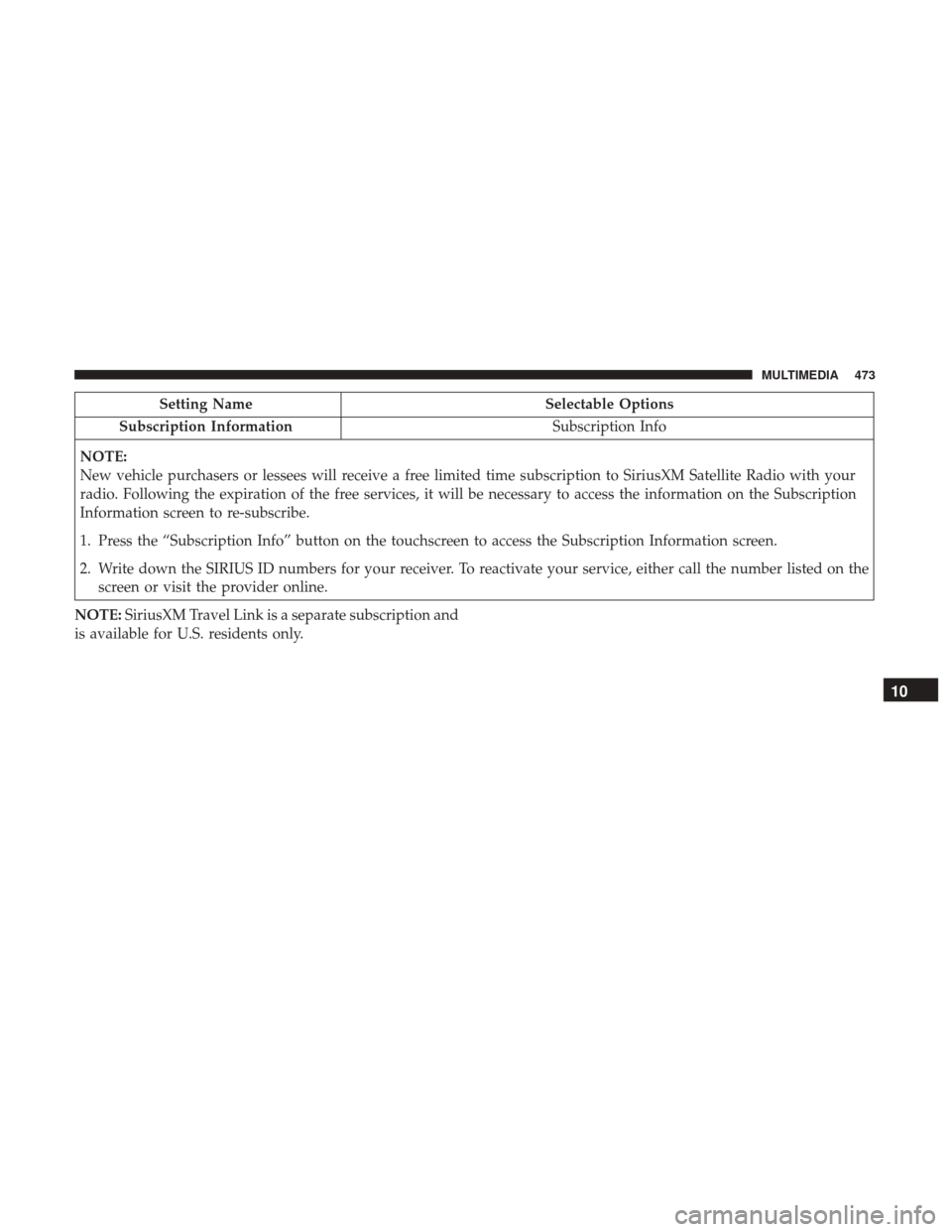
Setting NameSelectable Options
Subscription Information Subscription Info
NOTE:
New vehicle purchasers or lessees will receive a free limited time subscription to SiriusXM Satellite Radio with your
radio. Following the expiration of the free services, it will be necessary to access the information on the Subscription
Information screen to re-subscribe.
1. Press the “Subscription Info” button on the touchscreen to access the Subscription Information screen.
2. Write down the SIRIUS ID numbers for your receiver. To reactivate your service, either call the number listed on the screen or visit the provider online.
NOTE: SiriusXM Travel Link is a separate subscription and
is available for U.S. residents only.
10
MULTIMEDIA 473
Page 487 of 516

Uconnect Access* (6.5/6.5 NAV)
WARNING!
Some Uconnect Access services, including 9-1-1 and
assist will NOT work without an operable 1X (voice/
data) or 3G (data) network connection.
NOTE: Your vehicle may be transmitting data as autho-
rized by the subscriber.
An included trial and/or subscription is required to take
advantage of the Uconnect Access services in the next section of this guide. To register with Uconnect Access,
push the MORE button below the 6.5-inch touchscreen to
get started. Detailed registration instructions can be found
on the next page.
*Uconnect Access is available only on equipped vehicles
purchased within the continental United States, Alaska and
Hawaii. Services can only be used where coverage is
available; see coverage map for details.
9-1-1 Call
Security Alarm Notification
Remote Door Lock/Unlock
Stolen Vehicle Assistance
Remote Vehicle Start**
Remote Horn and Lights
Yelp Search
Voice Texting
Roadside Assistance Call
3G Wi-Fi Hotspot***
**If vehicle is equipped.
***Extra charges apply.
Uconnect 6.5 NAV Navigation
10
MULTIMEDIA 485
Page 490 of 516
5. Listen to the system prompts and after the beep, tellUconnect the place or business that you’d like Uconnect
to find.
TIP: Once you perform a search, you can reorganize the
results by selecting either the Best Match, Rating or Dis-
tance tab on the top of the touchscreen display.
SiriusXM Travel Link (6.5 NAV)
Need to find a gas station, view local movie listings, check
a sports score or the 5 - day weather forecast? SiriusXM Travel Link is a suite of services that brings a wealth of
information right to your Uconnect 6.5 NAV system.
Push the VR button
. After the beep, say one of the
following commands:
• Show fuel prices.
• Show 5 - day weather forecast.
• Show extended weather.
TIP: Traffic alerts are not accessible with Voice Command.
Yelp
SiriusXM Travel Link
488 MULTIMEDIA
Page 493 of 516

General Information
This device complies with FCC rules Part 15 and Industry
Canada RSS-210. Operation is subject to the following two
conditions:
1. This device may not cause harmful interference.
2. This device must accept any interference that may bereceived including interference that may cause unde-
sired operation.
NOTE:
• The transmitter has been tested and it complies with
FCC and IC rules. Changes or modifications not ex-
pressly approved by the party responsible for compli-
ance could void the user ’s authority to operate the
device.
• The term IC before the certification/registration number
only signifies that Industry Canada technical specifica-
tions were met.
Additional Information
© 2016 FCA US LLC. All rights reserved. Mopar and
Uconnect are registered trademarks and Mopar Owner
Connect is a trademark of FCA US LLC. Android is a
trademark of Google Inc. SiriusXM and all related marks
and logos are trademarks of SiriusXM Radio Inc. Yelp, Yelp
logo, Yelp burst and related marks are registered trade-
marks of Yelp.
For Uconnect system support, call: 1-877-855-8400 (24
hours a day 7 days a week) or visit DriveUconnect.com.
Uconnect Access services support, call: 1-855-792-4241
Please have your Uconnect Security PIN ready when you
call.
10
MULTIMEDIA 491
Page 495 of 516
CUSTOMER ASSISTANCE
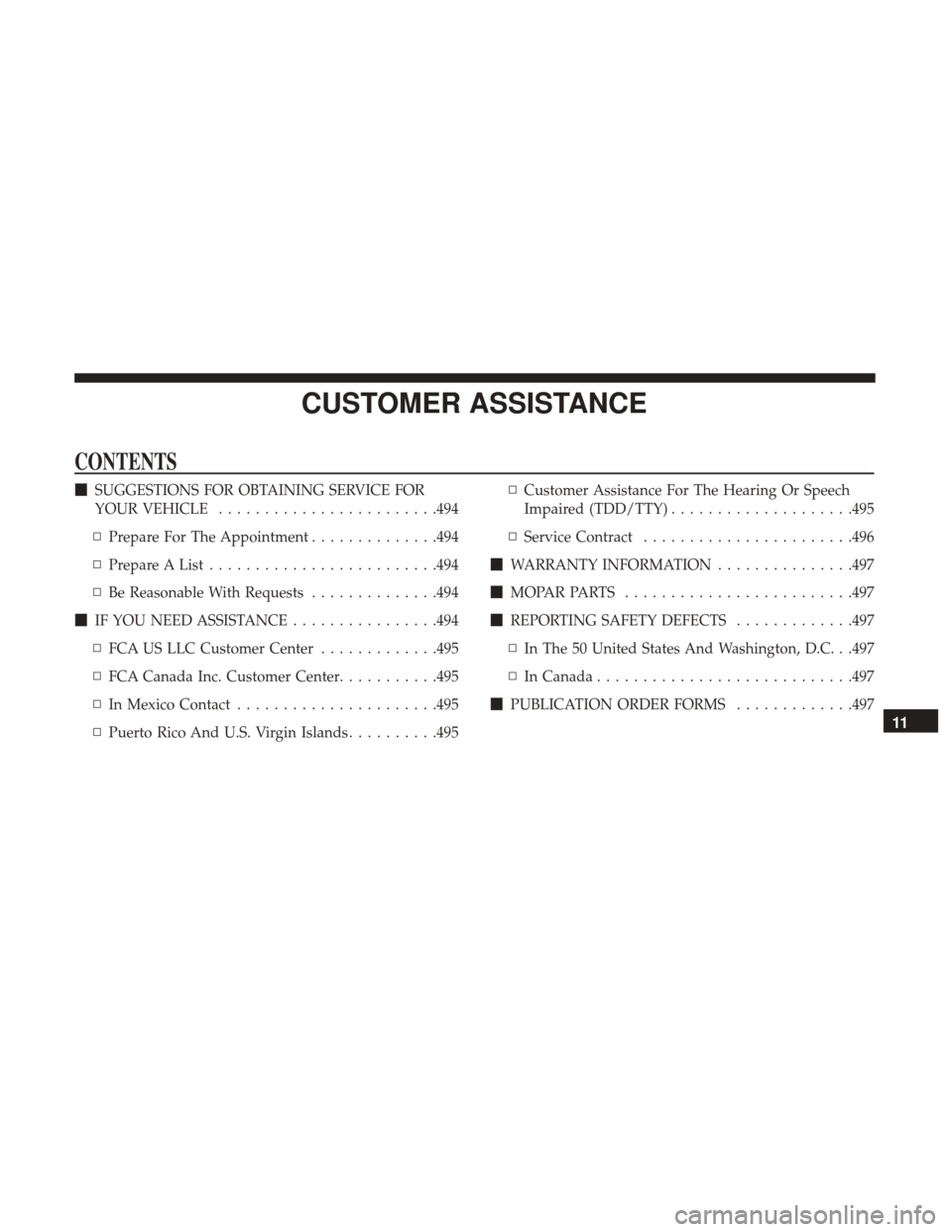
CONTENTS
�SUGGESTIONS FOR OBTAINING SERVICE FOR
YOUR VEHICLE ....................... .494
▫ Prepare For The Appointment ..............494
▫ Prepare A List ........................ .494
▫ Be Reasonable With Requests ..............494
� IF YOU NEED ASSISTANCE ................494
▫ FCA US LLC Customer Center .............495
▫ FCA Canada Inc. Customer Center ...........495
▫ In Mexico Contact ..................... .495
▫ Puerto Rico And U.S. Virgin Islands ..........495▫
Customer Assistance For The Hearing Or Speech
Impaired (TDD/TTY) ....................495
▫ Service Contract ...................... .496
� WARRANTY INFORMATION ...............497
� MOPARPARTS .........................497
� REPORTING SAFETY DEFECTS .............497
▫ In The 50 United States And Washington, D.C. . .497
▫ In Canada ........................... .497
� PUBLICATION ORDER FORMS .............497
11