Page 126 of 608

126
LC200_OM_OM60M88U_(U)
3-2. Opening, closing and locking the doors
WARNING
■Caution regarding interfer ence with electronic devices
● People with implantable cardiac pacemakers, cardiac resynchronization
therapy-pacemakers or implantable cardioverter defibrillators should keep
away from the smart key system antennas. ( P. 120)
The radio waves may affect the operation of such devices. If necessary,
the entry function can be disabled. Ask your Toyota dealer for details, such
as the frequency of radio waves and timing of the emitted radio waves.
Then, consult your doctor to see if you should disable the entry function.
● Users of any electrical medical device other than implantable cardiac
pacemakers, cardiac resynchronization therapy-pacemakers or implant-
able cardioverter defibrillators should consult the manufacturer of the
device for information about its operation under the influence of radio
waves.
Radio waves could have unexpected effects on the operation of such
medical devices.
Ask your Toyota dealer for details on disabling the entry function.
Page 138 of 608
138
LC200_OM_OM60M88U_(U)
3-3. Adjusting the seats
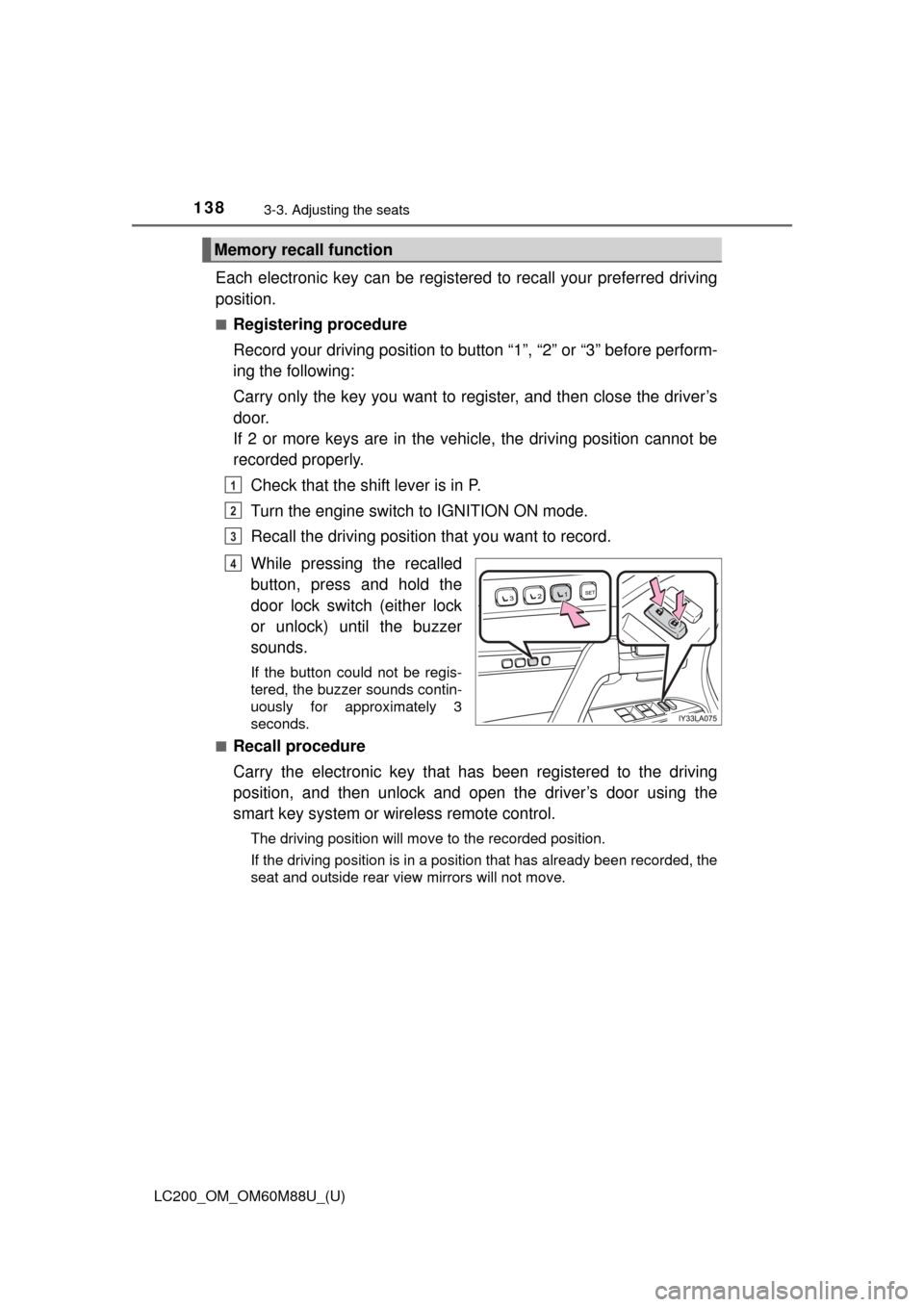
Each electronic key can be registered to recall your preferred driving
position.
■Registering procedure
Record your driving position to button “1”, “2” or “3” before perform-
ing the following:
Carry only the key you want to register, and then close the driver’s
door.
If 2 or more keys are in the vehicle, the driving position cannot be
recorded properly.
Check that the shift lever is in P.
Turn the engine switch to IGNITION ON mode.
Recall the driving position that you want to record.
While pressing the recalled
button, press and hold the
door lock switch (either lock
or unlock) until the buzzer
sounds.
If the button could not be regis-
tered, the buzzer sounds contin-
uously for approximately 3
seconds.
■
Recall procedure
Carry the electronic key that has been registered to the driving
position, and then unlock and open the driver’s door using the
smart key system or wi reless remote control.
The driving position will move to the recorded position.
If the driving position is in a position that has already been recorded, the
seat and outside rear view mirrors will not move.
Memory recall function
1
2
3
4
Page 139 of 608
LC200_OM_OM60M88U_(U)
1393-3. Adjusting the seats
3
Operation of each component
■Cancelation procedure
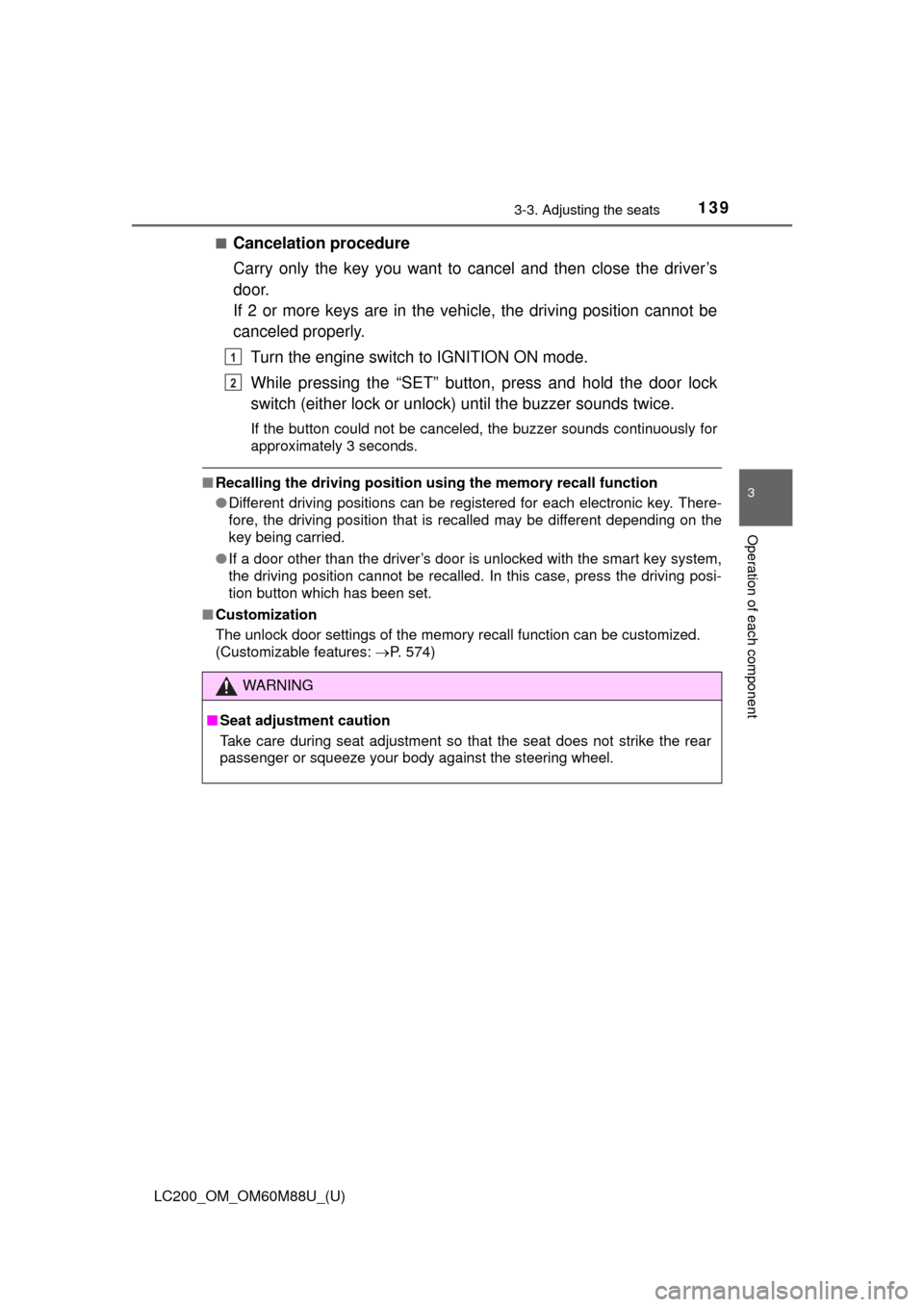
Carry only the key you want to cancel and then close the driver’s
door.
If 2 or more keys are in the vehicle, the driving position cannot be
canceled properly.Turn the engine switch to IGNITION ON mode.
While pressing the “SET” button, press and hold the door lock
switch (either lock or unlock) until the buzzer sounds twice.
If the button could not be canceled, the buzzer sounds continuously for
approximately 3 seconds.
■Recalling the driving position us ing the memory recall function
● Different driving positions can be registered for each electronic key. There-
fore, the driving position that is recalled may be different depending on the
key being carried.
● If a door other than the driver’s door is unlocked with the smart key system,
the driving position cannot be recalled. In this case, press the driving posi-
tion button which has been set.
■ Customization
The unlock door settings of the memory recall function can be customized.
(Customizable features: P. 574)
WARNING
■Seat adjustment caution
Take care during seat adjustment so that the seat does not strike the rear
passenger or squeeze your body against the steering wheel.
1
2
Page 152 of 608
152
LC200_OM_OM60M88U_(U)
3-5. Opening, closing the windows and moon roof
■When the window cannot be opened or closed
When the jam protection function or catch protection function operates
unusually and the door window cannot be opened or closed, perform the fol-
lowing operations with the power window switch of that door.
● Stop the vehicle. With the engine switch in IGNITION ON mode, within 4
seconds of the jam protection function or catch protection function acti\
vat-
ing, continuously operate the power window switch in the one-touch closing
direction or one-touch opening direction so that the door window can be
opened and closed.
● If the door window cannot be opened and closed even when performing the
above operations, perform the following procedure for function initialization.
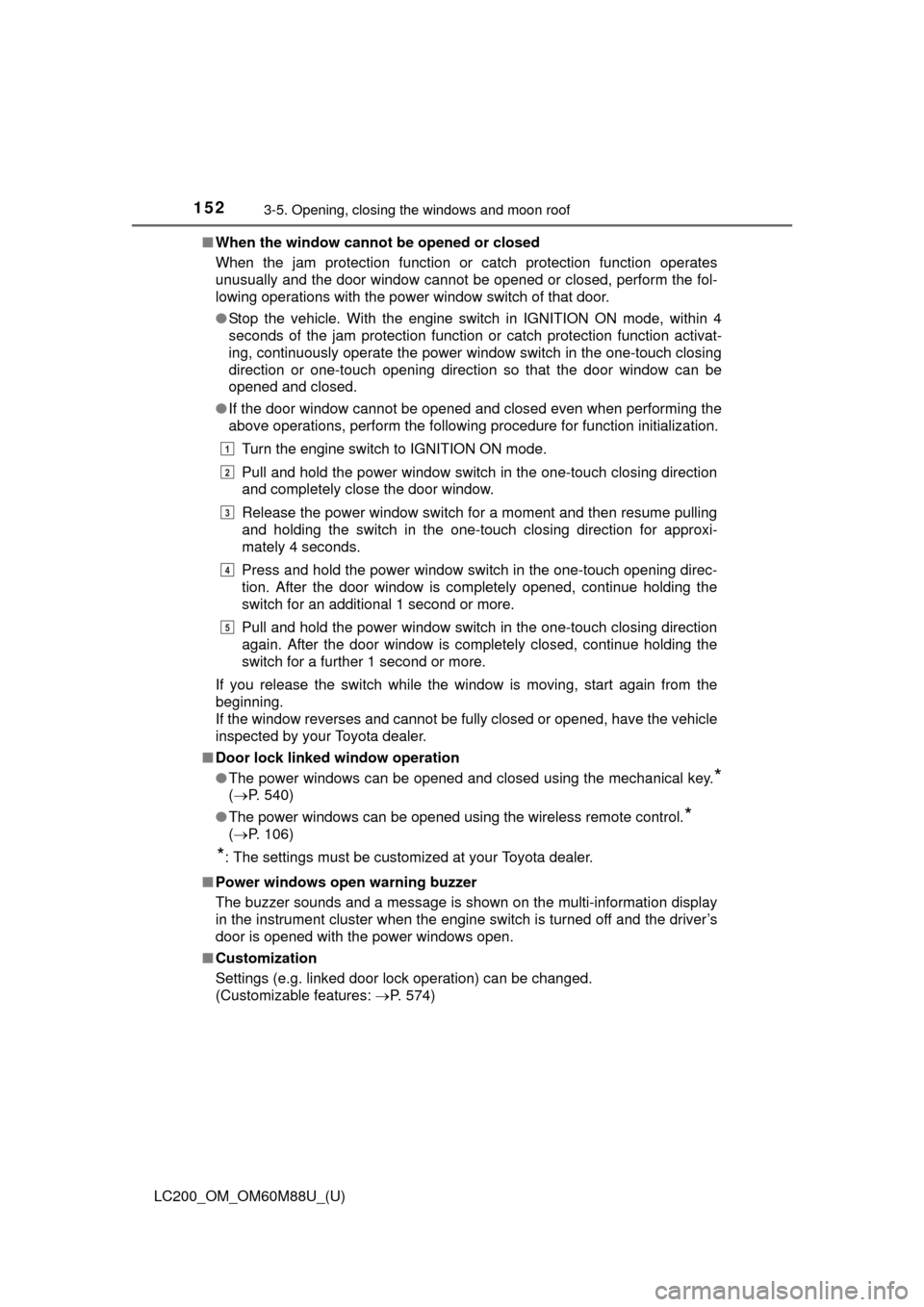
Turn the engine switch to IGNITION ON mode.
Pull and hold the power window switch in the one-touch closing direction
and completely close the door window.
Release the power window switch for a moment and then resume pulling
and holding the switch in the one-touch closing direction for approxi-
mately 4 seconds.
Press and hold the power window switch in the one-touch opening direc-
tion. After the door window is completely opened, continue holding the
switch for an additional 1 second or more.
Pull and hold the power window switch in the one-touch closing direction
again. After the door window is completely closed, continue holding the
switch for a further 1 second or more.
If you release the switch while the window is moving, start again from the
beginning.
If the window reverses and cannot be fully closed or opened, have the vehicle
inspected by your Toyota dealer.
■ Door lock linked window operation
●The power windows can be opened and closed using the mechanical key.
*
(P. 540)
● The power windows can be opened using the wireless remote control.
*
( P. 106)
*: The settings must be customized at your Toyota dealer.
■ Power windows open warning buzzer
The buzzer sounds and a message is shown on the multi-information display
in the instrument cluster when the engine switch is turned off and the driver’s
door is opened with the power windows open.
■ Customization
Settings (e.g. linked door lock operation) can be changed.
(Customizable features: P. 574)
1
2
3
4
5
Page 155 of 608
LC200_OM_OM60M88U_(U)
1553-5. Opening, closing the windows and moon roof
3
Operation of each component
■The moon roof can be operated when
The engine switch is in IGNITION ON mode.
■ Operating the moon roof af ter turning the engine off
The moon roof can be operated for approximately 45 seconds after the
engine switch is turned to ACCESSORY mode or turned off. It cannot, how-
ever, be operated once either front door is opened.
■ Jam protection function
If an object is detected between the moon roof and the frame while the moon
roof is closing or tilting down, travel is stopped and the moon roof opens
slightly.
■ If the moon roof cannot be closed automatically
Keep the switch depressed.
■ Sunshade
The sunshade can be opened and closed manually. However, the sunshade
will open automatically when the moon roof is opened.
■ Door lock linked mo on roof operation
● The moon roof can be opened and closed using the mechanical key.
*
(P. 540)
● The moon roof can be opened using the wireless remote control.
*
( P. 106)
*: The settings must be customized at your Toyota dealer.
■ When the moon roof do es not close normally
Perform the following procedure:
● If the moon roof closes but then re-opens slightly
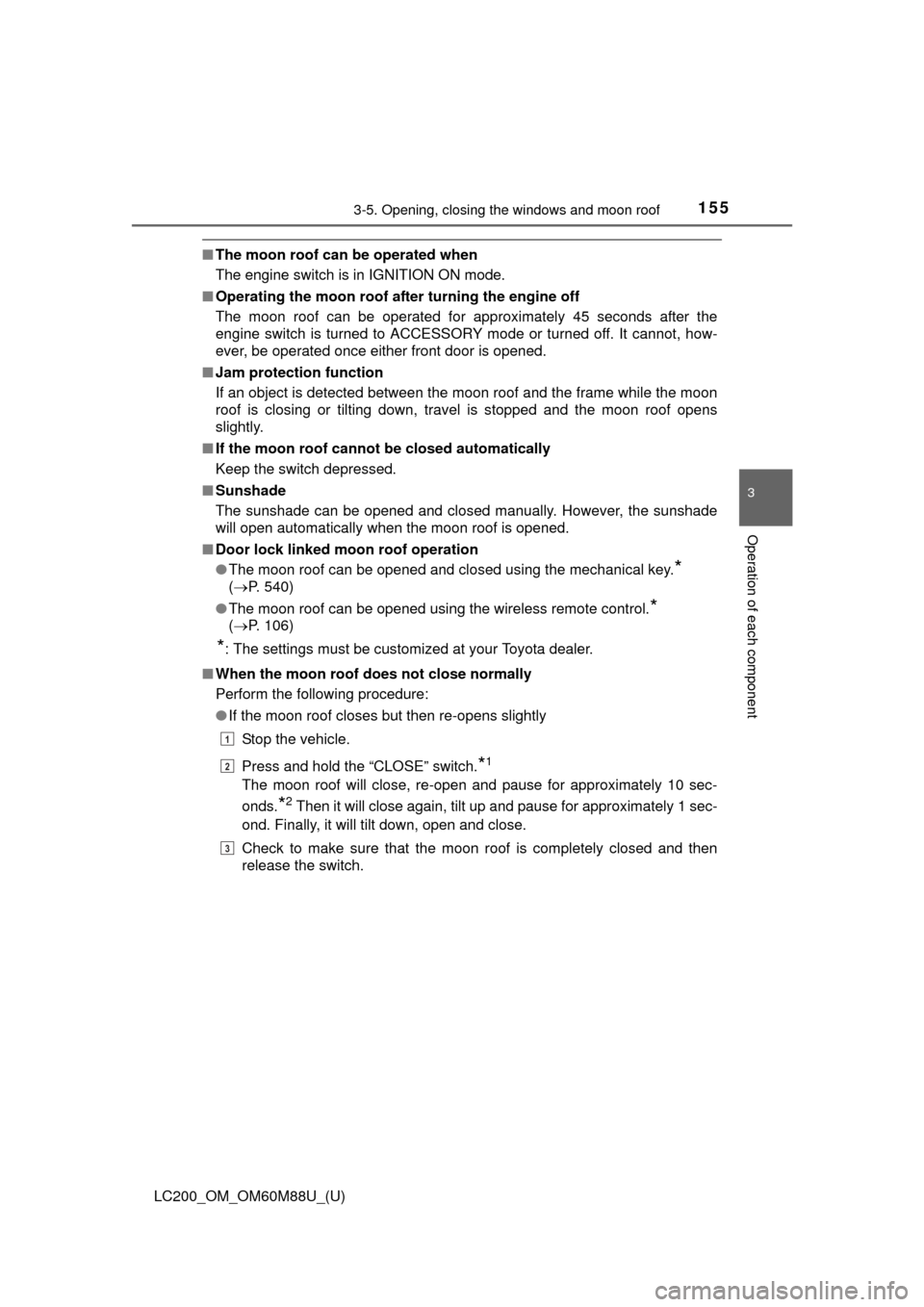
Stop the vehicle.
Press and hold the “CLOSE” switch.
*1
The moon roof will close, re-open and pause for approximately 10 sec-
onds.
*2 Then it will close again, tilt up and pause for approximately 1 sec-
ond. Finally, it will tilt down, open and close.
Check to make sure that the moon roof is completely closed and then
release the switch.
1
2
3
Page 156 of 608

156
LC200_OM_OM60M88U_(U)
3-5. Opening, closing the windows and moon roof
●If the moon roof tilts down but then tilts back up
Stop the vehicle.
Press and hold the “UP” switch.
*1 until the moon roof moves into the tilt
up position and stops.
Release the “UP” switch once and then press and hold the “UP” switch
again.
*1
The moon roof will pause for approximately 10 seconds in the tilt up posi-
tion.
*2 Then it will adjust slightly and pause for approximately 1 second.
Finally, it will tilt down, open and close.
Check to make sure that the moon roof is completely closed and then
release the switch.
*1: If the switch is released at the incorrect time, the procedure will have to
be performed again from the beginning.
*2: If the switch is released after the above mentioned 10 second pause,
automatic operation will be disabled. In that case, press and hold the
“CLOSE” or “UP” switch, and the m oon roof will tilt up and pause for
approximately 1 second. Then it will tilt down, open and close. Check to
make sure that the moon roof is completely closed and then release the
switch.
If the moon roof does not fully close even after performing the above proce-
dure correctly, have the vehicle inspected by your Toyota dealer.
■ Moon roof open reminder function
The buzzer sounds and message is shown on the multi-information display in
the instrument panel when the engine switch is turned off and the driver’s
door is opened with the moon roof open.
■ Customization
Settings (e.g. linked door lock operation) can be changed.
(Customizable features: P. 574)
1
2
3
4
Page 160 of 608
160
LC200_OM_OM60M88U_(U)
4-1. Before driving
Driving the vehicle
P. 1 9 3
With the brake pedal depressed, shift the shift lever to D. ( P. 199)
Release the parking brake. ( P. 204)
Gradually release the brake pedal and gently depress the accelera-
tor pedal to accelerate the vehicle.
With the shift lever in D, depress the brake pedal.
If necessary, set the parking brake.
If the vehicle is to be stopped for an extended period of time, shift the shift
lever to P or N. ( P. 199)
With the shift lever in D, depress the brake pedal.
Shift the shift lever to P. ( P. 199)
Set the parking brake. ( P. 204)
Press the engine switch to stop the engine.
Lock the door, making sure that you have the key on your person.
If parking on a hill, block the wheels as needed.
Make sure that the parking brake is set and shift the shift lever to D.
Gently depress the accelerator pedal.
Release the parking brake.
The following procedures should be observed to ensure safe
driving:
Starting the engine
Driving
Stopping
Parking the vehicle
Starting off on a steep uphill
1
2
3
1
2
1
2
3
4
5
1
2
3
Page 196 of 608
196
LC200_OM_OM60M88U_(U)
4-2. Driving procedures
■Steering lock
After turning the engine switch off and opening and closing the doors, the
steering wheel will be locked due to the steering lock function. Operating the
engine switch again automatically cancels the steering lock.
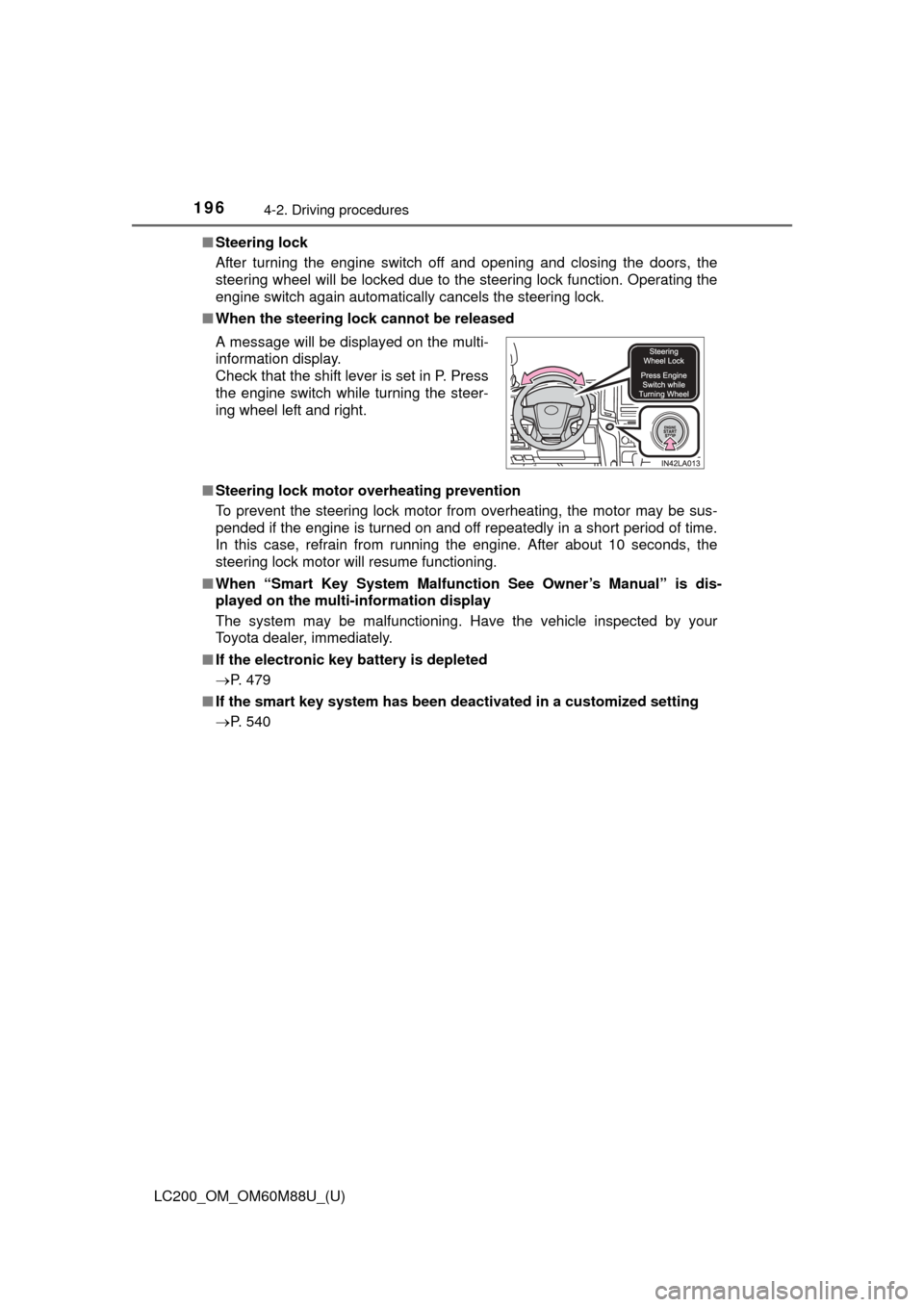
■ When the steering lock cannot be released
■ Steering lock motor overheating prevention
To prevent the steering lock motor from overheating, the motor may be sus-
pended if the engine is turned on and off repeatedly in a short period of time.
In this case, refrain from running the engine. After about 10 seconds, the
steering lock motor will resume functioning.
■ When “Smart Key Syst em Malfunction See Owner’s Manual” is dis-
played on the multi-information display
The system may be malfunctioning. Have the vehicle inspected by your
Toyota dealer, immediately.
■ If the electronic key battery is depleted
P. 479
■ If the smart key system has been deactivated in a customized setting
P. 540 A message will be displayed on the multi-
information display.
Check that the shift lever is set in P. Press
the engine switch while turning the steer-
ing wheel left and right.