2016 TOYOTA LAND CRUISER door lock
[x] Cancel search: door lockPage 197 of 608
LC200_OM_OM60M88U_(U)
1974-2. Driving procedures
4
Driving
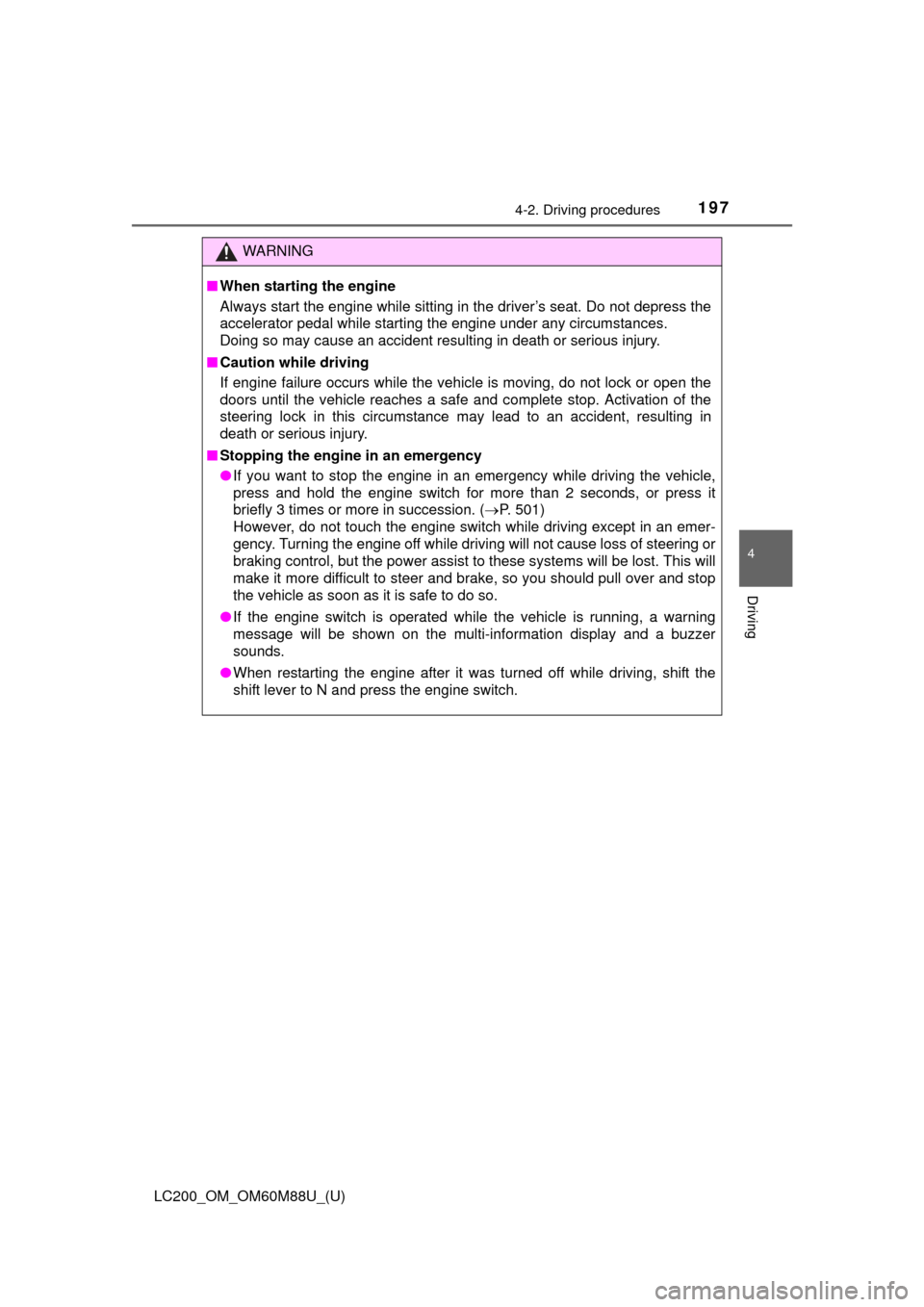
WARNING
■When starting the engine
Always start the engine while sitting in the driver’s seat. Do not depress the
accelerator pedal while starting the engine under any circumstances.
Doing so may cause an accident resulting in death or serious injury.
■ Caution while driving
If engine failure occurs while the vehicle is moving, do not lock or open the
doors until the vehicle reaches a safe and complete stop. Activation of the
steering lock in this circumstance may lead to an accident, resulting in
death or serious injury.
■ Stopping the engine in an emergency
●If you want to stop the engine in an emergency while driving the vehicle,
press and hold the engine switch for more than 2 seconds, or press it
briefly 3 times or more in succession. ( P. 501)
However, do not touch the engine switch while driving except in an emer-
gency. Turning the engine off while driving will not cause loss of steering or
braking control, but the power assist to these systems will be lost. This will
make it more difficult to steer and brake, so you should pull over and stop
the vehicle as soon as it is safe to do so.
● If the engine switch is operated while the vehicle is running, a warning\
message will be shown on the multi-information display and a buzzer
sounds.
● When restarting the engine after it was turned off while driving, shift the
shift lever to N and press the engine switch.
Page 207 of 608

LC200_OM_OM60M88U_(U)
2074-3. Operating the lights and wipers
4
Driving
■Daytime running light system
●To make your vehicle more visible to other drivers during daytime driving,
the daytime running lights turn on automatically (at a reduced intensity)
whenever the engine is started and the parking brake is released. Daytime
running lights are not designed for use at night.
For the U.S.A.: Daytime running lights can be turned off by operating the
switch.
● Compared to turning on the headlights, the daytime running light system
offers greater durability and consumes less electricity, so it can help improve
fuel economy.
■ Headlight control sensor
■ Automatic light off system
●When the headlights are on: The headlights and tail lights turn off 30 sec-
onds after a door is opened and closed if the engine switch has been
switched to ACCESSORY or OFF mode.
● When only the tail lights are on: The tail lights turn off automatically if the
engine switch is switched to ACCESSORY or OFF mode and driver’s door
is opened.
To turn the lights on again, turn the engine switch to IGNITION ON mode, or
turn the light switch off once and then back to the or position.
■ Automatic headlight leveling system
The level of the headlights is automatically adjusted according to the number
of passengers and the loading condition of the vehicle to ensure that the
headlights do not interfere with other road users.
■ Welcome lighting
If the headlight switch is turned to and the surrounding area is dark,
unlocking the doors using the smart key system or wireless remote control
will turn the parking lights and tail lights on automatically.
■ If the automatic headlight level ing system warning light flashes
It may indicate a malfunction in the system. Contact your Toyota dealer.
■ Light reminder buzzer
A buzzer sounds when the engine switch is turned to ACCESSORY or OFF
mode and the driver’ door is opened while the tail lights are turned on. The sensor may not function properly if an
object is placed on the sensor, or anything
that blocks the sensor is affixed to the
windshield.
Doing so interferes with the sensor
detecting the level of ambient light and
may cause the automatic headlight sys-
tem to malfunction.
Page 286 of 608
286
LC200_OM_OM60M88U_(U)
4-5. Using the driving support systems
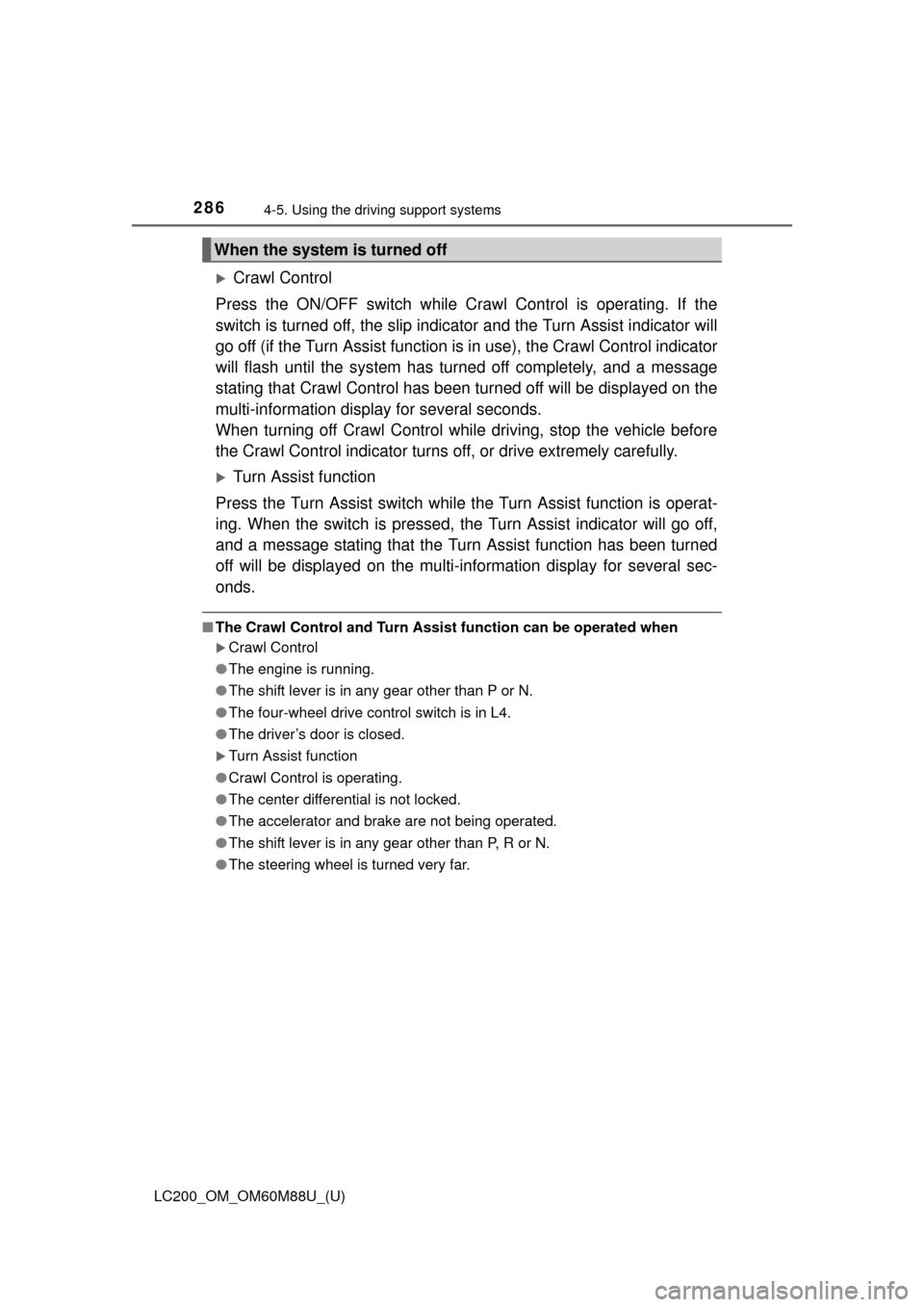
Crawl Control
Press the ON/OFF switch while Crawl Control is operating. If the
switch is turned off, the slip indicator and the Turn Assist indicator will
go off (if the Turn Assist function is in use), the Crawl Control indicator
will flash until the system has turned off completely, and a message
stating that Crawl Cont rol has been turned off will be displayed on the
multi-information display for several seconds.
When turning off Crawl Control while driving, stop the vehicle before
the Crawl Control indicator turns off, or drive extremely carefully.
Turn Assist function
Press the Turn Assist switch while the Turn Assist function is operat-
ing. When the switch is pressed, the Turn Assist indicator will go off,
and a message stating that the Turn Assist function has been turned
off will be displayed on the multi-in formation display for several sec-
onds.
■ The Crawl Control and Turn Assist function can be operated when
Crawl Control
● The engine is running.
● The shift lever is in any gear other than P or N.
● The four-wheel drive control switch is in L4.
● The driver’s door is closed.
Turn Assist function
● Crawl Control is operating.
● The center differential is not locked.
● The accelerator and brake are not being operated.
● The shift lever is in any gear other than P, R or N.
● The steering wheel is turned very far.
When the system is turned off
Page 287 of 608
LC200_OM_OM60M88U_(U)
2874-5. Using the driving support systems
4
Driving
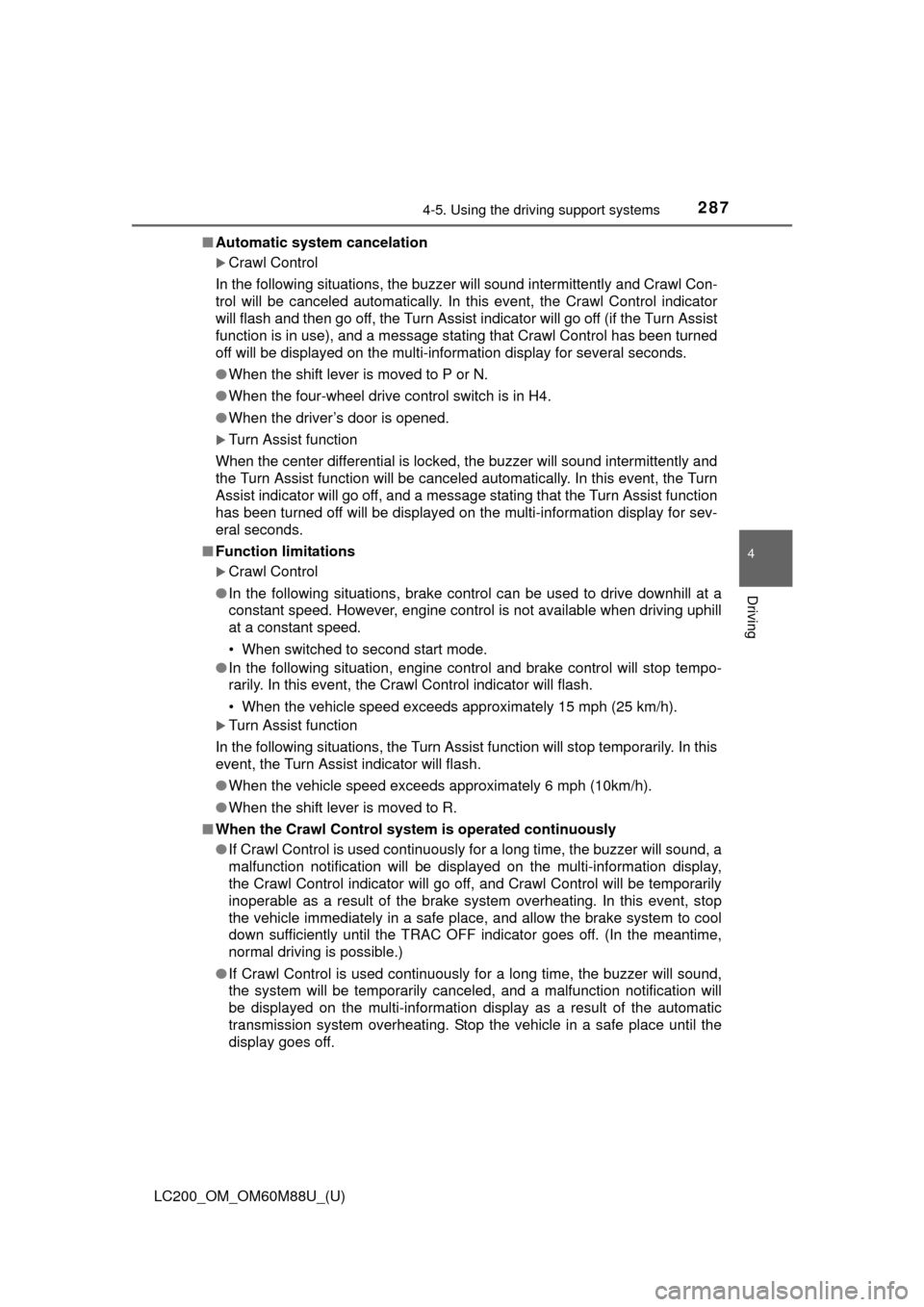
■Automatic system cancelation
Crawl Control
In the following situations, the buzzer will sound intermittently and Crawl Con-
trol will be canceled automatically. In this event, the Crawl Control indicator
will flash and then go off, the Turn Assist indicator will go off (if the Turn Assist
function is in use), and a message stating that Crawl Control has been turned
off will be displayed on the multi-information display for several seconds.
● When the shift lever is moved to P or N.
● When the four-wheel drive control switch is in H4.
● When the driver’s door is opened.
Turn Assist function
When the center differential is locked, the buzzer will sound intermittently and
the Turn Assist function will be canceled automatically. In this event, the Turn
Assist indicator will go off, and a message stating that the Turn Assist function
has been turned off will be displayed on the multi-information display for sev-
eral seconds.
■ Function limitations
Crawl Control
● In the following situations, brake control can be used to drive downhill at a
constant speed. However, engine control is not available when driving uphill
at a constant speed.
• When switched to second start mode.
● In the following situation, engine control and brake control will stop t\
empo-
rarily. In this event, the Crawl Control indicator will flash.
• When the vehicle speed exceeds approximately 15 mph (25 km/h).
Turn Assist function
In the following situations, the Turn Assist function will stop temporarily. In this
event, the Turn Assist indicator will flash.
● When the vehicle speed exceeds approximately 6 mph (10km/h).
● When the shift lever is moved to R.
■ When the Crawl Control system is operated continuously
● If Crawl Control is used continuously for a long time, the buzzer will sound, a
malfunction notification will be displayed on the multi-information display,
the Crawl Control indicator will go off, and Crawl Control will be temporarily
inoperable as a result of the brake system overheating. In this event, stop
the vehicle immediately in a safe place, and allow the brake system to cool
down sufficiently until the TRAC OFF indicator goes off. (In the meantime,
normal driving is possible.)
● If Crawl Control is used continuously for a long time, the buzzer will sound,
the system will be temporarily canceled, and a malfunction notification \
will
be displayed on the multi-information display as a result of the automatic
transmission system overheating. Stop the vehicle in a safe place until the
display goes off.
Page 373 of 608
373
LC200_OM_OM60M88U_(U)
5Interior features
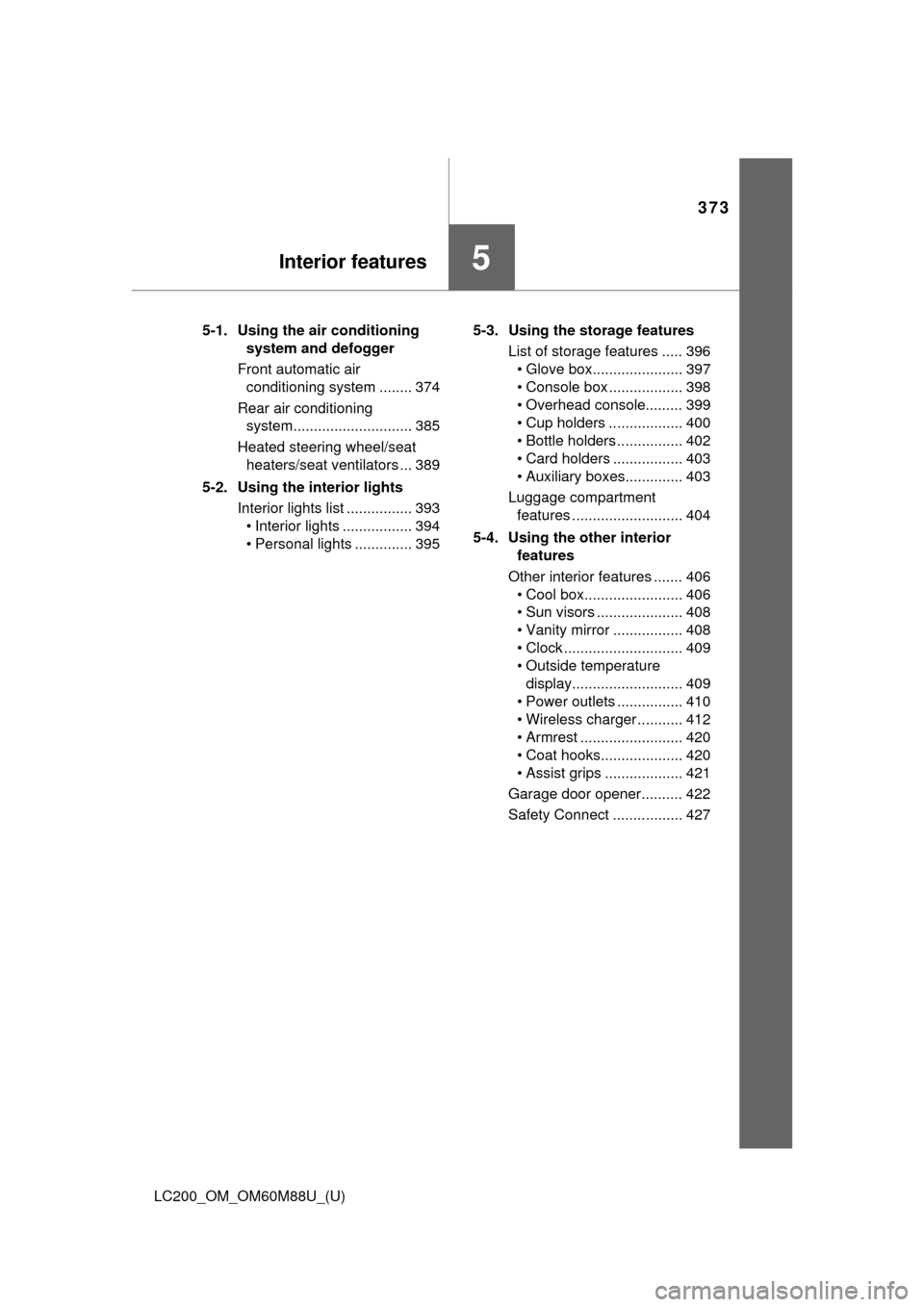
5-1. Using the air conditioning system and defogger
Front automatic air conditioning system ........ 374
Rear air conditioning system............................. 385
Heated steering wheel/seat heaters/seat ventilators ... 389
5-2. Using the interior lights Interior lights list ................ 393• Interior lights ................. 394
• Personal lights .............. 395 5-3. Using the storage features
List of storage features ..... 396• Glove box...................... 397
• Console box .................. 398
• Overhead console......... 399
• Cup holders .................. 400
• Bottle holders ................ 402
• Card holders ................. 403
• Auxiliary boxes.............. 403
Luggage compartment features ........................... 404
5-4. Using the other interior features
Other interior features ....... 406 • Cool box........................ 406
• Sun visors ..................... 408
• Vanity mirror ................. 408
• Clock ............................. 409
• Outside temperature display........................... 409
• Power outlets ................ 410
• Wireless charger ........... 412
• Armrest ......................... 420
• Coat hooks.................... 420
• Assist grips ................... 421
Garage door opener.......... 422
Safety Connect ................. 427
Page 395 of 608
LC200_OM_OM60M88U_(U)
3955-2. Using the interior lights
5
Interior features
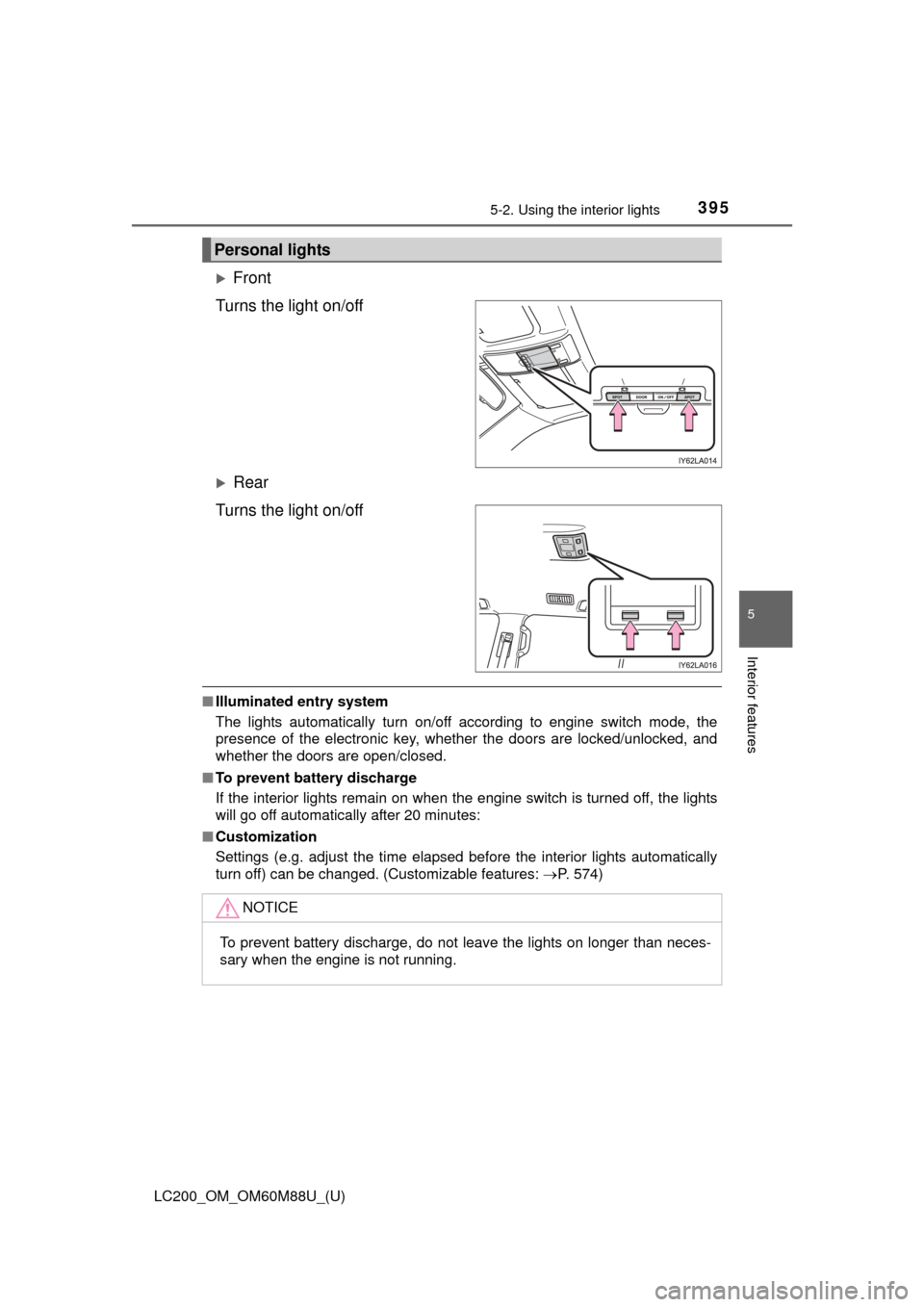
Front
Turns the light on/off
Rear
Turns the light on/off
■ Illuminated entry system
The lights automatically turn on/off according to engine switch mode, the
presence of the electronic key, whether the doors are locked/unlocked, and
whether the doors are open/closed.
■ To prevent battery discharge
If the interior lights remain on when the engine switch is turned off, the lights
will go off automatically after 20 minutes:
■ Customization
Settings (e.g. adjust the time elapsed before the interior lights automatically
turn off) can be changed. (Customizable features: P. 574)
Personal lights
NOTICE
To prevent battery discharge, do not leave the lights on longer than neces-
sary when the engine is not running.
Page 422 of 608
422
LC200_OM_OM60M88U_(U)
5-4. Using the other interior features
Garage door opener
The garage door opener (HomeLink Universal Transceiver) is manufac-
tured under license from HomeLink.
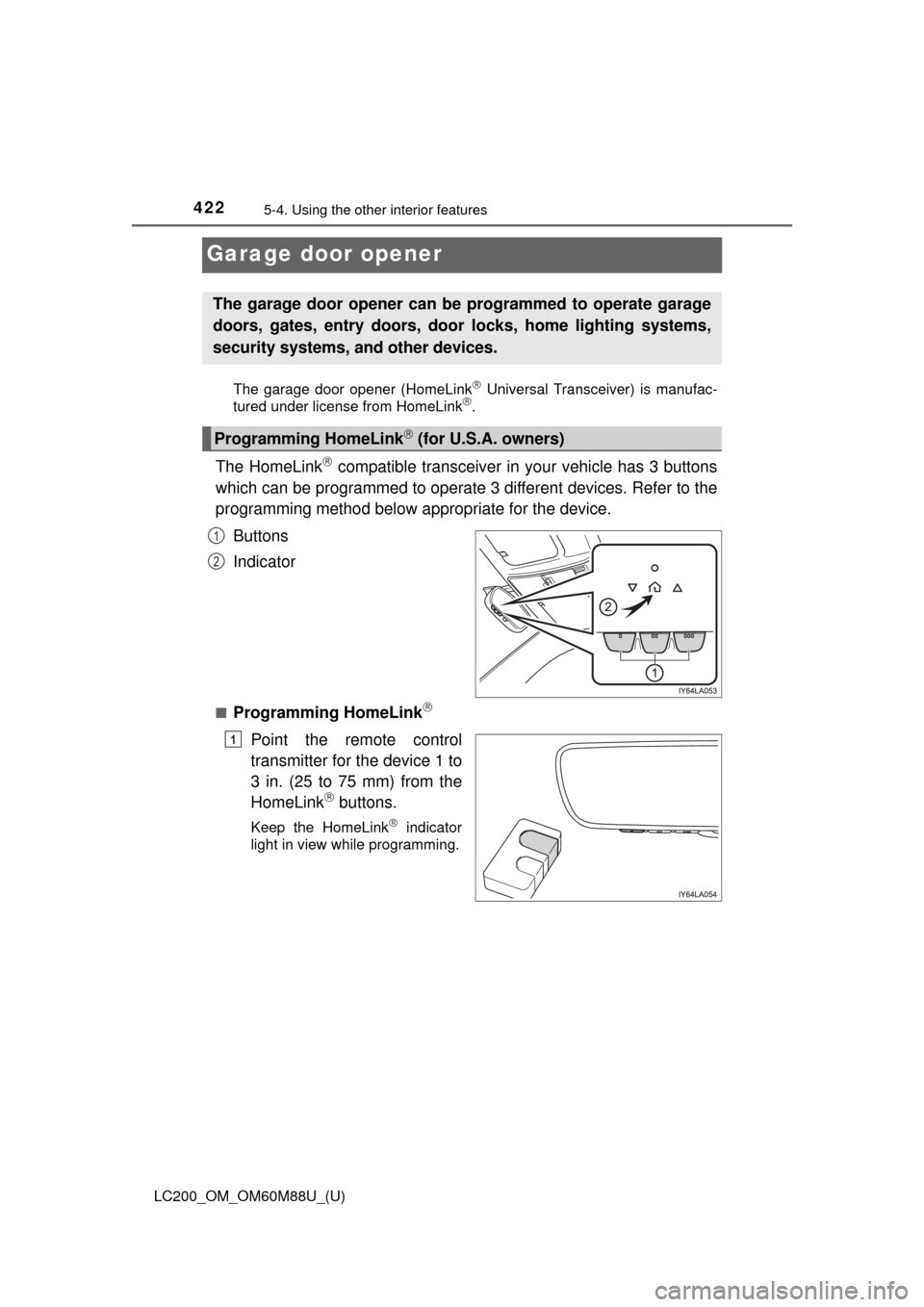
The HomeLink compatible transceiver in your vehicle has 3 buttons
which can be programmed to operate 3 different devices. Refer to the
programming method below appropriate for the device.
Buttons
Indicator
■Programming HomeLink
Point the remote control
transmitter for the device 1 to
3 in. (25 to 75 mm) from the
HomeLink
buttons.
Keep the HomeLink indicator
light in view while programming.
The garage door opener can be programmed to operate garage
doors, gates, entry doors, door locks, home lighting systems,
security systems, and other devices.
Programming HomeLink (for U.S.A. owners)
1
2
1
Page 425 of 608
LC200_OM_OM60M88U_(U)
4255-4. Using the other interior features
5
Interior features
■Programming other devices
To program other devices such as home security systems, home
door locks or lighting, contact your Toyota dealer for assistance.
■Reprogramming a button
The individual HomeLink
buttons cannot be erased but can be
reprogrammed. To reprogram a button, follow the “Reprogramming
a HomeLink
button” instructions.
Press the appropriate HomeLink
button. The HomeLink indicator
light should come on.
The HomeLink compatible transceiver in your vehicle continues to send a
signal for up to 20 seconds as long as the button is pressed.
Press and hold the desired HomeLink button. After 20 seconds, the
HomeLink indicator light will start flashing slowly. Next, while still
pressing and holding the HomeLink button, press and hold the but-
ton on the transmitter until the HomeLink indicator light changes
from a slow to a rapid flash.
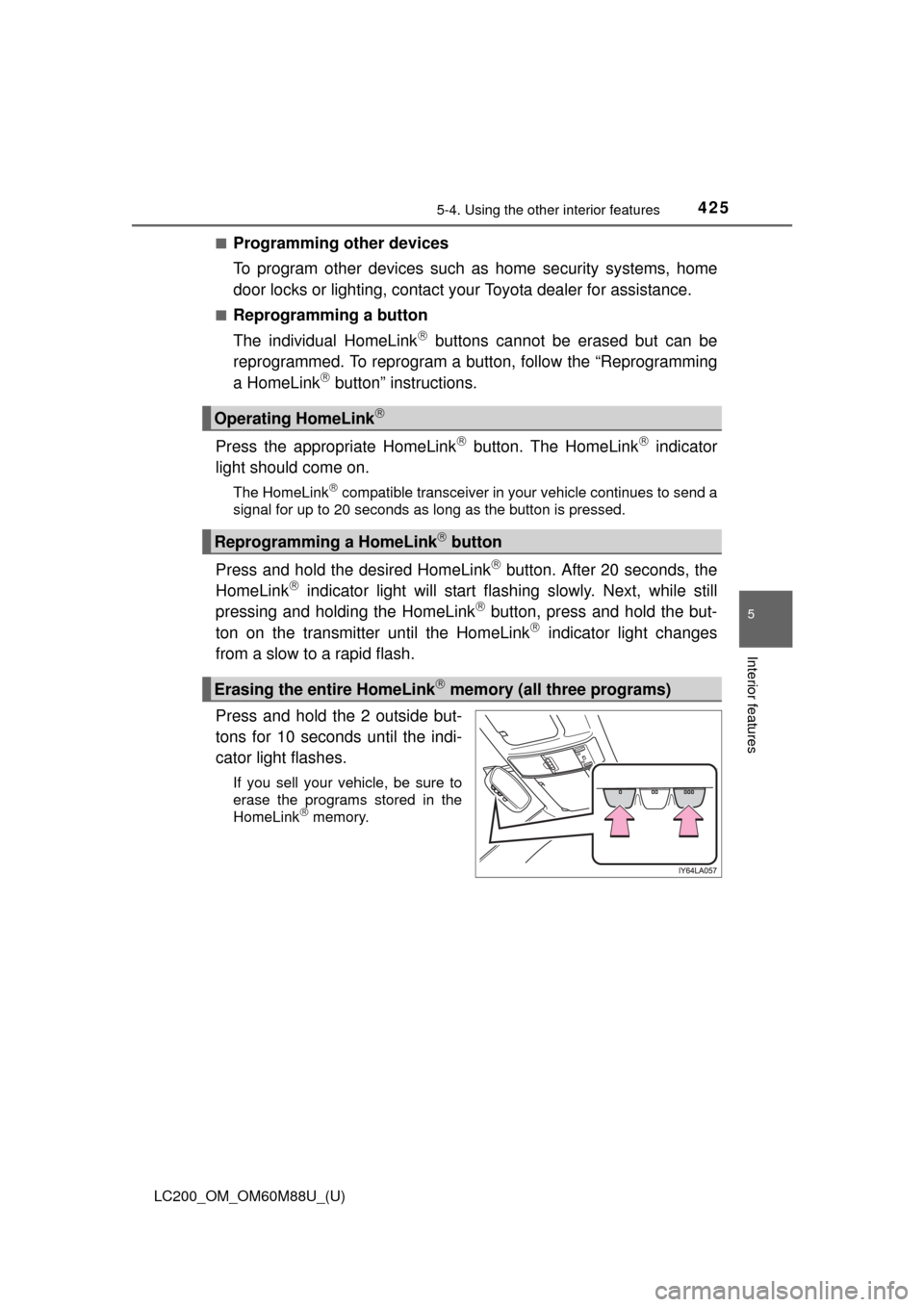
Press and hold the 2 outside but-
tons for 10 seconds until the indi-
cator light flashes.
If you sell your vehicle, be sure to
erase the programs stored in the
HomeLink
memory.
Operating HomeLink
Reprogramming a HomeLink button
Erasing the entire HomeLink memory (all three programs)