2016 NISSAN TITAN lock
[x] Cancel search: lockPage 79 of 636
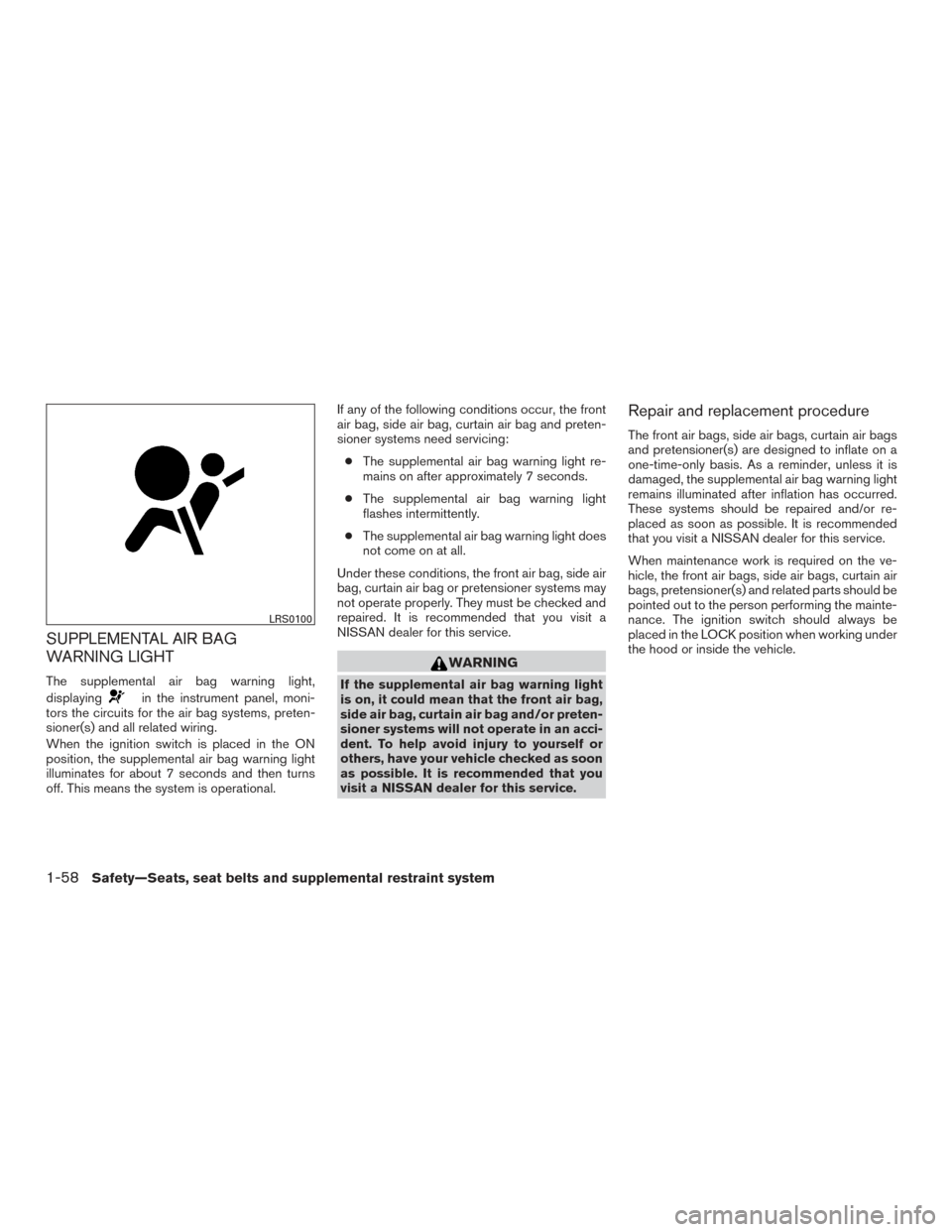
SUPPLEMENTAL AIR BAG
WARNING LIGHT
The supplemental air bag warning light,
displaying
in the instrument panel, moni-
tors the circuits for the air bag systems, preten-
sioner(s) and all related wiring.
When the ignition switch is placed in the ON
position, the supplemental air bag warning light
illuminates for about 7 seconds and then turns
off. This means the system is operational. If any of the following conditions occur, the front
air bag, side air bag, curtain air bag and preten-
sioner systems need servicing:
● The supplemental air bag warning light re-
mains on after approximately 7 seconds.
● The supplemental air bag warning light
flashes intermittently.
● The supplemental air bag warning light does
not come on at all.
Under these conditions, the front air bag, side air
bag, curtain air bag or pretensioner systems may
not operate properly. They must be checked and
repaired. It is recommended that you visit a
NISSAN dealer for this service.
WARNING
If the supplemental air bag warning light
is on, it could mean that the front air bag,
side air bag, curtain air bag and/or preten-
sioner systems will not operate in an acci-
dent. To help avoid injury to yourself or
others, have your vehicle checked as soon
as possible. It is recommended that you
visit a NISSAN dealer for this service.
Repair and replacement procedure
The front air bags, side air bags, curtain air bags
and pretensioner(s) are designed to inflate on a
one-time-only basis. As a reminder, unless it is
damaged, the supplemental air bag warning light
remains illuminated after inflation has occurred.
These systems should be repaired and/or re-
placed as soon as possible. It is recommended
that you visit a NISSAN dealer for this service.
When maintenance work is required on the ve-
hicle, the front air bags, side air bags, curtain air
bags, pretensioner(s) and related parts should be
pointed out to the person performing the mainte-
nance. The ignition switch should always be
placed in the LOCK position when working under
the hood or inside the vehicle.
LRS0100
1-58Safety—Seats, seat belts and supplemental restraint system
Page 82 of 636
Heated rear seat switches (if so equipped)..........2-58
Heated steering wheel switch (if so equipped) .......2-60
Warning systems switch (if so equipped) ............2-60
Vehicle Dynamic Control (VDC) off switch . . .........2-61
Hill descent control switch (if so equipped) ..........2-62
Electronic locking rear differential (E-Lock) system
switch (if so equipped) ............................ 2-63
Power inverter switch (if so equipped) ..............2-64
Parking Sensor (sonar) System OFF Switch
(if so equipped) .................................. 2-65
Tow mode switch ................................. 2-65
E-call (SOS) switch (if so equipped) ................2-66
Trailer Brake Controller Unit (TBCU)
(if so equipped) .................................. 2-66
Power outlets .................................... 2-67
12v Outlets . . ................................. 2-67
120v outlets (if so equipped) ...................2-69
Extended storage switch .......................... 2-70
Storage ......................................... 2-71
Map pockets .................................. 2-71
Seatback pockets (if so equipped) ..............2-72
Under-seat storage (if so equipped) .............2-72
Console box storage trays (if so equipped) .......2-73
Glove box .................................... 2-74Console box (if so equipped)
...................2-74
Center armrest storage (if so equipped) ..........2-75
Under front seat storage bin (if so equipped) .....2-76
Sunglasses holder (if so equipped) ..............2-76
Cup holders .................................. 2-77
Grocery hooks (if so equipped) .................2-79
Bed liner storage bins (if so equipped) ...........2-79
Windows ........................................ 2-80
Power windows ............................... 2-80
Rear sliding window (if so equipped) ............2-82
Rear power window switch (if so equipped) ......2-83
Interior lights ..................................... 2-84
Console
light (if so equipped) ...................2-85
Map lights (if so equipped) .....................2-85
Personal Lights (if so equipped) .................2-86
HomeLink® universal transceiver (if so equipped) ....2-86
Programming HomeLink® ......................2-87
Programming HomeLink® for Canadian
customers and gate openers ....................2-88
Operating the HomeLink® universal
transceiver .................................... 2-89
Programming trouble-diagnosis .................2-89
Clearing the programmed information ............2-89
Reprogramming a single HomeLink® button ......2-89
If your vehicle is stolen ......................... 2-90
Page 84 of 636
14. Heated steering wheel switch(if so equipped) (P. 2-60)
Warning Systems switch
(if so equipped) (P. 2-60)
15. Power outlet (P. 2-67)
16. Auxiliary jack (P. 4-45) USB port (P. 4-45)
17. Hazard warning flasher switch (P. 6-2)
18. Trailer Brake Controller Unit
(if so equipped) (P. 2-66)
19. Climate control seat switch
(if so equipped) (P. 2-56)
Heated front seat switches
(if so equipped) (P. 2-57)
20. Vehicle Dynamic Control (VDC) OFF
switch (P. 2-61)
Parking sensor switch (if so equipped)
(P. 2-65)
21. 4WD shift switch (if so equipped)
(P. 5-44)
22. Push-button ignition switch (P. 5-10)
23. Tilt steering wheel control (P. 3-24)
24. Headlight aiming control
(if so equipped) (P. 2-51)
Power inverter switch (if so equipped)
(P. 2-64)
Cargo lamp switch (P. 2-56) Electronic locking rear differential
(E-Lock) system switch (if so
equipped) (P. 2-63)
Hill descent control system switch
(if so equipped) (P. 2-62)
25. Headlight switch (P. 2-51) Fog light switch (if so equipped)
(P. 2-55)
Instrument brightness control switches
(P. 2-51)
Trip reset switch (P. 2-4)
Instruments and controls
2-3
Page 100 of 636
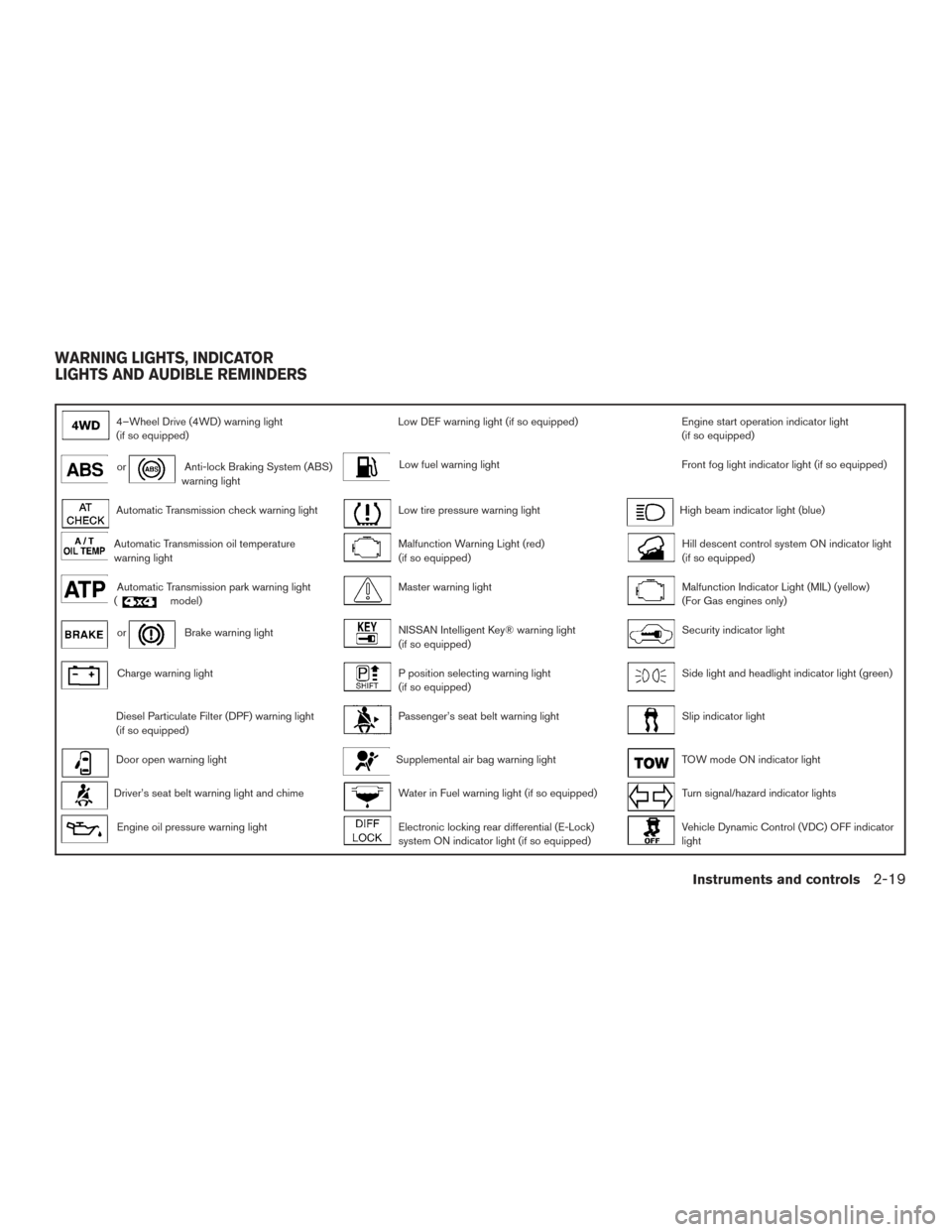
4–Wheel Drive (4WD) warning light
(if so equipped)Low DEF warning light (if so equipped)Engine start operation indicator light
(if so equipped)
orAnti-lock Braking System (ABS)
warning lightLow fuel warning lightFront fog light indicator light (if so equipped)
Automatic Transmission check warning lightLow tire pressure warning lightHigh beam indicator light (blue)
Automatic Transmission oil temperature
warning lightMalfunction Warning Light (red)
(if so equipped)Hill descent control system ON indicator light
(if so equipped)
Automatic Transmission park warning light
(model)Master warning lightMalfunction Indicator Light (MIL) (yellow)
(For Gas engines only)
orBrake warning lightNISSAN Intelligent Key® warning light
(if so equipped)Security indicator light
Charge warning lightP position selecting warning light
(if so equipped)Side light and headlight indicator light (green)
Diesel Particulate Filter (DPF) warning light
(if so equipped)Passenger’s seat belt warning lightSlip indicator light
Door open warning lightSupplemental air bag warning lightTOW mode ON indicator light
Driver’s seat belt warning light and chimeWater in Fuel warning light (if so equipped)Turn signal/hazard indicator lights
Engine oil pressure warning lightElectronic locking rear differential (E-Lock)
system ON indicator light (if so equipped)Vehicle Dynamic Control (VDC) OFF indicator
light
WARNING LIGHTS, INDICATOR
LIGHTS AND AUDIBLE REMINDERS
Instruments and controls2-19
Page 101 of 636
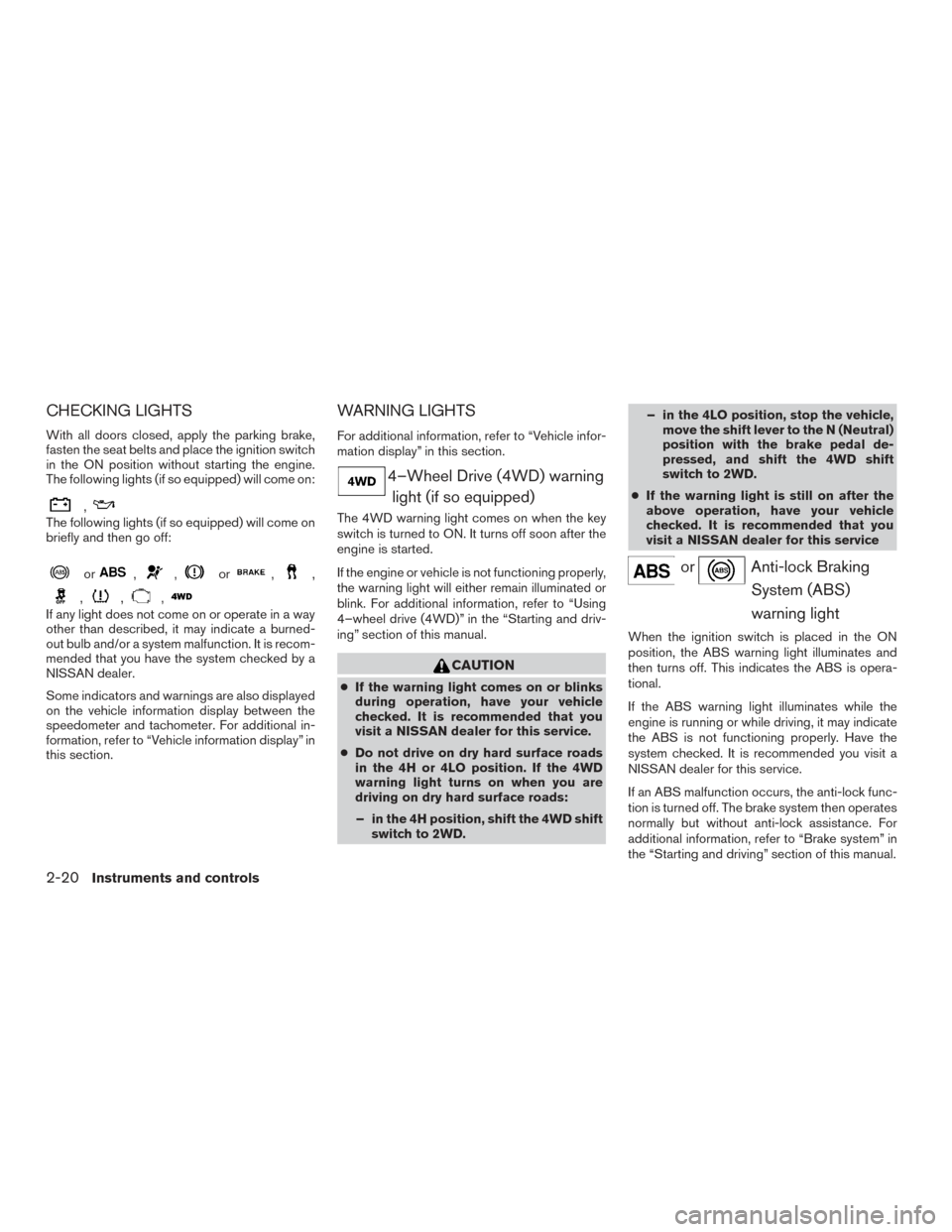
CHECKING LIGHTS
With all doors closed, apply the parking brake,
fasten the seat belts and place the ignition switch
in the ON position without starting the engine.
The following lights (if so equipped) will come on:
,
The following lights (if so equipped) will come on
briefly and then go off:
or,,or,,
,,,
If any light does not come on or operate in a way
other than described, it may indicate a burned-
out bulb and/or a system malfunction. It is recom-
mended that you have the system checked by a
NISSAN dealer.
Some indicators and warnings are also displayed
on the vehicle information display between the
speedometer and tachometer. For additional in-
formation, refer to “Vehicle information display” in
this section.
WARNING LIGHTS
For additional information, refer to “Vehicle infor-
mation display” in this section.
4–Wheel Drive (4WD) warninglight (if so equipped)
The 4WD warning light comes on when the key
switch is turned to ON. It turns off soon after the
engine is started.
If the engine or vehicle is not functioning properly,
the warning light will either remain illuminated or
blink. For additional information, refer to “Using
4–wheel drive (4WD)” in the “Starting and driv-
ing” section of this manual.
CAUTION
● If the warning light comes on or blinks
during operation, have your vehicle
checked. It is recommended that you
visit a NISSAN dealer for this service.
● Do not drive on dry hard surface roads
in the 4H or 4LO position. If the 4WD
warning light turns on when you are
driving on dry hard surface roads:
– in the 4H position, shift the 4WD shift switch to 2WD. – in the 4LO position, stop the vehicle,
move the shift lever to the N (Neutral)
position with the brake pedal de-
pressed, and shift the 4WD shift
switch to 2WD.
● If the warning light is still on after the
above operation, have your vehicle
checked. It is recommended that you
visit a NISSAN dealer for this service
orAnti-lock Braking
System (ABS)
warning light
When the ignition switch is placed in the ON
position, the ABS warning light illuminates and
then turns off. This indicates the ABS is opera-
tional.
If the ABS warning light illuminates while the
engine is running or while driving, it may indicate
the ABS is not functioning properly. Have the
system checked. It is recommended you visit a
NISSAN dealer for this service.
If an ABS malfunction occurs, the anti-lock func-
tion is turned off. The brake system then operates
normally but without anti-lock assistance. For
additional information, refer to “Brake system” in
the “Starting and driving” section of this manual.
2-20Instruments and controls
Page 102 of 636
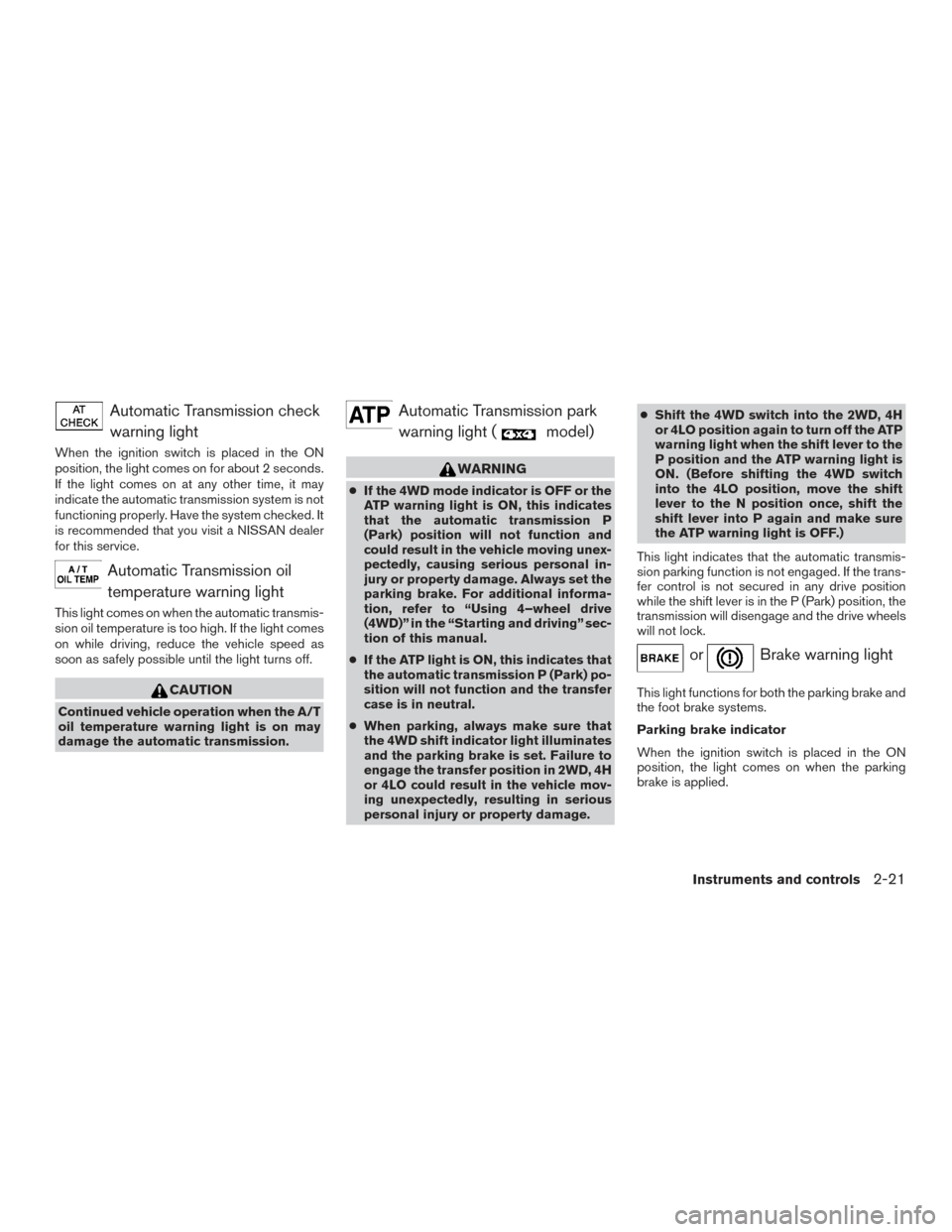
Automatic Transmission checkwarning light
When the ignition switch is placed in the ON
position, the light comes on for about 2 seconds.
If the light comes on at any other time, it may
indicate the automatic transmission system is not
functioning properly. Have the system checked. It
is recommended that you visit a NISSAN dealer
for this service.
Automatic Transmission oiltemperature warning light
This light comes on when the automatic transmis-
sion oil temperature is too high. If the light comes
on while driving, reduce the vehicle speed as
soon as safely possible until the light turns off.
CAUTION
Continued vehicle operation when the A/T
oil temperature warning light is on may
damage the automatic transmission.
Automatic Transmission parkwarning light (
model)
WARNING
● If the 4WD mode indicator is OFF or the
ATP warning light is ON, this indicates
that the automatic transmission P
(Park) position will not function and
could result in the vehicle moving unex-
pectedly, causing serious personal in-
jury or property damage. Always set the
parking brake. For additional informa-
tion, refer to “Using 4–wheel drive
(4WD)” in the “Starting and driving” sec-
tion of this manual.
● If the ATP light is ON, this indicates that
the automatic transmission P (Park) po-
sition will not function and the transfer
case is in neutral.
● When parking, always make sure that
the 4WD shift indicator light illuminates
and the parking brake is set. Failure to
engage the transfer position in 2WD, 4H
or 4LO could result in the vehicle mov-
ing unexpectedly, resulting in serious
personal injury or property damage. ●
Shift the 4WD switch into the 2WD, 4H
or 4LO position again to turn off the ATP
warning light when the shift lever to the
P position and the ATP warning light is
ON. (Before shifting the 4WD switch
into the 4LO position, move the shift
lever to the N position once, shift the
shift lever into P again and make sure
the ATP warning light is OFF.)
This light indicates that the automatic transmis-
sion parking function is not engaged. If the trans-
fer control is not secured in any drive position
while the shift lever is in the P (Park) position, the
transmission will disengage and the drive wheels
will not lock.
orBrake warning light
This light functions for both the parking brake and
the foot brake systems.
Parking brake indicator
When the ignition switch is placed in the ON
position, the light comes on when the parking
brake is applied.
Instruments and controls2-21
Page 103 of 636
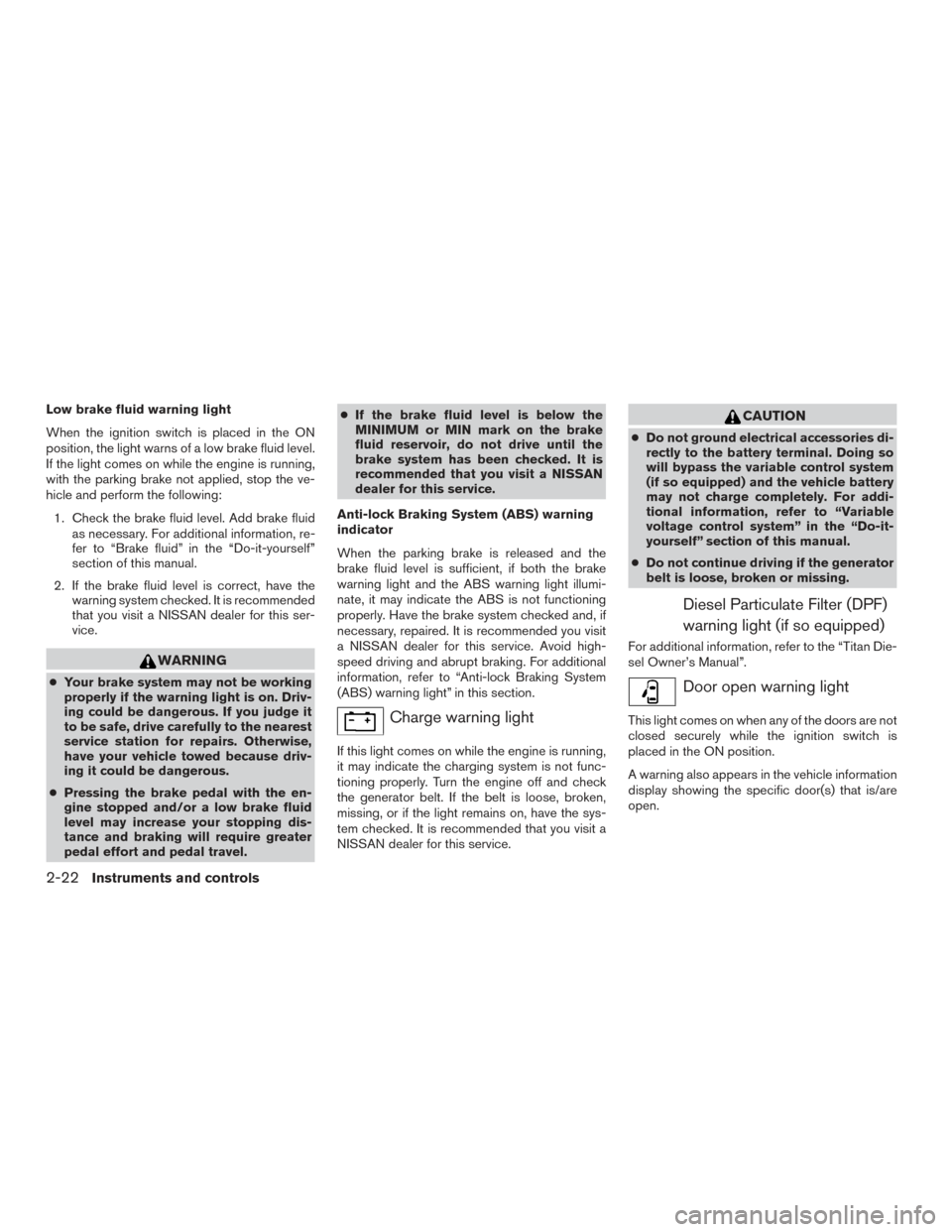
Low brake fluid warning light
When the ignition switch is placed in the ON
position, the light warns of a low brake fluid level.
If the light comes on while the engine is running,
with the parking brake not applied, stop the ve-
hicle and perform the following:1. Check the brake fluid level. Add brake fluid as necessary. For additional information, re-
fer to “Brake fluid” in the “Do-it-yourself”
section of this manual.
2. If the brake fluid level is correct, have the warning system checked. It is recommended
that you visit a NISSAN dealer for this ser-
vice.
WARNING
●Your brake system may not be working
properly if the warning light is on. Driv-
ing could be dangerous. If you judge it
to be safe, drive carefully to the nearest
service station for repairs. Otherwise,
have your vehicle towed because driv-
ing it could be dangerous.
● Pressing the brake pedal with the en-
gine stopped and/or a low brake fluid
level may increase your stopping dis-
tance and braking will require greater
pedal effort and pedal travel. ●
If the brake fluid level is below the
MINIMUM or MIN mark on the brake
fluid reservoir, do not drive until the
brake system has been checked. It is
recommended that you visit a NISSAN
dealer for this service.
Anti-lock Braking System (ABS) warning
indicator
When the parking brake is released and the
brake fluid level is sufficient, if both the brake
warning light and the ABS warning light illumi-
nate, it may indicate the ABS is not functioning
properly. Have the brake system checked and, if
necessary, repaired. It is recommended you visit
a NISSAN dealer for this service. Avoid high-
speed driving and abrupt braking. For additional
information, refer to “Anti-lock Braking System
(ABS) warning light” in this section.
Charge warning light
If this light comes on while the engine is running,
it may indicate the charging system is not func-
tioning properly. Turn the engine off and check
the generator belt. If the belt is loose, broken,
missing, or if the light remains on, have the sys-
tem checked. It is recommended that you visit a
NISSAN dealer for this service.
CAUTION
● Do not ground electrical accessories di-
rectly to the battery terminal. Doing so
will bypass the variable control system
(if so equipped) and the vehicle battery
may not charge completely. For addi-
tional information, refer to “Variable
voltage control system” in the “Do-it-
yourself” section of this manual.
● Do not continue driving if the generator
belt is loose, broken or missing.
Diesel Particulate Filter (DPF)
warning light (if so equipped)
For additional information, refer to the “Titan Die-
sel Owner’s Manual”.
Door open warning light
This light comes on when any of the doors are not
closed securely while the ignition switch is
placed in the ON position.
A warning also appears in the vehicle information
display showing the specific door(s) that is/are
open.
2-22Instruments and controls
Page 106 of 636
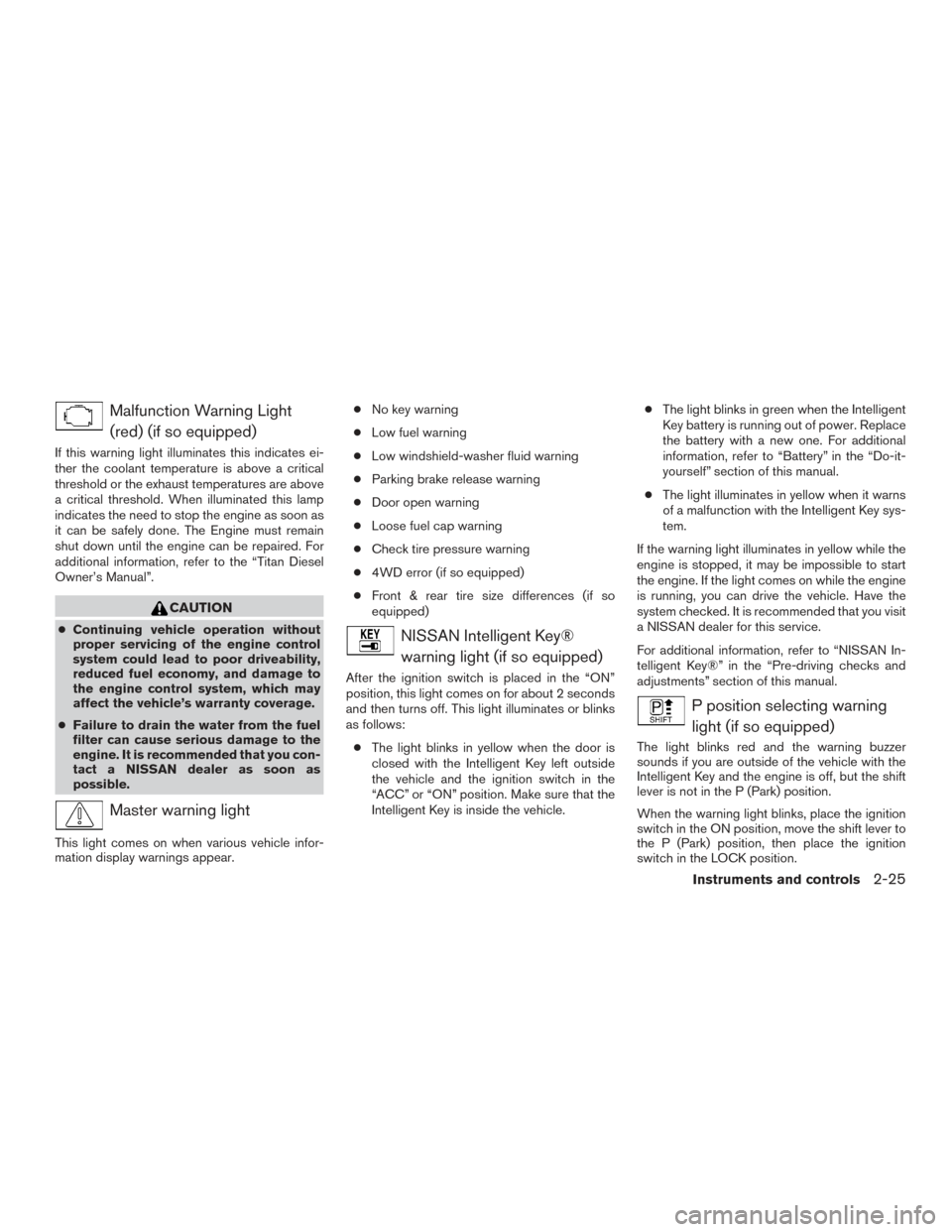
Malfunction Warning Light(red) (if so equipped)
If this warning light illuminates this indicates ei-
ther the coolant temperature is above a critical
threshold or the exhaust temperatures are above
a critical threshold. When illuminated this lamp
indicates the need to stop the engine as soon as
it can be safely done. The Engine must remain
shut down until the engine can be repaired. For
additional information, refer to the “Titan Diesel
Owner’s Manual”.
CAUTION
● Continuing vehicle operation without
proper servicing of the engine control
system could lead to poor driveability,
reduced fuel economy, and damage to
the engine control system, which may
affect the vehicle’s warranty coverage.
● Failure to drain the water from the fuel
filter can cause serious damage to the
engine. It is recommended that you con-
tact a NISSAN dealer as soon as
possible.
Master warning light
This light comes on when various vehicle infor-
mation display warnings appear. ●
No key warning
● Low fuel warning
● Low windshield-washer fluid warning
● Parking brake release warning
● Door open warning
● Loose fuel cap warning
● Check tire pressure warning
● 4WD error (if so equipped)
● Front & rear tire size differences (if so
equipped)
NISSAN Intelligent Key®
warning light (if so equipped)
After the ignition switch is placed in the “ON”
position, this light comes on for about 2 seconds
and then turns off. This light illuminates or blinks
as follows:
● The light blinks in yellow when the door is
closed with the Intelligent Key left outside
the vehicle and the ignition switch in the
“ACC” or “ON” position. Make sure that the
Intelligent Key is inside the vehicle. ●
The light blinks in green when the Intelligent
Key battery is running out of power. Replace
the battery with a new one. For additional
information, refer to “Battery” in the “Do-it-
yourself” section of this manual.
● The light illuminates in yellow when it warns
of a malfunction with the Intelligent Key sys-
tem.
If the warning light illuminates in yellow while the
engine is stopped, it may be impossible to start
the engine. If the light comes on while the engine
is running, you can drive the vehicle. Have the
system checked. It is recommended that you visit
a NISSAN dealer for this service.
For additional information, refer to “NISSAN In-
telligent Key®” in the “Pre-driving checks and
adjustments” section of this manual.
P position selecting warning light (if so equipped)
The light blinks red and the warning buzzer
sounds if you are outside of the vehicle with the
Intelligent Key and the engine is off, but the shift
lever is not in the P (Park) position.
When the warning light blinks, place the ignition
switch in the ON position, move the shift lever to
the P (Park) position, then place the ignition
switch in the LOCK position.
Instruments and controls2-25