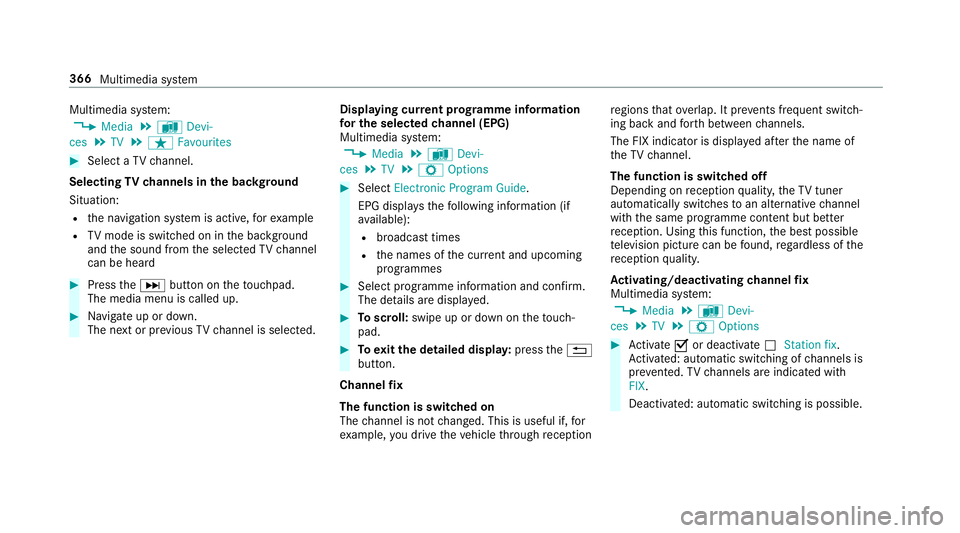
Multimedia sy
stem:
, Media .
à Devi-
ces .
TV .
ß Favourites #
Select a TVchannel.
Selecting TVchannels in the bac kground
Situation: R the navigation sy stem is active, forex ample
R TVmode is switched on in the bac kground
and the sound from the selected TVchannel
can be heard #
Press theD button on theto uchpad.
The media menu is called up. #
Navigate up or down.
The next or pr evious TVchannel is selec ted. Displaying cur
rent prog ramme in form ation
fo r the selected channel (EPG)
Multimedia sy stem:
, Media .
à Devi-
ces .
TV .
Z Options #
Select Electronic Program Guide.
EPG displa ys thefo llowing information (if
av ailable):
R broadcast times
R the names of the cur rent and upcoming
programmes #
Select programme information and confirm.
The de tails are displa yed. #
Toscroll: swipe up or down on theto uch‐
pad. #
Toexitth e detailed displa y:press the%
button.
Channel fix
The function is switched on
The channel is not changed. This is useful if, for
ex ample, you drive theve hicle thro ugh reception re
gions that ove rlap. It pr events frequent switch‐
ing ba ckand forth between channels.
The FIX indicator is displa yed af terth e name of
th eTV channel.
The function is swit ched off
Depending on reception qualit y,theTV tuner
au tomatical lyswitches toan alternative channel
with the same programme conte nt but better
re ception. Using this function, the best possible
te levision picture can be found, rega rdless of the
re ception qualit y.
Ac tivating/deactivating channel fix
Multimedia sy stem:
, Media .
à Devi-
ces .
TV .
Z Options #
Activate Oor deacti vate ª Station fix .
Ac tivated: au tomatic switching of channels is
pr eve nted. TVchannels are indicated with
FIX.
Deactivated: automatic swit ching is possible. 366
Multimedia sy stem
Re
scue card ............................................... 27
Re ser ve
Fu el ..................................................... 437
Re set function (multimedia sy stem) .....2 94
Re storing (factory settings)
see Reset function (multimedia sy stem)
Re stra int sy stem
Children ................................................ .45
Fu nction in an accident ......................... 31
Fu nctionality .......................................... 31
Malfunction ...........................................31
Pr otection ..............................................30
Re duced pr otection ...............................30
Sy stem self-test .....................................31
Wa rning lamp ........................................ .31
Re stra int sy stem
see Occupant saf ety
Re turning an end-of-li fevehicle
Pr otection of the environment ............... 21
Re versege ar
Selecting .............................................. 172
Re versing camera .................................... 221
Assigning as a favo urite ...................... .227 Care .................................................... 383
Fu nction .............................................. 221
Opening the camera co ver .................. 227
Switching auto matic mode on/off ..... .226
RF transmitters see Two-w ayradios
Rims (Care) .............................................. 383
Ro llaw ay protection
see HOLD function
Ro ller sunblind
Side windo ws........................................ 79
Ro ller sunblind
see Co ver
Ro of lining (care) .................................... .385
Ro of load .................................................. 442
Ro ofrack .................................................. 12 2
Ro ute ................................................ 300, 303
Calculating .......................................... 300
Displ aying destination information ...... 302
Selecting a type .................................. .301
Selecting an al tern ative route ............ .303
Selecting notifications ......................... 302
Selecting options ................................ 302 Switching
the automatic filling sta‐
tion sear chon/off ...............................3 03
Wi th intermediate destinations .......... .299
Ro ute guidance ....................................... 303
Cancelling .......................................... .306
Changing direction .............................. 303
Continuing .......................................... .306
Destination reached ............................ 305
Fr om an off-road location .................... 307
Lane recommendations ....................... 304
No tes .................................................. 303
Off-road ............................................... 307
To an off- road destination .................. .306
Ro ute guidance
see Navigation announcements
Ru n-flat characteristics
MOExtended tyres ............................... 390
Ru nning-in no tes ...................................... 16 4 S
Saf ety
see Child seat
Saf ety net
At tach ing ............................................ .117 Index
545