Page 103 of 348
POWER OUTLETS
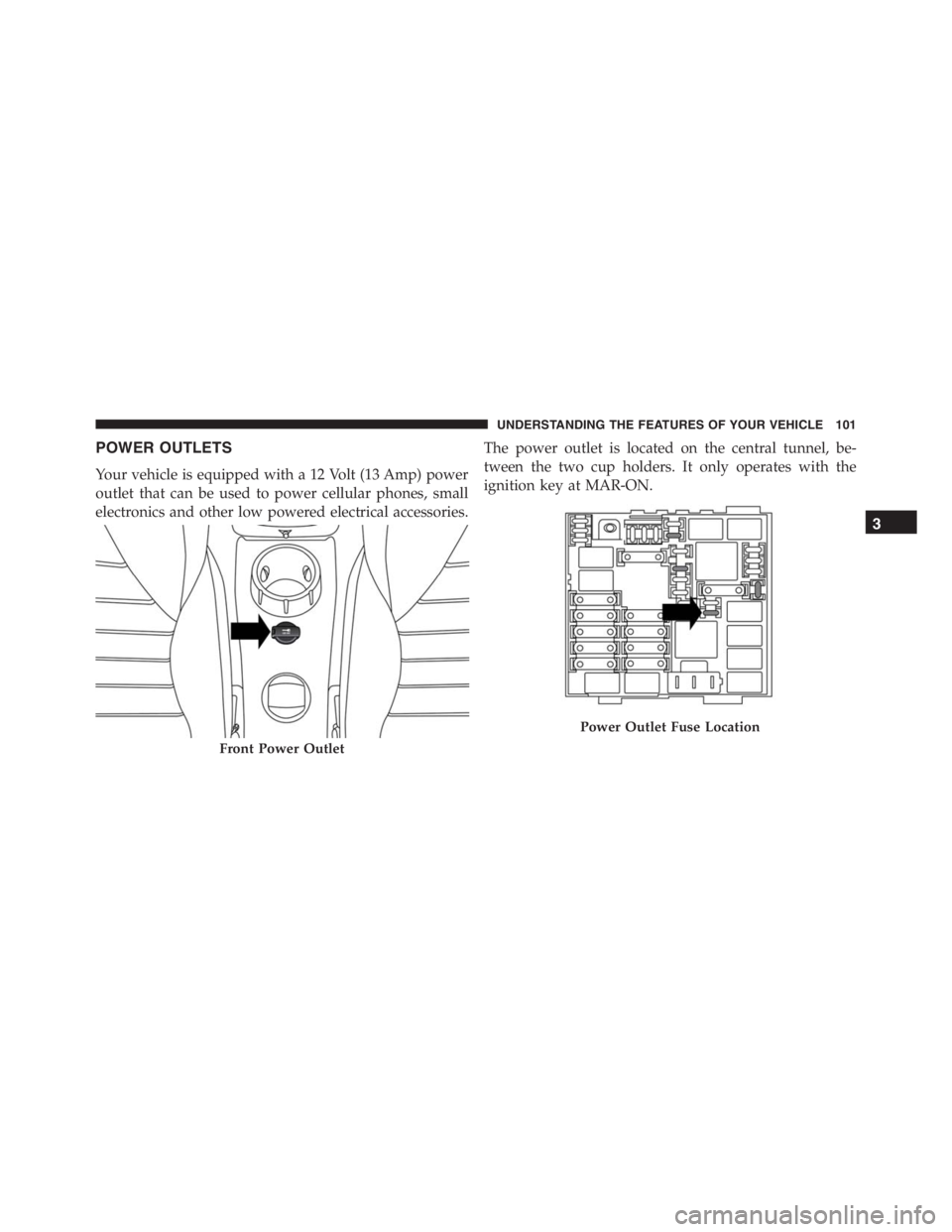
Your vehicle is equipped with a 12 Volt (13 Amp) power
outlet that can be used to power cellular phones, small
electronics and other low powered electrical accessories.The power outlet is located on the central tunnel, be-
tween the two cup holders. It only operates with the
ignition key at MAR-ON.
Front Power Outlet
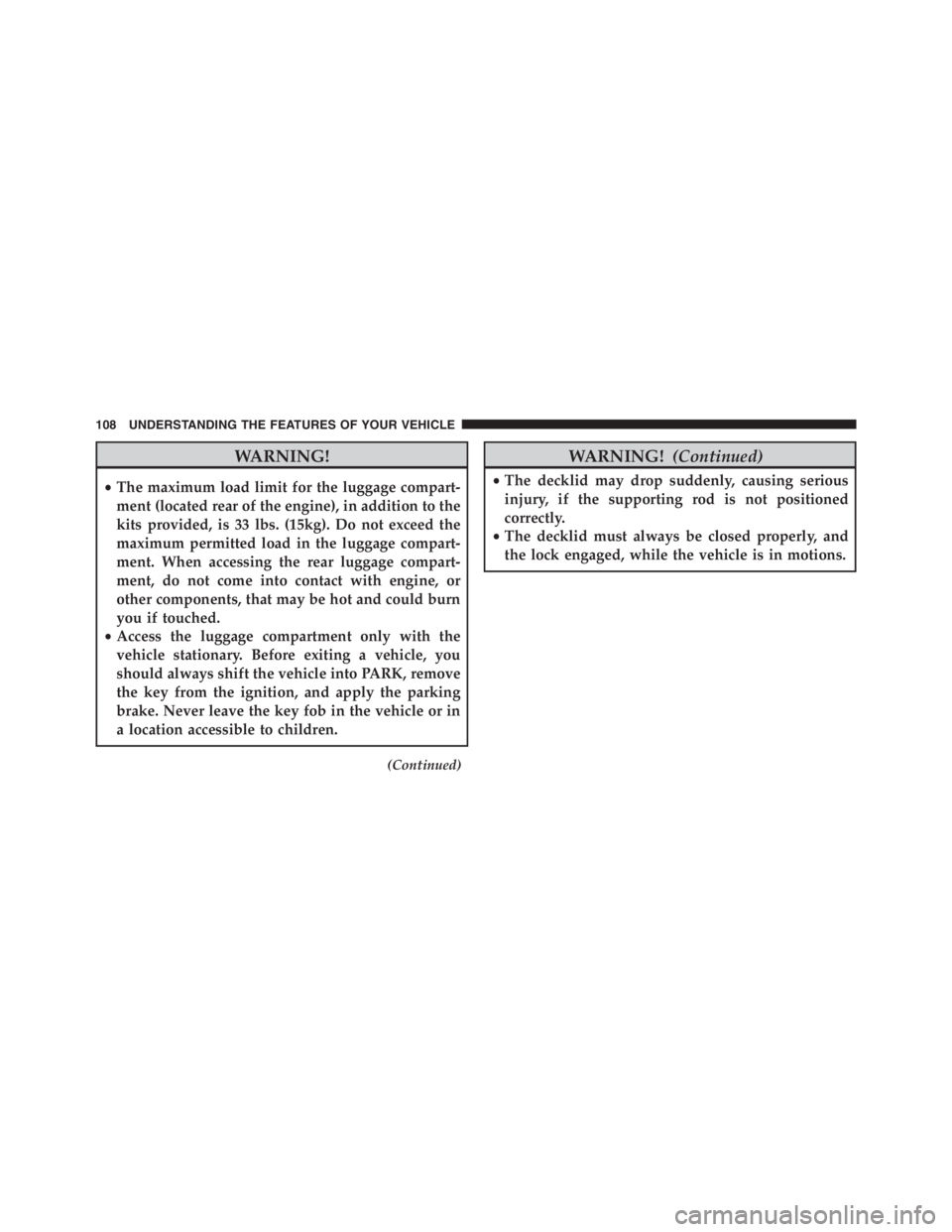
Power Outlet Fuse Location
3
UNDERSTANDING THE FEATURES OF YOUR VEHICLE 101
Page 110 of 348
WARNING!
•The maximum load limit for the luggage compart-
ment (located rear of the engine), in addition to the
kits provided, is 33 lbs. (15kg). Do not exceed the
maximum permitted load in the luggage compart-
ment. When accessing the rear luggage compart-
ment, do not come into contact with engine, or
other components, that may be hot and could burn
you if touched.
•Access the luggage compartment only with the
vehicle stationary. Before exiting a vehicle, you
should always shift the vehicle into PARK, remove
the key from the ignition, and apply the parking
brake. Never leave the key fob in the vehicle or in
a location accessible to children.
(Continued)
WARNING!(Continued)
•The decklid may drop suddenly, causing serious
injury, if the supporting rod is not positioned
correctly.
•The decklid must always be closed properly, and
the lock engaged, while the vehicle is in motions.
108 UNDERSTANDING THE FEATURES OF YOUR VEHICLE
Page 117 of 348
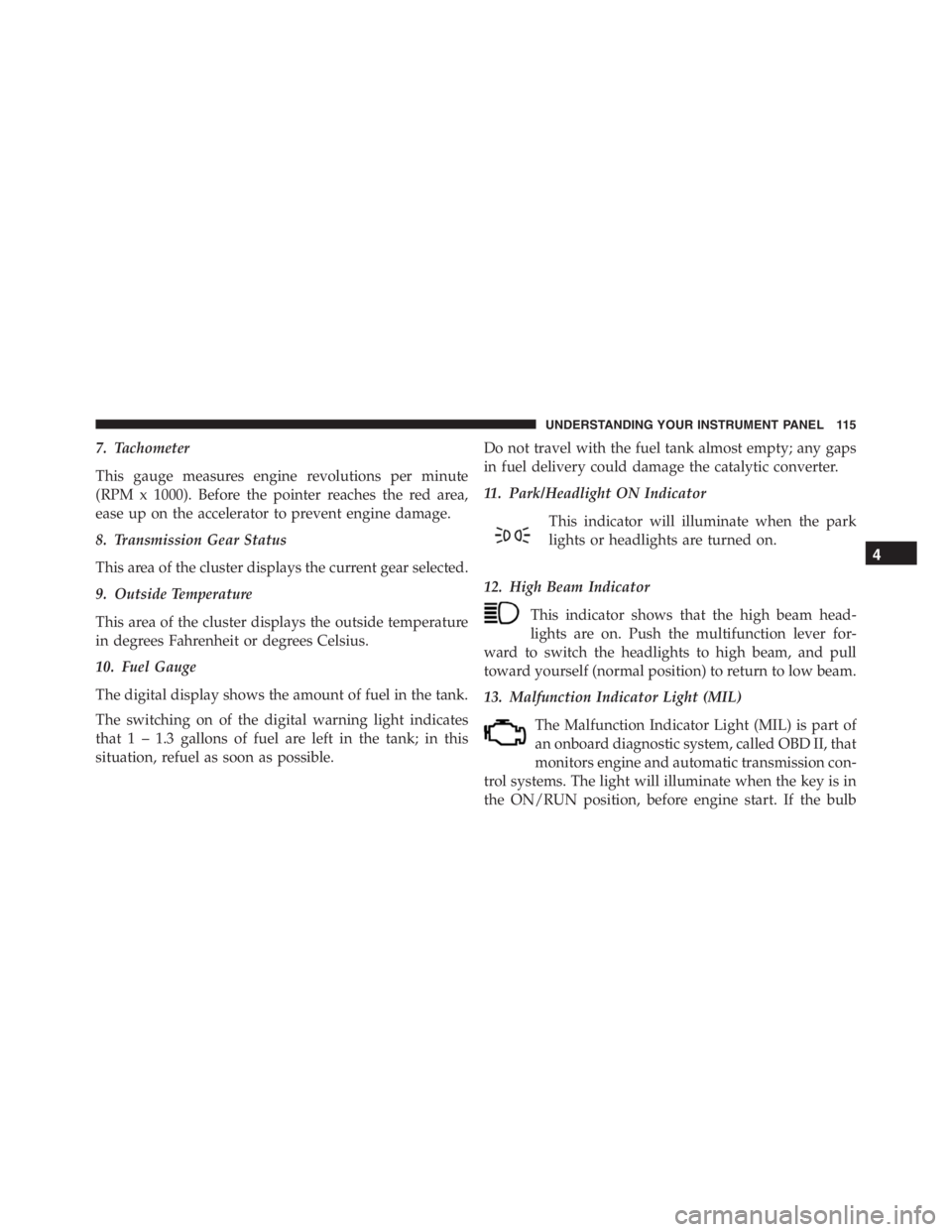
7. Tachometer
This gauge measures engine revolutions per minute
(RPM x 1000). Before the pointer reaches the red area,
ease up on the accelerator to prevent engine damage.
8. Transmission Gear Status
This area of the cluster displays the current gear selected.
9. Outside Temperature
This area of the cluster displays the outside temperature
in degrees Fahrenheit or degrees Celsius.
10. Fuel Gauge
The digital display shows the amount of fuel in the tank.
The switching on of the digital warning light indicates
that 1 – 1.3 gallons of fuel are left in the tank; in this
situation, refuel as soon as possible.Do not travel with the fuel tank almost empty; any gaps
in fuel delivery could damage the catalytic converter.
11. Park/Headlight ON Indicator
This indicator will illuminate when the park
lights or headlights are turned on.
12. High Beam Indicator
This indicator shows that the high beam head-
lights are on. Push the multifunction lever for-
ward to switch the headlights to high beam, and pull
toward yourself (normal position) to return to low beam.
13. Malfunction Indicator Light (MIL)
The Malfunction Indicator Light (MIL) is part of
an onboard diagnostic system, called OBD II, that
monitors engine and automatic transmission con-
trol systems. The light will illuminate when the key is in
the ON/RUN position, before engine start. If the bulb
4
UNDERSTANDING YOUR INSTRUMENT PANEL 115
Page 118 of 348

does not come on when turning the key from OFF to
ON/RUN, have the condition checked promptly.
Certain conditions, such as smart fuel door left open,
poor fuel quality, etc., may illuminate the MIL after
engine start. The vehicle should be serviced if the light
stays on through several of your typical driving cycles. In
most situations, the vehicle will drive normally and will
not require towing.
CAUTION!
Prolonged driving with the Malfunction Indicator
Light (MIL) on could cause damage to the engine
control system. It also could affect fuel economy and
driveability. If the MIL is flashing, severe catalytic
converter damage and power loss will soon occur.
Immediate service is required.
WARNING!
A malfunctioning catalytic converter, as referenced
above, can reach higher temperatures than in normal
operating conditions. This can cause a fire if you
drive slowly or park over flammable substances such
as dry plants, wood, cardboard, etc. This could result
in death or serious injury to the driver, occupants or
others.
14. Seat Belt Reminder Light
Seat Belt Reminder Light will turn on and remain
on until the driver seat belt is buckled. If the
driver seat belt is unbuckled once the vehicle
speed is over 12.5 mph (20 km/h) or when travelling at a
speed from 6 to 12.5 mph (10 to 20 km/h) for few
seconds, the Seat Belt Reminder Light and sounding an
intermittent chime. Once the sequence starts, it will
continue for the entire duration or until the driver ’s seat
116 UNDERSTANDING YOUR INSTRUMENT PANEL
Page 120 of 348

18. Fuel Door Reminder
The arrow in this symbol is a reminder that the
Fuel Filler Door is located on the right side of
the vehicle.
19. Trip Odometer
This area of the cluster displays the total distance trav-
eled since the last Trip reset.
20. Electronic Throttle Control (ETC) Light
This light informs you of a problem with the
Electronic Throttle Control (ETC) system. The
light will come on when the ignition is first
turned ON and remain on briefly as a bulb
check. If the light does not come on during starting, have
the system checked by an authorized dealer.
If a problem is detected, the light will come on while the
engine is running. Cycle the ignition key when the
vehicle has completely stopped and the gear selector isplaced in the 1st position. The light should turn off.
If the light remains lit with the engine running, your
vehicle will usually be drivable. However, see an autho-
rized dealer for service as soon as possible. If the light is
flashing when the engine is running, immediate service is
required. You may experience reduced performance, an
elevated/rough idle or engine stall and your vehicle may
require towing.
21. Speedometer
Indicates vehicle speed.
22. “Alfa DNA” Driving Mode Indicator
This area of the cluster displays which driving mode the
vehicle is currently in. A letter (d, n, or a) corresponding
to the active driving mode (dynamic or race, natural, all
weather) and a dedicated message is shown on the
display.
118 UNDERSTANDING YOUR INSTRUMENT PANEL
Page 121 of 348
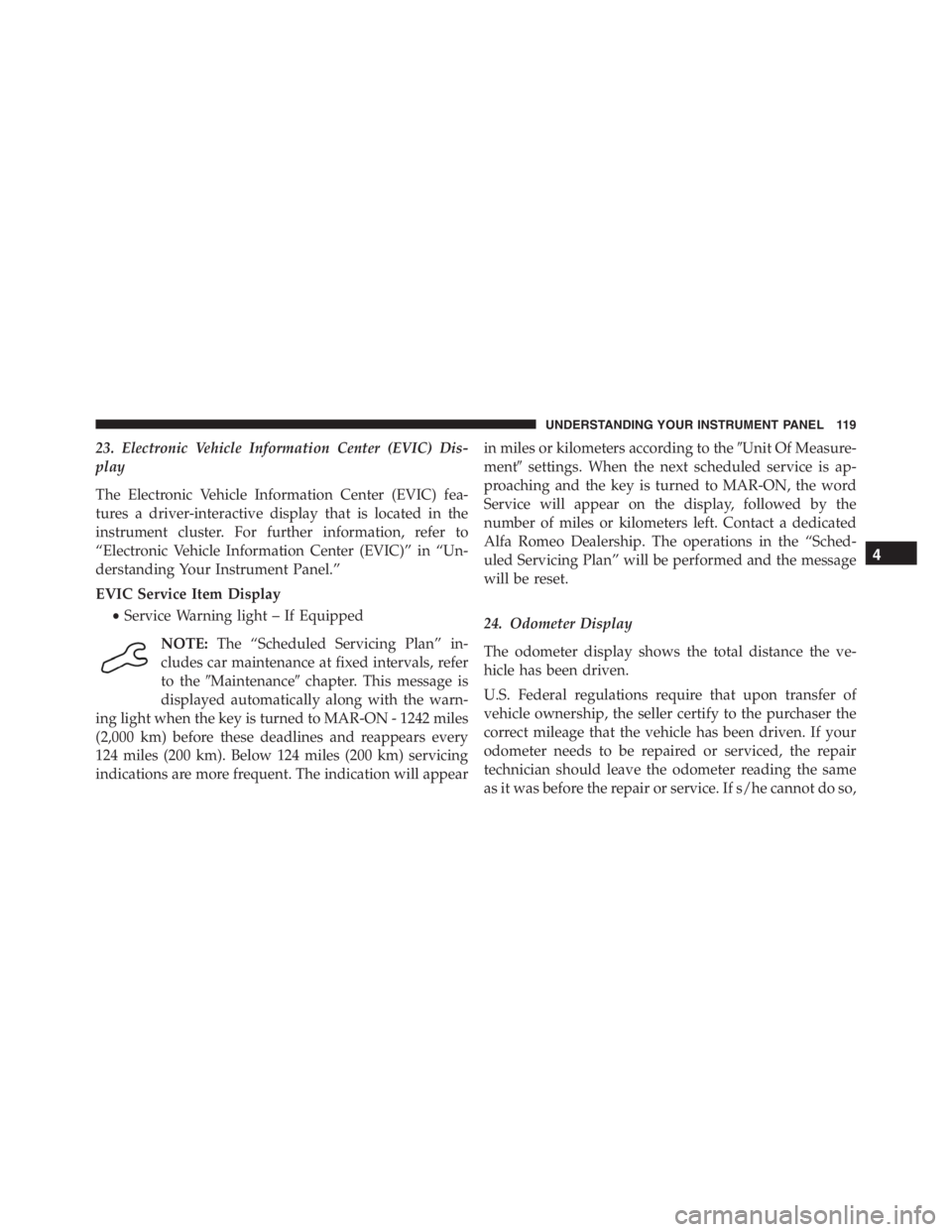
23. Electronic Vehicle Information Center (EVIC) Dis-
play
The Electronic Vehicle Information Center (EVIC) fea-
tures a driver-interactive display that is located in the
instrument cluster. For further information, refer to
“Electronic Vehicle Information Center (EVIC)” in “Un-
derstanding Your Instrument Panel.”
EVIC Service Item Display
•Service Warning light – If Equipped
NOTE:The “Scheduled Servicing Plan” in-
cludes car maintenance at fixed intervals, refer
to the�Maintenance�chapter. This message is
displayed automatically along with the warn-
ing light when the key is turned to MAR-ON - 1242 miles
(2,000 km) before these deadlines and reappears every
124 miles (200 km). Below 124 miles (200 km) servicing
indications are more frequent. The indication will appearin miles or kilometers according to the�Unit Of Measure-
ment�settings. When the next scheduled service is ap-
proaching and the key is turned to MAR-ON, the word
Service will appear on the display, followed by the
number of miles or kilometers left. Contact a dedicated
Alfa Romeo Dealership. The operations in the “Sched-
uled Servicing Plan” will be performed and the message
will be reset.
24. Odometer Display
The odometer display shows the total distance the ve-
hicle has been driven.
U.S. Federal regulations require that upon transfer of
vehicle ownership, the seller certify to the purchaser the
correct mileage that the vehicle has been driven. If your
odometer needs to be repaired or serviced, the repair
technician should leave the odometer reading the same
as it was before the repair or service. If s/he cannot do so,
4
UNDERSTANDING YOUR INSTRUMENT PANEL 119
Page 138 of 348
NOTE:The “Scheduled Servicing Plan” includes car
maintenance at fixed intervals, refer to the�Maintenance�
chapter. This message is displayed automatically along
with the
warning light when the key is turned to
MAR-ON - 1242 miles (2,000 km) before these dead-
lines and reappears every 124 miles (200 km). Below
124 miles (200 km) servicing indications are more
frequent. The indication will appear in miles or kilo-
meters according to the�Unit Of Measurement�set-
tings. When the next scheduled service is approaching
and the key is turned to MAR-ON, the word Service
will appear on the display, followed by the number of
miles or kilometers left. Contact a dedicated Alfa
Romeo Dealership. The operations in the “Scheduled
Servicing Plan” will be performed and the message
will be
reset.Day Lights — If Equipped
This function may be used to activate / deactivate the
Daytime Running Lamps.
Proceed as follows to switch this function on or off:
1. Briefly push theSET/BACKbutton to display the
three submenus.
2. Briefly push theSET/BACKbutton. “On” or “Off”
will flash on the display (according to previous set-
ting).
3. Push and release the UP
or DOWNbutton for
setting.
4. Briefly push theSET/BACKbutton to go back to the
menu screen, or push and hold the button (approxi-
mately one second) to go back to the main screen
without storing the settings.
136 UNDERSTANDING YOUR INSTRUMENT PANEL
Page 156 of 348
STARTING PROCEDURES
Before starting your vehicle, adjust your seat, adjust both
inside and outside mirrors, and fasten your seat belts.
WARNING!
•Never leave children alone in a vehicle, or with
access to an unlocked vehicle.
•Allowing children to be in a vehicle unattended is
dangerous for a number of reasons. A child or
others could be seriously or fatally injured. Chil-
dren should be warned not to touch the parking
brake, brake pedal or the transmission gear selec-
tor.
•Do not leave the Key Fob in or near the vehicle (or
in a location accessible to children). A child could
operate power windows, other controls, or move
the vehicle.
Automatic Transmission
To start the engine press the brake pedal: the system
engages NEUTRAL (N) automatically.
After the starting procedure, FIRST (1st) gear or RE-
VERSE (R) can be engaged.
Irrespective of the mode selected (AUTO/MANUAL), to
engage FIRST (1st) gear or REVERSE (R), it is necessary
to press the brake pedal and press the 1 button on the
transmission control panel (or the�+�steering wheel
stalk) to engage FIRST (1st) gear or the R button to
engage REVERSE (R).
When FIRST (1st) gear is engaged, the system sets itself to
AUTO mode.
NEUTRAL (N) can be engaged again by pressing the N
button with the brake pedal pressed.
154 STARTING AND OPERATING