Page 420 of 678
CAUTION!
If the trailer weighs more than 1,000 lbs (454 kg)
loaded, it should have its own brakes and they
should be of adequate capacity. Failure to do this
could lead to accelerated brake lining wear, higher
brake pedal effort, and longer stopping distances.
Towing Requirements — Trailer Lights And Wiring
Whenever you pull a trailer, regardless of the trailer size,
stoplights and turn signals on the trailer are required for
motoring safety.
The Trailer Tow Package may include a four- and seven-
pin wiring harness. Use a factory approved trailer har-
ness and connector.
NOTE:Do not cut or splice wiring into the vehicles
wiring harness.
The electrical connections are all complete to the vehicle
but you must mate the harness to a trailer connector.
Refer to the following illustrations.
418 STARTING AND OPERATING
Page 423 of 678
Electronic Speed Control — If Equipped
•Do not use in hilly terrain or with heavy loads.
•When using the speed control, if you experience speed
drops greater than 10 mph (16 km/h), disengage until
you can get back to cruising speed.
•Use speed control in flat terrain and with light loads to
maximize fuel efficiency.
Cooling System
To reduce potential for engine and transmission over-
heating, take the following actions:
City Driving
When stopped for short periods of time, shift the trans-
mission into NEUTRAL and increase engine idle speed.
Highway Driving
Reduce speed.
Air Conditioning
Turn off temporarily.
7
STARTING AND OPERATING 421
Page 430 of 678

NOTE:The ASSIST and 9–1–1 features operate through
the Uconnect® Access service. These buttons will only
operate as long as your Uconnect® Access service is
active. Refer to your “Uconnect® Radio supplement” for
further information.
ASSIST Call
The ASSIST Button is used to automatically connect you
to any one of the following support centers:
•Roadside Assistance – If you get a flat tire, or need a
tow, just push the Assist button and you’ll be con-
nected to someone who can help. Roadside Assistance
will know what vehicle you’re driving and its location.
Additional fees may apply for Roadside Assistance.
•Uconnect® Access Customer Care – In-vehicle support
for Uconnect® Access and Uconnect® Access Via
Mobile features.
•Vehicle Customer Care – Total support for all other
vehicle issues.
9-1-1 Call
1. Push the 9-1-1 Call button on the overhead console.
NOTE:In case the 9-1-1 Call button is pushed in error,
there will be a 10 second delay before the 9-1-1 Call
system initiates a call to a 9-1-1 operator. To cancel the
9-1-1 Call connection, push the 9-1-1 Call button on the
overhead console or press the cancellation button on the
Phone Screen. Termination of the 9-1-1 Call will turn the
green LED light on the overhead console off.
2. The LED light located on the Assist and 9-1-1 buttons
in the overhead console will turn green once you push
these buttons and will remain on until the call is
ended.
428 IN CASE OF EMERGENCY
Page 433 of 678

If the 9-1-1 Call system detects a malfunction, any of the
following may occur at the time the malfunction is
detected, and at the beginning of each ignition cycle:
•The overhead console lights located on the Assist and
9-1-1 buttons will continuously be illuminated red.
•The Phone Screen will display the following message
“Vehicle phone requires service. Please contact your
dealer.”
•An In-Vehicle Audio message will state “Vehicle phone
requires service. Please contact your dealer.”
WARNING!
•Ignoring the Assist and 9-1-1 buttons light could
mean you will not have 9-1-1 Call services. If the
Assist and 9-1-1 buttons light is illuminated, have
an authorized dealer service the 9-1-1 Call system
immediately.
•The Occupant Restraint Control module turns on
the air bag Warning Light on the instrument panel
if a malfunction in any part of the system is
detected. If the air bag Warning Light is illumi-
nated, have an authorized dealer service the ORC
system immediately.8
IN CASE OF EMERGENCY 431
Page 435 of 678
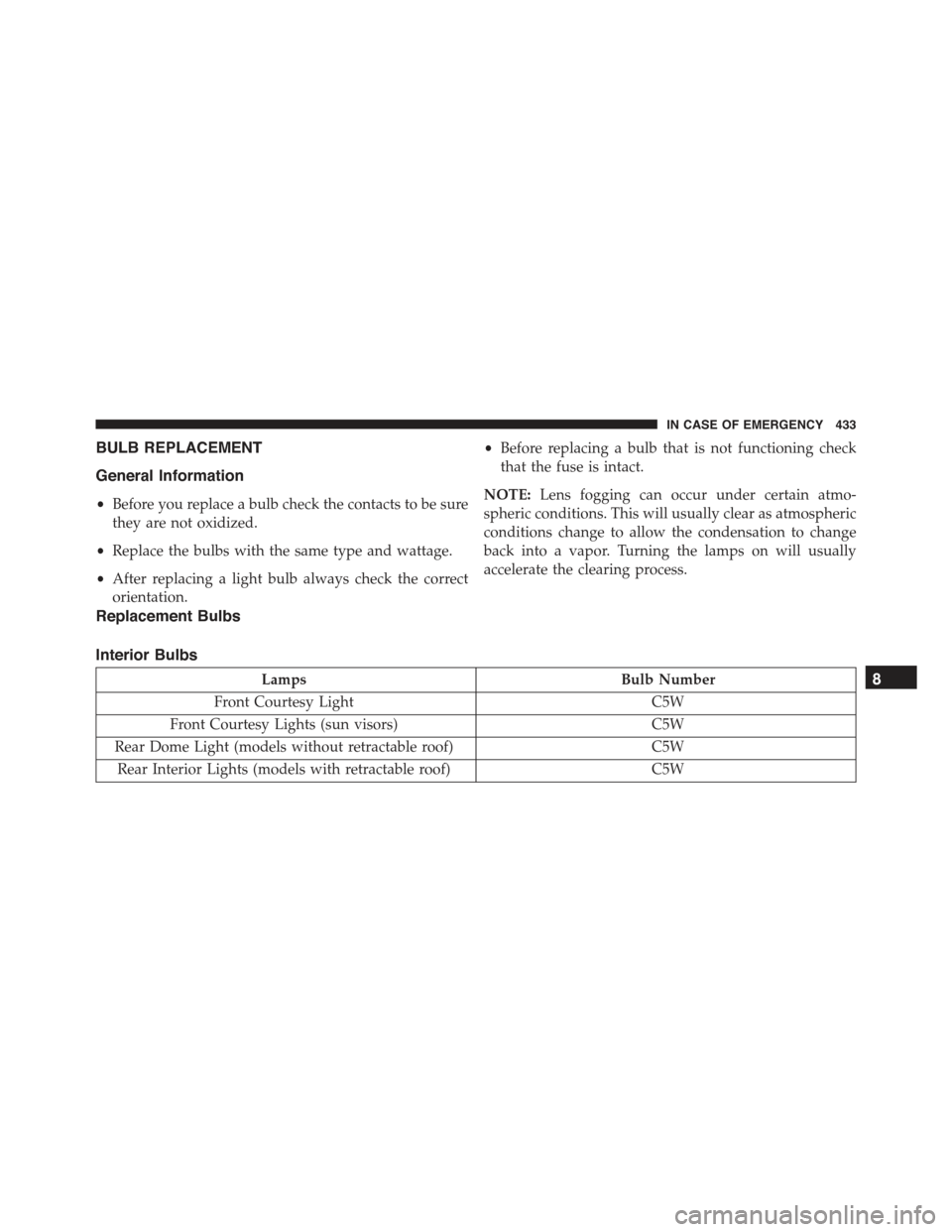
BULB REPLACEMENT
General Information
•Before you replace a bulb check the contacts to be sure
they are not oxidized.
•Replace the bulbs with the same type and wattage.
•After replacing a light bulb always check the correct
orientation.
•Before replacing a bulb that is not functioning check
that the fuse is intact.
NOTE:Lens fogging can occur under certain atmo-
spheric conditions. This will usually clear as atmospheric
conditions change to allow the condensation to change
back into a vapor. Turning the lamps on will usually
accelerate the clearing process.
Replacement Bulbs
Interior Bulbs
LampsBulb Number
Front Courtesy LightC5W
Front Courtesy Lights (sun visors)C5W
Rear Dome Light (models without retractable roof)C5W
Rear Interior Lights (models with retractable roof)C5W
8
IN CASE OF EMERGENCY 433
Page 436 of 678
LampsBulb Number
Interior LightsW5W
Dome Light (glove box)W5W
Exterior Bulbs
LampsBulb Number
Low Beam/High Beam HeadlampsH13
Front Position/Daytime Running Lights (DRL )P21/5W
Front Direction Indicator LampsPY21W
Front Fog LampsH11
Side Indicators (front and side view mirror)WY5W
Tail/Brake Lights/Turn IndicatorsP21W
Center High Mounted Stop Lamp (CHMSL)LED (Serviced at an Authorized Dealer)
REVERSEW16W
License Plate LampW5W
434 IN CASE OF EMERGENCY
Page 437 of 678
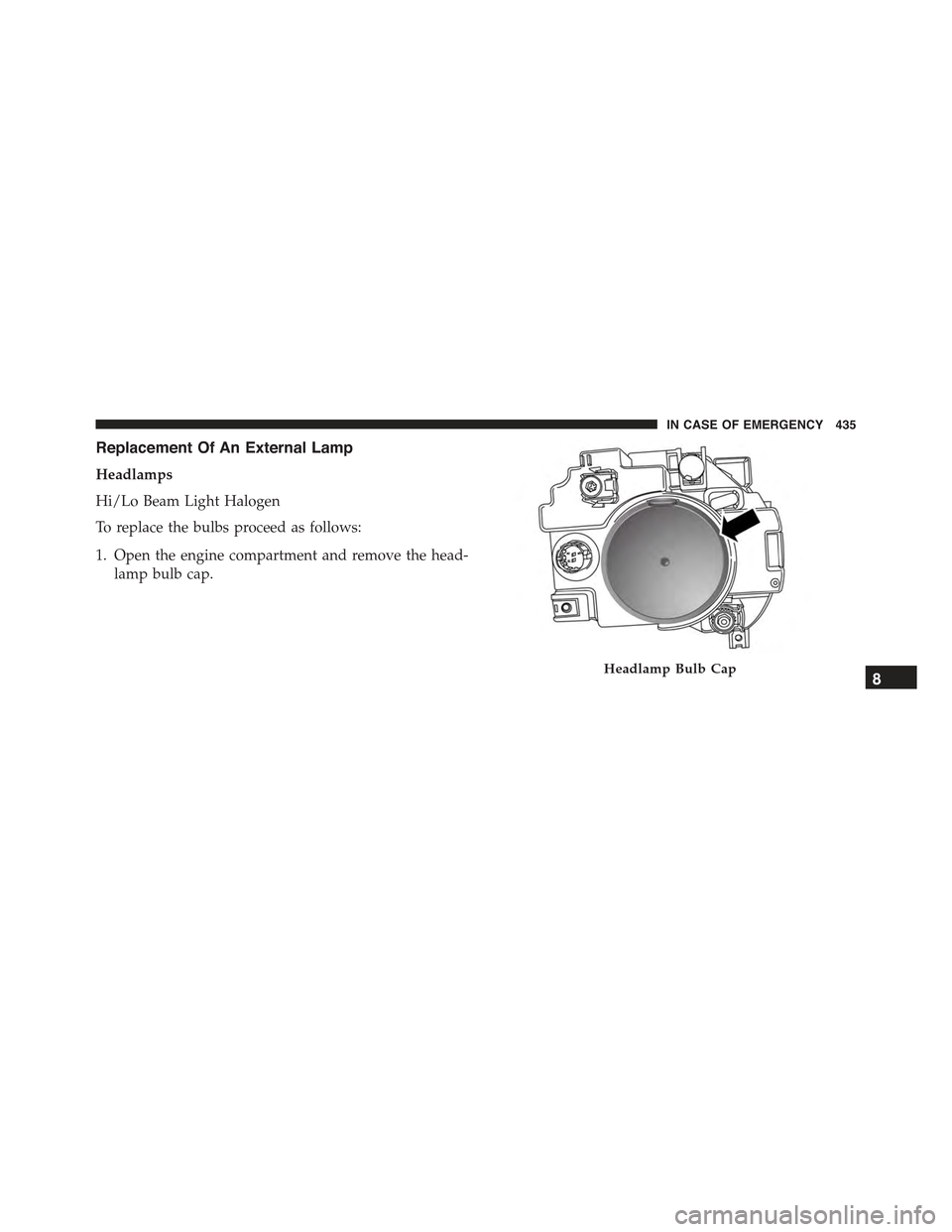
Replacement Of An External Lamp
Headlamps
Hi/Lo Beam Light Halogen
To replace the bulbs proceed as follows:
1. Open the engine compartment and remove the head-
lamp bulb cap.
Headlamp Bulb Cap8
IN CASE OF EMERGENCY 435
Page 440 of 678
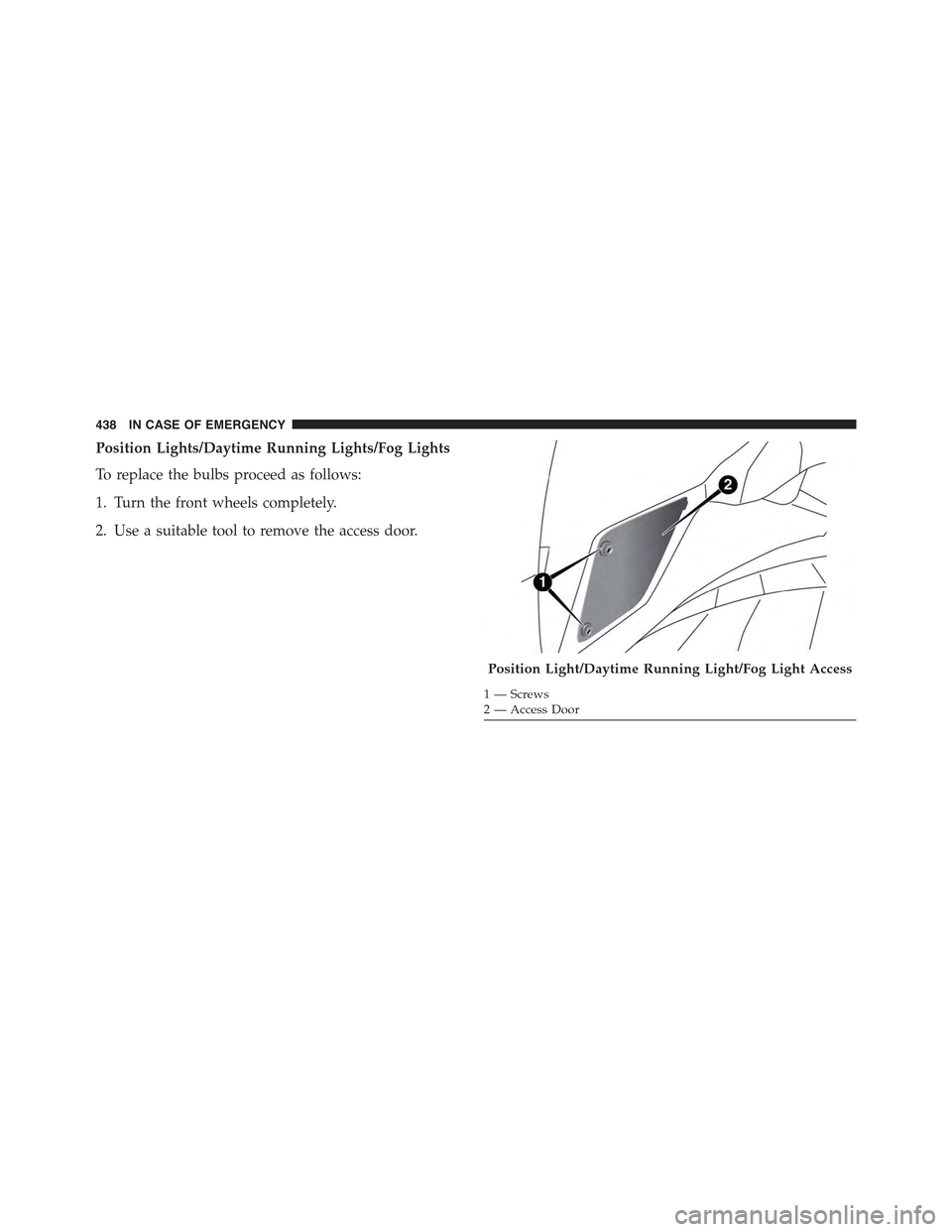
Position Lights/Daytime Running Lights/Fog Lights
To replace the bulbs proceed as follows:
1. Turn the front wheels completely.
2. Use a suitable tool to remove the access door.
Position Light/Daytime Running Light/Fog Light Access
1—Screws2—AccessDoor
438 IN CASE OF EMERGENCY