Page 330 of 620
Page 331 of 620
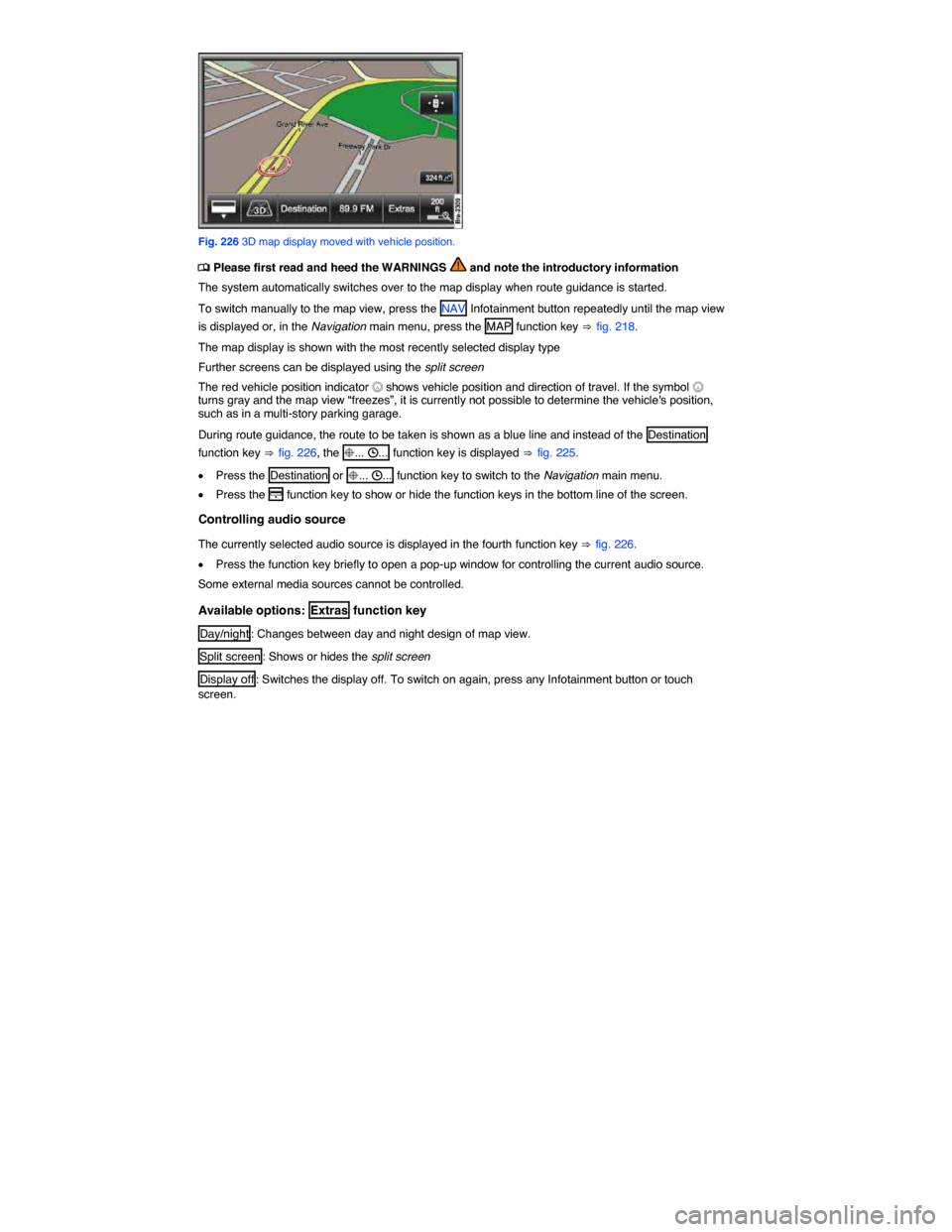
Fig. 226 3D map display moved with vehicle position.
Page 335 of 620
Favorite destinations on the map
A favorite category can be specified for stored destinations. Favorite destinations can be displayed on the map with the orange favorite icon assigned to them (private T or business P).
The list of favorite destinations is called up from the Destination entry menu.
Points of interest on the map
Points of interest can be selected as a navigation destination.
Points of interest are divided into point of interest categories. These point of interest categories are assigned to blue point of interest icons (such as * hotel and , petrol station). A list of available point of interest categories can be called up from the Map settings menu. Map icons can be selected there for display.
Display detailed information on points of interest
x Press the symbol on the map briefly to display a window with further information.
Due to the map scale, there may be several entries behind one symbol on the map, in which case a list appears for selecting an entry.
x Select the required entry by pressing.
Function keys for further operation are displayed in the information window that appears.
x Selecting points of interest and favorite destinations from the map.
x TMC traffic reports on the map.
3D models on the map
An abstract 3D city model can be displayed in the 6 3D display type for some cities (such as Berlin).
In addition, special historical buildings and sights of interest are displayed as photo-realistic 3D models.
To display these, autozoom needs to be switched off in some cases and you have to zoom further into the map.
The display of 3D city models and 3D sights of interest is enabled and disabled in the map settings.
If no symbols or 3D models can be displayed due to the scale, turn the setting knob clockwise
⇒ fig. 133 (3) in order to zoom in on the map.
Map settings: selecting map symbols
Page 336 of 620
Function key: effect on map
= 3D landmarks : Photo-realistic 3D models of special historical buildings and landmarks are displayed17.
= 3D city model : Buildings in cities are displayed as abstract 3D models17.
= P Important destinations (business) : Shows favorite destinations from the “business” category that were selected upon saving with P
= T Important destinations (private) : Shows favorite destinations from the “private” category that were selected upon saving with T
= > ... : Activated point of interest categories are displayed.
17 Only available for some cities.
Page 342 of 620
Components of telephone control20
x Cellular telephone (mobile phone) with Bluetooth® Remote SIM-Access-Profiles (rSAP) or separate SIM card21
x Infotainment System with touchscreen
x Multi-function steering wheel
x Instrument cluster display shows telephone functions
x 3 button module in the roof ⇒ fig. 231.
NOTICE
To operate the telephone control, a light press of the button or light pressure on the feature keys on the screen is sufficient.
“Bluetooth audio” wireless communication interface
Page 347 of 620

x If necessary activate “wait for incoming Bluetooth connections”.
x Hold the mobile phone in your hand ready to enter the password within the time limit.
x Select the mobile phone from the device list in the vehicle by pressing the corresponding function key.
x Select the required pairing protocol below the mobile phone found.
x On the mobile phone, confirm the connection queries from the vehicle if required.
x Confirm the 4-digit password displayed on the Infotainment System screen.
x Enter the password on the mobile phone within 30 seconds.27
x Confirm password entry.
x If necessary, confirm further queries on the mobile phone.
Pairing procedure if a mobile phone has already been paired with the telephone control
x Set the Bluetooth connection to visible on the mobile phone, step 1.
x Switch on the ignition.
x Access the SETUP main menu with the SETUP Infotainment button.
x Press the Telephone function key.
x Press the Bluetooth settings function key.
x In the Bluetooth settings menu, press the Search for Bluetooth devices function key.
x If necessary, confirm the query about whether Bluetooth has been activated on the mobile phone with Next .
x Carry out pairing as described, step 3.
Failed pairing
There is no limit on the number of attempts to pair the device with the telephone control.
Linking will not be successful if the password input time limit is exceeded or if the PIN code is entered incorrectly.
Restart linking if the process fails despite correct entries.
Copying telephone directory to the telephone control
Once pairing has been successfully completed, the telephone directory entries from the mobile phone27 are loaded automatically into the data memory of the telephone control. Depending on the number of entries copied, the process can take several minutes.
The telephone directory memory of the telephone control is limited to 5000 entries. Each user profile can be assigned a maximum of 2000 entries as well as 100 user-created or edited entries.
Automatic connection to a paired mobile phone
Page 348 of 620

The telephone control can be used as soon as the PHONE main menu is displayed on the Infotainment System screen.
When connecting automatically, the system will first search for the telephone that was last used in order to reconnect it with the telephone control. If this mobile phone is not in the Bluetooth range, the system will start to search for the mobile phone (user) that was used before it.
x Switch on the ignition.
x Enter the PIN code if it is not stored in the telephone control28.
Requirements for automatic connection
d The mobile phone needs to have already been paired with the telephone control.
d The mobile phone must be switched on and contain a valid SIM card to make telephone calls.
d Bluetooth must be activated on the mobile phone.
d The mobile phone should have no connection to another Bluetooth device.
d The mobile phone must be within the Bluetooth range of the telephone control.
d The ignition must be switched on.
d The mobile phone must have been last connected to the telephone control or another mobile phone connected via Bluetooth is no longer in the Bluetooth range of the telephone control or its Bluetooth feature has been switched off.
If the automatic connection is made during an active telephone call, the telephone control can only make a connection via HFP. Change the Bluetooth connection to rSAP in order to use all telephone control functions28.
If a Bluetooth connection cannot be set up even though all requirements are fulfilled or if the telephone control does not function “normally”, the mobile phone's system may have crashed. Remove the battery and insert again. Switch the mobile phone back on and try to establish a Bluetooth connection.
Volkswagen recommends not switching on authorization on the mobile phone so that you confirm the connection queries again before each automatic connection setup.
28 country specific
Page 351 of 620
Function key: Effect
Inbox : Displays received SMS.
Templates : Selection of available templates for sending SMS.
Extras : Opens a pop-up window with the following options:
Display off : Switches off the display. Press one of the Infotainment buttons or the screen to switch on again.
Conference details29: Opens a list of the parties in a current conference call
Mute : Switches the microphone off during a telephone call, so that the person on the line cannot hear what is being said in the vehicle.
]: Opens the telephone directory of the paired mobile phone to select a telephone number
Entering a telephone number and taking a call
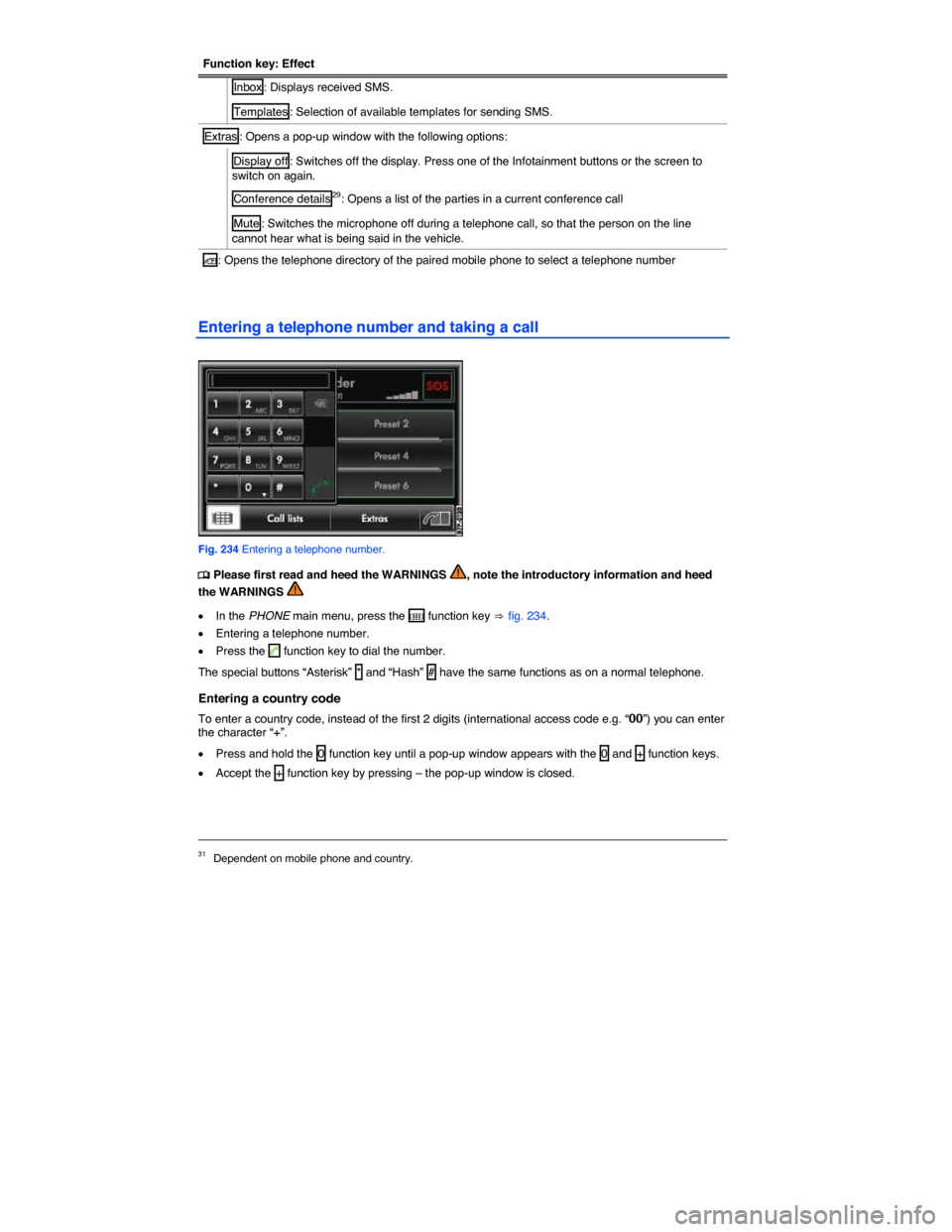
Fig. 234 Entering a telephone number.