Page 298 of 620
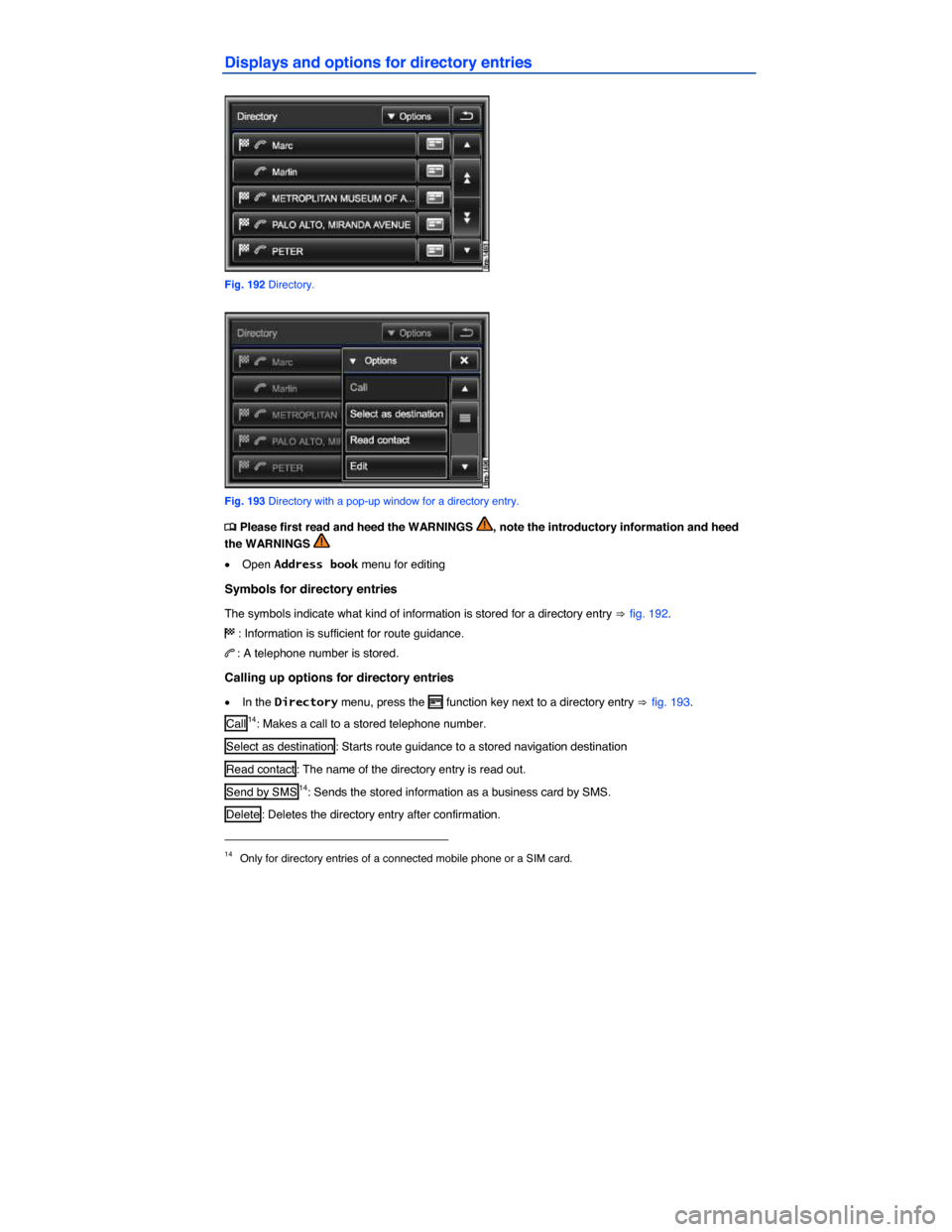
Displays and options for directory entries
Fig. 192 Directory.
Fig. 193 Directory with a pop-up window for a directory entry.
Page 300 of 620

Function key: Effect
Create new telephone numbers : Opens an input window where you can enter a telephone number manually.
Create business navigation destination : Opens a menu where you can select a navigation destination for the “Business P” favorites category or convert a stored mailing address into a navigation destination
Create business mailing address : Opens a menu to enter a mailing address manually in input windows.
Create private navigation destination : Opens a menu where you can select a navigation destination for the “Private T” favorites category or convert a stored mailing address into a navigation
destination ⇒ page 307.
Create private mailing address : Opens a menu to enter a mailing address manually in input windows.
Read contact : The voice command stored under Last name and First name is read out
⇒ page 234.
= Private contact : The directory entry is only displayed when the corresponding user profile is loaded. If the check box = is cleared, the directory entry is transferred to the general user profile and is always displayed
If the prefix Create ... is not displayed in a function key, corresponding information is already stored.
This information is displayed below the function key (such as in : Business navigation destination ).
Press the function key to display or modify the stored information ⇒ fig. 195.
Converting mailing addresses into navigation destinations
Information that is stored as Business mailing address or Private mailing address can be converted into navigation destinations, such as the telephone directory entries of a connected mobile phone.
x Press the Create private navigation destination or Create business navigation destination button.
x Press the Create navigation destination function key.
The mailing address is converted into a navigation destination in the Infotainment System and
displayed in the Address entry menu where it can be edited further ⇒ page 287.
x Touch the OK function key.
The mailing address is now stored as a navigation destination. The navigation destination is displayed and can be edited again.
x Press the E function key to close the menu.
Page 317 of 620
Start whole tour : Will start the entire waypoint tour. In the menu that follows you will have to select how the start point of the waypoint tour should be reached.
On road : The start point for the route guidance will be reached using public roads as far as possible.
Off-road : The start point for route guidance will be reached in off-road mode and any available roads will not be used.
When route guidance starts, the system will switch to the map view.
An audible signal is given when the starting point of the waypoint tour has been reached.
During route guidance
Characteristics of the terrain are ignored during route guidance. A driving recommendation will be given about 55 yards (50 meters) before reaching a turning point. You should therefore drive slowly and follow recommendations for turning as far as possible!
Changes in the direction of travel will be given in relation to the current direction of travel, such as “Please travel in direction 9 o'clock!”.
The tendency of the direction of travel will be shown in the instrument cluster display using arrows.
Stopping route guidance
x Press the Infotainment button NAV in the map display to open the Waypoint navigation menu.
x Press the Stop function key.
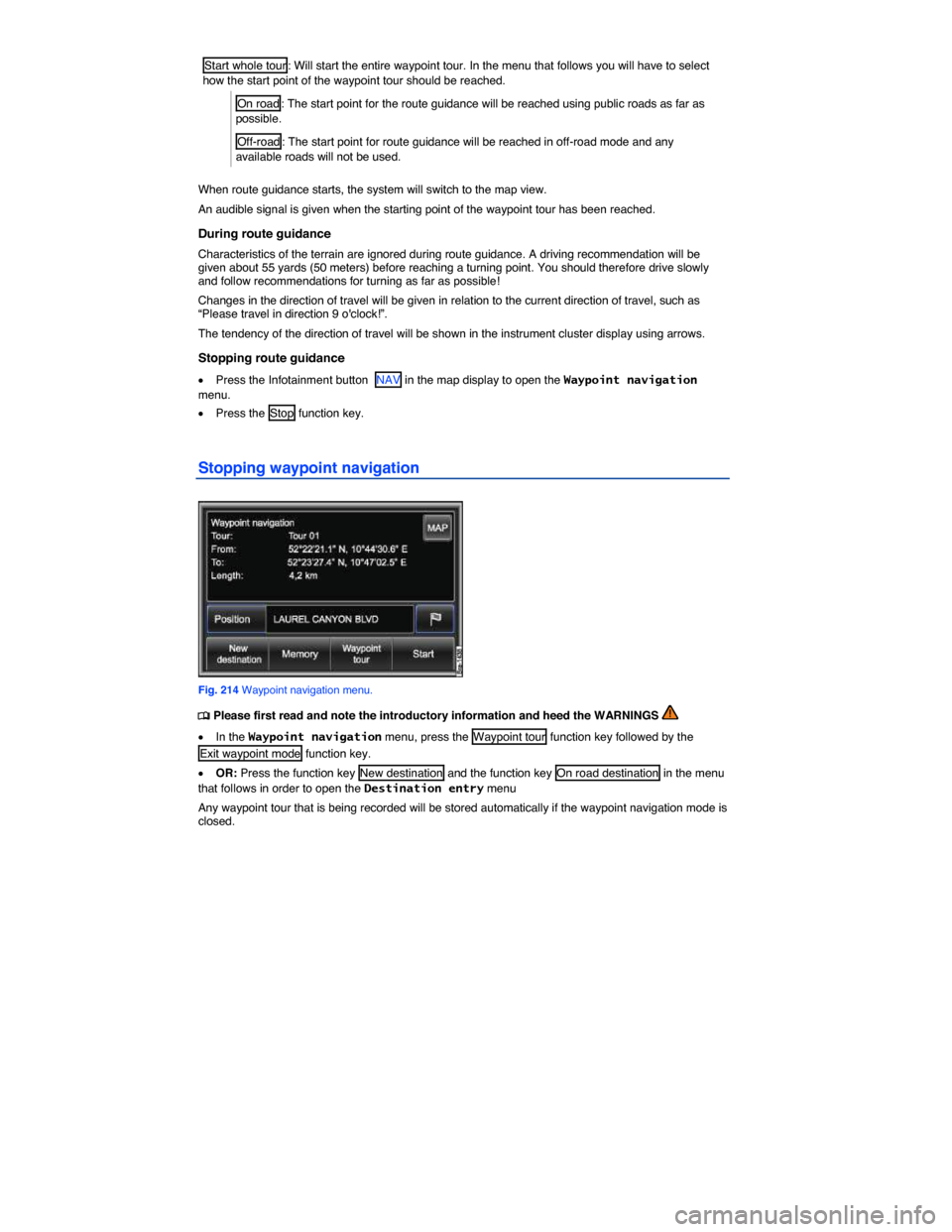
Stopping waypoint navigation
Fig. 214 Waypoint navigation menu.
Page 320 of 620
Dynamic route: Switching dynamic route guidance on or off
With this option, traffic reports can be taken into account in the route calculation
x In the Route options menu, press the Dynamic route function key.
x In the pop-up window, press the On or Off function key to enable or disable dynamic route guidance.
Excluding or including types of route in the calculation
Press the � Highways , ! Ferries , Toll roads and " Tunnels function keys to activate or deactivate them. This makes it possible to define whether these types of route should be allowed for the route calculation or not.
If no reasonable route exists without the road type to be avoided, this road type will be nevertheless considered in the route calculation. For instance, if an island cannot be reached without using a ferry. For the calculation of very long routes, it is not possible to avoid highways �.
Starting and stopping route guidance
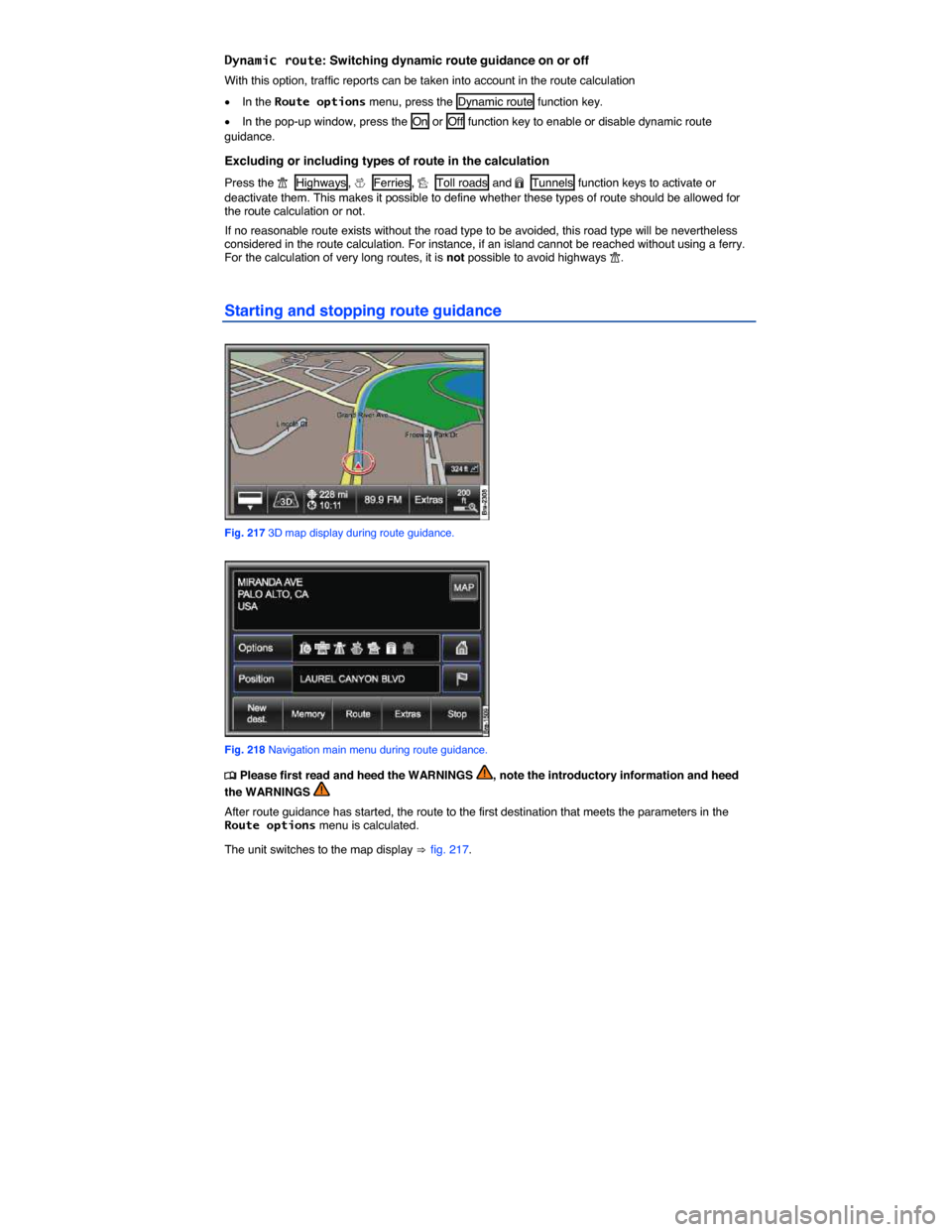
Fig. 217 3D map display during route guidance.
Fig. 218 Navigation main menu during route guidance.
Page 321 of 620
x Press the NAV Infotainment button or the �... �... function key to switch to the Navigation main menu.
x In the Navigation main menu, press the NAV Infotainment button or MAP function key to switch back to the map view.
The map is displayed in the most recently selected type (2D or 3D). 3D and “Autozoom” are activated by default
Alternative routes: Selecting a calculated route
In the Navigation settings menu, you can specify that 3 alternative routes are suggested on the map after the start of route guidance. These 3 routes correspond to the available route criteria Fast, Short and Economical route. Route 1 corresponds to the current setting in this case.
x Select the required route by pressing on the right of the map.
The setting for the route criteria in the Route options menu is changed accordingly.
If no route is selected then route guidance starts automatically after about one minute, using the setting selected in the Route options.
Interrupting route guidance
Active route guidance can be stopped and later resumed from the new vehicle position at any time in the Navigation main menu.
x In the Navigation main menu, press the Stop function key ⇒ fig. 218.
x Press the Start function key to continue route guidance ⇒ fig. 215.
Provision of navigation recommendations
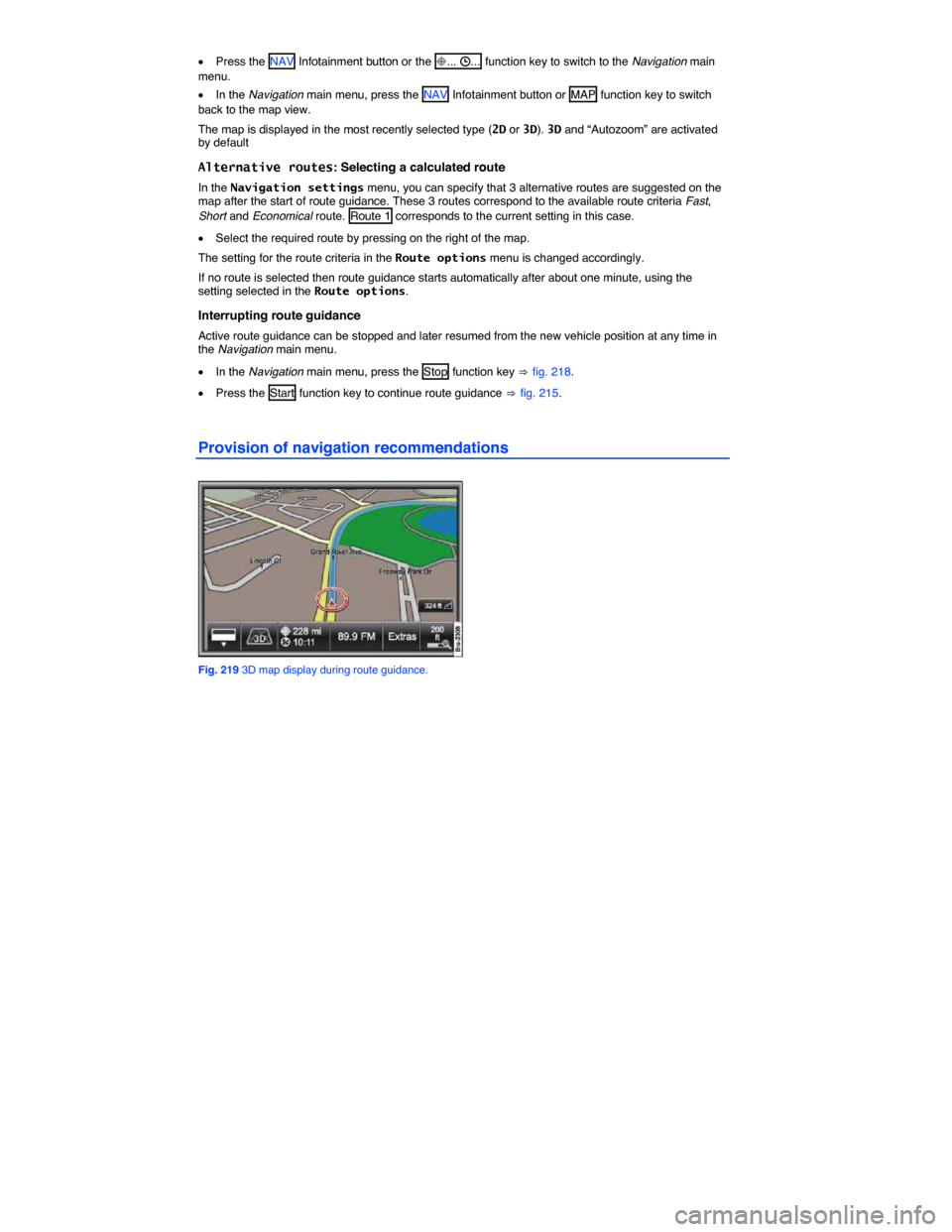
Fig. 219 3D map display during route guidance.
Page 326 of 620
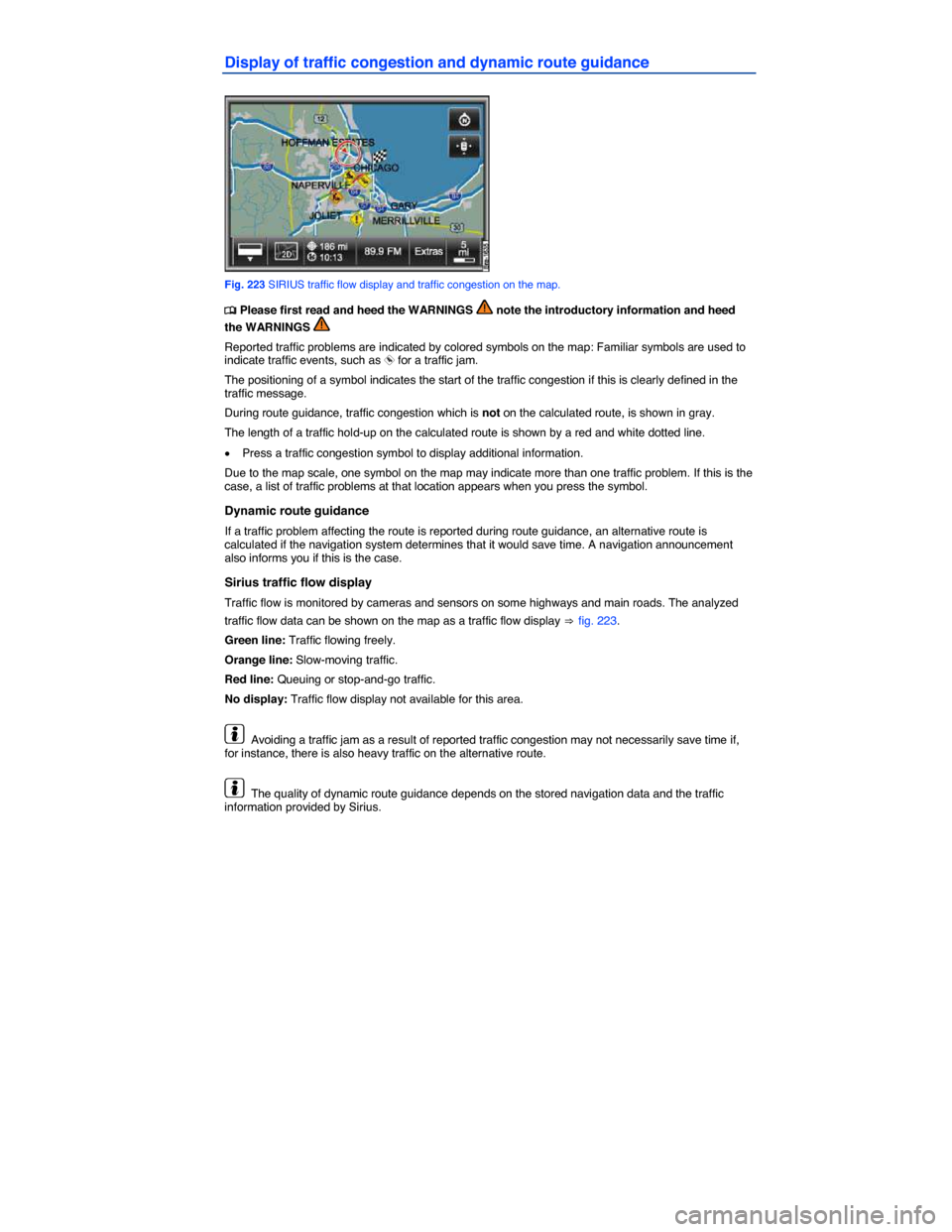
Display of traffic congestion and dynamic route guidance
Fig. 223 SIRIUS traffic flow display and traffic congestion on the map.
Page 327 of 620
The route ahead can also be excluded manually, to start a new calculation of the route
⇒ page 331.
Displaying Sirius traffic reports in a list
Page 328 of 620

Function key: Effect
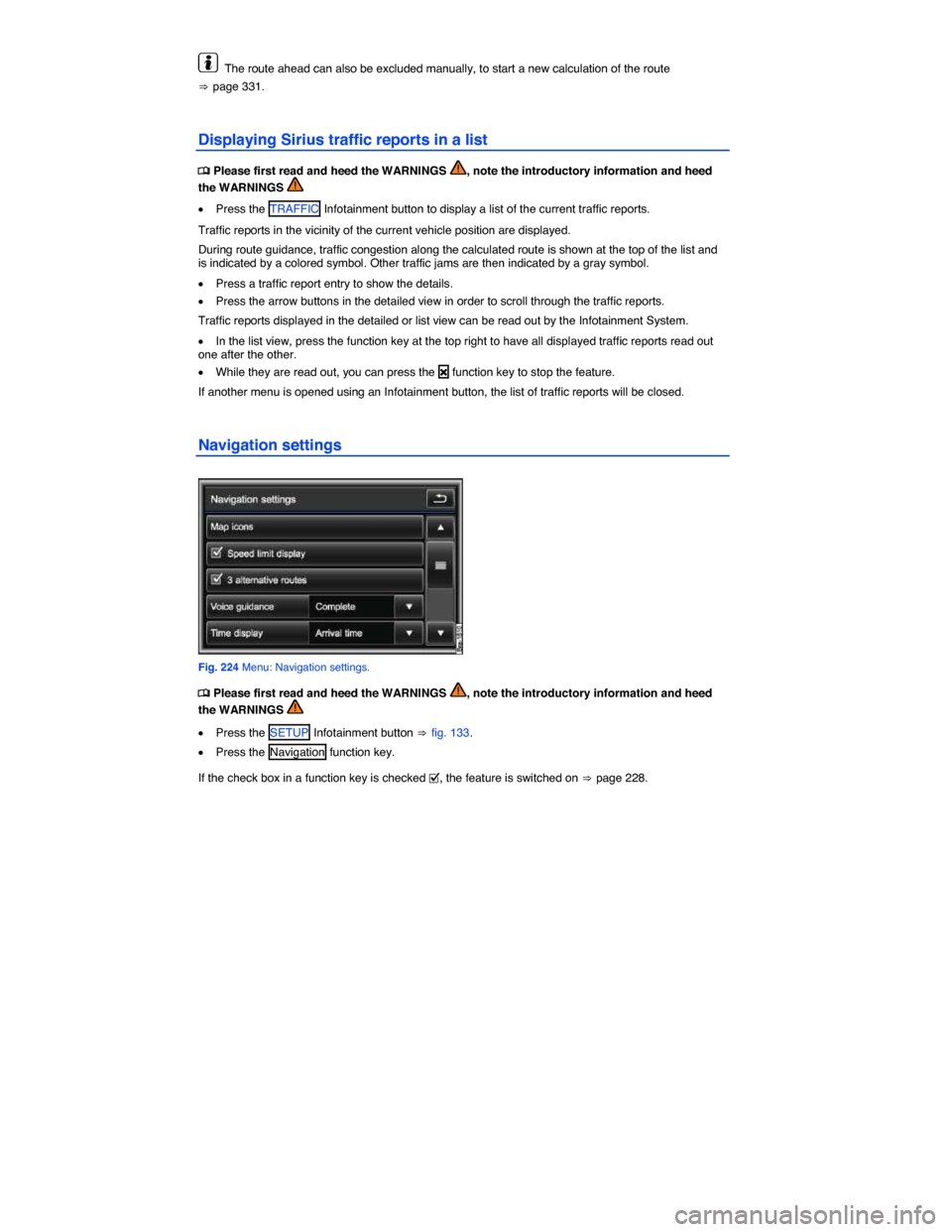
= Suggest 3 alternative routes : 3 alternative routes are displayed on the map following the start of
route guidance ⇒ page 328.
Voice guidance : Setting for the spoken navigation recommendations
Complete : Detailed driving recommendations with lane recommendation and additional information.
Compact : Some additional navigation recommendations and information are left out.
Off : No spoken navigation recommendations.
Time display : Display � during route guidance.
Arrival time : The estimated time of arrival at the destination is displayed.
Driving time : The estimated driving time until reaching the destination is displayed.
Map icons : Select icons for display on the map
= Speed limit display : The speed stored in the navigation data for the road you are currently travelling on is displayed on the map. The actual speed limit may differ from this display.
Advanced navigation settings : Allows settings for demo mode.
SIRIUS traffic ID : The Sirius traffic ID and the Internet address and the telephone number of the Sirius activation hotline are displayed in the pop-up window
Instrument cluster guidance : Visual navigation recommendations for guidance in the instrument
cluster ⇒ page 328.
Arrow view : Travel direction arrows show the direction of travel and the distance to the next turn-off point.
Street view : Road and route view corresponding with the map display in the Infotainment System.
= Voice guidance during phone call : Spoken navigation recommendations are also given during a telephone call.
Advanced navigation settings: Demo mode and manual location
x In the Advanced navigation settings menu, check the check box in the Demo mode function key by pressing it = to start virtual route guidance to the entered destination.
x Press the Enter current position manually function key to select a manual location in the same way you entered a destination
If demo mode is enabled, an additional pop-up window opens when you start route guidance.
x Pressing the Demo mode function key starts a “virtual route guidance” to the destination you have entered.
x If you press the Normal mode function key, a “real route guidance” starts.
The sequence of events and the operations in virtual route guidance are similar to those in real route guidance. Once a manual location has been entered, the virtual route guidance starts from that position.
Virtual route guidance is repeated when you reach the fictitious destination and always starts again from the starting point if it is interrupted.