Page 233 of 576
2334-5. Using the driving support systems
4
Driving
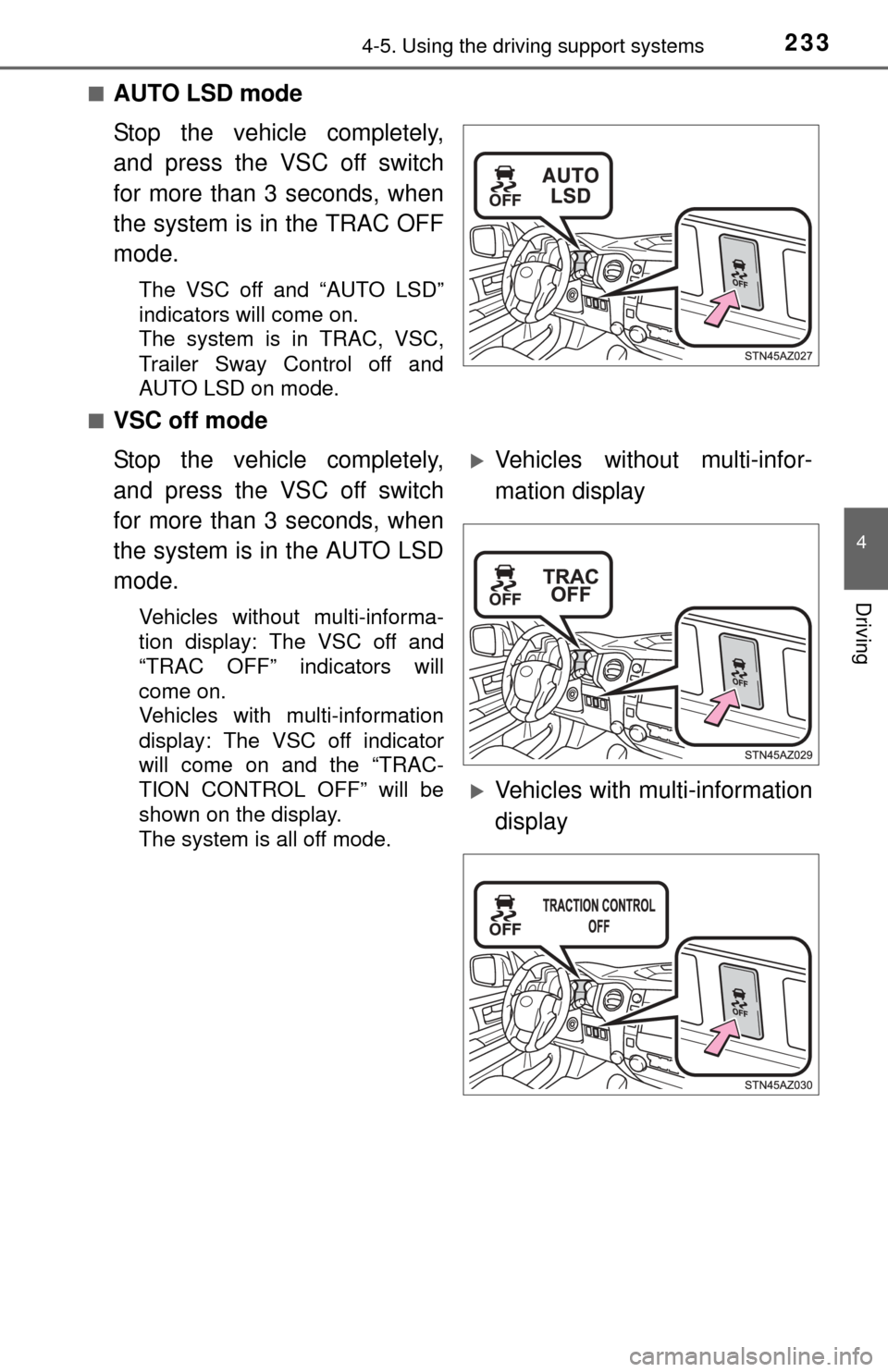
■AUTO LSD mode
Stop the vehicle completely,
and press the VSC off switch
for more than 3 seconds, when
the system is in the TRAC OFF
mode.
The VSC off and “AUTO LSD”
indicators will come on.
The system is in TRAC, VSC,
Trailer Sway Control off and
AUTO LSD on mode.
■
VSC off mode
Stop the vehicle completely,
and press the VSC off switch
for more than 3 seconds, when
the system is in the AUTO LSD
mode.
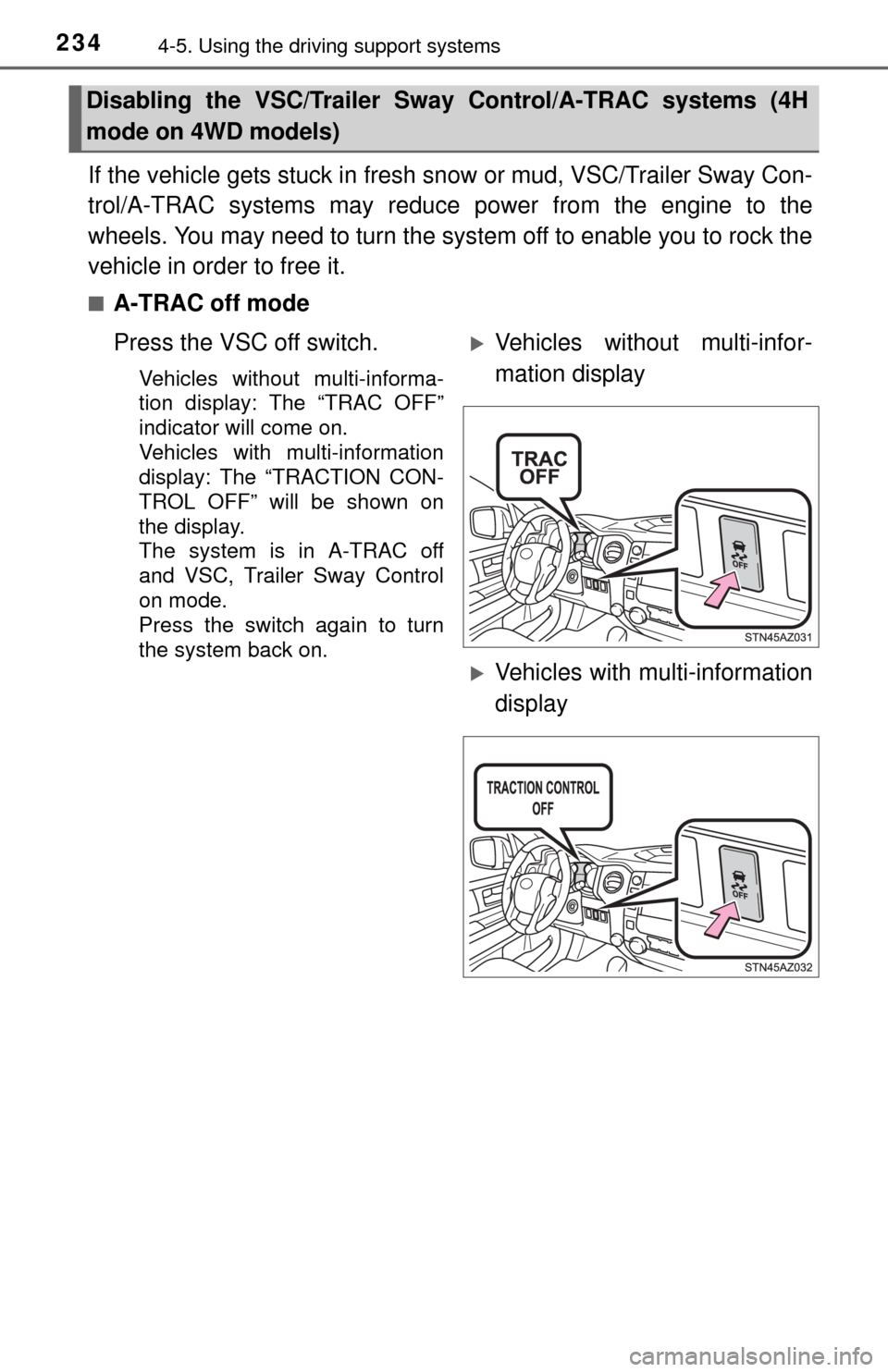
Vehicles without multi-informa-
tion display: The VSC off and
“TRAC OFF” indicators will
come on.
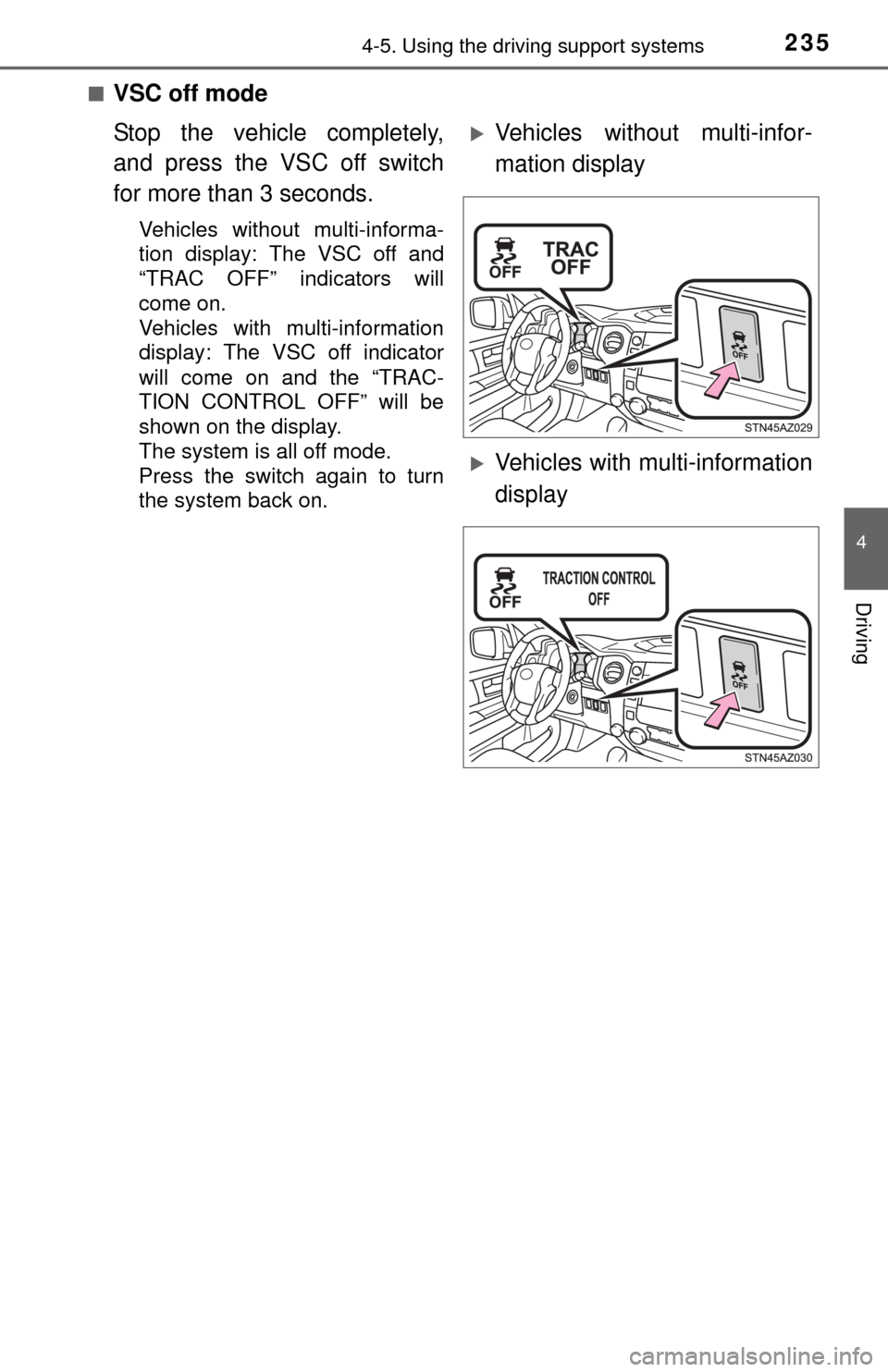
Vehicles with multi-information
display: The VSC off indicator
will come on and the “TRAC-
TION CONTROL OFF” will be
shown on the display.
The system is all off mode.
Vehicles without multi-infor-
mation display
Vehicles with multi-information
display
Page 234 of 576
2344-5. Using the driving support systems
If the vehicle gets stuck in fresh s now or mud, VSC/Trailer Sway Con-
trol/A-TRAC systems may reduce power from the engine to the
wheels. You may need to turn the system off to enable you to rock the
vehicle in order to free it.
■A-TRAC off mode
Press the VSC off switch.
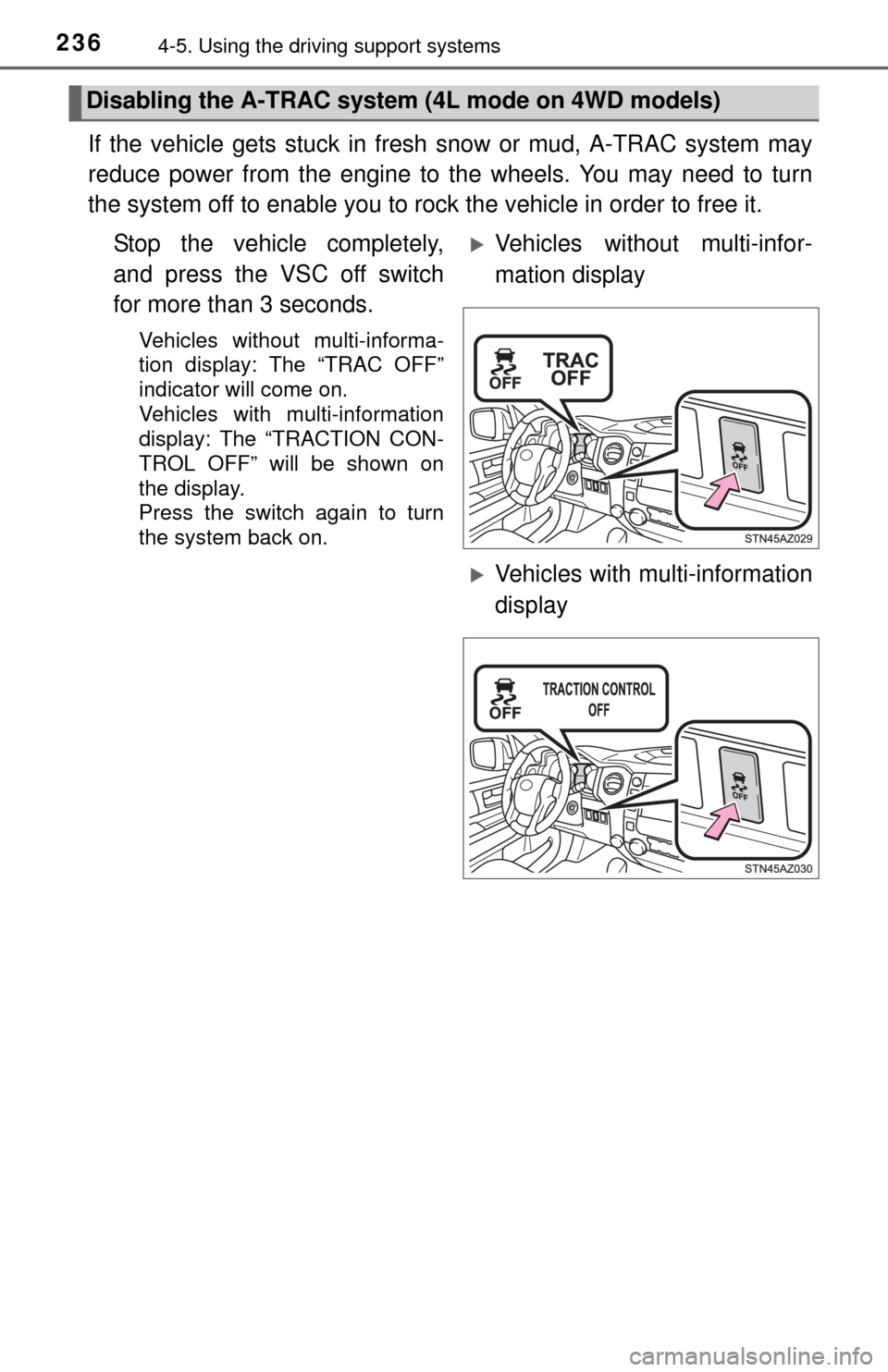
Vehicles without multi-informa-
tion display: The “TRAC OFF”
indicator will come on.
Vehicles with multi-information
display: The “TRACTION CON-
TROL OFF” will be shown on
the display.
The system is in A-TRAC off
and VSC, Trailer Sway Control
on mode.
Press the switch again to turn
the system back on.
Disabling the VSC/Trailer Sway Control/A-TRAC systems (4H
mode on 4WD models)
Vehicles without multi-infor-
mation display
Vehicles with multi-information
display
Page 235 of 576
2354-5. Using the driving support systems
4
Driving
■VSC off mode
Stop the vehicle completely,
and press the VSC off switch
for more than 3 seconds.
Vehicles without multi-informa-
tion display: The VSC off and
“TRAC OFF” indicators will
come on.
Vehicles with multi-information
display: The VSC off indicator
will come on and the “TRAC-
TION CONTROL OFF” will be
shown on the display.
The system is all off mode.
Press the switch again to turn
the system back on.
Vehicles without multi-infor-
mation display
Vehicles with multi-information
display
Page 236 of 576
2364-5. Using the driving support systems
If the vehicle gets stuck in fresh snow or mud, A-TRAC system may
reduce power from the engine to the wheels. You may need to turn
the system off to enable you to rock the vehicle in order to free it.
Stop the vehicle completely,
and press the VSC off switch
for more than 3 seconds.
Vehicles without multi-informa-
tion display: The “TRAC OFF”
indicator will come on.
Vehicles with multi-information
display: The “TRACTION CON-
TROL OFF” will be shown on
the display.
Press the switch again to turn
the system back on.
Disabling the A-TRAC syste m (4L mode on 4WD models)
Vehicles without multi-infor-
mation display
Vehicles with multi-information
display
Page 248 of 576
248
5-1. Basic OperationsMultimedia system types... 250
Entune Audio .................... 252
USB Port/AUX Port ........... 255
5-2. Setup Setup menu....................... 256
General settings ................ 257
Audio settings ................... 259
Display settings ................. 260
Voice settings.................... 261
5-3. Using the audio system Basic audio operations...... 262
Selecting the audio source ............................. 263
List screen operation......... 264
Sound settings .................. 266
5-4. Using the radio Radio operation................. 267
5-5. Playing an audio CD and MP3/WMA/AAC discs
CD player operation .......... 269
Page 249 of 576

249
5Multimedia
5-6. Using an external deviceListening to an iPod .......... 274
Listening to a USB memory device................ 278
Using the AUX port ........... 282
5-7. Connecting Bluetooth
®
Preparations to use wireless
communication ................ 283
Registering a Bluetooth
®
audio player
for the first time ............... 287
Registering a Bluetooth
®
phone for the first time ... 288
Registering a Bluetooth
®
device.............................. 289
Connecting a Bluetooth
®
device.............................. 291
Displaying a Bluetooth
®
device details .................. 293
Detailed Bluetooth
®
system settings ............... 294
5-8. Bluetooth
® audio
Listening to Bluetooth®
audio ............................... 295 5-9. Bluetooth
® phone
Using a Bluetooth®
phone .............................. 296
Making a call ..................... 298
Receiving a call ................. 301
Speaking on the phone ..... 302
Bluetooth
® phone
message function ............ 305
Using the steering wheel switches .......................... 309
Bluetooth
® phone
settings ........................... 310
Contact/Call History Settings ........................... 312
What to do if... (Troubleshooting) ............ 321
5-10. Using the voice command system
Voice command system .... 325
5-11. Bluetooth
®
Bluetooth®......................... 327
5-12. Antenna Antenna............................. 332
Page 252 of 576
2525-1. Basic Operations
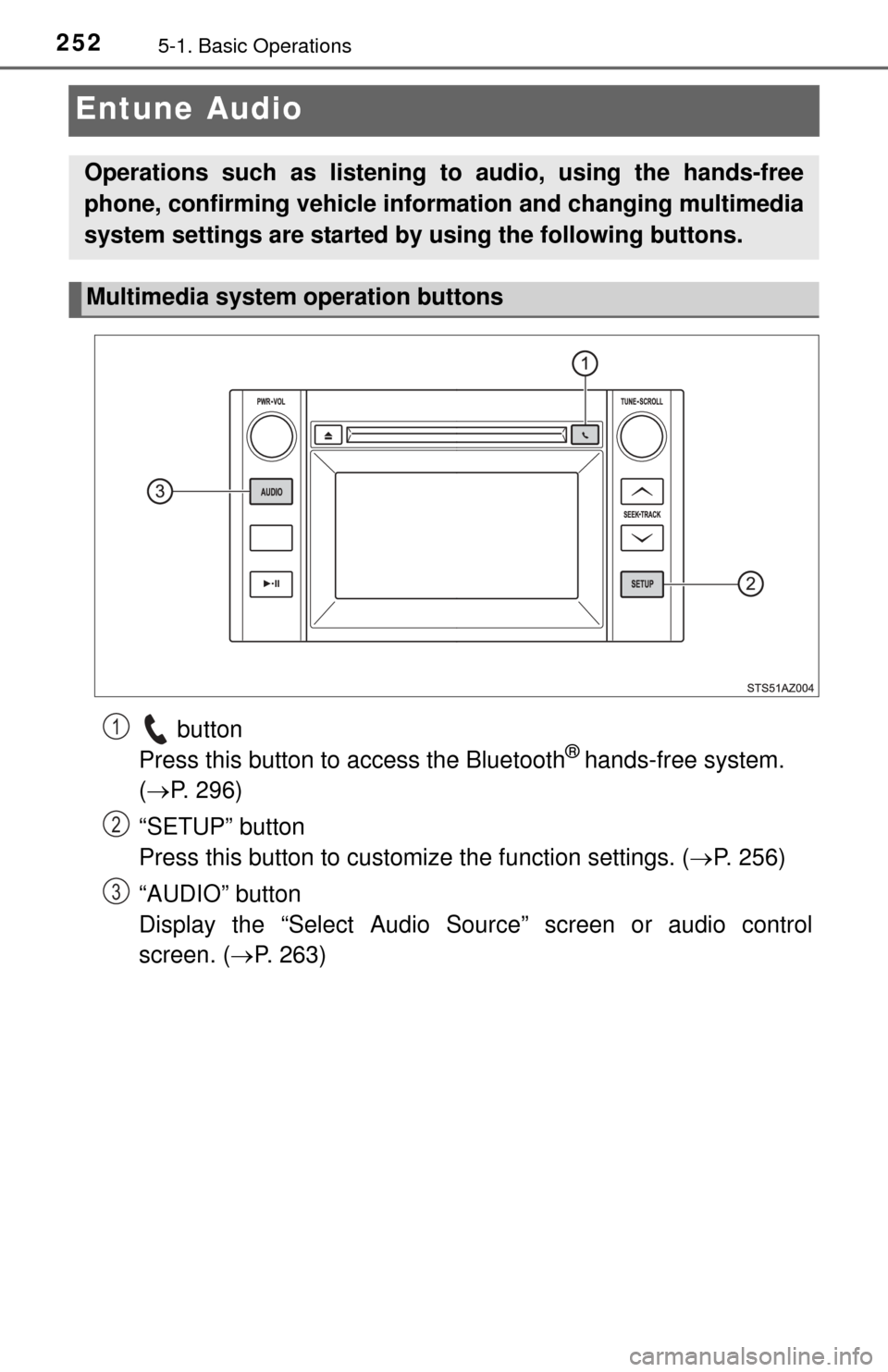
Entune Audio
button
Press this button to access the Bluetooth® hands-free system.
( P. 296)
“SETUP” button
Press this button to customize the function settings. ( P. 256)
“AUDIO” button
Display the “Select Audio Source” screen or audio control
screen. ( P. 263)
Operations such as listening to audio, using the hands-free
phone, confirming vehicle inform ation and changing multimedia
system settings are started by using the following buttons.
Multimedia system operation buttons
1
2
3
Page 253 of 576

2535-1. Basic Operations
5
Multimedia
By touching the screen with your finger, you can control the Audio
system, hands-free system, etc.
■Drag*
Touch the screen with your finger and move the screen to the
desired position.
● Scrolling the lists
● Using scroll bar in lists
■Flick*
Touch the screen with your finger and then quickly move the
screen.
●Scrolling the main screen page
● Returning to the menu screen from the sub-menu screen (screen
one level below)
*: The above operations may not be performed on all screens.
■When using the touch screen
●If the screen is cold, the display may be dark, or the system may seem to be
operating slightly slower than normal.
● The screen may seem dark and hard to see when viewed through sun-
glasses. Change your angle of viewing, adjust the display on the “Display
Settings” screen ( P. 260) or remove your sunglasses.
■ Using cellular phones
Interference may be heard through the multimedia system's speakers if a cel-
lular phone is being used inside or close to the vehicle while the multimedia
system is operating.
Operating the touch screen