Page 552 of 872
552 3-5. Using the hands-free phone system (for cellular phone)
SIENNA_OM_OM45483U_(U)
Operating the system using a voice command
By following voice gui dance instructions output from the speaker,
voice commands can be given to allow for operation of the hands-
free phone system without checking the display or operating .
■ Operation procedure when using a voice command
Press the talk switch and follo w voice guidance instructions.
■ Auxiliary commands when using a voice command
The following auxiliary commands can be used when operating the
system using a voice command:
Cancel: Exits the hands-free phone system
Repeat: Repeats the previous voice guidance instruction
Go back: Returns to the previous procedure
Help: Reads aloud the function summary if a help comment is
registered for the selected function
Page 554 of 872
554 3-5. Using the hands-free phone system (for cellular phone)
SIENNA_OM_OM45483U_(U)Registration to the hands-free phone system only
Select “Phone Only” using a voice command or .
Registration to the hands-free phone system and Bluetooth
®
audio system at the same time Select “Internal Audio (Int, Audio)” using a voice command or
.
Select “Confirm” by using a voice command or .
A passkey is displayed and heard, and a voice guidance instruction
for inputting the passkey into the cellular phone is heard.
Input the passkey into the cellular phone.
Refer to the manual that comes with the cellular phone for the oper-
ation of the phone.
Guidance for registration completion is heard.
STEP5
STEP5
STEP6
STEP7
Page 556 of 872
556 3-5. Using the hands-free phone system (for cellular phone)
SIENNA_OM_OM45483U_(U)
First menuSecond
menuThird menuOperation detail
“Setup” “Security”
“Set PIN” Setting a PIN code
“Phonebook
Lock”
Locking the phone book
“Phonebook
Unlock” Unlocking the phone book
“Phone
Setup” “Pair Phone”
Registering the cellular
phone to be used
“Change
Name” Changing a registered name
of a cellular phone
“Delete Phone” Deleting a registered cellular
phone
“List Phones” Listing the registered cellular
phones
“Select Phone” Selecting a cellular phone to
be used
“Set Passkey” Changing the passkey
“Hands-free
power” Setting the hands-free power
on/off
“System
Setup” “Guidance Vol-
ume”
Setting voice guidance vol-
ume
“Device Name” Displaying device information
“Initialize” Initialization
Page 569 of 872
569
3-5. Using the hands-free phone system (for cellular phone)
3
Interior features
SIENNA_OM_OM45483U_(U)
Security and system setup
To enter the menu of each setting, follow the steps below:
■Security setting items and operation procedure
● Setting or changing t he PIN (Personal Identification Number)
1. “Setup” 2. “Security” 3. “Set PIN”
● Locking the phone book
1. “Setup” 2. “Security” 3. “Phonebook Lock”
● Unlocking the phone book
1. “Setup” 2. “Security” 3. “Phonebook Unlock”
■ System setup items and operation procedure
●Setting voice guidance volume
1. “Setup” 2. “System Setup” 3. “Guidance Volume”
● Displaying the Bluetooth
® device address and name
1. “Setup” 2. “System Setup” 3. “Device Name”
● Initialization
1. “Setup” 2. “System Setup” 3. “Initialize”
can only be used for system setup operation.
Page 572 of 872
572 3-5. Using the hands-free phone system (for cellular phone)
SIENNA_OM_OM45483U_(U)
Displaying the Bluetooth® device address and name
Select “Device Name” using .
Turn to display the Bluetooth
® device address and
name.
Select “Go Back” using to return to “System Setup”.
Initialization
Select “Initialize” and then “Confirm” using .
Select “Confirm” using .
STEP1
STEP2
STEP3
STEP1
STEP2
Page 575 of 872
575
3-5. Using the hand
s-free phone system (for cellular phone)
3
Interior features
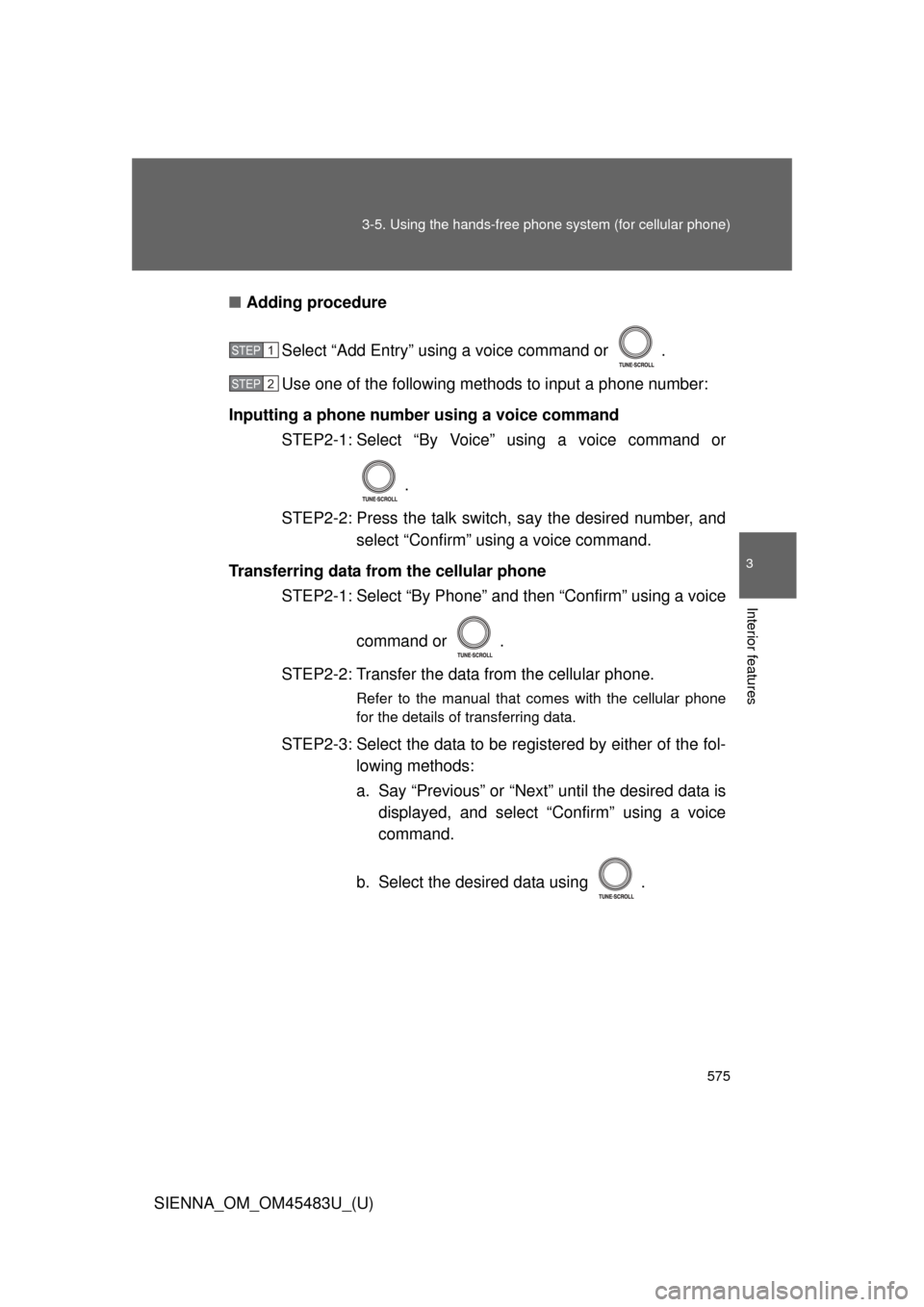
SIENNA_OM_OM45483U_(U)■
Adding procedure
Select “Add Entry” using a voice command or .
Use one of the following methods to input a phone number:
Inputting a phone number using a voice command STEP2-1: Select “By Voice” using a voice command or
.
STEP2-2: Press the talk switch, say the desired number, and select “Confirm” using a voice command.
Transferring data from the cellular phone STEP2-1: Select “By Phone” and then “Confirm” using a voice
command or .
STEP2-2: Transfer the data from the cellular phone.
Refer to the manual that comes with the cellular phone
for the details of transferring data.
STEP2-3: Select the data to be re gistered by either of the fol-
lowing methods:
a. Say “Previous” or “Next” until the desired data is displayed, and select “Confirm” using a voice
command.
b. Select the desired data using .
STEP1
STEP2
Page 576 of 872
576 3-5. Using the hands-free phone system (for cellular phone)
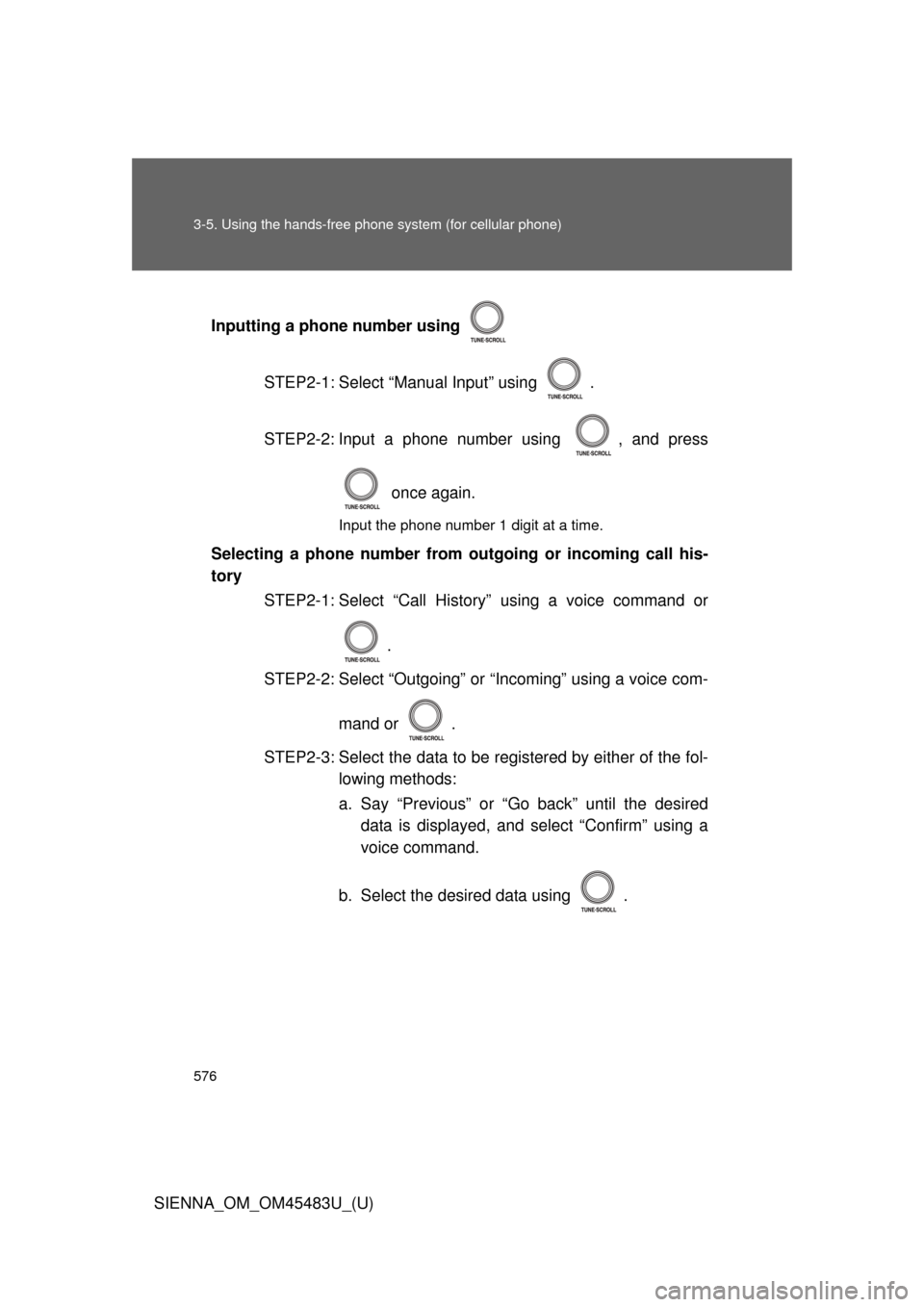
SIENNA_OM_OM45483U_(U)Inputting a phone number using
STEP2-1: Select “Manual Input” using .
STEP2-2: Input a phone number using , and press once again.
Input the phone number 1 digit at a time.
Selecting a phone number from outgoing or incoming call his-
torySTEP2-1: Select “Call History” using a voice command or
.
STEP2-2: Select “Outgoing” or “Incoming” using a voice com-
mand or .
STEP2-3: Select the data to be re gistered by either of the fol-
lowing methods:
a. Say “Previous” or “Go back” until the desired data is displayed, and select “Confirm” using a
voice command.
b. Select the desired data using .
Page 608 of 872
608
3-8. Other interior features
SIENNA_OM_OM45483U_(U)
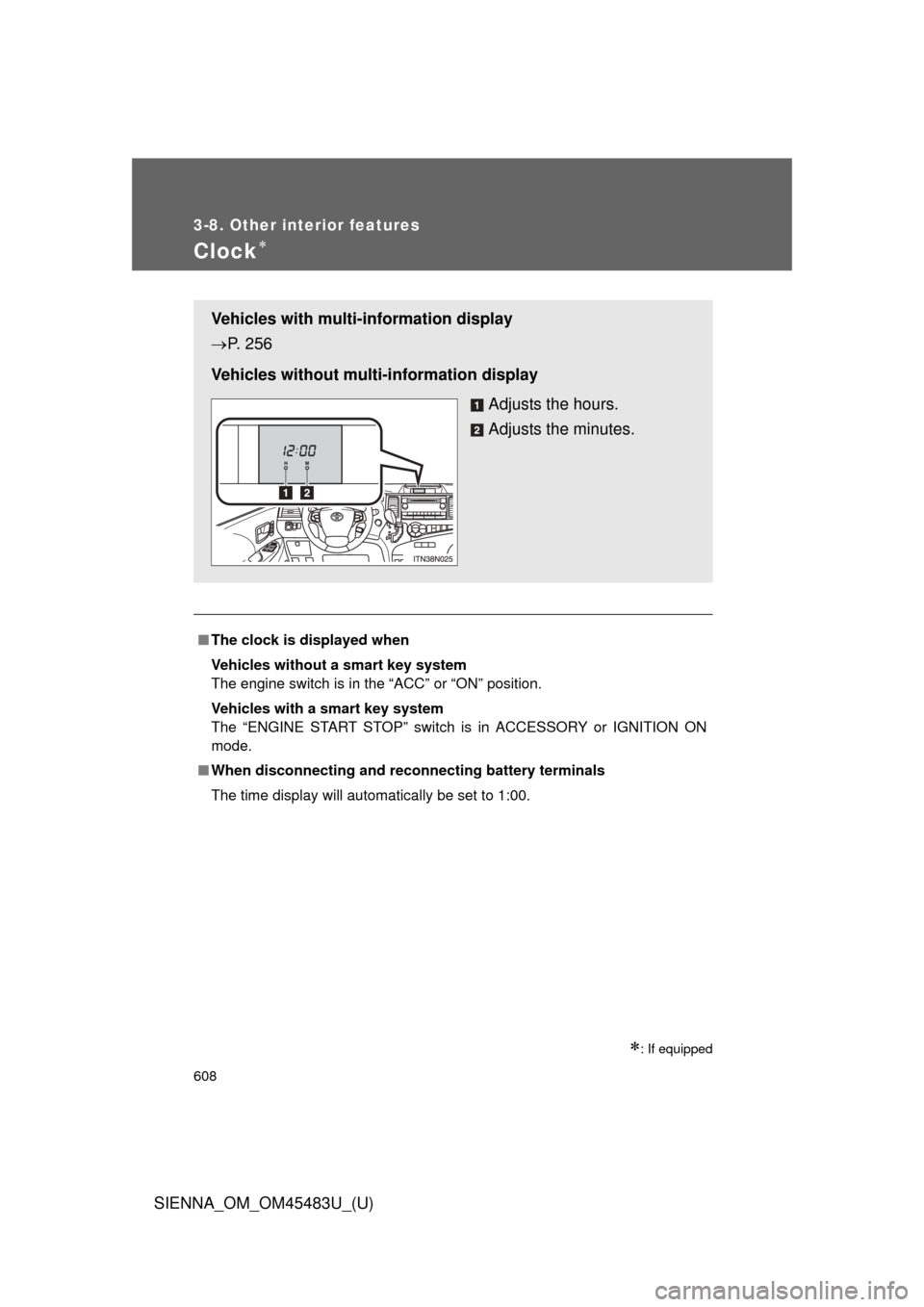
Clock
: If equipped
■The clock is displayed when
Vehicles without a smart key system
The engine switch is in the “ACC” or “ON” position.
Vehicles with a smart key system
The “ENGINE START STOP” switch is in ACCESSORY or IGNITION ON
mode.
■ When disconnecting and reco nnecting battery terminals
The time display will automatically be set to 1:00.
Vehicles with multi-information display
P. 256
Vehicles without multi-information display Adjusts the hours.
Adjusts the minutes.