2014 MERCEDES-BENZ S-Class switches
[x] Cancel search: switchesPage 37 of 434

Multifunction steering wheel
Function Page
0043
Multifunction display 250
0044
Sets the brightness of the
instrument cluster lighting
and the COMAND display
0087
COMAND display; see the
separate COMAND
operating instructions
0085
CD and DVD player/
changer; see the separate
COMAND operating
instructions
0083
COMAND controller and
buttons; see the separate
COMAND operating
instructions Function Page
0084
0076
Rejects or ends a call 257
Exits phone book/redial
memory
0061
Makes or accepts a call
Switches to the redial
memory
00810082
Adjusts the volume
0063
Mute
00E3
Switches on the Voice
Control System; see the
separate operating
instructionsMultifunction steering wheel
35At a glance
Page 38 of 434
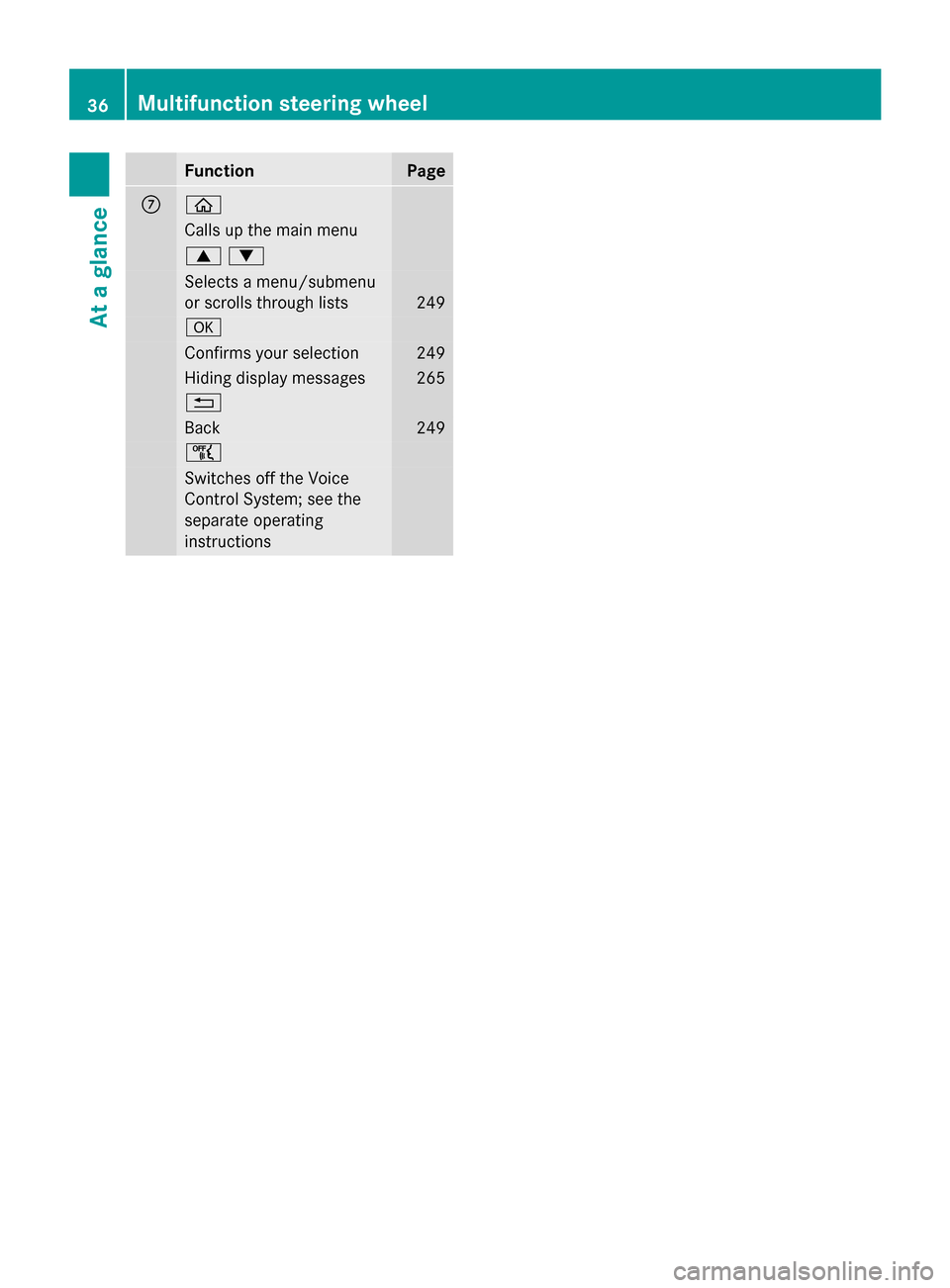
Function Page
006B
00E2
Calls up the main menu
00630064
Selects a menu/submenu
or scrolls through lists
249
0076
Confirms your selection 249
Hiding display messages 265
0038
Back 249
00E1
Switches off the Voice
Control System; see the
separate operating
instructions 36
Multifunction steering wheelAt a glance
Page 39 of 434

Center console
Function Page
0043
Switches COMAND on/off
(see the separate operating
instructions)
0044
Adjusts the volume/mute
(see the separate operating
instructions)
0087
00A7
ECO start/stop
function 177
0085
Telephone keypad (see the
separate operating
instructions) 0083
00CC
Sets the vehicle level 214,
216 0084
Adjusts the suspension
settings 214,
216 006B
00C9
Selects the drive
program/program selector
button 182
00CD
Selects the drive
program/program selector
button (AMG vehicles) 182 Function Page
006C
Back button (see the
separate operating
instructions)
006D
Seat adjustment button
(see the separate operating
instructions)
006E
Navigation button (see the
separate operating
instructions)
006F
Radio button (see the
separate operating
instructions)
0070
002F
Hazard warning
lamps 140
0071
Media button (see the
separate operating
instructions)
0072
Telephone, address book
and Internet button (see
separate operating
instructions) Center console
37At a glance
Page 40 of 434
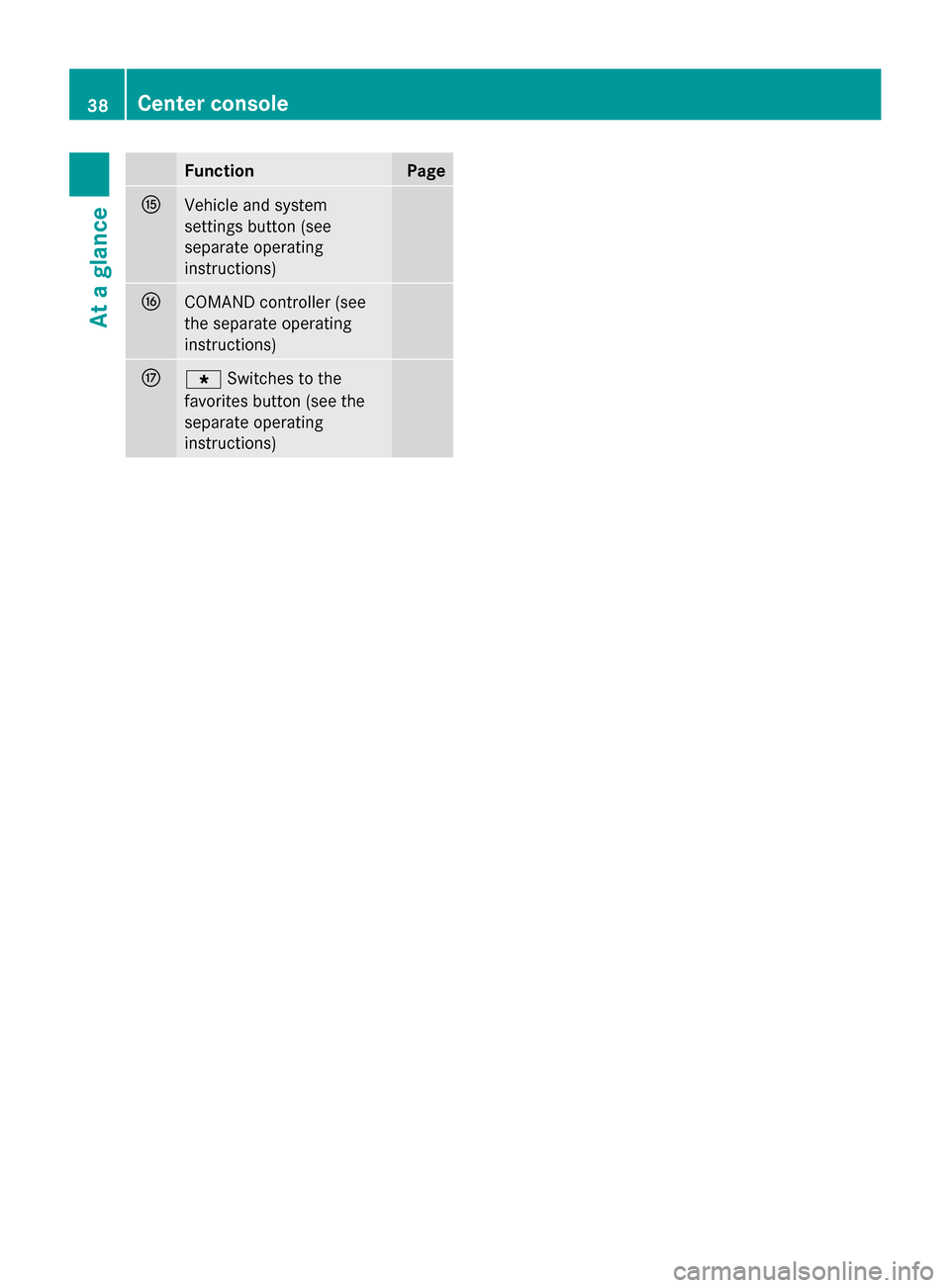
Function Page
0073
Vehicle and system
settings button (see
separate operating
instructions)
0074
COMAND controller (see
the separate operating
instructions)
0075
007D
Switches to the
favorites button (see the
separate operating
instructions) 38
Center consoleAt a glance
Page 41 of 434

Overhead control panel
Function Page
0043
003D
Switches the left-
hand reading lamp on/off 144
0044
0033
Switches the
automatic interior lighting
control on/off 145
0087
0053
SOS button (mbrace
system) 334
0085
004A
Switches the front
interior lighting on/off 145
0083
0042
Switches the rear
interior lighting on/off 145
0084
003D
Switches the right-
hand reading lamp on/off 144
006B
00D9
MB Info call button
(mbrace system) 336
006C
Eyeglasses compartment
317 Function Page
006D
0057
Opens/closes the
panorama roof with power
tilt/sliding panel 103
Opens/closes the front
roller sunblinds
105
006E
Opens/closes the rear
roller sunblind
105
006F
Buttons for the garage door
opener
342
0070
Microphone for mbrace
(emergency call system),
telephone and the Voice
Control System; see the
separate operating
instructions
0071
0052
Roadside Assistance
call button (mbrace
system) 335Overhead control panel
39At a glance
Page 72 of 434
vehicle is unlocked, the door can be opened
from the outside.
X To activate: press the child-proof lock
lever up in the direction of arrow 0043.
X Make sure that the child-proof locks are
working properly.
X To deactivate: press the child-proof lock
lever down in the direction of arrow 0044.
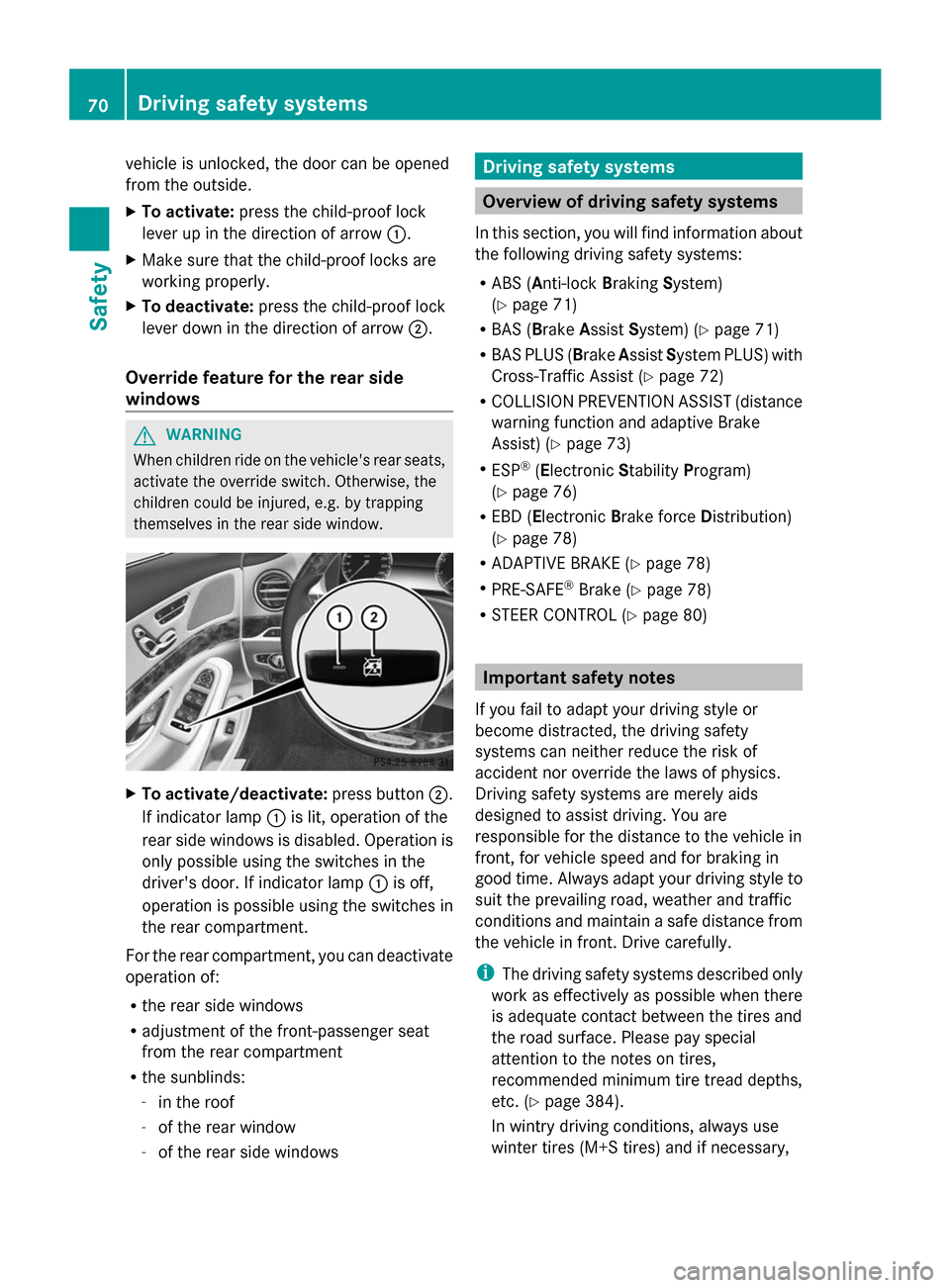
Override feature for the rear side
windows G
WARNING
When children ride on the vehicle's rear seats,
activate the override switch. Otherwise, the
children could be injured, e.g. by trapping
themselves in the rear side window. X
To activate/deactivate: press button0044.
If indicator lamp 0043is lit, operation of the
rear side windows is disabled. Operation is
only possible using the switches in the
driver's door. If indicator lamp 0043is off,
operation is possible using the switches in
the rear compartment.
For the rear compartment, you can deactivate
operation of:
R the rear side windows
R adjustment of the front-passenger seat
from the rear compartment
R the sunblinds:
-in the roof
- of the rear window
- of the rear side windows Driving safety systems
Overview of driving safety systems
In this section, you will find information about
the following driving safety systems:
R ABS ( Anti-lock BrakingSystem)
(Y page 71)
R BAS ( Brake Assist System) (Y page 71)
R BAS PLUS (Brake AssistSystem PLUS) with
Cross-Traffic Assist (Y page 72)
R COLLISION PREVENTION ASSIST (distance
warning function and adaptive Brake
Assist) (Y page 73)
R ESP ®
(Electronic StabilityProgram)
(Y page 76)
R EBD ( Electronic Brake force Distribution)
(Y page 78)
R ADAPTIVE BRAKE (Y page 78)
R PRE-SAFE ®
Brake (Y page 78)
R STEER CONTROL (Y page 80) Important safety notes
If you fail to adapt your driving style or
become distracted, the driving safety
systems can neither reduce the risk of
accident nor override the laws of physics.
Driving safety systems are merely aids
designed to assist driving. You are
responsible for the distance to the vehicle in
front, for vehicle speed and for braking in
good time. Always adapt your driving style to
suit the prevailing road, weather and traffic
conditions and maintain a safe distance from
the vehicle in front. Drive carefully.
i The driving safety systems described only
work as effectively as possible when there
is adequate contact between the tires and
the road surface. Please pay special
attention to the notes on tires,
recommended minimum tire tread depths,
etc. (Y page 384).
In wintry driving conditions, always use
winter tires (M+S tires) and if necessary, 70
Driving safety systemsSafety
Page 79 of 434

ECO start/stop function
The ECO start/stop function switches the
engine off automatically when the vehicle
stops moving. The engine starts
automatically when the driver wants to pull
away again. ESP ®
remains in its previously
selected status. Example:if ESP®
was
deactivated before the engine was switched
off, ESP ®
remains deactivated when the
engine is switched on again.
Deactivating/activating ESP ®Important safety notes
i
Observe the "Important safety notes"
section (Y page 70).
You can select between the following states
of ESP ®
:
R ESP ®
is activated.
R ESP ®
is deactivated. G
WARNING
If you deactivate ESP ®
, ESP ®
no longer
stabilizes the vehicle. There is an increased
risk of skidding and an accident.
Only deactivate ESP ®
in the situations
described in the following.
It may be best to deactivate ESP ®
in the
following situations:
R when using snow chains
R in deep snow
R on sand or gravel
i Activate ESP ®
as soon as the situations
described above no longer apply. ESP ®
will
otherwise not be able to stabilize the
vehicle if the vehicle starts to skid or a
wheel starts to spin.
! Avoid spinning the driven wheels for an
extended period with ESP ®
deactivated.
You could otherwise damage the drivetrain. Deactivating/activating ESP
®
You can deactivate or activate ESP ®
via the
on-board computer.
X To deactivate:(Y page 77).
The 00BB ESP®
OFF warning lamp in the
instrument cluster lights up.
X To activate: (Ypage 77).
The 00BB ESP®
OFF warning lamp in the
instrument cluster goes out.
Characteristics when ESP ®
is deactivated
If ESP ®
is deactivated and one or more wheels
start to spin, the 00E5ESP®
warning lamp in
the instrument cluster flashes. In such
situations, ESP ®
will not stabilize the vehicle.
If you deactivate ESP ®
:
R ESP ®
no longer improves driving stability.
R engine torque is no longer limited and the
drive wheels are able to spin.
The spinning of the wheels results in a
cutting action for better traction on loose
surfaces.
R traction control is still activated.
R ESP ®
still provides support when you
brake.
Crosswind driving assistance General information
Vehicles with MAGIC BODY CONTROL:
information on stabilizing the vehicle in the
event of crosswind (Y
page 213).
Strong crosswinds can cause your vehicle to
deviate from a straight course. The crosswind
driving assistance function integrated into
ESP ®
significantly reduces these effects.
ESP ®
intervenes automatically according to
the direction and intensity of the crosswinds
affecting your vehicle.
ESP stabilities the vehicle with braking
interventions to assist you in keeping the
vehicle in the lane.
Crosswind driving assistance is active at
vehicle speeds above 50 mph (80 km/h) Driving safety systems
77Safety Z
Page 101 of 434

Trunk lid emergency release light:
R
emergency release button 0043flashes for
30 minutes after the trunk lid is opened
R emergency release button 0043flashes for
60 minutes after the trunk lid is closed Side windows
Important safety notes
G
WARNING
While opening the side windows, body parts
could become trapped between the side
window and the door frame as the side
window moves. There is a risk of injury.
Make sure that nobody touches the side
window during the opening procedure. If
somebody becomes trapped, release the
switch or pull the switch to close the side
window again. G
WARNING
While opening the side windows, body parts
in the closing area could become trapped.
There is a risk of injury.
Make sure that no body parts are in close
proximity during the closing procedure. If
somebody becomes trapped, release the
switch or press the switch to open the side
window again. G
WARNING
If children operate the side windows they
could become trapped, particularly if they are
left unsupervised. There is a risk of injury.
Activate the override feature for the rear side
windows. When leaving the vehicle, always
take the SmartKey with you and lock the
vehicle. Never leave children unsupervised in
the vehicle. Side window reversing feature
The side windows are equipped with an
automatic reversing feature. If a solid object blocks or restricts a side window during the
closing process, the side window opens again
automatically. However, the automatic
reversing feature is only an aid and does not
relieve you of the responsibility of paying
attention when closing a side window.
G
WARNING
The reversing feature does not react:
R to soft, light and thin objects, e.g. small
fingers
R over the last 1/6 in(4 mm) of the closing
movement
R during resetting
R when closing the side window again
manually immediately after automatic
reversing
This means that the reversing feature cannot
prevent someone being trapped in these
situations. There is a risk of injury.
Make sure that no body parts are in close
proximity during the closing procedure. If
someone becomes trapped, press the switch
to open the side window again. Opening and closing the side
windows
The switches for all side windows are located
on the driver's door. There is also a switch on
each door for the corresponding side window.
The switches on the driver's door take
precedence. Side windows
99Opening and closing Z