2014 MERCEDES-BENZ B-CLASS SPORTS alarm
[x] Cancel search: alarmPage 6 of 360
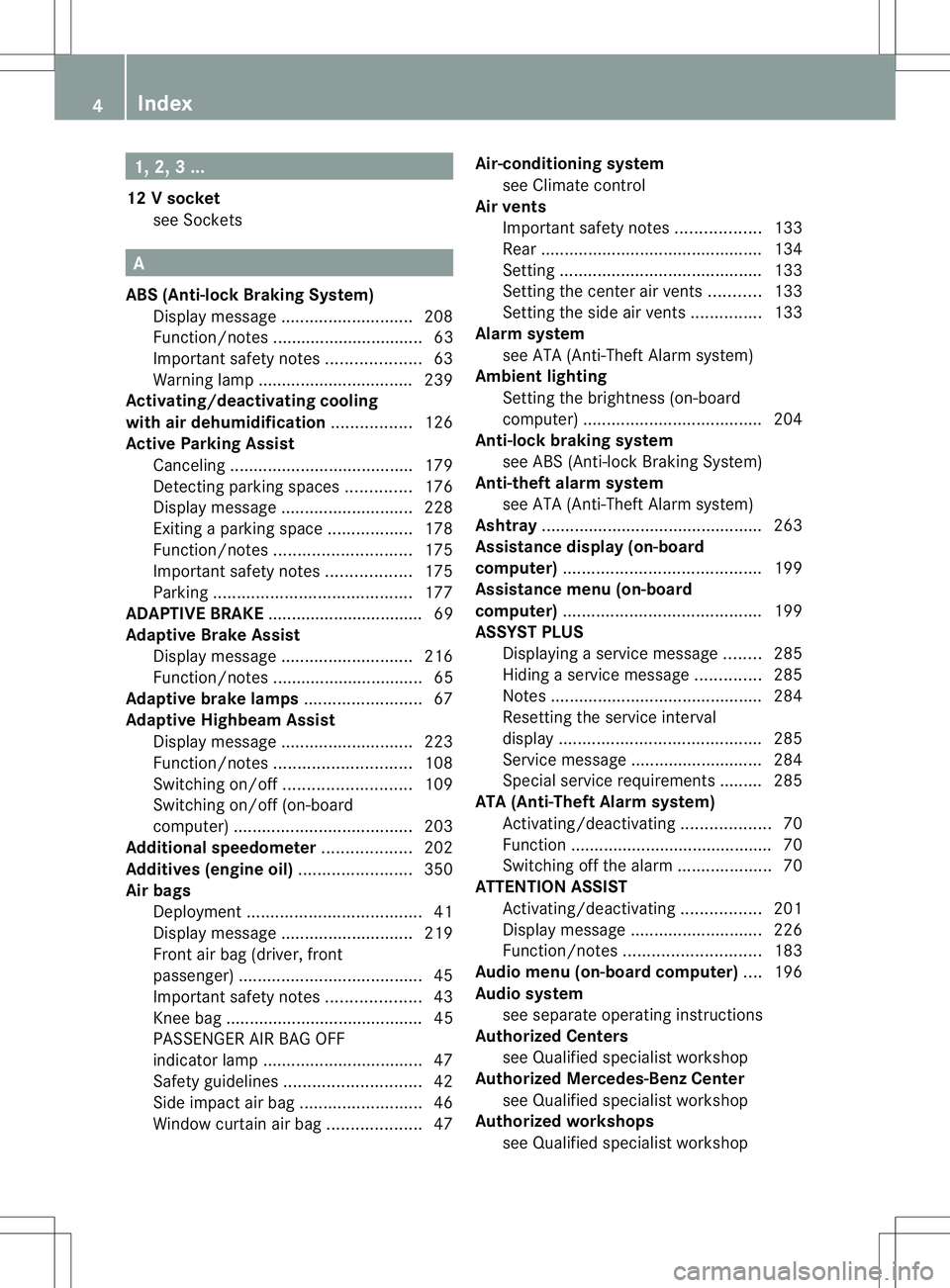
1, 2,
3...
12 Vsocket
see Sockets A
ABS (Anti-lock Braking System) Display message ............................ 208
Function/notes ................................ 63
Important safety notes ....................63
Warning lamp ................................. 239
Activating/deactivating cooling
with air dehumidification .................126
Active Parking Assist Canceling ...................................... .179
Detecting parking spaces ..............176
Display message ............................ 228
Exiting aparking spac e.................. 178
Function/notes ............................. 175
Important safety notes ..................175
Parking .......................................... 177
ADAPTIVE BRAKE ................................. 69
Adaptive Brake Assist Display message ............................ 216
Function/notes ................................ 65
Adaptive brake lamps .........................67
Adaptive Highbeam Assist Display message ............................ 223
Function/notes ............................. 108
Switching on/off ........................... 109
Switching on/off (on-board
computer) ...................................... 203
Additional speedometer ...................202
Additives (engine oil) ........................350
Airb ags
Deployment ..................................... 41
Display message ............................ 219
Front airb ag (driver, front
passenger )....................................... 45
Important safety notes ....................43
Knee bag .......................................... 45
PASSENGER AIR BAG OFF
indicator lamp .................................. 47
Safety guidelines ............................. 42
Side impact airb ag.......................... 46
Windo wcurtain air bag .................... 47Air-conditionin
gsystem
see Climate control
Airv ents
Important safet ynotes .................. 133
Rea r............................................... 134
Setting ........................................... 133
Setting the center airv ents........... 133
Setting the sid eairvents ............... 133
Alarm system
see ATA (Anti-Theft Alarm system)
Ambient lighting
Setting the brightness (on-board
computer) ...................................... 204
Anti-loc kbraking system
se eA BS (Anti-lock Braking System)
Anti-thef talarm system
se eA TA (Anti-Theft Alarm system)
Ashtray ............................................... 263
Assistanc edisplay (on-board
computer) .......................................... 199
Assistanc emenu (on-board
computer) .......................................... 199
ASSYST PLUS Displaying aservice message ........285
Hiding aservice message ..............285
Notes ............................................. 284
Resetting the service interval
displa y........................................... 285
Service message ............................ 284
Specia lservice requirements ......... 285
ATA (Anti-Theft Alarm system)
Activating/deactivating ...................70
Function .......................................... .70
Switching off the alarm ....................70
ATTENTIO NASSIST
Activating/deactivating .................201
Display message ............................ 226
Function/notes ............................. 183
Audio menu (on-board computer) ....196
Audio system see separate operating instructions
Authorized Centers
see Qualified specialist workshop
Authorized Mercedes-Benz Center
see Qualified specialist workshop
Authorized workshops
see Qualified specialist workshop 4
Index
Page 14 of 360
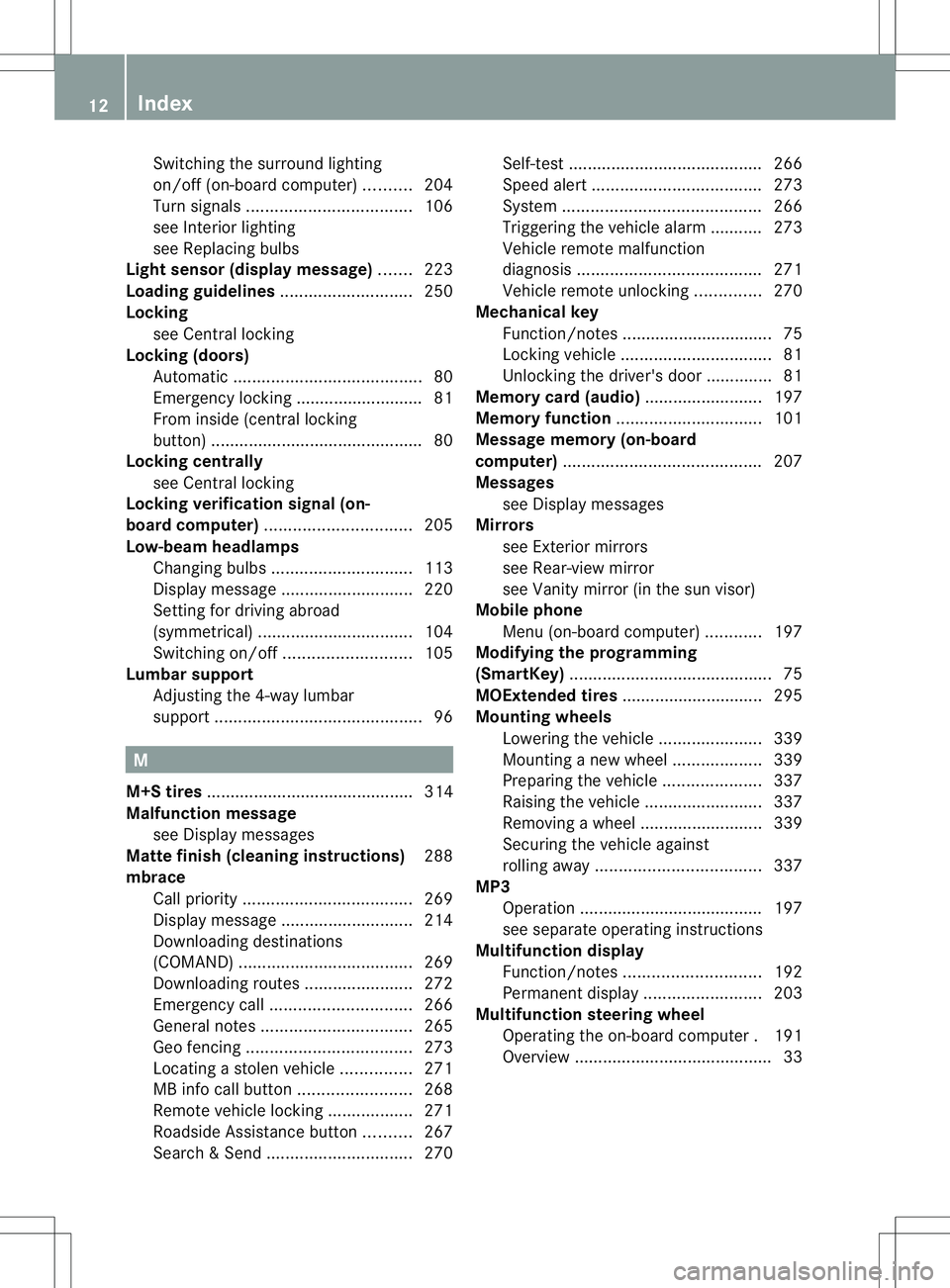
Switching the surround lighting
on/of
f(on -board computer) ..........204
Turn signals ................................... 106
see Interior lighting
see Replacing bulbs
Light sensor (display message) .......223
Loading guidelines ............................250
Locking see Centra llocking
Locking (doors)
Automatic ........................................ 80
Emergency locking ........................... 81
From insid e(central locking
button) ............................................. 80
Locking centrally
see Centra llocking
Locking verification signal (on-
board computer) ............................... 205
Low-beam headlamps Changing bulbs .............................. 113
Display message ............................ 220
Setting for driving abroad
(symmetrical) ................................. 104
Switching on/off ........................... 105
Lumbar support
Adjusting the 4-way lumbar
support ............................................ 96M
M+S tires ............................................ 314
Malfunction message see Display messages
Matte finish (cleaning instructions) 288
mbrace Call priority .................................... 269
Display message ............................ 214
Downloading destinations
(COMAND) ..................................... 269
Downloading route s....................... 272
Emergency call .............................. 266
General notes ................................ 265
Geo fencing ................................... 273
Locating astolen vehicl e............... 271
MB info call button ........................268
Remote vehicle locking ..................271
Roadside Assistance button ..........267
Search &Send ............................... 270Self-test
......................................... 266
Speed alert .................................... 273
System .......................................... 266
Triggering the vehicle alarm ........... 273
Vehicle remote malfunction
diagnosi s....................................... 271
Vehicle remote unlocking ..............270
Mechanical key
Function/notes ................................ 75
Locking vehicle ................................ 81
Unlocking the driver's door ..............81
Memory card (audio) .........................197
Memory function ............................... 101
Message memory (on-board
computer) .......................................... 207
Messages see Display messages
Mirrors
see Exterior mirrors
see Rear-view mirror
see Vanity mirror (in the sun visor)
Mobile phone
Menu (on-board computer) ............197
Modifying the programming
(SmartKey) ........................................... 75
MOExtende dtires .............................. 295
Mounting wheels Lowerin gthe vehicle ...................... 339
Mounting anew wheel ................... 339
Preparing the vehicle .....................337
Raising the vehicle .........................337
Removing awheel .......................... 339
Securing the vehicle against
rolling away ................................... 337
MP3
Operation ....................................... 197
see separate operating instructions
Multifunctio ndisplay
Function/notes ............................. 192
Permanent displa y......................... 203
Multifunctio nsteering wheel
Operating the on-board computer .191
Overview .......................................... 3312
Index
Page 15 of 360
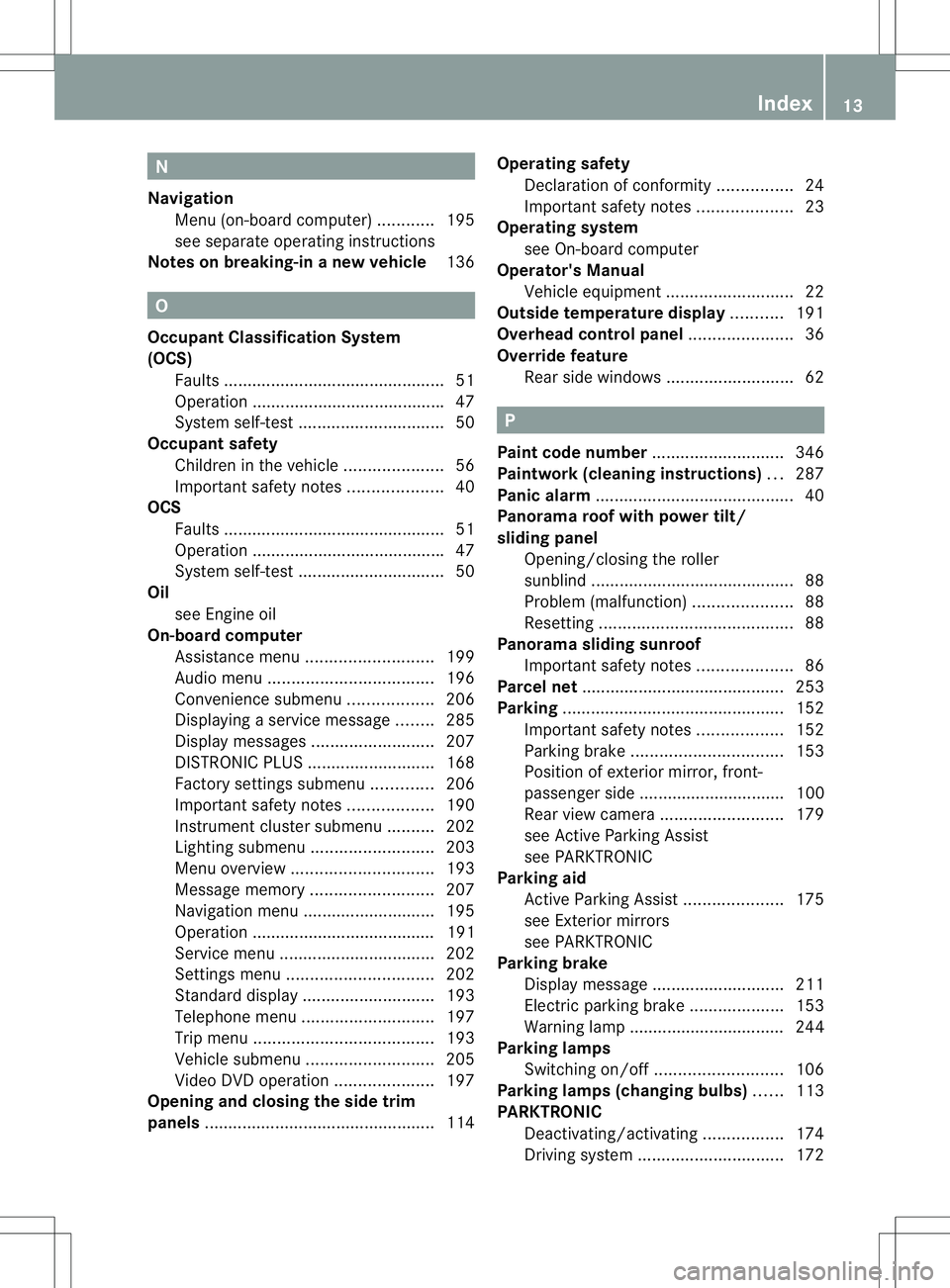
N
Navigation Menu (on-boar dcomputer) ............195
see separate operating instructions
Notes on breaking-i nanew vehicle 136 O
Occupant Classification System
(OCS) Fault s............................................... 51
Operation ........................................ .47
System self-test ............................... 50
Occupant safety
Childre ninthe vehicle ..................... 56
Important safety notes ....................40
OCS
Faults ............................................... 51
Operation ........................................ .47
System self-test ............................... 50
Oil
see Engine oil
On-board computer
Assistance menu ........................... 199
Audi omenu ................................... 196
Convenience submenu ..................206
Displaying aservice message ........285
Display messages ..........................207
DISTRONI CPLUS ........................... 168
Factory settings submenu .............206
Important safety notes ..................190
Instrument cluster submenu ..........202
Lighting submenu .......................... 203
Menu overview .............................. 193
Message memory .......................... 207
Navigation menu ............................ 195
Operation ....................................... 191
Service menu ................................. 202
Settings menu ............................... 202
Standard displa y............................ 193
Telephone menu ............................ 197
Trip menu ...................................... 193
Vehicle submenu ........................... 205
Video DVD operatio n..................... 197
Opening and closing the side trim
panels ................................................. 114Operatin
gsafety
Declaratio nofconformity ................ 24
Important safety notes ....................23
Operatin gsystem
see On-board computer
Operator's Manual
Vehicle equipment ...........................22
Outside temperature display ...........191
Overhead control panel ......................36
Override feature Rea rside windows ........................... 62 P
Pain tcode number ............................ 346
Paintwork (cleaning instructions) ...287
Pani calarm .......................................... 40
Panorama roof with power tilt/
sliding panel
Opening/closing the roller
sunblind ........................................... 88
Problem (malfunction) .....................88
Resetting ......................................... 88
Panorama sliding sunroof
Important safety notes ....................86
Parce lnet ........................................... 253
Parking ............................................... 152
Important safety notes ..................152
Parking brake ................................ 153
Position of exterio rmirror, front-
passenger sid e............................... 100
Rea rview camera .......................... 179
see Active Parking Assist
see PARKTRONIC
Parking aid
Active Parking Assist .....................175
see Exterior mirrors
see PARKTRONIC
Parking brake
Display message ............................ 211
Electric parking brake ....................153
Warning lamp ................................. 244
Parking lamps
Switching on/off ........................... 106
Parking lamps (changing bulbs) ......113
PARKTRONIC Deactivating/activating .................174
Driving system ............................... 172 Index
13
Page 18 of 360
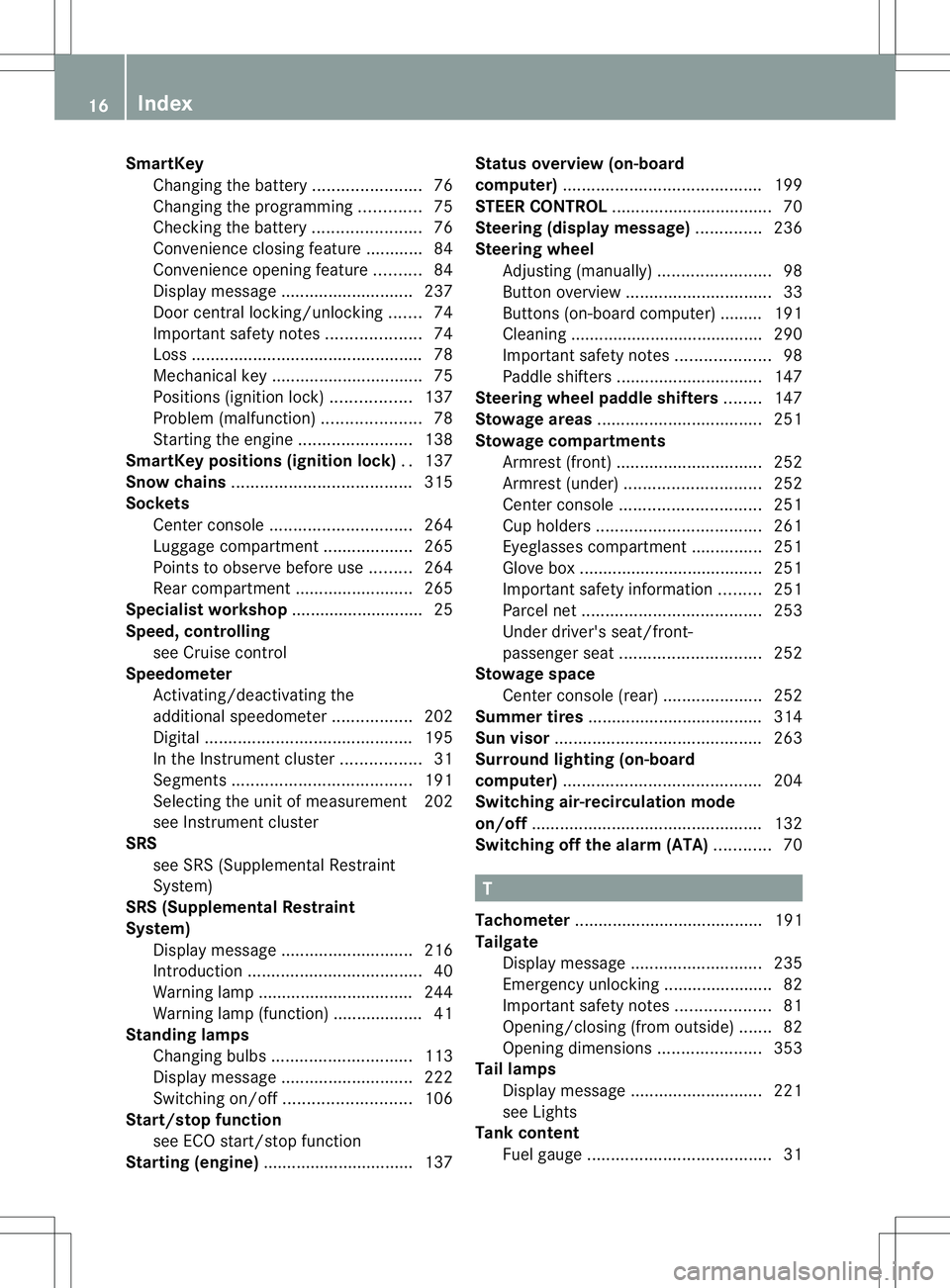
SmartKey
Changing the battery .......................76
Changing the programming .............75
Checking the battery .......................76
Convenience closing feature ............84
Convenience opening feature ..........84
Display message ............................ 237
Door central locking/unlocking .......74
Important safety notes ....................74
Loss ................................................. 78
Mechanical key ................................ 75
Positions (ignition lock) .................137
Problem (malfunction) .....................78
Starting the engine ........................138
SmartKey position s(ignition lock) ..137
Sno wchains ...................................... 315
Sockets Center console .............................. 264
Luggage compartment ...................265
Points to observe before use .........264
Rea rcompartmen t......................... 265
Specialist workshop ............................ 25
Speed, controlling see Cruise control
Speedometer
Activating/deactivating the
additiona lspeedometer .................202
Digita l............................................ 195
In the Instrument cluster .................31
Segments ...................................... 191
Selecting the unit of measurement 202
see Instrument cluster
SRS
see SRS (Supplemental Restraint
System)
SRS (Supplemental Restraint
System)
Display message ............................ 216
Introduction ..................................... 40
Warning lamp ................................. 244
Warning lamp (function) ................... 41
Standin glamps
Changing bulbs .............................. 113
Display message ............................ 222
Switching on/off ........................... 106
Start/stop function
see ECO start/stop function
Starting (engine) ................................ 137 Status overview (on-board
computer)
.......................................... 199
STEE RCONTROL .................................. 70
Steering (display message) ..............236
Steering wheel Adjusting (manually )........................ 98
Button overview ............................... 33
Buttons (on-board computer) ......... 191
Cleaning ......................................... 290
Important safety notes ....................98
Paddle shifters ............................... 147
Steering wheel paddle shifters ........147
Stowage areas ................................... 251
Stowage compartments Armrest (front) ............................... 252
Armrest (under) ............................. 252
Center console .............................. 251
Cuph olders ................................... 261
Eyeglasses compartment ...............251
Glove box ...................................... .251
Important safety information .........251
Parce lnet ...................................... 253
Under driver's seat/front-
passenger sea t.............................. 252
Stowage space
Center console (rear) .....................252
Summer tires ..................................... 314
Sun visor ............................................ 263
Surround lighting (on-board
computer) .......................................... 204
Switchin gair-recirculation mode
on/off ................................................. 132
Switchin goff the alarm (ATA) ............70 T
Tachometer ........................................ 191
Tailgate Display message ............................ 235
Emergency unlocking .......................82
Important safety notes ....................81
Opening/closing (from outside) .......82
Opening dimensions ......................353
Tail lamps
Display message ............................ 221
see Lights
Tank content
Fuel gauge ....................................... 3116
Index
Page 19 of 360
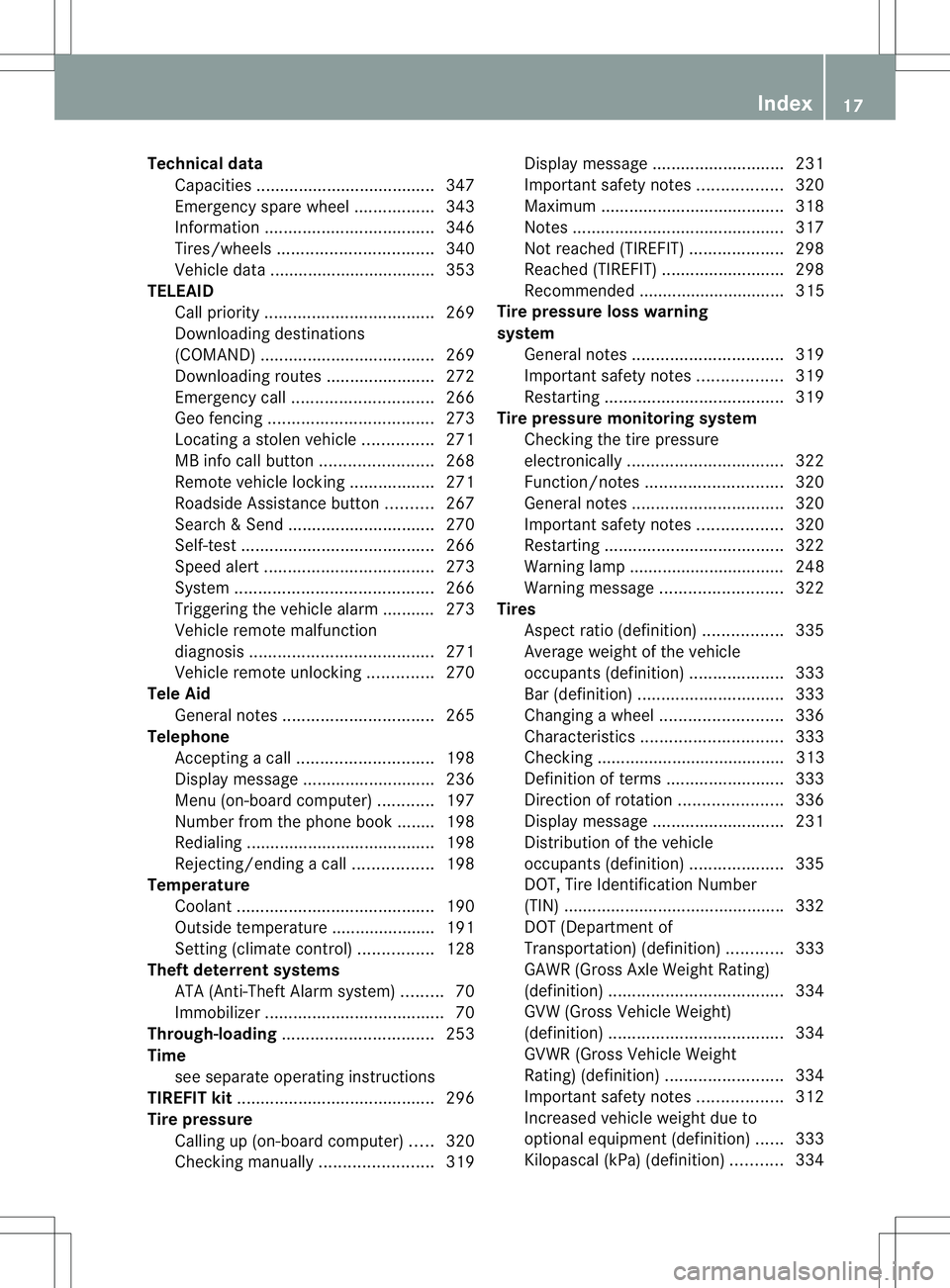
Technical data
Capacities ...................................... 347
Emergency spare wheel .................343
Information .................................... 346
Tires/wheels ................................. 340
Vehicle data ................................... 353
TELEAID
Call priority .................................... 269
Downloading destinations
(COMAND) ..................................... 269
Downloading route s....................... 272
Emergency call .............................. 266
Geo fencing ................................... 273
Locating astolen vehicl e............... 271
MB info call button ........................268
Remote vehicle locking ..................271
Roadside Assistance button ..........267
Search &Send ............................... 270
Self-test ......................................... 266
Speed alert .................................... 273
System .......................................... 266
Triggering the vehicle alarm ........... 273
Vehicle remote malfunction
diagnosi s....................................... 271
Vehicle remote unlocking ..............270
Tele Aid
General notes ................................ 265
Telephone
Accepting acall............................. 198
Display message ............................ 236
Menu (on-board computer) ............197
Number from the phone book ....... .198
Redialing ........................................ 198
Rejecting/ending acall................. 198
Temperature
Coolant .......................................... 190
Outside temperature ..................... .191
Setting (climate control) ................128
Theft deterren tsystems
ATA (Anti-Theft Alarm system) .........70
Immobilize r...................................... 70
Through-loading ................................ 253
Time see separate operating instructions
TIREFIT kit .......................................... 296
Tire pressure Calling up (on-board computer) .....320
Checking manually ........................319Display message
............................ 231
Important safety notes ..................320
Maximum ....................................... 318
Notes ............................................. 317
Not reached (TIREFIT) ....................298
Reached (TIREFIT) ..........................298
Recommended ............................... 315
Tire pressure los swarning
system General notes ................................ 319
Important safety notes ..................319
Restarting ...................................... 319
Tire pressure monitoring system
Checking the tire pressure
electronically ................................. 322
Function/notes ............................. 320
General notes ................................ 320
Important safety notes ..................320
Restarting ...................................... 322
Warning lamp ................................. 248
Warning message .......................... 322
Tires
Aspect ratio (definition) .................335
Averag eweight of the vehicle
occupants (definition) ....................333
Bar (definition) ............................... 333
Changing awheel .......................... 336
Characteristics .............................. 333
Checking ........................................ 313
Definition of terms .........................333
Direction of rotatio n...................... 336
Display message ............................ 231
Distributio nofthe vehicle
occupants (definition) ....................335
DOT, Tire Identification Number
(TIN) .............................................. .332
DOT (Department of
Transportation) (definition) ............333
GAWR (Gross Axle Weight Rating)
(definition) ..................................... 334
GVW (Gross Vehicle Weight)
(definition) ..................................... 334
GVW R(Gross Vehicle Weight
Rating) (definition) .........................334
Important safety notes ..................312
Increase dvehicle weight due to
optional equipment (definition) ......333
Kilopascal (kPa )(definition) ...........334 Index
17
Page 41 of 360
Useful information
..............................40
Panic alarm .......................................... 40
Occupant safety .................................. 40
Children in the vehicle ........................56
Driving safet ysystems ....................... 63
Thef tdeterrent locking system .........70 39Safety
Page 42 of 360
Useful information
i This Operator's Manual describes all
models and all standard and optional
equipment of your vehicle available at the
time of publication of the Operator's
Manual. Country-specific differences are
possible. Please not ethat your vehicle may
not be equipped with all features
described. This also applies to safety-
related system sand functions.
i Read the information on qualified
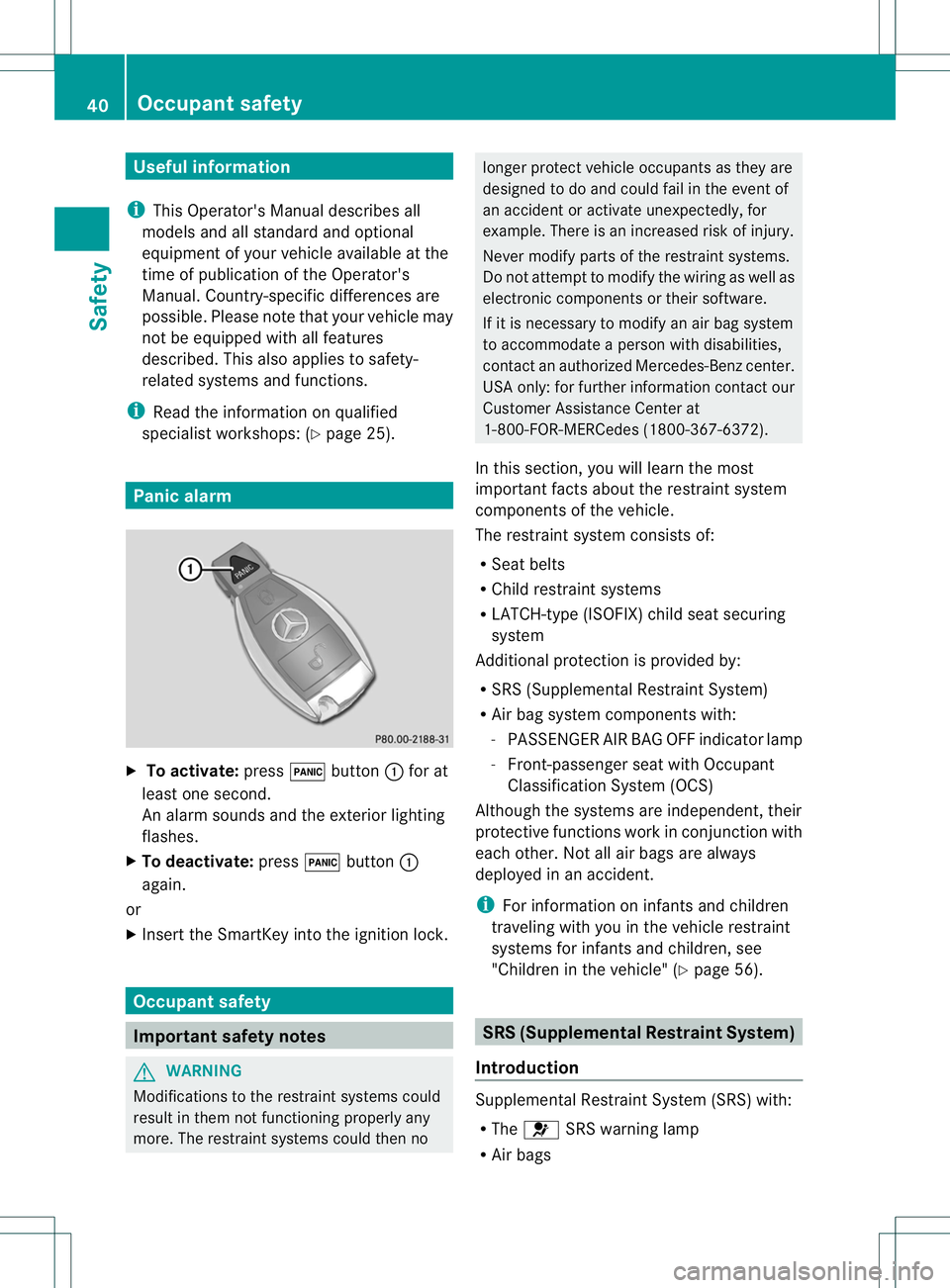
specialist workshops: (Y page 25).Panic alarm
X
To activate: press0004button 001Afor at
least one second.
An alarm sounds and the exterior lighting
flashes.
X To deactivate: press0004button 001A
again.
or
X Insert the SmartKey int othe ignition lock. Occupant safety
Important safet
ynotes G
WARNING
Modifications to the restraint system scould
result in them not functioning properly any
more. The restraint system scould then no longer protect vehicle occupants as they are
designed to do and could fail in the even
tof
an acciden toractivat eunexpectedly, for
example. Ther eisanincreased risk of injury.
Never modify part softherestraint systems.
Do no tattemp ttomodify the wiring as well as
electronic components or their software.
If it is necessary to modify an air bag system
to accommodat eaperson with disabilities,
contact an authorized Mercedes-Benz center.
USA only: for further information contact our
Customer Assistance Center at
1-800-FOR-MERCedes (1800-367-6372).
In this section ,you will learn the most
important facts about the restraint system
components of the vehicle.
The restraint system consist sof:
R Seat belts
R Child restraint systems
R LATCH-type (ISOFIX) child seat securing
system
Additional protection is provided by:
R SRS (Supplemental Restraint System)
R Air bag system components with:
-PASSENGER AIR BAG OFF indicator lamp
- Front-passenger seat with Occupant
Classification System (OCS)
Although the systems are independent ,their
protective functions work in conjunction with
each other. Not all air bags are always
deployed in an accident.
i For information on infant sand children
traveling with you in the vehicle restraint
systems for infant sand children, see
"Children in the vehicle" (Y page 56). SRS (Supplemental Restraint System)
Introduction Supplemental Restraint System (SRS) with:
R
The 0021 SRS warning lamp
R Air bags 40
Occupant safetySafety
Page 72 of 360
(Y
page 138). For further information ,see
Driving tips (Y page 157). STEER CONTROL
General information STEER CONTROL helps you by transmitting a
noticeable steering forc etothe steering
wheel in the direction required for vehicle
stabilization.
This steering assistance is provided in
particular if:
R both right wheels or both left wheels are on
aw et or slippery road surface when you
brake.
R the vehicle start stoskid.
Importan tsafet ynotes If ESP
®
is malfunctioning, you will not receive
steering support from STEER CONTROL.
Power steering will, however, continue to
function. Thef
tdeterrent locking system Immobilizer
The immobilizer prevents your vehicle from
being started without the correct SmartKey.
X To activate: removethe SmartKey from
the ignition lock.
X To deactivate: switchont he ignition.
When leaving the vehicle, always tak ethe
SmartKey with you and lock the vehicle. The
engin ecan be started by anyone with avalid
SmartKey that is left inside the vehicle.
i The immobilizer is always deactivated
when you start the engine.
In the event that the engin ecannot be
started when the starter battery is fully
charged, the immobilizer may be faulty.
Contact an authorized Mercedes-Benz
Cente rorcall 1-800-FOR-MERCedes (in the
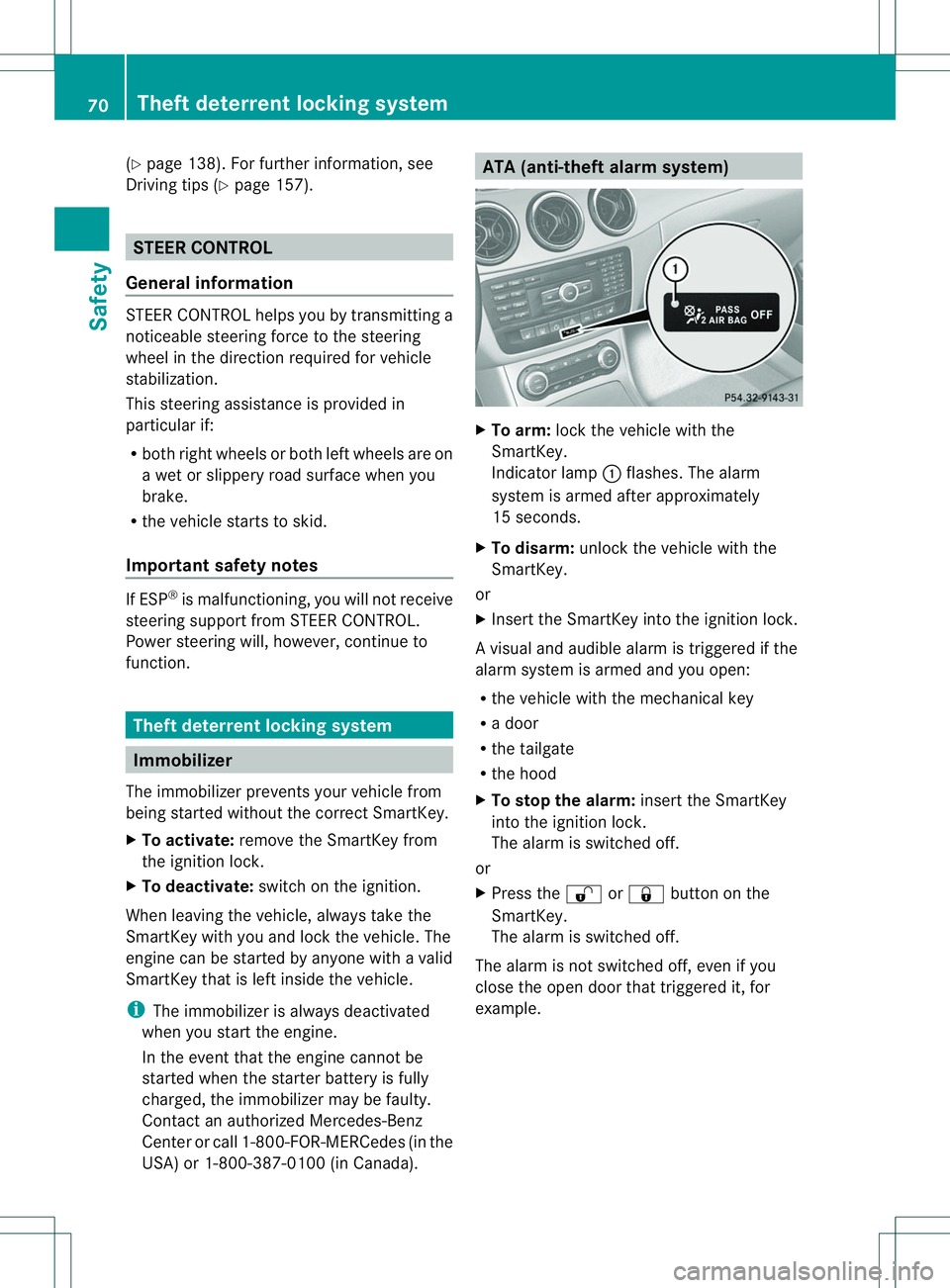
USA) or 1-800-387-0100 (in Canada). ATA (anti-thef
talarm system) X
To arm: lockthe vehicle with the
SmartKey.
Indicator lamp 001Aflashes. The alarm
system is armed after approximately
15 seconds.
X To disarm: unlock the vehicle with the
SmartKey.
or
X Insert the SmartKey into the ignition lock.
Av isual and audible alarm is triggere difthe
alarm system is armed and you open:
R the vehicle with the mechanical key
R ad oor
R the tailgate
R the hood
X To stop th ealarm: insert the SmartKey
int ot he ignition lock.
The alarm is switched off.
or
X Press the 0009or0010 button on the
SmartKey.
The alarm is switched off.
The alarm is not switched off ,even if you
clos ethe open door that triggere dit, for
example. 70
Theft deterrent locking systemSafety