Page 240 of 422
Select ‘‘,’’ and a list of imported
phonebooks will be displayed. Af ter making a selection, the
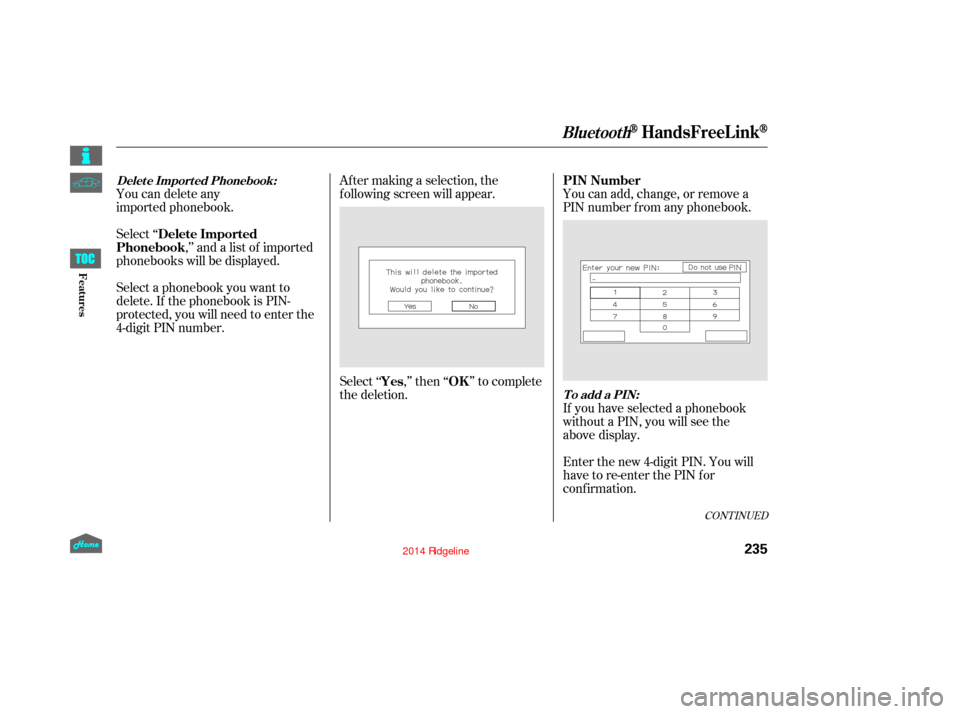
f ollowing screen will appear.
Select‘‘ ,’’then‘‘ ’’tocomplete
the deletion.You can add, change, or remove a
PIN number f rom any phonebook.
You can delete any
imported phonebook.
Select a phonebook you want to
delete. If the phonebook is PIN-
protected, you will need to enter the
4-digit PIN number.
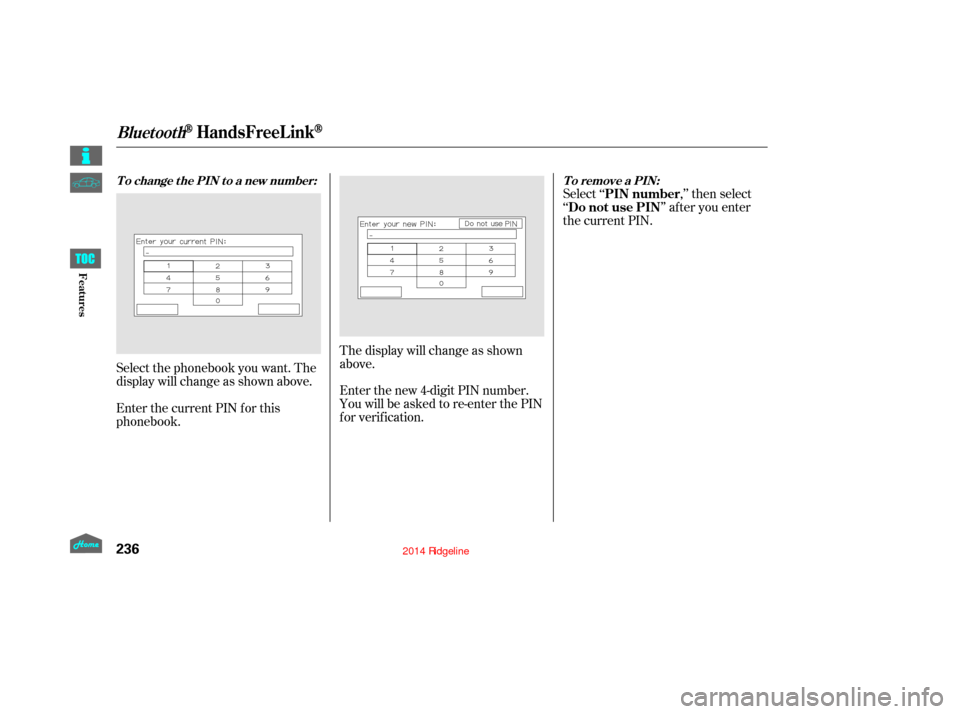
If you have selected a phonebook
without a PIN, you will see the
above display.
Enter the new 4-digit PIN. You will
have to re-enter the PIN for
conf irmation.
CONT INUED
BluetoothHandsFreeL ink
Delete Imported
Phonebook
Yes OKPIN Number
Delet e Import ed Phonebook:
To add a PIN:
235
12/08/09 16:30:25 31SJC670_242
Features
Page 241 of 422
Select ‘‘,’’ then select
‘‘ ’’ af ter you enter
the current PIN.
Enter the new 4-digit PIN number.
You will be asked to re-enter the PIN
f or verif ication. The display will change as shown
above.
Select the phonebook you want. The
display will change as shown above.
Enter the current PIN for this
phonebook.
BluetoothHandsFreeL ink
To remove a PIN:
T o change t he PIN t o a new number:
PIN number
Do not use PIN
236
12/08/09 16:30:32 31SJC670_243
Features
Page 245 of 422

Press and release the HFL Talk
button bef ore a command.Say ‘‘ .’’
Follow the HFL prompts to
change the language to English or
French.
If you have not named your paired
phone in the language you just
selected, HFL will ask you to name it
in the current language.
When French is your currently
selected language, you can give voice
commands in French. The
word mark and logos
are registered trademarks owned by
Bluetooth SIG, Inc. and any use of
such marks by Honda Motor Co.,
Ltd. is under license. Other
trademarks and trade names are
those of their respective owners.
This device complies with the
appropriate requirements or the
required standards. See page f or
more inf ormation.
Refer to the navigation system
manual for operation of the
rearview camera. Whenever you shif t to reverse (R)
with the ignition switch in the ON
(II) position, the rear view appears
on a display in the rearview mirror.
1.
2.
400Bluetooth
Canadian models only
Change Language
Change languageWireless Technology
Rearview Mirror with Rearview
Camera Display
To change the system language bet ween English and French: Bluet oot h
On models without
navigation system
On models wit h navigat ion syst em
BluetoothHandsFreeL ink, Rearview Mirror with Rearview Camera Display
240
REARVIEW CAMERA DISPLAY SENSOR
SENSOR
POWER BUTTON
12/09/07 16:43:17 31SJC670_247
Features
Page 246 of 422
For the best picture, always keep the
rearview camera clean, and do not
cover the camera lens. To avoid
scratching the lens when you clean it,
use a moist, sof t cloth.
Since the rearview camera display
area is limited, you should always
back up slowly and caref ully, and
look behind you f or obstacles.The camera display brightness is
adjusted automatically by sensors. If
you use the camera display
continuously at high temperatures,
the image will gradually dim.
The rearview mirror will be hot
when you use the camera display f or
an extended period of time.
Rearview Mirror with Rearview Camera Display
Rearview Camera Guide L ines
241
SCREEN DISPLAY
4th line 3rd line 2nd line 1st line
ACTUAL DISTANCE
12/09/07 16:43:24 31SJC670_248
Features
Page 247 of 422
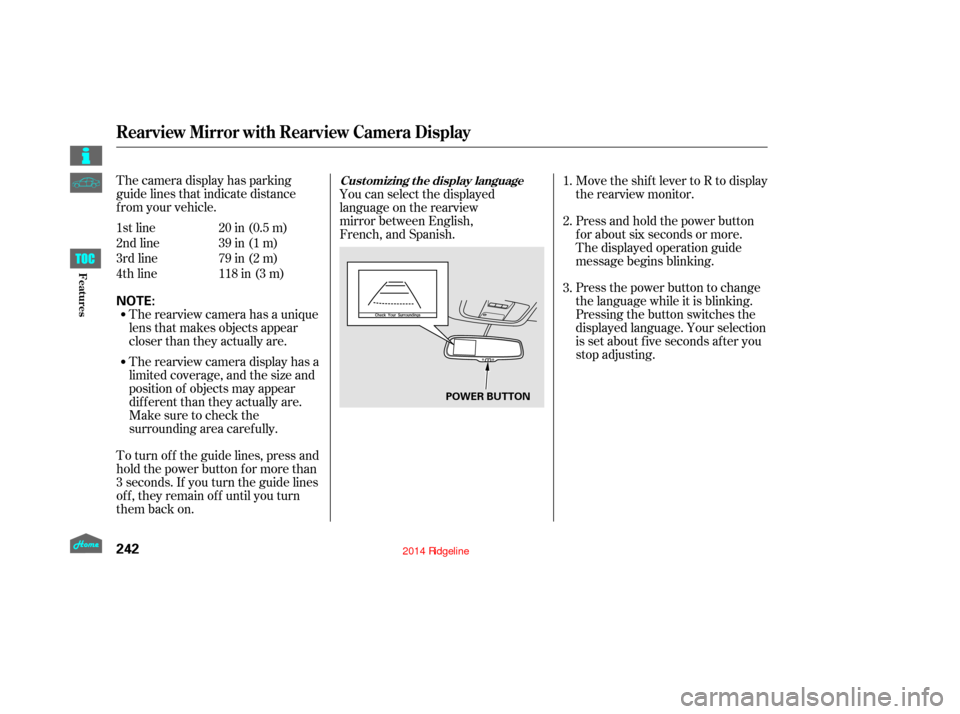
The camera display has parking
guide lines that indicate distance
f rom your vehicle.
1st line
2nd line
3rd line
4th line20 in (0.5 m)
39 in (1 m)
79 in (2 m)
118 in (3 m)
The rearview camera has a unique
lens that makes objects appear
closer than they actually are.
The rearview camera display has a
limited coverage, and the size and
position of objects may appear
different than they actually are.
Make sure to check the
surrounding area caref ully.
To turn of f the guide lines, press and
hold the power button for more than
3 seconds. If you turn the guide lines
of f , they remain of f until you turn
them back on. You can select the displayed
language on the rearview
mirror between English,
French, and Spanish.
Move the shift lever to R to display
the rearview monitor.
Press and hold the power button
f or about six seconds or more.
The displayed operation guide
message begins blinking.
Press the power button to change
the language while it is blinking.
Pressing the button switches the
displayed language. Your selection
is set about f ive seconds af ter you
stop adjusting.
1.
2.
3.
Rearview Mirror with Rearview Camera Display
Cust omizing t he display language
242
NOTE:
POWER BUTTON
12/09/07 16:43:33 31SJC670_249
Features
Page 252 of 422
Screw the f uel f ill cap back on
until it clicks at least once.
If you do not properly tighten the
cap, you will see a ‘‘CHECK FUEL
CAP’’ message on the inf ormation
display (see page ).
Push the f uel f ill door closed until
it latches.
Stop f illing the tank af ter the f uel
nozzle automatically clicks of f . Do
not try to ‘‘top off’’ the tank. This
leaves some room in the f uel tank
for the fuel to expand with
temperature changes.
If thefuelnozzlekeepsclickingoff
even though the tank is not f ull,
there may be a problem with your
vehicle’s fuel vapor recovery
system. The system helps keep
f uel vapor f rom going into the
atmosphere. Try f illing at another
pump. If this does not f ix the
problem, consult your dealer.
If you do not properly tighten the
cap, you will see a ‘‘TIGHTEN
FUEL CAP’’ message on the multi-
inf ormation display.
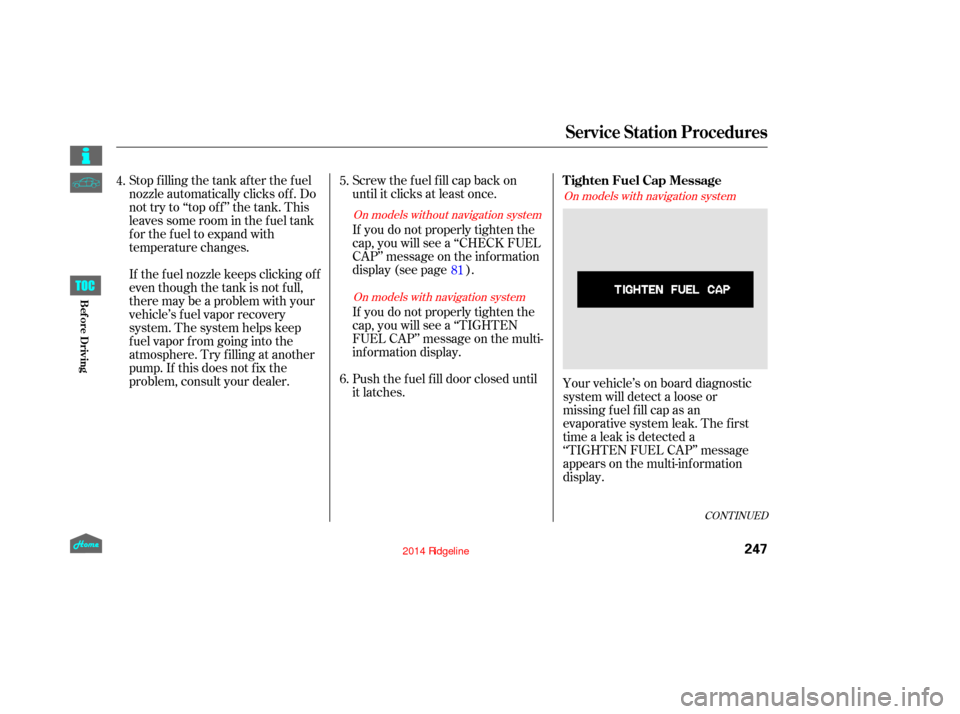
Your vehicle’s on board diagnostic
system will detect a loose or
missingf uel f ill cap as an
evaporative system leak. The f irst
time a leak is detected a
‘‘TIGHTEN FUEL CAP’’ message
appears on the multi-inf ormation
display.
5.
6.
81
4.
CONT INUED
On models without navigation system
On models with navigation system On models with navigation system
Service Station Procedures
Tighten Fuel Cap Message
247
12/08/09 16:31:58 31SJC670_254
Bef ore Driving
Page 258 of 422
�µ
�µ �µ
�µ
�µ
�µ�µ
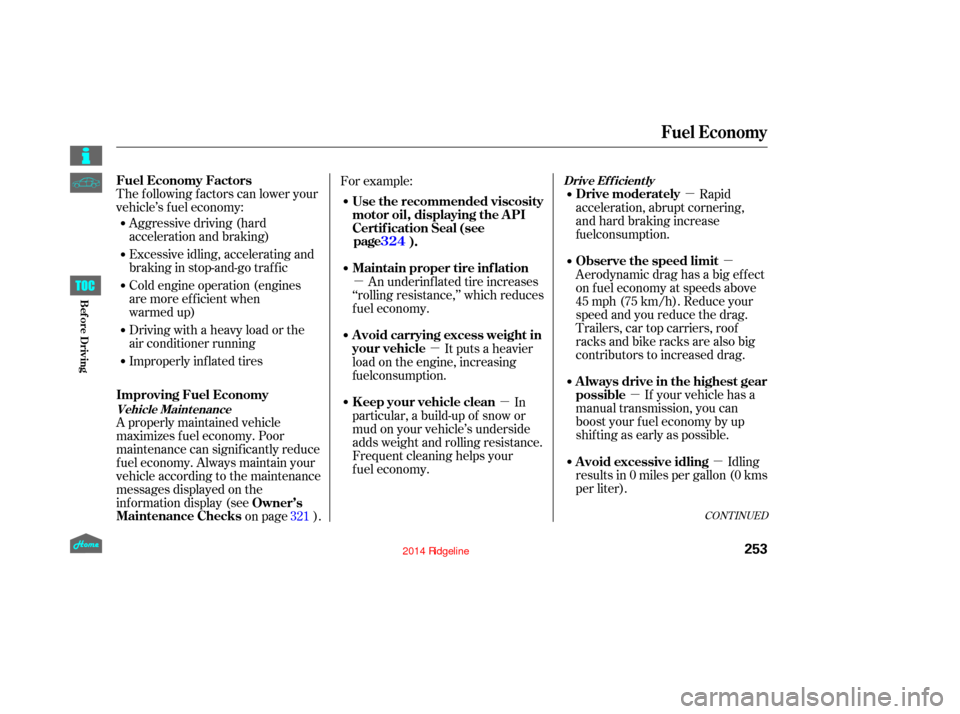
The f ollowing f actors can lower your
vehicle’s f uel economy:
Aggressive driving (hard
acceleration and braking)
Excessive idling, accelerating and
braking in stop-and-go traf f ic
Cold engine operation (engines
are more efficient when
warmed up)
Driving with a heavy load or the
air conditioner running
Improperly inf lated tires
A properly maintained vehicle
maximizes f uel economy. Poor
maintenance can signif icantly reduce
f uel economy. Always maintain your
vehicle according to the maintenance
messages displayed on the
inf ormation display (see on page ).For example:
Rapid
acceleration, abrupt cornering,
and hard braking increase
If your vehicle has a
manual transmission, you can
boost your f uel economy by up
shif ting as early as possible. Aerodynamic drag has a big ef f ect
on f uel economy at speeds above
45 mph (75 km/h). Reduce your
speed and you reduce the drag.
Trailers, car top carriers, roof
racks and bike racks are also big
contributors to increased drag.
Idling
results in 0 miles per gallon (0 kms
per liter).
An underinf lated tire increases
‘‘rolling resistance,’’ which reduces
f uel economy.
It puts a heavier
load on the engine, increasing
In
particular, a build-up of snow or
mud on your vehicle’s underside
adds weight and rolling resistance.
Frequent cleaning helps your
fuel economy.
321
CONT INUED
Fuel Economy Factors
Improving Fuel Economy
Owner’s
Maintenance Checks Use the recommended viscosity
motor oil, displaying the A PI
Certif ication Seal (see
). Drive moderately
Always drive in the highest gear
possible Observe the speed limit
Avoid excessive idling
Maintain proper tire inf lation
A void carrying excess weight in
your vehicle
K eep your vehicle clean
Vehicle Maint enance Drive Ef f icient ly
Fuel Economy
253
12/08/09 16:32:48 31SJC670_260
Bef ore Driving
fuel consumption.
fuel consumption.
page 324
Page 272 of 422
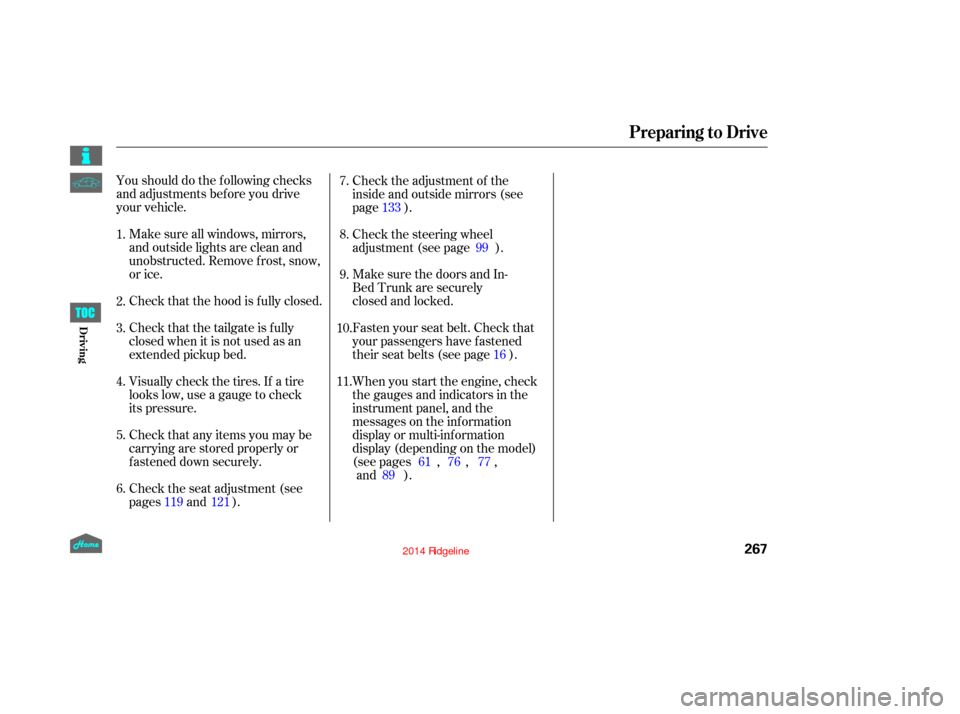
Youshoulddothefollowingchecks
and adjustments bef ore you drive
your vehicle.Make sure all windows, mirrors,
and outside lights are clean and
unobstructed. Remove f rost, snow,
or ice.
Check that the hood is f ully closed.
Check that the tailgate is f ully
closed when it is not used as an
extended pickup bed.
Visually check the tires. If a tire
looks low, use a gauge to check
its pressure.
Check that any items you may be
carrying are stored properly or
f astened down securely. Check the adjustment of the
inside and outside mirrors (see
page ).
Check the steering wheel
adjustment (see page ).
Make sure the doors and In-
Bed Trunk are securely
closed and locked.
Fasten your seat belt. Check that
your passengers have f astened
their seat belts (see page ).
Check the seat adjustment (see
pages and ). When you start the engine, check
the gauges and indicators in the
instrument panel, and the
messages on the information
display or multi-information
display (depending on the model)
(see pages , ,
,
).
1.
2.
3.
4.
5.
6. 8. 7.
9.
10.
11.
121 133
99
16
61 76 77
119
Preparing to Drive
Driving
267
12/08/09 16:34:35 31SJC670_274
and 89