Page 73 of 476
NOTE:
•Before exiting the vehicle, make sure that the interior
lights are turned off. This will prevent the battery
from discharging once the doors are closed.
• If a light is left on it will automatically be turned off
after approximately 15 minutes after the ignition is in
STOP mode.
Dome Light Timing
The Dome Light will automatically illuminate when the
doors are unlocked, the doors are opened or after the
doors are closed.
Timing Entering The Vehicle
The dome lights illuminate in the following ways:
• When the doors are unlocked, the dome light will
illuminate for approximately 27 seconds.
• When one of the doors is opened, the dome light will
illuminate for approximately three minutes.
• When the doors are closed, the dome light will
automatically shut off after approximately 27 sec-
onds. NOTE:
The timing stops once the ignition is placed in
the RUN or START mode.
The dome light will turn off under any of the following
conditions:
• The dome light is disabled when the ignition is
placed in the RUN or START mode.
• The dome lights will turn off automatically when the
doors are locked.
• The dome lights will automatically turn off after
approximately fifteen minutes of inactivity to pre-
serve the battery.
Timing Exiting The Vehicle
The dome light will illuminate under the following
conditions when the ignition is turned to the STOP
mode:
• The dome light will illuminate for 27 seconds after
the key is removed from the vehicle.
• The opening of one of the doors (approximately three
minutes).
• After closing a door (approximately 27 seconds).
4
GETTING TO KNOW YOUR VEHICLE 71
Page 74 of 476
The dome light timing is disabled when the doors are
locked.
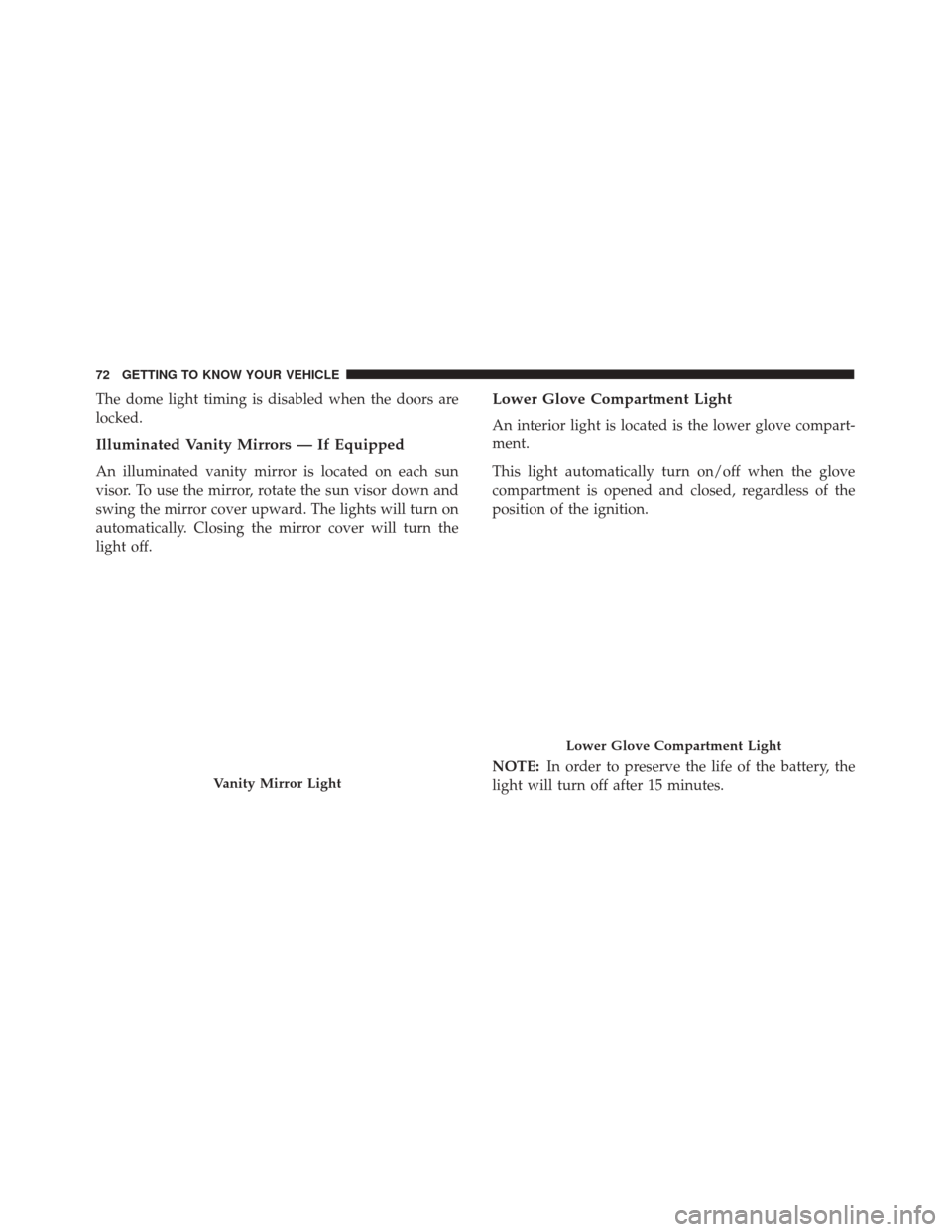
Illuminated Vanity Mirrors — If Equipped
An illuminated vanity mirror is located on each sun
visor. To use the mirror, rotate the sun visor down and
swing the mirror cover upward. The lights will turn on
automatically. Closing the mirror cover will turn the
light off.
Lower Glove Compartment Light
An interior light is located is the lower glove compart-
ment.
This light automatically turn on/off when the glove
compartment is opened and closed, regardless of the
position of the ignition.
NOTE:In order to preserve the life of the battery, the
light will turn off after 15 minutes.
Vanity Mirror Light
Lower Glove Compartment Light
72 GETTING TO KNOW YOUR VEHICLE
Page 75 of 476
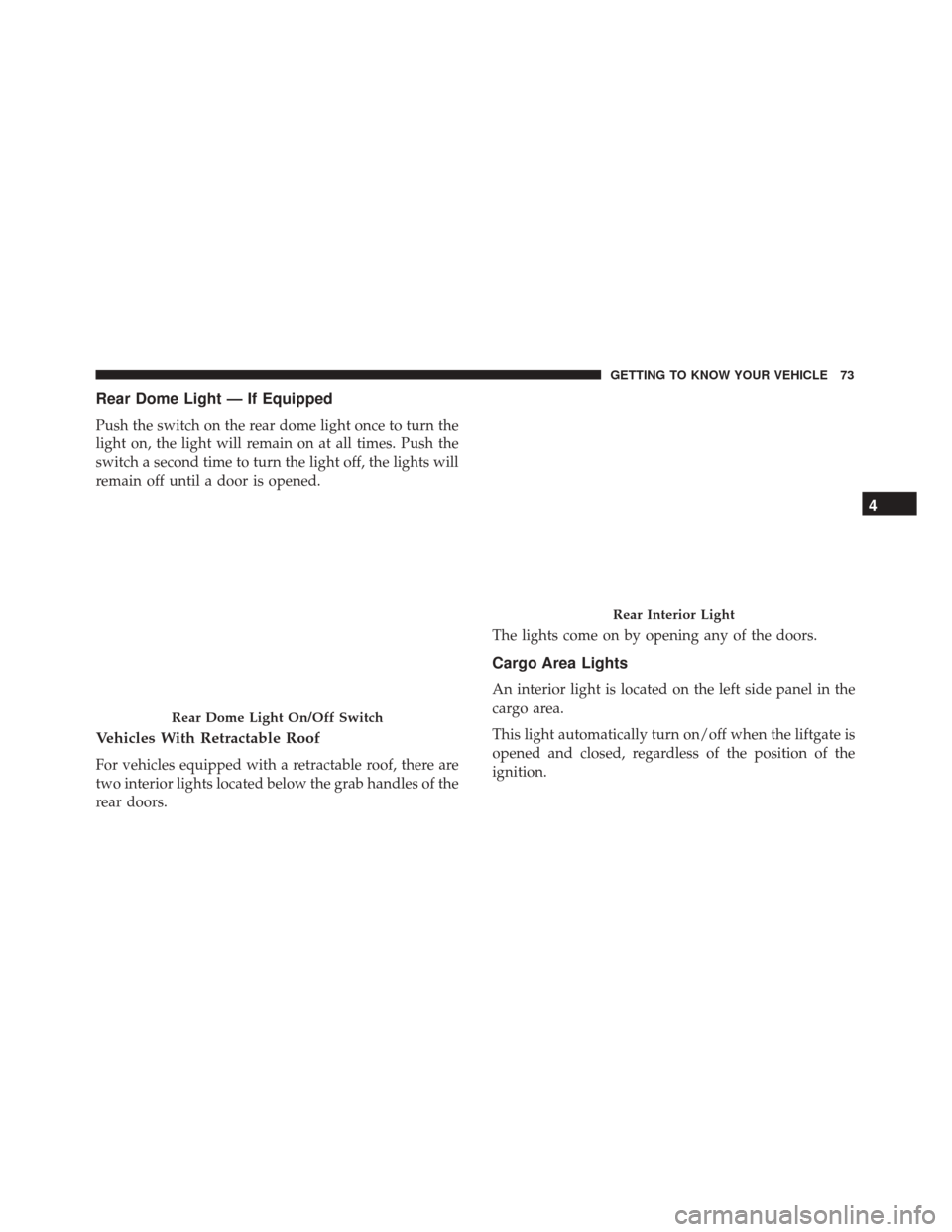
Rear Dome Light — If Equipped
Push the switch on the rear dome light once to turn the
light on, the light will remain on at all times. Push the
switch a second time to turn the light off, the lights will
remain off until a door is opened.
Vehicles With Retractable Roof
For vehicles equipped with a retractable roof, there are
two interior lights located below the grab handles of the
rear doors.The lights come on by opening any of the doors.
Cargo Area Lights
An interior light is located on the left side panel in the
cargo area.
This light automatically turn on/off when the liftgate is
opened and closed, regardless of the position of the
ignition.
Rear Dome Light On/Off Switch
Rear Interior Light
4
GETTING TO KNOW YOUR VEHICLE 73
Page 76 of 476
NOTE:In order to preserve the life of the battery, the
light will turn off after 15 minutes.
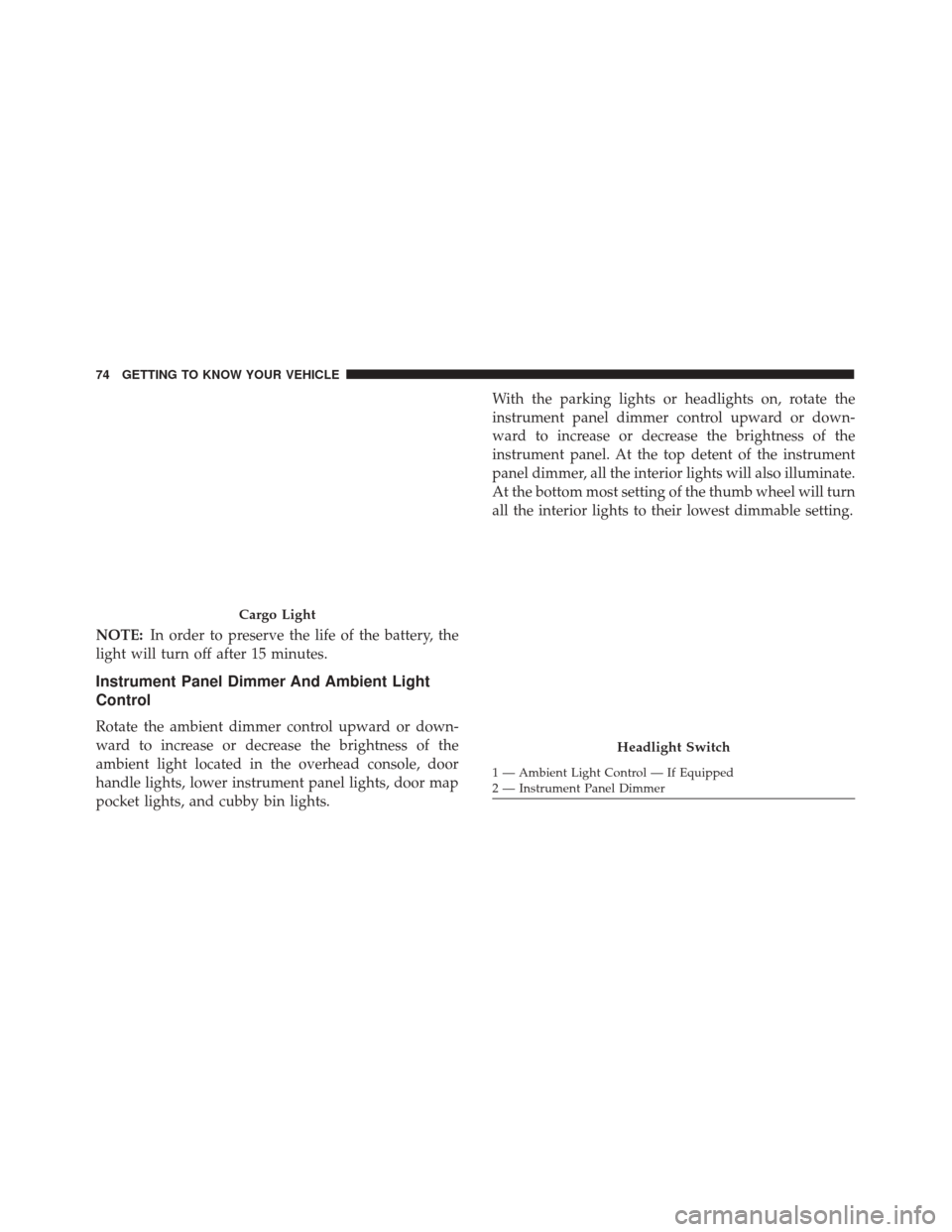
Instrument Panel Dimmer And Ambient Light
Control
Rotate the ambient dimmer control upward or down-
ward to increase or decrease the brightness of the
ambient light located in the overhead console, door
handle lights, lower instrument panel lights, door map
pocket lights, and cubby bin lights. With the parking lights or headlights on, rotate the
instrument panel dimmer control upward or down-
ward to increase or decrease the brightness of the
instrument panel. At the top detent of the instrument
panel dimmer, all the interior lights will also illuminate.
At the bottom most setting of the thumb wheel will turn
all the interior lights to their lowest dimmable setting.
Cargo Light
Headlight Switch
1 — Ambient Light Control — If Equipped
2 — Instrument Panel Dimmer
74 GETTING TO KNOW YOUR VEHICLE
Page 84 of 476

Manual Climate Control Descriptions
IconDescription
MAX A/C Setting
MAX A/C sets the system for maximum cooling performance. Rotate the temperature con-
trol adjust knob counterclockwise to the MAX A/C setting. In MAX A/C, the blower speed
and mode position can be adjusted to desired user settings.
A/C Button
Push this button to engage the Air Conditioning. A light will illuminate when the Air Con-
ditioning system is engaged.
Recirculation Button
Push this control button to change the system between recirculation mode and outside air
mode. Recirculation can be used when outside conditions such as smoke, odors, dust, or
high humidity are present.
NOTE:
•Continuous use of the Recirculation mode may make the inside air stuffy and window
fogging may occur. Extended use of this mode is not recommended.
•The use of the Recirculation mode in cold or damp weather could cause windows to fog
on the inside, because of moisture buildup inside the vehicle. Select the outside air posi-
tion for maximum defogging.
•Recirculation can be used in all modes except for Defrost.
•The A/C can be deselected manually without disturbing the mode control selection.
82 GETTING TO KNOW YOUR VEHICLE
Page 86 of 476
IconDescription
Panel Mode
Panel Mode
Air is directed through the outlets in the instrument panel. These outlets can be adjusted to
direct airflow. The center instrument panel outlets can be adjusted so that they are directed
toward the rear seat passengers for maximum airflow to the rear.
Bi-Level Mode
Bi-Level Mode
Air comes from the instrument panel outlets and floor outlets. A slight amount of air is
directed through the defrost and side window demister outlets.
Floor Mode
Floor Mode
Air is directed through the floor outlets with a small amount flowing through the defrost
and side window demister outlets.
Mix Mode
Mix Mode
Air is directed through the floor, defrost, and side window demister outlets. This setting
works best in cold or snowy conditions that require extra heat to the windshield. This set-
ting is good for maintaining comfort while reducing moisture on the windshield.
84 GETTING TO KNOW YOUR VEHICLE
Page 87 of 476
CAUTION!
Failure to follow these cautions can cause damage
to the heating elements:
•Use care when washing the inside of the rear
window. Do not use abrasive window cleaners on
the interior surface of the window. Use a soft
cloth and a mild washing solution, wiping paral-
lel to the heating elements. Labels can be peeled
off after soaking with warm water.
• Do not use scrapers, sharp instruments, or abra-
sive window cleaners on the interior surface of
the window.
• Keep all objects a safe distance from the window.
Rear Window Defrosting
Push and release the rear window defrost button to turn
the function on/off.
Activation of this function is indicated by the rear
defrost indicator light on the instrument panel turning
on. The function is automatically deactivated after 20
minutes. If equipped, push the rear defrost button to activate the
defrosting of door mirrors and heated rear window.
CAUTION!
To avoid causing damage to the rear window de-
froster heating filaments do not affix stickers or
other objects to the inside of the rear glass.
Air Recirculation
Push and release the Air Recirculation button so that the
LED is on, to enter recirculation mode. It is recom-
mended to turn the internal air recirculation on while
standing in traffic or in tunnels to prevent the introduc-
tion of polluted air.
Do not use the function for a long period of time,
particularly if there are many passengers in the vehicle,
to prevent the windows from misting up.
NOTE: Internal air recirculation makes it possible to
reach the required heating or cooling conditions quickly
depending on the mode selected. Do not use the inter-
nal air recirculation function on rainy/cold days as it
would considerably increase the possibility of the win-
dows misting.
4
GETTING TO KNOW YOUR VEHICLE 85
Page 92 of 476
IconDescription
Panel Mode
Panel Mode
Air comes from the outlets in the instrument panel. Each of these outlets can be individu-
ally adjusted to direct the flow of air. The air vanes of the center outlets and outboard out-
lets can be moved up and down or side to side to regulate airflow direction. There is a
shut off wheel located below the air vanes to shut off or adjust the amount of airflow from
these outlets.
Floor Mode
Floor Mode
Air comes from the floor outlets. A slight amount of air is directed through the defrost and
side window demister outlets.
Bi-Level Mode
Bi-Level Mode
Bi-Level Mode is obtained by pressing both the Panel Mode button and the Floor Mode
button, activating them both. Air comes from the instrument panel outlets and floor out-
lets. A slight amount of air is directed through the defrost and side window demister out-
lets.
NOTE: Bi-Level Mode is designed under comfort conditions to provide cooler air out of
the panel outlets and warmer air from the floor outlets.
90 GETTING TO KNOW YOUR VEHICLE