Page 182 of 576
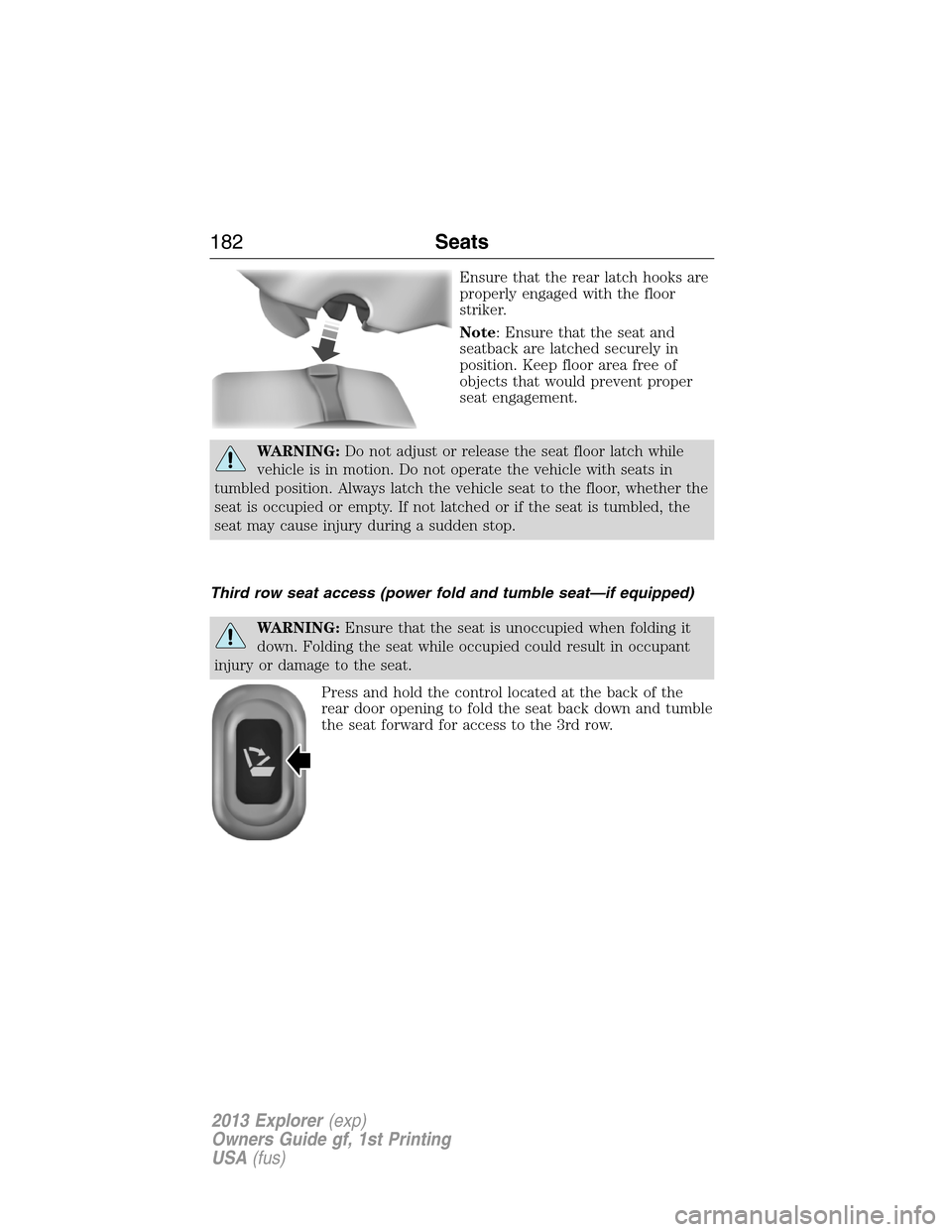
Ensure that the rear latch hooks are
properly engaged with the floor
striker.
Note: Ensure that the seat and
seatback are latched securely in
position. Keep floor area free of
objects that would prevent proper
seat engagement.
WARNING:Do not adjust or release the seat floor latch while
vehicle is in motion. Do not operate the vehicle with seats in
tumbled position. Always latch the vehicle seat to the floor, whether the
seat is occupied or empty. If not latched or if the seat is tumbled, the
seat may cause injury during a sudden stop.
Third row seat access (power fold and tumble seat—if equipped)
WARNING:Ensure that the seat is unoccupied when folding it
down. Folding the seat while occupied could result in occupant
injury or damage to the seat.
Press and hold the control located at the back of the
rear door opening to fold the seat back down and tumble
the seat forward for access to the 3rd row.
182Seats
2013 Explorer(exp)
Owners Guide gf, 1st Printing
USA(fus)
Page 184 of 576
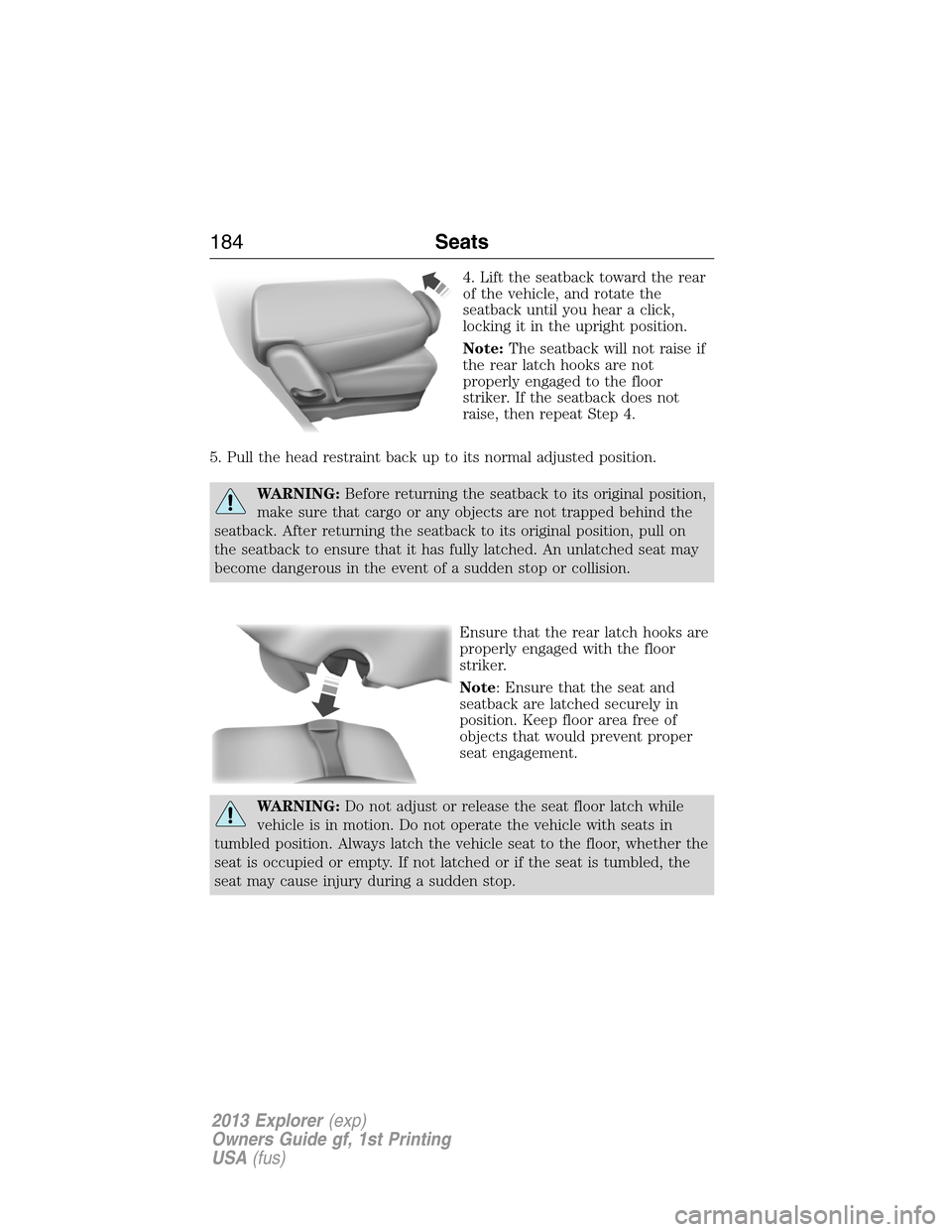
4. Lift the seatback toward the rear
of the vehicle, and rotate the
seatback until you hear a click,
locking it in the upright position.
Note:The seatback will not raise if
the rear latch hooks are not
properly engaged to the floor
striker. If the seatback does not
raise, then repeat Step 4.
5. Pull the head restraint back up to its normal adjusted position.
WARNING:Before returning the seatback to its original position,
make sure that cargo or any objects are not trapped behind the
seatback. After returning the seatback to its original position, pull on
the seatback to ensure that it has fully latched. An unlatched seat may
become dangerous in the event of a sudden stop or collision.
Ensure that the rear latch hooks are
properly engaged with the floor
striker.
Note: Ensure that the seat and
seatback are latched securely in
position. Keep floor area free of
objects that would prevent proper
seat engagement.
WARNING:Do not adjust or release the seat floor latch while
vehicle is in motion. Do not operate the vehicle with seats in
tumbled position. Always latch the vehicle seat to the floor, whether the
seat is occupied or empty. If not latched or if the seat is tumbled, the
seat may cause injury during a sudden stop.
184Seats
2013 Explorer(exp)
Owners Guide gf, 1st Printing
USA(fus)
Page 187 of 576
WARNING:Ensure seat is latched to vehicle floor by
pushing/pulling on seat. If not latched, the seat may cause injury
during a sudden stop.
WARNING:Before returning the seatback to its original position,
make sure that cargo or any objects are not trapped behind the
seatback. After returning the seatback to its original position, pull on
the seatback to ensure that it has fully latched. An unlatched seat may
become dangerous in the event of a sudden stop or collision.
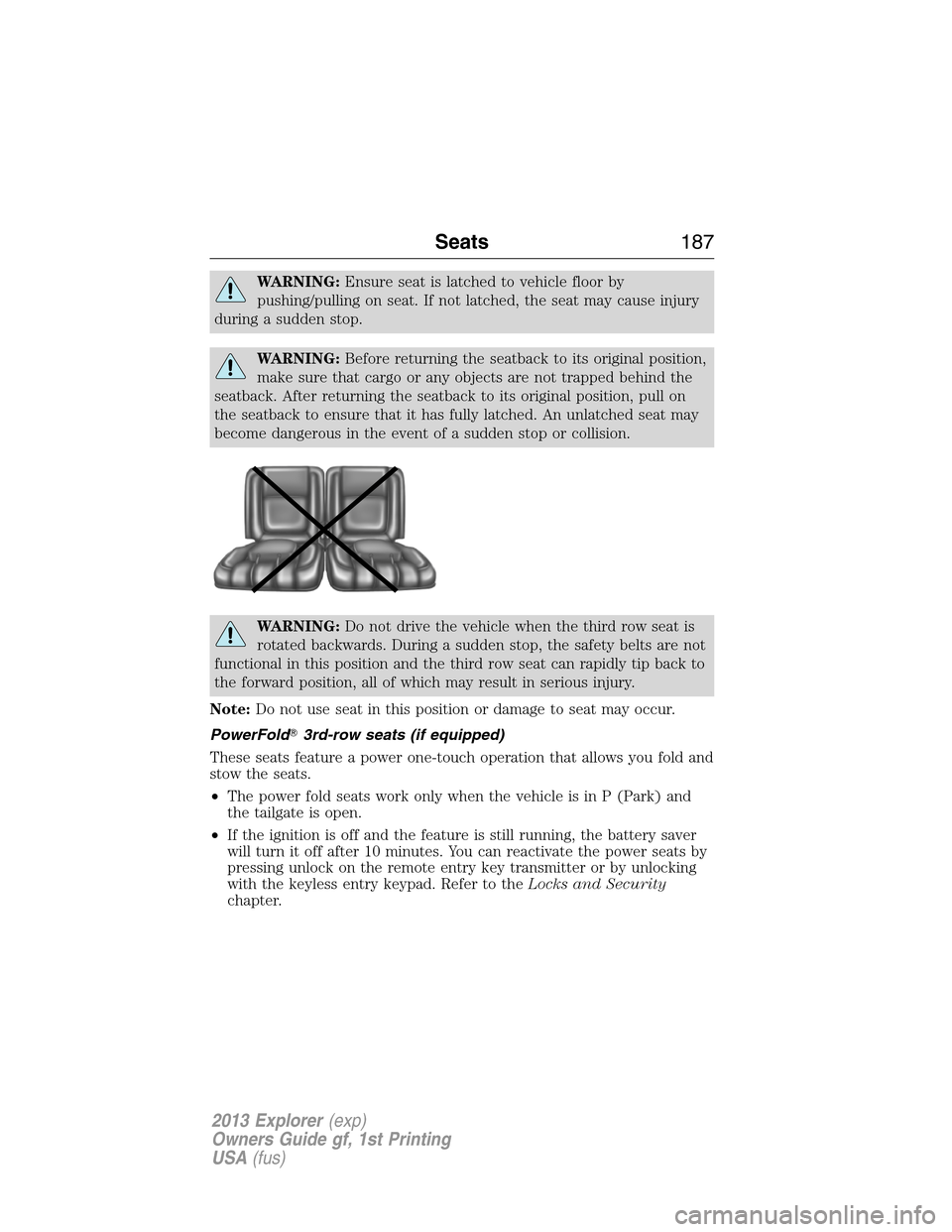
WARNING:Do not drive the vehicle when the third row seat is
rotated backwards. During a sudden stop, the safety belts are not
functional in this position and the third row seat can rapidly tip back to
the forward position, all of which may result in serious injury.
Note:Do not use seat in this position or damage to seat may occur.
PowerFold�3rd-row seats (if equipped)
These seats feature a power one-touch operation that allows you fold and
stow the seats.
•The power fold seats work only when the vehicle is in P (Park) and
the tailgate is open.
•If the ignition is off and the feature is still running, the battery saver
will turn it off after 10 minutes. You can reactivate the power seats by
pressing unlock on the remote entry key transmitter or by unlocking
with the keyless entry keypad. Refer to theLocks and Security
chapter.
Seats187
2013 Explorer(exp)
Owners Guide gf, 1st Printing
USA(fus)
Page 189 of 576
UNIVERSAL GARAGE DOOR OPENER (IF EQUIPPED)
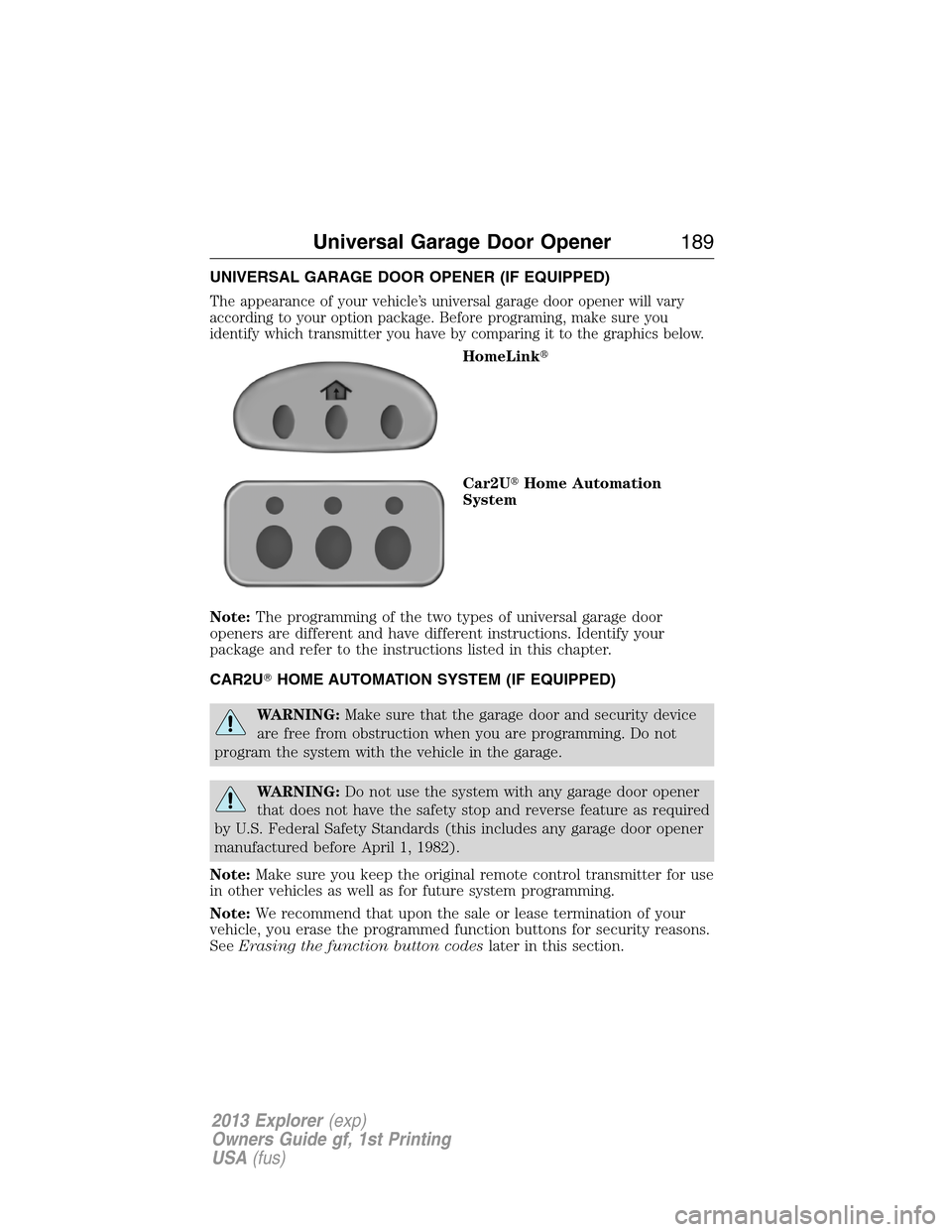
The appearance of your vehicle’s universal garage door opener will vary
according to your option package. Before programing, make sure you
identify which transmitter you have by comparing it to the graphics below.
HomeLink�
Car2U�Home Automation
System
Note:The programming of the two types of universal garage door
openers are different and have different instructions. Identify your
package and refer to the instructions listed in this chapter.
CAR2U�HOME AUTOMATION SYSTEM (IF EQUIPPED)
WARNING:Make sure that the garage door and security device
are free from obstruction when you are programming. Do not
program the system with the vehicle in the garage.
WARNING:Do not use the system with any garage door opener
that does not have the safety stop and reverse feature as required
by U.S. Federal Safety Standards (this includes any garage door opener
manufactured before April 1, 1982).
Note:Make sure you keep the original remote control transmitter for use
in other vehicles as well as for future system programming.
Note:We recommend that upon the sale or lease termination of your
vehicle, you erase the programmed function buttons for security reasons.
SeeErasing the function button codeslater in this section.
Universal Garage Door Opener189
2013 Explorer(exp)
Owners Guide gf, 1st Printing
USA(fus)
Page 193 of 576
8. The LED lamp will begin to flash rapidly until programming is
complete. If your garage door does not operate, repeat the previous
steps. Otherwise, call the toll-free help line on 1-866-572-2728.
The LED lamp above the selected button will illuminate to confirm that
the system is responding to the button command.
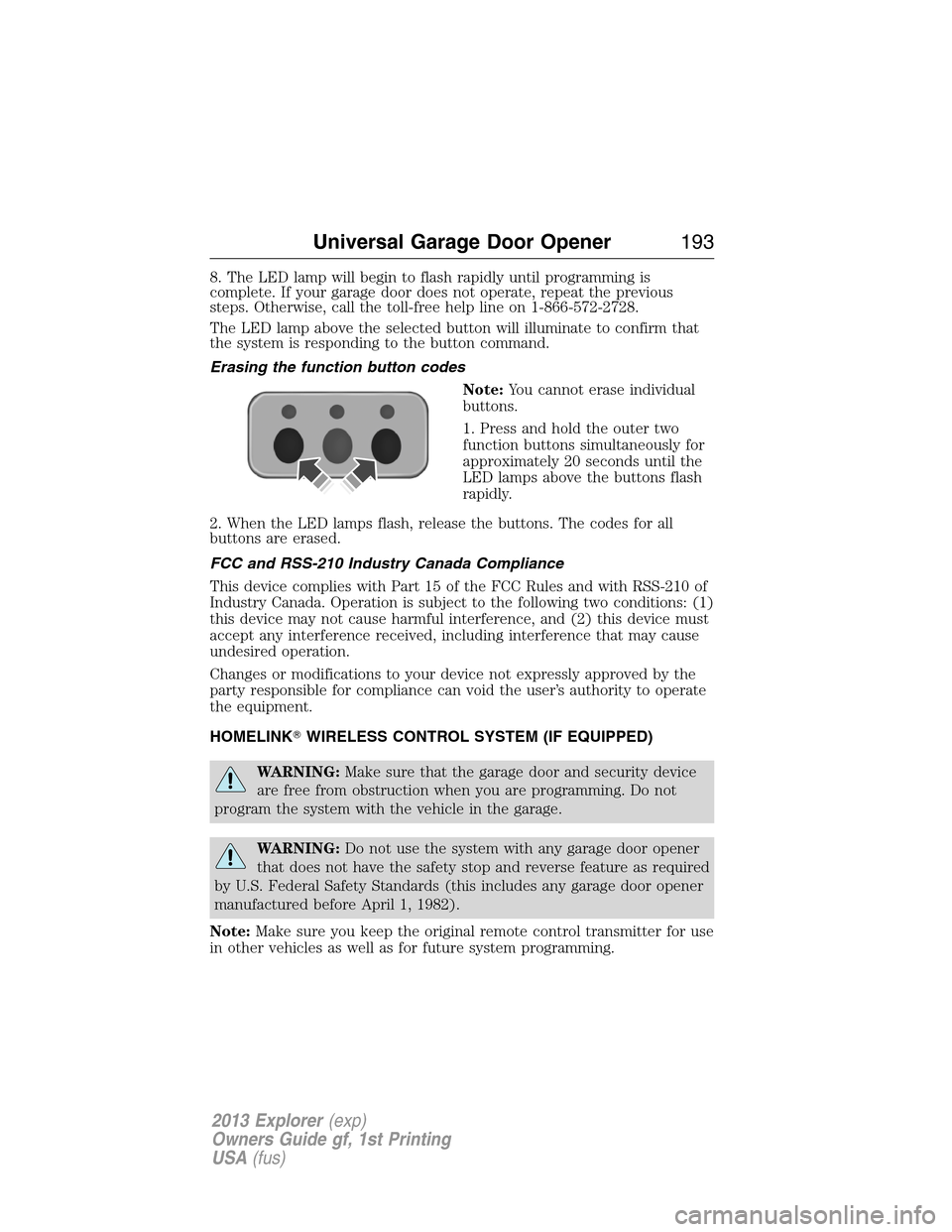
Erasing the function button codes
Note:You cannot erase individual
buttons.
1. Press and hold the outer two
function buttons simultaneously for
approximately 20 seconds until the
LED lamps above the buttons flash
rapidly.
2. When the LED lamps flash, release the buttons. The codes for all
buttons are erased.
FCC and RSS-210 Industry Canada Compliance
This device complies with Part 15 of the FCC Rules and with RSS-210 of
Industry Canada. Operation is subject to the following two conditions: (1)
this device may not cause harmful interference, and (2) this device must
accept any interference received, including interference that may cause
undesired operation.
Changes or modifications to your device not expressly approved by the
party responsible for compliance can void the user’s authority to operate
the equipment.
HOMELINK�WIRELESS CONTROL SYSTEM (IF EQUIPPED)
WARNING:Make sure that the garage door and security device
are free from obstruction when you are programming. Do not
program the system with the vehicle in the garage.
WARNING:Do not use the system with any garage door opener
that does not have the safety stop and reverse feature as required
by U.S. Federal Safety Standards (this includes any garage door opener
manufactured before April 1, 1982).
Note:Make sure you keep the original remote control transmitter for use
in other vehicles as well as for future system programming.
Universal Garage Door Opener193
2013 Explorer(exp)
Owners Guide gf, 1st Printing
USA(fus)
Page 199 of 576
AUXILIARY POWER POINTS
WARNING:Do not plug optional electrical accessories into the
cigarette lighter socket (if equipped). Improper use of the lighter
can cause damage not covered by your warranty, and can result in fire
or serious injury.
Note:Do not insert objects other than an accessory plug into the power
point. This will damage the outlet and blow the fuse.
Note:Do not hang any type of accessory or accessory bracket from the
plug.
Note:Do not use the power point over the vehicle capacity of 12 volts
DC/180 watts or a fuse may blow.
Note:Do not use the power point for operating a cigarette lighter
element.
Note:Improper use of the power outlet can cause damage not covered
by your warranty.
Note:Always keep the power point caps closed when not being used.
Run the engine for full capacity use of the power point . To prevent the
battery from being discharged:
•Do not use the power point longer than necessary when the engine is
not running.
•Do not leave devices plugged in overnight or when the vehicle is
parked for extended periods.
Locations
Power points may be found:
•on the front of the center console
•inside the utility compartment
•on the rear of the console, accessible from the rear seats
•in the cargo area.
Auxiliary Power Points199
2013 Explorer(exp)
Owners Guide gf, 1st Printing
USA(fus)
Page 200 of 576
Power Point (110V AC) (if equipped)
WARNING:Do not keep electrical devices plugged in the
powerpoint whenever the device is not in use. Do not use any
extension cord with the 110V AC power point, since it will defeat the
safety protection design provided by the cap and twist tab. Doing so my
cause the powerpoint to overload due to powering multiple devices that
can reach beyond the 150W load limit and could result in fire or serious
injury.
Note:The cap should always be closed whenever the power point outlet
is not in use.
Note:The power point will turn off after 13 minutes if the ignition is on
without the engine running. Keep the engine running or cycle the
ignition to keep the power point on.
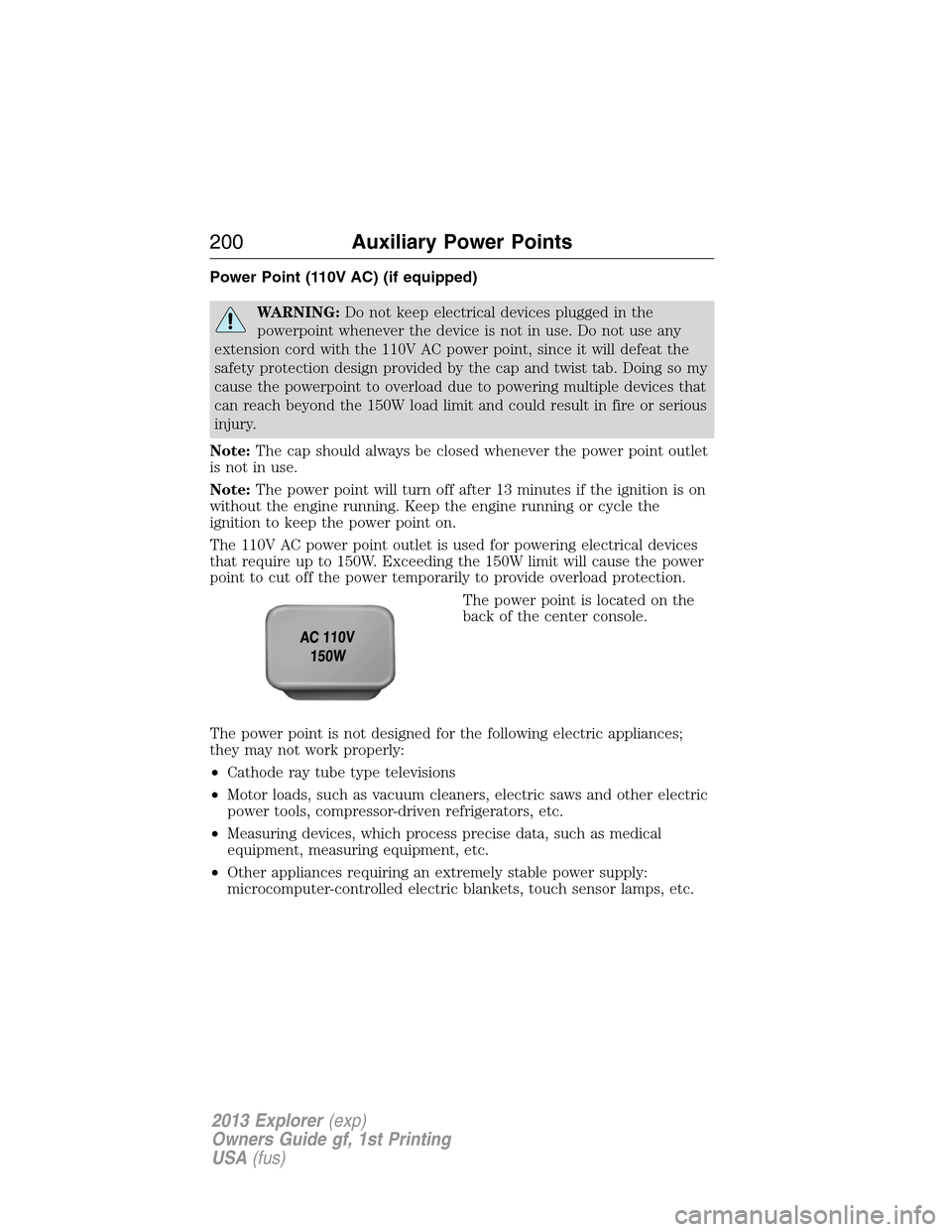
The 110V AC power point outlet is used for powering electrical devices
that require up to 150W. Exceeding the 150W limit will cause the power
point to cut off the power temporarily to provide overload protection.
The power point is located on the
back of the center console.
The power point is not designed for the following electric appliances;
they may not work properly:
•Cathode ray tube type televisions
•Motor loads, such as vacuum cleaners, electric saws and other electric
power tools, compressor-driven refrigerators, etc.
•Measuring devices, which process precise data, such as medical
equipment, measuring equipment, etc.
•Other appliances requiring an extremely stable power supply:
microcomputer-controlled electric blankets, touch sensor lamps, etc.
200Auxiliary Power Points
2013 Explorer(exp)
Owners Guide gf, 1st Printing
USA(fus)
Page 202 of 576
CENTER CONSOLE
WARNING:Use only soft cups in the cupholder. Hard objects
can injure you in a collision.
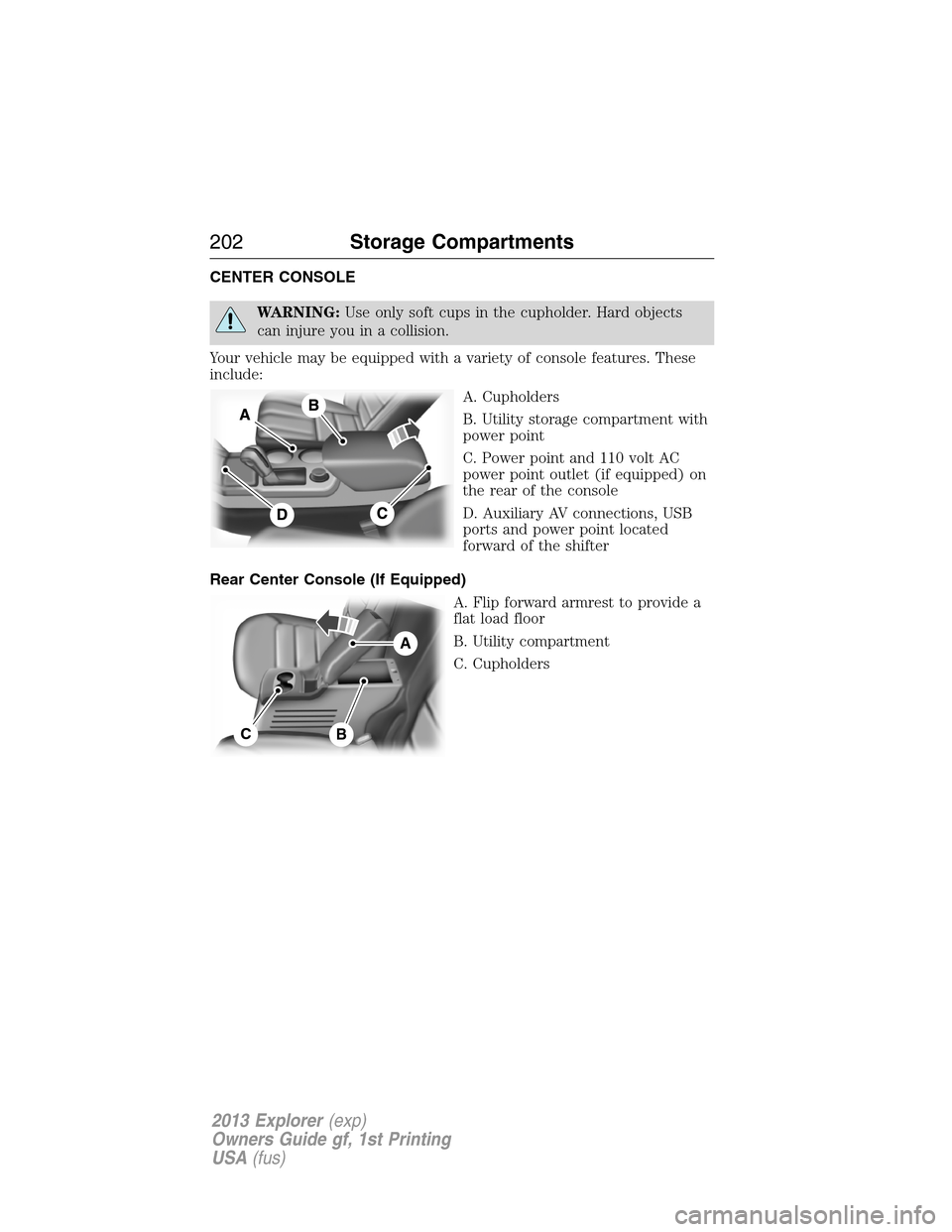
Your vehicle may be equipped with a variety of console features. These
include:
A. Cupholders
B. Utility storage compartment with
power point
C. Power point and 110 volt AC
power point outlet (if equipped) on
the rear of the console
D. Auxiliary AV connections, USB
ports and power point located
forward of the shifter
Rear Center Console (If Equipped)
A. Flip forward armrest to provide a
flat load floor
B. Utility compartment
C. Cupholders
A
CB
202Storage Compartments
2013 Explorer(exp)
Owners Guide gf, 1st Printing
USA(fus)