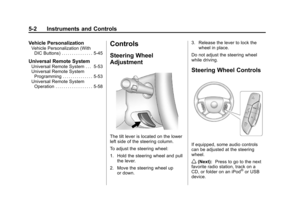
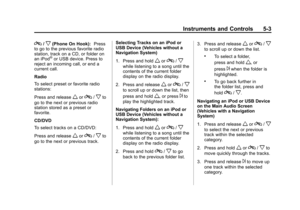
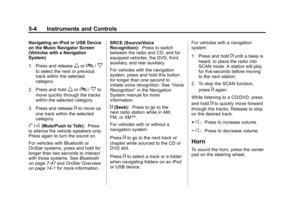
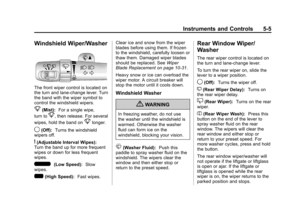
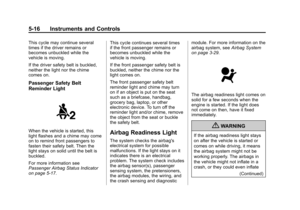
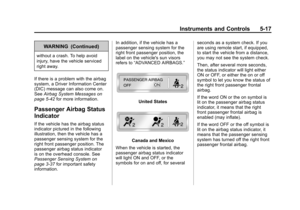
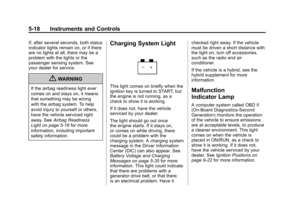
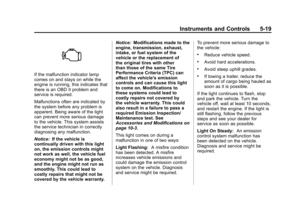
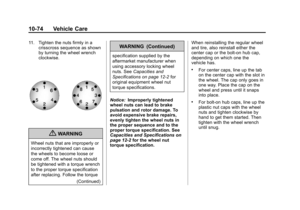
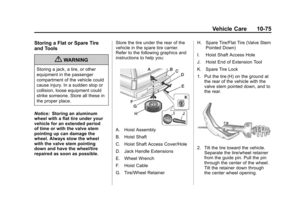
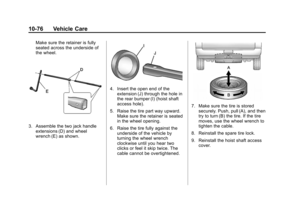
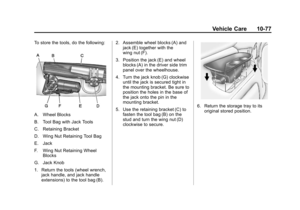
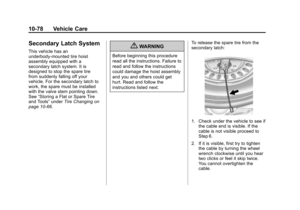
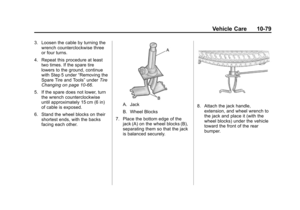
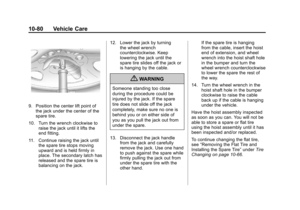
Page 25 of 514

Black plate (19,1)Chevrolet Tahoe/Suburban Owner Manual - 2012
In Brief 1-19
2. Press the plus/minus buttons,located on the steering column
shift lever, to select the desired
range of gears for current driving
conditions. See Manual Mode on
page 9‑34.
While using Range Selection Mode,
cruise control and the Tow/Haul
mode can be used.
Grade Braking is not available when
Range Selection Mode is active.
See Tow/Haul Mode on page 9‑35.
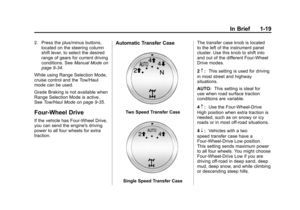
Four-Wheel Drive
If the vehicle has Four-Wheel Drive,
you can send the engine's driving
power to all four wheels for extra
traction.
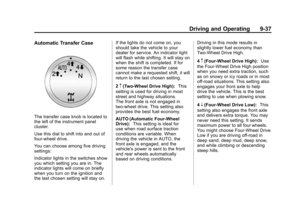
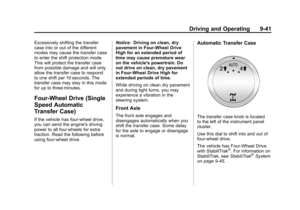
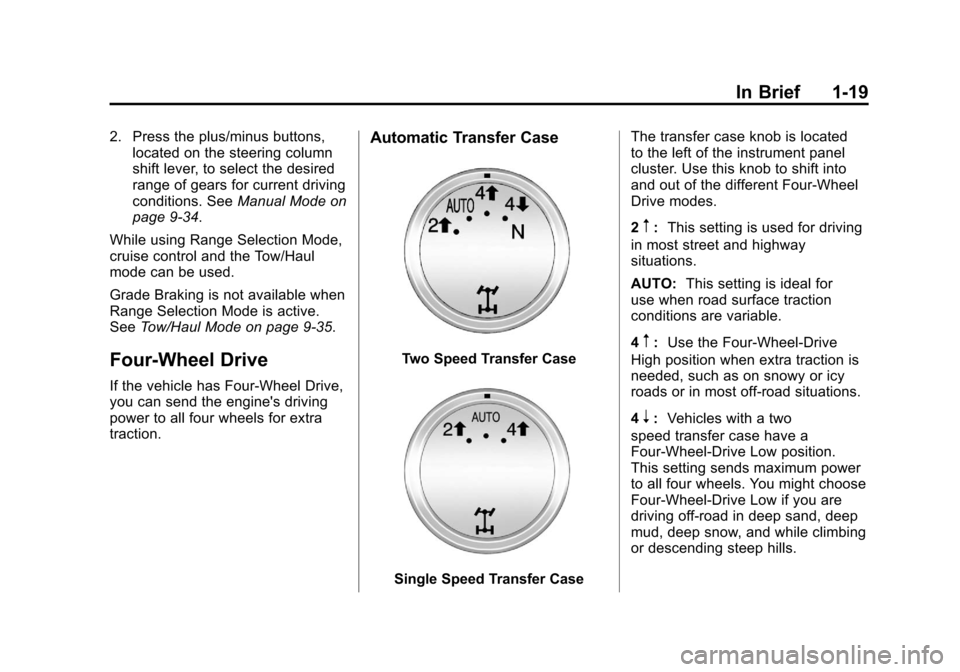
Automatic Transfer Case
Two Speed Transfer Case
Single Speed Transfer Case The transfer case knob is located
to the left of the instrument panel
cluster. Use this knob to shift into
and out of the different Four-Wheel
Drive modes.
2
m:
This setting is used for driving
in most street and highway
situations.
AUTO: This setting is ideal for
use when road surface traction
conditions are variable.
4
m: Use the Four-Wheel-Drive
High position when extra traction is
needed, such as on snowy or icy
roads or in most off-road situations.
4
n: Vehicles with a two
speed transfer case have a
Four-Wheel-Drive Low position.
This setting sends maximum power
to all four wheels. You might choose
Four-Wheel-Drive Low if you are
driving off-road in deep sand, deep
mud, deep snow, and while climbing
or descending steep hills.
Page 26 of 514
Black plate (20,1)Chevrolet Tahoe/Suburban Owner Manual - 2012
1-20 In Brief
N (Neutral):Vehicles with a
two speed transfer case have a
N (Neutral) position. Shift the
transfer case to N (Neutral) only
when towing the vehicle. See
Recreational Vehicle Towing on
page 10‑87 orTowing the Vehicle
on page 10‑87.
See Four-Wheel Drive (Two Speed
Automatic Transfer Case) on
page 9‑36 orFour-Wheel Drive
(Single Speed Automatic Transfer
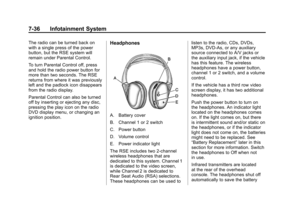
Case) on page 9‑41.Vehicle Features
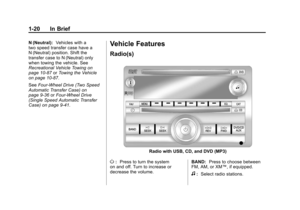
Radio(s)
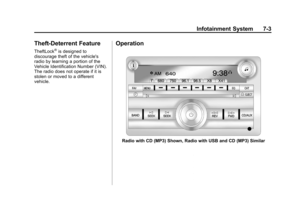
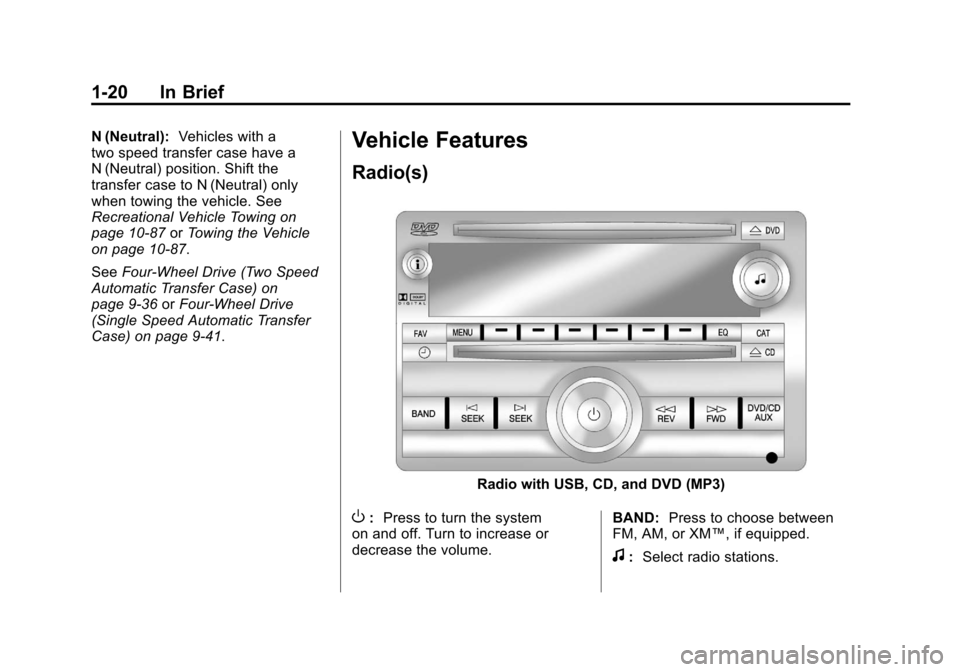
Radio with USB, CD, and DVD (MP3)
O: Press to turn the system
on and off. Turn to increase or
decrease the volume. BAND:
Press to choose between
FM, AM, or XM™, if equipped.
f: Select radio stations.
Page 27 of 514

Black plate (21,1)Chevrolet Tahoe/Suburban Owner Manual - 2012
In Brief 1-21
©SEEK or¨SEEK:Seek or scan
stations.
4: Press to switch the display
between the radio station frequency
and the time. While the ignition is
off, press this button to display the
time. Press to display additional text
information related to the current
FM-RDS or XM station; or CD, MP3,
or WMA song. If information is
available during XM, CD, MP3,
or WMA playback, the song title
information displays on the top line
of the display and artist information
displays on the bottom line. When
information is not available, “NO
INFO” displays.
For more information about these
and other radio features, see
Operation on page 7‑3. For vehicles with a Rear Seat
Entertainment System (RSE) and
Rear Seat Audio System (RSA), see
Rear Seat Entertainment (RSE)
System on page 7‑35
andRear
Seat Audio (RSA) System on
page 7‑45 for more information.
Storing Radio Stations
A maximum of 36 stations can
be stored as favorites using the
six softkeys located below the radio
station frequency tabs and by using
the radio FAV button. Press FAV
to go through up to six pages of
favorites, each having six favorite
stations available per page. Each
page of favorites can contain any
combination of AM, FM, or XM
stations.
For more information, see “Storing
Radio Stations” inAM-FM Radio on
page 7‑8.
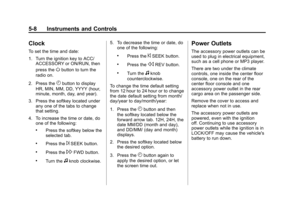
Setting the Clock
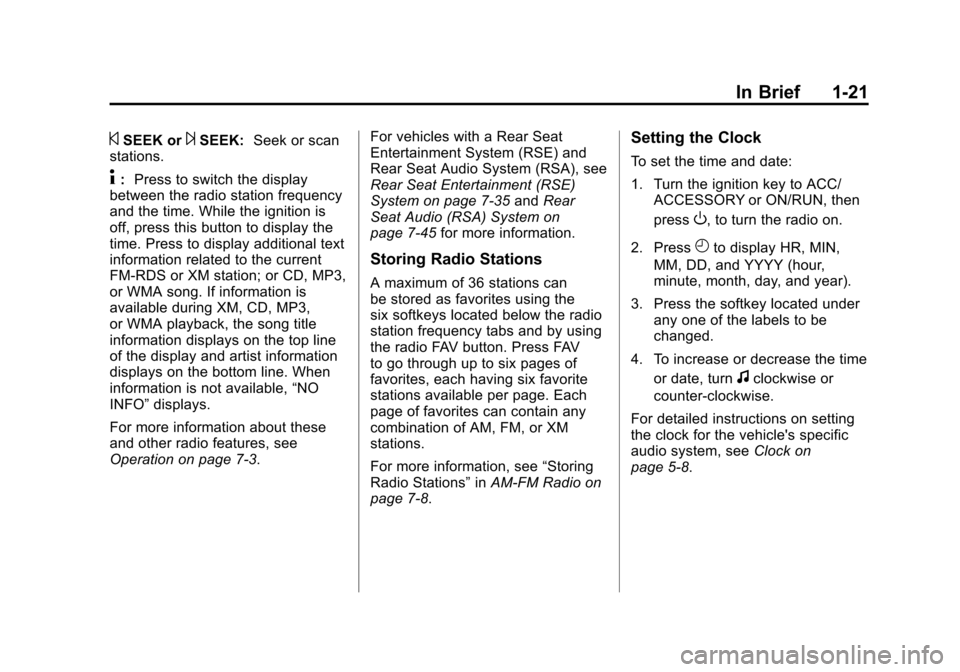
To set the time and date:
1. Turn the ignition key to ACC/ ACCESSORY or ON/RUN, then
press
O, to turn the radio on.
2. Press
Hto display HR, MIN,
MM, DD, and YYYY (hour,
minute, month, day, and year).
3. Press the softkey located under any one of the labels to be
changed.
4. To increase or decrease the time or date, turn
fclockwise or
counter‐clockwise.
For detailed instructions on setting
the clock for the vehicle's specific
audio system, see Clock on
page 5‑8.
Page 28 of 514

Black plate (22,1)Chevrolet Tahoe/Suburban Owner Manual - 2012
1-22 In Brief
Satellite Radio
XM is a satellite radio service
based in the 48 contiguous
United States and 10 Canadian
provinces. XM satellite radio has a
wide variety of programming and
commercial-free music, coast to
coast, and in digital-quality sound.
A fee is required to receive the
XM service.
For more information, refer to:
.www.xmradio.com or call
1-800-929-2100 (U.S.)
.www.xmradio.ca or call
1-877-438-9677 (Canada)
See Satellite Radio on page 7‑9.
Portable Audio Devices
This vehicle has an auxiliary input,
located on the audio faceplate,
and a USB port located on the
instrument panel or in the center
console. External devices such
as iPod
®, laptop computers,
MP3 players, CD changers, USB storage device, etc. can be
connected to the auxiliary port
using a 3.5 mm (1/8 in) input jack
or the USB port depending on the
audio system.
See
Auxiliary Devices on page 7‑30
for further information.
Bluetooth®
For vehicles with a Bluetooth
system, it allows users with a
Bluetooth‐enabled cell phone to
make and receive hands-free calls
using the vehicle’ s audio system
and controls.
The Bluetooth‐enabled cell phone
must be paired with the Bluetooth
system before it can be used in the
vehicle. Not all phones will support
all functions. For more information,
visit www.gm.com/bluetooth.
For more information, see Bluetooth
on page 7‑47.
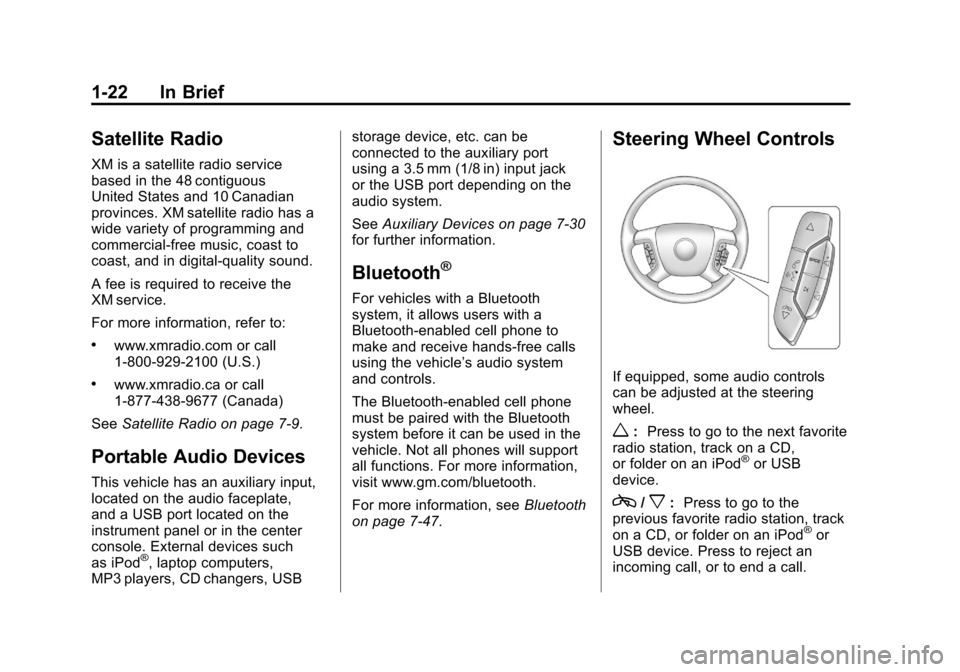
Steering Wheel Controls
If equipped, some audio controls
can be adjusted at the steering
wheel.
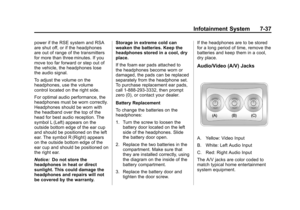
w: Press to go to the next favorite
radio station, track on a CD,
or folder on an iPod
®or USB
device.
c/x: Press to go to the
previous favorite radio station, track
on a CD, or folder on an iPod
®or
USB device. Press to reject an
incoming call, or to end a call.
Page 29 of 514

Black plate (23,1)Chevrolet Tahoe/Suburban Owner Manual - 2012
In Brief 1-23
b/g:Press to silence the vehicle
speakers only. Press again to turn
the sound on. Press and hold longer
than two seconds to interact with
OnStar
®or Bluetooth systems,
if equipped.
+
e: Press to increase volume.
−
e: Press to decrease volume.
SRCE: Press to switch between
the radio and CD, and for equipped
vehicles, the DVD, front auxiliary,
and rear auxiliary.
¨: Press to seek the next radio
station, the next track or chapter
while sourced to the CD or DVD
slot, or to select tracks and folders
on an iPod or USB device.
For more information, see Steering
Wheel Controls on page 5‑2.
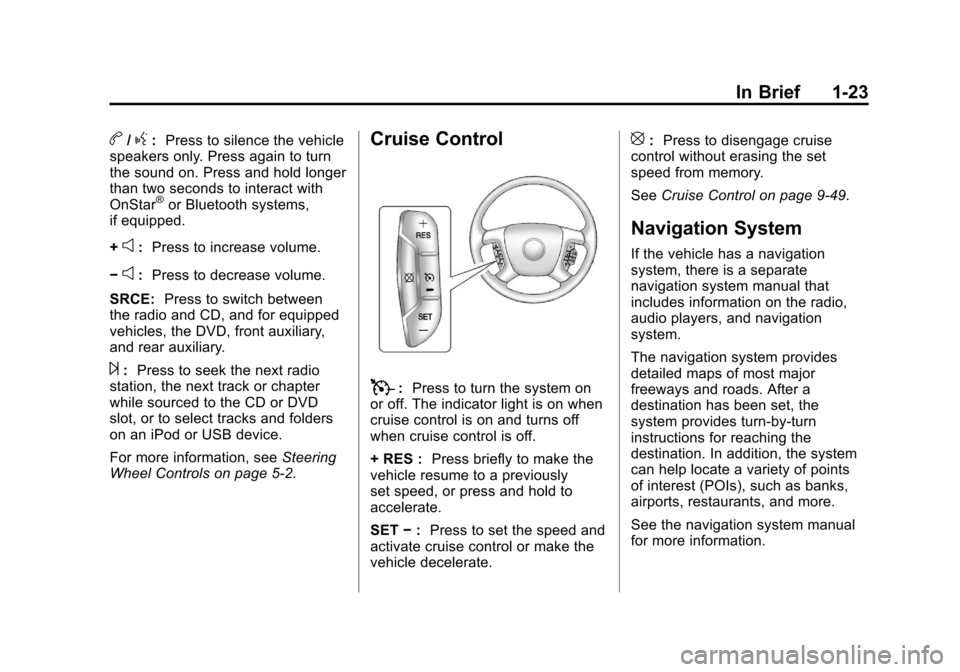
Cruise Control
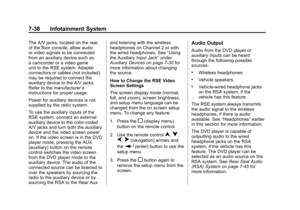
T: Press to turn the system on
or off. The indicator light is on when
cruise control is on and turns off
when cruise control is off.
+ RES : Press briefly to make the
vehicle resume to a previously
set speed, or press and hold to
accelerate.
SET −: Press to set the speed and
activate cruise control or make the
vehicle decelerate.
[: Press to disengage cruise
control without erasing the set
speed from memory.
See Cruise Control on page 9‑49.
Navigation System
If the vehicle has a navigation
system, there is a separate
navigation system manual that
includes information on the radio,
audio players, and navigation
system.
The navigation system provides
detailed maps of most major
freeways and roads. After a
destination has been set, the
system provides turn-by-turn
instructions for reaching the
destination. In addition, the system
can help locate a variety of points
of interest (POIs), such as banks,
airports, restaurants, and more.
See the navigation system manual
for more information.
Page 30 of 514

Black plate (24,1)Chevrolet Tahoe/Suburban Owner Manual - 2012
1-24 In Brief
Side Blind Zone
Alert (SBZA)
If available, this feature will alert you
to vehicles located in the vehicle's
side blind zone. When the system
detects a vehicle in the side blind
zone, the SBZA display will light up
in the corresponding outside side
mirror.
The system is enabled at every
vehicle startup. It can be disabled
through the Driver Information
Center (DIC).
If the message SIDE BLIND ZONE
SYSTEM UNAVAILABLE appears
on the DIC, the system has been
disabled because the sensor is
blocked and cannot detect vehicles
in the blind zone. The sensor may
be blocked by mud, dirt, snow, ice,
slush, or even heavy rainstorms.
This message may also activate
during heavy rain or due to road
spray. The vehicle does not need
service.See
Side Blind Zone Alert (SBZA)
on page 9‑53 for more information.Rear Vision
Camera (RVC)
If available, the RVC displays a
view of the area behind the vehicle
when the vehicle is shifted into
R (Reverse). The display will appear
on either the inside rearview mirror
or navigation screen, if equipped.
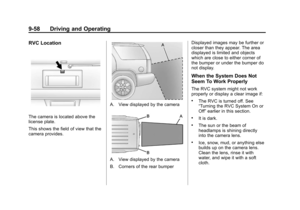
To clean the camera lens, located
above the license plate, rinse it with
water and wipe it with a soft cloth.
SeeRear Vision Camera (RVC) on
page 9‑55.
Ultrasonic Parking Assist
If available, Ultrasonic Rear Parking
Assist (URPA) system uses sensors
on the rear bumper to assist with
parking and avoiding objects while
in R (Reverse). It operates at
speeds less than 8 km/h (5 mph). URPA uses audible beeps to
provide distance and system
information.
Keep the sensors on the vehicle's
rear bumper clean to ensure proper
operation.
See
Ultrasonic Parking Assist on
page 9‑51 for more information.
Power Outlets
The accessory power outlets can be
used to plug in electrical equipment,
such as a cell phone or MP3 player.
There are two under the climate
controls, one inside the center floor
console, one on the rear of the
center floor console and one
accessory power outlet in the rear
cargo area on the passenger side.
The accessory power outlets are
powered, even with the ignition
off. Continuing to use accessory
power outlets while the ignition is in
LOCK/OFF may cause the vehicle's
battery to run down.
SeePower Outlets on page 5‑8.
Page 31 of 514

Black plate (25,1)Chevrolet Tahoe/Suburban Owner Manual - 2012
In Brief 1-25
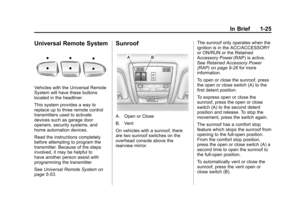
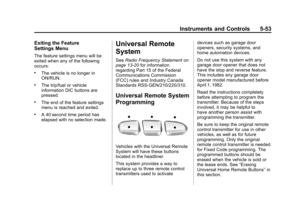
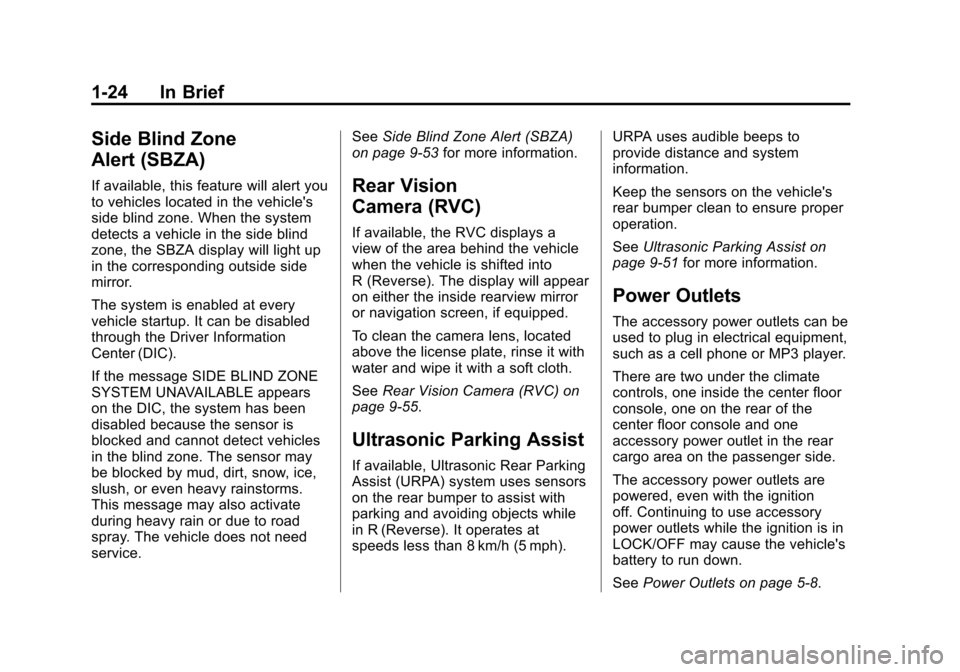
Universal Remote System
Vehicles with the Universal Remote
System will have these buttons
located in the headliner.
This system provides a way to
replace up to three remote control
transmitters used to activate
devices such as garage door
openers, security systems, and
home automation devices.
Read the instructions completely
before attempting to program the
transmitter. Because of the steps
involved, it may be helpful to
have another person assist with
programming the transmitter.
SeeUniversal Remote System on
page 5‑53.
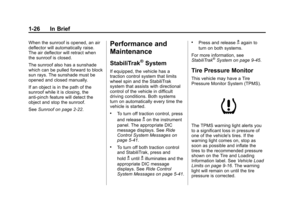
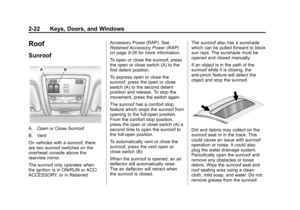
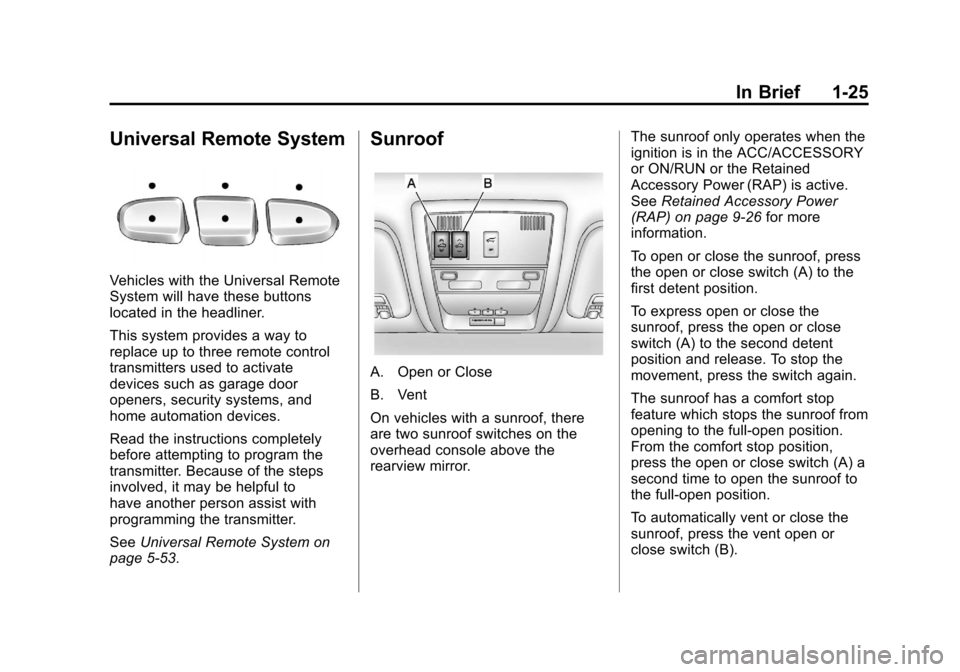
Sunroof
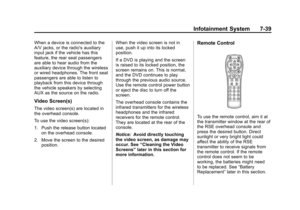
A. Open or Close
B. Vent
On vehicles with a sunroof, there
are two sunroof switches on the
overhead console above the
rearview mirror. The sunroof only operates when the
ignition is in the ACC/ACCESSORY
or ON/RUN or the Retained
Accessory Power (RAP) is active.
See
Retained Accessory Power
(RAP) on page 9‑26 for more
information.
To open or close the sunroof, press
the open or close switch (A) to the
first detent position.
To express open or close the
sunroof, press the open or close
switch (A) to the second detent
position and release. To stop the
movement, press the switch again.
The sunroof has a comfort stop
feature which stops the sunroof from
opening to the full-open position.
From the comfort stop position,
press the open or close switch (A) a
second time to open the sunroof to
the full-open position.
To automatically vent or close the
sunroof, press the vent open or
close switch (B).
Page 32 of 514

Black plate (26,1)Chevrolet Tahoe/Suburban Owner Manual - 2012
1-26 In Brief
When the sunroof is opened, an air
deflector will automatically raise.
The air deflector will retract when
the sunroof is closed.
The sunroof also has a sunshade
which can be pulled forward to block
sun rays. The sunshade must be
opened and closed manually.
If an object is in the path of the
sunroof while it is closing, the
anti-pinch feature will detect the
object and stop the sunroof.
SeeSunroof on page 2‑22.Performance and
Maintenance
StabiliTrak®System
If equipped, the vehicle has a
traction control system that limits
wheel spin and the StabiliTrak
system that assists with directional
control of the vehicle in difficult
driving conditions. Both systems
turn on automatically every time the
vehicle is started.
.To turn off traction control, press
and release
gon the instrument
panel. The appropriate DIC
message displays. See Ride
Control System Messages on
page 5‑41.
.To turn off both traction control
and StabiliTrak, press and
hold
guntilgilluminates and the
appropriate DIC message
displays. See Ride Control
System Messages on page 5‑41.
.Press and releasegagain to
turn on both systems.
For more information, see
StabiliTrak
®System on page 9‑45.
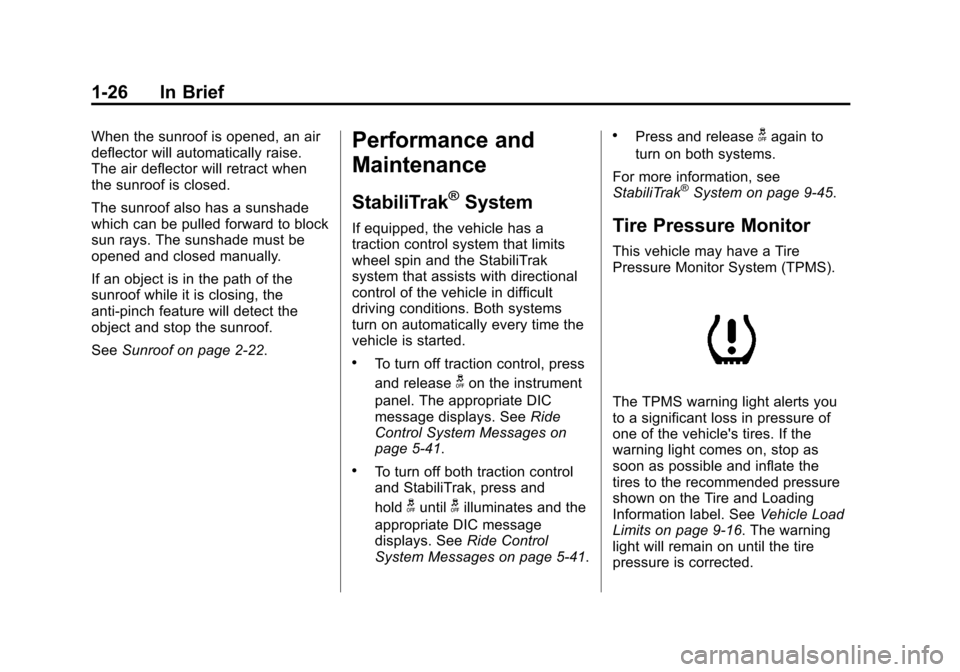
Tire Pressure Monitor
This vehicle may have a Tire
Pressure Monitor System (TPMS).
The TPMS warning light alerts you
to a significant loss in pressure of
one of the vehicle's tires. If the
warning light comes on, stop as
soon as possible and inflate the
tires to the recommended pressure
shown on the Tire and Loading
Information label. See Vehicle Load
Limits on page 9‑16. The warning
light will remain on until the tire
pressure is corrected.