2010 CHEVROLET CORVETTE reset
[x] Cancel search: resetPage 253 of 472
To scan preset stations:
Press and hold
torufor four seconds until PRESET
SCAN displays. The radio goes to the next preset
station, plays for a few seconds, then goes to the next
preset station. Press
toruagain or one of the
pushbuttons to stop scanning presets.
The radio only scans stations with a strong signal.
1-6 (Preset Pushbuttons) : Press to play stations that
are programmed to the radio preset pushbuttons.
Setting Preset Stations
Up to 30 stations (six FM1, six FM2, and six AM,
six XM1 and six XM2), and equalization settings for
each station can be programmed on the six numbered
pushbuttons.
To set presets:
1. Turn the radio on.
2. Press BAND to select FM1, FM2, AM, or XM1 or XM2.
3. Tune in the desired station. 4. Press AUTO EQ to select the equalization.
5. Press and hold one of the six numbered
pushbuttons until the radio beeps once.
6. Repeat the steps for each pushbutton.
Finding a Category (CAT) Station
(XM Satellite Radio Service Only)
To select an XM station by category: 1. Press CAT. The last selected category displays.
2. Turn the
O eknob to select a category.
3. Press
toruto go to a category's station.
SEEKING CATEGORY displays.
4. To go to another station within that category, press the CAT button to display the category, then press
toruto go to another station.
If the radio cannot find the desired category, NONE
displays and the radio returns to the last station tuned.
4-85
Page 257 of 472
Six-Disc CD Radio:
Press Xto eject the CD that is currently playing.
To eject multiple CDs: 1. Press and hold Xfor two seconds. A beep sounds
and EJECT ALL displays.
2. The ejected CD can be removed when REMOVE DISC displays.
To stop ejecting the CDs, press the
MorX.
The CD is automatically pulled back into the player if
the CD is not removed after 25 seconds. Pushing a CD
back into the player, before the 25 second time period is
complete causes the player to sense an error and the
CD player tries to eject the CD several times before
stopping.
Wait for the timer to expire before pressing
Xagain.
Pressing
Xrepeatedly after trying to push a CD in
manually causes the CD players 25-second eject timer
to reset.
RPT (Repeat) : Press to hear a track or an entire CD
over again.
Single CD Radio:
Press RPT to hear a track over again, REPEAT
displays. Press again to turn off repeat, REPEAT OFF
displays. Six-Disc CD Radio:
.Press RPT until REPEAT displays to repeat a
track.
.Press RPT until REPEAT ONE DISC displays to
repeat an entire CD
.Press RPT until REPEAT OFF displays to turn off
repeat.
RDM (Random) : Press to hear the tracks in random,
rather than sequential order, on one CD or all of the
loaded CDs.
Single CD Radio:
Press and release RDM, until RANDOM DISC PLAY
displays. Press and release the RDM until RANDOM
OFF displays to turn off random play.
Six-Disc CD Radio:
.Press and release RDM until RANDOM DISC
PLAY displays to play the tracks on one CD in
random order. Once all tracks on this disc have
played, RANDOM DISC PLAY will repeat.
.Press and release RDM until RANDOM ALL
DISCS displays to play the tracks on all of the CDs
that are loaded in random order.
.Press and release RDM until RANDOM OFF
displays to turn off random play.
4-89
Page 263 of 472
XM Radio Messages
XL (Explicit Language Channels) :These
channels, or any others, can be blocked by calling
1-800-852-XMXM (9696).
Updating : The encryption code in the receiver is being
updated, and no action is required. This process should
take no longer than 30 seconds.
No Signal : The system is functioning correctly, but the
vehicle is in a location that is blocking the XM signal.
When the vehicle is moved into an open area, the
signal should return.
Loading XM : The audio system is acquiring and
processing audio and text data. No action is needed.
This message should disappear shortly.
CH Off Air : This channel is not currently in service.
Tune in to another channel.
CH Unauth : This channel is blocked or cannot be
received with your XM Subscription package.
CH Unavail : This previously assigned channel is no
longer assigned. Tune to another station. If this station
was one of the presets, choose another station for that
preset button. No Info :
No artist, song title, category, or text
information is available at this time on this channel.
The system is working properly.
Not Found : There are no channels available for the
selected category. The system is working properly.
XM Locked : The XM receiver in the vehicle may
have previously been in another vehicle. For security
purposes, XM receivers cannot be swapped between
vehicles. If this message is received after having the
vehicle serviced, check with your dealer/retailer.
Radio ID : If tuned to channel 0, this message will
alternate with the XM Radio 8 digit radio ID label.
This label is needed to activate the service.
Unknown : If this message is received when tuned to
channel 0, there may be a receiver fault. Consult with
your dealer/retailer.
Chk XMRcvr : If this message does not clear within a
short period of time, the receiver may have a fault.
Consult with your dealer/retailer.
4-95
Page 275 of 472
Audio Steering Wheel Controls
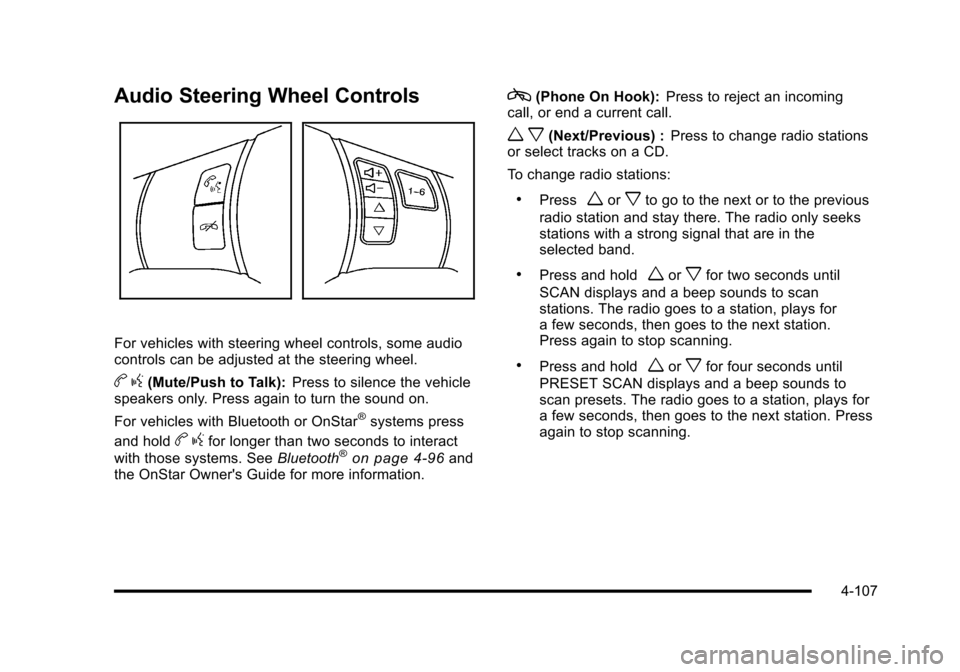
For vehicles with steering wheel controls, some audio
controls can be adjusted at the steering wheel.
b g(Mute/Push to Talk): Press to silence the vehicle
speakers only. Press again to turn the sound on.
For vehicles with Bluetooth or OnStar
®systems press
and hold
b gfor longer than two seconds to interact
with those systems. See Bluetooth®on page 4‑96and
the OnStar Owner's Guide for more information.
c(Phone On Hook): Press to reject an incoming
call, or end a current call.
w x(Next/Previous) : Press to change radio stations
or select tracks on a CD.
To change radio stations:
.Pressworxto go to the next or to the previous
radio station and stay there. The radio only seeks
stations with a strong signal that are in the
selected band.
.Press and holdworxfor two seconds until
SCAN displays and a beep sounds to scan
stations. The radio goes to a station, plays for
a few seconds, then goes to the next station.
Press again to stop scanning.
.Press and holdworxfor four seconds until
PRESET SCAN displays and a beep sounds to
scan presets. The radio goes to a station, plays for
a few seconds, then goes to the next station. Press
again to stop scanning.
4-107
Page 276 of 472
To select tracks on a CD:
.Pressworxto go to the next or to the previous
track when a CD is playing.
.Press and holdworxfor more than
two seconds to scan the current CD. The CD
goes to the next track, plays the first 10 seconds,
then goes to the next track. Press again to stop
scanning.
.Press and holdworxfor more than
four seconds to scan all of the CDs loaded. The
CD goes to the next CD, plays the first 10 seconds
of each track, then goes to the next CD. Press
again to stop scanning.
+
e−e(Volume): Press to increase or to decrease
the radio volume.
1 to 6 (Preset Pushbuttons) : Press to play stations
that are programmed on the radio preset pushbuttons.
Radio Reception
Frequency interference and static can occur during
normal radio reception if items such as cell phone
chargers, vehicle convenience accessories, and
external electronic devices are plugged into the
accessory power outlet. If there is interference or static,
unplug the item from the accessory power outlet.
AM
The range for most AM stations is greater than for FM,
especially at night. The longer range can cause station
frequencies to interfere with each other. For better radio
reception, most AM radio stations boost the power
levels during the day, and then reduce these levels
during the night. Static can also occur when things like
storms and power lines interfere with radio reception.
When this happens, try reducing the treble on the radio.
FM Stereo
FM signals only reach about 10 to 40 miles
(16 to 65 km). Although the radio has a built-in electronic
circuit that automatically works to reduce interference,
some static can occur, especially around tall buildings
or hills, causing the sound to fade in and out.
4-108
Page 337 of 472
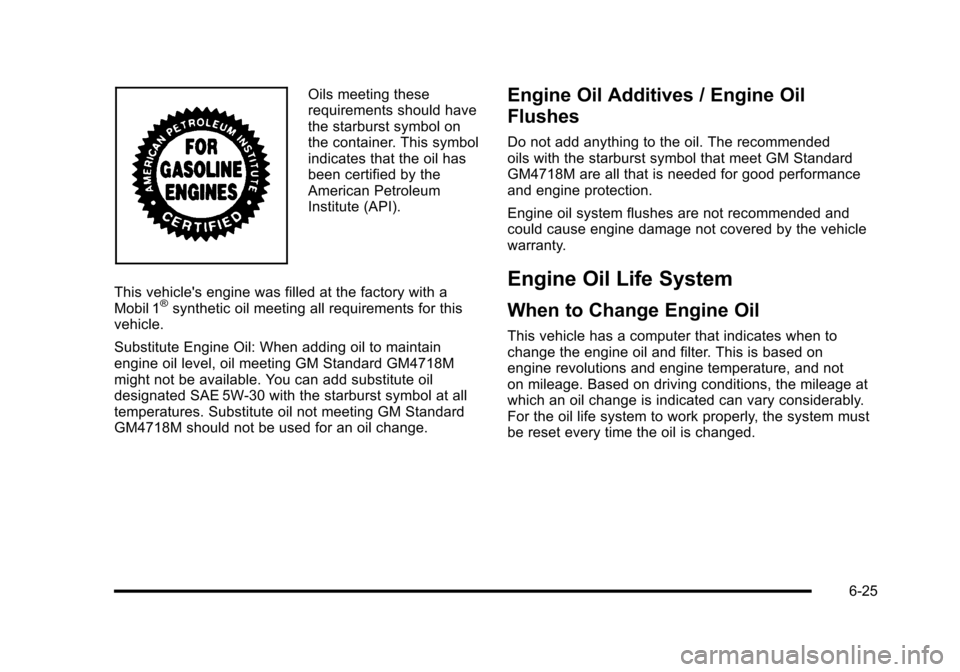
Oils meeting these
requirements should have
the starburst symbol on
the container. This symbol
indicates that the oil has
been certified by the
American Petroleum
Institute (API).
This vehicle's engine was filled at the factory with a
Mobil 1
®synthetic oil meeting all requirements for this
vehicle.
Substitute Engine Oil: When adding oil to maintain
engine oil level, oil meeting GM Standard GM4718M
might not be available. You can add substitute oil
designated SAE 5W-30 with the starburst symbol at all
temperatures. Substitute oil not meeting GM Standard
GM4718M should not be used for an oil change.
Engine Oil Additives / Engine Oil
Flushes
Do not add anything to the oil. The recommended
oils with the starburst symbol that meet GM Standard
GM4718M are all that is needed for good performance
and engine protection.
Engine oil system flushes are not recommended and
could cause engine damage not covered by the vehicle
warranty.
Engine Oil Life System
When to Change Engine Oil
This vehicle has a computer that indicates when to
change the engine oil and filter. This is based on
engine revolutions and engine temperature, and not
on mileage. Based on driving conditions, the mileage at
which an oil change is indicated can vary considerably.
For the oil life system to work properly, the system must
be reset every time the oil is changed.
6-25
Page 338 of 472
Z06, ZR1, and Grand Sport models have a
racetrack‐ready dry sump engine lubrication system.
This high‐performance system operates differently
than a standard engine lubrication system and requires
a special procedure when changing the engine oil and
filter. See Engine Oil on page 6‑19.
When the system has calculated that oil life has been
diminished, it indicates that an oil change is necessary.
A CHANGE ENGINE OIL message comes on. Change
the oil as soon as possible within the next 1 000 km
(600 miles). It is possible that, if driving under the best
conditions, the oil life system might not indicate that
an oil change is necessary for over a year. However,
the engine oil and filter must be changed at least once
a year and at this time the system must be reset.
Your dealer/retailer has trained service people who
will perform this work using genuine parts and reset
the system. It is also important to check the oil regularly
and keep it at the proper level.
If the system is ever reset accidentally, the oil must be
changed at 5 000 km (3,000 miles) since the last oil
change. Remember to reset the oil life system
whenever the oil is changed.How to Reset the Engine Oil Life
System
The Engine Oil Life System calculates when to
change the engine oil and filter based on vehicle use.
Whenever the oil is changed, reset the system so it
can calculate when the next oil change is required.
If a situation occurs where the oil is changed prior to
a CHANGE ENGINE OIL message being turned on,
reset the system.
To reset the CHANGE ENGINE OIL message after an
oil change: 1. Press the TRIP button so the OIL LIFE percentage is displayed.
2. Press RESET and hold for two seconds. OIL LIFE REMAINING 100% will appear.
If the CHANGE ENGINE OIL message comes back on
when the vehicle is started, the engine oil life system
has not reset. Repeat the procedure.
6-26
Page 353 of 472
Overheated Engine Protection
Operating Mode
This emergency operating mode lets the vehicle
be driven to a safe place, up to 50 miles (80 km),
in an emergency situation. If an overheated engine
condition exists and the messages COOLANT OVER
TEMPERATURE and REDUCED ENGINE POWER
are displayed, along with the check engine light, an
overheat protection mode which alternates firing groups
of cylinders helps prevent engine damage. In this
mode, there is a significant loss in power and engine
performance.
Driving extended distances in the overheat protection
mode should be avoided.
Notice: After driving in the overheated engine
protection operating mode, to avoid engine damage,
allow the engine to cool before attempting any
repair. The engine oil will be severely degraded.
Repair the cause of coolant loss, change the oil
and reset the oil life system. See Engine Oil
on
page 6‑19.
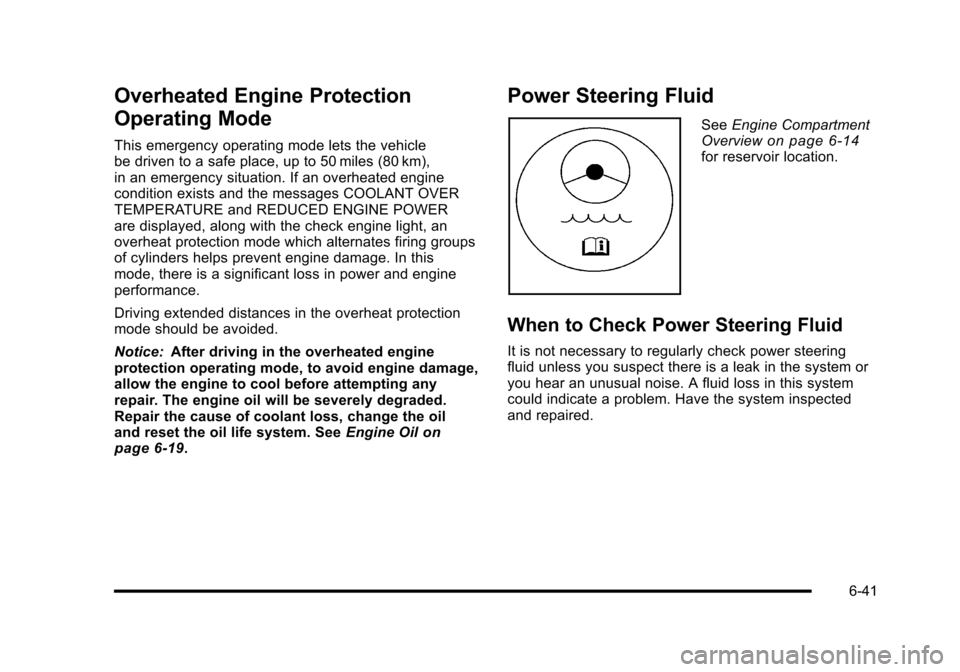
Power Steering Fluid
See Engine Compartment
Overviewon page 6‑14for reservoir location.
When to Check Power Steering Fluid
It is not necessary to regularly check power steering
fluid unless you suspect there is a leak in the system or
you hear an unusual noise. A fluid loss in this system
could indicate a problem. Have the system inspected
and repaired.
6-41