Page 278 of 556
278 3-2. Using the audio system
L/C200_U (OM60D97U)
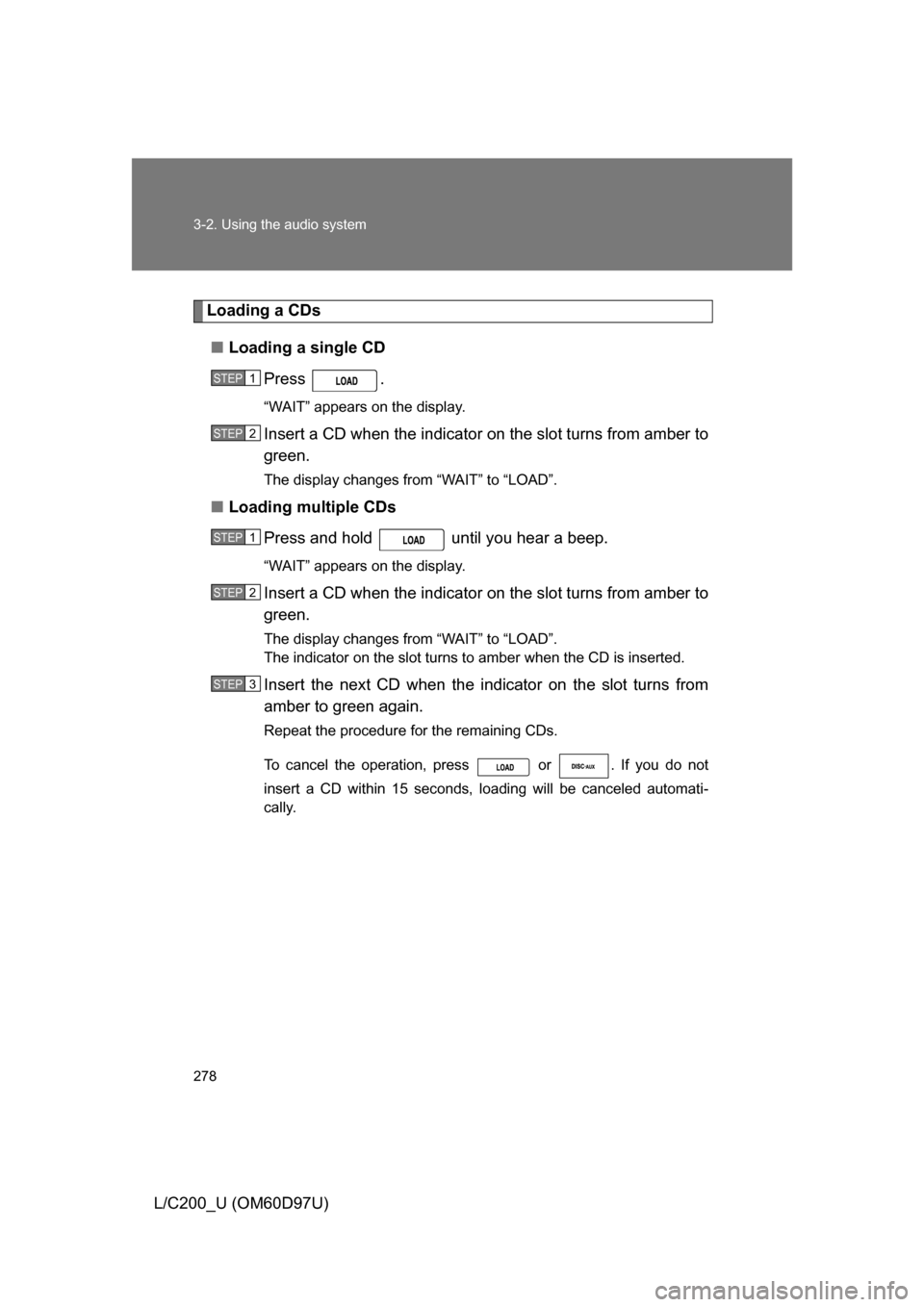
Loading a CDs■ Loading a single CD
Press .
“WAIT” appears on the display.
Insert a CD when the indicator on the slot turns from amber to
green.
The display changes from “WAIT” to “LOAD”.
■ Loading multiple CDs
Press and hold until you hear a beep.
“WAIT” appears on the display.
Insert a CD when the indicator on the slot turns from amber to
green.
The display changes from “WAIT” to “LOAD”.
The indicator on the slot turns to amber when the CD is inserted.
Insert the next CD when the indicator on the slot turns from
amber to green again.
Repeat the procedure for the remaining CDs.
To cancel the operation, press or . If you do not
insert a CD within 15 seconds, loading will be canceled automati-
cally.
STEP1
STEP2
STEP1
STEP2
STEP3
Page 279 of 556
279
3-2. Using the audio system
3
Interior features
L/C200_U (OM60D97U)
Ejecting CDs
■ Ejecting a CD
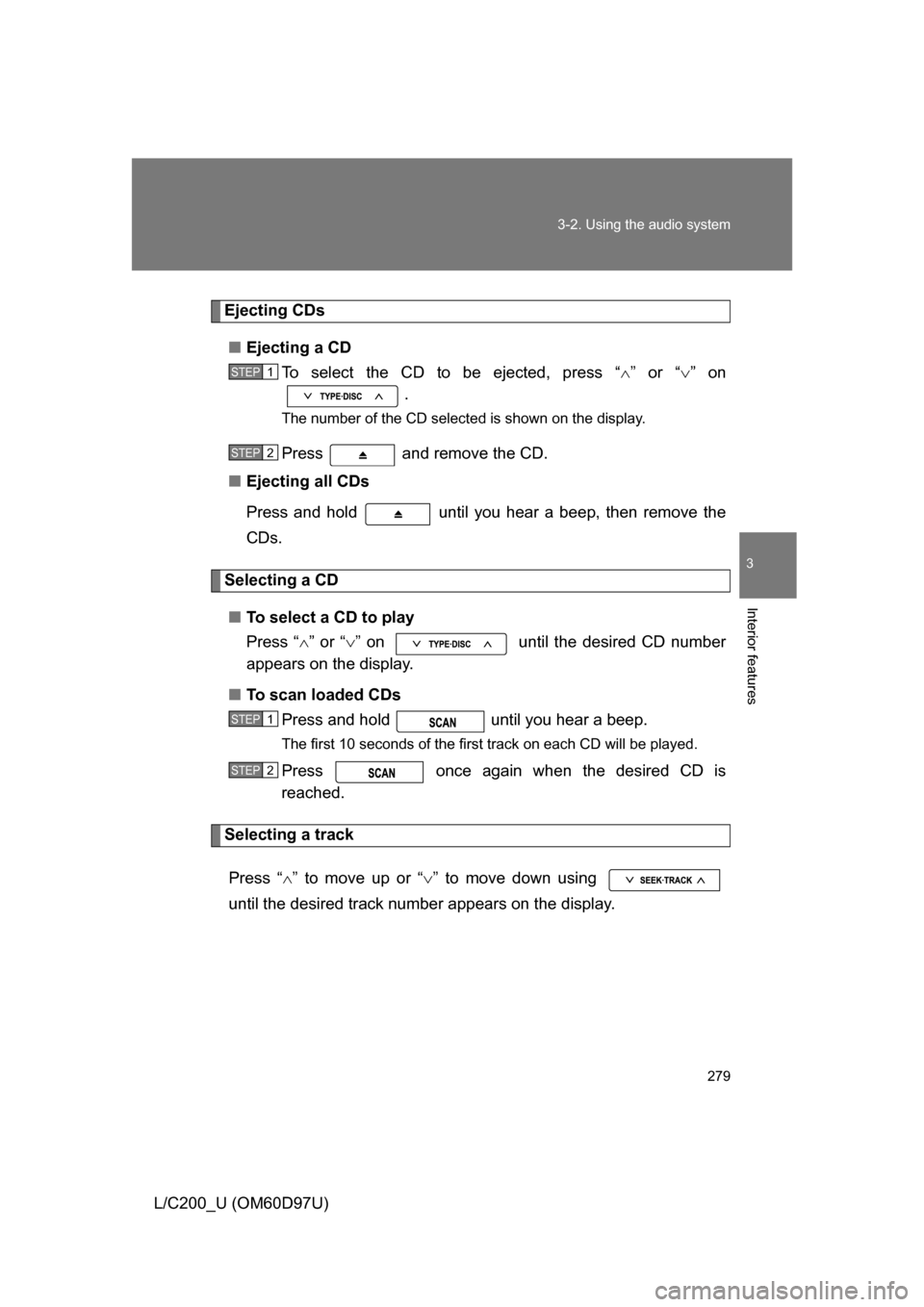
To select the CD to be ejected, press “ ” or “ ” on
.
The number of the CD selected is shown on the display.
Press and remove the CD.
■ Ejecting all CDs
Press and hold until you hear a beep, then remove the
CDs.
Selecting a CD
■ To select a CD to play
Press “ ” or “ ” on until the desired CD number
appears on the display.
■ To scan loaded CDs
Press and hold until you hear a beep.
The first 10 seconds of the first track on each CD will be played.
Press once again when the desired CD is
reached.
Selecting a track
Press “ ” to move up or “ ” to move down using
until the desired track number appears on the display.
STEP1
STEP2
STEP1
STEP2
Page 280 of 556
280 3-2. Using the audio system
L/C200_U (OM60D97U)
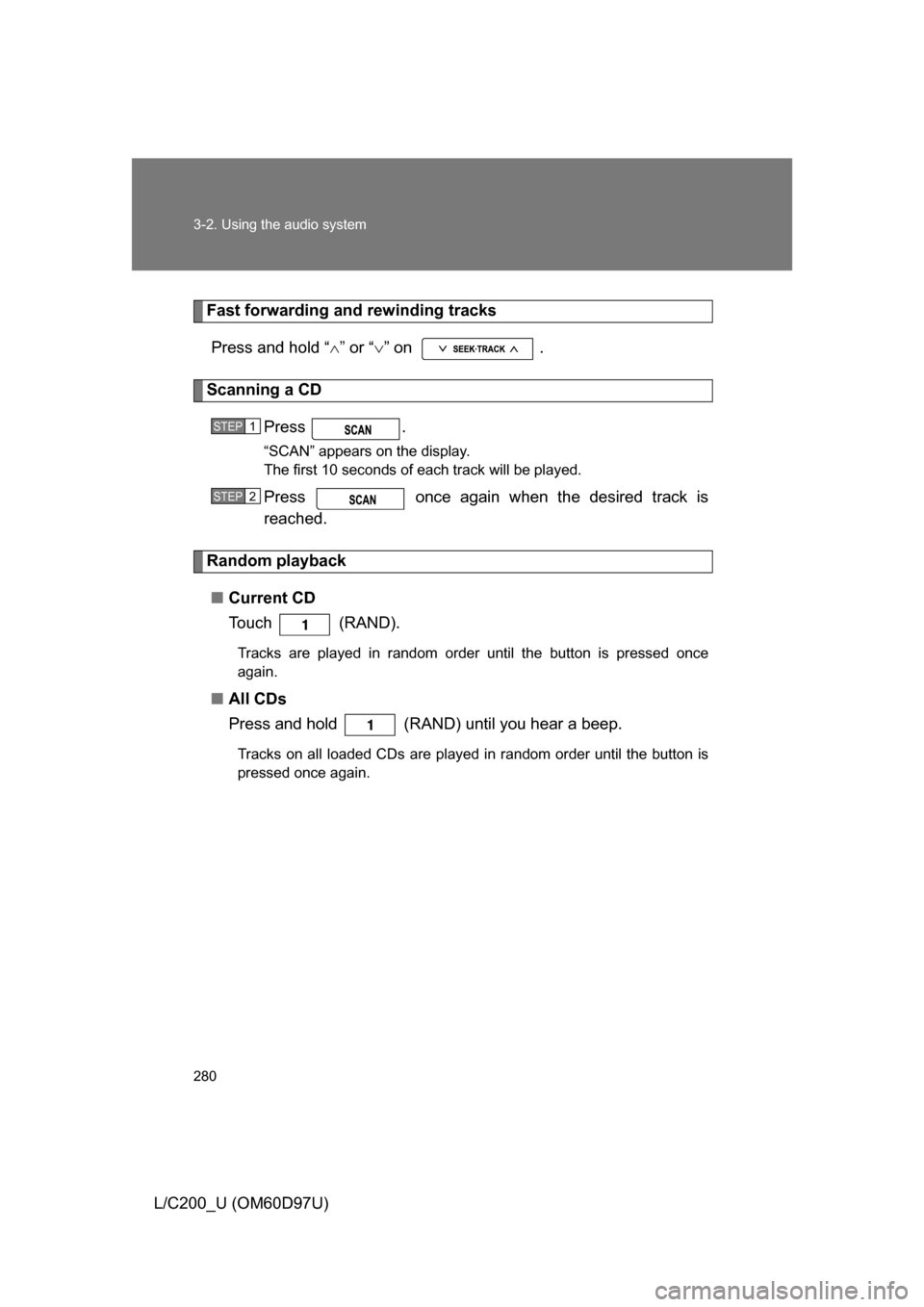
Fast forwarding and rewinding tracksPress and hold “ ” or “ ” on .
Scanning a CD
Press .
“SCAN” appears on the display.
The first 10 seconds of each track will be played.
Press once again when the desired track is
reached.
Random playback
■ Current CD
To u c h ( R A N D ) .
Tracks are played in random order until the button is pressed once
again.
■All CDs
Press and hold (RAND) until you hear a beep.
Tracks on all loaded CDs are played in random order until the button is
pressed once again.
STEP1
STEP2
Page 281 of 556
281
3-2. Using the audio system
3
Interior features
L/C200_U (OM60D97U)
Repeating a track or a disc
■ Repeating a track
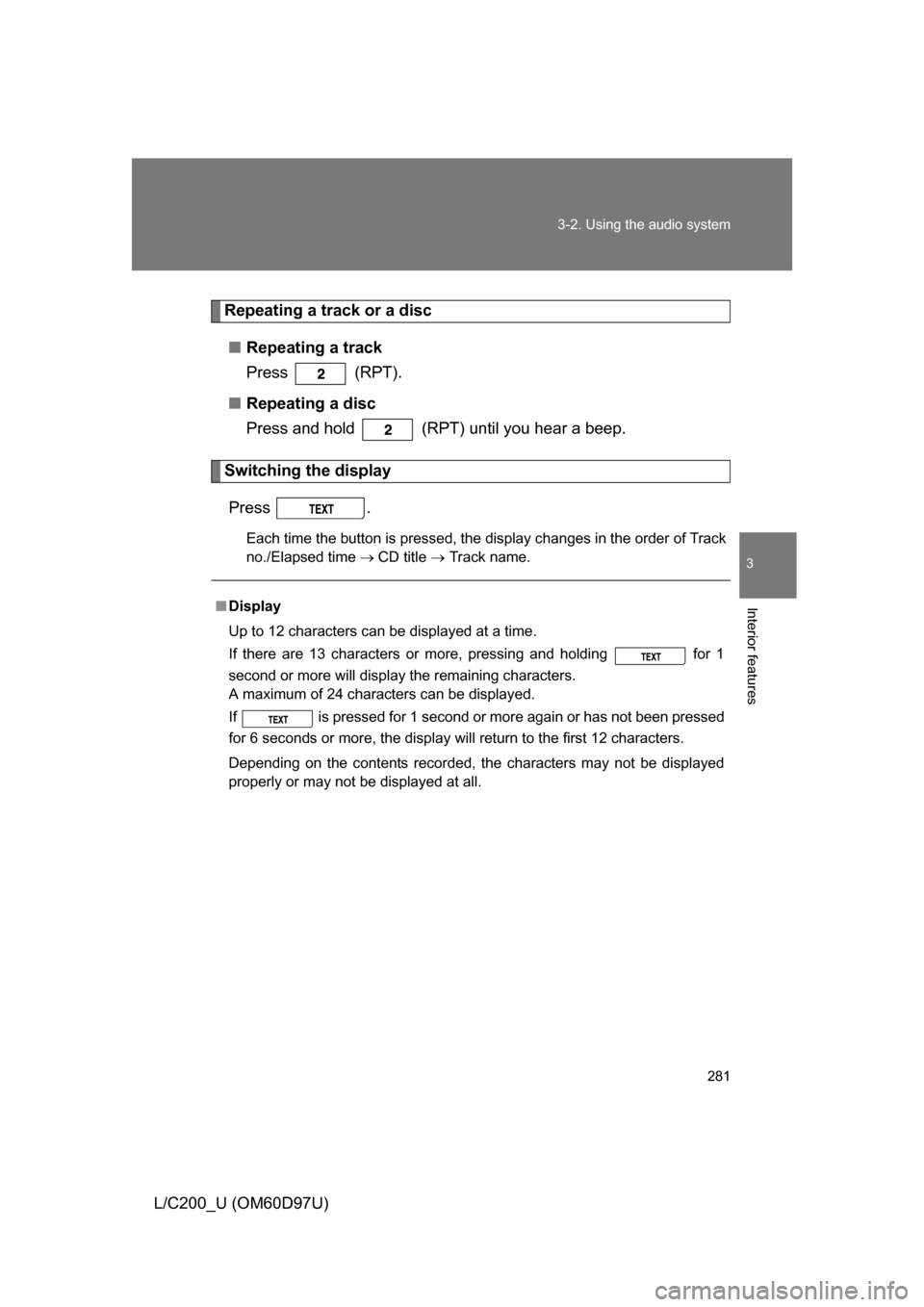
Press (RPT).
■ Repeating a disc
Press and hold (RPT) until you hear a beep.
Switching the display
Press .
Each time the button is pressed, the display changes in the order of Track
no./Elapsed time CD title Track name.
■Display
Up to 12 characters can be displayed at a time.
If there are 13 characters or more, pressing and holding for 1
second or more will display the remaining characters.
A maximum of 24 characters can be displayed.
If is pressed for 1 second or more again or has not been pressed
for 6 seconds or more, the display will return to the first 12 characters.
Depending on the contents recorded, the characters may not be displayed
properly or may not be displayed at all.
Page 282 of 556
282 3-2. Using the audio system
L/C200_U (OM60D97U)
■Canceling random, repeat and scan playback
Press
(RAND), (RPT) or again.
■ Error messages
“ERROR”: This indicates a trouble either in the CD or inside the player.
The CD may be dirty, damaged or inserted up-side down.
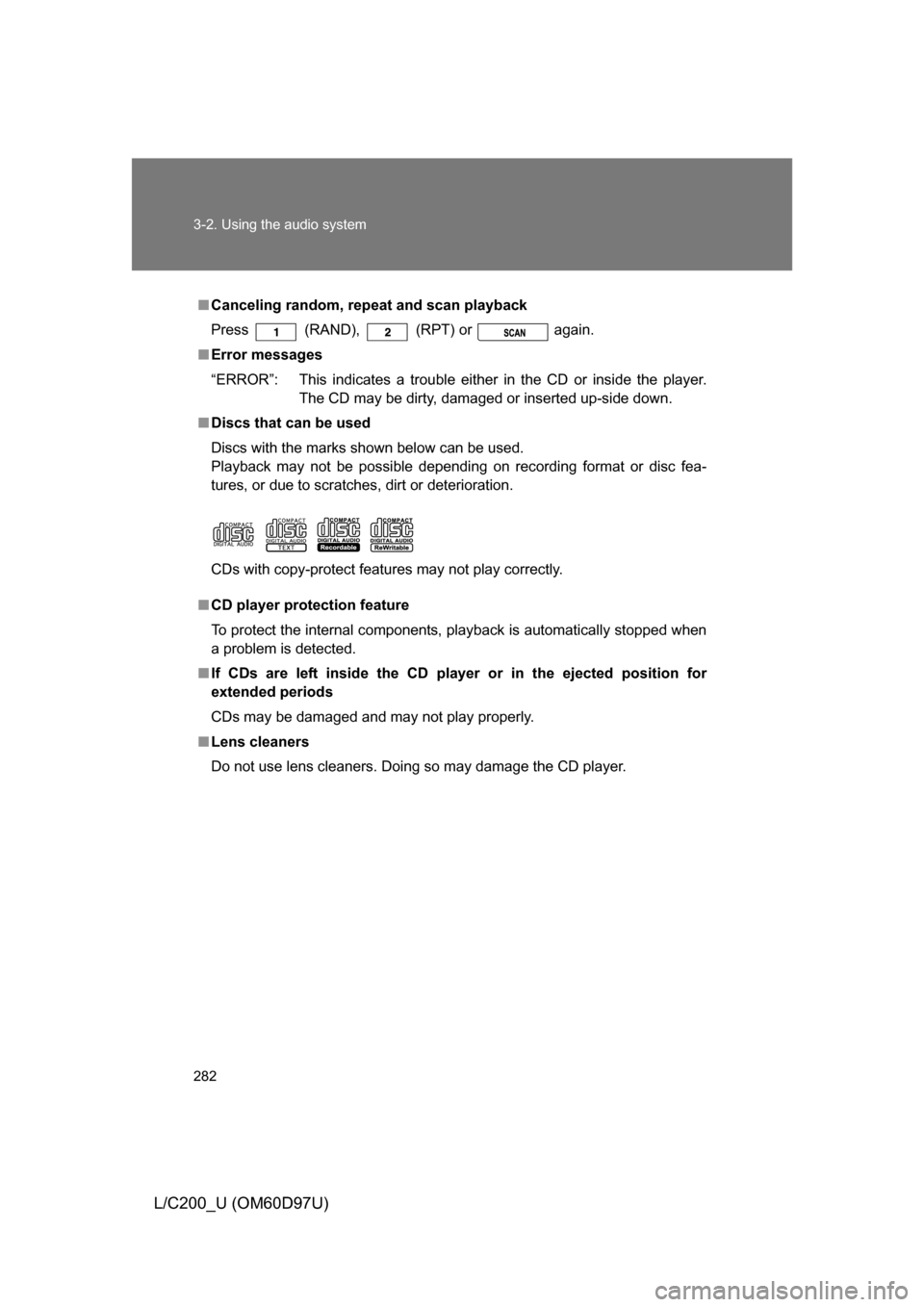
■ Discs that can be used
Discs with the marks shown below can be used.
Playback may not be possible depending on recording format or disc fea-
tures, or due to scratches, dirt or deterioration.
CDs with copy-protect features may not play correctly.
■ CD player protection feature
To protect the internal components, playback is automatically stopped when
a problem is detected.
■ If CDs are left inside the CD player or in the ejected position for
extended periods
CDs may be damaged and may not play properly.
■ Lens cleaners
Do not use lens cleaners. Doing so may damage the CD player.
Page 283 of 556
283
3-2. Using the audio system
3
Interior features
L/C200_U (OM60D97U)
NOTICE
■
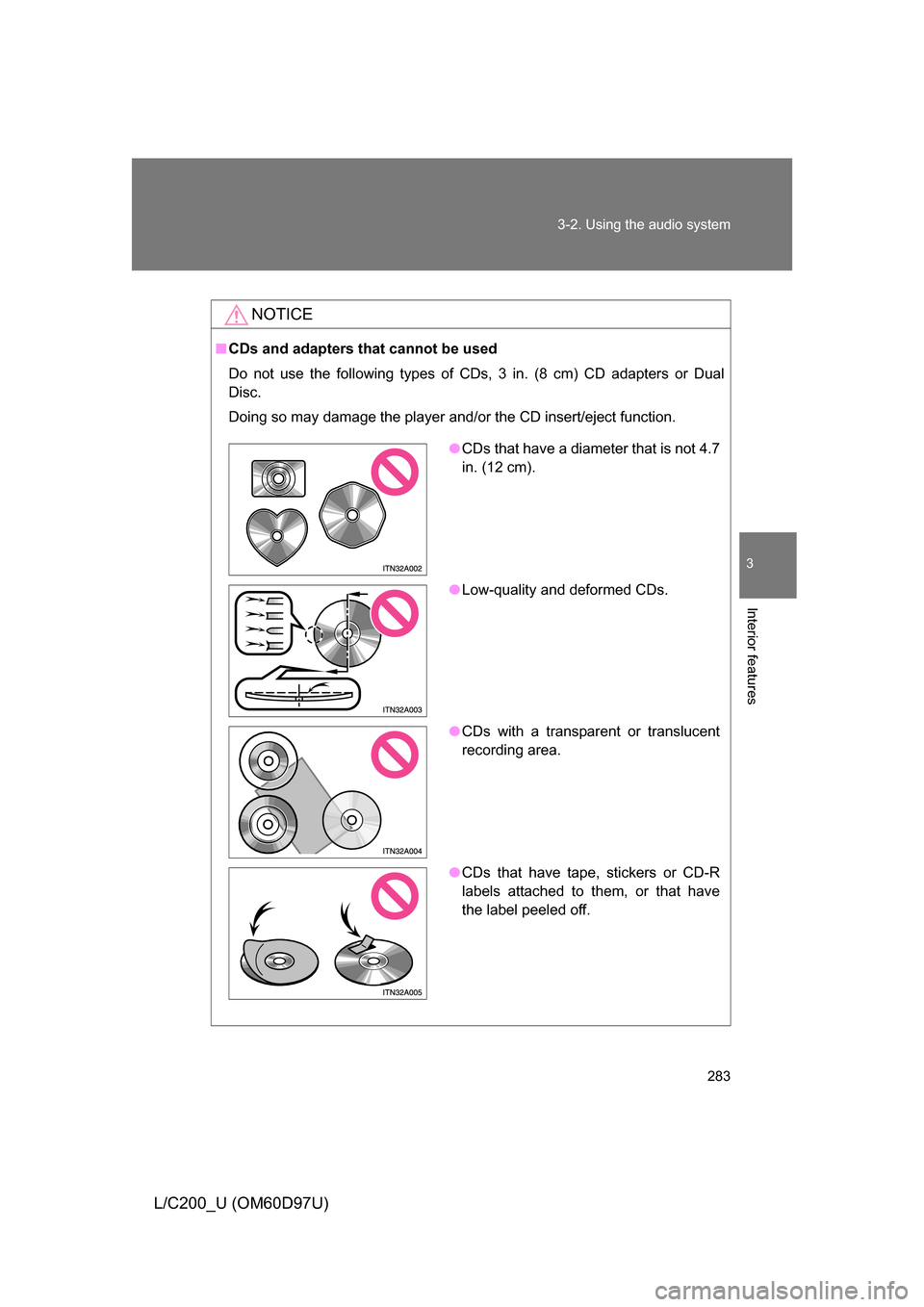
CDs and adapters that cannot be used
Do not use the following types of CDs, 3 in. (8 cm) CD adapters or Dual
Disc.
Doing so may damage the player and/or the CD insert/eject function.
●CDs that have a diameter that is not 4.7
in. (12 cm).
● Low-quality and deformed CDs.
● CDs with a transparent or translucent
recording area.
● CDs that have tape, stickers or CD-R
labels attached to them, or that have
the label peeled off.
Page 284 of 556
284 3-2. Using the audio system
L/C200_U (OM60D97U)
NOTICE
■Player precautions
Failure to follow the precautions below may result in damage to the CDs or
the player itself.
● Do not insert anything other than CDs into the CD slot.
● Do not apply oil to the player.
● Store CDs away from direct sunlight.
● Never try to disassemble any part of the player.
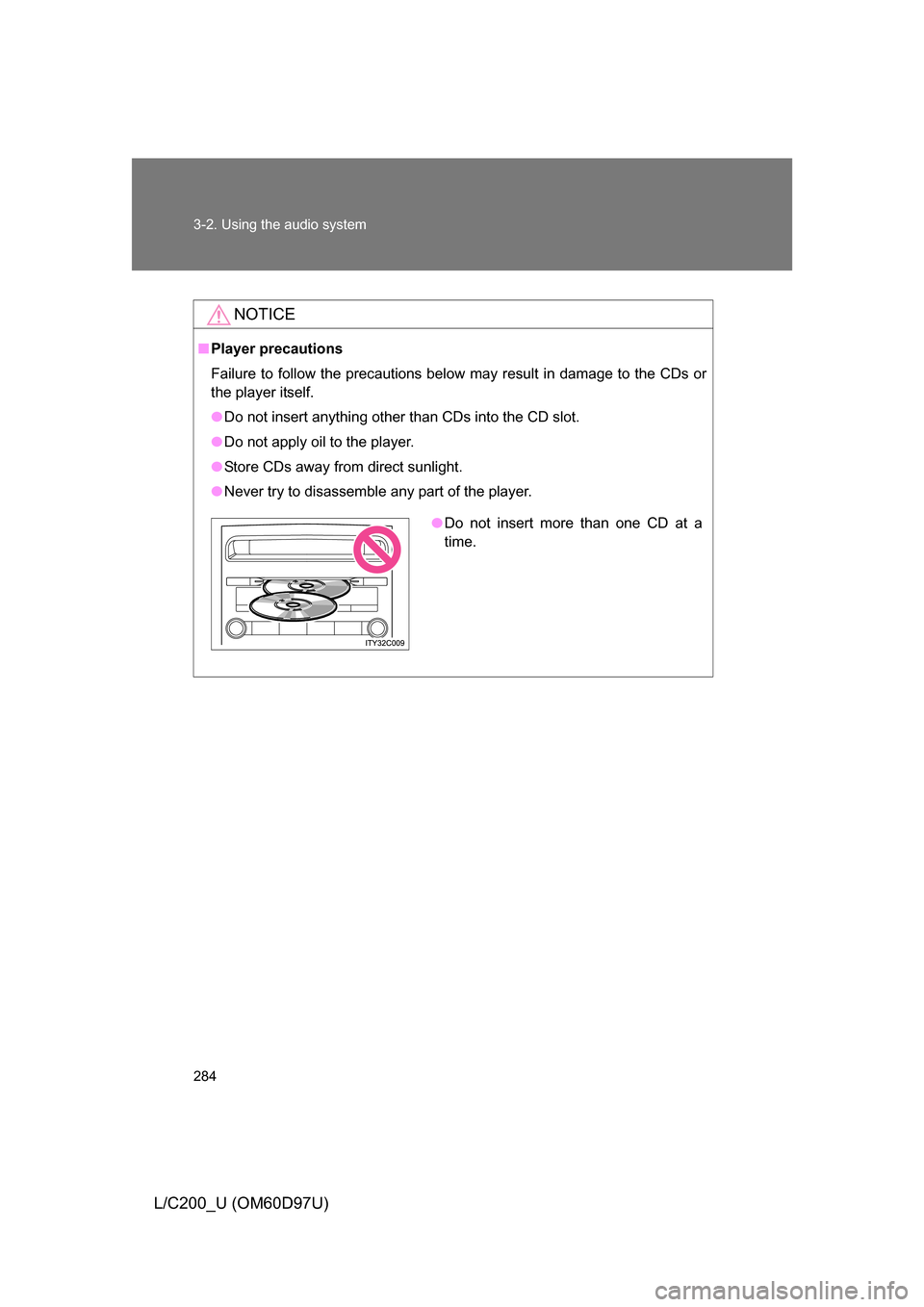
●Do not insert more than one CD at a
time.
Page 285 of 556
285
3-2. Using the audio system
3
Interior features
L/C200_U (OM60D97U)
Playing back MP3 and WMA discs
Loading and ejecting MP3 and WMA discsRefer to the section entitled “Using the CD player” for details.
( P. 277)
Selecting a CD
Refer to the section entitled “Using the CD player” for details.
( P. 277)
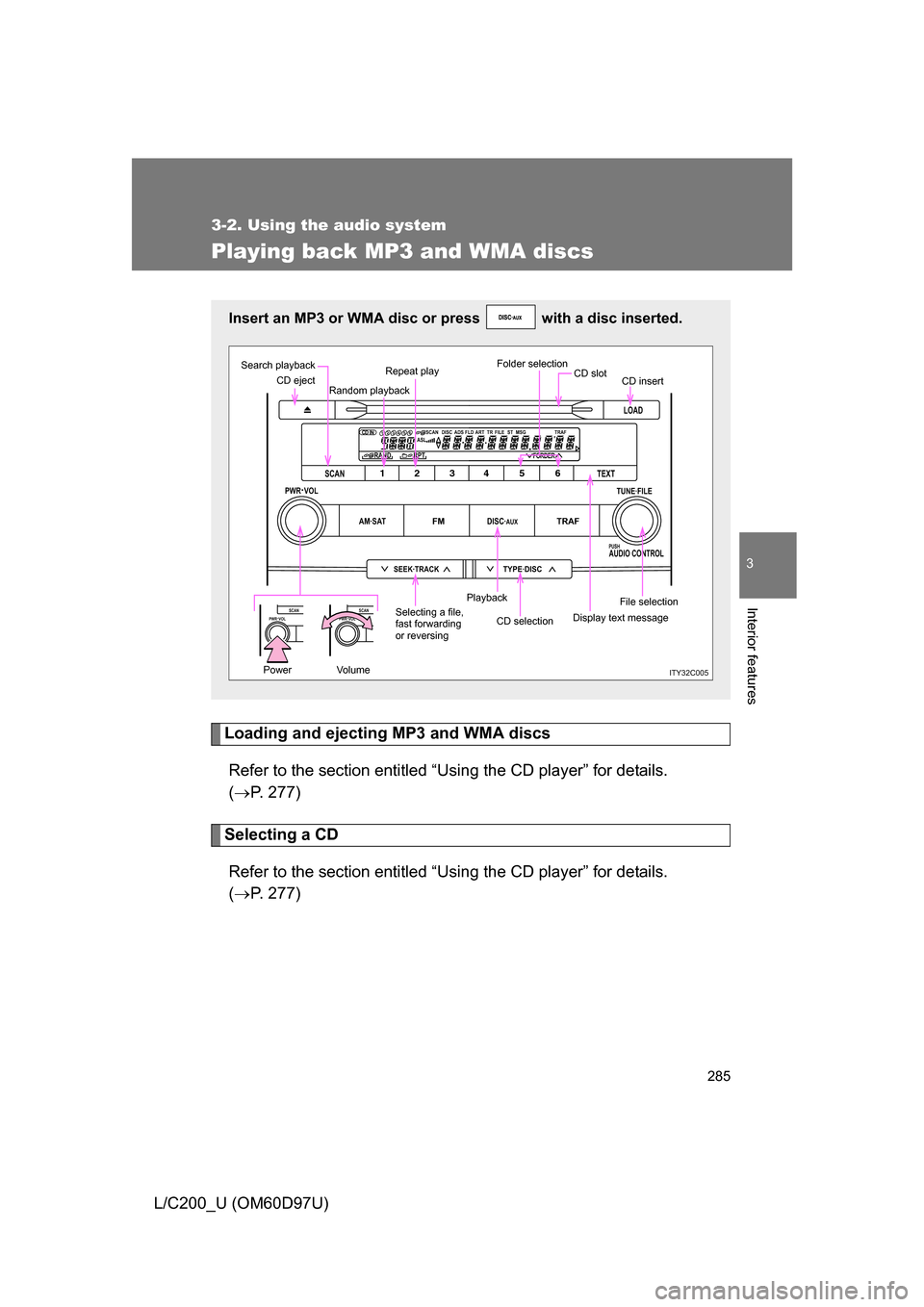
Insert an MP3 or WMA disc or press with a disc inserted.
LOAD
TYPE·DISCSEEK·TRACK
AM·SATFMDISC·AUXTRAF
12 34 5 6
TUNE·FILE
PUSHAUDIO CONTROL
PWR·VOL
TEXT
SCAN
RAND RPT
1234 56DISCASLSCAN ADS FLD FILE TR TRAFST MSG
ART
FORDER
PWR·VOLSCANPWR·VOLSCAN
ITY32C005Power Volume
CD eject
Search playback
Random playbackRepeat play
Folder selection
CD insert
File selection
Display text message
CD selection
Playback
Selecting a file,
fast forwarding
or reversing CD slot