Page 67 of 526

1. Used for research purposes, such as to match data
with a particular crash record in an aggregate database,
provided confidentiality of personal data is thereafter
preserved.
2. Used in defense of litigation involving a Chrysler LLC
product.
3. Requested by police under a legal warrant.
4. Otherwise required by law.
Data parameters that may be recorded:
•Diagnostic trouble code(s) and warning light status for
electronically-controlled safety systems, including the
airbag system
•Airbag disable light status (if equipped)
•�Time�of airbag deployment (in terms of ignition
cycles and vehicle mileage)
•Airbag deployment level (if applicable)
•Impact acceleration and angle
•Seat belt status
•Brake status (service and parking brakes)
•Accelerator status (including vehicle speed)
•Engine control status (including engine speed)
•Transmission gear selection
•Cruise control status
•Traction/stability control status
•Tire Pressure Monitoring System status
Child Restraints
Everyone in your vehicle needs to be buckled up all the
time, including babies and children. Every state in the
United States and all Canadian provinces require that
THINGS TO KNOW BEFORE STARTING YOUR VEHICLE 65
2
Page 162 of 526
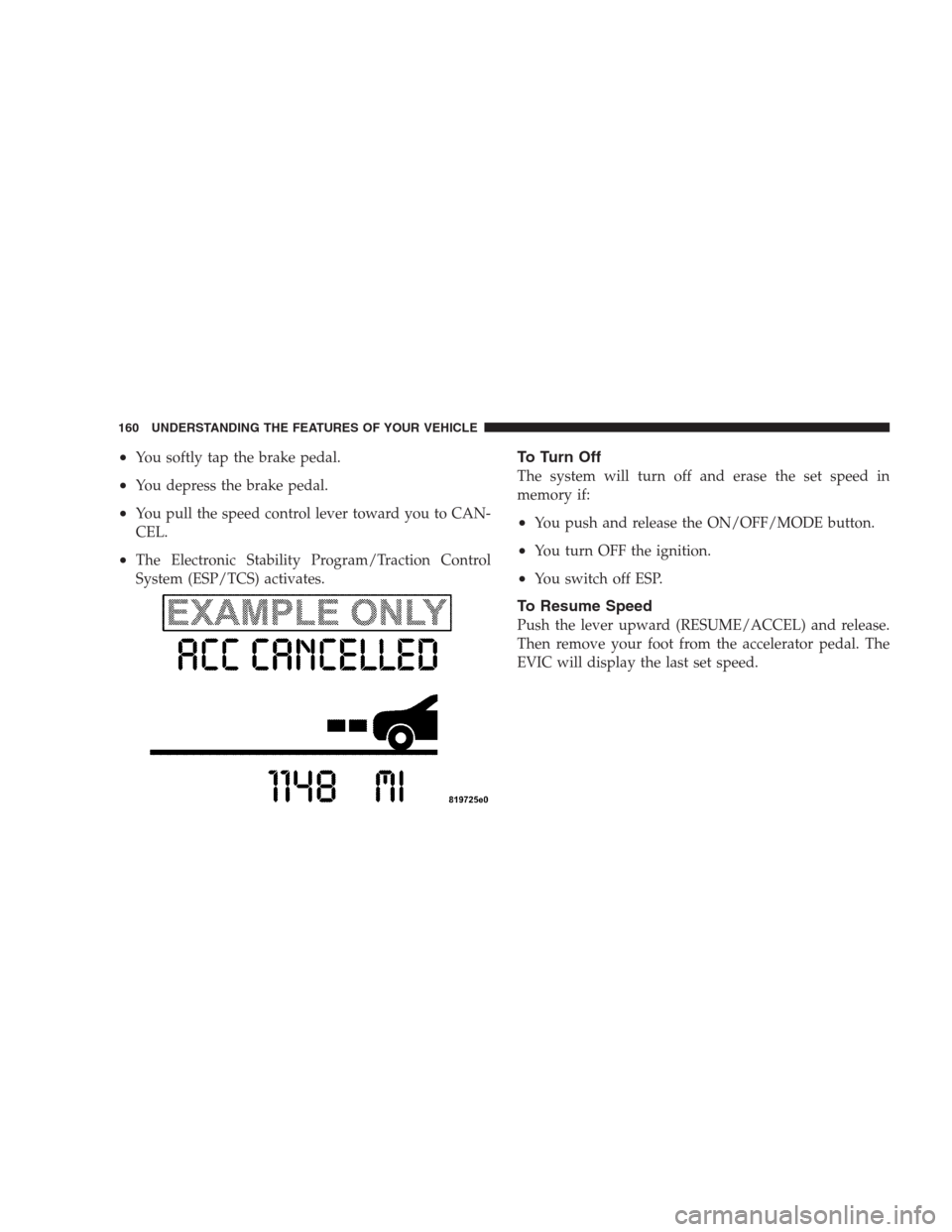
•You softly tap the brake pedal.
•You depress the brake pedal.
•You pull the speed control lever toward you to CAN-
CEL.
•The Electronic Stability Program/Traction Control
System (ESP/TCS) activates.
To Turn Off
The system will turn off and erase the set speed in
memory if:
•You push and release the ON/OFF/MODE button.
•You turn OFF the ignition.
•You switch off ESP.
To Resume Speed
Push the lever upward (RESUME/ACCEL) and release.
Then remove your foot from the accelerator pedal. The
EVIC will display the last set speed.
160 UNDERSTANDING THE FEATURES OF YOUR VEHICLE
Page 178 of 526
To Vary the Speed Setting
There are two ways to change the set speed:
•Use the accelerator pedal to adjust the vehicle to the
desired speed and push the lever down (“SET/
DECEL”).
•Tap the stalk up (“ACCEL”) or down (“DECEL”) to
increase or decrease the set speed in 1 mph (1 km/h)
increments respectively. Hold for 5 mph (10 km/h)
increments.
To Cancel
The system will disable Normal cruise control without
erasing the memory if:
•You softly tap or depress the brake pedal.
•You pull the speed control lever toward you (“CAN-
CEL”).
•The Electronic Stability Program/Traction Control
System (ESP/TCS) activates.
To Resume
Push the lever up and release (“RESUME/ACCEL”) and
then remove your foot from the accelerator pedal. The
EVIC will display the last set speed.
To Turn Off
The system will turn off and erase the set speed in
memory if:
•You push and release the “ON/OFF/MODE” button.
•You turn off the ignition.
•You switch off ESP.
If the cruise control system is turned off and reactivated,
the system will return to the Vehicle-to-vehicle (adaptive)
distance control mode.
176 UNDERSTANDING THE FEATURES OF YOUR VEHICLE
Page 207 of 526
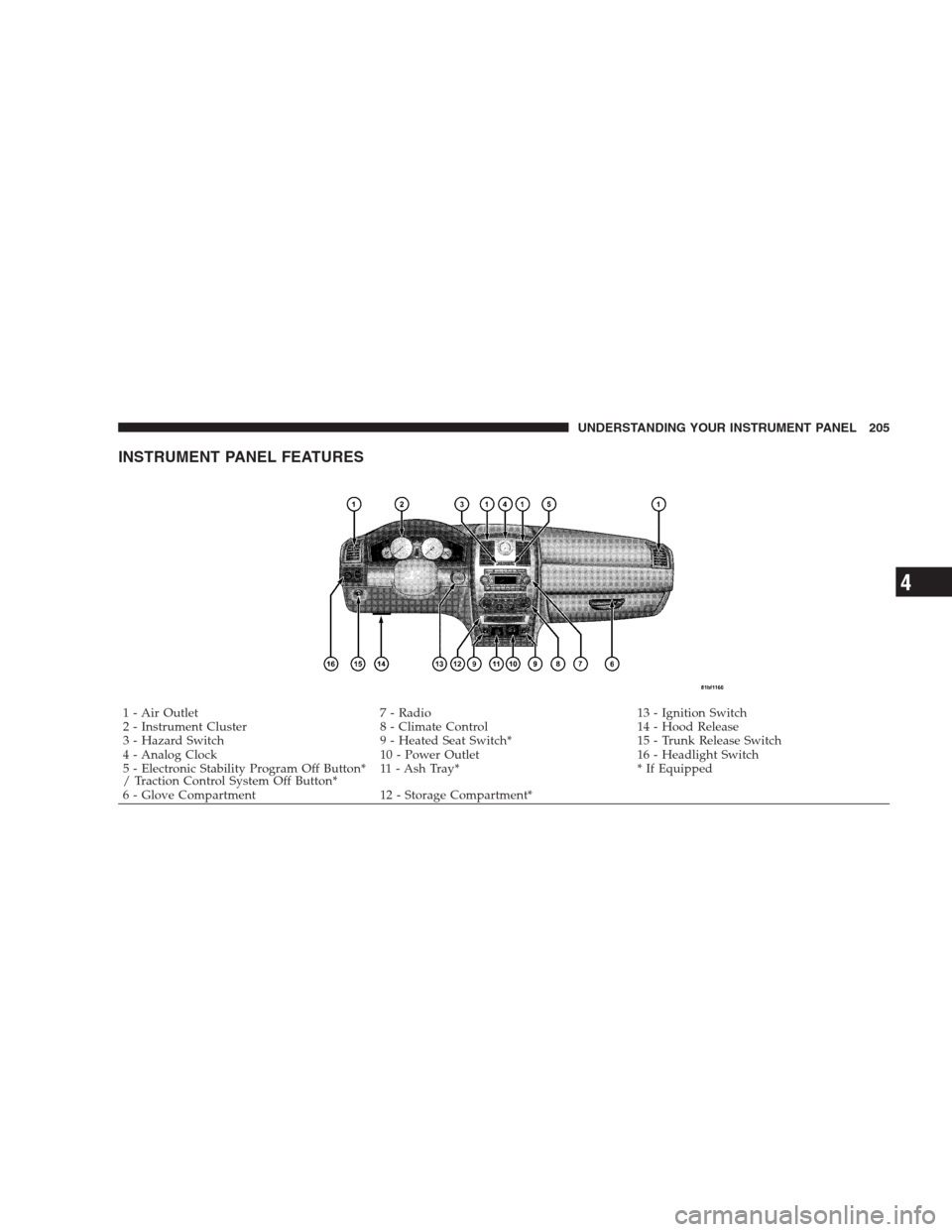
INSTRUMENT PANEL FEATURES
1 - Air Outlet 7 - Radio 13 - Ignition Switch
2 - Instrument Cluster 8 - Climate Control 14 - Hood Release
3 - Hazard Switch 9 - Heated Seat Switch* 15 - Trunk Release Switch
4 - Analog Clock 10 - Power Outlet 16 - Headlight Switch
5 - Electronic Stability Program Off Button*
/ Traction Control System Off Button*11 - Ash Tray* * If Equipped
6 - Glove Compartment 12 - Storage Compartment*UNDERSTANDING YOUR INSTRUMENT PANEL 205
4
Page 216 of 526
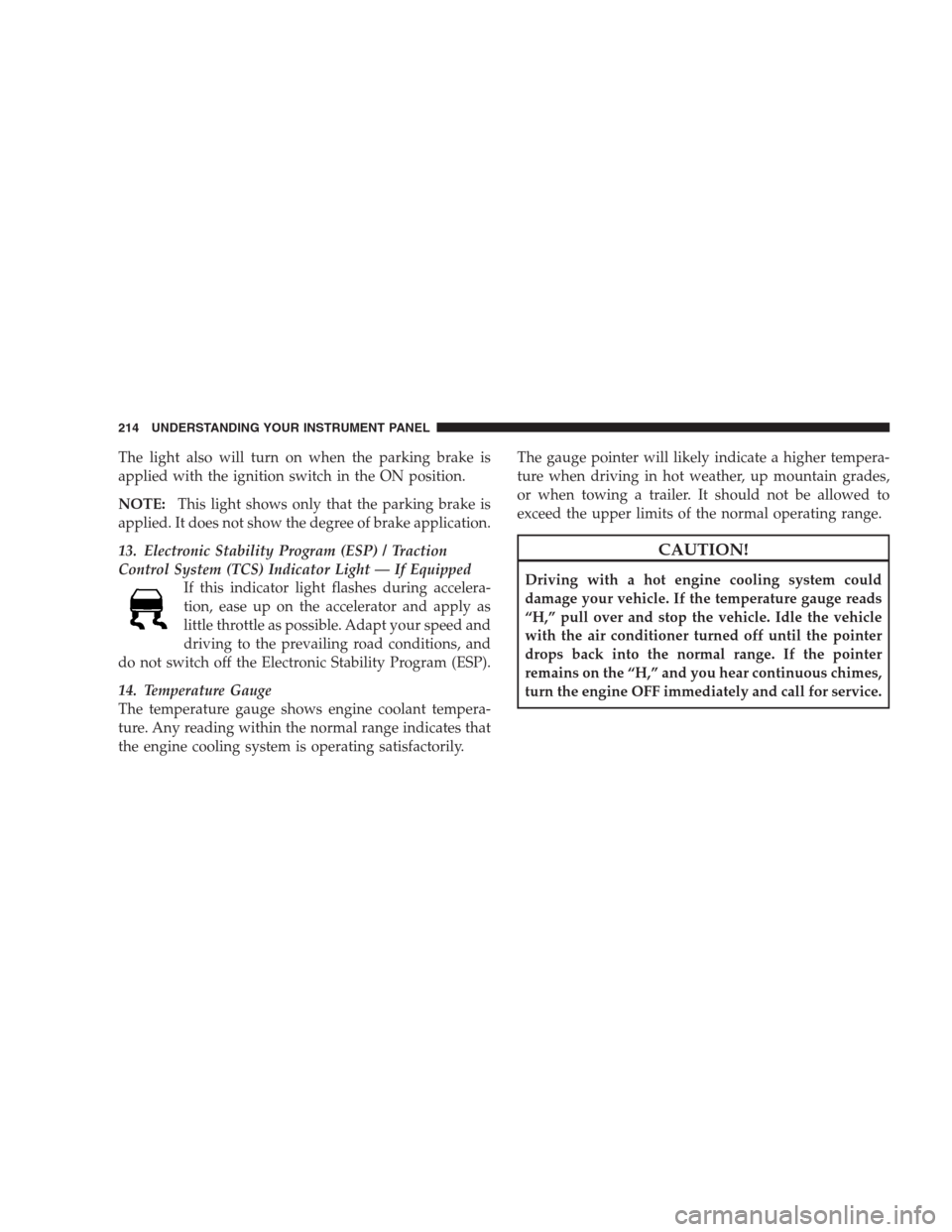
The light also will turn on when the parking brake is
applied with the ignition switch in the ON position.
NOTE:This light shows only that the parking brake is
applied. It does not show the degree of brake application.
13. Electronic Stability Program (ESP) / Traction
Control System (TCS) Indicator Light — If Equipped
If this indicator light flashes during accelera-
tion, ease up on the accelerator and apply as
little throttle as possible. Adapt your speed and
driving to the prevailing road conditions, and
do not switch off the Electronic Stability Program (ESP).
14. Temperature Gauge
The temperature gauge shows engine coolant tempera-
ture. Any reading within the normal range indicates that
the engine cooling system is operating satisfactorily.The gauge pointer will likely indicate a higher tempera-
ture when driving in hot weather, up mountain grades,
or when towing a trailer. It should not be allowed to
exceed the upper limits of the normal operating range.
CAUTION!
Driving with a hot engine cooling system could
damage your vehicle. If the temperature gauge reads
“H,” pull over and stop the vehicle. Idle the vehicle
with the air conditioner turned off until the pointer
drops back into the normal range. If the pointer
remains on the “H,” and you hear continuous chimes,
turn the engine OFF immediately and call for service.
214 UNDERSTANDING YOUR INSTRUMENT PANEL
Page 308 of 526
�Driving On Slippery Surfaces............. 327
▫Acceleration........................ 327
▫Traction........................... 328
�Driving Through Water................. 328
▫Flowing/Rising Water................. 329
▫Shallow Standing Water............... 329
�Power Steering....................... 331
▫Power Steering Fluid Check............. 332
�Parking Brake........................ 332
�Anti-Lock Brake System................. 334
�Electronic Brake Control System........... 336
▫Anti-Lock Brake System (ABS)........... 336
▫Traction Control System (TCS)........... 337▫Brake Assist System (BAS).............. 337
▫Electronic Stability Program (ESP)........ 338
▫Synchronizing ESP................... 340
▫ESP/BAS Malfunction Indicator Light And
ESP/TCS Indicator Light............... 341
�Tire Safety Information................. 342
▫Tire Markings....................... 342
▫Tire Identification Number (TIN)......... 345
▫Tire Loading And Tire Pressure.......... 346
�Tires — General Information............. 350
▫Tire Pressure....................... 350
▫Tire Inflation Pressures................ 351
▫Tire Pressures For High Speed Operation . . . 353
306 STARTING AND OPERATING
Page 328 of 526
AUTOSTICK�— IF EQUIPPED
Autostick�is a driver-interactive transmission that offers
manual gear shifting to provide you with more control of
the vehicle. Autostick�allows you to maximize engine
braking, eliminate undesirable upshifts and downshifts,
and improve overall vehicle performance. This system
can also provide you with more control during passing,
city driving, cold slippery conditions, mountain driving,
trailer towing, and many other situations.
Autostick�Operation
By placing the shift lever in the DRIVE position, it can be
moved from side to side. This allows the driver to select
a higher or lower range of gears. Moving the shift lever to
the left (-) triggers a downshift and to the right (+) an
upshift. The gear position will display in the instrument
cluster on the transmission range indicator.
You can shift in or out of the Autostick�mode at any time
without taking your foot off the accelerator pedal. If youchoose the Overdrive mode, the transmission will oper-
ate automatically, shifting between the five available
gears. When you wish to engage Autostick�, simply
move the shift lever to the right or left (D+/D-) while in
the DRIVE position. The transmission will remain in the
current gear until an upshift or downshift is chosen.
ALL-WHEEL DRIVE (AWD) — IF EQUIPPED
This vehicle is equipped with an active on-demand All
Wheel Drive (AWD) system which makes available opti-
mum traction for a wide variety of road surface and
driving conditions. The system minimizes wheel slip by
automatically redirecting torque to the front and rear
wheels as necessary.
To maximize fuel economy, your AWD vehicle automati-
cally defaults to Rear Wheel Drive (RWD) when road and
environmental conditions are such that wheel slip is
unlikely to occur. When specific road and environmental
conditions require increased levels of road traction, the
326 STARTING AND OPERATING
Page 330 of 526
WARNING!
Rapid acceleration on slippery surfaces is dangerous.
Unequal traction can cause sudden pulling of the rear
wheels. You could lose control of the vehicle and
possibly have an accident. Accelerate slowly and
carefully whenever there is likely to be poor traction
(ice, snow, wet mud, loose sand, etc.).
Traction
When driving on wet or slushy roads, it is possible for a
wedge of water to build up between the tire and road
surface. This is known as hydroplaning and may cause
partial or complete loss of vehicle control and stopping
ability. To reduce this possibility, the following precau-
tions should be observed:
1. Slow down during rainstorms or when the roads are
slushy.2. Slow down if the road has standing water or puddles.
3. Replace tires when tread wear indicators first become
visible.
4. Keep tires properly inflated.
5. Maintain sufficient distance between your vehicle and
the vehicle in front of you to avoid a collision in a sudden
stop.DRIVING THROUGH WATER
Driving through water more than a few inches/
centimeters deep will require extra caution to ensure
safety and prevent damage to your vehicle.
328 STARTING AND OPERATING