Page 228 of 458
228
27p313
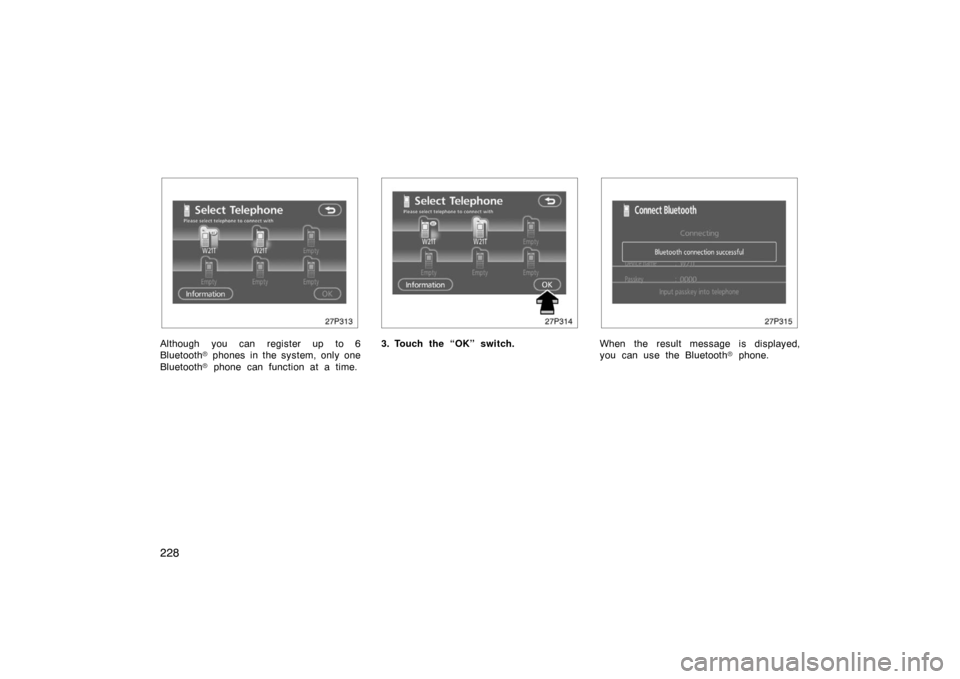
Although you can register up to 6
Bluetooth� phones in the system, only one
Bluetooth � phone can function at a time.
27p314
3. Touch the “OK” switch.
27p315
When the result message is displayed,
you can use the Bluetooth � phone.
Page 229 of 458
229
27p316
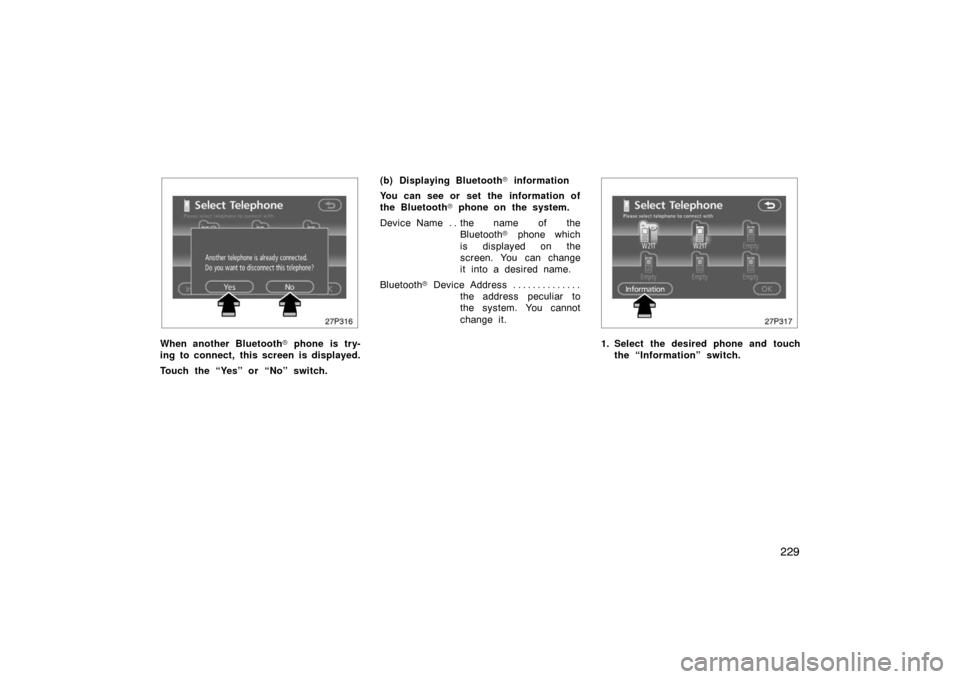
When another Bluetooth� phone is try-
ing to connect, this screen is displayed.
Touch the “Yes” or “No” switch. (b) Displaying Bluetooth
� information
You can see or set the information of
the Bluetooth � phone on the system.
Device Name the name of the . .
Bluetooth � phone which
is displayed on the
screen. You can change
it into a desired name.
Bluetooth � D ev i c e A ddr es s . . . . . . . . . . . . . .
the address peculiar to
the system. You cannot
change it.
27p317
1. Select the desired phone and touchthe “Information” switch.
Page 231 of 458
231
27p320
2. Use the software keyboard to inputthe device name. (d) Changing the Bluetooth
� settings
You can change the display and settings
of Bluetooth � information on the system.
The information displays the following
items.
Device Name the name in the . .
Bluetooth � network. You
can change it.
Passkey the password when you . . . . . . .
register your cellular
phone in the system. You
can change it into the
figure of 4 −8 digits.
Bluetooth � D ev i c e A ddr es s . . . . . . . . . . . . . .
the address peculiar to
the system. You can not
change it. If you have
registered two Bluetooth �
phones with the same
Device Name or Passkey
and you cannot
distinguish one from the
other, refer to it.
27p321
When you change the device name or
Passkey, do the following.
1. Touch the “Bluetooth*” switch.
*: Bluetooth is a registered trademark of
Bluetooth SIG. Inc.
Page 235 of 458
235
27p331
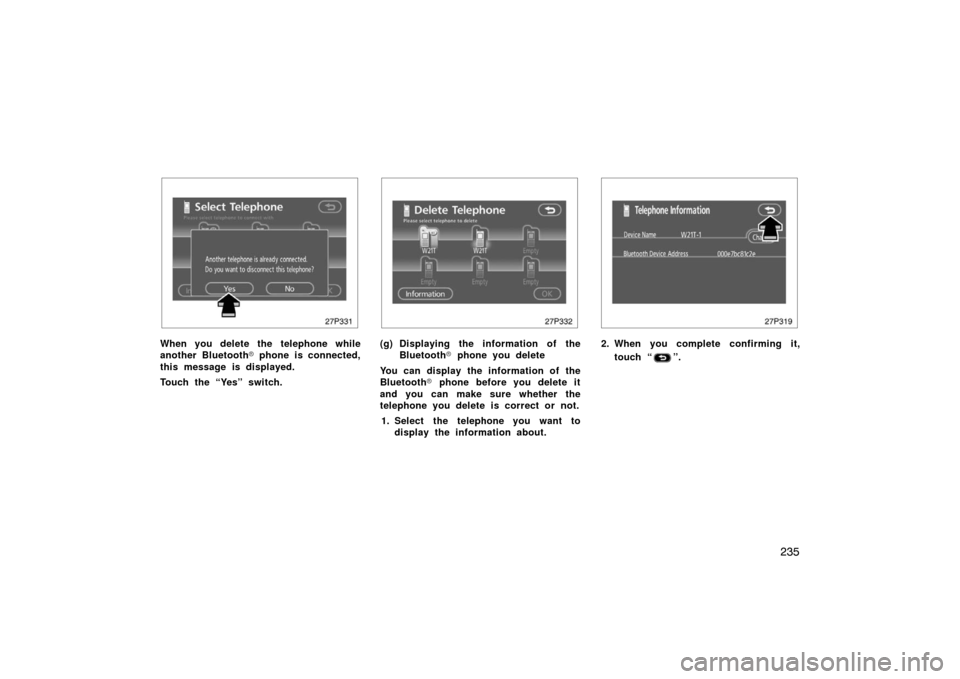
When you delete the telephone while
another Bluetooth� phone is connected,
this message is displayed.
Touch the “Yes” switch.
27p332
(g) Displaying the information of the Bluetooth � phone you delete
You can display the information of the
Bluetooth � phone before you delete it
and you can make sure whether the
telephone you delete is correct or not.
1. Select the telephone you want to display the information about.
27p319
2. When you complete confirming it,
touch “
”.
Page 236 of 458
236
27p335
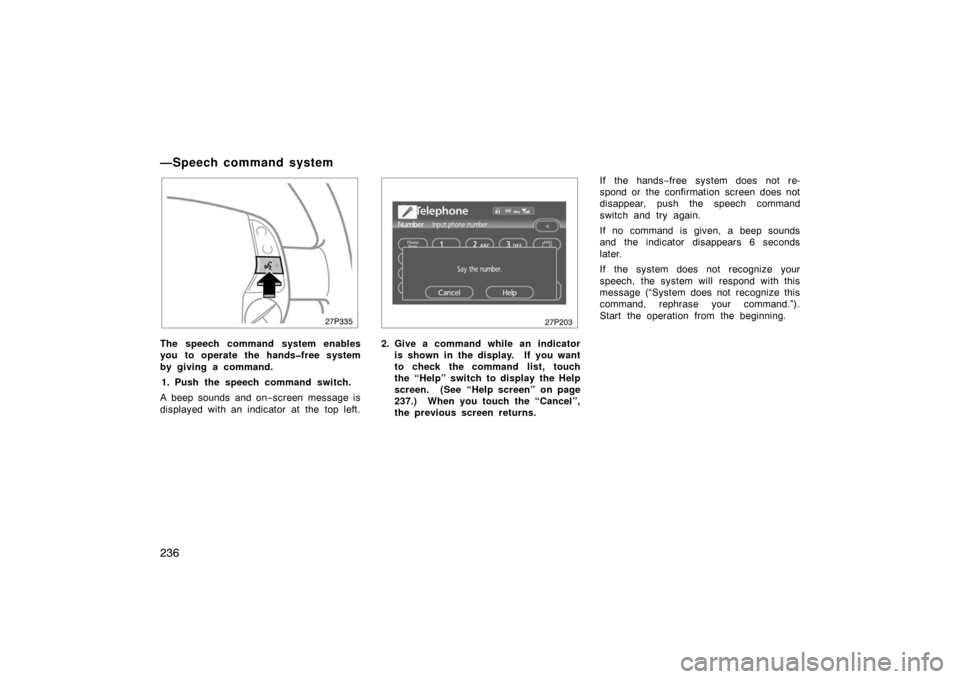
The speech command system enables
you to operate the handsfree system
by giving a command.1. Push the speech command switch.
A beep sounds and on −screen message is
displayed with an indicator at the top left.
27p203
2. Give a command while an indicator is shown in the display. If you want
to check the command list, touch
the “Help” switch to display the Help
screen. (See “Help screen” on page
237.) When you touch the “Cancel”,
the previous screen returns. If the hands
−free system does not re-
spond or the confirmation screen does not
disappear, push the speech command
switch and try again.
If no command is given, a beep sounds
and the indicator disappears 6 seconds
later.
If the system does not recognize your
speech, the system will respond with this
message (“System does not recognize this
command, rephrase your command.”).
Start the operation from the beginning.
—Speech command system
Page 238 of 458
238
27p362
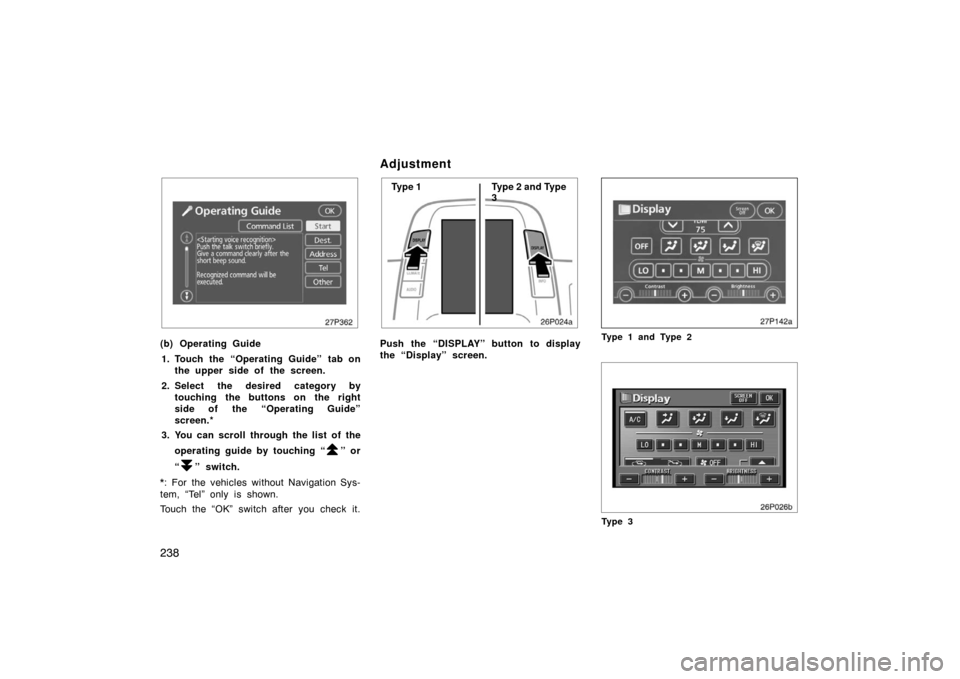
(b) Operating Guide1. Touch the “Operating Guide” tab on the upper side of the screen.
2. Select the desired category by touching the buttons on the right
side of the “Operating Guide”
screen.*
3. You can scroll through the list of the
operating guide by touching “
” or
“
” switch.
*: For the vehicles without Navigation Sys-
tem, “Tel” only is shown.
Touch the “OK” switch after you check it.
Adjustment
26p024a
Type 1 Type 2 and Type
3
Push the “DISPLAY” button to display
the “Display” screen.
27p142a
Type 1 and Type 2
26p026b
Ty p e 3
Page 239 of 458
239
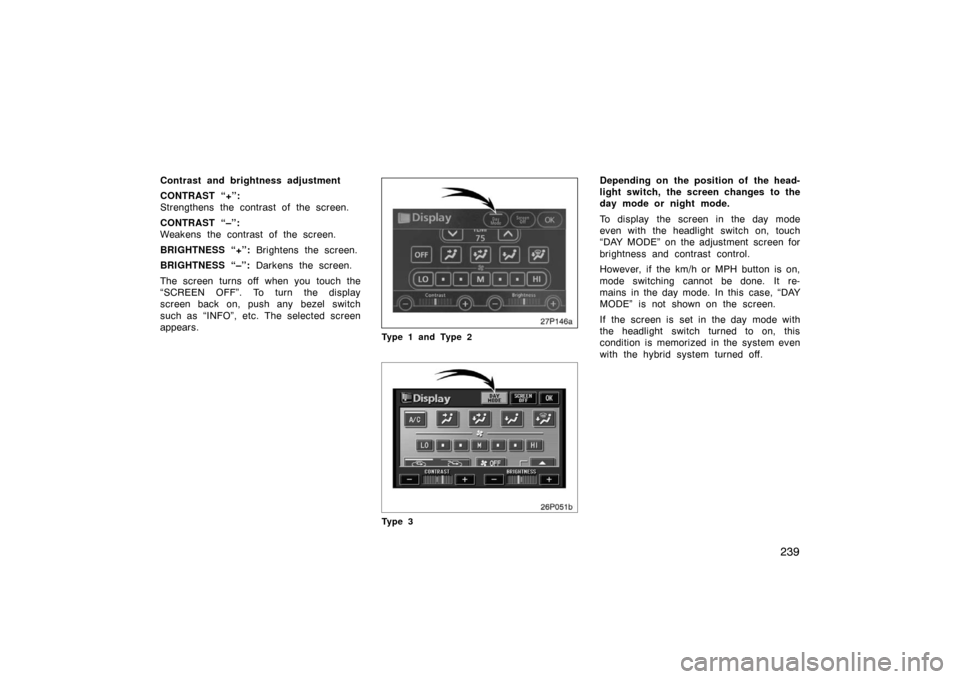
Contrast and brightness adjustment
CONTRAST “+”:
Strengthens the contrast of the screen.
CONTRAST “–”:
Weakens the contrast of the screen.
BRIGHTNESS “+”: Brightens the screen.
BRIGHTNESS “–”: Darkens the screen.
The screen turns off when you touch the
“SCREEN OFF”. To turn the display
screen back on, push any bezel switch
such as “INFO”, etc. The selected screen
appears.
27p146a
Type 1 and Type 2
26P051b
Ty p e 3
Depending on the position of the head-
light switch, the screen changes to the
day mode or night mode.
To display the screen in the day mode
even with the headlight switch on, touch
“DAY MODE” on the adjustment screen for
brightness and contrast control.
However, if the km/h or MPH button is on,
mode switching cannot be done. It re-
mains in the day mode. In this case, “DAY
MODE” is not shown on the screen.
If the screen is set in the day mode with
the headlight switch turned to on, this
condition is memorized in the system even
with the hybrid system turned off.
Page 240 of 458
240
Outside temperature display
27p155b
Type 1 and Type 2
26p046b
Ty p e 3
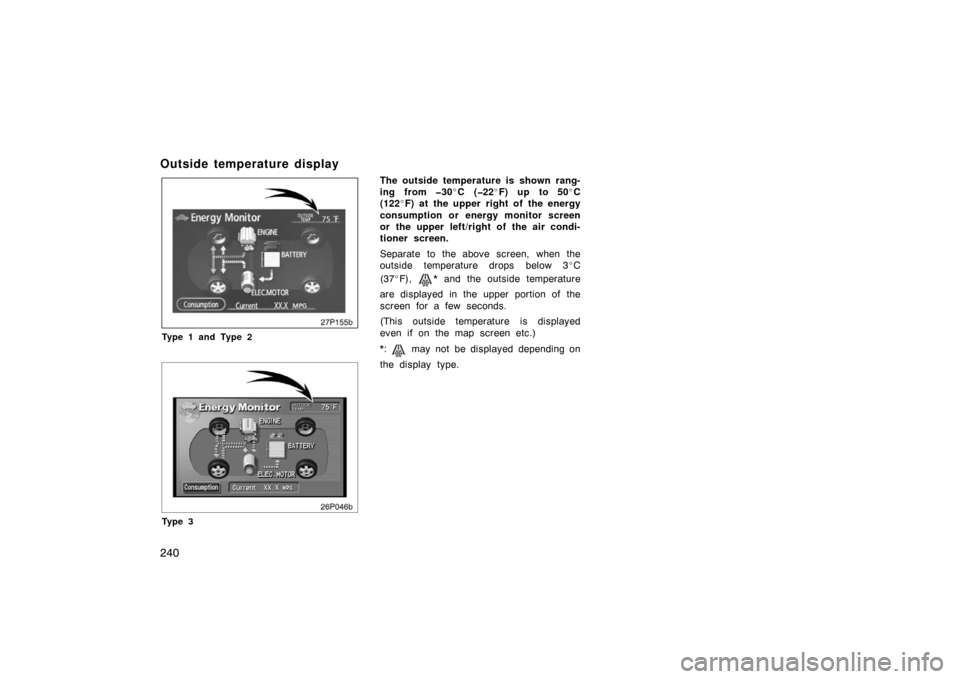
The outside temperature is shown rang-
ing from 30\bC (22 \bF) up to 50 \bC
(122 \bF) at the upper right of the energy
consumption or energy monitor screen
or the upper left/right of the air condi-
tioner screen.
Separate to the above screen, when the
outside temperature drops below 3 \bC
(37 \bF),
* and the outside temperature
are displayed in the upper portion of the
screen for a few seconds.
(This outside temperature is displayed
even if on the map screen etc.)
*:
may not be displayed depending on
the display type.