Page 266 of 458

266
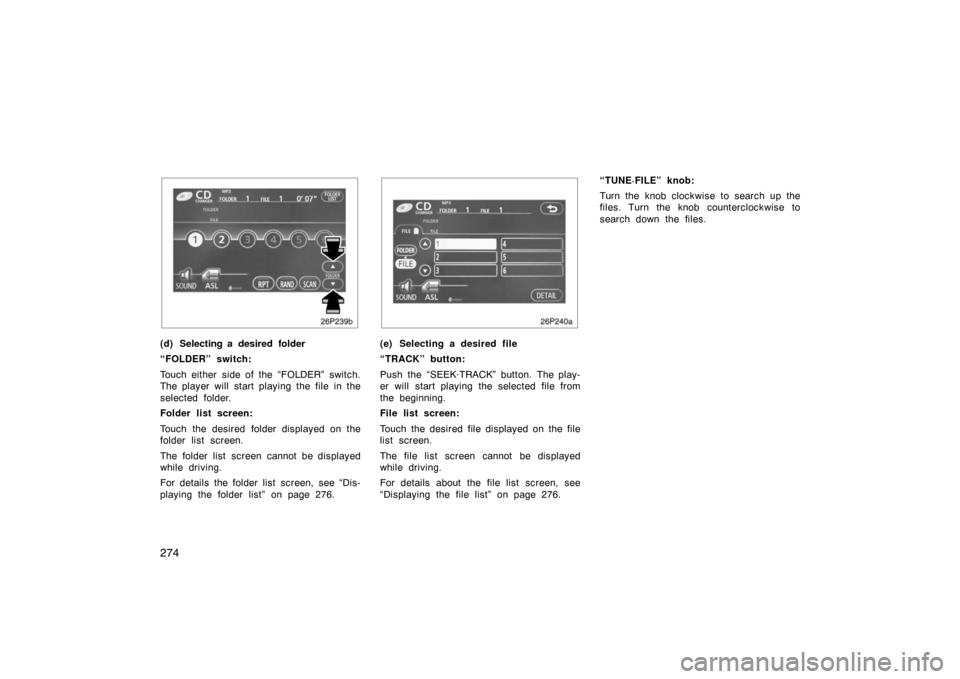
(a) Inserting or ejecting compact disc
Ty p e 1 :
�Setting a single compact disc:
1. Push the “LOAD” button briefly.
The amber indicators at both ends of the
slot blinking. The amber blinking indicators
change to continuous green illumination. 2. Insert only one disc.
You can set a disc at the lowest empty
disc number.
After insertion, the set disc is automatical-
ly loaded.
If the label faces down, the disc cannot
be played. In this case, “CD CHECK” ap-
pears on the display.
If you need to insert the next disc, repeat
the same procedure to insert another disc.
�Setting all the discs:
1. Push the “LOAD” button until you hear a beep.
The amber indicators at both ends of the
slot blinking. The amber blinking indicators
change to continuous green illumination. 2. Insert only one disc.
The amber indicators blink. 3. Insert the next disc after the amber blinking indicators change to contin-
uous green illumination.
4. Repeat this procedure until you in- sert all the discs.
To cancel the operation, push the “LOAD”
button.
Your automatic changer can store up to 6
discs.
If you do not insert the discs within 15
seconds after pushing the “LOAD” button,
the operation will be canceled automatical-
ly.NOTICE
Do not insert one disc stacked on top
of another one or feed them in con-
tinuously, to prevent discs from get-
ting stuck in the player.
Compact disc player operation
( Typ e 1 an d Typ e 2)
Page 267 of 458
267
26p129c
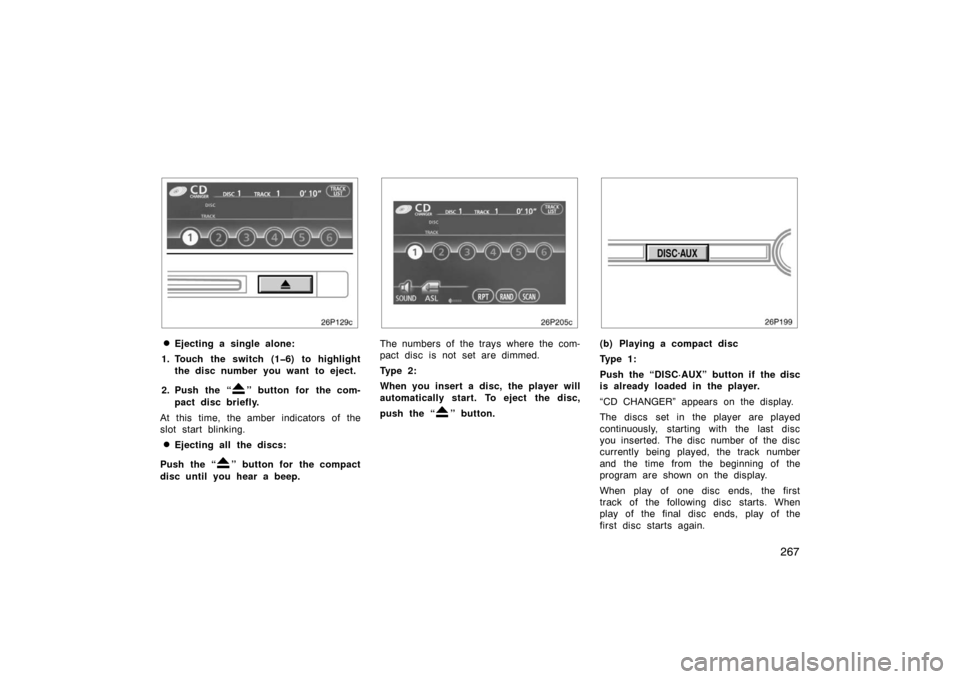
�Ejecting a single alone:
1. Touch the switch (16) to highlight the disc number you want to eject.
2. Push the “
” button for the com-
pact disc briefly.
At this time, the amber indicators of the
slot start blinking.
�Ejecting all the discs:
Push the “
” button for the compact
disc until you hear a beep.
26p205c
The numbers of the trays where the com-
pact disc is not set are dimmed.
Ty p e 2 :
When you insert a disc, the player will
automatically start. To eject the disc,
push the “
” button.
(b) Playing a compact disc
Ty p e 1 :
Push the “DISC·AUX” button if the disc
is already loaded in the player.
“CD CHANGER” appears on the display.
The discs set in the player are played
continuously, starting with the last disc
you inserted. The disc number of the disc
currently being played, the track number
and the time from the beginning of the
program are shown on the display.
When play of one disc ends, the first
track of the following disc starts. When
play of the final disc ends, play of the
first disc starts again.
Page 268 of 458
268
The player will skip any empty disc trays.
When the AUX adapter is in use, each
time you push the “DISC·AUX” button, the
audio switches the compact disc mode
and AUX mode alternately. For details
about AUX adapter, see page 278.
Ty p e 2 :
Push the “DISC·AUX” button if the disc
is already loaded in the player.
“CD” appears on the display.
The discs set in the player are played
continuously. The track number and the
time from the beginning of the program
are shown on the display.
26p205c
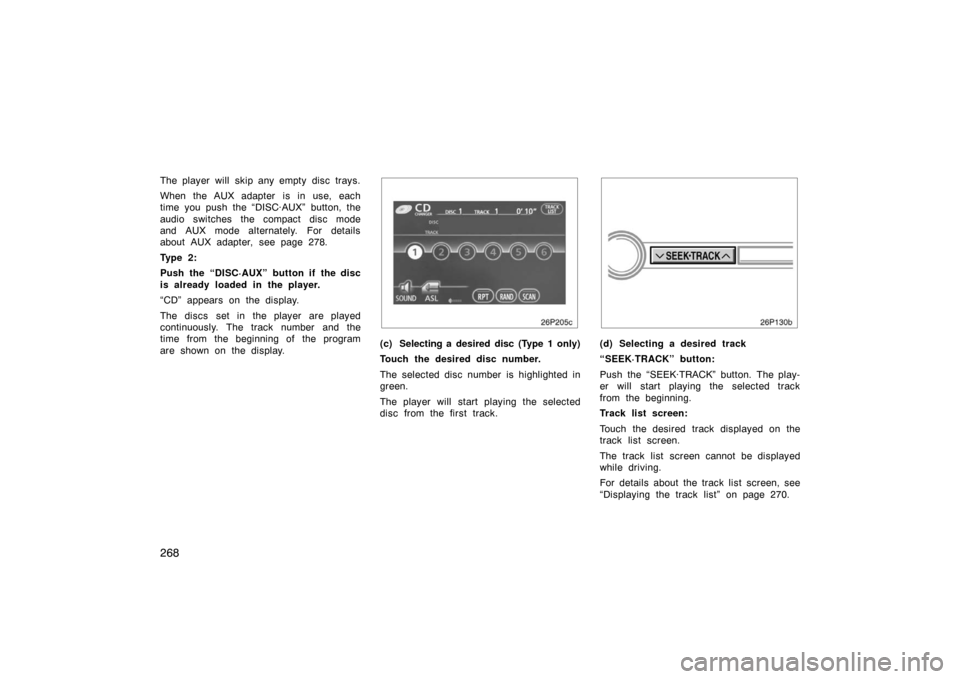
(c) Selecting a desired disc (Type 1 only)
Touch the desired disc number.
The selected disc number is highlighted in
green.
The player will start playing the selected
disc from the first track.(d) Selecting a desired track
“SEEK·TRACK” button:
Push the “SEEK·TRACK” button. The play-
er will start playing the selected track
from the beginning.
Track list screen:
Touch the desired track displayed on the
track list screen.
The track list screen cannot be displayed
while driving.
For details about the track list screen, see
“Displaying the track list” on page 270.
Page 270 of 458
270
26p218c
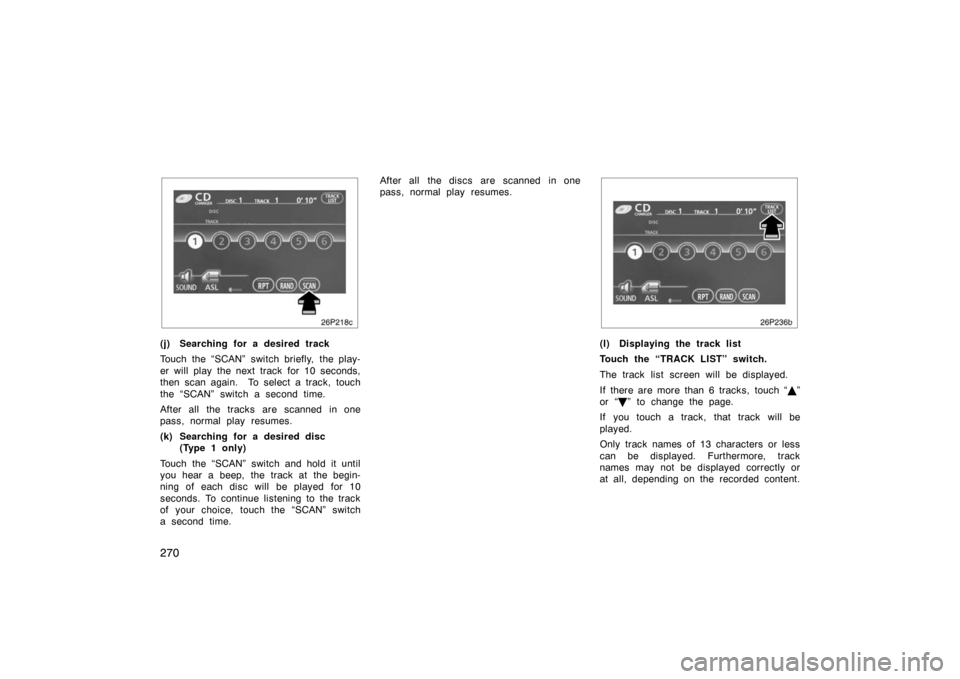
(j) Searching for a desired track
Touch the “SCAN” switch briefly, the play-
er will play the next track for 10 seconds,
then scan again. To select a track, touch
the “SCAN” switch a second time.
After all the tracks are scanned in one
pass, normal play resumes.
(k) Searching for a desired disc (Type 1 only)
Touch the “SCAN” switch and hold it until
you hear a beep, the track at the begin-
ning of each disc will be played for 10
seconds. To continue listening to the track
of your choice, touch the “SCAN” switch
a second time. After all the discs are scanned in one
pass, normal play resumes.
26p236b
(l) Displaying the track list
Touch the “TRACK LIST” switch.
The track list screen will be displayed.
If there are more than 6 tracks, touch “
”
or “
” to change the page.
If you touch a track, that track will be
played.
Only track names of 13 characters or less
can be displayed. Furthermore, track
names may not be displayed correctly or
at all, depending on the recorded content.
Page 271 of 458
271
(m) If the player malfunctions
If the player or another unit equipped with
the player malfunctions, your audio system
will display the following error messages.
If “CD CHECK” appears on the display,
it indicates that the disc is dirty, damaged
or it was inserted up side down. Clean the
disc or insert it correctly.
If “CD ERROR” appears on the display,
the following causes are possible.
�There is trouble inside the system.
Eject the disc.
�The inside of the player unit may be
too hot due to the very high ambient
temperature. Eject the disc and allow
the player to cool down.
If the malfunction is not rectified, take
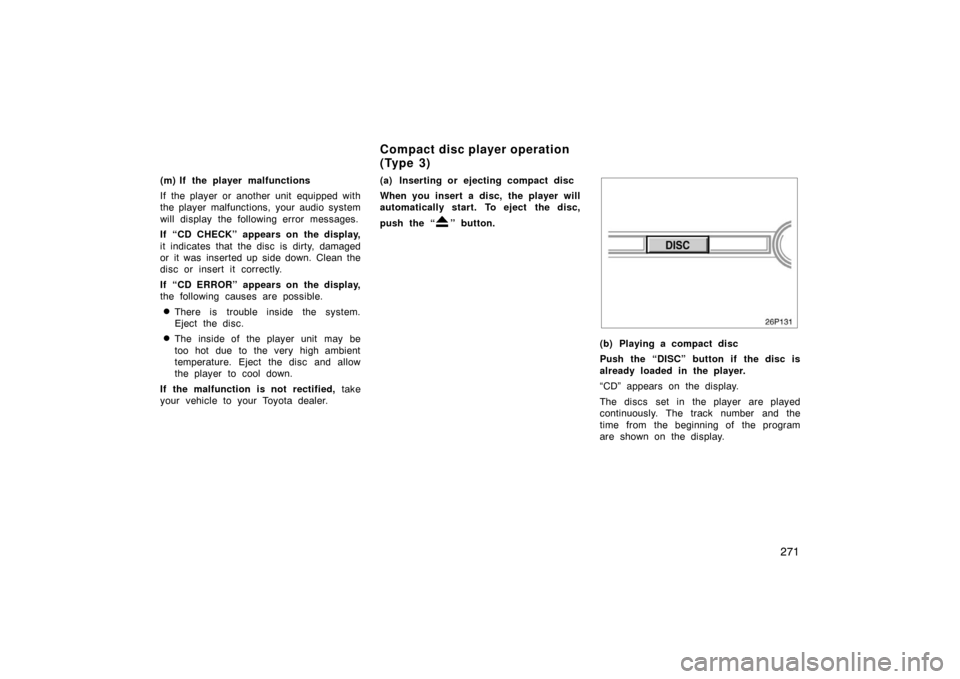
your vehicle to your Toyota dealer. (a) Inserting or ejecting compact disc
When you insert a disc, the player will
automatically start. To eject the disc,
push the “
” button.
(b) Playing a compact disc
Push the “DISC” button if the disc is
already loaded in the player.
“CD” appears on the display.
The discs set in the player are played
continuously. The track number and the
time from the beginning of the program
are shown on the display.
Compact disc player operation
(Type 3)
Page 273 of 458

273
“RAND” switch: Use it for automatic and
random selection of the disc which you
are currently listening to.
When the switch is touched, the system
selects a track in the disc you are cur-
rently listening to. To cancel it, touch the
switch once again.
“TITLE” switch: Use it for displaying the
disc and track title while the CD −TEXT
disc is playing.
The switch is not displayed on the screen
while the CD −TEXT disc is not playing.
Up to 29 letters can be displayed. To
cancel it, touch the “TITLE OFF” switch. (f) If the player malfunctions
If the player or another unit equipped with
the player malfunctions, your audio system
will display the following error messages.
If “CD CHECK” appears on the display,
it indicates that the disc is dirty, damaged
or it was inserted up side down. Clean the
disc or insert it correctly.
If “CD ERROR” appears on the display,
the following causes are possible.
�There is trouble inside the system.
Eject the disc.
�The inside of the player unit may be
too hot due to the very high ambient
temperature. Eject the disc and allow
the player to cool down.
If the malfunction is not rectified, take
your vehicle to your Toyota dealer. (a) Inserting or ejecting MP3/WMA disc
Refer to “(a) Inserting or ejecting compact
disc” on page 266.
(b) Playing a compact disc
Refer to “(b) Playing a compact disc” on
page 267.
(c) Selecting a desired disc (Type 1 only)
Refer to “(c) Selecting a desired disc” on
page 268.
MP3/WMA player operation
( Typ e 1 an d Typ e 2)
Page 274 of 458
274
26p239b
(d) Selecting a desired folder
“FOLDER” switch:
Touch either side of the “FOLDER” switch.
The player will start playing the file in the
selected folder.
Folder list screen:
Touch the desired folder displayed on the
folder list screen.
The folder list screen cannot be displayed
while driving.
For details the folder list screen, see “Dis-
playing the folder list” on page 276.
26p240a
(e) Selecting a desired file
“TRACK” button:
Push the “SEEK·TRACK” button. The play-
er will start playing the selected file from
the beginning.
File list screen:
Touch the desired file displayed on the file
list screen.
The file list screen cannot be displayed
while driving.
For details about the file list screen, see
“Displaying the file list” on page 276.“TUNE·FILE” knob:
Turn the knob clockwise to search up the
files. Turn the knob counterclockwise to
search down the files.
Page 276 of 458
276
26p243b
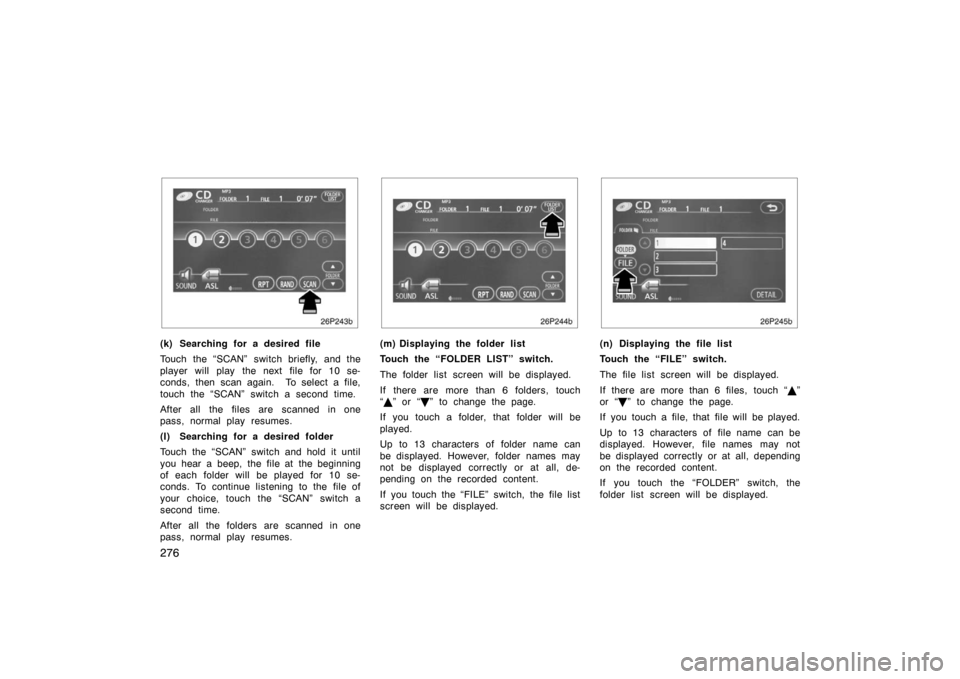
(k) Searching for a desired file
Touch the “SCAN” switch briefly, and the
player will play the next file for 10 se-
conds, then scan again. To select a file,
touch the “SCAN” switch a second time.
After all the files are scanned in one
pass, normal play resumes.
(l) Searching for a desired folder
Touch the “SCAN” switch and hold it until
you hear a beep, the file at the beginning
of each folder will be played for 10 se-
conds. To continue listening to the file of
your choice, touch the “SCAN” switch a
second time.
After all the folders are scanned in one
pass, normal play resumes.
26p244b
(m) Displaying the folder list
Touch the “FOLDER LIST” switch.
The folder list screen will be displayed.
If there are more than 6 folders, touch
“ ” or “
” to change the page.
If you touch a folder, that folder will be
played.
Up to 13 characters of folder name can
be displayed. However, folder names may
not be displayed correctly or at all, de-
pending on the recorded content.
If you touch the “FILE” switch, the file list
screen will be displayed.
26p245b
(n) Displaying the file list
Touch the “FILE” switch.
The file list screen will be displayed.
If there are more than 6 files, touch “ ”
or “
” to change the page.
If you touch a file, that file will be played.
Up to 13 characters of file name can be
displayed. However, file names may not
be displayed correctly or at all, depending
on the recorded content.
If you touch the “FOLDER” switch, the
folder list screen will be displayed.