Page 223 of 458
223
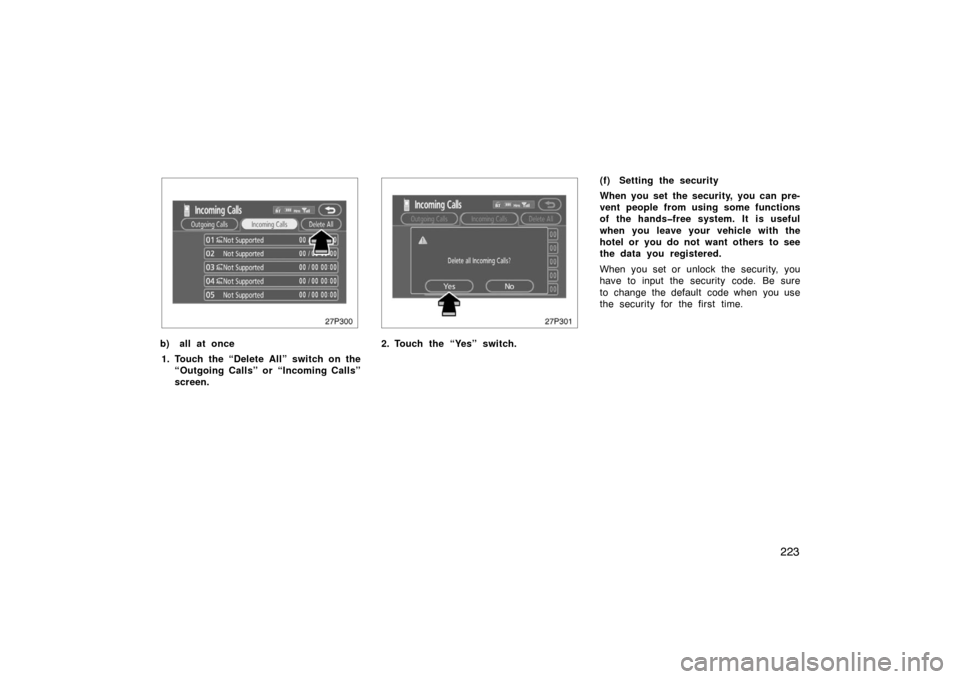
27p300
b) all at once1. Touch the “Delete All” switch on the “Outgoing Calls” or “Incoming Calls”
screen.
27p301
2. Touch the “Yes” switch. (f) Setting the security
When you set the security, you can pre-
vent people from using some functions
of the handsfree system. It is useful
when you leave your vehicle with the
hotel or you do not want others to see
the data you registered.
When you set or unlock the security, you
have to input the security code. Be sure
to change the default code when you use
the security for the first time.
Page 224 of 458
224
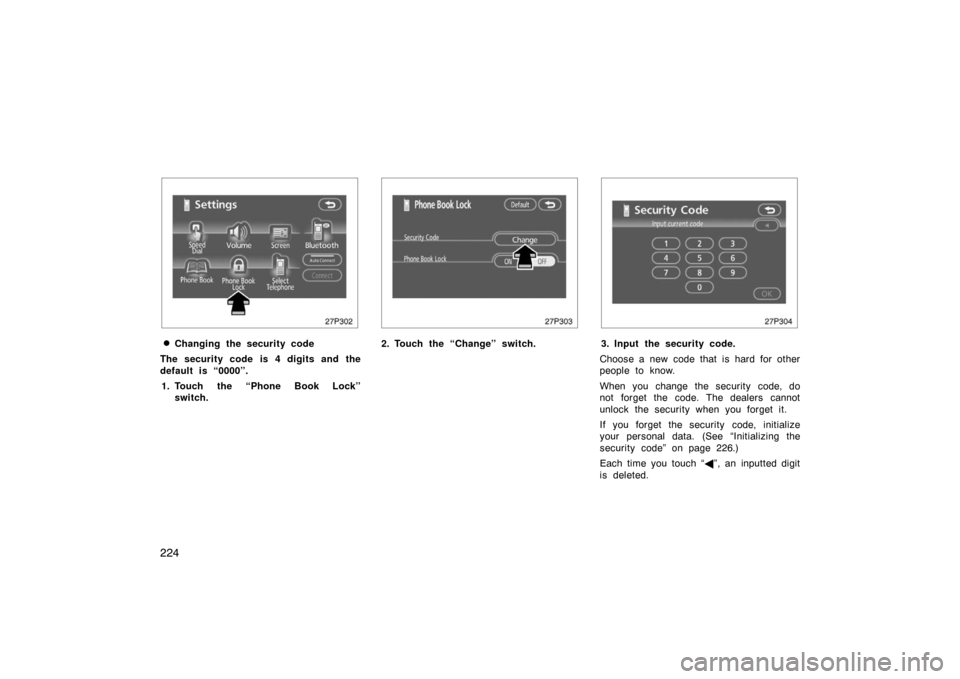
27p302
�Changing the security code
The security code is 4 digits and the
default is “0000”. 1. Touch the “Phone Book Lock” switch.
27p303
2. Touch the “Change” switch.
27p304
3. Input the security code.
Choose a new code that is hard for other
people to know.
When you change the security code, do
not forget the code. The dealers cannot
unlock the security when you forget it.
If you forget the security code, initialize
your personal data. (See “Initializing the
security code” on page 226.)
Each time you touch “ �”, an inputted digit
is deleted.
Page 225 of 458
225
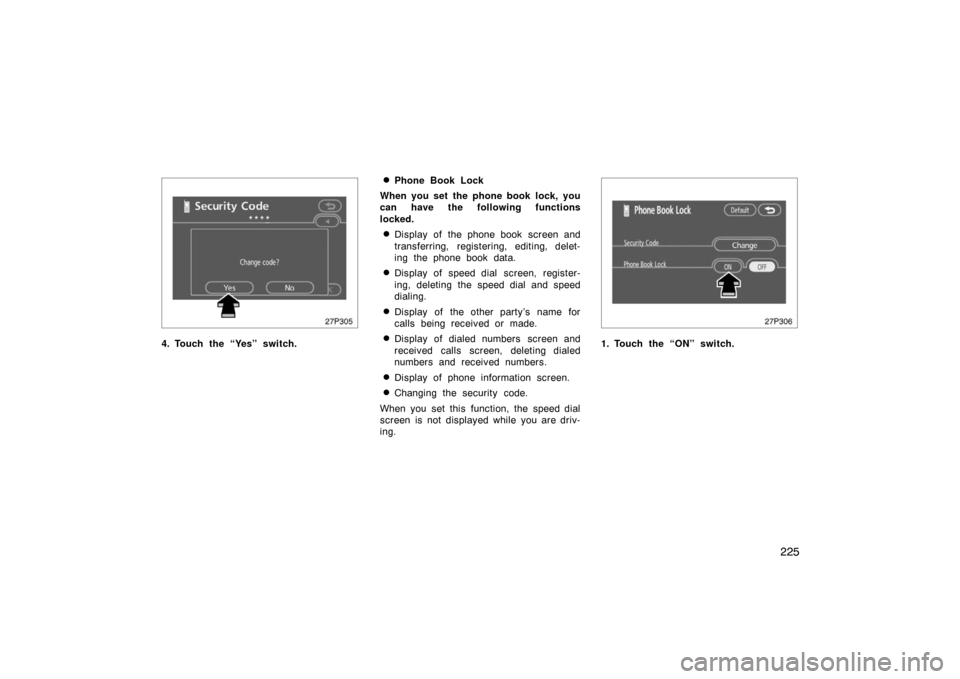
27p305
4. Touch the “Yes” switch.
�Phone Book Lock
When you set the phone book lock, you
can have the following functions
locked.
�Display of the phone book screen and
transferring, registering, editing, delet-
ing the phone book data.
�Display of speed dial screen, register-
ing, deleting the speed dial and speed
dialing.
�Display of the other party’s name for
calls being received or made.
�Display of dialed numbers screen and
received calls screen, deleting dialed
numbers and received numbers.
�Display of phone information screen.
�Changing the security code.
When you set this function, the speed dial
screen is not displayed while you are driv-
ing.
27p306
1. Touch the “ON” switch.
Page 226 of 458
226
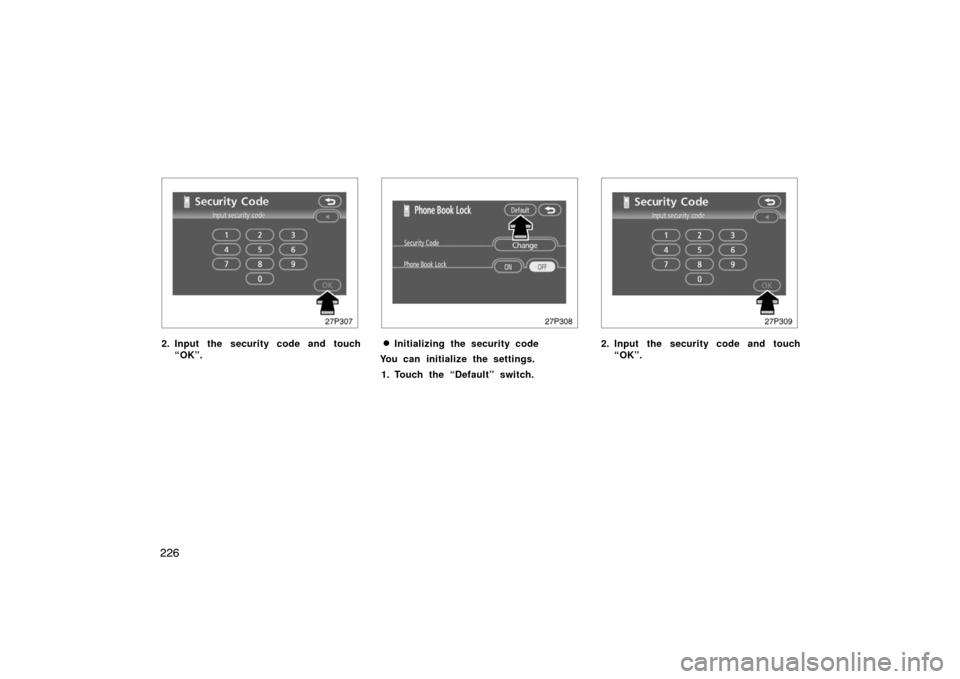
27p307
2. Input the security code and touch“OK”.
27p308
�Initializing the security code
You can initialize the settings.
1. Touch the “Default” switch.
27p309
2. Input the security code and touch “OK”.
Page 229 of 458
229
27p316
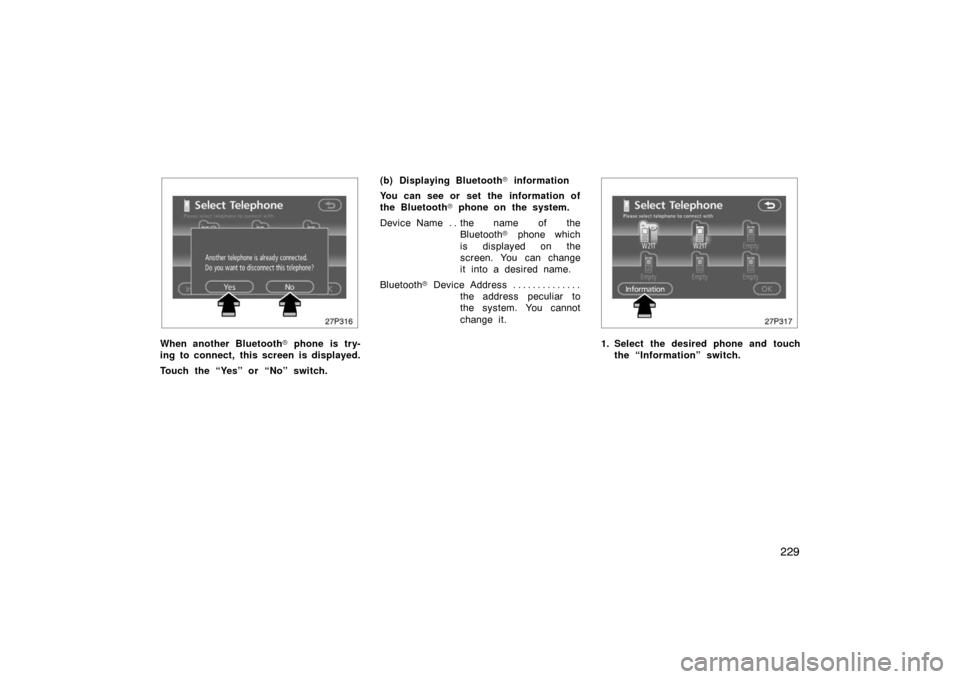
When another Bluetooth� phone is try-
ing to connect, this screen is displayed.
Touch the “Yes” or “No” switch. (b) Displaying Bluetooth
� information
You can see or set the information of
the Bluetooth � phone on the system.
Device Name the name of the . .
Bluetooth � phone which
is displayed on the
screen. You can change
it into a desired name.
Bluetooth � D ev i c e A ddr es s . . . . . . . . . . . . . .
the address peculiar to
the system. You cannot
change it.
27p317
1. Select the desired phone and touchthe “Information” switch.
Page 231 of 458
231
27p320
2. Use the software keyboard to inputthe device name. (d) Changing the Bluetooth
� settings
You can change the display and settings
of Bluetooth � information on the system.
The information displays the following
items.
Device Name the name in the . .
Bluetooth � network. You
can change it.
Passkey the password when you . . . . . . .
register your cellular
phone in the system. You
can change it into the
figure of 4 −8 digits.
Bluetooth � D ev i c e A ddr es s . . . . . . . . . . . . . .
the address peculiar to
the system. You can not
change it. If you have
registered two Bluetooth �
phones with the same
Device Name or Passkey
and you cannot
distinguish one from the
other, refer to it.
27p321
When you change the device name or
Passkey, do the following.
1. Touch the “Bluetooth*” switch.
*: Bluetooth is a registered trademark of
Bluetooth SIG. Inc.
Page 264 of 458

264
(h) If the satellite radio tuner malfunctions
When problems occur with the XM� tuner, a message will appear on the display. Referring to the table below to identify the problem,
take the suggested corrective action.
ANTENNAThe XM � antenna is not connected. Check whether the XM� antenna cable is attached securely.
A short−circuit occurs in the antenna or the surrounding antenna cable. See a T\
oyota certified dealer.
UPDATING
You have not subscribed to the XM � satellite radio. The radio is being updated with the latest encryption\
code. Contact the XM� satellite radio for subscription information. When a contact is cancel\
ed, you can
choose the “CH000” and all free −to− air channels.
The premium channel you selected is not authorized. Wait for about 2 seconds until the radio returns to
the previous channel or “CH001”. If it does not change automatica\
lly, select another channel. If you want
to listen to the premium channel, contact the XM � satellite radio.
NO SIGNALThe XM� signal is too weak at the current location. Wait until your vehicle reaches a location with a stron-
ger signal.
LOADINGThe unit is acquiring audio or program information. Wait until the unit has received the information.
OFF AIRThe channel you selected is not broadcasting any programming. Select an\
other channel.
−−−−−There is no song/program title or artist name/feature associated with th\
e channel at that time. No action
needed.
−−−The channel you selected is no longer available. Wait for about 2 seconds until the radio returns to the
previous channel or “CH001”. If it does not change automatically, select another channel.
The XM � Listener Care Center is also available on the phone, please call (800) 967 −2346 during the following hours:
Monday – Saturday: 6 a.m. – 2 a.m. Eastern Time
Sunday: 8 a.m – 8 p.m. Eastern Time
Page 307 of 458
307
Check surroundings for safety.
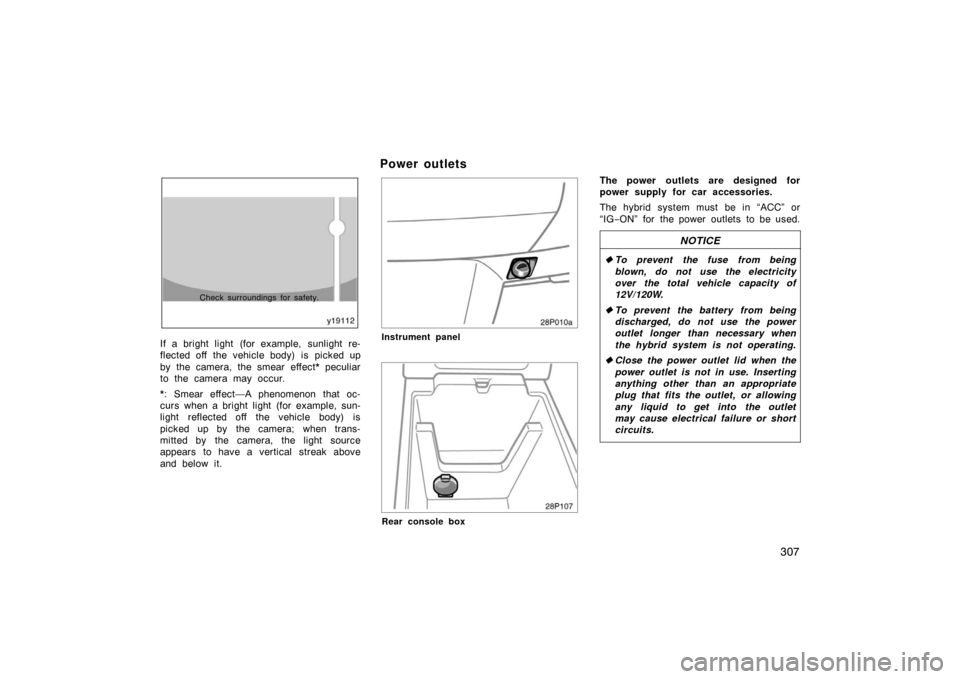
If a bright light (for example, sunlight re-
flected off the vehicle body) is picked up
by the camera, the smear effect* peculiar
to the camera may occur.
*: Smear effect—A phenomenon that oc-
curs when a bright light (for example, sun-
light reflected off the vehicle body) is
picked up by the camera; when trans-
mitted by the camera, the light source
appears to have a vertical streak above
and below it.
Power outlets
28p010a
Instrument panel
28p107
Rear console box
The power outlets are designed for
power supply for car accessories.
The hybrid system must be in “ACC” or
“IG−ON” for the power outlets to be used.
NOTICE
� To prevent the fuse from being
blown, do not use the electricity
over the total vehicle capacity of
12V/120W.
� To prevent the battery from being
discharged, do not use the power
outlet longer than necessary when
the hybrid system is not operating.
� Close the power outlet lid when the
power outlet is not in use. Inserting
anything other than an appropriate
plug that fits the outlet, or allowing
any liquid to get into the outlet
may cause electrical failure or short
circuits.