Page 232 of 674
Mode Control
To change the current mode, select one of the
following:
H(Vent):This mode directs air to the instrument
panel outlets.
)(Bi-Level):This mode directs half of the air to
the instrument panel outlets; then directs most
of the remaining air to the oor outlets. A little air
is directed toward the windshield and the side
window outlets. Cooler air is directed to the upper
outlets and warmer air to the oor outlets.
6(Floor):This mode directs most of the air to
the oor outlets with a little air directed to the
windshield and the side window outlets.
h(Recirculation):The recirculation mode is
used to recirculate the air inside of your vehicle.
Use this mode to help prevent outside odors
and/or dust from entering your vehicle or to help
cool the air inside of your vehicle more quickly.
Press this button to turn the recirculation mode on
or off. The light on the recirculation button will
illuminate. Recirculation cannot be used in oor,
defog or defrost modes. An indicator on the button
will light up, ash three times and turn off when
recirculation is selected in these modes. The
air-conditioning compressor will also come on when
this mode is activated. While in recirculation mode
the windows may fog when the weather is cold and
damp. To clear the fog, select either the defog or
defrost mode and increase fan speed.
232
Page 246 of 674

Speedometer and Odometer
Your speedometer lets you see your speed in both
miles per hour (mph) and kilometers per hour
(km/h). Your odometer shows how far your vehicle
has been driven, in either miles (used in the
United States) or kilometers (used in Canada).
Engine Hour Meter Display
The Driver Information Center (DIC) can also
display the number of hours the engine has run.
To display the hour meter, turn the ignition
off, press and hold the reset button for at least
four seconds. The hour meter will be displayed for
up to 30 seconds, or until the ignition is turned
on. SeeDIC Operation and Displays on page 266
for more information.
Trip Odometer
The trip odometer can tell you how far your
vehicle has been driven since you last set the trip
odometer to zero.
Press the reset button, located on the instrument
panel cluster next to the trip odometer display,
to toggle between the trip odometer and the
regular odometer. Holding the reset button for
approximately one second while the trip odometer
is displayed will reset it.
To display the odometer reading with the ignition
off, press the reset button.
SeeDIC Operation and Displays on page 266for
more information.
Tachometer
Your tachometer displays the engine speed in
revolutions per minute (rpm). See “Grade Braking
(Allison Transmission
®)” underTow/Haul Mode
on page 147for more information.
Notice:If you operate the engine with the
tachometer in the solid red area, your vehicle
could be damaged. The damages would
not be covered by your warranty. Do not
operate the engine in the solid red area.
246
Page 255 of 674
This light should come on briey when you turn
the ignition key to RUN. If it does not come
on then, have it xed so it will be ready to warn
you if there is a problem.
If the light comes on while you are driving, pull off
the road and stop carefully. You may notice
that the pedal is harder to push or may go closer
to the oor. It may take longer to stop. If the
light is still on, have the vehicle towed for service.
SeeTowing Your Vehicle on page 423.
{CAUTION:
Your brake system may not be working
properly if the brake system warning light
is on. Driving with the brake system
warning light on can lead to an accident.
If the light is still on after you have pulled
off the road and stopped carefully, have
the vehicle towed for service.
Anti-Lock Brake System Warning
Light
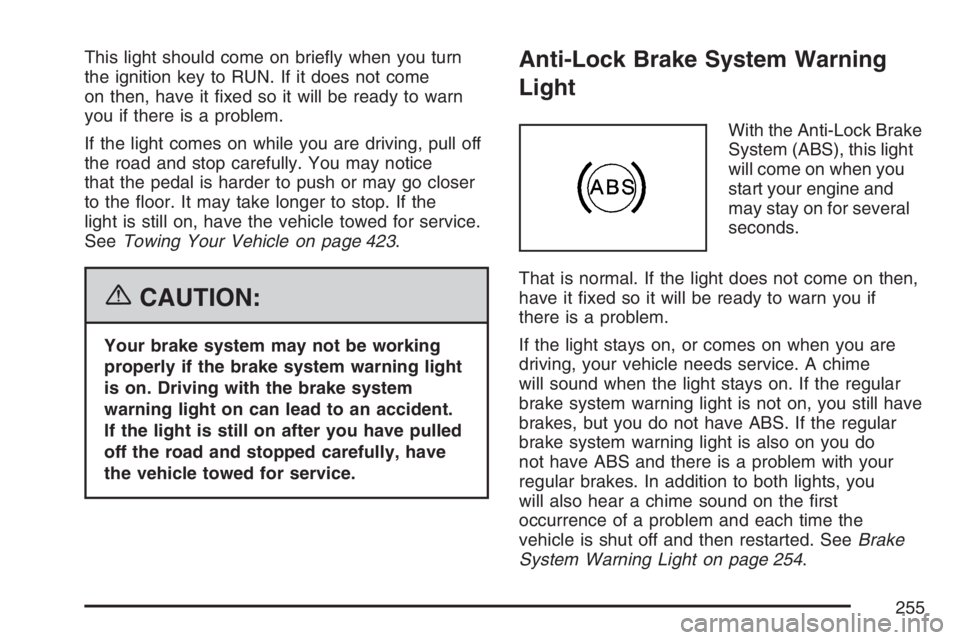
With the Anti-Lock Brake
System (ABS), this light
will come on when you
start your engine and
may stay on for several
seconds.
That is normal. If the light does not come on then,
have it xed so it will be ready to warn you if
there is a problem.
If the light stays on, or comes on when you are
driving, your vehicle needs service. A chime
will sound when the light stays on. If the regular
brake system warning light is not on, you still have
brakes, but you do not have ABS. If the regular
brake system warning light is also on you do
not have ABS and there is a problem with your
regular brakes. In addition to both lights, you
will also hear a chime sound on the rst
occurrence of a problem and each time the
vehicle is shut off and then restarted. SeeBrake
System Warning Light on page 254.
255
Page 258 of 674
If the transmission continues to operate above
265°F (130°C), contact your nearest dealer or the
GM Roadside Assistance Center. SeeRoadside
Assistance Program on page 644.
Notice:If you drive your vehicle with the
transmission temperature gage above normal
operating range, you can damage the
transmission. This could lead to costly repairs
that would not be covered by your warranty.
Do not drive your vehicle while the
transmission temperature gage reading is
above normal. See your dealer for service.
The following situations can cause the
transmission to operate at higher temperatures:
Towing a trailer
Hot outside air temperatures
Hauling a large or heavy load
Low transmission uid level
High transmission uid level
Restricted air ow to the radiator and the
auxiliary transmission oil cooler, if equipped.A temporary solution to reduce hotter transmission
operating temperatures may be to let the
transmission cool down. If the transmission is
operated at higher temperatures on a frequent
basis, seeScheduled Maintenance (Gasoline
Engine) on page 617for the proper transmission
maintenance intervals.
Malfunction Indicator Lamp
Check Engine Light
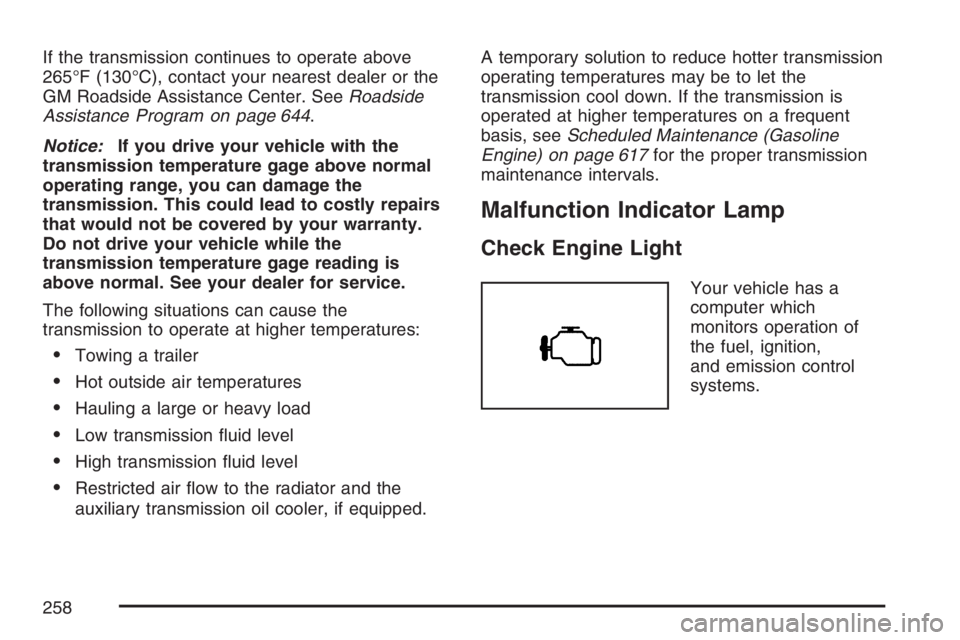
Your vehicle has a
computer which
monitors operation of
the fuel, ignition,
and emission control
systems.
258
Page 260 of 674
If the Light is Flashing
The following may prevent more serious damage
to your vehicle:
Reducing vehicle speed
Avoiding hard accelerations
Avoiding steep uphill grades
If you are towing a trailer, reduce the amount
of cargo being hauled as soon as it is
possible
If the light stops ashing and remains on steady,
see “If the Light Is On Steady” following.
If the light continues to ash, when it is safe to do
so, stop the vehicle. Find a safe place to park
your vehicle. Turn the key off, wait at least
10 seconds and restart the engine. If the light
remains on steady, see “If the Light Is On Steady”
following. If the light is still ashing, follow the
previous steps, and see your dealer for service as
soon as possible.
If the Light Is On Steady
You may be able to correct the emission system
malfunction by considering the following:
Did you recently put fuel into your vehicle?
If so, reinstall the fuel cap, making sure to fully
install the cap. SeeFilling the Tank on page 474.
The diagnostic system can determine if the
fuel cap has been left off or improperly installed.
A loose or missing fuel cap will allow fuel to
evaporate into the atmosphere. A few driving trips
with the cap properly installed should turn the
light off.
Did you just drive through a deep puddle of water?
If so, your electrical system may be wet. The
condition will usually be corrected when the
electrical system dries out. A few driving trips
should turn the light off.
260
Page 264 of 674
Tow/Haul Mode Light
This light comes on
when the Tow/Haul
mode has been
activated.
For more information, seeTow/Haul Mode on
page 147.
Cargo Lamp Light
This light comes on
when the cargo lamp is
in use. For more
information seeCargo
Lamp on page 228.
Fuel Gage
When the ignition is on, the fuel gage tells you
about how much fuel you have left in your tank.
The gage will rst indicate empty before you
are out of fuel, and you should get more fuel as
soon as possible.
When the fuel tank is low the FUEL LEVEL LOW
message will appear. SeeDIC Warnings and
Messages on page 270for more information.
United StatesCanada
264
Page 278 of 674
SERVICE BRAKE BOOSTER
{CAUTION:
Your brake system may not be working
properly if the SERVICE BRAKE
BOOSTER message is displayed.
If the brake system warning light is also
on, you should have the vehicle towed for
service. SeeBrake System Warning Light
on page 254.
If the brake system warning light is not
on, you still have brakes, but the
supplemental brake assist system on
vehicles with rear disc brakes may not
operate properly. In the event of a vacuum
loss, you may not have vacuum power
assist for braking. The brake pedal will be
harder to push and it will take longer to
stop. If you continue to drive with this
message displayed it can lead to a crash.
Have the brake system serviced as soon
as possible.If your vehicle has vacuum assist power brakes,
this message will be displayed on the DIC
when there is a problem with the Supplemental
Brake Assist system. If the message is displayed
immediately after starting the vehicle or the
message appears while driving, the Supplemental
Brake Assist system needs service. See your
dealer. SeeBrake System Warning Light on
page 254for additional information.
SERVICE BRAKE SYSTEM
If there is a problem with the brake system, this
message will be displayed on the DIC. If this
message appears, stop as soon as possible and
turn off the vehicle. Restart the vehicle and
check for the message on the DIC display. If the
message is still displayed or appears again
when you begin driving, the brake system needs
service. See your dealer.
278
Page 280 of 674
TRANSMISSION HOT
Notice:If you drive your vehicle while the
transmission uid is overheating and the
transmission temperature warning is displayed
on the instrument panel cluster and/or DIC,
you can damage the transmission. This could
lead to costly repairs that would not be
covered by your warranty. Do not drive your
vehicle with overheated transmission uid
or while the transmission temperature warning
is displayed.
If the transmission uid temperature becomes
high, this message will appear on the DIC display.
When the transmission enters the protection
mode, you may notice a change in the
transmission shifting patterns. When the
transmission uid temperature returns to normal,
the display will turn off and the transmission
shifting patterns will return to normal.If the vehicle has the Tow/Haul mode, use this
feature if the transmission is operating at higher
temperatures and/or the following situations
exist, which can cause the transmission to operate
at higher temperatures:
Towing a trailer
Hot outside air temperatures
Hauling a large or heavy load
Over-loading
Low transmission uid level
High transmission uid level
Restricted air ow to the radiator and the
auxiliary transmission oil cooler
A temporary solution to hotter transmission
operating temperatures may be to let the
transmission cool down. If the transmission is
operated at higher temperatures on a frequent
basis, seeScheduled Maintenance (Gasoline
Engine) on page 617for the transmission
your vehicle is equipped with for the proper
transmission maintenance intervals. Also see
Transmission Temperature Gage on page 257for
more information.
280