Page 133 of 464
LIGHTS
Overhead Console Map/Reading Lights
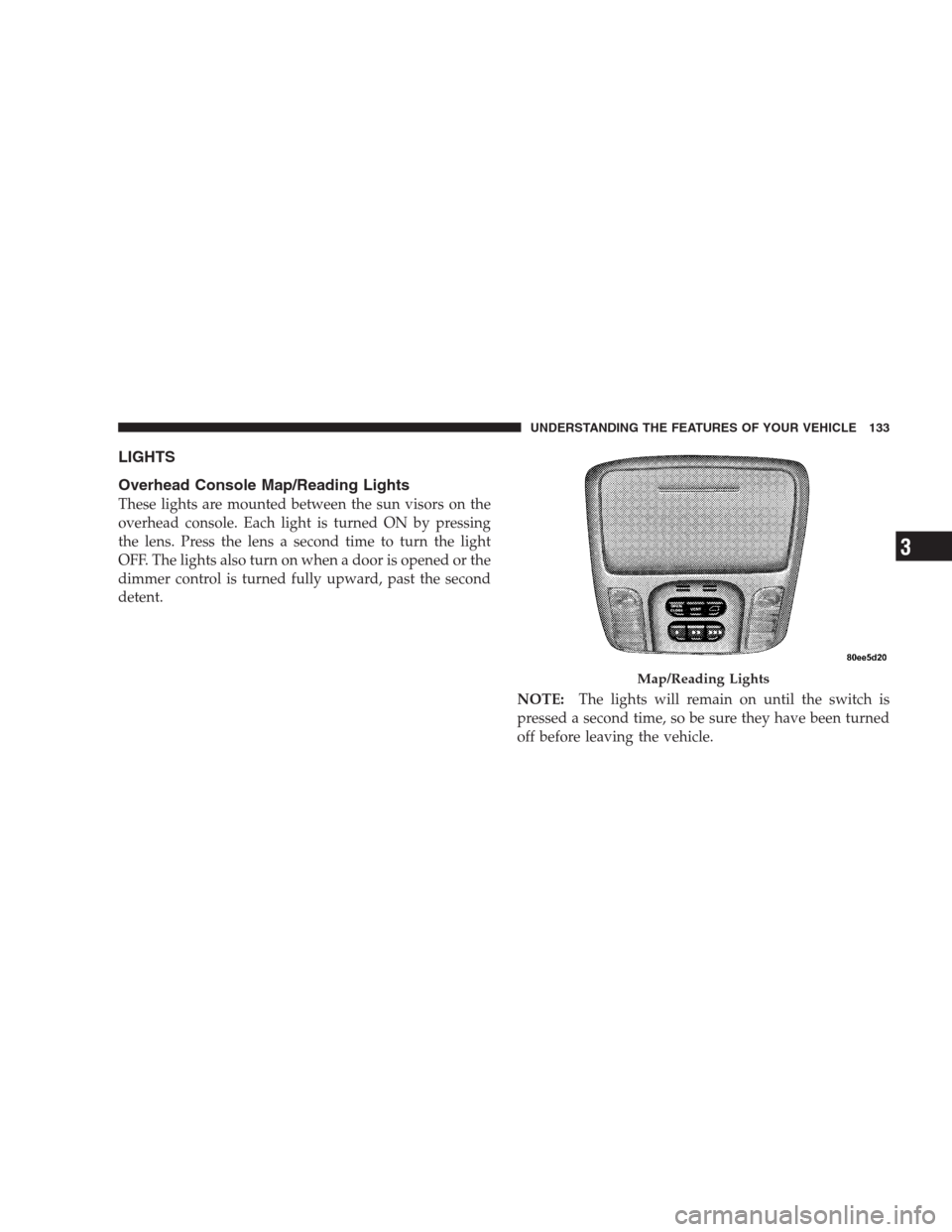
These lights are mounted between the sun visors on the
overhead console. Each light is turned ON by pressing
the lens. Press the lens a second time to turn the light
OFF. The lights also turn on when a door is opened or the
dimmer control is turned fully upward, past the second
detent.
NOTE:The lights will remain on until the switch is
pressed a second time, so be sure they have been turned
off before leaving the vehicle.
Map/Reading Lights
UNDERSTANDING THE FEATURES OF YOUR VEHICLE 133
3
Page 134 of 464
Interior Lights
The interior lights come on when a door is opened.
The interior lights will automatically turn off in about 15
minutes if a door is left open or the dimmer control is left
in the Dome light position. Turn the ignition switch ON
to restore the interior light operation.
Multi-Function Lever
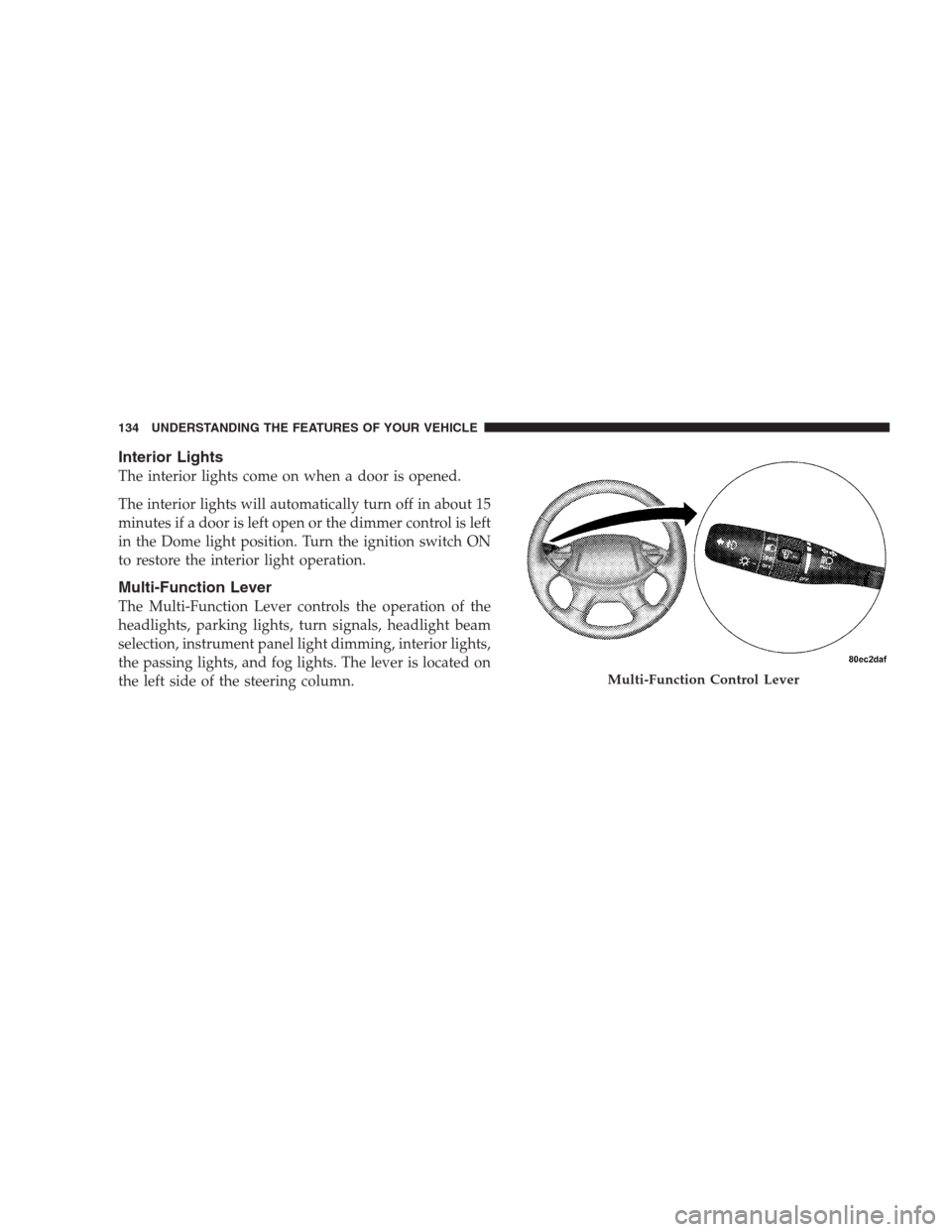
The Multi-Function Lever controls the operation of the
headlights, parking lights, turn signals, headlight beam
selection, instrument panel light dimming, interior lights,
the passing lights, and fog lights. The lever is located on
the left side of the steering column.
Multi-Function Control Lever
134 UNDERSTANDING THE FEATURES OF YOUR VEHICLE
Page 135 of 464
Headlights, Parking Lights, Instrument Panel
Lights
Turn the end of the Multi-Function Lever to the first
detent for parking light and instrument panel light
operation. Turn to the second detent for headlight, park
light and instrument panel light operation.
To change the brightness of the instrument panel lights,
rotate the center portion of the Multi-Function Lever up
or down.
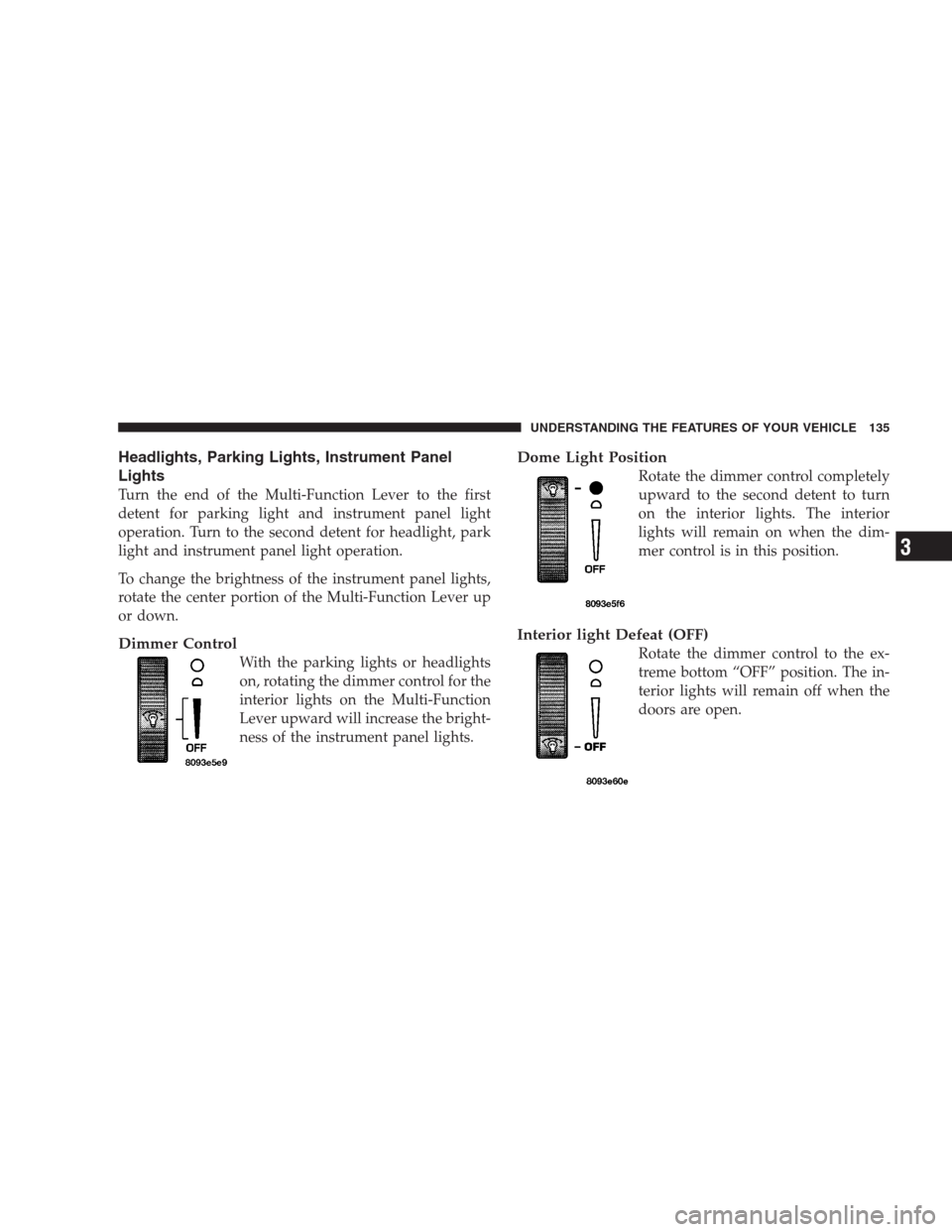
Dimmer Control
With the parking lights or headlights
on, rotating the dimmer control for the
interior lights on the Multi-Function
Lever upward will increase the bright-
ness of the instrument panel lights.
Dome Light Position
Rotate the dimmer control completely
upward to the second detent to turn
on the interior lights. The interior
lights will remain on when the dim-
mer control is in this position.
Interior light Defeat (OFF)
Rotate the dimmer control to the ex-
treme bottom “OFF” position. The in-
terior lights will remain off when the
doors are open.
UNDERSTANDING THE FEATURES OF YOUR VEHICLE 135
3
Page 136 of 464
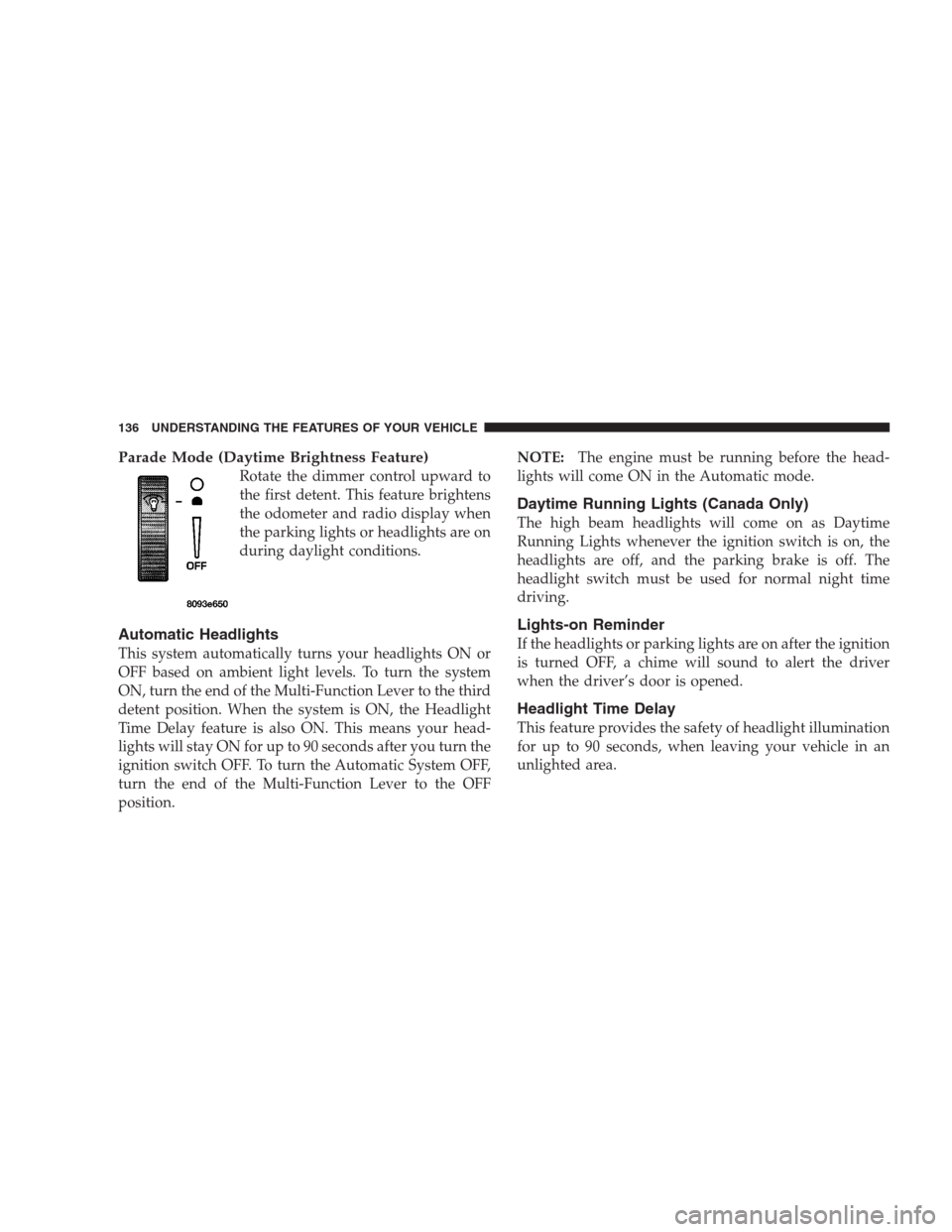
Parade Mode (Daytime Brightness Feature)
Rotate the dimmer control upward to
the first detent. This feature brightens
the odometer and radio display when
the parking lights or headlights are on
during daylight conditions.
Automatic Headlights
This system automatically turns your headlights ON or
OFF based on ambient light levels. To turn the system
ON, turn the end of the Multi-Function Lever to the third
detent position. When the system is ON, the Headlight
Time Delay feature is also ON. This means your head-
lights will stay ON for up to 90 seconds after you turn the
ignition switch OFF. To turn the Automatic System OFF,
turn the end of the Multi-Function Lever to the OFF
position.NOTE:The engine must be running before the head-
lights will come ON in the Automatic mode.
Daytime Running Lights (Canada Only)
The high beam headlights will come on as Daytime
Running Lights whenever the ignition switch is on, the
headlights are off, and the parking brake is off. The
headlight switch must be used for normal night time
driving.
Lights-on Reminder
If the headlights or parking lights are on after the ignition
is turned OFF, a chime will sound to alert the driver
when the driver’s door is opened.
Headlight Time Delay
This feature provides the safety of headlight illumination
for up to 90 seconds, when leaving your vehicle in an
unlighted area.
136 UNDERSTANDING THE FEATURES OF YOUR VEHICLE
Page 137 of 464
To activate the delay feature, turn off the ignition switch
while the headlights are still on. Then turn off the
headlights within 45 seconds. The 90 second delay inter-
val begins when headlight switch is turned off. If the
headlights or park lights are turned back on or the
ignition switch is turned on, the delay will be cancelled.
If the headlights are turned off before the ignition, they
will turn off in the normal manner.
NOTE:The lights must be turned off within 45 seconds
of turning the ignition off to activate this feature
Fog Lights — If Equipped
The front fog light switch is on the Multi-Function
Lever. To activate the front fog lights, turn on the
parking lights or the low beam headlights and pull
out the end of the Multi-Function Lever.NOTE:The fog lights will only operate with the head-
lights on low beam. Selecting high beam headlights will
turn off the fog lights.
Turn Signals
Move the Multi-Function Lever up or down and the
arrows on each side of the instrument cluster flash to
show proper operation of the front and rear turn signal
lights. You can signal a lane change by moving the lever
partially up or down without moving beyond the detent.
If either light has a very fast flash rate, check for a
defective outside light bulb. If an indicator fails to light
when the lever is moved, it would suggest that the fuse
or indicator bulb is defective.
UNDERSTANDING THE FEATURES OF YOUR VEHICLE 137
3
Page 138 of 464
Highbeam/Lowbeam Select Switch
Pull the Multi-Function Lever towards you to switch the
headlights to HIGH beam. Pull the Lever a second time
to switch the headlights to LOW beam.
Passing Light
You can signal another vehicle with your headlights by
lightly pulling the Multi-Function Lever toward you.
This will cause the headlights to turn on at high beam
and remain on until the lever is released.
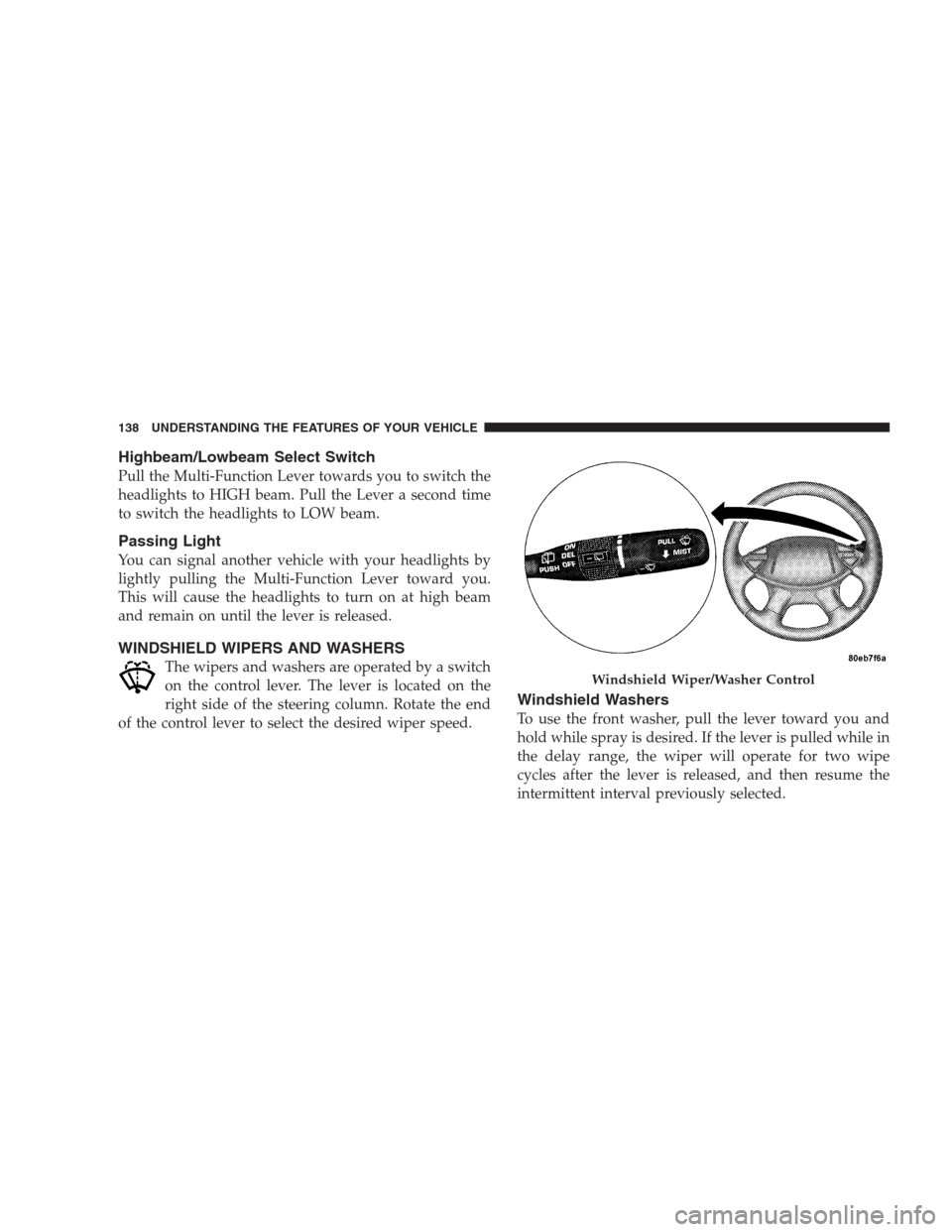
WINDSHIELD WIPERS AND WASHERS
The wipers and washers are operated by a switch
on the control lever. The lever is located on the
right side of the steering column. Rotate the end
of the control lever to select the desired wiper speed.
Windshield Washers
To use the front washer, pull the lever toward you and
hold while spray is desired. If the lever is pulled while in
the delay range, the wiper will operate for two wipe
cycles after the lever is released, and then resume the
intermittent interval previously selected.
Windshield Wiper/Washer Control
138 UNDERSTANDING THE FEATURES OF YOUR VEHICLE
Page 142 of 464
spinning faster than the other, the system will apply the
brake of the spinning wheel. This will allow more engine
torque to be applied to the wheel that is not spinning.
This feature remains active even if TCS and ESP are in
either the “Partial Off” or “ESP Off” modes.
The ESP / TCS Indicator Lamp, located in the instrument
cluster, will light up when the Traction Control is in use.
To turn the system OFF, press the ESP “OFF” switch
located on center console next to the ash tray, until the
Traction Control Indicator in the instrument cluster lights
up.
To turn the system back ON, press the switch a second
time until the Traction Control Indicator turns OFF.
Traction Control Switch
142 UNDERSTANDING THE FEATURES OF YOUR VEHICLE
Page 146 of 464
NOTE:
•Ensure that the rear bumper is free of dirt and debris
to keep the system operating properly.
•Jackhammers, large trucks, and other vibrations could
affect the performance of the system.
If “Service Park Assist System” appears in the Electronic
Vehicle Information Center (EVIC) after making sure the
rear bumper is clean please see your authorized dealer.
REAR CAMERA — IF EQUIPPED
Vehicles with Navigation may be equipped with a Rear
Camera that allows you to see an on-screen image (on the
navigation screen) of the rear of your vehicle whenever it
is put into R (Reverse). The camera is located in the light
bar of the rear license plate.Use the following steps to access the Rear Backup Cam-
era feature:
1. Start the engine.
2. Place shift lever in R (Reverse).
3. Wait three seconds, and the camera view will display
on the Navigation Screen.
NOTE:The camera view will display only while the
vehicle is in R (Reverse).
4. Perform a visual check of the rear area.
NOTE:CHECK ENTIRE SURROUNDINGS before
backing up.
5. Backup as necessary.
6. Place the sift lever in P (Park) or D (Drive) to exit the
Rear Backup Camera system.
146 UNDERSTANDING THE FEATURES OF YOUR VEHICLE