2006 FORD EXPLORER light
[x] Cancel search: lightPage 210 of 328
To reduce the risk of electrical shock, do not use your heater
with ungrounded electrical systems or two-pronged (cheater)
adapters.
BRAKES
Occasional brake noise is normal. If a metal-to-metal, continuous grinding
or continuous squeal sound is present, the brake linings may be worn-out
and should be inspected by an authorized dealer. If the vehicle has
continuous vibration or shudder in the steering wheel while braking, the
vehicle should be inspected by an authorized dealer.
Refer toBrake system warning
lightin theInstrument Cluster
chapter for information on the brake
system warning light.
Four-wheel anti-lock brake system (ABS)
Your vehicle is equipped with an Anti-lock Braking System (ABS). This
system helps you maintain steering control during emergency stops by
keeping the brakes from locking. Noise from the ABS pump motor and
brake pedal pulsation may be observed during ABS braking and the
brake pedal may suddenly travel a little farther as soon as ABS braking is
done and normal brake operation resumes. These are normal
characteristics of the ABS and should be no reason for concern.
ABS warning lamp
The ABS lamp in the instrument
cluster momentarily illuminates
when the ignition is turned on. If
the light does not illuminate during
start up, remains on or flashes, the
ABS may be disabled and may need to be serviced.
Even when the ABS is disabled,
normal braking is still effective. (If
your BRAKE warning lamp
illuminates with the parking brake
released, have your brake system
serviced immediately.)
P!
BRAKE
ABS
P!
BRAKE
Driving
210
Page 212 of 328

ADVANCETRACTWITH ROLL STABILITY CONTROLY(RSC)
STABILITY ENHANCEMENT SYSTEM
The AdvanceTractwith RSC system provides stability enhancement
features such as Roll Stability Controly(RSC), Electronic Stability
Control (ESC) and Traction Control (TCS) for certain driving situations.
The system includes an AdvanceTractwith RSC on/off button, and a
ªsliding carº icon in the instrument cluster.
Some drivers may notice a slight movement of the brake pedal when the
AdvanceTractwith RSC performs a system self-check. During
AdvanceTractwith RSC operation you may experience the following:
²A rumble, grunting, or grinding noise after startup and when driving
off
²A slight deceleration of the vehicle
²The AdvanceTractwith RSC indicator light will flash when the system
is activated.
²If your foot is on the brake pedal, you will feel a vibration in the
pedal.
²If the driving condition is severe and your foot is not on the brake, the
brake pedal will move to apply higher brake forces. You may also hear
a whoosh of air from under the instrument panel during this severe
condition.
Traction Control
Traction Control helps your vehicle maintain traction, when driving on
slippery and/or hilly road surfaces, by detecting and controlling wheel
spin. Excessive wheel spin is controlled by momentarily reducing engine
power and/or applying the anti-lock brakes. Traction Control is a driver
aid that helps your vehicle.
If your vehicle should become stuck in deep snow or mud, try switching
the AdvanceTractwith RSC system off by pressing the AdvanceTract
with RSC button momentarily. This will allow your tires to ªdigº for
traction.
If the AdvanceTractwith RSC system is activated excessively in a short
period of time, the brake portion of the system will disable to allow the
brakes to cool down. In this situation, Traction Control will use only
engine power reduction to help control the wheels from over-spinning.
When the brakes have cooled down, the system will again function
normally. Anti-lock braking, RSC and ESC are not affected by this
condition and will function normally during the cool-down period.
Driving
212
Page 214 of 328
Driving conditions that may activate AdvanceTractwith RSC include:
²Emergency lane-change
²Taking a turn too fast
²Quick maneuvering to avoid an accident, pedestrian or obstacle
AdvanceTractwith RSC button and icon functionality
The AdvanceTractwith RSC system automatically turns on each time
the engine is started. AdvanceTractwith RSC system status is indicated
by a warning indicator light with a ªsliding carº icon in the instrument
cluster that will flash when the system is active. In R (Reverse), ABS and
the Traction Control feature will continue to function, however ESC and
RSC are disabled.
The AdvanceTractwith RSC button
allows the driver to control certain
features of the AdvanceTractwith
RSC system below 25 mph (40
km/h). If an attempt is made to
disable the AdvanceTractwith RSC
system above 25 mph (40 km/h), the ªsliding carº icon will illuminate
solid if pressed momentarily, however, the AdvanceTractwith RSC
system will remain enabled until the vehicle speed drops below 25 mph
(40 km/h). Pressing the AdvanceTractwith RSC button momentarily will
disable engine Traction Control, ESC, and RSC and illuminate the ªsliding
carº icon solid. From the default/start-up state, the AdvanceTractwith
RSC system will have no lights illuminated (ªsliding carº lamp off). The
AdvanceTractwith RSC ªsliding carº lamp will illuminate when the
AdvanceTractwith RSC button is pressed momentarily.
When the AdvanceTractwith RSC system has been turned off (pressing
the AdvanceTractwith RSC button momentarily) the ªsliding carº lamp
will illuminate solid.
Pressing and holding the AdvanceTractwith RSC button for more than
five seconds will further disable the brake portion of the Traction Control
feature and the ªsliding carº icon will flash momentarily, then illuminate
solid. The ªsliding carº icon will illuminate solid if pressed momentarily.
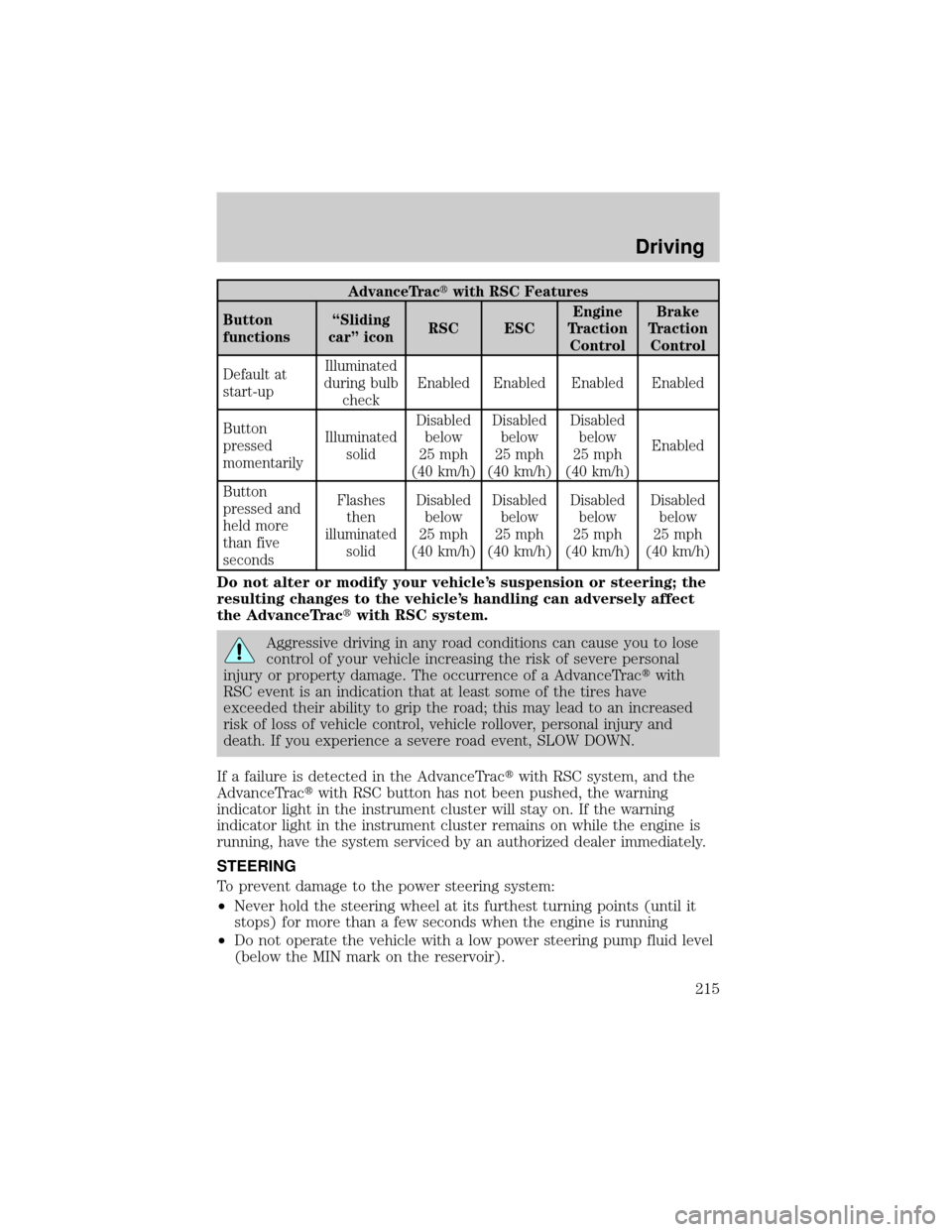
All these conditions are normal during AdvanceTractwith RSC
operation. Refer to the following table.
Driving
214
Page 215 of 328
AdvanceTractwith RSC Features
Button
functionsªSliding
carº iconRSC ESCEngine
Traction
ControlBrake
Traction
Control
Default at
start-upIlluminated
during bulb
checkEnabled Enabled Enabled Enabled
Button
pressed
momentarilyIlluminated
solidDisabled
below
25 mph
(40 km/h)Disabled
below
25 mph
(40 km/h)Disabled
below
25 mph
(40 km/h)Enabled
Button
pressed and
held more
than five
secondsFlashes
then
illuminated
solidDisabled
below
25 mph
(40 km/h)Disabled
below
25 mph
(40 km/h)Disabled
below
25 mph
(40 km/h)Disabled
below
25 mph
(40 km/h)
Do not alter or modify your vehicle's suspension or steering; the
resulting changes to the vehicle's handling can adversely affect
the AdvanceTractwith RSC system.
Aggressive driving in any road conditions can cause you to lose
control of your vehicle increasing the risk of severe personal
injury or property damage. The occurrence of a AdvanceTractwith
RSC event is an indication that at least some of the tires have
exceeded their ability to grip the road; this may lead to an increased
risk of loss of vehicle control, vehicle rollover, personal injury and
death. If you experience a severe road event, SLOW DOWN.
If a failure is detected in the AdvanceTractwith RSC system, and the
AdvanceTractwith RSC button has not been pushed, the warning
indicator light in the instrument cluster will stay on. If the warning
indicator light in the instrument cluster remains on while the engine is
running, have the system serviced by an authorized dealer immediately.
STEERING
To prevent damage to the power steering system:
²Never hold the steering wheel at its furthest turning points (until it
stops) for more than a few seconds when the engine is running
²Do not operate the vehicle with a low power steering pump fluid level
(below the MIN mark on the reservoir).
Driving
215
Page 218 of 328
If the parking brake is fully released, but the brake warning lamp
remains illuminated, the brakes may not be working properly.
See your authorized dealer.
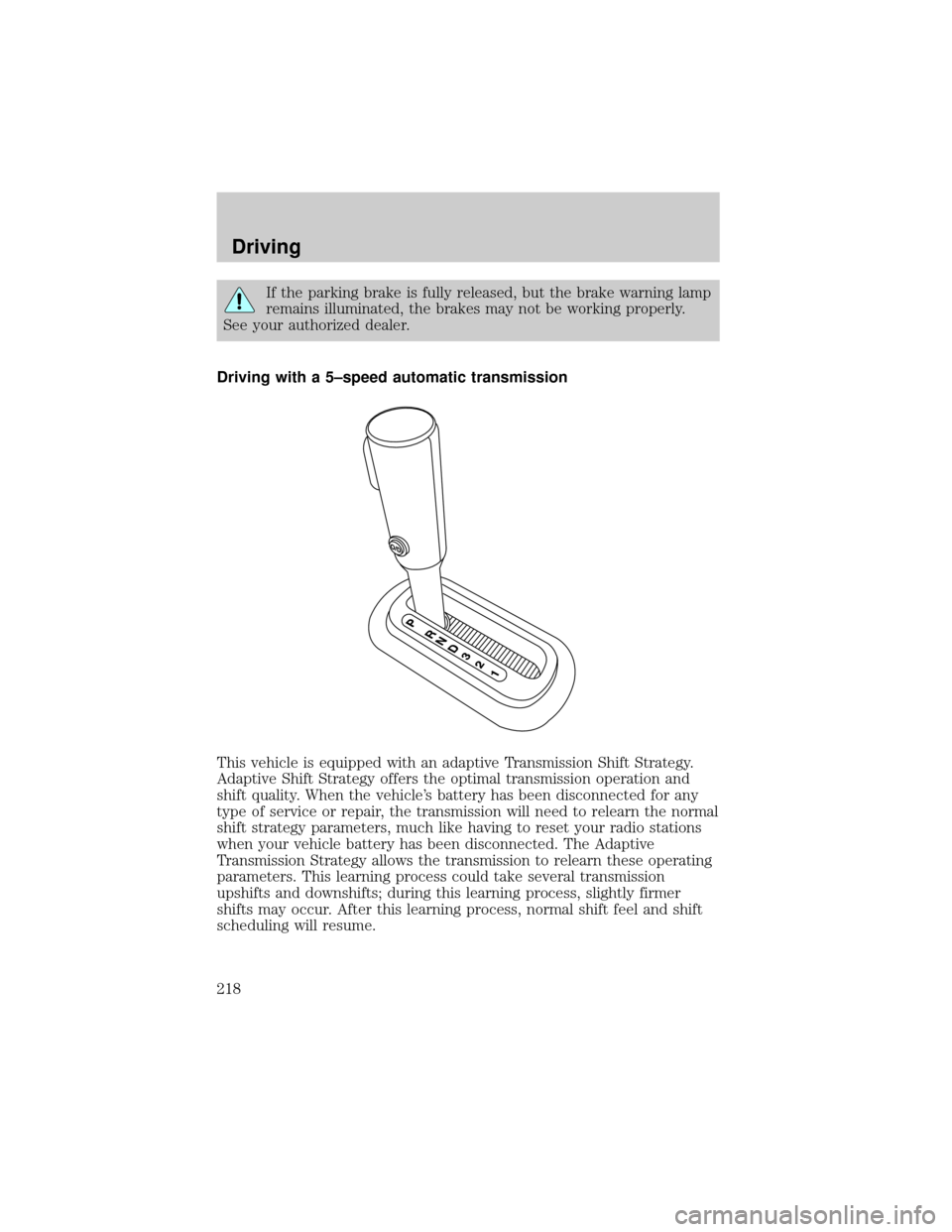
Driving with a 5±speed automatic transmission
This vehicle is equipped with an adaptive Transmission Shift Strategy.
Adaptive Shift Strategy offers the optimal transmission operation and
shift quality. When the vehicle's battery has been disconnected for any
type of service or repair, the transmission will need to relearn the normal
shift strategy parameters, much like having to reset your radio stations
when your vehicle battery has been disconnected. The Adaptive
Transmission Strategy allows the transmission to relearn these operating
parameters. This learning process could take several transmission
upshifts and downshifts; during this learning process, slightly firmer
shifts may occur. After this learning process, normal shift feel and shift
scheduling will resume.
Driving
218
Page 224 of 328
²Allows upshifts by moving gearshift lever.
²Will not downshift into 1 (First) at high speeds; allows for 1 (First)
when vehicle reaches slower speeds.
Forced downshifts
²Allowed in D (Drive) only.
²Depress the accelerator to the floor.
²Allows transmission to select an appropriate gear.
If your vehicle gets stuck in mud or snow
If your vehicle gets stuck in mud or snow, it may be rocked out by
shifting between forward and reverse gears, stopping between shifts in a
steady pattern. Press lightly on the accelerator in each gear.
Do not rock the vehicle if the engine is not at normal operating
temperature or damage to the transmission may occur.
Do not rock the vehicle for more than a minute or damage to the
transmission and tires may occur, or the engine may overheat.
REVERSE SENSING SYSTEM (IF EQUIPPED)
The Reverse Sensing System (RSS) sounds a tone to warn the driver of
obstacles near the rear bumper when the R (Reverse) is selected and the
vehicle is moving at speeds less than 3 mph (5 km/h). The system is not
effective at speeds above 3 mph (5 km/h) and may not detect certain
angular or moving objects.
To help avoid personal injury, please read and understand the
limitations of the reverse sensing system as contained in this
section. Reverse sensing is only an aid for some (generally large and
fixed) objects when moving in reverse on a flat surface at ªparking
speedsº. Inclement weather may also affect the function of the RSS;
this may include reduced performance or a false activation.
To help avoid personal injury, always use caution when in R
(Reverse) and when using the RSS.
This system is not designed to prevent contact with small or
moving objects. The system is designed to provide a warning to
assist the driver in detecting large stationary objects to avoid damaging
the vehicle. The system may not detect smaller objects, particularly
those close to the ground.
Driving
224
Page 226 of 328
FOUR-WHEEL DRIVE (4WD) OPERATION (IF EQUIPPED)
For important information regarding safe operation of this type
of vehicle, seePreparing to drive your vehiclein this chapter.
Four±wheel drive (4WD) supplies power to all four wheels. 4WD should
not be operated on dry pavement; driveline damage may occur.
If equipped with the Electronic Shift 4WD System, and 4WD Low is
selected while the vehicle is moving above 3 mph (5 km/h), the 4WD
system will not engage. This is normal and should be no reason for
concern.Refer toShifting to/from 4WD Lowfor proper operation.
System indicator lights
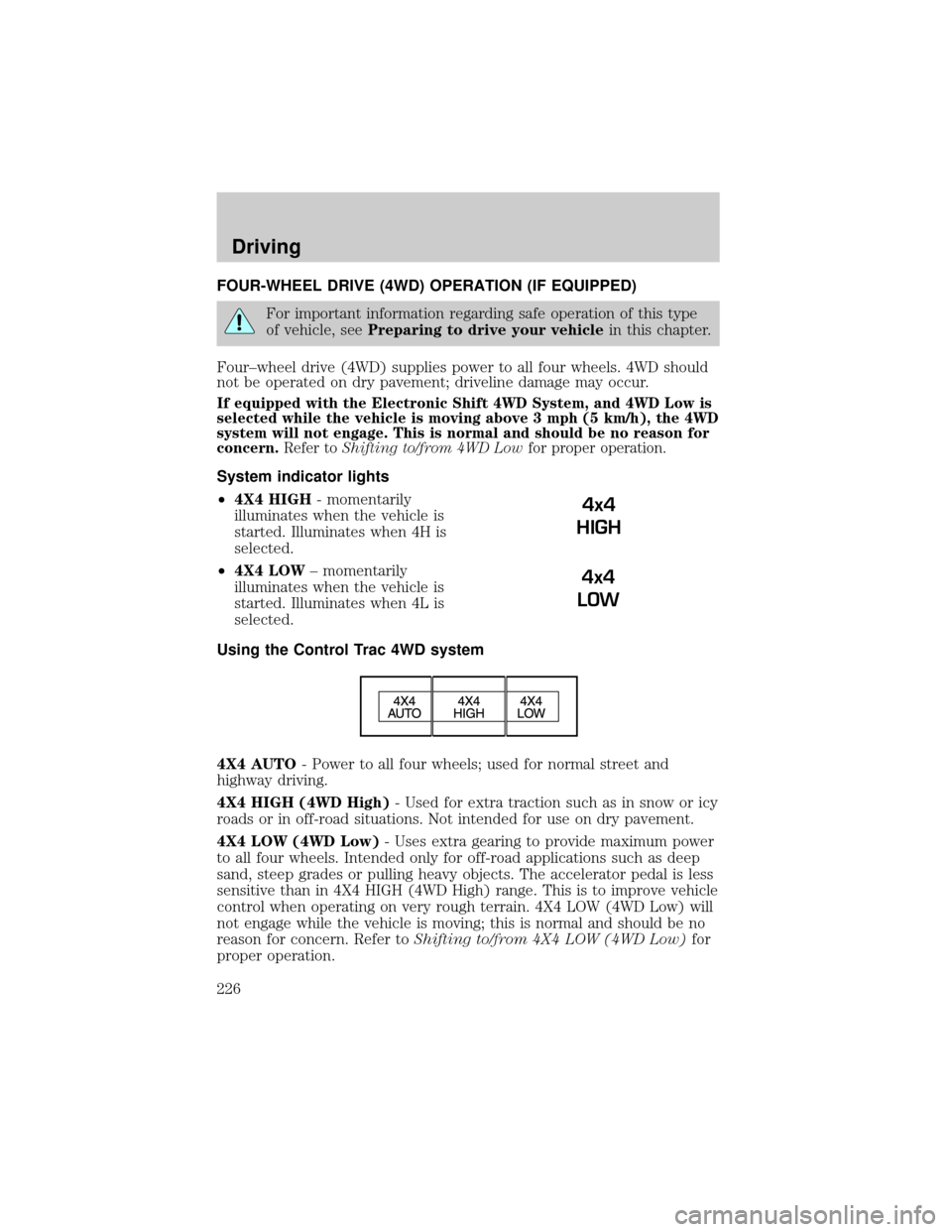
²4X4 HIGH- momentarily
illuminates when the vehicle is
started. Illuminates when 4H is
selected.
²4X4 LOW± momentarily
illuminates when the vehicle is
started. Illuminates when 4L is
selected.
Using the Control Trac 4WD system
4X4 AUTO- Power to all four wheels; used for normal street and
highway driving.
4X4 HIGH (4WD High)- Used for extra traction such as in snow or icy
roads or in off-road situations. Not intended for use on dry pavement.
4X4 LOW (4WD Low)- Uses extra gearing to provide maximum power
to all four wheels. Intended only for off-road applications such as deep
sand, steep grades or pulling heavy objects. The accelerator pedal is less
sensitive than in 4X4 HIGH (4WD High) range. This is to improve vehicle
control when operating on very rough terrain. 4X4 LOW (4WD Low) will
not engage while the vehicle is moving; this is normal and should be no
reason for concern. Refer toShifting to/from 4X4 LOW (4WD Low)for
proper operation.
4x4
HIGH
4x4
LOW
Driving
226
Page 227 of 328

Shifting between 4X4 AUTO (4WD Auto) and 4X4 HIGH (4WD High)
²Select 4X4 AUTO (4WD Auto) or 4X4 HIGH (4WD High) at any
forward speed.
Note:Do not perform this operation if the rear wheels are slipping.
Shifting to/from 4X4 LOW (4WD Low)
1. Bring the vehicle to a complete stop
2. Depress the brake
3. Place the transmission in N (Neutral).
4. Press the desired 4WD position.
²If shifting into 4X4 LOW (4WD Low), wait for the 4X4 LOW light in
the instrument cluster to turnonindicating the shift is complete.
²If shifting out of 4X4 LOW (4WD Low), wait for the 4X4 LOW light in
the instrument cluster to turnoffindicating the shift is complete.
Driving off-road with truck and utility vehicles
4WD vehicles are specially equipped for driving on sand, snow, mud and
rough terrain and have operating characteristics that are somewhat
different from conventional vehicles, both on and off the road.
How your vehicle differs from other vehicles
Truck and utility vehicles can differ from some other vehicles. Your
vehicle may be higher to allow it to travel over rough terrain without
getting hung up or damaging underbody components.
The differences that make your vehicle so versatile also make it handle
differently than an ordinary passenger car.
Maintain steering wheel control at all times, especially in rough terrain.
Since sudden changes in terrain can result in abrupt steering wheel
motion, make sure you grip the steering wheel from the outside. Do not
grip the spokes.
Drive cautiously to avoid vehicle damage from concealed objects such as
rocks and stumps.
You should either know the terrain or examine maps of the area before
driving. Map out your route before driving in the area. To maintain
steering and braking control of your vehicle, you must have all four
wheels on the ground and they must be rolling, not sliding or spinning.
Driving
227