INSTRUMENT PANEL ASSEMBLY
IP-15
C
D
E
F
G
H
J
K
L
MA
B
IP
3. Remove screw.
4. Disengage center console front pawls, and then remove center
console while avoiding parking lever.
Cluster lid C
1. Insert a remover into the bottom of cluster lid “C”, and then dis-
engage pawls and clips.
2. Pull cluster lid C straight frontward to remove.
3. Disconnect all connectors.
4. Remove center ventilator grille (LH/RH). Refer to ATC-137,
"Removal of Center Ventilator Grille" in ATC section.
Audio, A/C Controller
Remove screws, and then remove audio and A/C controller. Refer to AV- 3 4 , "Removal and Installation of
Audio Unit (With Cassette Deck)" and AV- 3 5 , "Removal and Installation of Audio Unit (Without Cassette
Deck)" in AV section and ATC-120, "CONTROLLER" in ATC section.
CAUTION:
During removal or installation, use shop cloth to protect surrounding area from damage.
Display Unit
Remove screws, and then remove display. Refer to AV- 1 0 9 , "Removal and Installation of Display" in AV sec-
tion.
CAUTION:
During removal or installation, use shop cloth to protect surrounding area from damage.
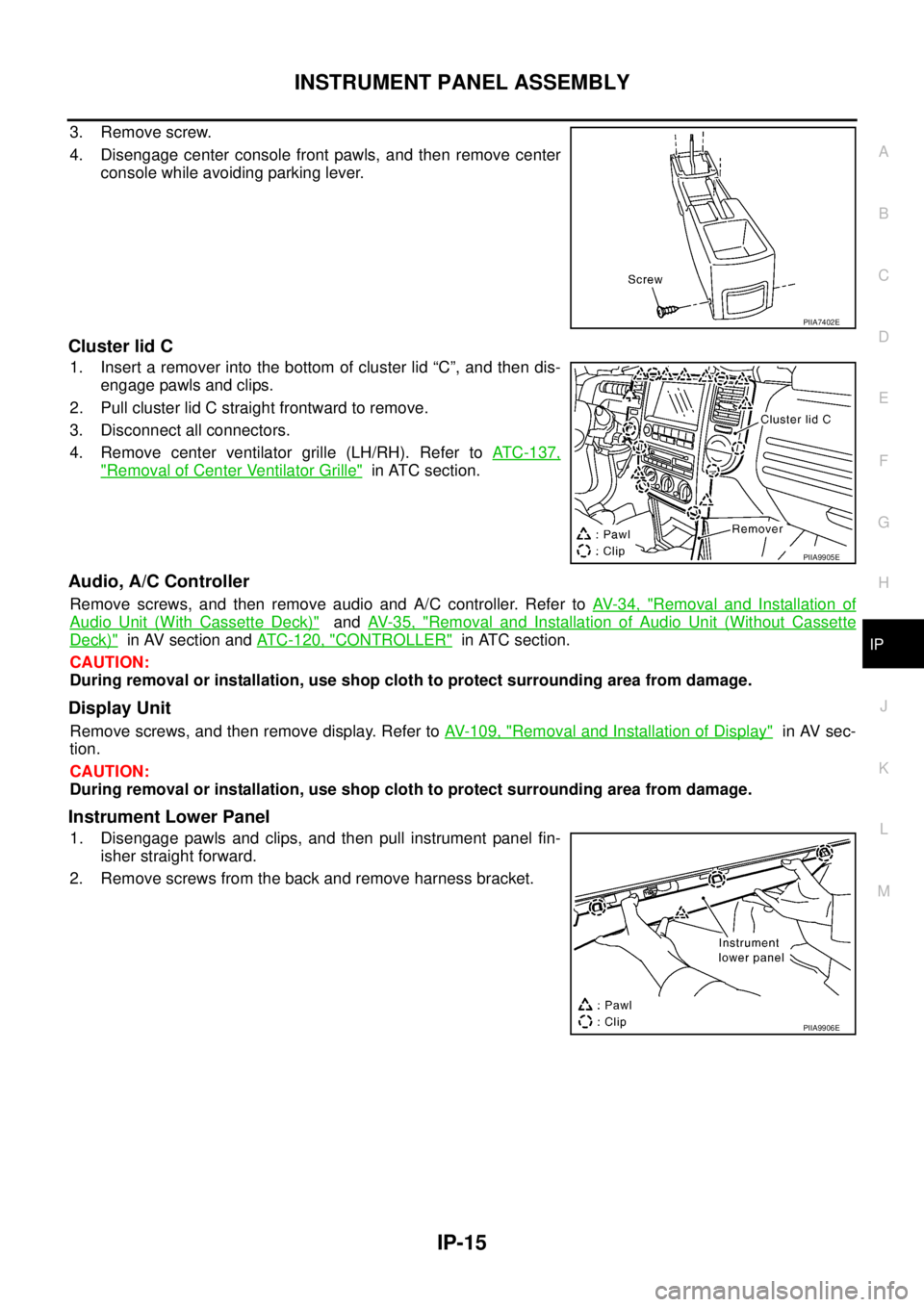
Instrument Lower Panel
1. Disengage pawls and clips, and then pull instrument panel fin-
isher straight forward.
2. Remove screws from the back and remove harness bracket.
PIIA7402E
PIIA9905E
PIIA9906E