2004 Peugeot Partner VP ECO mode
[x] Cancel search: ECO modePage 31 of 128
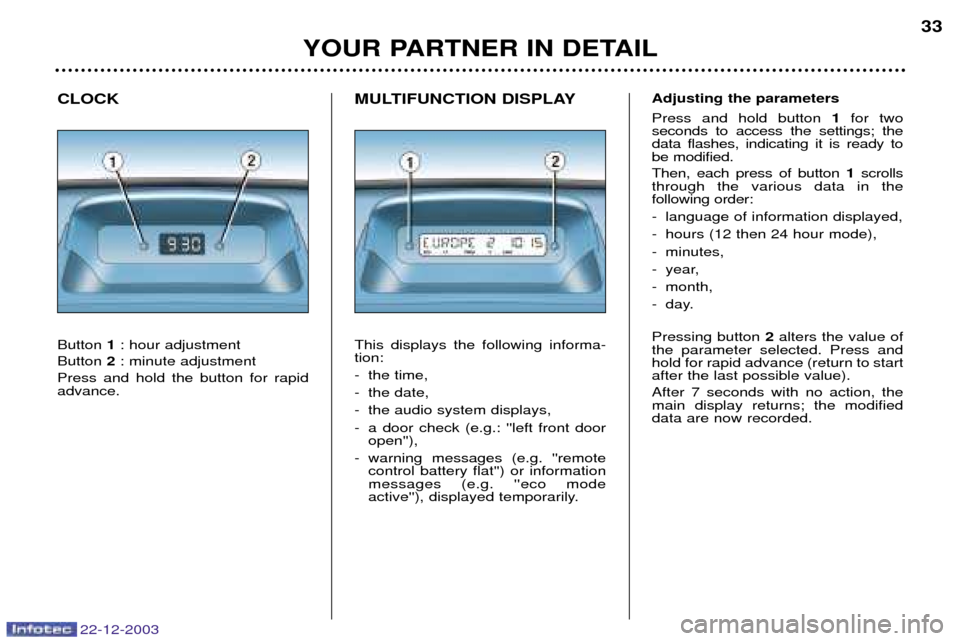
MULTIFUNCTION DISPLAY This displays the following informa- tion:
- the time,
- the date,
- the audio system displays,
- a door check (e.g.: ''left front dooropen''),
- warning messages (e.g. ''remote control battery flat'') or information messages (e.g. ''eco mode
active''), displayed temporarily.
CLOCK Button
1: hour adjustment
Button 2: minute adjustment
Press and hold the button for rapid advance.
YOUR PARTNER IN DETAIL 33
22-12-2003
Adjusting the parameters Press and hold button
1for two
seconds to access the settings; the data flashes, indicating it is ready tobe modified. Then, each press of button 1scrolls
through the various data in the following order:
- language of information displayed,
- hours (12 then 24 hour mode),
- minutes,
- year,
- month,
- day. Pressing button 2alters the value of
the parameter selected. Press and hold for rapid advance (return to startafter the last possible value). After 7 seconds with no action, the main display returns; the modifieddata are now recorded.
Page 33 of 128
YOUR PARTNER IN DETAIL35
22-12-2003
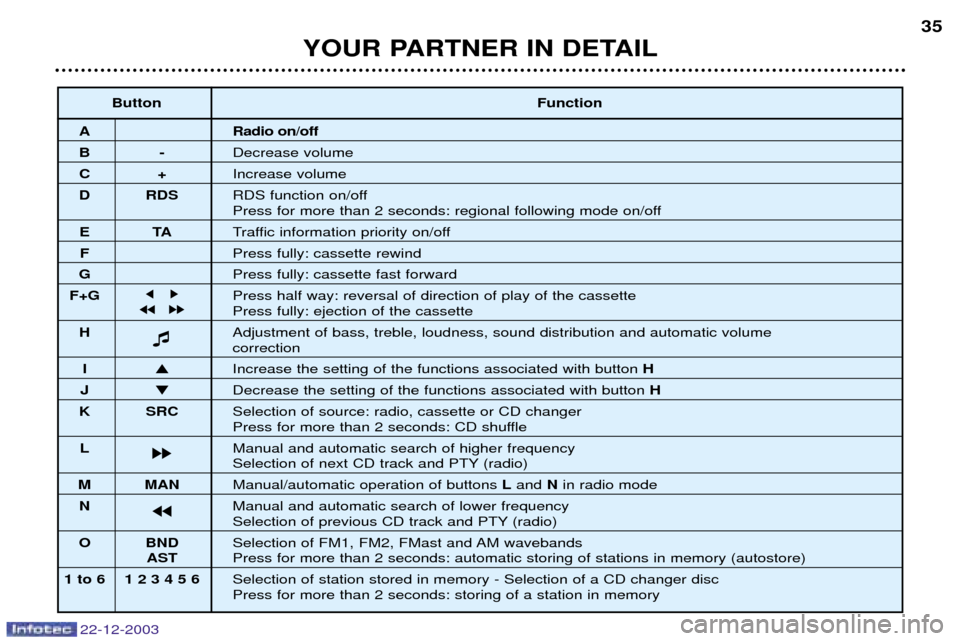
Button
Function
A Radio on/off
B-Decrease volume
C+Increase volume
D RDS RDS function on/off
Press for more than 2 seconds: regional following mode on/off
ETATraffic information priority on/off
F Press fully: cassette rewind
G Press fully: cassette fast forward
F+G j k Press half way: reversal of direction of play of the cassette
jj kk Press fully: ejection of the cassette
H Adjustment of bass, treble, loudness, sound distribution and automatic volume
correction
I
Increase the setting of the functions associated with button H
J Decrease the setting of the functions associated with button H
K SRC Selection of source: radio, cassette or CD changer
Press for more than 2 seconds: CD shuffle
L kk Manual and automatic search of higher frequency
Selection of next CD track and PTY (radio)
M MAN
Manual/automatic operation of buttons Land Nin radio mode
N jj Manual and automatic search of lower frequency
Selection of previous CD track and PTY (radio)
O BND Selection of FM1, FM2, FMast and AM wavebands
ASTPress for more than 2 seconds: automatic storing of stations in memory (autostore)
1 to 6 1 2 3 4 5 6 Selection of station stored in memory - Selection of a CD changer disc Press for more than 2 seconds: storing of a station in memory
Page 34 of 128
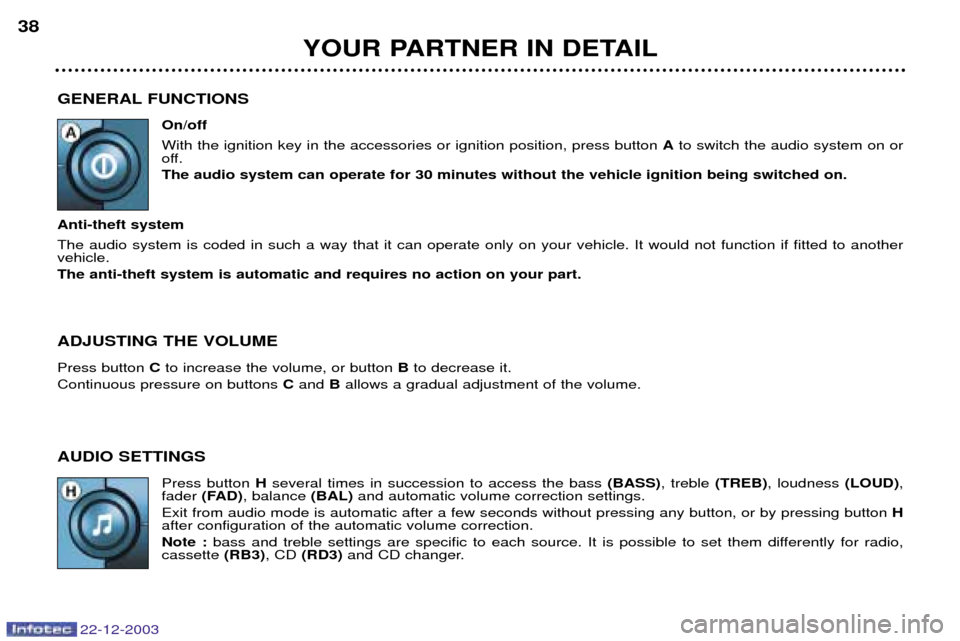
GENERAL FUNCTIONSOn/off With the ignition key in the accessories or ignition position, press button Ato switch the audio system on or
off. The audio system can operate for 30 minutes without the vehicle ignition being switched on.
Anti-theft system The audio system is coded in such a way that it can operate only on your vehicle. It would not function if fitted to another vehicle. The anti-theft system is automatic and requires no action on your part. ADJUSTING THE VOLUME Press button Cto increase the volume, or button Bto decrease it.
Continuous pressure on buttons Cand Ballows a gradual adjustment of the volume.
AUDIO SETTINGS Press button Hseveral times in succession to access the bass (BASS), treble (TREB), loudness (LOUD),
fader (FAD) , balance (BAL)and automatic volume correction settings.
Exit from audio mode is automatic after a few seconds without pressing any button, or by pressing button H
after configuration of the automatic volume correction. Note : bass and treble settings are specific to each source. It is possible to set them differently for radio,
cassette (RB3), CD (RD3) and CD changer.
YOUR PARTNER IN DETAIL
38
22-12-2003
Page 38 of 128
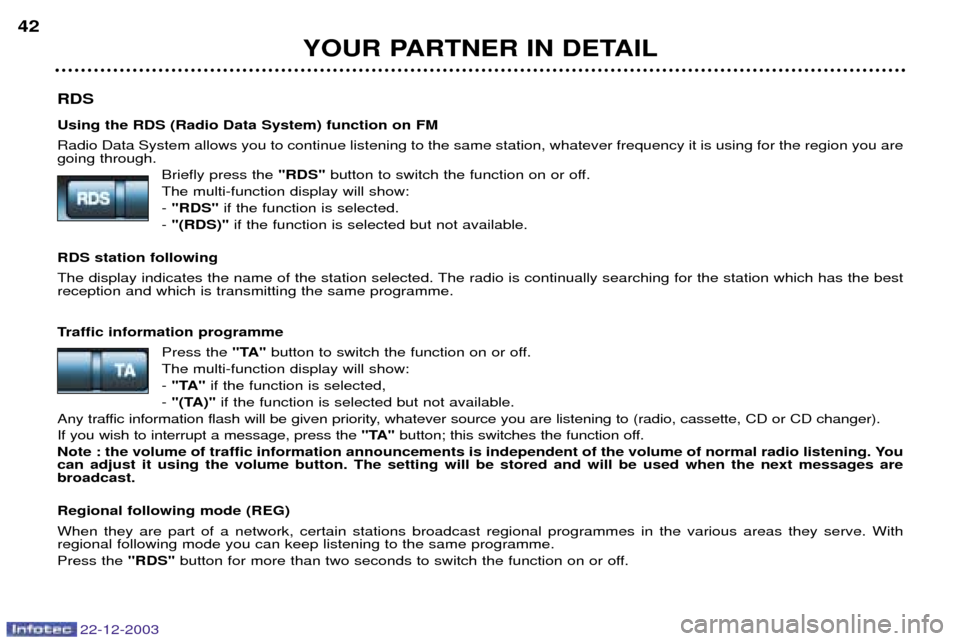
RDS Using the RDS (Radio Data System) function on FM Radio Data System allows you to continue listening to the same station, whatever frequency it is using for the region you are going through.Briefly press the "RDS"button to switch the function on or off.
The multi-function display will show: - "RDS" if the function is selected.
- "(RDS)" if the function is selected but not available.
RDS station following
The display indicates the name of the station selected. The radio is continually searching for the station which has the best reception and which is transmitting the same programme.
Traffic information programme Press the "TA"button to switch the function on or off.
The multi-function display will show: - "TA" if the function is selected,
- "(TA)" if the function is selected but not available.
Any traffic information flash will be given priority, whatever source you are listening to (radio, cassette, CD or CD changer).If you wish to interrupt a message, press the "TA"button; this switches the function off.
Note : the volume of traffic information announcements is independent of the volume of normal radio listening. You can adjust it using the volume button. The setting will be stored and will be used when the next messages arebroadcast. Regional following mode (REG) When they are part of a network, certain stations broadcast regional programmes in the various areas they serve. With regional following mode you can keep listening to the same programme. Press the "RDS"button for more than two seconds to switch the function on or off.
YOUR PARTNER IN DETAIL
42
22-12-2003
Page 39 of 128
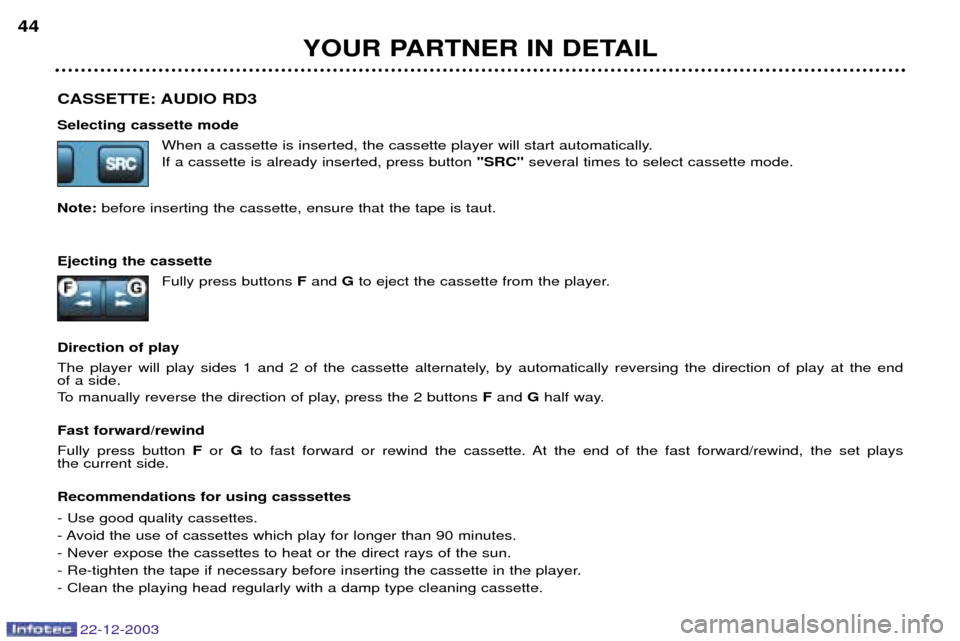
CASSETTE: AUDIO RD3 Selecting cassette modeWhen a cassette is inserted, the cassette player will start automatically. If a cassette is already inserted, press button "SRC"several times to select cassette mode.
Note: before inserting the cassette, ensure that the tape is taut.
Ejecting the cassette Fully press buttons Fand Gto eject the cassette from the player.
Direction of play
The player will play sides 1 and 2 of the cassette alternately, by automatically reversing the direction of play at the end of a side.
To manually reverse the direction of play, press the 2 buttons Fand Ghalf way.
Fast forward/rewind Fully press button For Gto fast forward or rewind the cassette. At the end of the fast forward/rewind, the set plays
the current side. Recommendations for using casssettes - Use good quality cassettes.
- Avoid the use of cassettes which play for longer than 90 minutes.- Never expose the cassettes to heat or the direct rays of the sun.
- Re-tighten the tape if necessary before inserting the cassette in the player.- Clean the playing head regularly with a damp type cleaning cassette.
YOUR PARTNER IN DETAIL
44
22-12-2003
Page 40 of 128
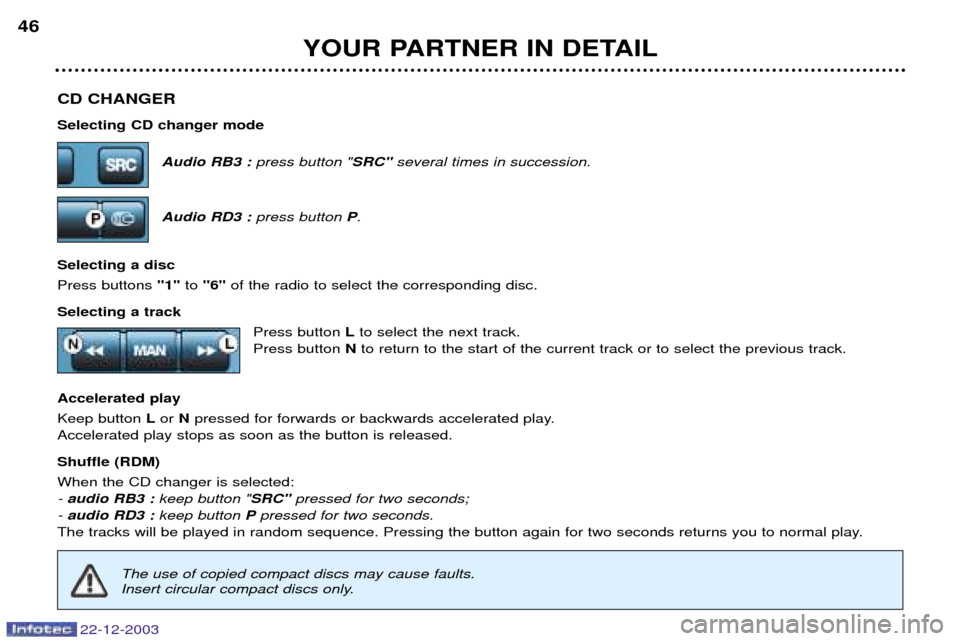
CD CHANGER Selecting CD changer modeAudio RB3 :press button " SRC"several times in succession.
Audio RD3 : press button P.
Selecting a disc Press buttons "1"to "6" of the radio to select the corresponding disc.
Selecting a track Press button Lto select the next track.
Press button Nto return to the start of the current track or to select the previous track.
Accelerated playKeep button Lor Npressed for forwards or backwards accelerated play.
Accelerated play stops as soon as the button is released. Shuffle (RDM) When the CD changer is selected: - audio RB3 : keep button "SRC"pressed for two seconds;
- audio RD3 : keep button Ppressed for two seconds.
The tracks will be played in random sequence. Pressing the button again for two seconds returns you to normal play.
YOUR PARTNER IN DETAIL
46
22-12-2003
The use of copied compact discs may cause faults.
Insert circular compact discs only.
Page 42 of 128
YOUR PARTNER IN DETAIL37
22-12-2003
Button
Function
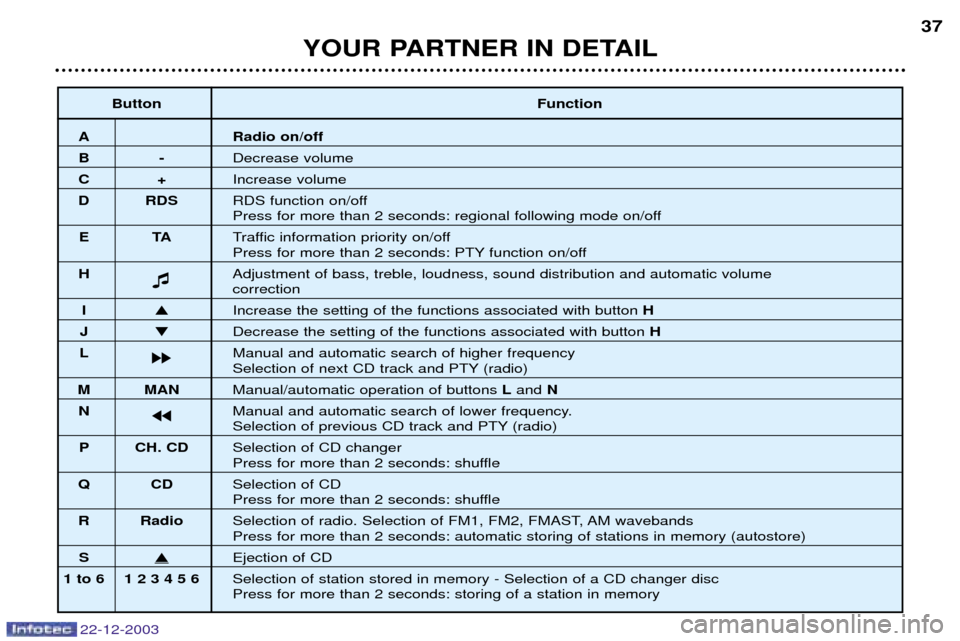
A Radio on/off
B-Decrease volume
C+Increase volume
D RDS RDS function on/off
Press for more than 2 seconds: regional following mode on/off
ET ATraffic information priority on/off
Press for more than 2 seconds: PTY function on/off
H Adjustment of bass, treble, loudness, sound distribution and automatic volume
correction
I
Increase the setting of the functions associated with button H
J Decrease the setting of the functions associated with button H
L kk Manual and automatic search of higher frequency
Selection of next CD track and PTY (radio)
M MAN
Manual/automatic operation of buttons Land N
N jj Manual and automatic search of lower frequency.
Selection of previous CD track and PTY (radio)
P CH. CD Selection of CD changer
Press for more than 2 seconds: shuffle
QC DSelection of CD
Press for more than 2 seconds: shuffle
R Radio Selection of radio. Selection of FM1, FM2, FMAST, AM wavebands
Press for more than 2 seconds: automatic storing of stations in memory (autostore)
SEjection of CD
1 to 6 1 2 3 4 5 6 Selection of station stored in memory - Selection of a CD changer disc Press for more than 2 seconds: storing of a station in memory
Page 45 of 128
RDS Using the RDS (Radio Data System) function on FM Radio Data System allows you to continue listening to the same station, whatever frequency it is using for the region you are going through.Briefly press the "RDS"button to switch the function on or off.
The multi-function display will show: - "RDS" if the function is selected.
- "(RDS)" if the function is selected but not available.
RDS station following
The display indicates the name of the station selected. The radio is continually searching for the station which has the best reception and which is transmitting the same programme.
Traffic information programme Press the "TA"button to switch the function on or off.
The multi-function display will show: - "TA" if the function is selected,
- "(TA)" if the function is selected but not available.
Any traffic information flash will be given priority, whatever source you are listening to (radio, cassette, CD or CD changer).If you wish to interrupt a message, press the "TA"button; this switches the function off.
Note : the volume of traffic information announcements is independent of the volume of normal radio listening. You can adjust it using the volume button. The setting will be stored and will be used when the next messages arebroadcast. Regional following mode (REG) When they are part of a network, certain stations broadcast regional programmes in the various areas they serve. With regional following mode you can keep listening to the same programme. Press the "RDS"button for more than two seconds to switch the function on or off.
YOUR PARTNER IN DETAIL
42
22-12-2003