Page 82 of 264

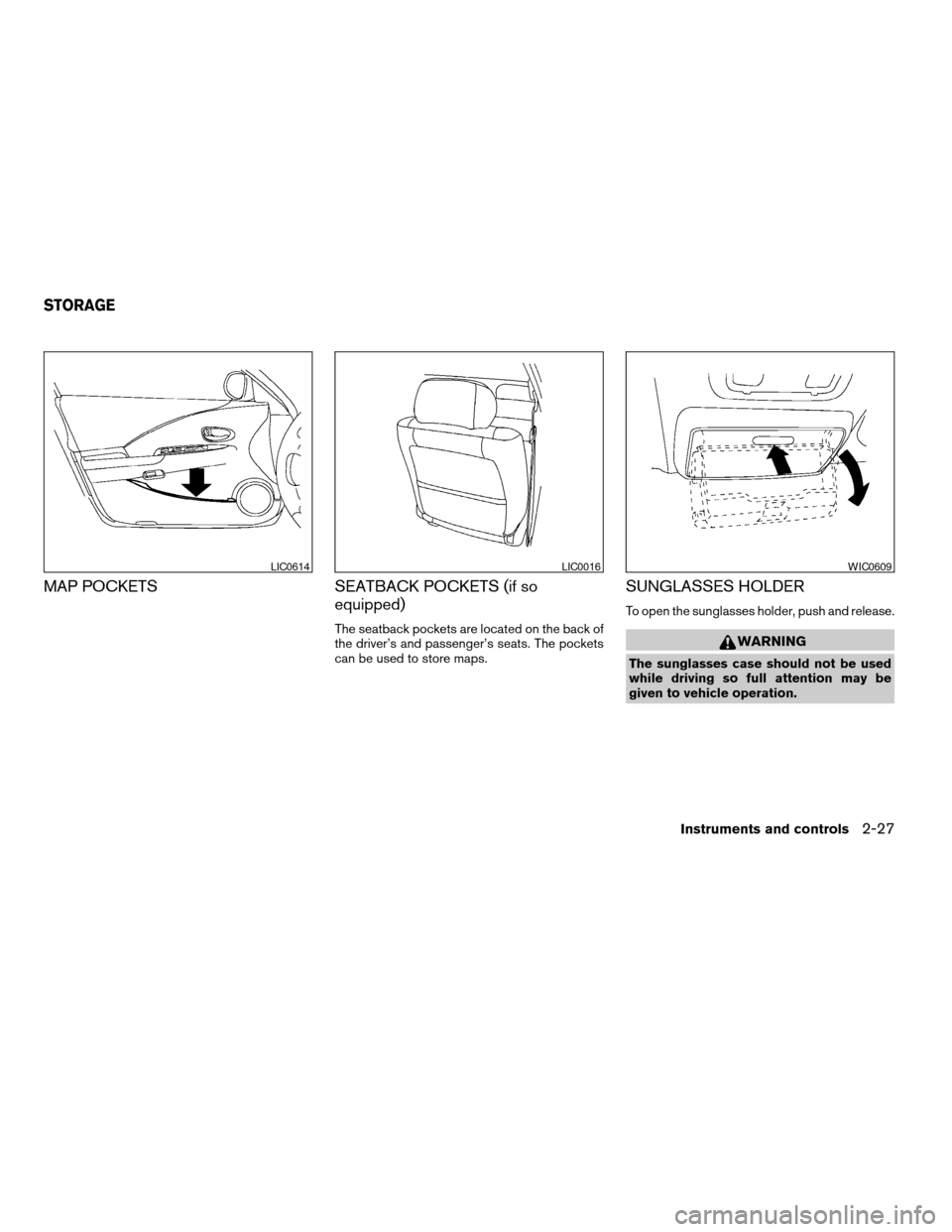
TURN SIGNAL SWITCH
Turn signal
s1Move the lever up or down to signal the
turning direction. When the turn is com-
pleted, the turn signals cancel automatically.
Lane change signal
s2To signal a lane change, move the lever up or
down to the point where the indicator light
begins to flash, but the lever does not latch.
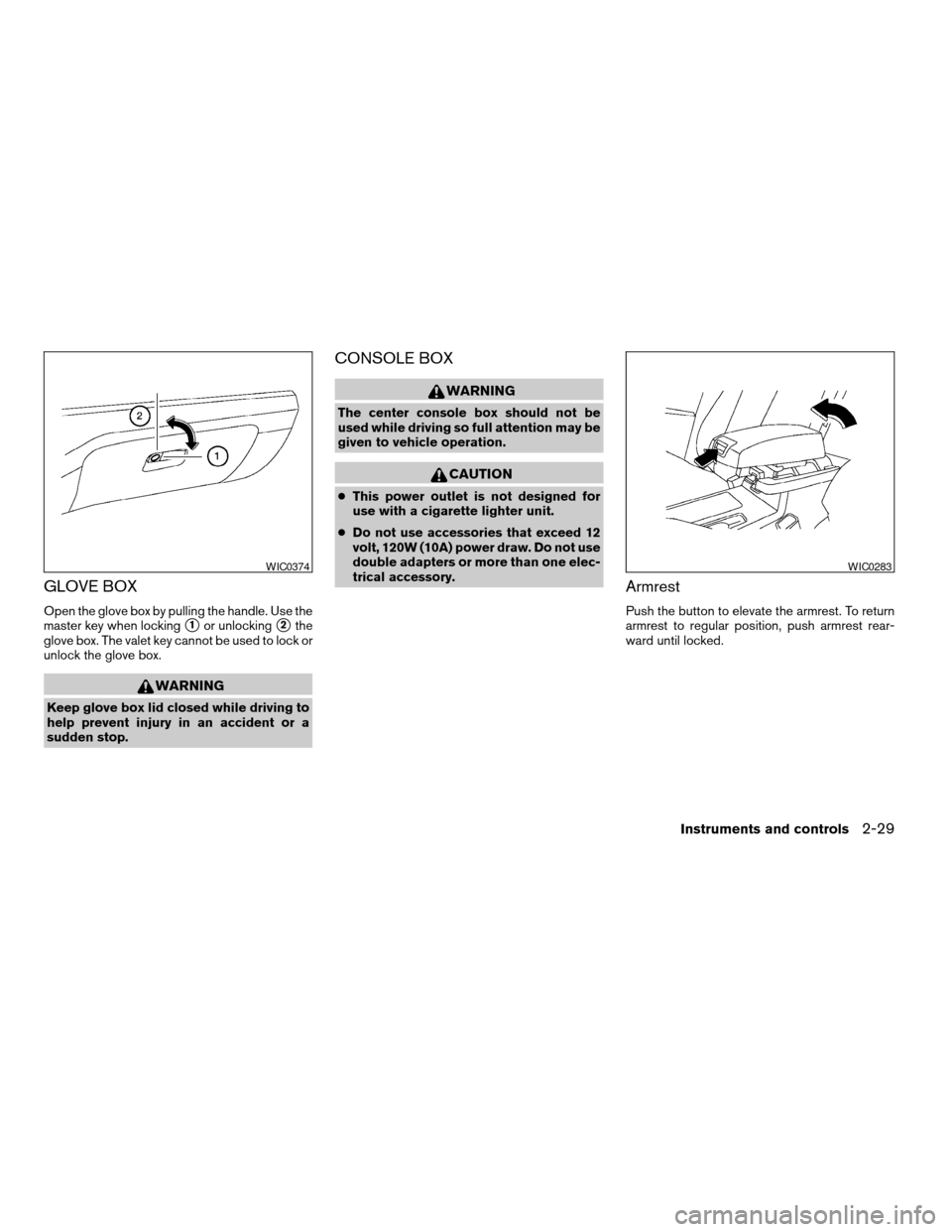
FOG LIGHT SWITCH (if so equipped)
Normal operation of the fog lights in the
ONposition:
Headlight switch in the AUTO position; day-
time operation
cFog lights, marker and taillights come ON.
cHeadlights do not come ON.
cDash readouts dim unless the dimmer
switch is on full bright.
cIf the ignition switch is in the OFF position
with the fog lights turned ON, a warning
chime will sound indicating the fog lightswere left ON. The fog lights will be turned
OFF by the Battery Saver function approxi-
mately 5 minutes after the last door is
closed.
cIf the ignition switch is turned to the ON
position after the fog lights were turned OFF
by the Battery Saver function, the fog lights
will immediately come back ON.
Headlight switch in the AUTO position;
nighttime operation
cFog lights, marker and taillights come ON.
cHeadlights come ON.
The lights can be adjusted to turn ON in
brighter or dimmer environments. See
your NISSAN dealer to have the sensi-
tivity setting adjusted.
cDash readouts dim unless the dimmer
switch is on full bright.
cIf the ignition switch is in the OFF position
with the fog lights turned ON, the fog lights
will be turned OFF by the Twilight Sentinel
function approximately 45 seconds after the
last door is closed.
The default setting is 45 seconds. See
your NISSAN dealer to have this time
adjusted up to 180 seconds.
LIC0319WIC0320
2-22Instruments and controls
ZREVIEW COPY:Ð2004 Altima(l30)
Owners Manual(owners)ÐUSA English(nna)
10/10/03Ðtbrooks
X
Page 83 of 264
cIf any door is opened when the ignition
switch is in the OFF position, the Twilight
Sentinel function operates for approximately
5 minutes. After approximately 5 minutes,
the lights will turn OFF due to the Battery
Saver function.
cIf the ignition switch is turned to the ON
position after the fog lights were turned OFF
by the Twilight Sentinel function, the fog
lights and the headlights will come ON to-
gether when the Auto Light Sensor deter-
mines it is dark enough. The fog lights will
now operate independently of the headlights
only if the headlight switch is turned OFF.
cWhen the high beams are turned ON, the
fog lights will turn OFF. The fog lights will
come back ON when the high beams are
turned OFF.
Headlights turned ON and OFF by the
driver (no AUTO headlight function) ; day or
nighttime operation
cSame operation as “Headlight switch in the
AUTO position; daytime operation” de-
scribed above.
Some of the Battery Saver and Twilight
Sentinel functions can be turned ON and
OFF or adjusted. Please see your NISSAN
dealer if you have any questions.To turn the fog lights OFF, turn the switch to the
OFF position.
The fog lights automatically turn off whenever the
high beam headlight function is selected.
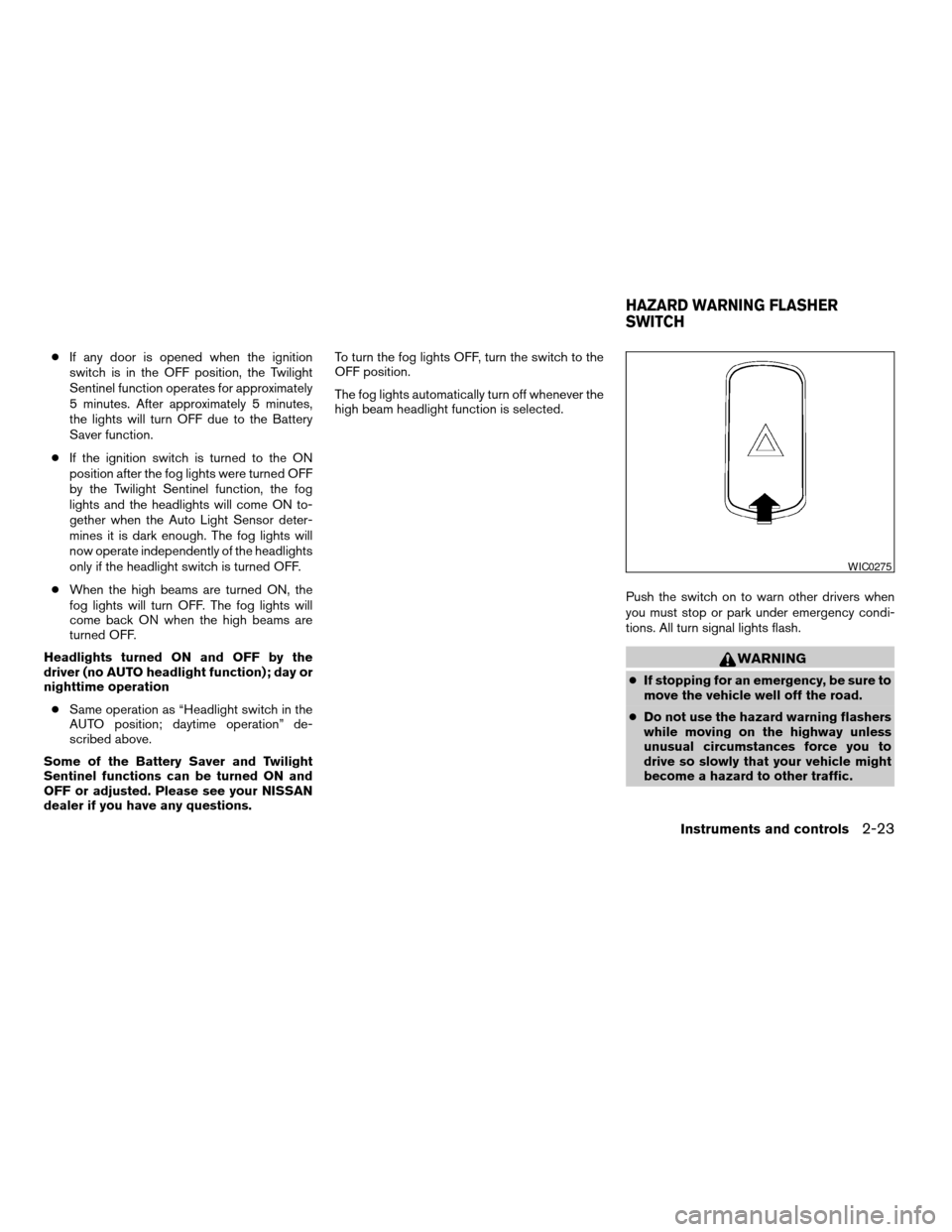
Push the switch on to warn other drivers when
you must stop or park under emergency condi-
tions. All turn signal lights flash.
WARNING
cIf stopping for an emergency, be sure to
move the vehicle well off the road.
cDo not use the hazard warning flashers
while moving on the highway unless
unusual circumstances force you to
drive so slowly that your vehicle might
become a hazard to other traffic.
WIC0275
HAZARD WARNING FLASHER
SWITCH
Instruments and controls2-23
ZREVIEW COPY:Ð2004 Altima(l30)
Owners Manual(owners)ÐUSA English(nna)
10/10/03Ðtbrooks
X
Page 84 of 264
cTurn signals do not work when the haz-
ard warning flasher lights are on.
The flashers will operate with the ignition switch
in any position.
Some state laws may prohibit the use of
the hazard warning flasher switch while
driving.
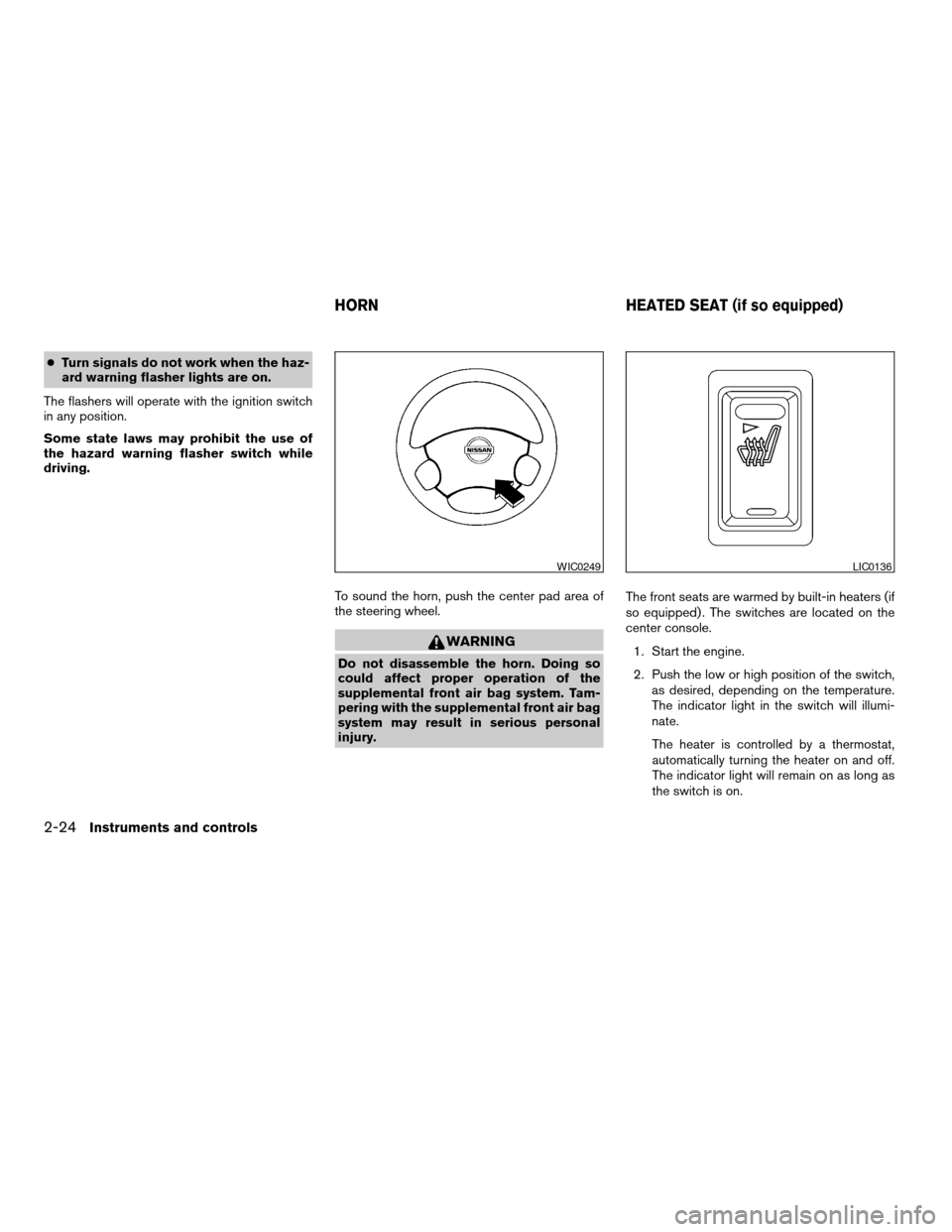
To sound the horn, push the center pad area of
the steering wheel.
WARNING
Do not disassemble the horn. Doing so
could affect proper operation of the
supplemental front air bag system. Tam-
pering with the supplemental front air bag
system may result in serious personal
injury.The front seats are warmed by built-in heaters (if
so equipped) . The switches are located on the
center console.
1. Start the engine.
2. Push the low or high position of the switch,
as desired, depending on the temperature.
The indicator light in the switch will illumi-
nate.
The heater is controlled by a thermostat,
automatically turning the heater on and off.
The indicator light will remain on as long as
the switch is on.
WIC0249LIC0136
HORN HEATED SEAT (if so equipped)
2-24Instruments and controls
ZREVIEW COPY:Ð2004 Altima(l30)
Owners Manual(owners)ÐUSA English(nna)
10/10/03Ðtbrooks
X
Page 87 of 264
MAP POCKETS SEATBACK POCKETS (if so
equipped)
The seatback pockets are located on the back of
the driver’s and passenger’s seats. The pockets
can be used to store maps.
SUNGLASSES HOLDER
To open the sunglasses holder, push and release.
WARNING
The sunglasses case should not be used
while driving so full attention may be
given to vehicle operation.
LIC0614LIC0016WIC0609
STORAGE
Instruments and controls2-27
ZREVIEW COPY:Ð2004 Altima(l30)
Owners Manual(owners)ÐUSA English(nna)
10/10/03Ðtbrooks
X
Page 88 of 264
CAUTION
cDo not use for anything other than
sunglasses.
cDo not leave sunglasses in the sun-
glasses holder while parking in direct
sunlight. The heat may damage the
sunglasses.
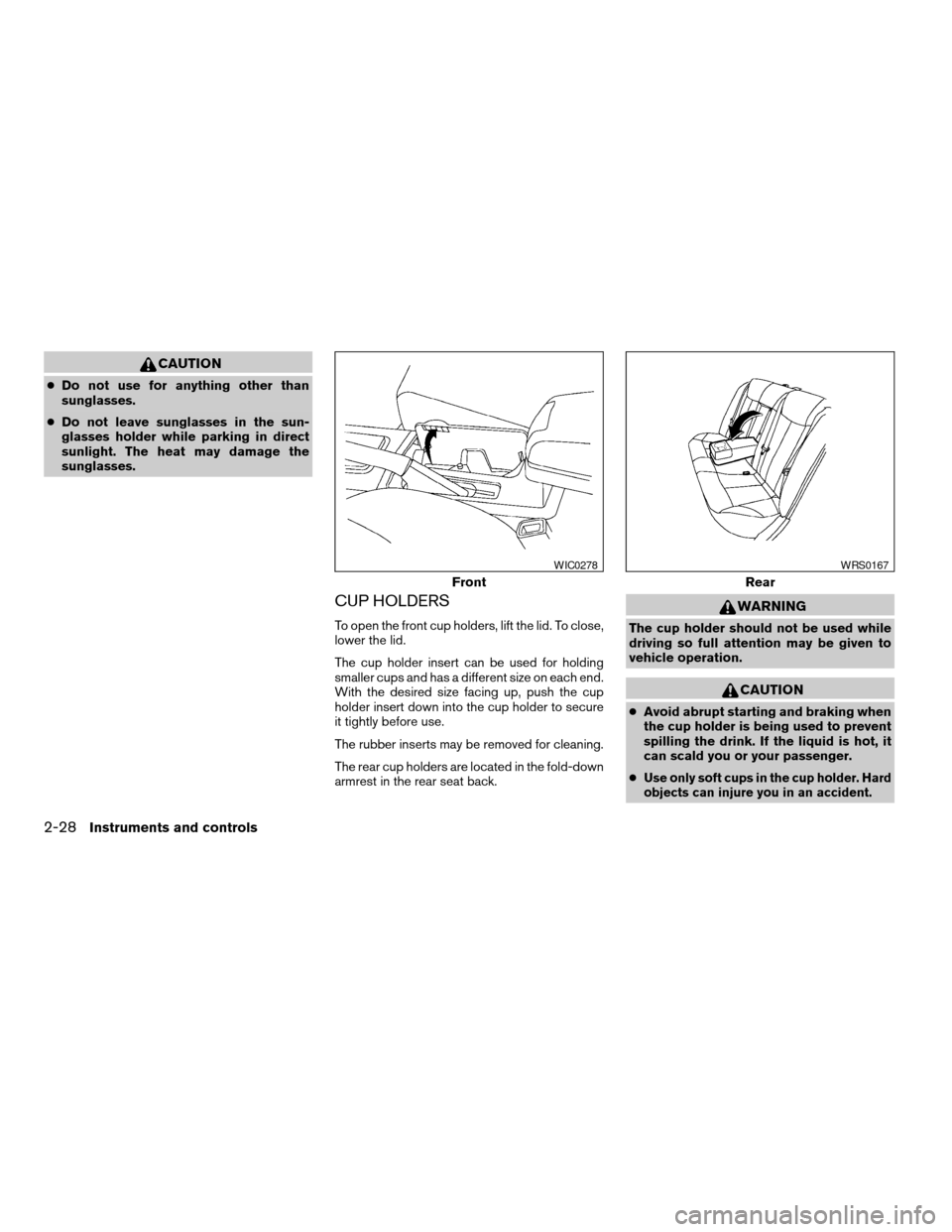
CUP HOLDERS
To open the front cup holders, lift the lid. To close,
lower the lid.
The cup holder insert can be used for holding
smaller cups and has a different size on each end.
With the desired size facing up, push the cup
holder insert down into the cup holder to secure
it tightly before use.
The rubber inserts may be removed for cleaning.
The rear cup holders are located in the fold-down
armrest in the rear seat back.
WARNING
The cup holder should not be used while
driving so full attention may be given to
vehicle operation.
CAUTION
cAvoid abrupt starting and braking when
the cup holder is being used to prevent
spilling the drink. If the liquid is hot, it
can scald you or your passenger.
c
Use only soft cups in the cup holder. Hard
objects can injure you in an accident.
Front
WIC0278
Rear
WRS0167
2-28Instruments and controls
ZREVIEW COPY:Ð2004 Altima(l30)
Owners Manual(owners)ÐUSA English(nna)
10/10/03Ðtbrooks
X
Page 89 of 264
GLOVE BOX
Open the glove box by pulling the handle. Use the
master key when locking
s1or unlockings2the
glove box. The valet key cannot be used to lock or
unlock the glove box.
WARNING
Keep glove box lid closed while driving to
help prevent injury in an accident or a
sudden stop.
CONSOLE BOX
WARNING
The center console box should not be
used while driving so full attention may be
given to vehicle operation.
CAUTION
cThis power outlet is not designed for
use with a cigarette lighter unit.
cDo not use accessories that exceed 12
volt, 120W (10A) power draw. Do not use
double adapters or more than one elec-
trical accessory.
Armrest
Push the button to elevate the armrest. To return
armrest to regular position, push armrest rear-
ward until locked.
WIC0374WIC0283
Instruments and controls2-29
ZREVIEW COPY:Ð2004 Altima(l30)
Owners Manual(owners)ÐUSA English(nna)
10/10/03Ðtbrooks
X
Page 92 of 264
CARGO NET (if so equipped)
The cargo net helps keep packages in the cargo
area from moving around while the vehicle is in
motion.
To install the cargo net, attach the hooks to the
retainers.
To remove the cargo net, detach the hooks from
the cargo net retainers.
WARNING
cProperly secure all cargo with ropes or
straps to help prevent it from sliding or
shifting. In a sudden stop or collision,
unsecured cargo could cause personal
injury.
cBe sure to secure all four hooks into the
retainers. The cargo restrained in the
net must not exceed 30 lbs. (13.6 kg) or
the net may not stay secured.
POWER WINDOWS
WARNING
cMake sure that all passengers have
their hands, etc. inside the vehicle while
it is in motion and before closing the
windows. Use the window lock switch
to prevent unexpected use of the power
windows.
cDo not leave children unattended inside
the vehicle. They could unknowingly ac-
tivate switches or controls and become
trapped in a window. Unattended chil-
dren could become involved in serious
accidents.
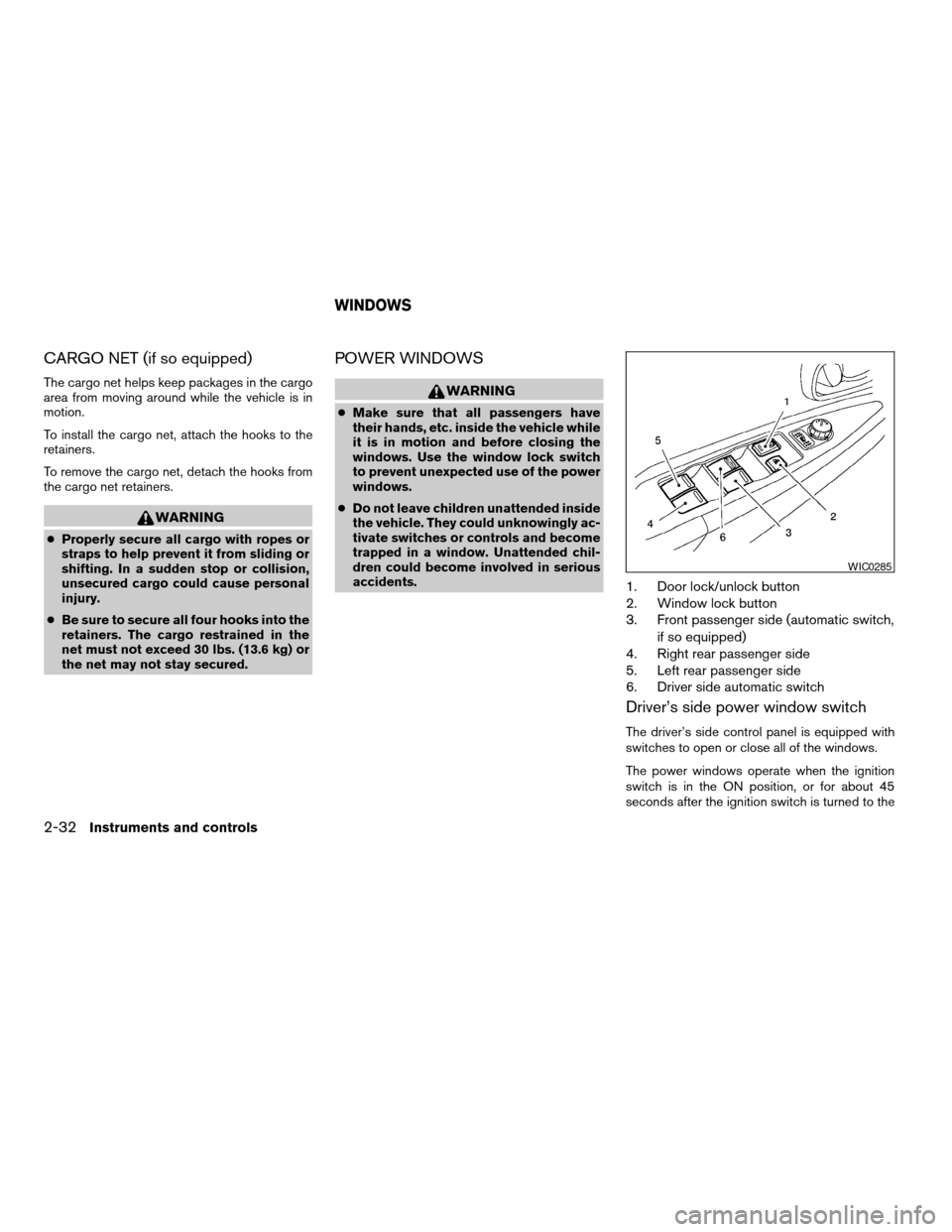
1. Door lock/unlock button
2. Window lock button
3. Front passenger side (automatic switch,
if so equipped)
4. Right rear passenger side
5. Left rear passenger side
6. Driver side automatic switch
Driver’s side power window switch
The driver’s side control panel is equipped with
switches to open or close all of the windows.
The power windows operate when the ignition
switch is in the ON position, or for about 45
seconds after the ignition switch is turned to the
WIC0285
WINDOWS
2-32Instruments and controls
ZREVIEW COPY:Ð2004 Altima(l30)
Owners Manual(owners)ÐUSA English(nna)
10/10/03Ðtbrooks
X
Page 94 of 264
Automatic operation
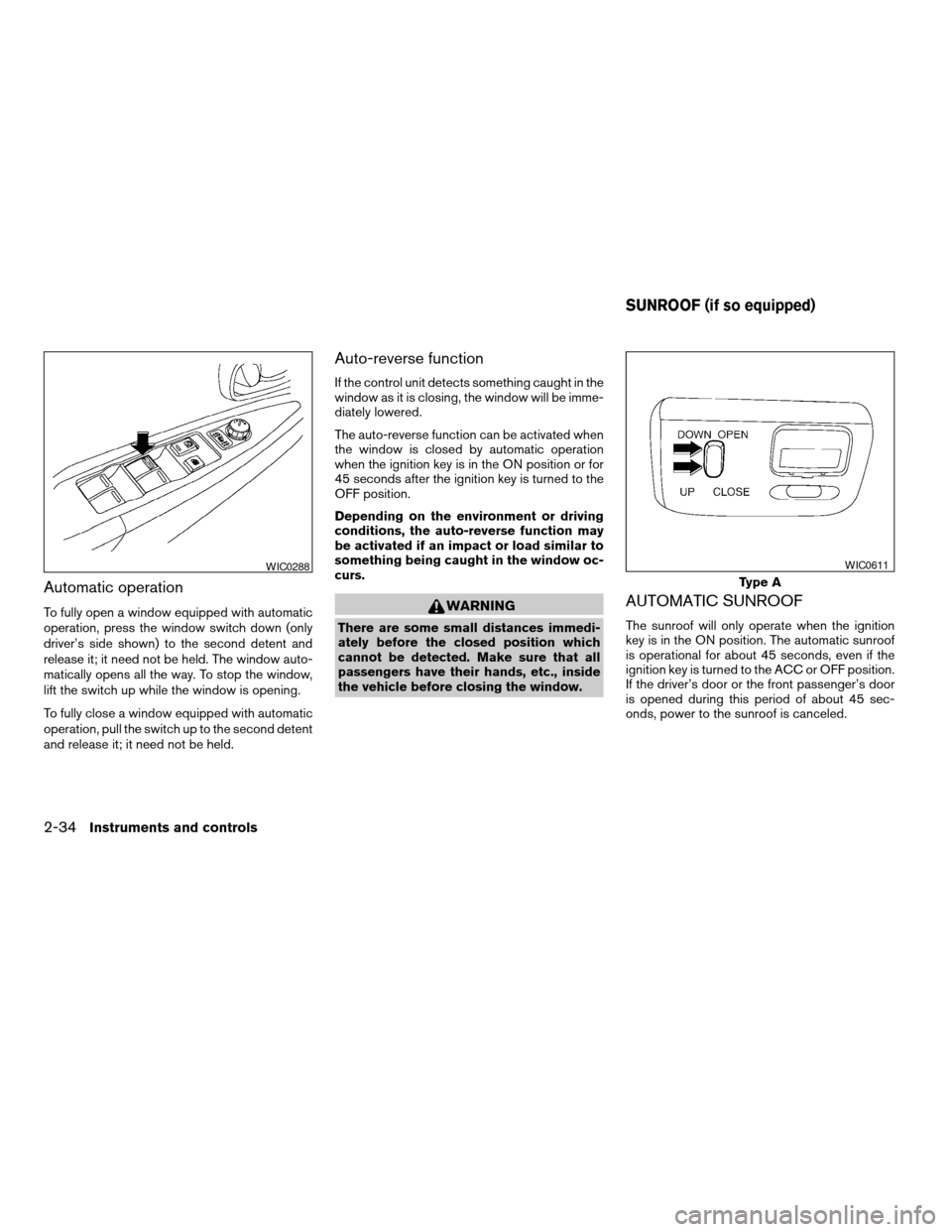
To fully open a window equipped with automatic
operation, press the window switch down (only
driver’s side shown) to the second detent and
release it; it need not be held. The window auto-
matically opens all the way. To stop the window,
lift the switch up while the window is opening.
To fully close a window equipped with automatic
operation, pull the switch up to the second detent
and release it; it need not be held.
Auto-reverse function
If the control unit detects something caught in the
window as it is closing, the window will be imme-
diately lowered.
The auto-reverse function can be activated when
the window is closed by automatic operation
when the ignition key is in the ON position or for
45 seconds after the ignition key is turned to the
OFF position.
Depending on the environment or driving
conditions, the auto-reverse function may
be activated if an impact or load similar to
something being caught in the window oc-
curs.
WARNING
There are some small distances immedi-
ately before the closed position which
cannot be detected. Make sure that all
passengers have their hands, etc., inside
the vehicle before closing the window.
AUTOMATIC SUNROOF
The sunroof will only operate when the ignition
key is in the ON position. The automatic sunroof
is operational for about 45 seconds, even if the
ignition key is turned to the ACC or OFF position.
If the driver’s door or the front passenger’s door
is opened during this period of about 45 sec-
onds, power to the sunroof is canceled.
WIC0288
Type A
WIC0611
SUNROOF (if so equipped)
2-34Instruments and controls
ZREVIEW COPY:Ð2004 Altima(l30)
Owners Manual(owners)ÐUSA English(nna)
10/10/03Ðtbrooks
X