2004 FORD F150 light
[x] Cancel search: lightPage 17 of 280

Engine oil pressure gauge:
Indicates engine oil pressure. The
needle should stay in the normal
operating range (between ªLº and
ªHº). If the needle falls below the
normal range, stop the vehicle, turn
off the engine and check the engine
oil level. Add oil if needed. If the oil level is correct, have your vehicle
checked at your dealership or by a qualified technician.
Fuel gauge:Indicates
approximately how much fuel is left
in the fuel tank (when the ignition
is in the ON position). The fuel
gauge may vary slightly when the
vehicle is in motion or on a grade.
The arrow next to the fuel pump
icon indicates which side of the vehicle the fuel filler door is located.
For more information, refer toFilling the tankunder theFuel
Information sectionin theMaintenance and Specificationschapter.
Instrument Cluster
17
Page 21 of 280
Fade:Press to adjust the audio between the front and rear speakers.
Use
//SEEK, SEEK.
Speed sensitive volume:Radio volume automatically changes slightly
with vehicle speed to compensate for road and wind noise. Press MENU
to access and use
//SEEK, SEEKto adjust.
Compression:Brings soft and loud CD passages together for a more
consistent listening level.
Autoset:Allows you to set the strongest local radio stations without
losing your original manually set preset stations for AM/FM1/FM2 . Press
MENU to access. Use
//SEEK, SEEKto set.
When the six strongest stations are filled, the station stored in preset 1
will begin playing. If there are less than six strong stations, the system
will store the last one in the remaining presets.
Setting the clock:Press MENU until SELECT HOUR or SELECT
MINUTE is displayed. Use SEL to manually increase (
) or decrease
(
) the hours/minutes. Press MENU again to disengage clock mode.
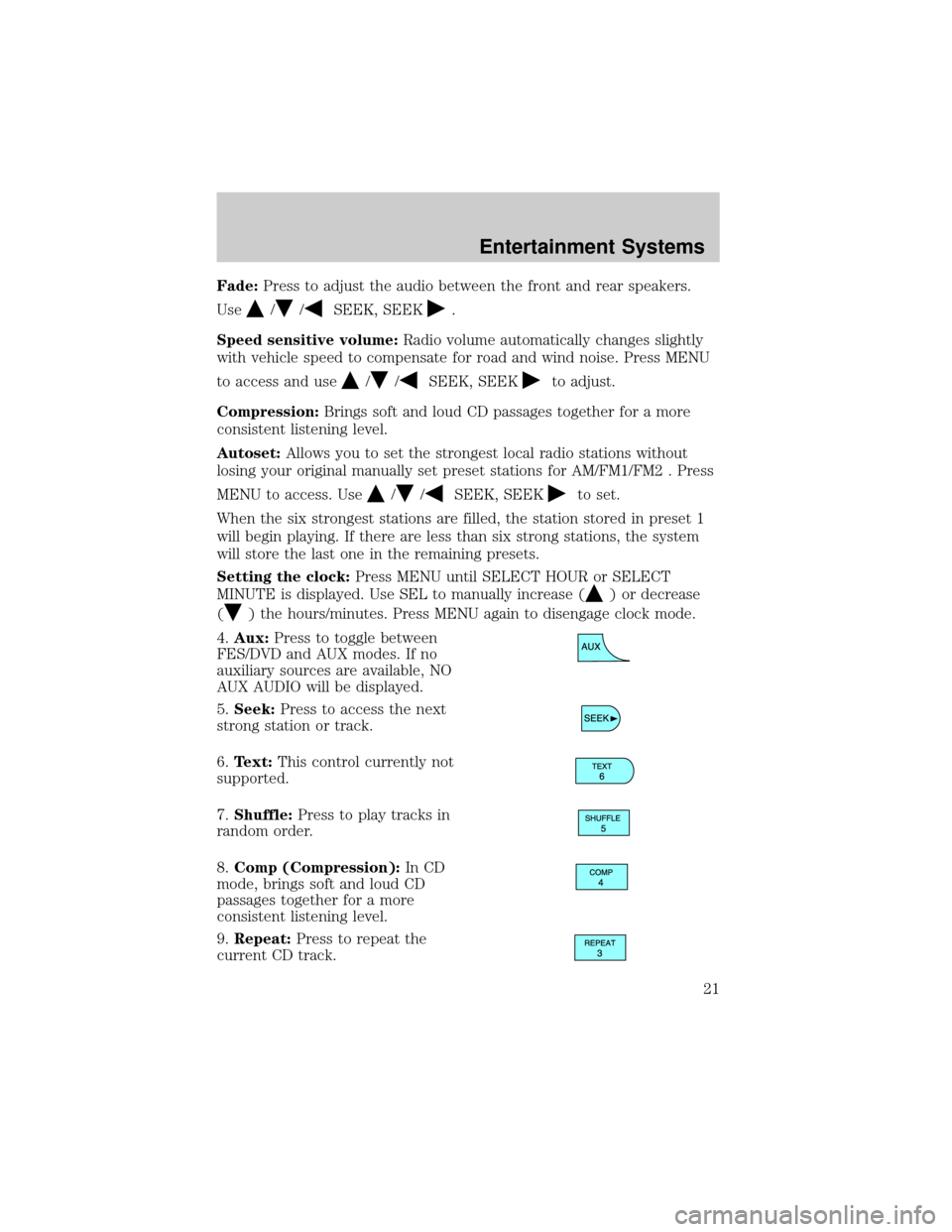
4.Aux:Press to toggle between
FES/DVD and AUX modes. If no
auxiliary sources are available, NO
AUX AUDIO will be displayed.
5.Seek:Press to access the next
strong station or track.
6.Text:This control currently not
supported.
7.Shuffle:Press to play tracks in
random order.
8.Comp (Compression):In CD
mode, brings soft and loud CD
passages together for a more
consistent listening level.
9.Repeat:Press to repeat the
current CD track.
Entertainment Systems
21
Page 24 of 280
Balance:Press to adjust the audio between the left and right speakers.
Use
//SEEK, SEEK.
Fade:Press to adjust the audio between the front and rear speakers.
Use
//SEEK, SEEK.
Speed sensitive volume:Radio volume automatically changes slightly
with vehicle speed to compensate for road and wind noise. Press MENU
to access and use
//SEEK, SEEKto adjust.
Compression:Brings soft and loud CD passages together for a more
consistent listening level.
Autoset:Allows you to set the strongest local radio stations without
losing your original manually set preset stations for AM/FM1/FM2 . Press
MENU to access. Use
//SEEK, SEEKto set.
When the six strongest stations are filled, the station stored in preset 1
will begin playing. If there are less than six strong stations, the system
will store the last one in the remaining presets.
Setting the clock:Press MENU until SELECT HOUR or SELECT
MINUTE is displayed. Press
//SEEK, SEEKto adjust the
hours/minutes.
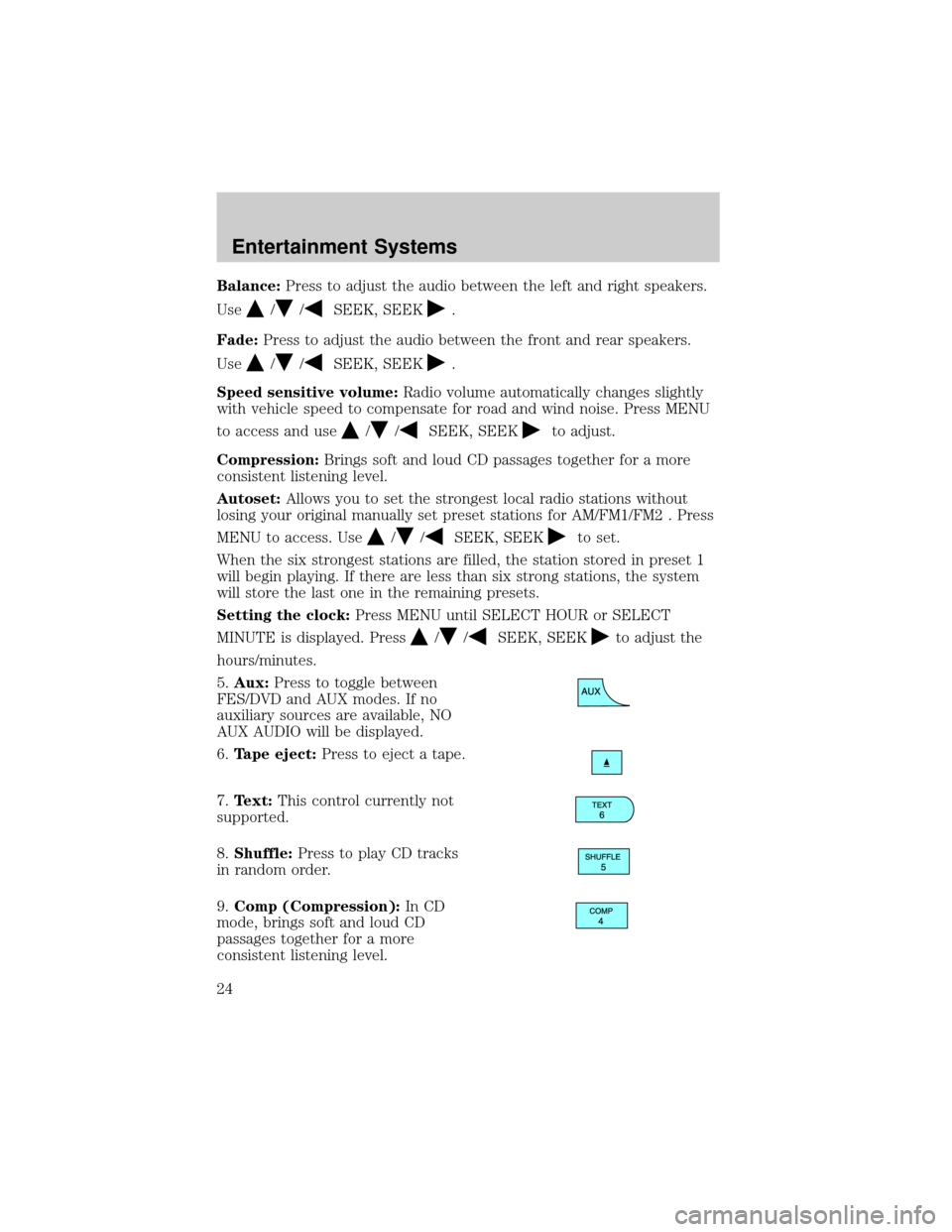
5.Aux:Press to toggle between
FES/DVD and AUX modes. If no
auxiliary sources are available, NO
AUX AUDIO will be displayed.
6.Tape eject:Press to eject a tape.
7.Text:This control currently not
supported.
8.Shuffle:Press to play CD tracks
in random order.
9.Comp (Compression):In CD
mode, brings soft and loud CD
passages together for a more
consistent listening level.
Entertainment Systems
24
Page 27 of 280
Treble:Press to adjust the treble setting. Use//SEEK,
SEEK
.
Bass:Press to adjust the bass setting. Use
//SEEK,
SEEK
.
Balance:Press to adjust the audio between the left and right speakers.
Use
//SEEK, SEEK.
Fade:Press to adjust the audio between the front and rear speakers.
Use
//SEEK, SEEK.
RDS(Available on Audiophile radios only): Allows you to search
RDS-equipped stations for a certain category of music format: Classic,
Country, Info, Jazz, Oldies, R&B, Religious, Rock, Soft, Top 40.
Speed sensitive volume:Radio volume automatically changes slightly
with vehicle speed to compensate for road and wind noise. Press MENU
to access and use
//SEEK, SEEKto adjust.
Traffic(Available on Audiophile radios only): Allows you to hear traffic
broadcasts. With the feature ON, press SEEK or SCAN to find a station
broadcasting a traffic report (if it is broadcasting RDS data).Traffic
information is not available in most U.S. markets.
Compression:Brings soft and loud CD passages together for a more
consistent listening level.
Ambiance(Available on Audiophile radios only): This feature gives the
feeling of ªbeing thereº to your music, creating increased clarity as well
as an open and spacious feel to the music. Press MENU to access then
use
//SEEK, SEEKto adjust. Turn the volume control to
increase/decrease the level of ambiance.
Occupancy mode:(Available on Audiophile radios only): Press MENU to
access. Use
//SEEK, SEEKselect and optimize sound for
ALL SEATS, DRIVER SEAT or REAR SEATS.
Autoset:Allows you to set the strongest local radio stations without
losing your original manually set preset stations for AM/FM1/FM2 . Press
MENU to access. Use
//SEEK, SEEKto set.
When the six strongest stations are filled, the station stored in preset 1
will begin playing. If there are less than six strong stations, the system
will store the last one in the remaining presets.
Entertainment Systems
27
Page 30 of 280

RADIO RECEPTION FACTORS
There are three factors that can affect radio reception:
²Distance/strength: The further you travel from an FM station, the
weaker the signal and the weaker the reception.
²Terrain: Hills, mountains, tall buildings, power lines, electric fences,
traffic lights and thunderstorms can interfere with your reception.
²Station overload: When you pass a broadcast tower, a stronger signal
may overtake a weaker one and play while the weak station frequency
is displayed.
CASSETTE/PLAYER CARE
Do:
²Use only cassettes that are 90 minutes long or less.
²Tighten very loose tapes by inserting a finger or pencil into the hole
and turning the hub.
²Remove loose labels before inserting tapes.
²Allow tapes which have been subjected to extreme heat, humidity or
cold to reach a moderate temperature before playing.
²Clean the cassette player head with a cassette cleaning cartridge after
10±12 hours of play to maintain good sound/operation.
Don't:
²Expose tapes to direct sunlight, extreme humidity, heat or cold.
²Leave tapes in the cassette player for a long time when not being
played.
CD/CD PLAYER CARE
Do:
²Handle discs by their edges only. Never touch the playing surface.
²Inspect discs before playing. Clean only with an approved CD cleaner
and wipe from the center out.
Don't:
²Expose discs to direct sunlight or heat sources for extended periods
of time.
²Insert more than one disc into each slot of the CD changer magazine.
²Clean using a circular motion.
Entertainment Systems
30
Page 38 of 280
If your vehicle is equipped with a mini message center, refer toMini
message center electronic compass temperature displayin the Driver
Controls Chapter.
MAX A/C:For maximum cooling performance, press
, A/C,,
and set the temperature to 60ÉF and the highest blower setting.
1.
Defrost: Distributes outside air through the windshield defroster
ducts and the demister outlets. Can be used to clear ice or fog from the
windshield. The system will automatically provide outside air to reduce
window fogging.
2.
Fan speed control:Press to increase () or decrease () the
fan speed.
3. A.
RRear defrost:Press to defrost the rear window. Refer to
Rear Window Defrostfor more information. If your vehicle is equipped
with both Rear Defrost and Heated Mirrors, the same button will activate
both.
3. B.
Heated mirrors (if equipped):Press to activate/deactivate.
This feature will remove ice and snow from the side view mirrors.
4.
Passenger heated seat control:Press to heat the passenger
seat. Press once to activate high heat (two indicator lights). Press again
to activate low heat (one indicator light). Press again to deactivate the
passenger heated seat.
5.
:Distributes air through the windshield defroster ducts, demister
outlets, and the front and rear seat floor ducts. The system will
automatically provide outside air to reduce window fogging.
6.
:Distributes air through the floor and rear seat floor ducts. The
system will automatically provide outside air to reduce window fogging.
7.
:Distributes air through the instrument panel, center console
registers (if equipped), and the front and rear seat floor ducts.
8.
:Distributes air through the instrument panel and center console
registers (if equipped).
9.
Driver heated seat control:Press to heat the driver seat. Press
once to activate high heat (two indicator lights). Press again to activate
low heat (one indicator light). Press again to deactivate the driver
heated seat.
10.Manual override controls:Allows you to manually select where
airflow is directed. To return to full automatic control, press AUTO.
Climate Controls
38
Page 40 of 280
Do not place objects on top of the instrument panel as these
objects may become projectiles in a collision or sudden stop.
REAR WINDOW DEFROSTER (IF EQUIPPED)
R
The rear defroster control is located on the climate control panel and
works to defrost your rear windshield from fog and ice. If equipped, it
also operates the heated mirror to remove snow and ice from the side
mirrors.
Ensure that the ignition is ON position. Press to turn the defroster
ON/OFF. The indicator light will illuminate when ON.
Climate Controls
40
Page 41 of 280

HEADLAMP CONTROL
Rotate the headlamp control
clockwise to the first position to
turn on the parking lamps. Rotate
clockwise to the second position to
also turn on the headlamps.
Autolamp control (if equipped)
The autolamp system provides light
sensitive automatic on-off control of
the exterior lights normally
controlled by the headlamp control.
The autolamp system also keeps the
lights on for approximately 20
seconds or on vehicles equipped with
a message center, you can select a
delay from 0±180 seconds, after the
ignition switch is turned to OFF.
²To turn autolamps on, rotate the control counterclockwise.
²To turn autolamps off, rotate the control clockwise to OFF.
If your vehicle is not equipped with a message center, then the auto
lamps can be programmed manually by:
1. Start with the ignition in OFF and the autolamps selected ON.
2. Deselect (switch off) the autolamps.
3. Put the ignition in RUN.
4. Put the ignition in OFF.
5. Select the autolamps (switch on).
Steps 2 through 5 must be performed within a 10 second period. At
this point, the headlamps and park lamps will turn on.
6. Deselect the autolamps after the desired autolamp delay time
(maximum of 3 minutes)
At this point, the headlamps and park lamps will turn off.
A
A
Lights
Lights
41