Page 164 of 366

Setting Preset Stations
The six numbered pushbuttons let you return to
your favorite stations. You can set up to 18 stations
(six AM, six FM1 and six FM2) by performing the
following steps:
1. Turn the radio on.
2. Press AM FM to select AM, FM1 or FM2.
3. Tune in the desired station.
4. Press and hold one of the six numbered
pushbuttons until you hear a beep. Whenever you
press that numbered pushbutton, the station
you set will return.
5. Repeat the steps for each pushbutton.
Setting the Tone (Bass/Treble)
AUDIO:To adjust the bass and treble, press and
release AUDIO until BAS or TRE appears on the
display. Then press and hold the up or the down arrow
to increase or to decrease. If a station is weak or
noisy, you may want to decrease the treble.
To adjust bass or treble to the middle position, select
BAS or TRE. Then press and hold AUDIO for more than
two seconds until you hear a beep. B and a zero or
T and a zero will appear on the display.To adjust both tone controls and both speaker controls
to the middle position, end out of audio mode by
waiting for the display to change to the time display.
Then press and hold AUDIO for more than two seconds
until you hear a beep. CEN will appear on the display.
Adjusting the Speakers (Balance/Fade)
AUDIO:To adjust the balance between the right
and the left speakers, press and release AUDIO until
BAL appears on the display. Then press and hold the up
or the down arrow to move the sound toward the right
or the left speakers.
To adjust the fade between the front and rear speakers,
press and release AUDIO until FAD appears on the
display. Then press and hold the up or the down arrow to
move the sound toward the front or the rear speakers.
To adjust balance or fade to the middle position, select
BAL or FAD. Then press and hold AUDIO for more than
two seconds until you hear a beep. L and a zero or F and
a zero will appear on the display.
To adjust both tone controls and both speaker controls to
the middle position, end out of audio mode by waiting for
the display to change to the time display. Then press and
hold AUDIO for more than two seconds until you hear a
beep. CEN will appear on the display.
Fade may not be available if you have a regular
cab model.
3-54
Page 171 of 366

Your Driving, the Road, and Your Vehicle..........4-2
Defensive Driving...........................................4-2
Drunken Driving.............................................4-2
Control of a Vehicle........................................4-5
Braking.........................................................4-6
Trailer Brake Hand Control Valve......................4-9
Inter-Axle Differential Lock Control...................4-10
Rear Axle Differential Lock Control..................4-10
Traction Control System (TCS).......................4-11
Steering......................................................4-12
Off-Road Recovery.......................................4-14
Passing.......................................................4-14
Loss of Control.............................................4-16
Driving at Night............................................4-17Driving in Rain and on Wet Roads..................4-18
City Driving..................................................4-21
Freeway Driving...........................................4-22
Highway Hypnosis........................................4-23
Hill and Mountain Roads................................4-23
Winter Driving..............................................4-25
If You Are Stuck: In Sand, Mud,
Ice or Snow..............................................4-29
Towing..........................................................4-31
Towing Your Vehicle.....................................4-31
Loading Your Vehicle....................................4-33
Trailer Connections (C4/C5 Models Only).........4-35
Power Take-Off (PTO)...................................4-36
Section 4 Driving Your Vehicle
4-1
Page 200 of 366
Rocking Your Vehicle To Get It Out
First, turn your steering wheel left and right. That will
clear the area around your front wheels. If your vehicle
has traction control, you should turn the traction
control system off. SeeTraction Control System (TCS)
on page 4-11. Then shift back and forth between
REVERSE (R) and a forward gear (or with a manual
transmission, between FIRST (1) or SECOND (2)
and REVERSE (R)), spinning the wheels as little as
possible. Release the accelerator pedal while you shift,
and press lightly on the accelerator pedal when the
transmission is in gear. By slowly spinning your wheels
in the forward and reverse directions, you will cause
a rocking motion that may free your vehicle. If that does
not get you out after a few tries, you may need to be
towed out. If you do need to be towed out, seeTowing
Your Vehicle on page 4-31.
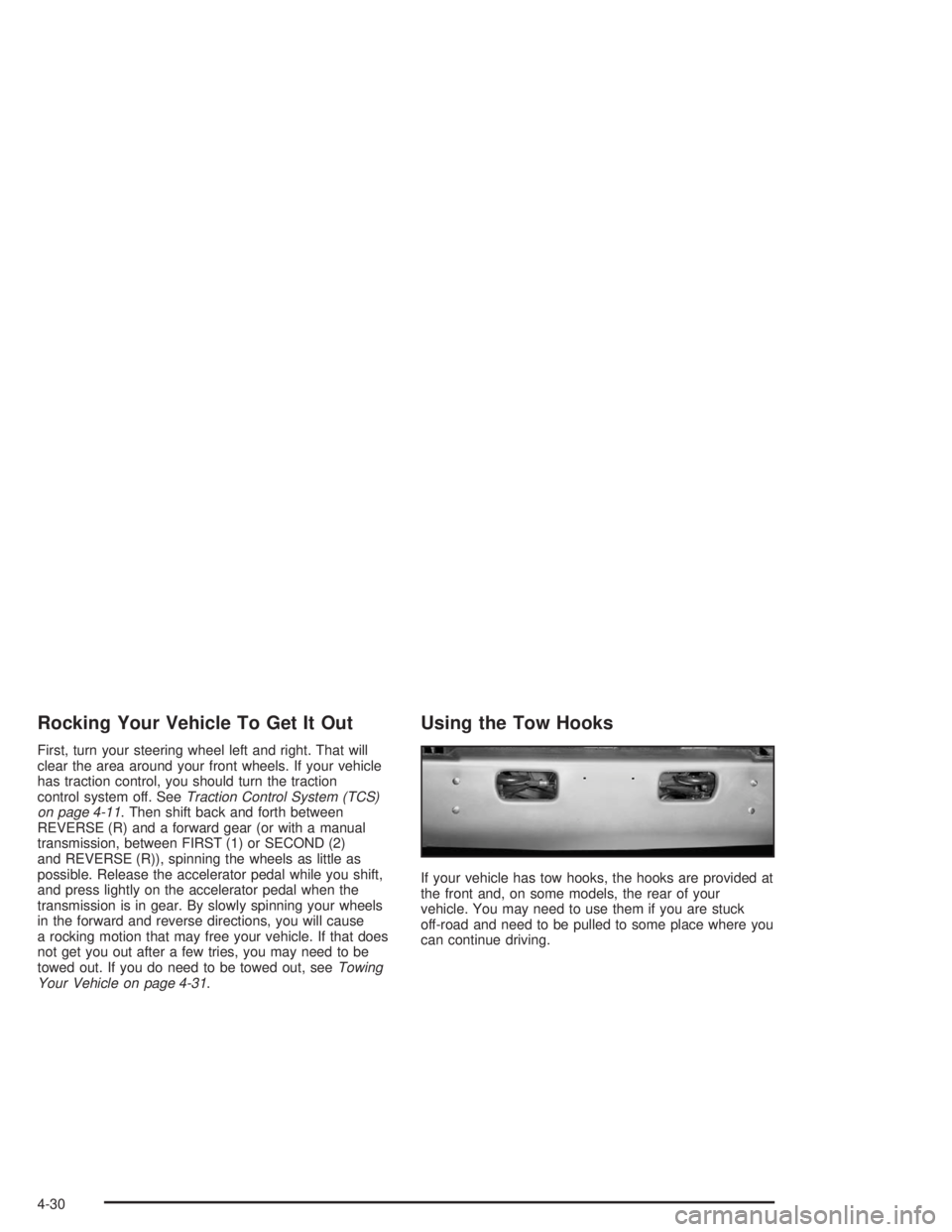
Using the Tow Hooks
If your vehicle has tow hooks, the hooks are provided at
the front and, on some models, the rear of your
vehicle. You may need to use them if you are stuck
off-road and need to be pulled to some place where you
can continue driving.
4-30
Page 201 of 366
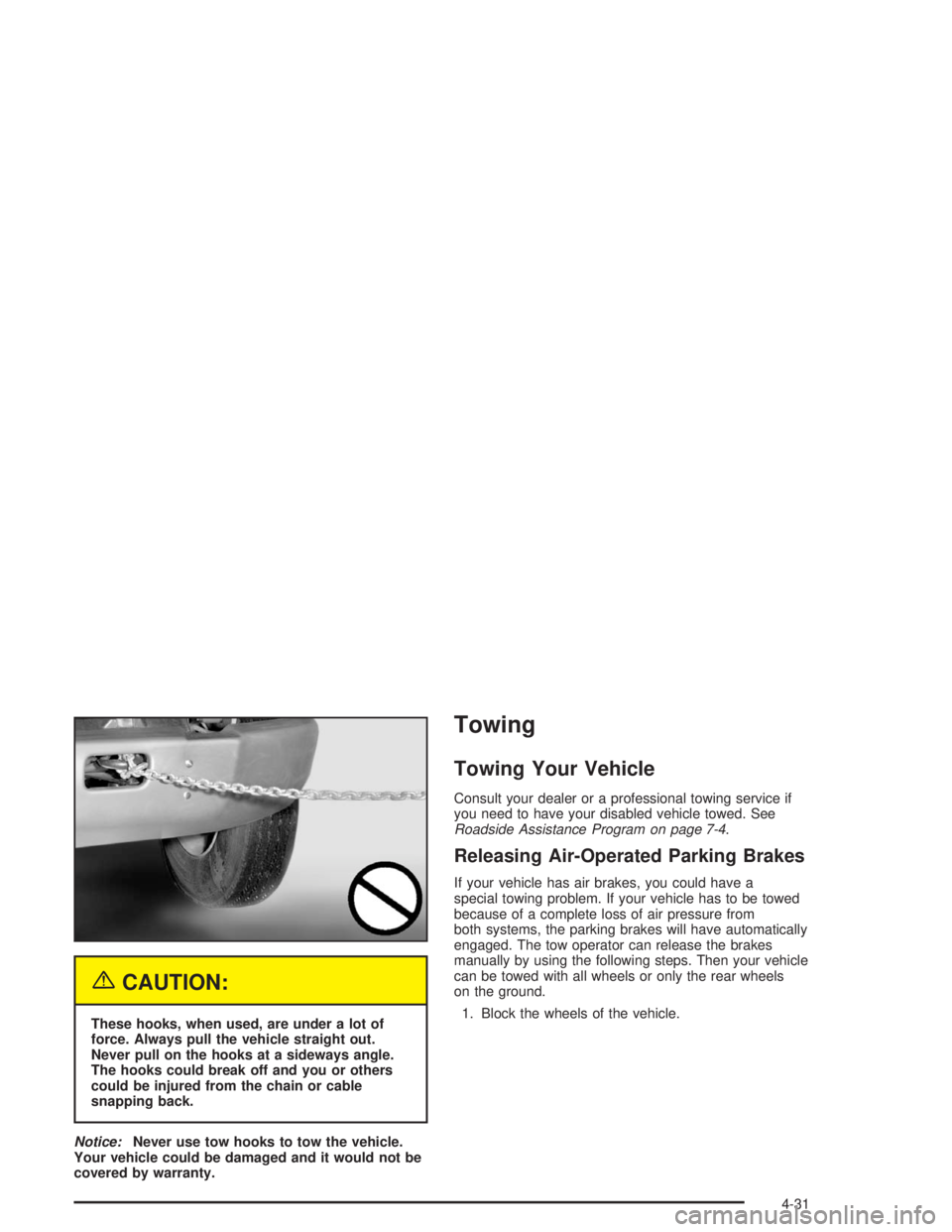
{CAUTION:
These hooks, when used, are under a lot of
force. Always pull the vehicle straight out.
Never pull on the hooks at a sideways angle.
The hooks could break off and you or others
could be injured from the chain or cable
snapping back.
Notice:Never use tow hooks to tow the vehicle.
Your vehicle could be damaged and it would not be
covered by warranty.
Towing
Towing Your Vehicle
Consult your dealer or a professional towing service if
you need to have your disabled vehicle towed. See
Roadside Assistance Program on page 7-4.
Releasing Air-Operated Parking Brakes
If your vehicle has air brakes, you could have a
special towing problem. If your vehicle has to be towed
because of a complete loss of air pressure from
both systems, the parking brakes will have automatically
engaged. The tow operator can release the brakes
manually by using the following steps. Then your vehicle
can be towed with all wheels or only the rear wheels
on the ground.
1. Block the wheels of the vehicle.
4-31
Page 205 of 366
Trailer Connections
(C4/C5 Models Only)
Heavy-Duty Trailer Wiring Package
Your vehicle may be equipped with an eight-wire trailer
towing harness. This harness, with a seven-pin
universal heavy-duty trailer connector, is attached to a
bracket on the platform hitch.
The Center High-Mounted Stoplamp (CHMSL) wire is
tied next to the trailer wiring harness for use with a
trailer.The eight-wire harness contains the following trailer
circuits:
•Yellow: Left Stop/Turn Signal
•Dark Green: Right Stop/Turn Signal
•Brown: Taillamps
•White: Ground
•Light Green: Back-up Lamps
•Light Blue: CHMSL
•Red: Battery Feed
•Dark Blue: Trailer Brake
4-35
Page 206 of 366
Trailer Connections
(C7/C8 Models Only)
If your vehicle has these trailer connections, they are
located at the rear of the cab for a tractor and at the rear
of the chassis when towing a trailer. There will be an
air connection and an electrical connection.
Be sure that the couplings to the trailer are made
correctly.
Air Connections
If you are not connecting the trailer air line connections
to another piece of equipment, be sure to replace
their protective caps.
Electrical Connections
This system is a seven-wire cable that will connect to
the trailer, supplying power to the trailer’s lighting
system. When not in use, it is stored in the trailer
air-hose storage bracket.
Power Take-Off (PTO)
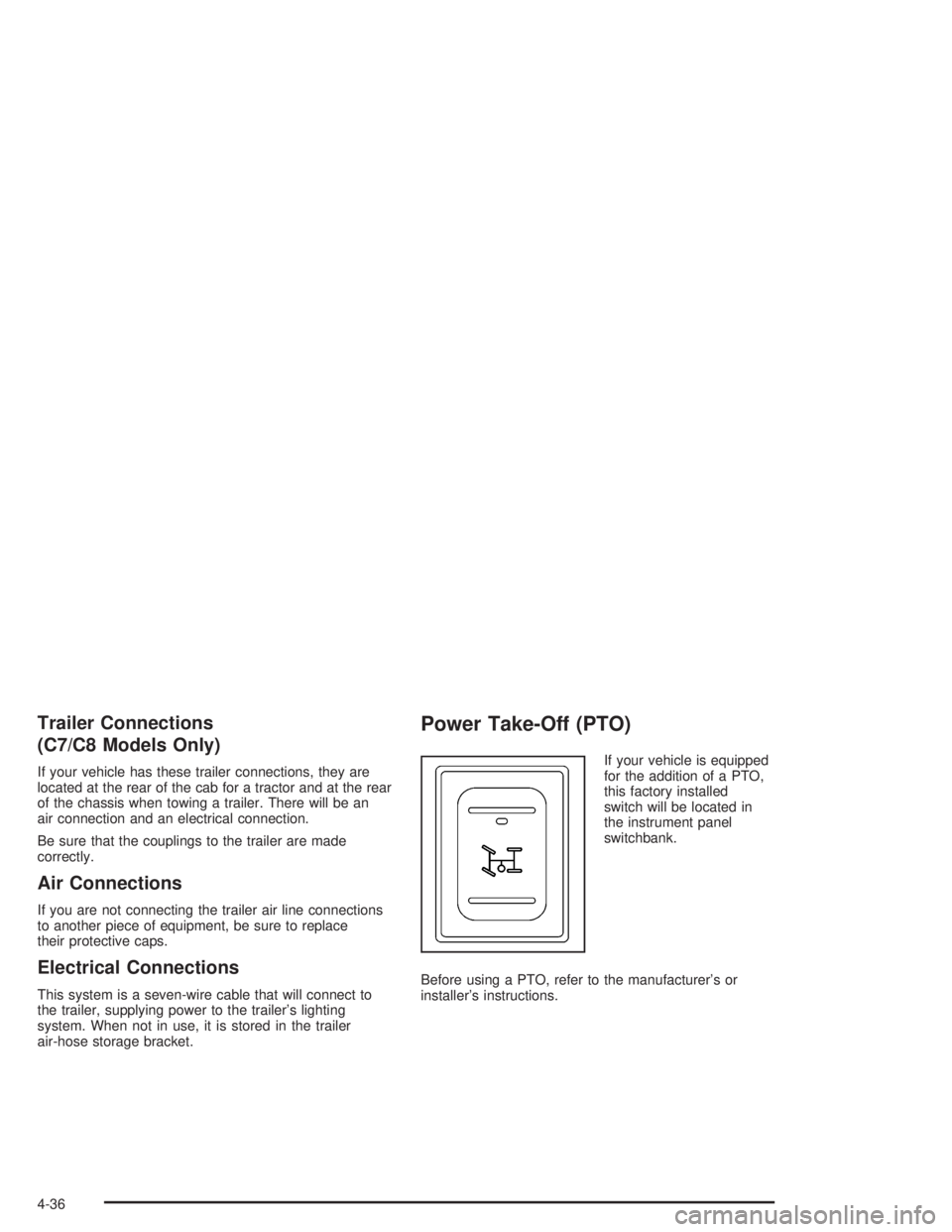
If your vehicle is equipped
for the addition of a PTO,
this factory installed
switch will be located in
the instrument panel
switchbank.
Before using a PTO, refer to the manufacturer’s or
installer’s instructions.
4-36
Page 227 of 366

Checking Engine Oil
It is a good idea to check your engine oil every time you
get fuel. In order to get an accurate reading, the oil
must be warm and the vehicle must be on level ground.
The engine oil dipstick is
located in the engine
compartment on the
driver’s side of the vehicle.
Turn off the engine and give the oil several minutes to
drain back into the oil pan. If you don’t, the oil
dipstick might not show the actual level.
Pull out the dipstick and clean it with a paper towel or
cloth, then push it back in all the way. Remove it again,
keeping the tip down, and check the level.
When to Add Engine Oil
If the oil is at or below the cross-hatched area at the tip
of the dipstick, then you will need to add at least one
quart of oil. But you must use the right kind. This section
explains what kind of oil to use. For engine oil
crankcase capacity, seeCapacities and Specications
on page 5-93.
Notice:Do not add too much oil. If your engine has
so much oil that the oil level gets above the
cross-hatched area that shows the proper operating
range, your engine could be damaged.
5-21
Page 232 of 366
Turn off the engine and give the oil at least five minutes
to drain back into the oil pan. With a cool engine,
allow 30 minutes. If you don’t, the oil dipstick might not
show the actual level.
Pull out the dipstick and clean it with a paper towel or a
cloth, then push it back in all the way. Remove it
again, keeping the tip down.
6.6L V8 (LB7/LLY) Engines
7.8L L6 (LG4) Engine
5-26