2003 PONTIAC BONNEVILLE low beam
[x] Cancel search: low beamPage 122 of 418
Turn Signal/Nlultifunction Lever
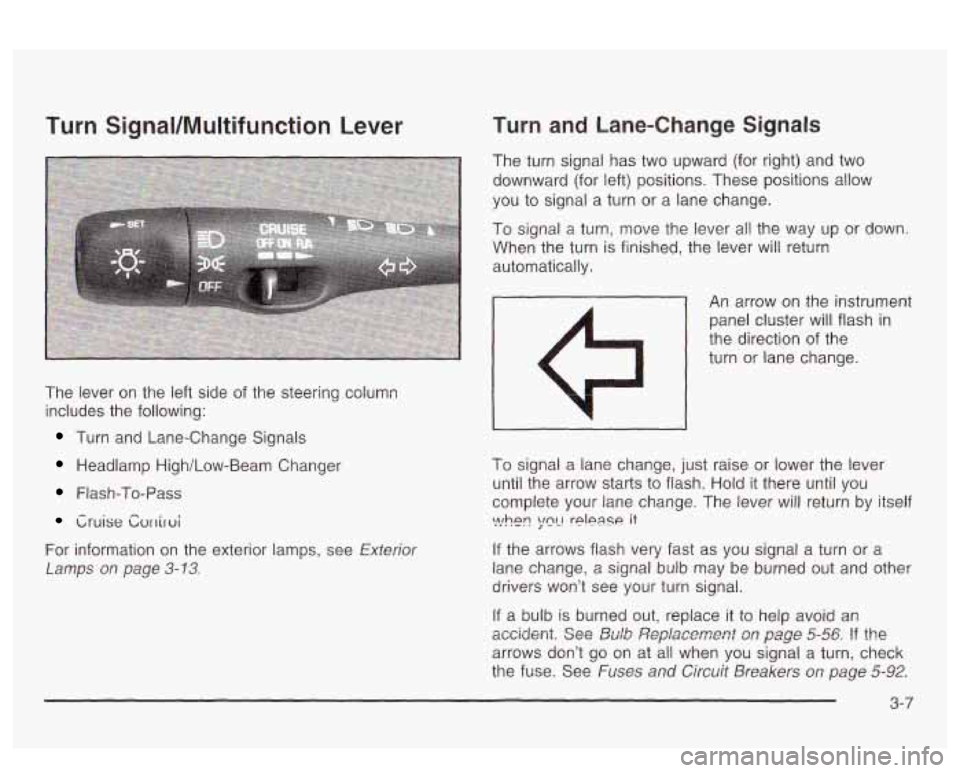
The lever on the left side of the steering column
includes the following:
Turn and Lane-Change Signals
Headlamp High/Low-Beam Changer
Flash-To-Pass
Cruise Cvrriroi
For information on the exterior lamps, see Exterior
Lamps
on page 3-13.
Turn and Lane-Change Signals
The turn signal has two upward (for right) and two
downward (for left) positions. These positions allow
you
to signal a turn or a lane change.
To signal a turn, move the lever all the way up or down.
When the turn is finished, the lever will return
automatically.
- An arrow on the instrument
panel cluster will flash in
the direction of the
turn or lane change.
I
To signal a lane change, just raise or lower the lever
until the arrow starts to flash. Hold
it there until you
complete your lane change. The lever will return by itself
If the arrows flash very fast as you signal a turn or a
lane change, a signal bulb may be burned out and other
drivers won’t see your turn signal.
If a bulb is burned out, replace it to help avoid an
accidmt. See &Ab ,%?pfaxment s,~ page 5-56 !? the
arrows don’t go on at all when you signal a turn, check
the fuse. See
Fuses and Circuit Breakers on page 5-92.
\>!hen ;mL! rplpase it
3-7
Page 123 of 418
Turn Signal On Chime
If your turn signal is left on for more than 3/4 of a mile
(1.2 km), a chime will sound at each flash of the
turn signal. To turn
off the chime, move the turn signal
lever
to the off position.
Headlamp High/Low-Beam Changer
To change the headlamps from low beam to high beam,
push the lever forward. To change from high beam
to
low beam, pull the turn signal lever toward you,
then release it.
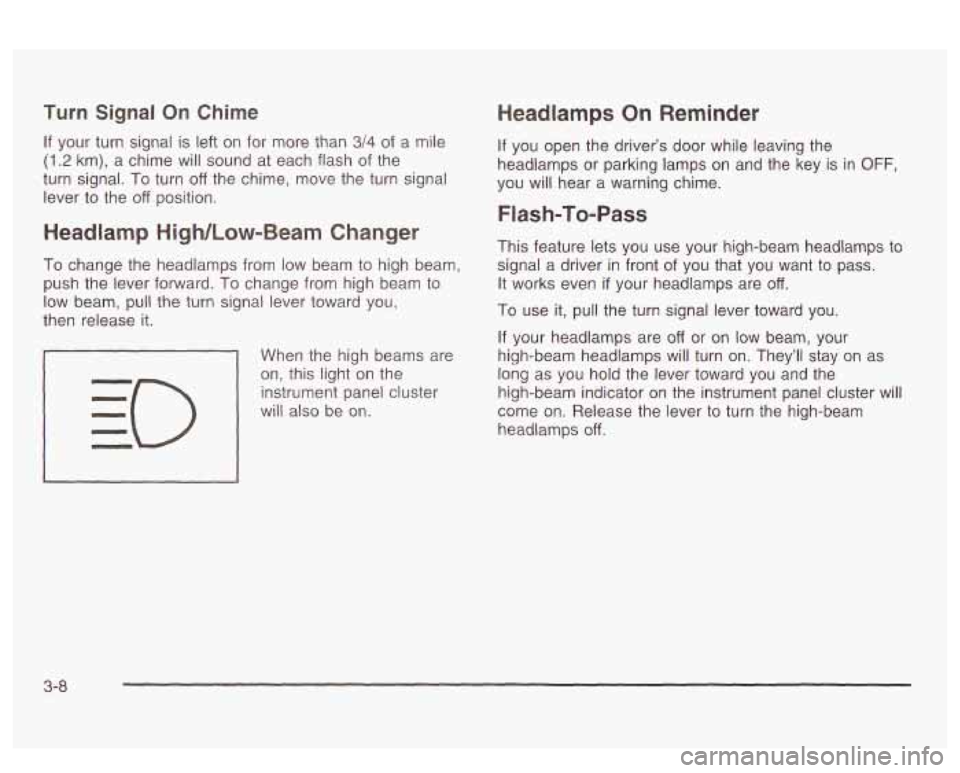
When the high beams are
on, this light on the
instrument panel cluster
will also be on.
Headlamps On Reminder
If you open the driver’s door while leaving the
headlamps or parking lamps
on and the key is in OFF,
you will hear a warning chime.
Flash-To-Pass
This feature lets you use your high-beam headlamps to
signal a driver in front of you that you want to pass.
It works even
if your headlamps are off.
To use it, pull the turn signal lever toward you.
If your headlamps are off or on low beam, your
high-beam headlamps will turn on. They’ll stay on as
long as you hold the lever toward you and the
high-beam indicator on the instrument panel cluster will
come on. Release the lever
to turn the high-beam
headlamps
off.
3-8
Page 124 of 418
Windshield Wipers
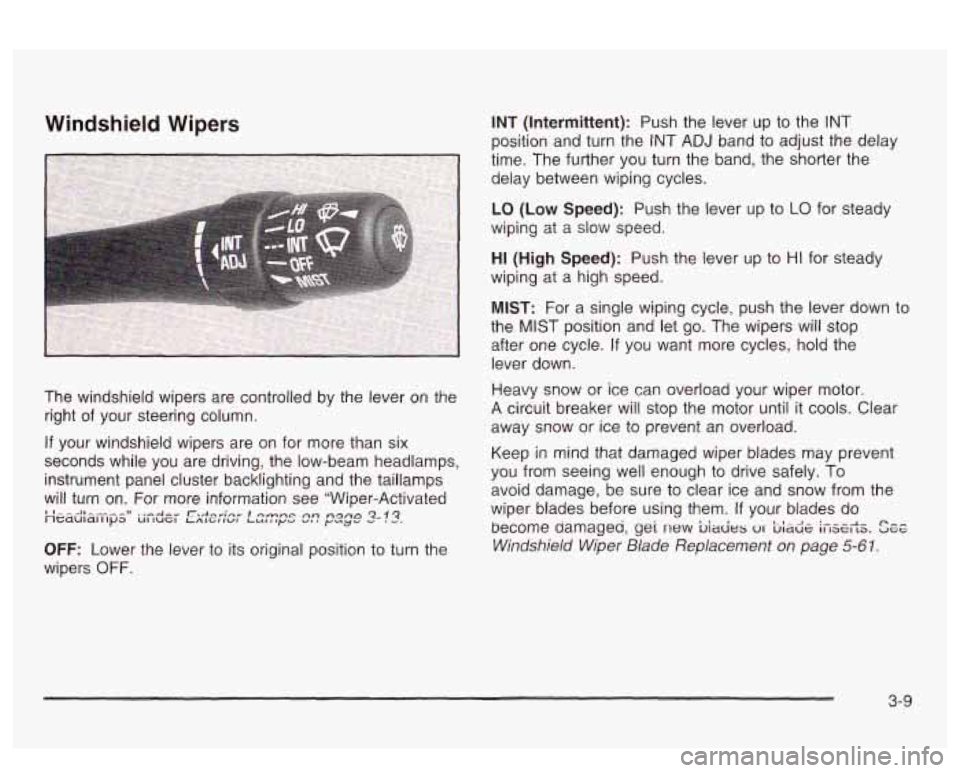
The windshield wipers are controlled by the lever on the
right of your steering column.
If your windshield wipers are on for more than six
seconds while you are driving, the low-beam headlamps,
instrument panel cluster backlighting and the taillamps
will turn on. For more information see "Wiper-Activated
''---Il----~~ ..-Am" r.,+...";nn. I0rn-c An ngfla 2-!3. neduldlllpa UI IUGI LALGIIWL LULlly.2 V. # y"y'
OFF: Lower the lever to its original position to turn the
wipers
OFF. INT
(Intermittent): Push the lever
up to the INT
position and turn the INT ADJ band to adjust the delay
time. The further you turn the band, the shorter the
delay between wiping cycles.
LO (Low Speed): Push the lever up to LO for steady
wiping at a slow speed.
HI (High Speed): Push the lever up to HI for steady
wiping at a high speed.
MIST: For a single wiping cycle, push the lever down to
the
MIST position and let go. The wipers will stop
after one cycle.
If you want more cycles, hold the
lever down.
Heavy snow or ice can overload your wiper motor.
A circuit breaker will stop the motor until it cools. Clear
away snow or ice to prevent an overload.
Keep in mind that damaged wiper blades may prevent
you from seeing well enough
to drive safely. To
avoid damage, be sure to clear ice and snow from the
wiper blades before using them.
If your blades do
become damageu,
gei new biacies 01 bia& ifiserts. See
Windshield Wiper Blade Replacement on page 5-61.
3-9
Page 128 of 418
Erasing Speed Memory
When you turn off the cruise control or the ignition, your
cruise control set speed memory is erased.
Exterior Lamps
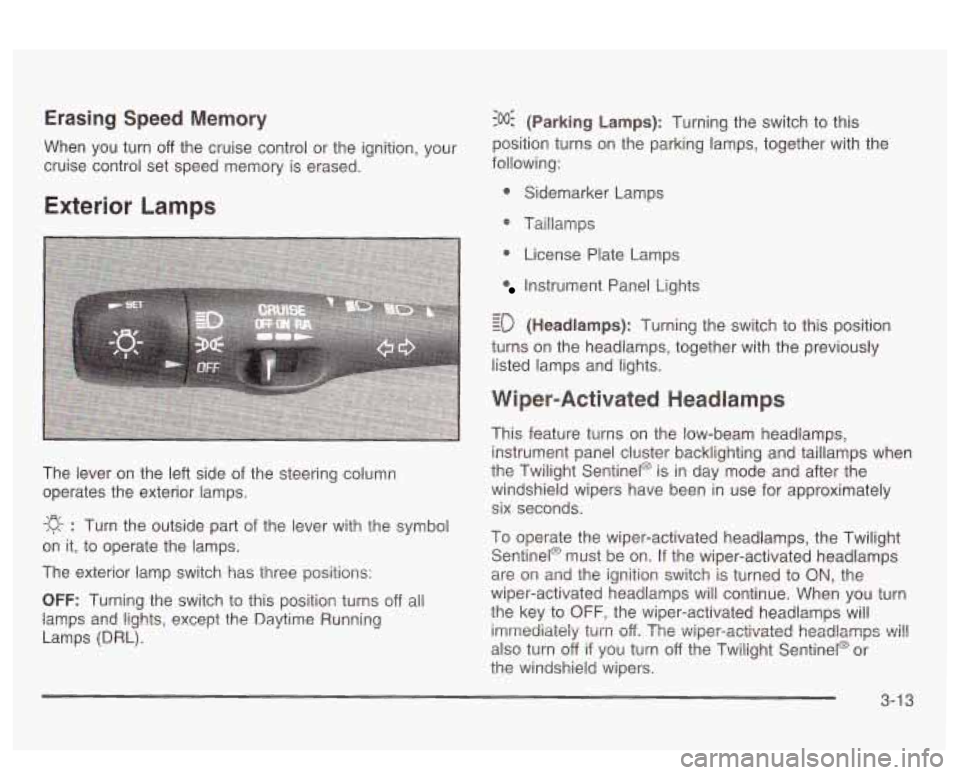
The lever on the left side of the steering column
operates the exterior lamps.
-g- : Turn the outside part of the lever with the symbol
on it, to operate the lamps.
The exterior lamp switch has three positions:
OFF: Turning the switch to this position turns off all
lamps
and lights, except the Daytime Running
Lamps (DRL).
:o@ (Parking Lamps): Turning the switch to this
position turns on the parking lamps, together with the
following:
0 Sidemarker Lamps
@ Taillamps
0 License Plate Lamps
Instrument Panel Lights
- - ED (Headlamps): Turning the switch to this position
turns on the headlamps, together with the previously
listed lamps and lights.
Wiper-Activated Headlamps
This feature turns on the low-beam headlamps,
instrument panel cluster backlighting and taillamps when
the Twilight Sentinel@ is in day mode and after the
windshield wipers have been in use for approximately
six seconds.
To operate the wiper-activated headlamps, the Twilight Sentinel@ must be on. If the wiper-activated headlamps
are on and the ignition switch is turned to
ON, the
wiper-activated headlamps will continue. When you turn
the key to
OFF, the wiper-activated headlamps will
imrrtediaieiy
turn off. The v~iper-activated headlamps ~i!!
also turn off if you turn off the Twilight Sentinel@ or
the windshield wipers.
3-1 3
Page 129 of 418

Daytime Running Lamps
Daytime Running Lamps (DRL) can make it easier for
others to see the front of your vehicle during the
day. DRL can be helpful in many different driving
conditions, but they can be especially helpful in the
short
periods after dawn and before sunset. Fully functional
daytime running lamps are required on all vehicles
first sold in Canada.
A light sensor on top of the instrument panel monitors
the exterior light level for the operation of DRL and
Twilight Sentinel@,
so be sure it isn’t covered. The DRL
system will make your high-beam headlamps come
on at a reduced brightness when the following conditions
are met:
The ignition is on,
the exterior lamp control is off, and
the transaxle is not in PARK (P).
When the DRL are on, only your high-beam headlamps
will be
on at reduced intensity. The taillamps,
sidemarker and other lamps won’t be on. Your
instrument panel won’t be lit either. When it’s
dark enough outside, your regular intensity
headlamps will come on
at full brightness and the DRL
lighting will turn
off. The parking lamps that normally
come on with your headlamps will also come on. When
it’s bright enough outside, the regular intensity
headlamps and parking lamps will turn back
off, and the
reduced brightness
DRL lighting will turn back on.
To idle your vehicle during the day with the DRL
off,
shift the transaxle into PARK (P). The DRL will stay off
until you shift out of P.4RK (P).
At night, you can turn off all exterior lamps when you
are in PARK
(P) by turning the Twilight Sentinel@ knob
all the way to
OFF.
If the knob was already in OFF, it must be cycled to ON
and back to OFF. Turn the knob clockwise to turn the
exterior lighting back on. The lamps will come back
on automatically when you put the transaxle in gear.
As with any vehicle, you should turn on the regular
headlamp system when you need it.
3-1 4
Page 130 of 418
Fog Lamps
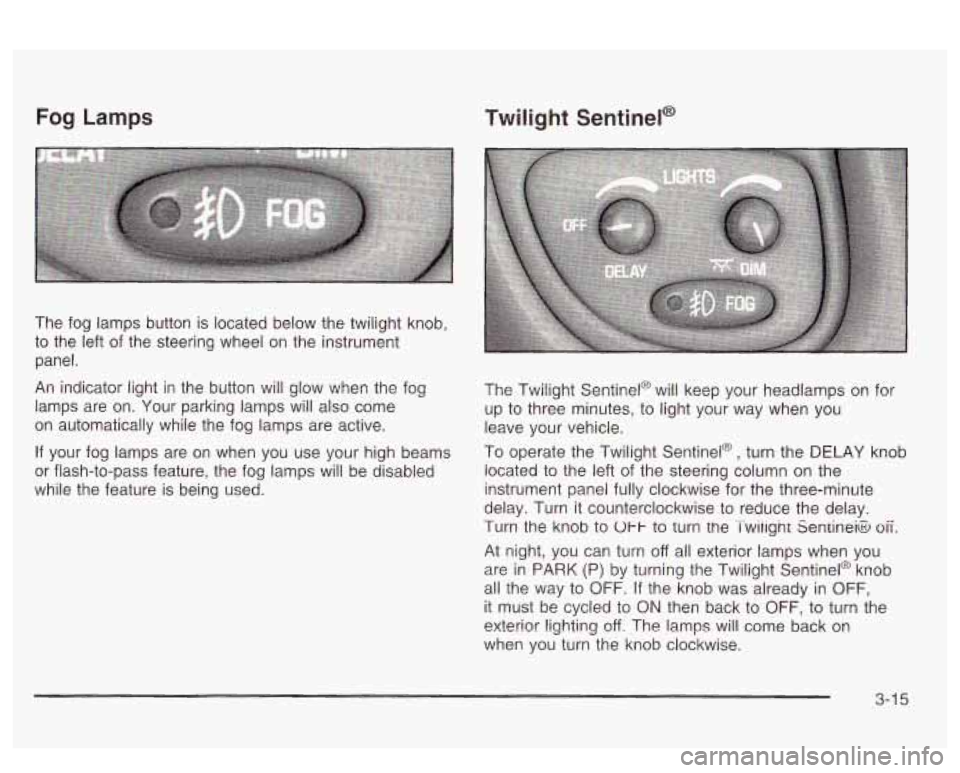
The fog lamps button is located below the twilight knob,
to the left of the steering wheel on the instrument
panel.
An indicator light i~ the b~itton will glow when the fog
lamps are on. Your parking lamps will also come
on automatically while the fog lamps are active.
If your fog lamps are on when you use your high beams
or flash-to-pass feature, the fog lamps will be disabled
while the feature is being used.
Twilight Sentinel@
The Twilight Sentinel@ will keep your head!amps or! for
up to three minutes, to light your way when you
leave your vehicle.
To operate the Twilight Sentinel@, turn the DELAY knob
located to the left of the steering column on the
instrument panel fully clockwise for the three-minute
delay. Turn it counterclockwise to reduce the delay.
Turn the knob to
Ul-I- to turn tne Twiiignt Seniineia oii.
At night, you can turn off all exterior lamps when you
are in PARK (P) by turning the Twilight Sentinel@ knob
all the way to OFF. If the knob was already
in OFF,
it must be cycled to ON then back to OFF, to turn the
exterior
!ighting off. The lamps will come back on
when you turn the knob clockwise.
3-1 5
Page 135 of 418
Inadvertent Power Battery Saver
This feature is designed to protect your vehicle’s battery
against drainage from the interior lamps, trunk lamp,
glove box lamp or cigarette lighters. When the ignition is
turned
off, the power to these features will automatically
turn
off after 10 minutes. Power will be restored for
an additional
10 minutes if any door is opened, the trunk
is opened or the courtesy lamps are turned on. To
restore power back to the cigarette lighters the ignition
must be turned back to
ON.
Battery Load Management
The battery load management feature is designed to
monitor the vehicle’s electrical load and determine when
the battery is in a heavy discharge condition. During
times of high electrical loading, the engine may idle at
higher revolutions per minute (rpm) than normal to
make sure the battery charges. High electrical loads
may occur when several
of the following are on:
headlamps, high beams, fog lamps, rear window
defogger, fan on high speed, heated seats and engine
cooling fans.
If your vehicle’s battery remains in a heavy discharge
condition for a long period of time, the fan, rear
defogger, heated seats and heated mirrors will be
disabled and the DIC will display BATTERY SAVER
ACTIVE. This can happen either under long periods of
idling or low speed driving with high electrical loading,
or in the event of a charging system fault.
Monitor the battery voltage when in the BATTERY
SAVER ACTIVE mode.
If the voltmeter remains in the shaded area (below
11 volts) when driving then have the charging
system serviced immediately.
If the voltage increases above 12 volts then the
battery needs to be recharged.
Try driving on
the highway with as few electrical accessories on
as possible.
3-20
Page 136 of 418
Head-Up Display (HUD)
If the HUD image is too bright, or too high in
your field
of view, it may take you more time to
see things you need to see when it's dark
outside. Be sure to keep the HUD image dim
and placed low in your field of view.
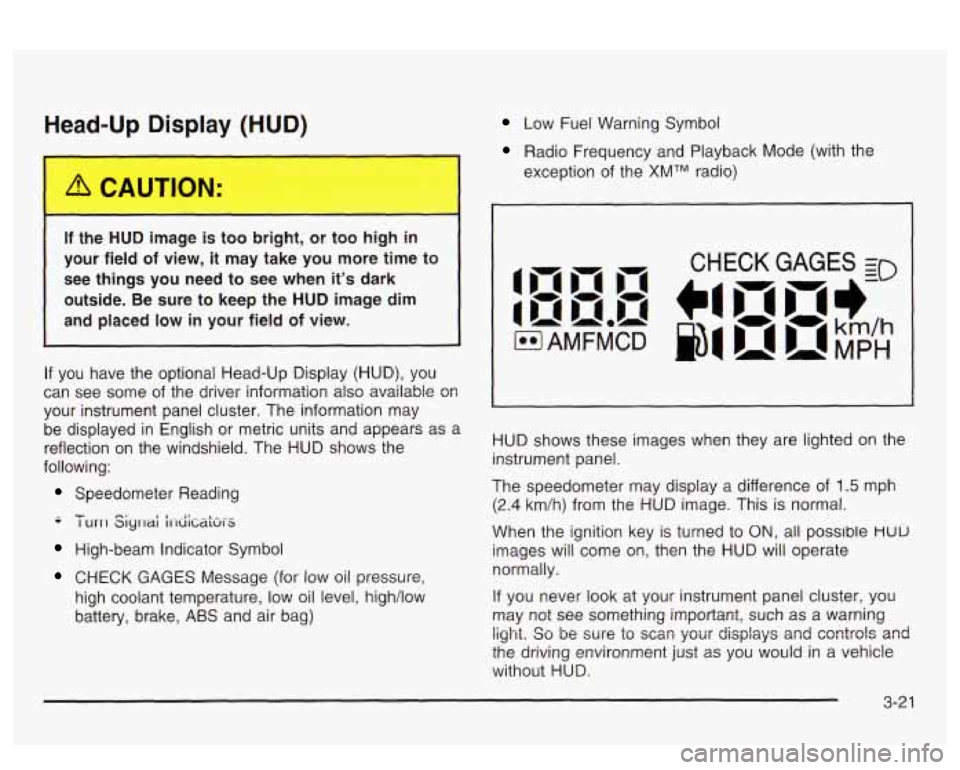
If you have the optional Head-Up Display (HUD), you
can see
some of the driver information also available 08
your instrument panel cluster. The information may
be displayed in English
or metric units and appears as a
reflection on the windshield. The HUD shows the
following:
Speedometer Reading
-- - I urrl Siyrlai i1-diCaki-S
High-beam Indicator Symbol
CHECK GAGES Message (for low oil pressure,
high coolant temperature, low oil level, high/low
battery, brake,
ABS and air bag)
Low Fuel Warning Symbol
Radio Frequency and Playback Mode (with the
exception of the
XMTM radio)
HUD shows these images when they are lighted on the
instrument panel.
The speedometer may display a difference of
1.5 mph
(2.4 km/h) from the HUD image. This is normal.
When the ignition key is turned to
ON, all possible HUU
images will come on, then the HUD will operate
normally.
If you never look at your instrument panel cluster, you
may not see something important, such as a warning
light. So be wre to scm your displays and csntrols and
the driving environment just as you would in a vehicle
without HUD.