Page 89 of 272
The parking lamps will flash once when all doors/hood/liftgate and
liftgate window are closed indicating the vehicle is locked and entering
the 20 second countdown.
DISARMING THE SYSTEM
You can disarm the system by any of the following actions:
•Unlock the doors by using the
on the remote entry transmitter.
•Unlock the doors by using your keyless entry pad.
•Unlock the driver’s door with a key. Turn the key full travel (toward
the front of the vehicle) to make sure the alarm disarms.
•Turn ignition to ON.
•Press the
on the remote entry transmitter. This will only shut off
the horn and parking lamps when the alarm is sounding. The alarm
system will still be armed.
•Press the liftgate window control on the remote entry transmitter. The
liftgate and liftgate window are no longer armed, but the doors and
hood are still armed. To disarm the doors and hood, press the liftgate
power door lock control.
Pressing the power door UNLOCK trim switch within the 20 second
prearmed mode will return the vehicle to a disarmed state.
TRIGGERING THE ANTI-THEFT SYSTEM
The armed system will be triggered if:
•Any door, the liftgate, liftgate window or hood is opened without using
the door key, keypad or the remote entry transmitter.
Power door lock disable feature
This feature disables the power door locks and liftgate power door lock
control switches if all doors are closed and the perimeter alarm becomes
armed.
Once the locks are disabled, they only become active when the perimeter
alarm is disarmed or a door, liftgate, liftgate window or hood is open.
Locks and Security
89
Page 90 of 272
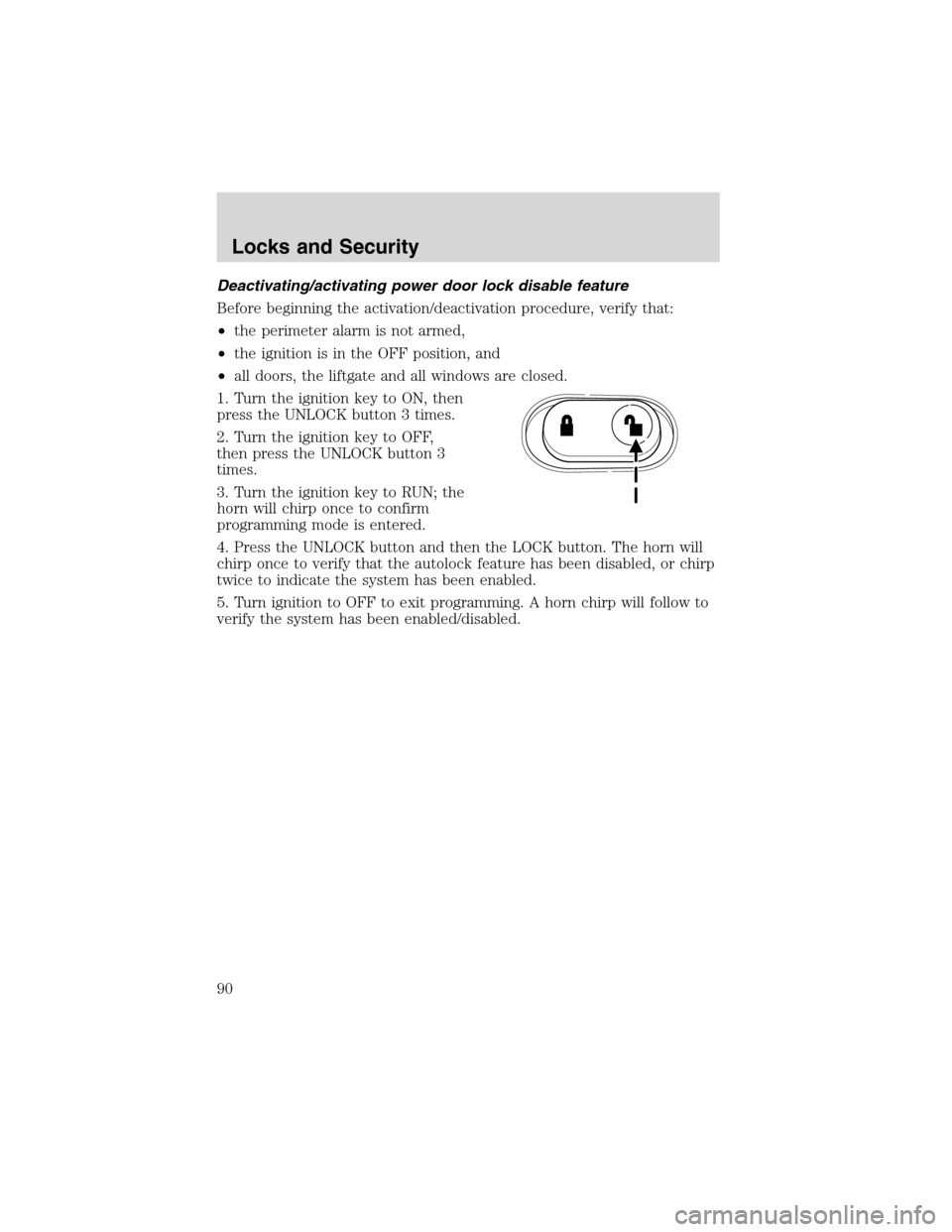
Deactivating/activating power door lock disable feature
Before beginning the activation/deactivation procedure, verify that:
•the perimeter alarm is not armed,
•the ignition is in the OFF position, and
•all doors, the liftgate and all windows are closed.
1. Turn the ignition key to ON, then
press the UNLOCK button 3 times.
2. Turn the ignition key to OFF,
then press the UNLOCK button 3
times.
3. Turn the ignition key to RUN; the
horn will chirp once to confirm
programming mode is entered.
4. Press the UNLOCK button and then the LOCK button. The horn will
chirp once to verify that the autolock feature has been disabled, or chirp
twice to indicate the system has been enabled.
5. Turn ignition to OFF to exit programming. A horn chirp will follow to
verify the system has been enabled/disabled.
Locks and Security
90
Page 94 of 272
Memory seat/easy entry/exit feature (if equipped)
This system allows automatic
positioning of the driver seat to two
programmable positions.
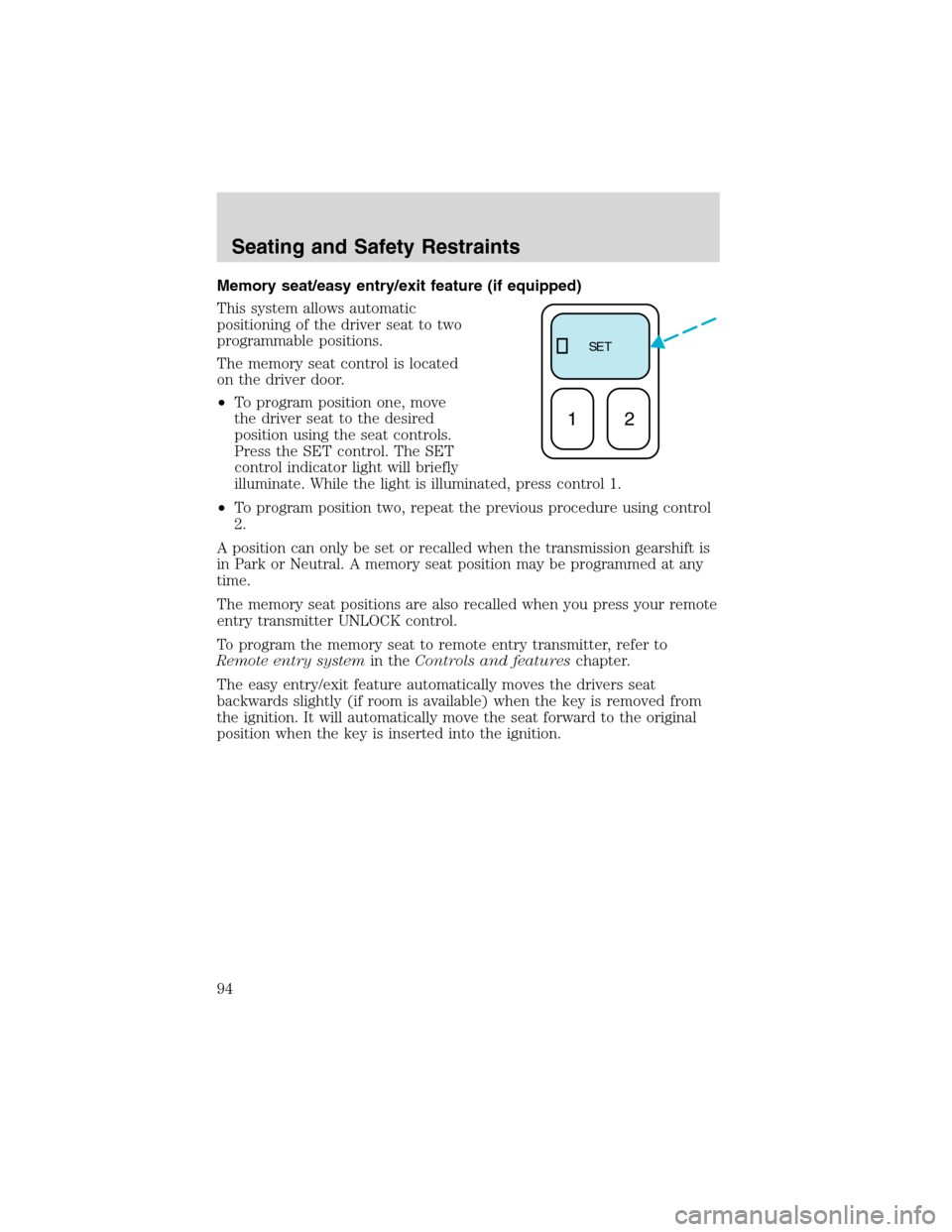
The memory seat control is located
on the driver door.
•To program position one, move
the driver seat to the desired
position using the seat controls.
Press the SET control. The SET
control indicator light will briefly
illuminate. While the light is illuminated, press control 1.
•To program position two, repeat the previous procedure using control
2.
A position can only be set or recalled when the transmission gearshift is
in Park or Neutral. A memory seat position may be programmed at any
time.
The memory seat positions are also recalled when you press your remote
entry transmitter UNLOCK control.
To program the memory seat to remote entry transmitter, refer to
Remote entry systemin theControls and featureschapter.
The easy entry/exit feature automatically moves the drivers seat
backwards slightly (if room is available) when the key is removed from
the ignition. It will automatically move the seat forward to the original
position when the key is inserted into the ignition.
SE T
12
Seating and Safety Restraints
94
Page 96 of 272
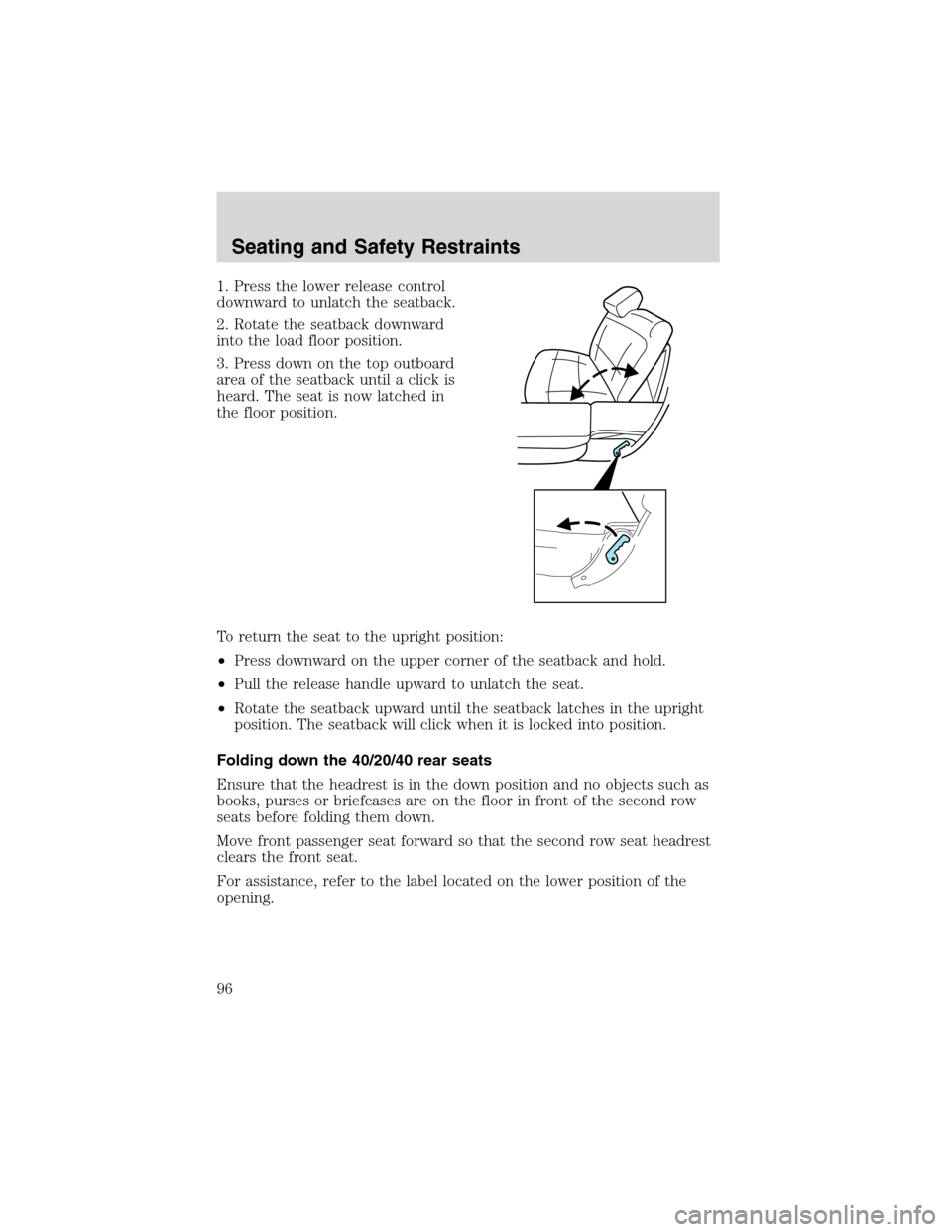
1. Press the lower release control
downward to unlatch the seatback.
2. Rotate the seatback downward
into the load floor position.
3. Press down on the top outboard
area of the seatback until a click is
heard. The seat is now latched in
the floor position.
To return the seat to the upright position:
•Press downward on the upper corner of the seatback and hold.
•Pull the release handle upward to unlatch the seat.
•Rotate the seatback upward until the seatback latches in the upright
position. The seatback will click when it is locked into position.
Folding down the 40/20/40 rear seats
Ensure that the headrest is in the down position and no objects such as
books, purses or briefcases are on the floor in front of the second row
seats before folding them down.
Move front passenger seat forward so that the second row seat headrest
clears the front seat.
For assistance, refer to the label located on the lower position of the
opening.
Seating and Safety Restraints
96
Page 97 of 272
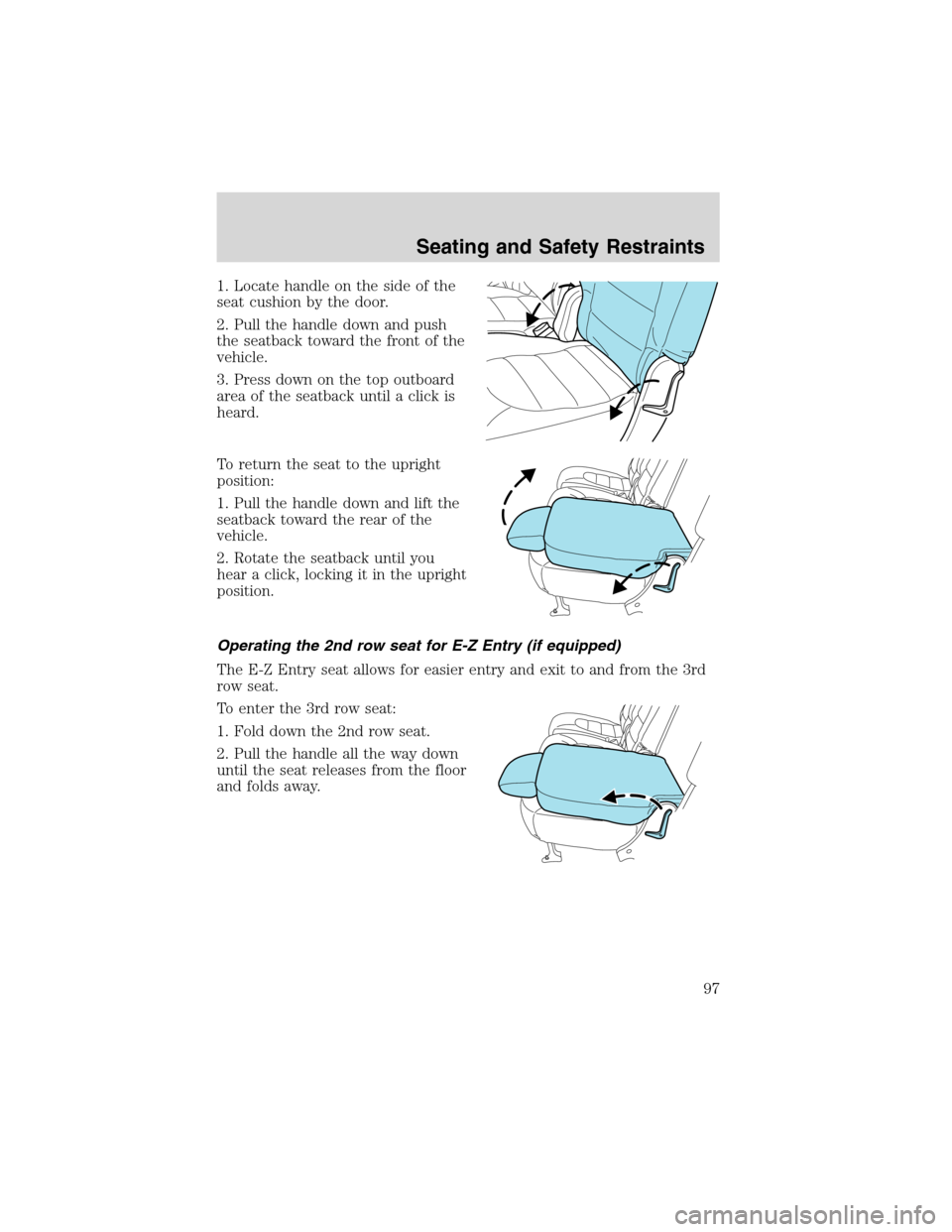
1. Locate handle on the side of the
seat cushion by the door.
2. Pull the handle down and push
the seatback toward the front of the
vehicle.
3. Press down on the top outboard
area of the seatback until a click is
heard.
To return the seat to the upright
position:
1. Pull the handle down and lift the
seatback toward the rear of the
vehicle.
2. Rotate the seatback until you
hear a click, locking it in the upright
position.
Operating the 2nd row seat for E-Z Entry (if equipped)
The E-Z Entry seat allows for easier entry and exit to and from the 3rd
row seat.
To enter the 3rd row seat:
1. Fold down the 2nd row seat.
2. Pull the handle all the way down
until the seat releases from the floor
and folds away.
Seating and Safety Restraints
97
Page 99 of 272
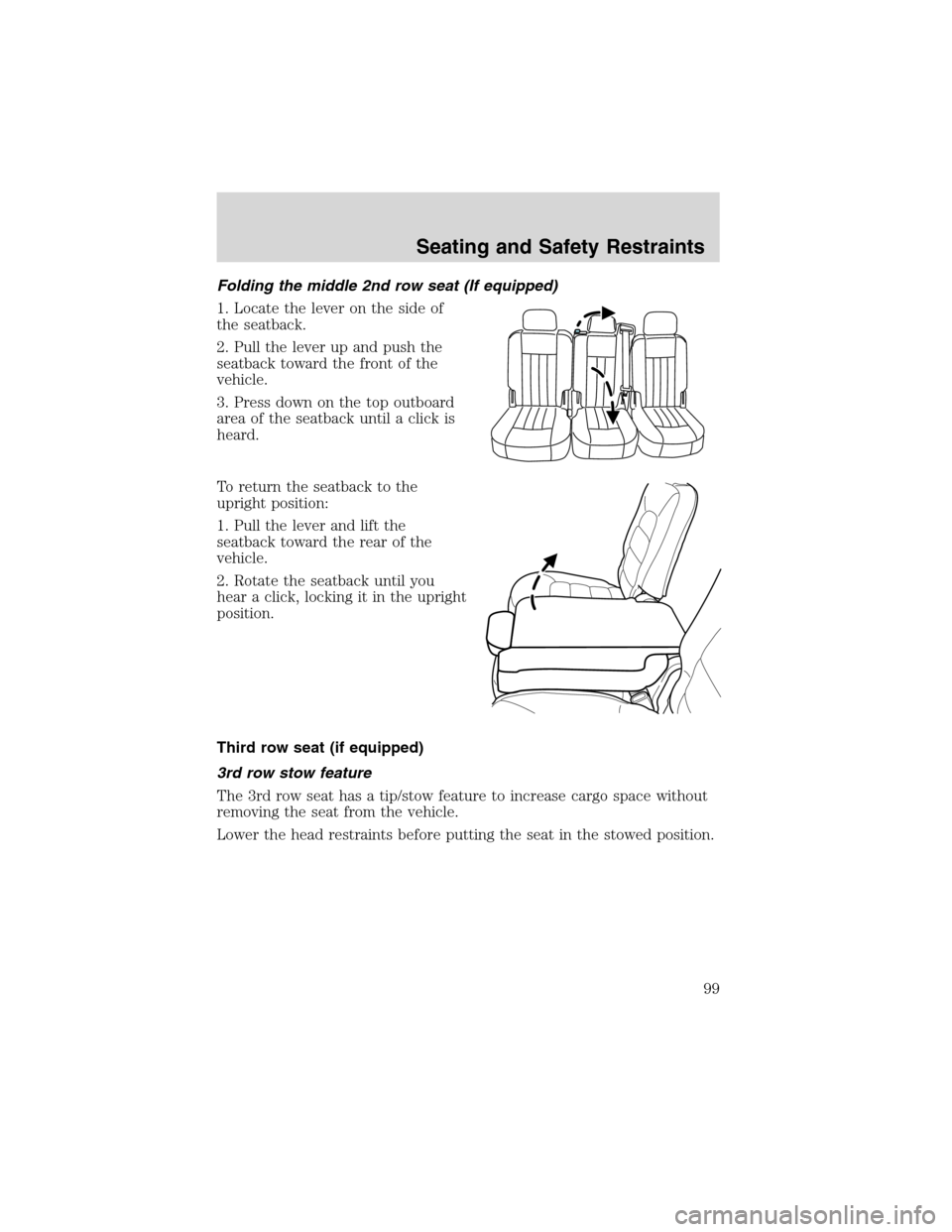
Folding the middle 2nd row seat (If equipped)
1. Locate the lever on the side of
the seatback.
2. Pull the lever up and push the
seatback toward the front of the
vehicle.
3. Press down on the top outboard
area of the seatback until a click is
heard.
To return the seatback to the
upright position:
1. Pull the lever and lift the
seatback toward the rear of the
vehicle.
2. Rotate the seatback until you
hear a click, locking it in the upright
position.
Third row seat (if equipped)
3rd row stow feature
The 3rd row seat has a tip/stow feature to increase cargo space without
removing the seat from the vehicle.
Lower the head restraints before putting the seat in the stowed position.
Seating and Safety Restraints
99
Page 105 of 272
•This safety belt system has a retractor assembly that is designed to
extend the seat belt webbing in a controlled manner. This helps
reduce the belt force acting on the user’s chest.
BELT AND RETRACTOR ASSEMBLY MUST BE REPLACED if
the safety belt assembly automatic locking retractor feature or
any other safety belt function is not operating properly when checked
according to the procedures in Workshop Manual. Failure to replace
the Belt and Retractor assembly could increase the risk of injury in
collisions.
Combination lap and shoulder belts
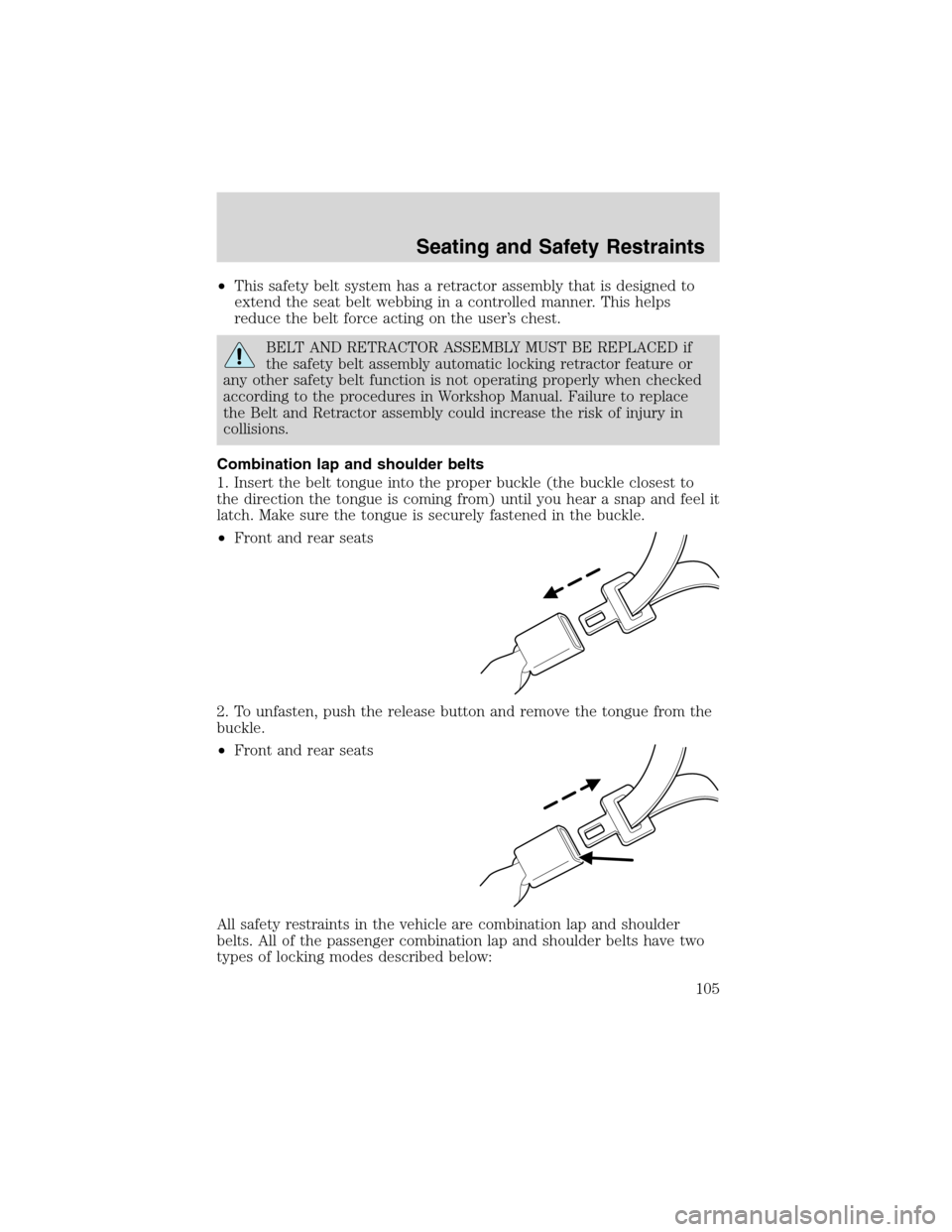
1. Insert the belt tongue into the proper buckle (the buckle closest to
the direction the tongue is coming from) until you hear a snap and feel it
latch. Make sure the tongue is securely fastened in the buckle.
•Front and rear seats
2. To unfasten, push the release button and remove the tongue from the
buckle.
•Front and rear seats
All safety restraints in the vehicle are combination lap and shoulder
belts. All of the passenger combination lap and shoulder belts have two
types of locking modes described below:
Seating and Safety Restraints
105
Page 106 of 272
Vehicle sensitive mode
This is the normal retractor mode, which allows free shoulder belt length
adjustment to your movements and locking in response to vehicle
movement. For example, if the driver brakes suddenly or turns a corner
sharply, or the vehicle receives an impact of approximately 8 km/h (5
mph) or more, the combination safety belts will lock to help reduce
forward movement of the driver and passengers.
Automatic locking mode
The automatic locking mode is not available on the driver safety belt.
When to use the automatic locking mode
In this mode, the shoulder belt is automatically pre-locked. The belt will
still retract to remove any slack in the shoulder belt. The automatic
locking mode is not available on the driver safety belt.
This mode should be usedany timea child safety seat is installed in a
passenger front or outboard rear seating position (if equipped). Children
12 years old and under should be properly restrained in the rear seat
whenever possible. Refer toSafety restraints for childrenorSafety
seats for childrenlater in this chapter.
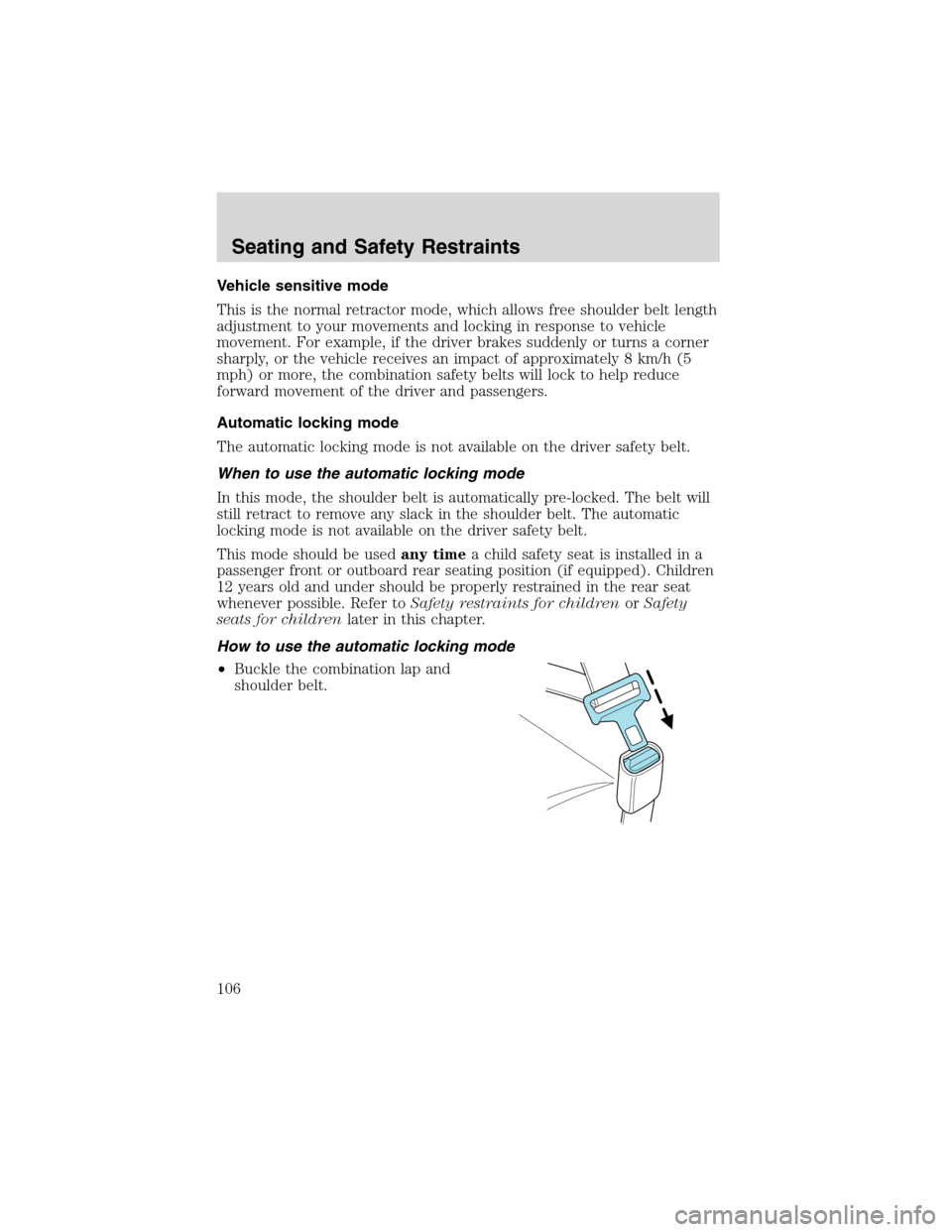
How to use the automatic locking mode
•Buckle the combination lap and
shoulder belt.
Seating and Safety Restraints
106