Page 141 of 386
2-66
Certain electrical accessories may not be compatible
with the accessory power outlet and could result in
blown vehicle or adapter fuses. If you experience a
problem, see your dealer for additional information on
accessory power outlets.
NOTICE:
Adding some electrical equipment to your vehicle
can damage it or keep other things from working
as they should. This wouldn't be covered by your
warranty. Check with your dealer before adding
electrical equipment, and never use anything that
exceeds the amperage rating.
When adding electrical equipment, be sure to follow the
proper installation instructions included with the equipment.
NOTICE:
Power outlets are designed for accessory plugs
only. Do not hang any type of accessory or
accessory bracket from the plug. Improper use of
the power outlet can cause damage not covered
by your warranty.
Trailer Connections (C4/C5 Models
Only) (If Equipped)
Heavy-Duty Trailer Wiring Package
Your vehicle may be equipped with an eight-wire trailer
towing harness. This harness, with a seven
-pin universal
heavy
-duty trailer connector, is attached to a bracket on
the platform hitch.
The Center High
-Mounted Stoplamp (CHMSL) wire is
tied next to the trailer wiring harness for use with a trailer.
Page 142 of 386

2-67
The eight-wire harness contains the following
trailer circuits:
�Yellow: Left Stop/Turn Signal
�Dark Green: Right Stop/Turn Signal
�Brown: Taillamps
�White: Ground
�Light Green: Back
-up Lamps
�Light Blue: CHMSL
�Red: Battery Feed
�Dark Blue: Trailer Brake
Trailer Connections (C6/C7/C8
Models Only) (If Equipped)
If your vehicle has these trailer connections, they are
located at the rear of the cab for a tractor and at the rear
of the chassis when towing a trailer. There will be an air
connection and an electrical connection.
Be sure that the couplings to the trailer are
made correctly.
Air Connections
If you are not connecting the trailer air line connections
to another piece of equipment, be sure to replace their
protective caps.
Electrical Connections
This system is a seven-wire cable that will connect to
the trailer, supplying power to the trailer's lighting
system. When not in use, it is stored in the trailer
air
-hose storage bracket.
NOTICE:
Starting in 1998, the center pin (also known as
the auxiliary circuit) of the seven
-pin trailer
electrical connector will be wired to provide
continuous power for the trailer anti
-lock brake
systems when the ignition key is in the on
position. Care should be taken to insure that
continuous power on this circuit will not cause
damage to the trailer electrical system.
Consult with the trailer manufacturer for the
proper operation and checking procedures for
the trailer anti
-lock brake systems.
Page 154 of 386
2-79 Service Transmission Warning Light
(If Equipped)
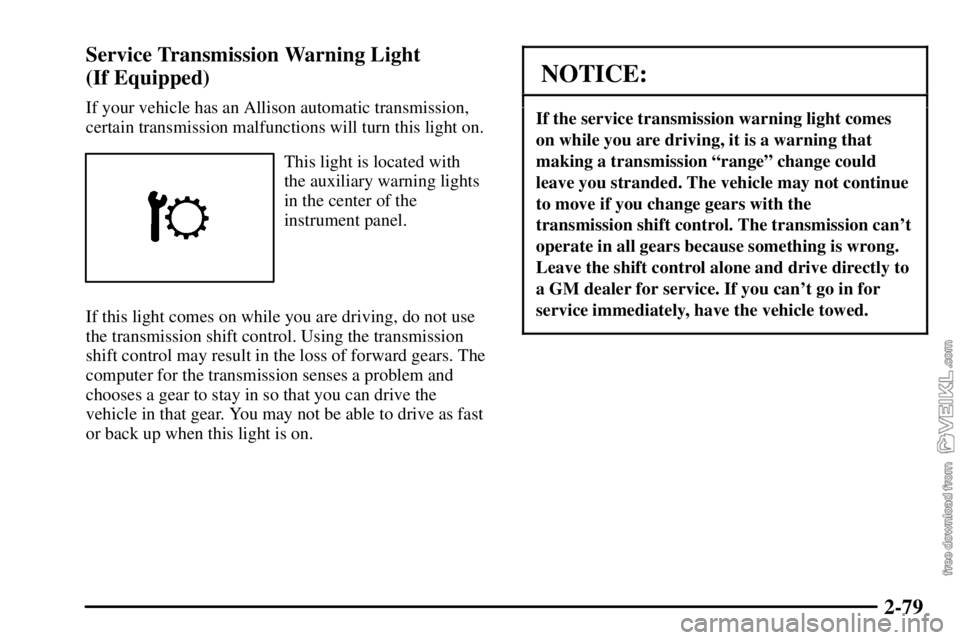
If your vehicle has an Allison automatic transmission,
certain transmission malfunctions will turn this light on.
This light is located with
the auxiliary warning lights
in the center of the
instrument panel.
If this light comes on while you are driving, do not use
the transmission shift control. Using the transmission
shift control may result in the loss of forward gears. The
computer for the transmission senses a problem and
chooses a gear to stay in so that you can drive the
vehicle in that gear. You may not be able to drive as fast
or back up when this light is on.
NOTICE:
If the service transmission warning light comes
on while you are driving, it is a warning that
making a transmission ªrangeº change could
leave you stranded. The vehicle may not continue
to move if you change gears with the
transmission shift control. The transmission can't
operate in all gears because something is wrong.
Leave the shift control alone and drive directly to
a GM dealer for service. If you can't go in for
service immediately, have the vehicle towed.
Page 156 of 386

2-81
If the amber SERVICE
BRAKES SOON warning
light comes on, it means
that there is something
wrong in the brake system.
When this light comes on, you will also hear a warning
tone. If this light comes on, have the system repaired
immediately.
Both of these lights should come on briefly every time
you start the engine. If they don't come on then, have
them fixed so they will be ready to warn you if there's a
problem. If one or both of these warning lights stay on
after you start the engine, there could be a brake
problem. Have your brake system inspected right away.If one or both of these lights come on and stay on while
you are driving, pull off the road and stop carefully. You
may notice that the pedal is harder to push. Or, the pedal
may go closer to the floor. It may take longer to stop. If
the BRAKE light is still on, have the vehicle towed for
service. See ªTowing Your Vehicleº in the Index. See
ªHydraulic Brake Systemsº in the Index for more
information.
CAUTION:
Your brake system may not be working properly
if a brake system warning light is on. Driving
with a brake system warning light on can lead to
an accident. If the light is still on after you've
pulled off the road and stopped carefully, have
the vehicle towed for service.
Page 161 of 386
2-86 Malfunction Indicator Lamp
(Service Engine Soon Light)
If this light comes on
or flashes while you
are driving, two things
may happen.
First, you won't notice any difference in engine
performance, but your tail pipe emissions may increase.
Second, your engine may not run properly or may stall
without warning. If either of these things happen, drive
or tow your vehicle to your dealer for service.This light should come on when the ignition is on, but
the engine is not running, as a check to show you it is
working. If it does not come on at all, have it repaired.
NOTICE:
If you keep driving your vehicle with this light
on, after a while, your emission controls may not
work as well, your fuel economy may not be as
good and your engine may not run as smoothly.
This could lead to costly repairs that may not be
covered by your warranty.
Page 171 of 386

3-2
Comfort Controls
This section tells you how to make your air system work
for you.
With these systems, you can control the heating, cooling
and ventilation in your vehicle.
Heater Controls
If your vehicle does not have air conditioning, the
control panel will look like this.
Fan Knob
The knob on the left side of the control panel regulates
the fan speed. The knob has four speeds. To increase
airflow, turn the knob clockwise. To decrease airflow,
turn it counterclockwise. To turn the fan off, turn the
mode knob on the far right all the way
counterclockwise.Temperature Knob
The middle knob on the control panel is used to adjust
the temperature of the air flowing into the passenger
area of your vehicle.
Turn the knob toward the red area for warmer air. Turn
the knob toward the blue area for cooler air.
Mode Knob
The knob on the right side of the control panel is used to
select the direction of the air flowing into the vehicle.
(Vent): This setting directs air through the
instrument panel vents.
(Bi-Level): This setting divides airflow between
the floor vents and instrument panel vents.
(Floor): This setting directs air through the
floor vents.
(Defog): This setting divides airflow between the
floor vents and windshield.
(Defrost): This setting directs air through the
windshield vents. This setting is used to remove fog or
ice from the windshield.
Page 172 of 386

3-3 Heater/Air Conditioning Controls
(If Equipped)
If your vehicle has air conditioning, the heater/air
conditioning control panel will look like this.
Fan Knob
The knob on the left side of the control panel regulates
the fan speed. It has four speeds.
To increase airflow, turn the knob clockwise. To
decrease airflow, turn it counterclockwise. To turn the
fan off, turn the mode knob on the far right all the way
counterclockwise.Temperature Knob
The middle knob on the control panel is used to adjust
the temperature of the air flowing into the passenger
compartment of your vehicle.
Turn the knob toward the red area for warmer air.
Turn the knob toward the blue area for cooler air.
Mode Knob
The knob on the right side of the control panel is used to
select the direction of the air flowing into the vehicle.
(Maximum Air Conditioning): Turn the right
knob to maximum air conditioning for maximum
cooling. This setting puts the system in the recirculation
mode and helps to maximize your air conditioner's
performance and your vehicle's fuel economy. This
setting also cools the air the fastest. After the vehicle's
interior reaches a comfortable temperature, turn the
knob clockwise to place the air conditioning system in
the regular air conditioning mode.
(Air Conditioning): This setting is used for
normal cooling on hot days. It cools outside air and
directs it through the instrument panel vents.
Page 174 of 386
3-5 Defogging and Defrosting
Turn the mode knob to defrost to remove fog or ice from
the windshield quickly in extremely cold conditions.
The temperature knob should be in the red area with the
fan knob toward high.
To keep the windshield clear and send heated air
through the floor vents, turn the mode knob to defog.
The air conditioning compressor may operate in this
setting to dehumidify the air.
Rear Window Defogger (If Equipped)
If you see lines running across the rear windows, you
have a rear window defogger. The lines warm the glass.
For best results, clear the windows of as much snow or
ice as possible before using the rear window defogger.
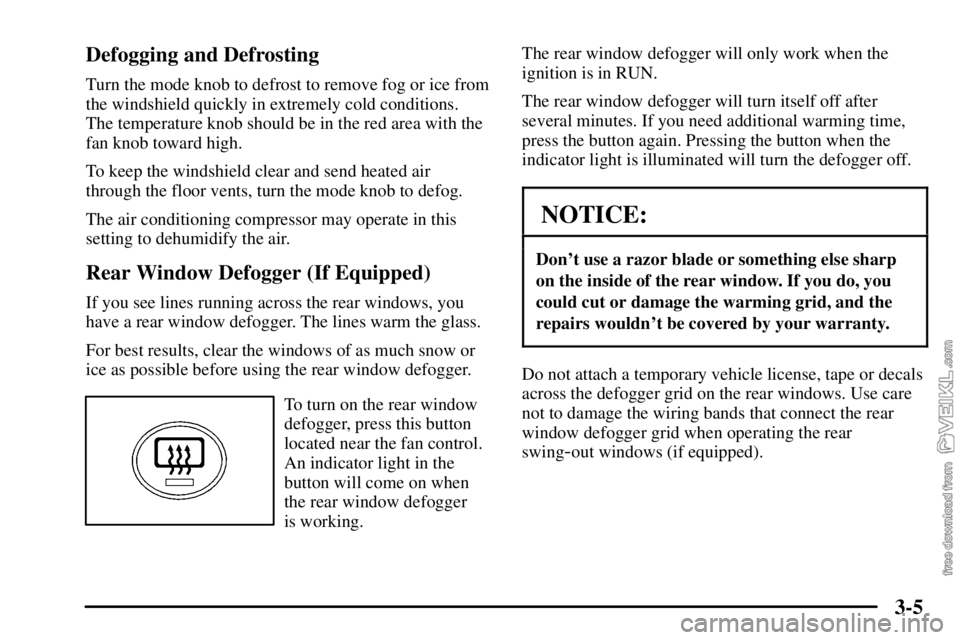
To turn on the rear window
defogger, press this button
located near the fan control.
An indicator light in the
button will come on when
the rear window defogger
is working.The rear window defogger will only work when the
ignition is in RUN.
The rear window defogger will turn itself off after
several minutes. If you need additional warming time,
press the button again. Pressing the button when the
indicator light is illuminated will turn the defogger off.
NOTICE:
Don't use a razor blade or something else sharp
on the inside of the rear window. If you do, you
could cut or damage the warming grid, and the
repairs wouldn't be covered by your warranty.
Do not attach a temporary vehicle license, tape or decals
across the defogger grid on the rear windows. Use care
not to damage the wiring bands that connect the rear
window defogger grid when operating the rear
swing
-out windows (if equipped).
