Page 18 of 229
Cockpit
16
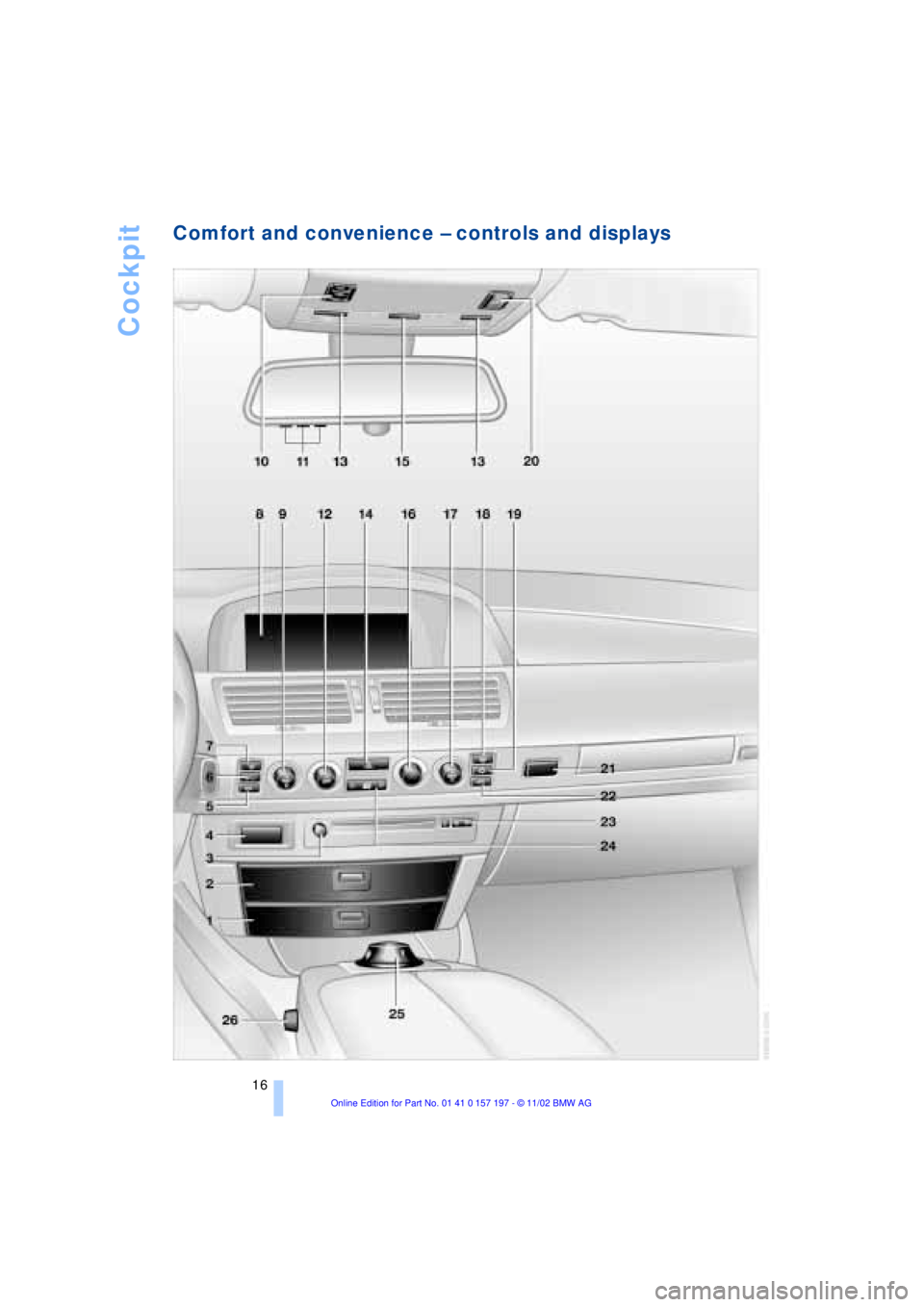
Comfort and convenience Ð controls and displays
Page 19 of 229
At a glance
Controls
Driving tips
Communications
Navigation
Entertainment
Mobility
Reference
17
1Glasses compartment118
2Storage compartment118
3Switching audio and video sources
on/off and adjusting volume147
4Telephone keypad, folding172
5Automatic air distribution and air supply
Ð left-hand side of passenger
compartment107
6Outside air/AUC Automatic recircu-
lated-air control/Recirculated air107
7To defrost windshield and windows and
remove condensation107
8Control Display19
9Temperature on left-hand side of pas-
senger compartment Ð turn and max-
imum cooling Ð press107
10Sliding/tilt sunroof43
11Channel keys for Universal Garage
Door Opener114
12Air supply on left-hand side of pas-
senger compartment Ð turn
and switch off automatic climate control
Ð press 107, 109
13Reading lamps104
14Hazard warning flashers
15Interior lamps103
16Air supply on right-hand side of
passenger compartment106
17Temperature on right-hand side of
passenger compartment Ð turn and
residual heat mode Ð press107, 108
18Rear window defroster
19Air conditioning107
20Trigger emergency SOS call173
21Open the glove compartment
22Automatic air distribution and air supply
Ð right-hand side of passenger
compartment109
23Station/track search and CD,
DVD146
24Central locking system37
25Controller19
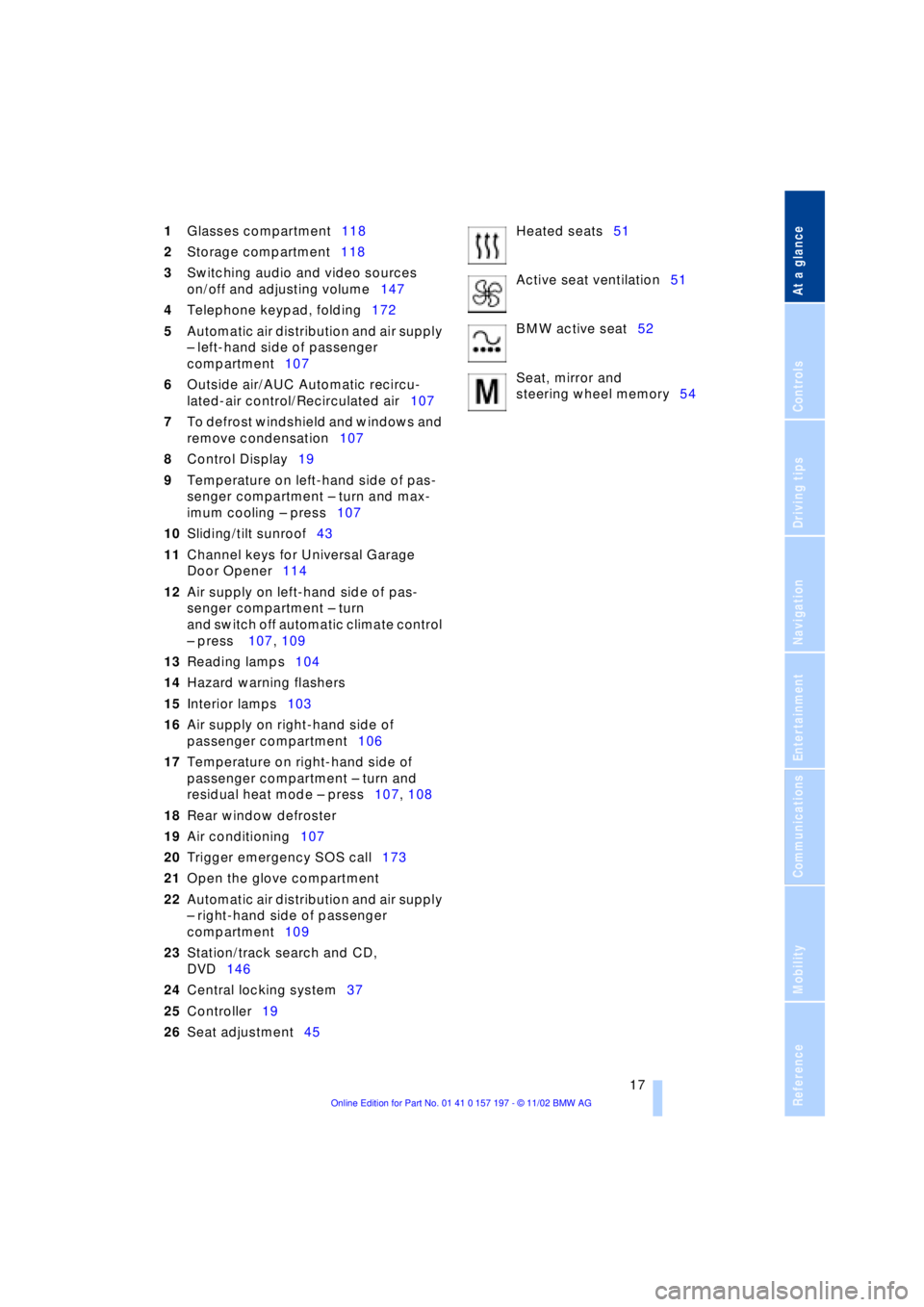
26Seat adjustment45Heated seats51
Active seat ventilation51
BMW active seat52
Seat, mirror and
steering wheel memory54
Page 21 of 229
At a glance
Controls
Driving tips
Communications
Navigation
Entertainment
Mobility
Reference
19
Control Center
The concept
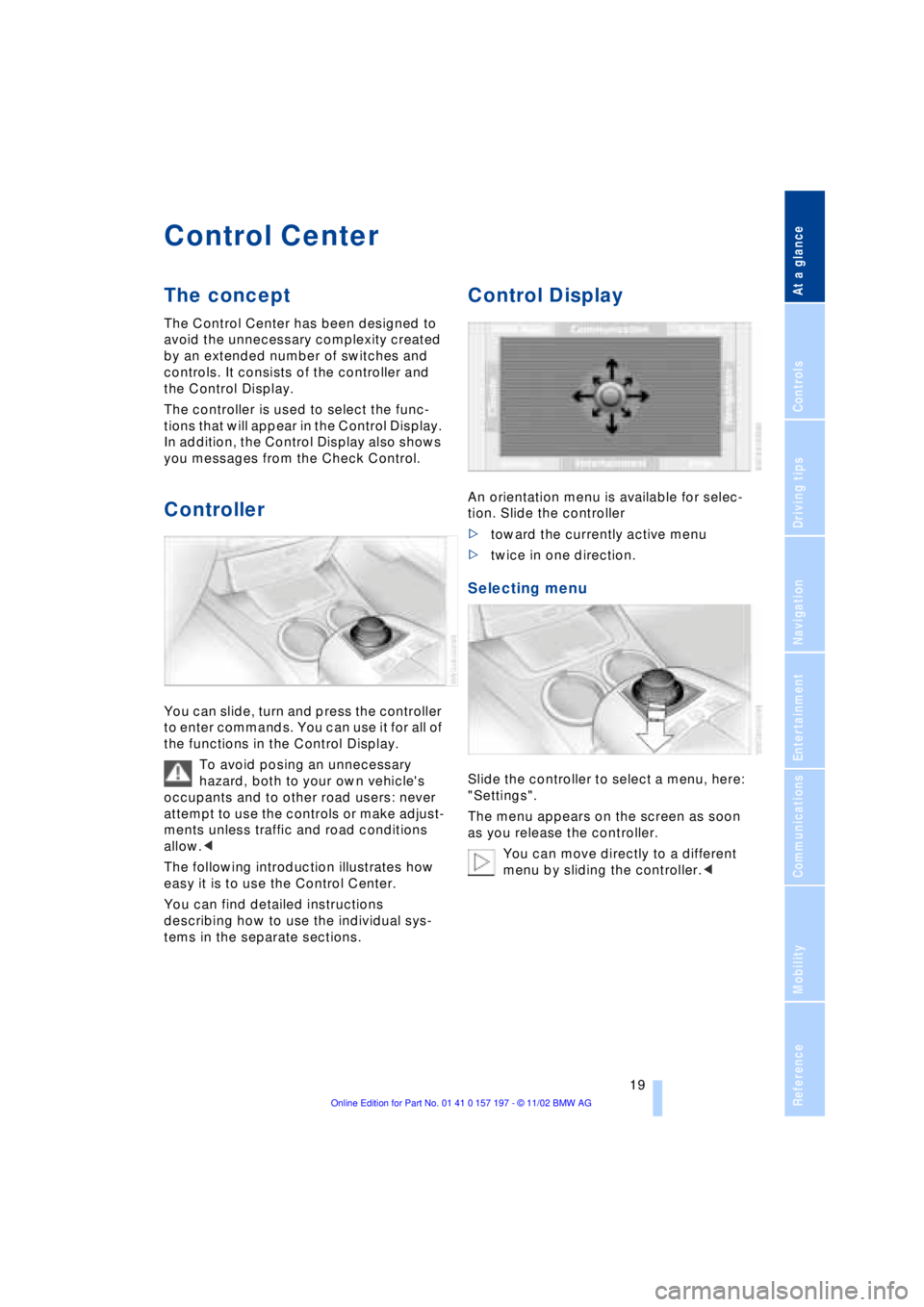
The Control Center has been designed to
avoid the unnecessary complexity created
by an extended number of switches and
controls. It consists of the controller and
the Control Display.
The controller is used to select the func-
tions that will appear in the Control Display.
In addition, the Control Display also shows
you messages from the Check Control.
Controller
You can slide, turn and press the controller
to enter commands. You can use it for all of
the functions in the Control Display.
To avoid posing an unnecessary
hazard, both to your own vehicle's
occupants and to other road users: never
attempt to use the controls or make adjust-
ments unless traffic and road conditions
allow.<
The following introduction illustrates how
easy it is to use the Control Center.
You can find detailed instructions
describing how to use the individual sys-
tems in the separate sections.
Control Display
An orientation menu is available for selec-
tion. Slide the controller
>toward the currently active menu
>twice in one direction.
Selecting menu
Slide the controller to select a menu, here:
"Settings".
The menu appears on the screen as soon
as you release the controller.
You can move directly to a different
menu by sliding the controller.<
Page 22 of 229
Control Center
20
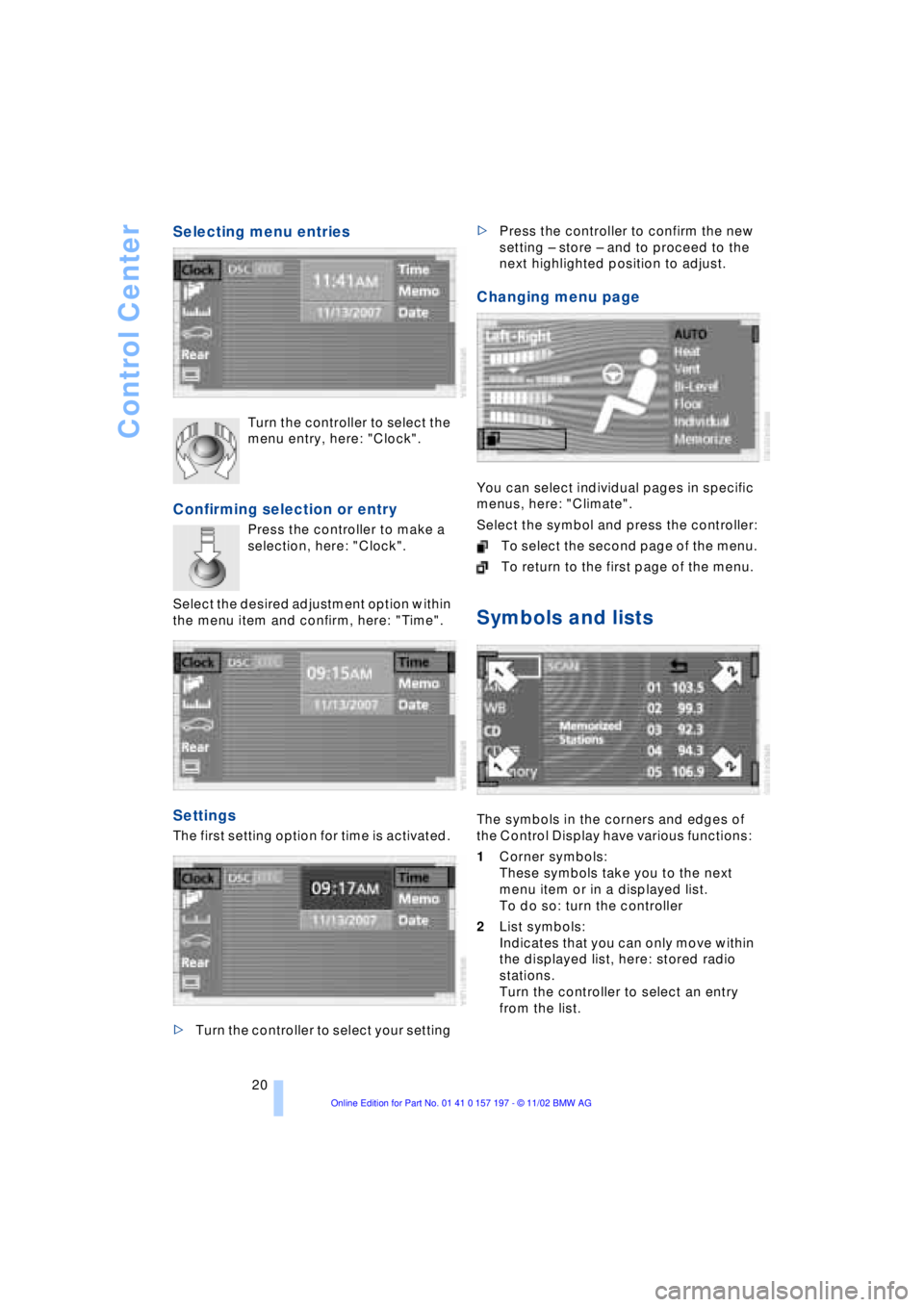
Selecting menu entries
Turn the controller to select the
menu entry, here: "Clock".
Confirming selection or entry
Press the controller to make a
selection, here: "Clock".
Select the desired adjustment option within
the menu item and confirm, here: "Time".
Settings
The first setting option for time is activated.
>Turn the controller to select your setting >Press the controller to confirm the new
setting Ð store Ð and to proceed to the
next highlighted position to adjust.
Changing menu page
You can select individual pages in specific
menus, here: "Climate".
Select the symbol and press the controller:
To select the second page of the menu.
To return to the first page of the menu.
Symbols and lists
The symbols in the corners and edges of
the Control Display have various functions:
1Corner symbols:
These symbols take you to the next
menu item or in a displayed list.
To do so: turn the controller
2List symbols:
Indicates that you can only move within
the displayed list, here: stored radio
stations.
Turn the controller to select an entry
from the list.
Page 23 of 229
At a glance
Controls
Driving tips
Communications
Navigation
Entertainment
Mobility
Reference
21
To exit from the list, select
the symbol and confirm.
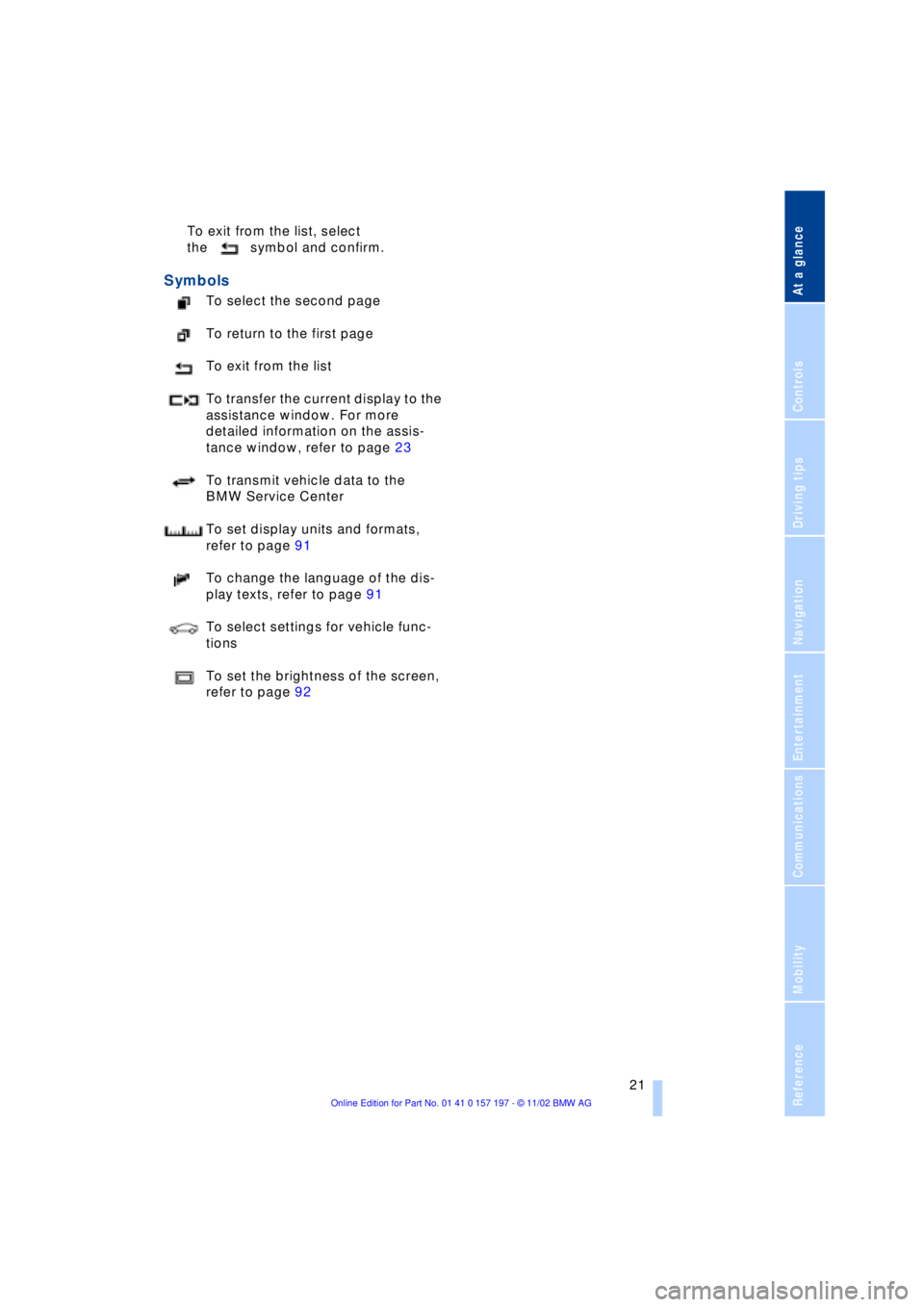
Symbols
To select the second page
To return to the first page
To exit from the list
To transfer the current display to the
assistance window. For more
detailed information on the assis-
tance window, refer to page 23
To transmit vehicle data to the
BMW Service Center
To set display units and formats,
refer to page 91
To change the language of the dis-
play texts, refer to page 91
To select settings for vehicle func-
tions
To set the brightness of the screen,
refer to page 92
Page 24 of 229
Control Center
22
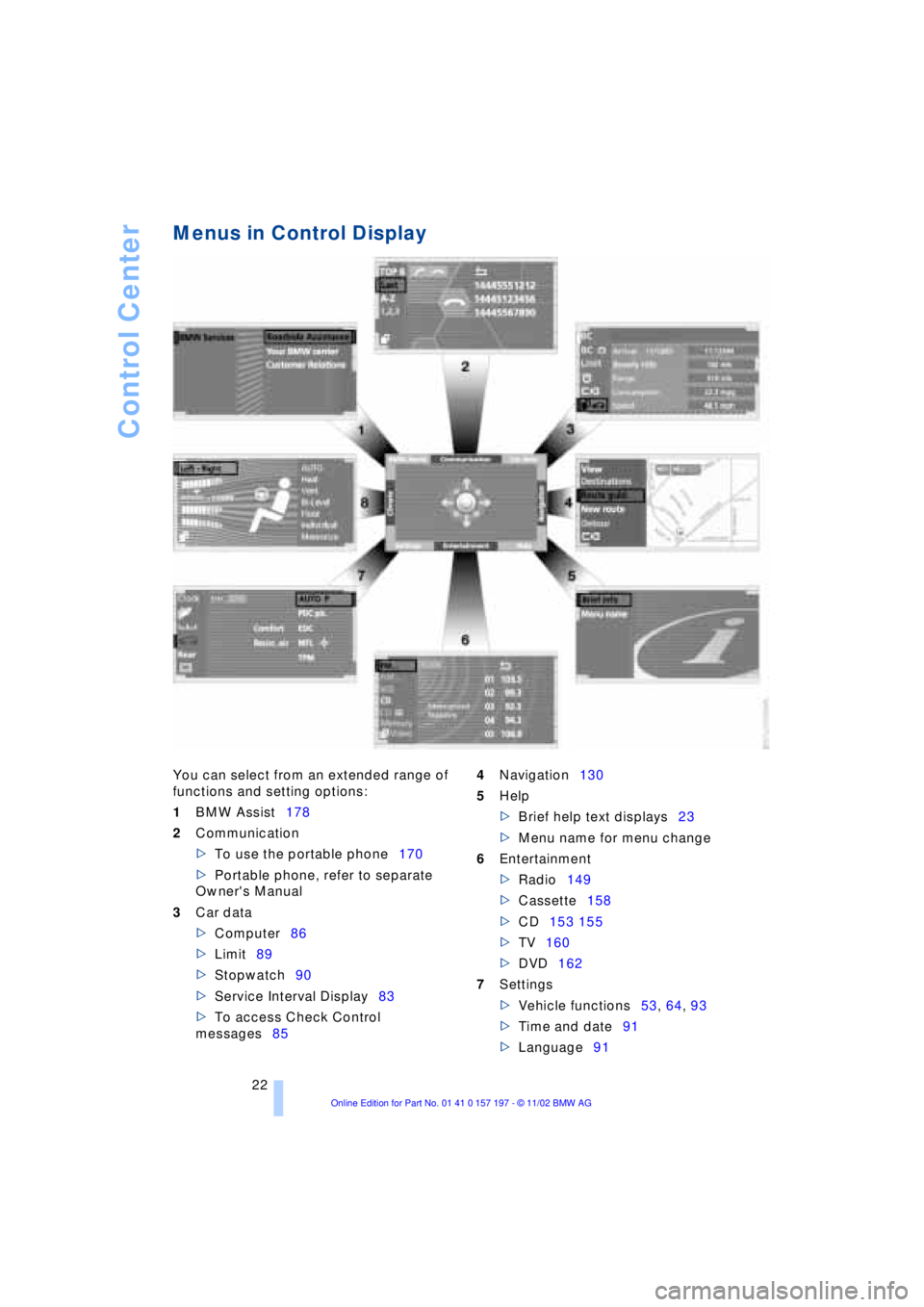
Menus in Control Display
You can select from an extended range of
functions and setting options:
1BMW Assist178
2Communication
>To use the portable phone170
>Portable phone, refer to separate
Owner's Manual
3Car data
>Computer86
>Limit89
>Stopwatch90
>Service Interval Display83
>To access Check Control
messages854Navigation130
5Help
>Brief help text displays23
>Menu name for menu change
6Entertainment
>Radio149
>Cassette158
>CD153 155
>TV160
>DVD162
7Settings
>Vehicle functions53, 64, 93
>Time and date91
>Language91
Page 25 of 229
At a glance
Controls
Driving tips
Communications
Navigation
Entertainment
Mobility
Reference
23
>Units of measure and display
format91
>Brightness92
>Lock Control Center in rear24
8Climate
>Automatic climate control105
>Heated seats51
>Parked-car ventilation system112
Assistance window*
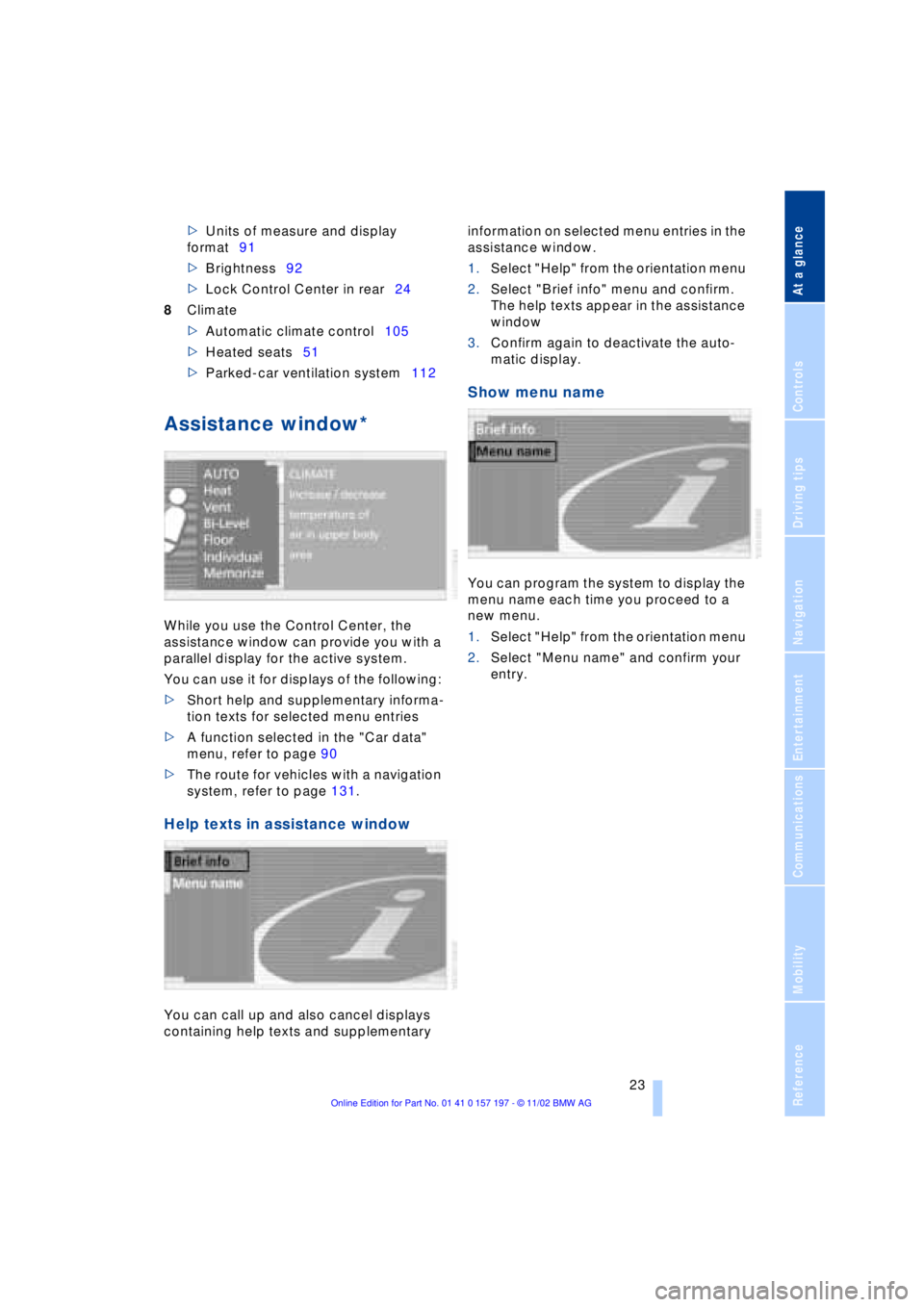
While you use the Control Center, the
assistance window can provide you with a
parallel display for the active system.
You can use it for displays of the following:
>Short help and supplementary informa-
tion texts for selected menu entries
>A function selected in the "Car data"
menu, refer to page 90
>The route for vehicles with a navigation
system, refer to page 131.
Help texts in assistance window
You can call up and also cancel displays
containing help texts and supplementary information on selected menu entries in the
assistance window.
1.Select "Help" from the orientation menu
2.Select "Brief info" menu and confirm.
The help texts appear in the assistance
window
3.Confirm again to deactivate the auto-
matic display.
Show menu name
You can program the system to display the
menu name each time you proceed to a
new menu.
1.Select "Help" from the orientation menu
2.Select "Menu name" and confirm your
entry.
Page 26 of 229
Control Center
24
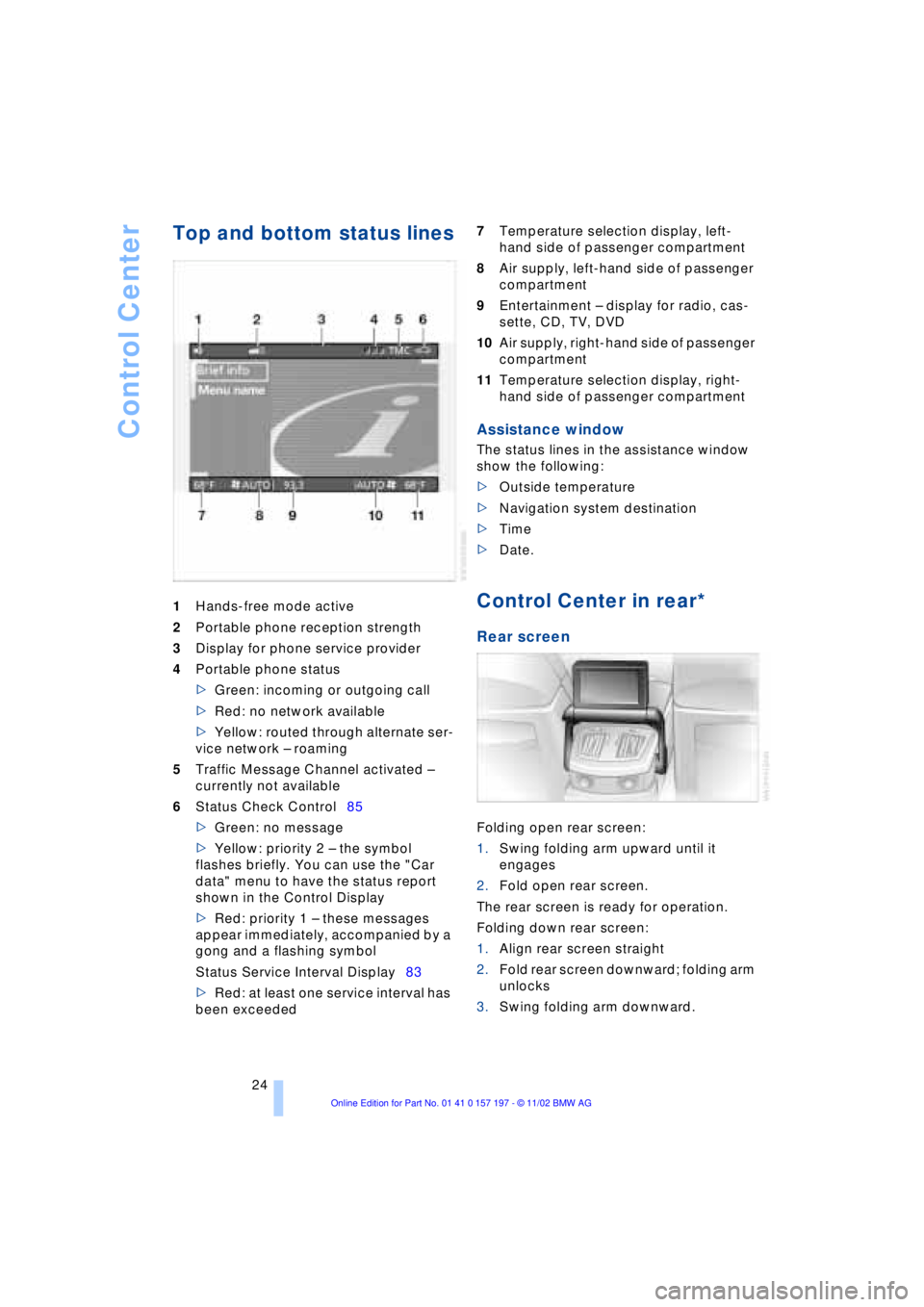
Top and bottom status lines
1Hands-free mode active
2Portable phone reception strength
3Display for phone service provider
4Portable phone status
>Green: incoming or outgoing call
>Red: no network available
>Yellow: routed through alternate ser-
vice network Ð roaming
5Traffic Message Channel activated Ð
currently not available
6Status Check Control85
>Green: no message
>Yellow: priority 2 Ð the symbol
flashes briefly. You can use the "Car
data" menu to have the status report
shown in the Control Display
>Red: priority 1 Ð these messages
appear immediately, accompanied by a
gong and a flashing symbol
Status Service Interval Display83
>Red: at least one service interval has
been exceeded 7Temperature selection display, left-
hand side of passenger compartment
8Air supply, left-hand side of passenger
compartment
9Entertainment Ð display for radio, cas-
sette, CD, TV, DVD
10Air supply, right-hand side of passenger
compartment
11Temperature selection display, right-
hand side of passenger compartment
Assistance window
The status lines in the assistance window
show the following:
>Outside temperature
>Navigation system destination
>Time
>Date.
Control Center in rear*
Rear screen
Folding open rear screen:
1.Swing folding arm upward until it
engages
2.Fold open rear screen.
The rear screen is ready for operation.
Folding down rear screen:
1.Align rear screen straight
2.Fold rear screen downward; folding arm
unlocks
3.Swing folding arm downward.